On this page
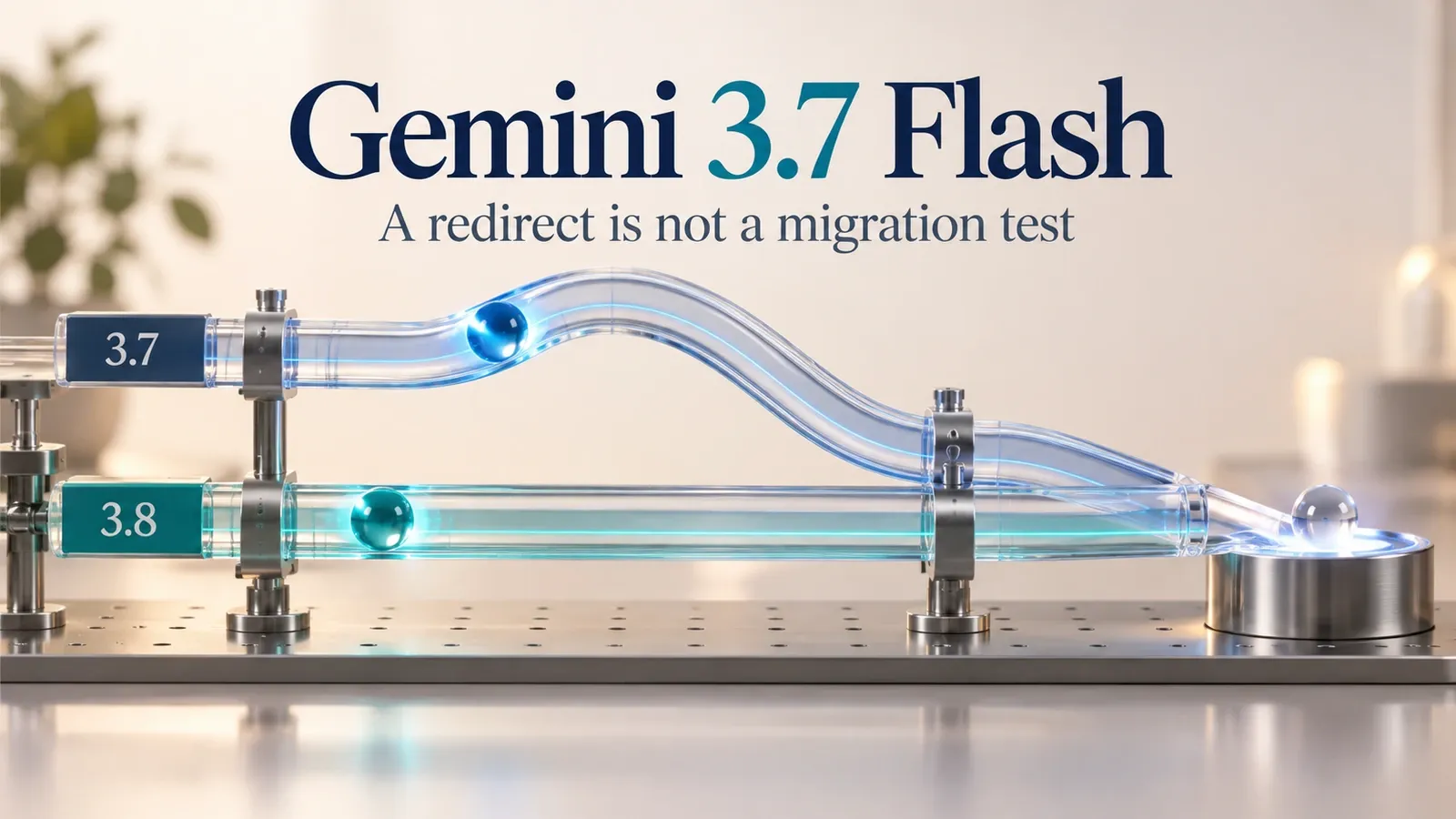
Gemini 3.7 Flash is deprecated, and Google says requests to gemini-3.7-flash automatically route to gemini-3.8-flash. An application can therefore keep receiving responses while its configuration still names the old model. Update the model ID explicitly, review the Gemini 3.8 request changes and test the behavior your client expects. Keep the separate Deep Research shutdown on its own checklist.
What the redirect changes
Google's October 8, 2026 release note, checked October 15, says Gemini 3.7 Flash is no longer selectable in Google AI Studio and API requests to its old ID are automatically routed to 3.8 Flash. The recommended action is to use gemini-3.8-flash and review its guide.
That redirect explains why “the request still works” is an incomplete migration test. Your configured ID can remain old even though the service reaches a replacement. A success status establishes that a request completed, while observed model information and application tests establish more of what actually happened.
Make the transition explicit in configuration and logs. Preserve the requested model and reported response model when the endpoint provides it. Do not silently label old configuration as a completed migration merely because a response contains plausible text.
Keep Deep Research on a separate checklist
The same release note announces the October 23, 2026 shutdown of deep-research-pro-preview-12-2025. It directs users to newer Deep Research agents, including deep-research-preview-04-2026 and deep-research-max-preview-04-2026, by changing the agent parameter in Interactions requests.
Those are agent identifiers and an agent migration. They are distinct from the Flash model ID and its automatic route. Search for both dependencies if your application uses both, but preserve separate deadlines, request settings and acceptance checks.
| Dependency being reviewed | Configuration field | Documented action |
|---|---|---|
| Gemini 3.7 Flash model | model |
Use gemini-3.8-flash and review model migration |
| Old Deep Research preview agent | agent |
Choose the documented newer agent before its shutdown |
| An application wrapper | Your loaded configuration mapping | Verify which field and endpoint it actually sends |
Do not infer that a change to one field updates the other. A shared wrapper may expose both, hide one behind a default, or choose an agent for only a subset of requests. Inspect the final request object rather than relying on the name of the application setting.
Find the model setting actually used at runtime
Search application source, environment configuration, deployment templates, background jobs and fallback routes for the old ID. Include stored test configurations and example requests that developers may copy into new features.
For each match, record the owner, endpoint and requesting component. Distinguish an unused example from a loaded production setting. Both may need maintenance, but only runtime evidence establishes which route currently affects users.
Then send an authorized representative request from the intended deployed application and inspect its configuration, response and completion status. If a scheduled job uses another environment, verify that route separately. Updating your local .env does not prove the worker has loaded it.
Keep credentials out of the inventory. The record needs a project or environment label and the model setting, not the secret API key. For a review shared across a team, use sanitized request examples with the shape and relevant parameters preserved.
Review the Gemini 3.8 parameter changes
The Gemini 3.8 Flash guide provides more than a replacement name. Its migration checklist covers thinking controls, unsupported or deprecated parameters, turn validation and function calling.
For the documented route, replace thinking_budget with thinking_level. The guide lists low, medium and high, with medium as the default, and says minimal is unsupported. It also tells developers to remove temperature, top_p, top_k, candidate_count and prefilled model turns as applicable to the documented API changes.
Use the parameter names and object shape for your actual endpoint and SDK. A field in an internal configuration file is not automatically the same as the field the client library sends. Trace that mapping before pasting a corrected object into production.
Inspect tool results and conversation state as separate compatibility questions. An application that generates ordinary text has a different acceptance contract from one that resumes interactions, calls functions or returns structured objects. Follow the guide for the features your application actually uses rather than adding new features during migration.
Use a synthetic configuration check
The following offline checker flags several obvious migration issues. It validates a planning object, not the Gemini API's complete request schema.
The equivalent fixture was executed locally: the old planning object produced four issues, while the explicit object produced none. That result proves only these deterministic checks. It does not verify the complete SDK mapping, endpoint acceptance, model access, output quality or every conversation rule in the migration guide.
Extend the review with your application-specific fields. If you use a wrapper that translates configuration, check its emitted request too. A clean planning object can still produce an invalid API request through an outdated adapter.
Test behavior, then deploy an explicit model ID
Prepare representative safe requests and their expected outputs before testing. Include ordinary completion, incomplete output, refusal or blocked content handling, structured responses and tool results where relevant. Keep the task requirements stable while evaluating the new route.
For a structured response, assert types and required fields. For tool calls, review arguments and preserve authorization checks before execution. For streaming, verify that your client detects both a final result and an error. A model response can be successful while your renderer incorrectly drops content or never clears a loading state.
Save usage and timing as actual observations. This guide does not establish that 3.8 is cheaper, faster or more accurate for your workload. The automatic route and official migration advice do not replace a workload comparison when those outcomes matter.
After deployment, inspect an actual request from the intended running component. Confirm that it requests the explicit new ID and that the application delivers the required result. Include any background or fallback path that still references the old name in the remaining work list.
Make failure and rollback states visible
Define what the user sees if a request fails before completion. Keep accepted, running, failed and completed states distinct. If a retry can trigger an external action, preserve the application's existing duplicate-prevention behavior instead of treating every failure as permission to repeat the whole workflow.
An automatic old-to-new route is not a reliable way to roll back to old behavior. It reaches the replacement according to Google's notice. If you need a fallback, select and validate a currently supported route explicitly, with its own usage and acceptance record.
Maintain one migration row per dependency. A useful completion record includes configuration updated, emitted request inspected, regression checks passed and loaded deployment observed. Mark unknown checks as pending. That gives the next maintainer a recoverable state instead of a vague “Gemini upgraded” note.
Track the migration in Atoms
Atoms' AI app builder can help prototype a register that exposes these steps. Begin with synthetic configurations and result rows.
Use the QA dashboard guide when deciding how to display acceptance and readback. The proposed app uses Atoms' documented generation and iteration capabilities; it does not itself prove a live Gemini integration or authorize deployment.
Conclusion
Replace the old Flash ID explicitly, review the request changes and verify the loaded application. Keep the Deep Research agent deadline independent. Build the migration register in Atoms to make those dependency-specific checks visible to the team handling the change.
Frequently asked questions
01Q1: Why does an old Gemini 3.7 request still return a response?
Google documents automatic routing from the deprecated ID to Gemini 3.8 Flash. A response can therefore succeed before your configuration has been explicitly migrated.
02Q2: Is the October 23 Deep Research deadline the Flash shutdown?
No. The release note names a specific old Deep Research agent for that shutdown. Keep its agent migration separate from the Flash model change.
03Q3: Does the checker prove that my API request works?
No. It checks a limited synthetic configuration shape. Your actual endpoint, SDK mapping, conversation behavior and loaded deployment need separate verification.
