You do not need to start with code. You need a clear audience, accurate source material, one primary action, and a review process that catches what generation cannot verify.
This guide shows how to turn selected work into a credible story for recruiters, clients, collaborators, or academic audiences using CMS-verified examples built with Atoms.
What you can make: a focused, mobile-ready result with a clear information hierarchy and conversion path.
What to prepare: your audience, source content, approved visual assets, and the destination of every important action.
What the result looks like: start with ELENA MORI.
Start now: open the AI Portfolio Builder and customize the verified prompt below.
1. See a finished result before you plan
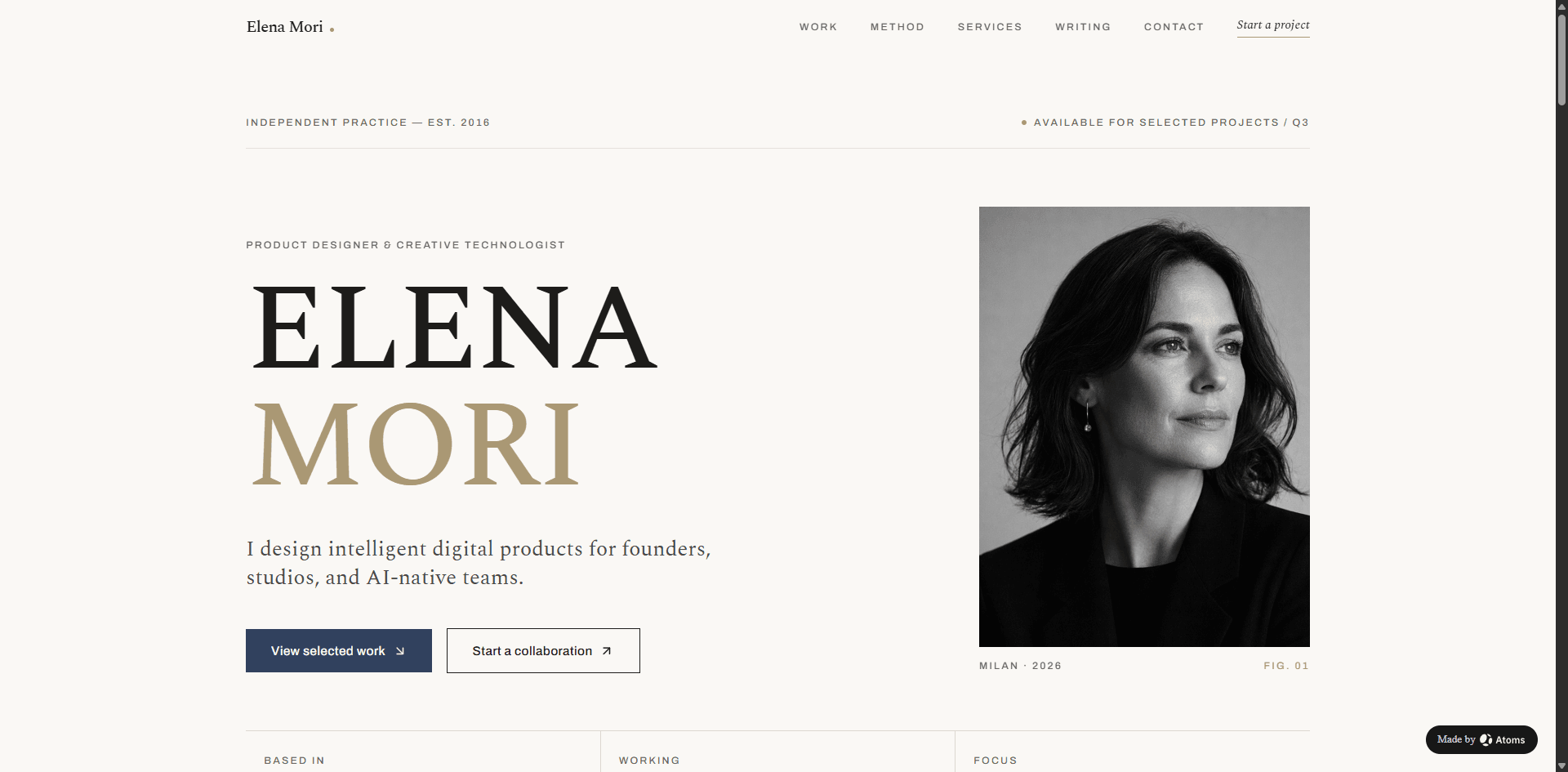
The original CMS prompt was:
This example proves that a prompt can produce a concrete visual result. It does not prove that every generated fact, link, form, payment path, policy, review, metric, or integration is production-ready. Treat the output as a working draft until the business details and actions are tested.
2. Define the audience and the one primary action
Write one sentence before generating:
Use that sentence to decide what belongs above the fold, which examples deserve space, and which calls to action are secondary. A site can look polished and still fail if it asks visitors to buy, contact, subscribe, browse, download, and book with equal emphasis.
3. Prepare the inputs
Gather:
- the audience you want to reach and the action you want them to take
- three to six projects that show relevant range or depth
- your exact role, collaborators, constraints, process, and deliverables
- approved screenshots, photography, logos, and client-confidentiality boundaries
- verifiable outcomes, dates, links, biography, resume, and contact route
Create a separate list of unknowns. Do not ask the model to fill gaps that affect trust, legal meaning, payment, availability, or attribution.
4. Use a prompt with scope and truth boundaries
A useful prompt defines the audience, outcome, content structure, visual direction, and facts that must remain placeholders. It is more reliable than a vague request to “make a professional website.”
Build this type of website with Atoms
5. Generate the first version
- Open the relevant Atoms Use Case page.
- Replace every bracketed field in the reusable prompt.
- Generate the first version.
- Review the first screen before polishing details.
- Confirm the audience, offer, and primary action are immediately clear.
- Replace generated business facts with approved content.
- Refine one requirement at a time—for example, improve project context, simplify navigation, or make the primary CTA clearer.
Generation is not publication. The next steps—fact review, action testing, mobile QA, and ownership—turn a visual draft into a usable website.
6. Use a structure matched to the job
Each section should answer the visitor's next question. Remove sections that exist only because they are common in templates.
7. Learn from real Atoms examples
ELENA MORI
Original prompt
ELENA MORI: use a concise positioning statement and selected product-design work to establish relevance quickly.
Lena Hart
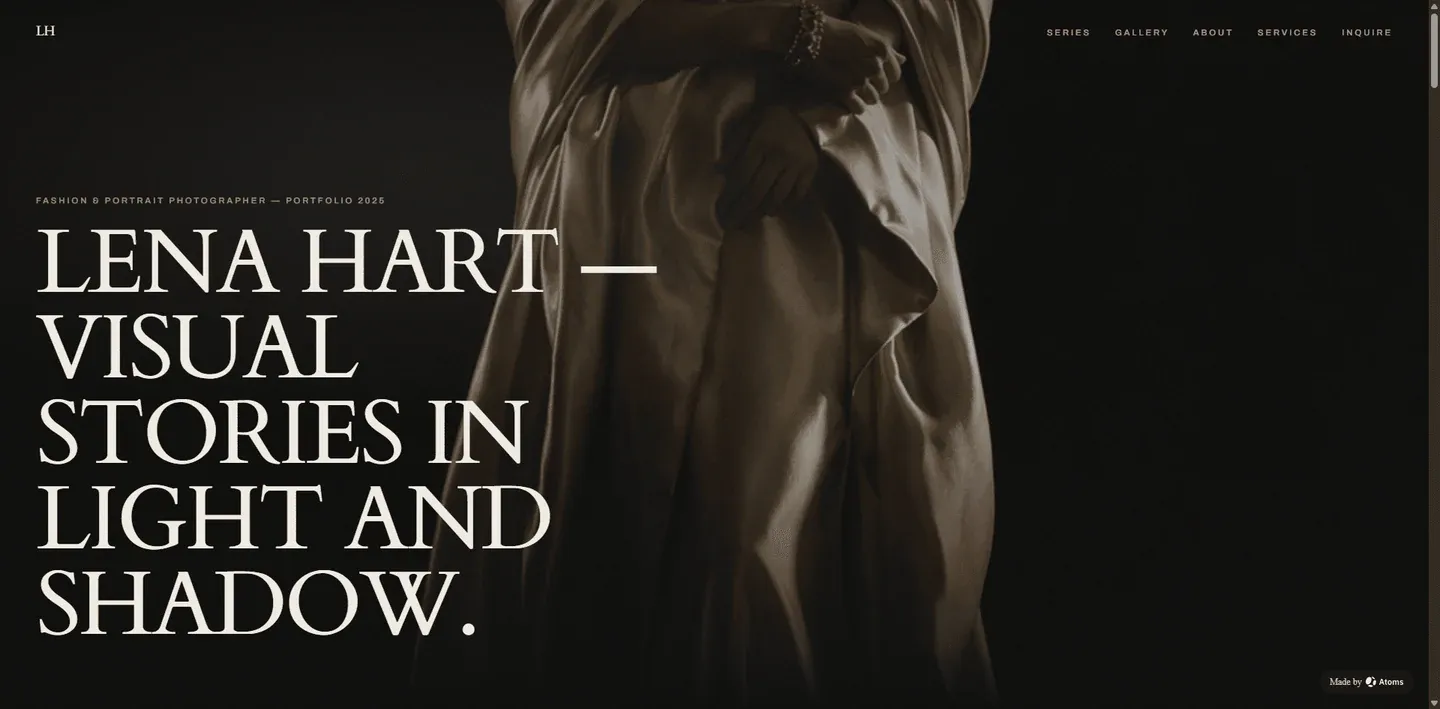
Original prompt
Lena Hart: let a tightly edited image sequence lead, but retain captions, project context, and image rights.
Maya Chen
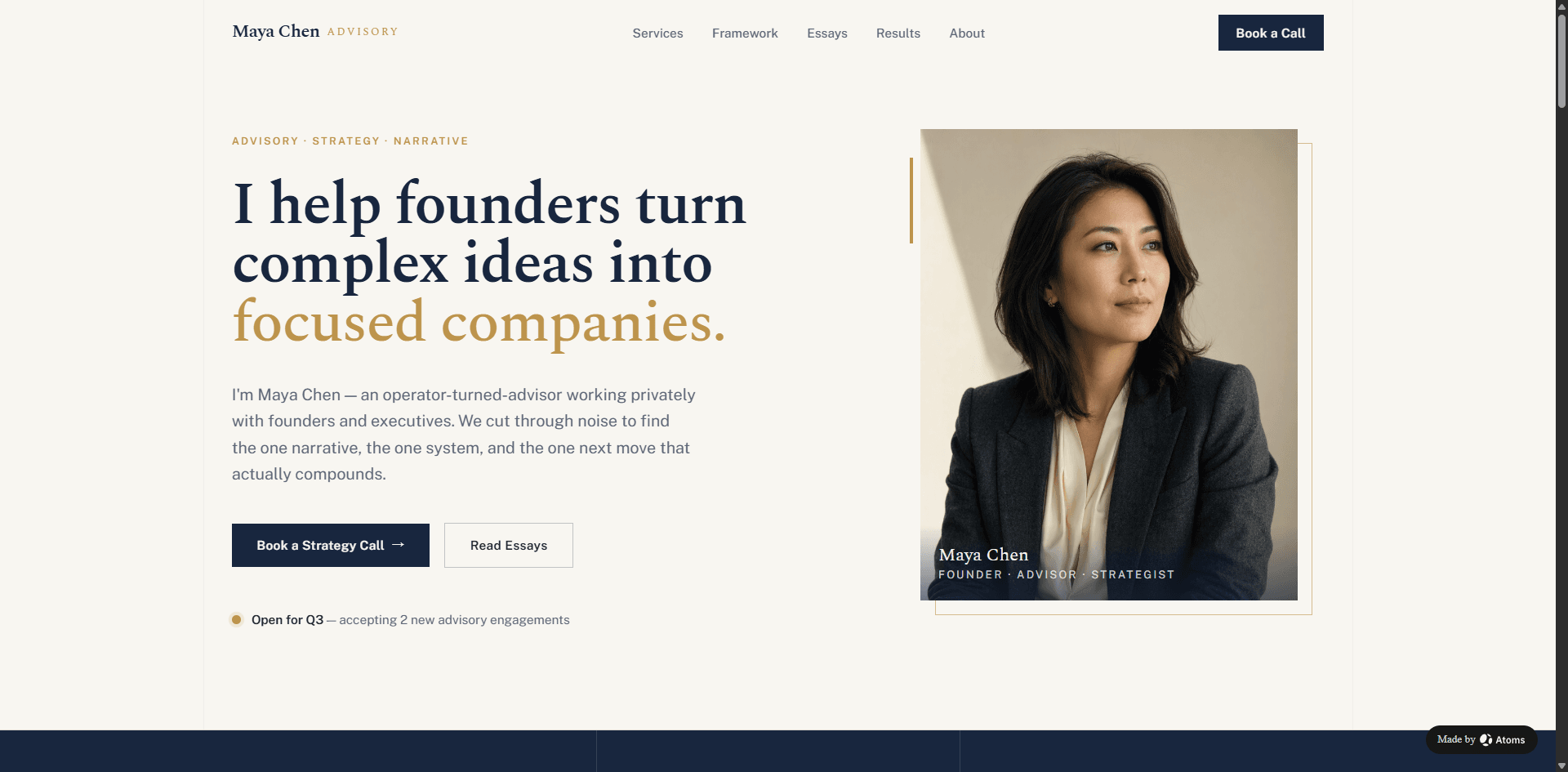
Original prompt
Maya Chen: organize a founder or consultant portfolio around problems solved, advisory scope, and a clear inquiry path.
Evan Lin
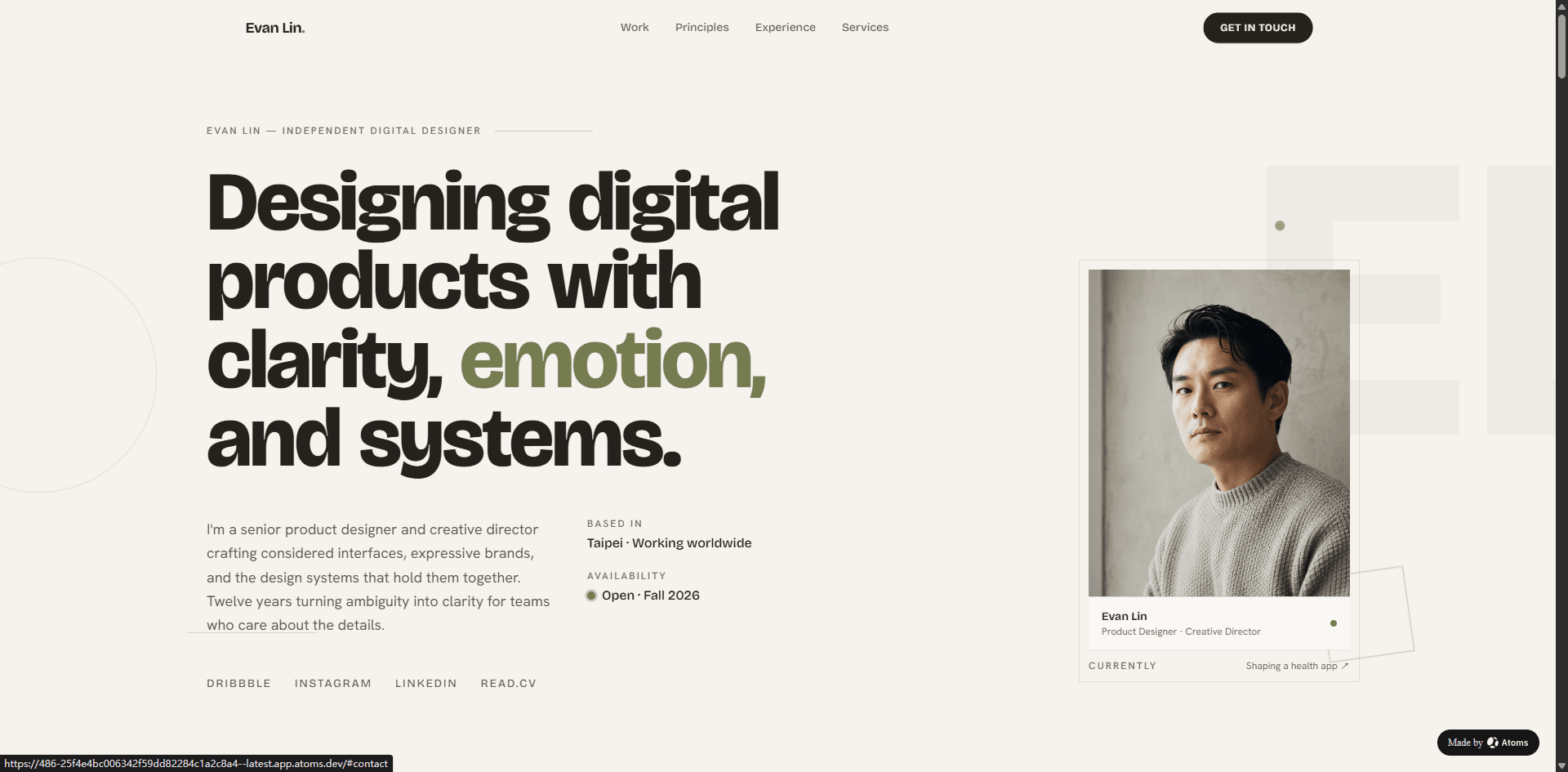
Original prompt
Evan Lin: give digital-design projects enough process and role context to be more than a visual gallery.
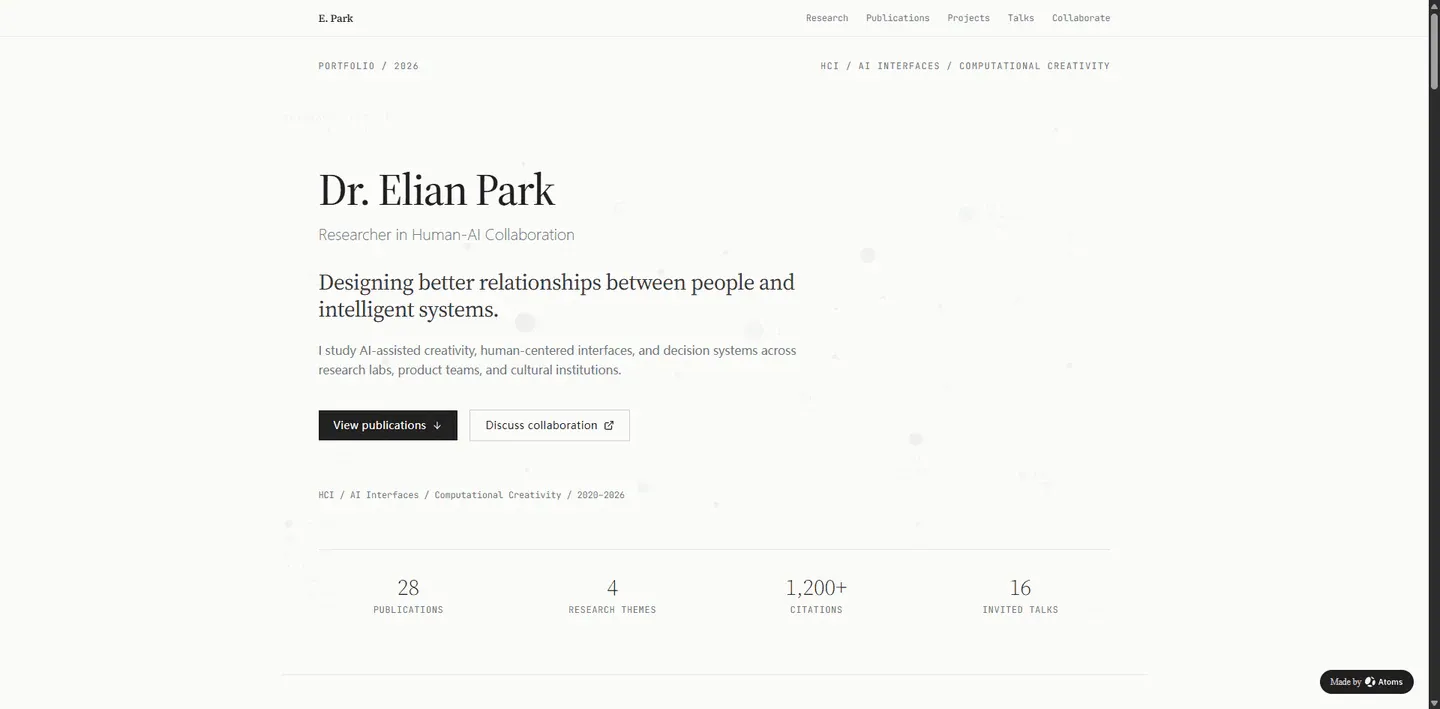
Academic Research Portfolio
Original prompt
Academic Research Portfolio: separate publications, research themes, talks, teaching, and current contact information.
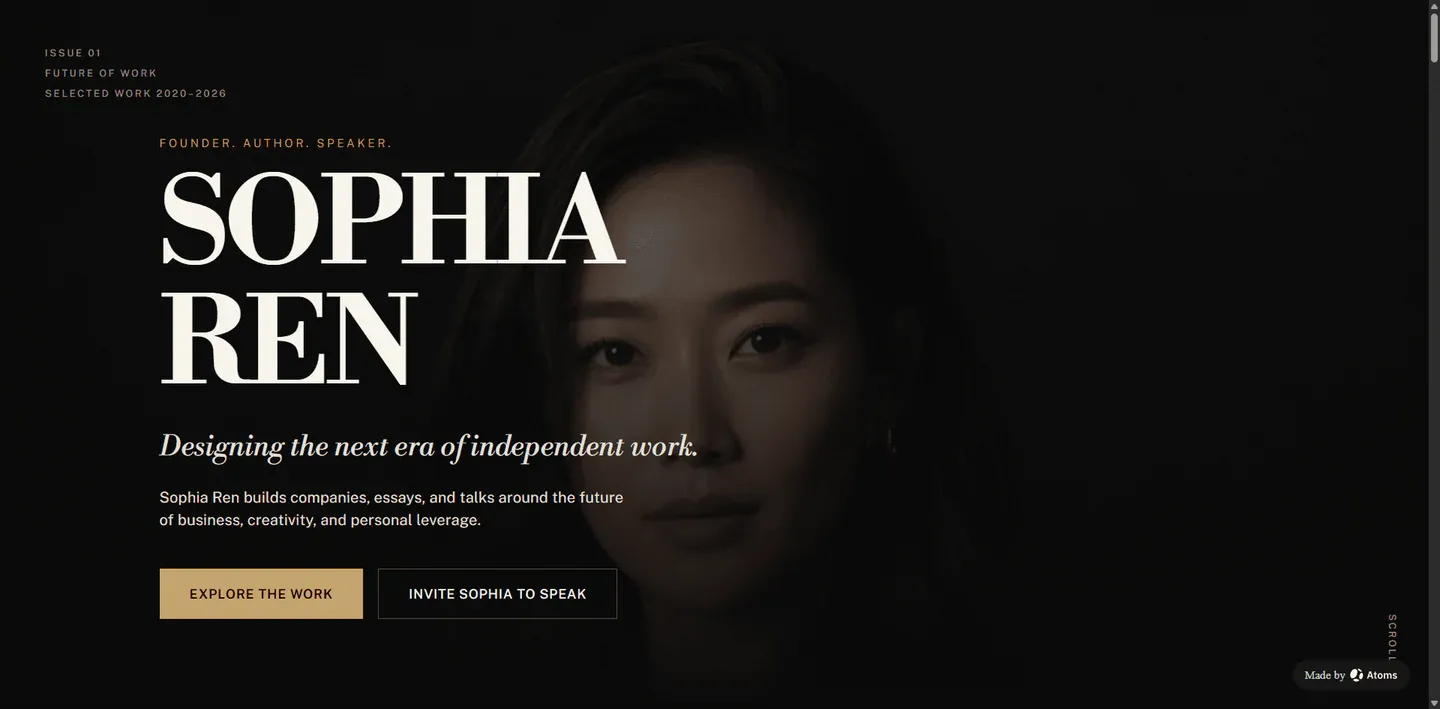
Digital Artist Portfolio
Original prompt
Digital Artist Portfolio: align personal-brand content, speaking, writing, and projects without inventing audience or business outcomes.
8. Review before publishing
- Project titles, dates, roles, and collaborator credits are accurate.
- Client-confidential or unreleased work is removed or explicitly authorized.
- Outcomes are tied to evidence and do not imply sole credit for team work.
- Every project image has meaningful alt text and appropriate permission.
- Case studies are readable on mobile and do not depend on oversized screenshots.
- Contact, resume, project, and external links work.
- No generated employer, client, award, testimonial, or metric remains.
Also review spelling, contrast, heading hierarchy, keyboard behavior, image loading, and mobile layout. Do not call a visual interaction a connected production feature until its destination and completion path have been tested.
9. Launch and measure the real user journey
Track behavior connected to the page's job:
- source and medium;
- first landing page;
- example and CTA clicks;
- signup and first build;
- successful generation;
- publication;
- failed actions and exits.
Use these signals to improve the page. Raw traffic alone cannot tell you whether visitors found the right example, understood the prompt, or completed the intended action.
Start with the verified example
- View ELENA MORI.
- Copy and customize the original or reusable prompt.
- Create your own version with Atoms.
The strongest first version is not the one with the most sections. It is the one that gives the intended audience accurate information and a clear next step.
