A useful AI-generated site or presentation starts with a real user decision—not with a generic request to “make something beautiful.” This guide shows a practical workflow for hair salons, skin studios, nail salons, brow and lash specialists, spas, and barbers.
What you can make: a focused result designed to turn a local visitor into a well-informed booking inquiry.
What to prepare: an audience, accurate source material, one primary action, and an approved visual direction.
What the result looks like: start with LÉA Hair Atelier, a CMS-verified example built with Atoms.
Start now: open the Salon Website Builder and adapt the verified prompt below.
1. Start with a finished example
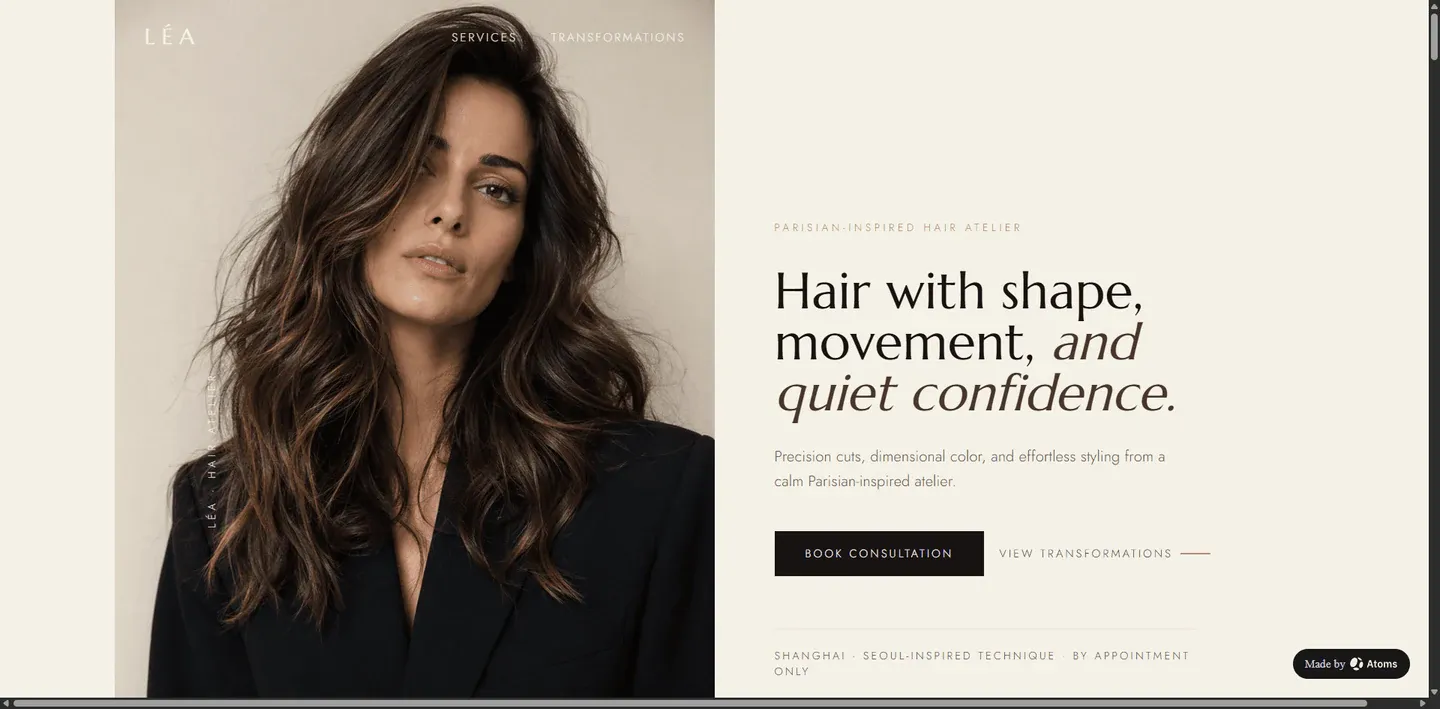
The CMS prompt behind this example was:
The example is a starting point, not proof that every visible fact, integration, payment path, review, outcome, or piece of availability is production-ready. Before using an AI-generated result publicly, replace demonstration details with approved information and test every action.
2. Decide what the visitor or audience should do
The primary goal is to turn a local visitor into a well-informed booking inquiry. Choose one leading action and make secondary actions support it. If every button competes equally, the page or deck may look complete while giving the audience no clear direction.
Write one sentence before generating:
Use that sentence to remove sections that do not support the intended decision.
3. Prepare accurate source material
Gather these inputs before generation:
- service names, durations, and pricing policy
- team profiles and specialties
- booking destination and cancellation policy
- address, hours, phone, and service area
- approved portfolio imagery and client-photo permissions
Keep an explicit list of unknowns. AI can propose structure and draft language, but it should not silently fill missing business facts, metrics, legal claims, availability, prices, testimonials, or integrations.
4. Use a prompt that defines the job
A stronger prompt defines the audience, desired action, content modules, constraints, and unknowns. It leaves visual room for the system while preventing important facts from being fabricated.
Use the builder for this scene
5. Generate and review the first version
- Open the relevant Atoms Use Case page.
- Replace every bracketed field in the reusable prompt.
- Generate a first version.
- Review the opening screen or first three slides before polishing details.
- Check whether the audience, subject, and primary action are immediately clear.
- Replace placeholders and generated facts with approved source material.
- Refine one requirement at a time rather than restarting with a vague prompt.
Treat generation as the beginning of editing. A polished visual result can still contain incorrect facts, dead links, inaccessible text, or a confused user journey.
6. Use a structure matched to the task
A practical starting structure is:
The exact number of pages or slides is less important than the sequence. Each section should answer the next question the audience naturally has.
7. Learn from six real examples
LÉA Hair Atelier
Original prompt
LÉA Hair Atelier: lead with service categories, specialists, and a direct appointment path.
NOMA Skin Studio
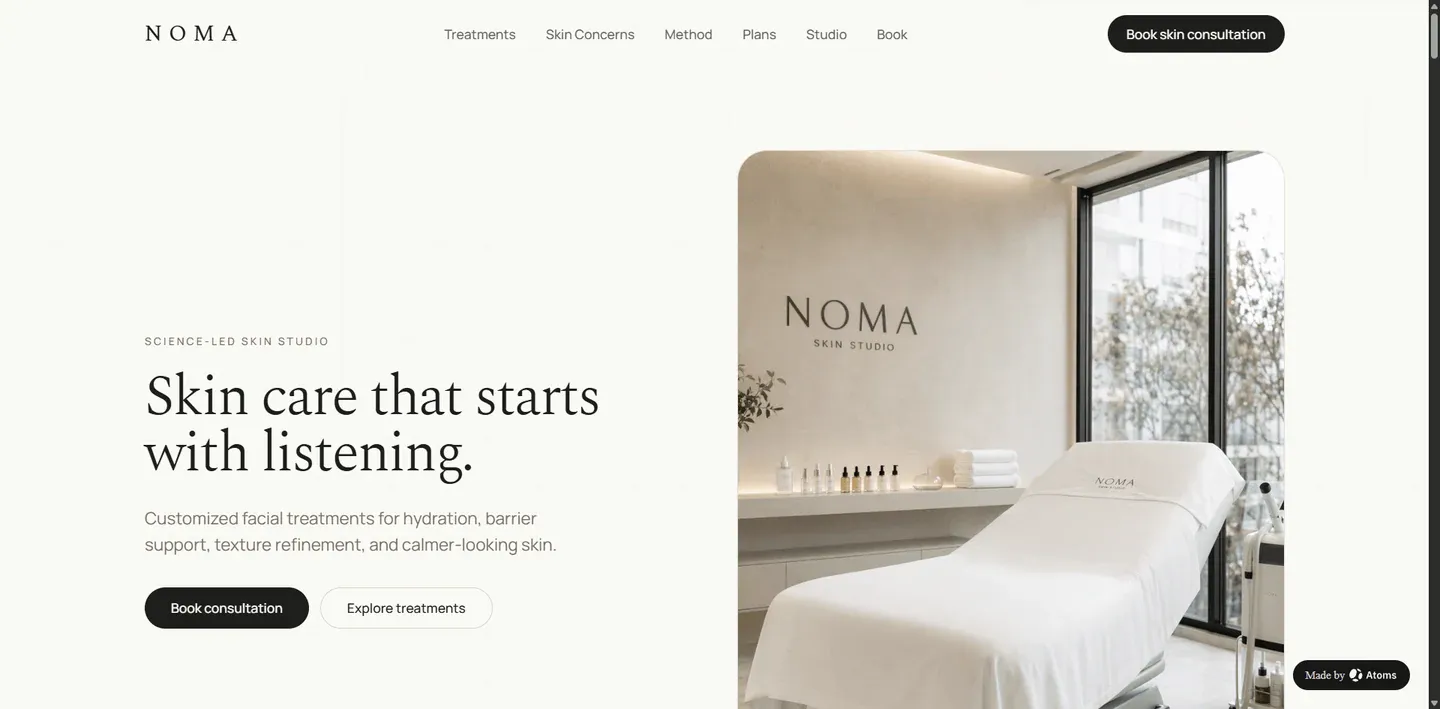
Original prompt
NOMA Skin Studio: explain treatments carefully and avoid unverified medical or outcome claims.
KURO Nail House
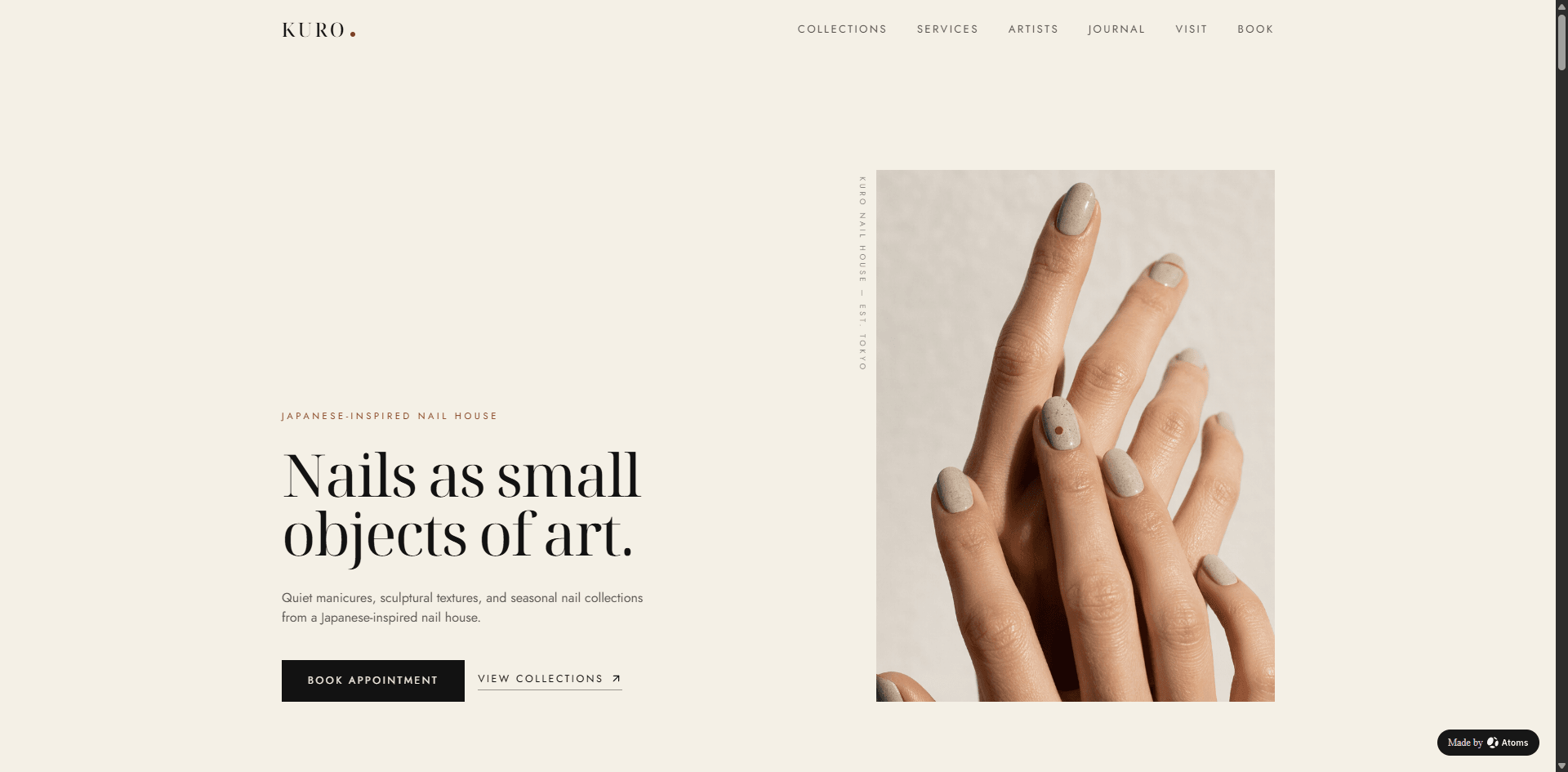
Original prompt
KURO Nail House: let the approved portfolio and service menu carry the visual identity.
VELVET Brow & Lash
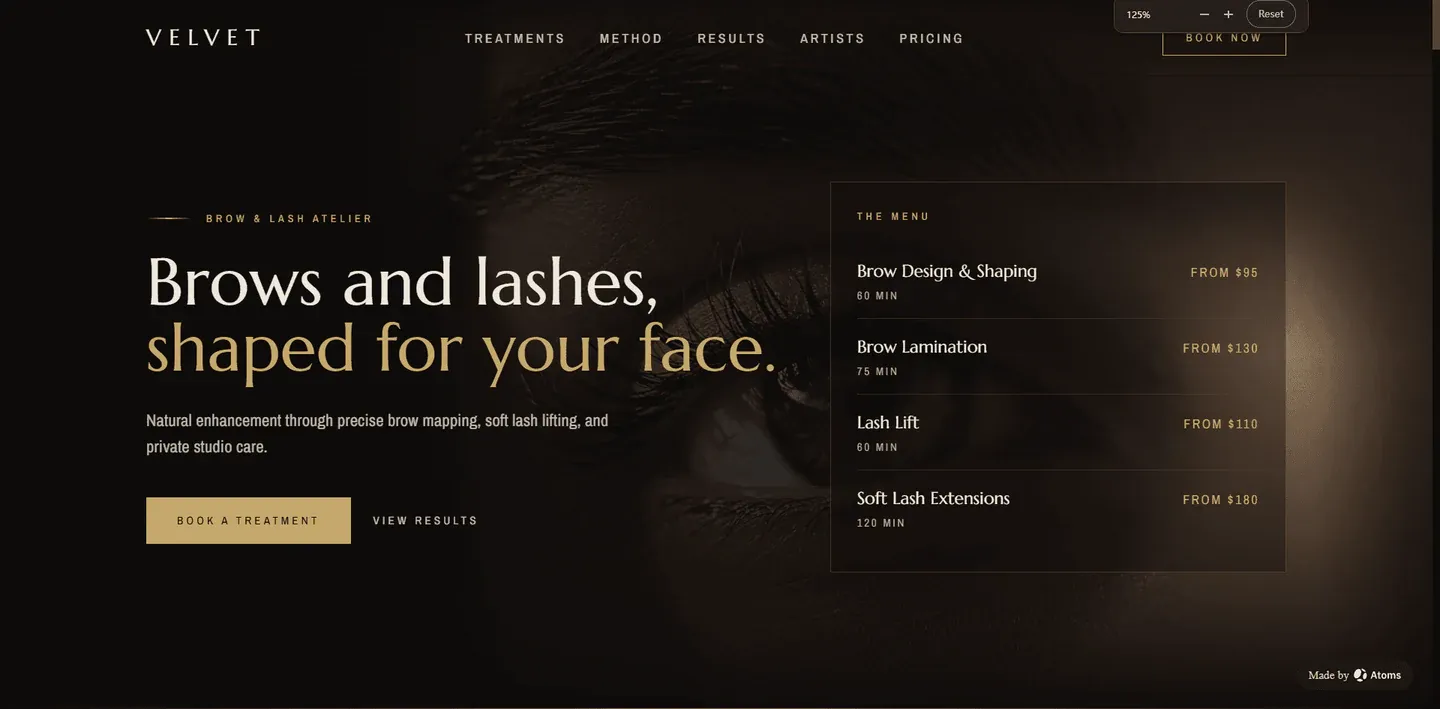
Original prompt
VELVET Brow & Lash: separate consultation, treatment selection, preparation, and aftercare information.
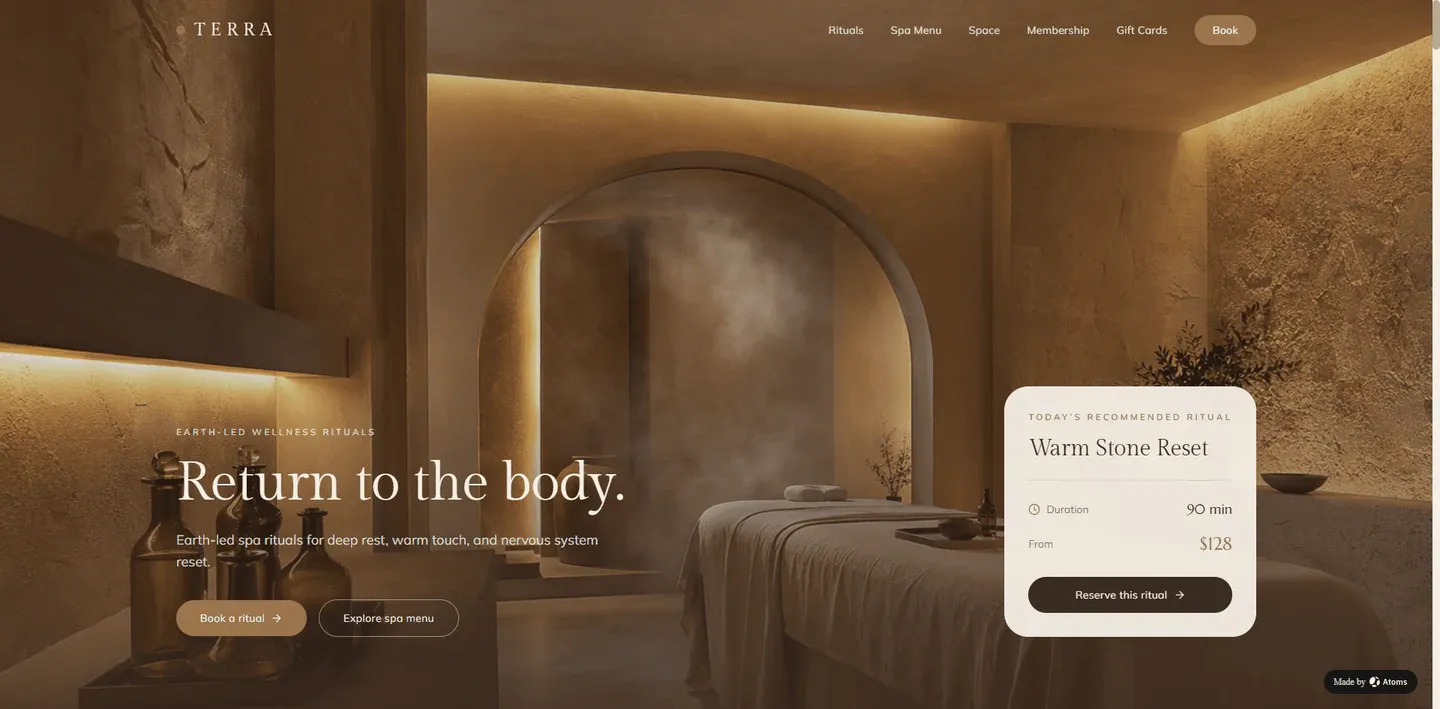
TERRA Spa Rituals
Original prompt
TERRA Spa Rituals: organize rituals by goal and duration without promising health outcomes.
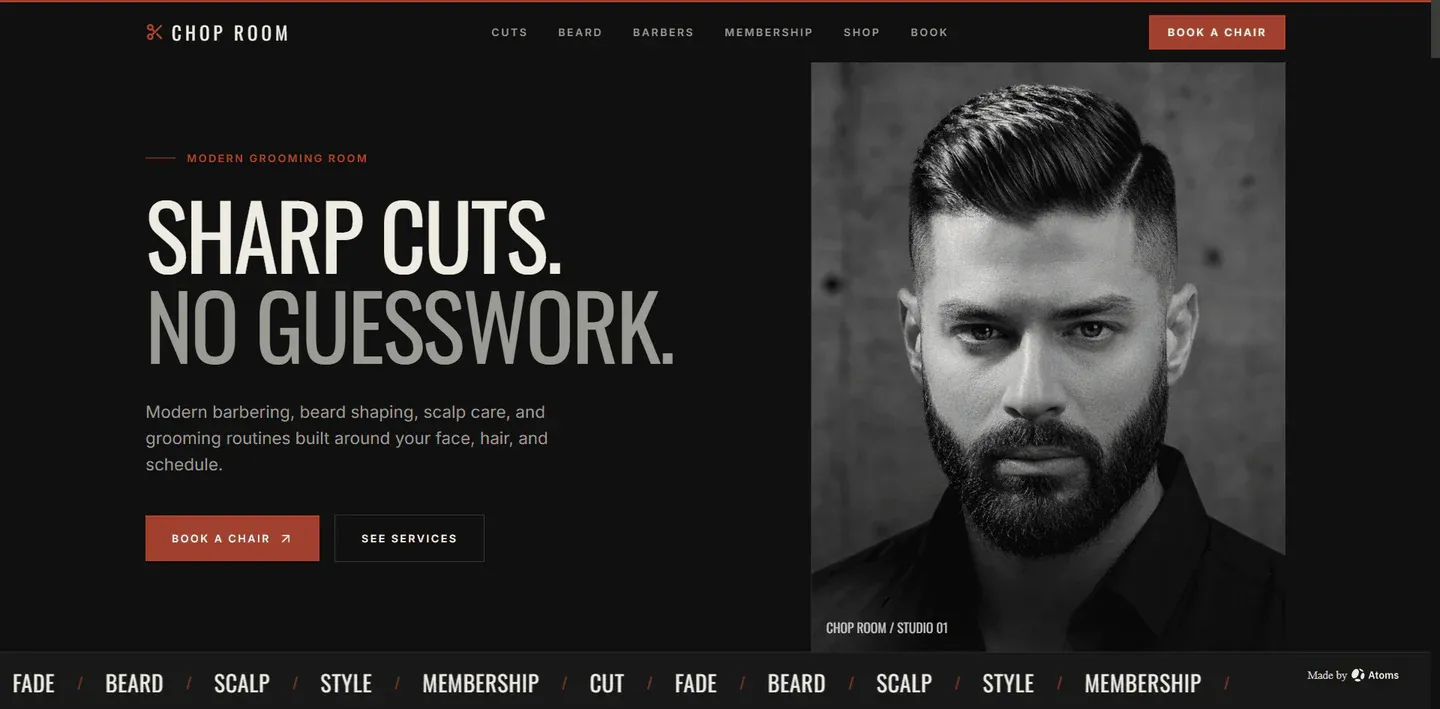
CHOP ROOM
Original prompt
CHOP ROOM: keep barber services, availability, location, and booking fast to scan.
8. Review for trust, accessibility, and conversion
- Every booking button reaches the real scheduler or approved inquiry flow.
- Service names, durations, starting prices, deposits, and cancellation terms are current.
- Before-and-after or client photos have documented permission.
- Phone, address, hours, and map destination are correct.
- The service menu remains readable on mobile.
- No generated testimonial, award, or treatment outcome remains.
Also test the result on mobile where relevant, verify keyboard and link behavior, and review visible text for contrast, hierarchy, spelling, and scanning. Do not describe a visual mockup as a connected production workflow.
9. Publish, measure, and improve
After launch, measure behavior tied to the page's real job: qualified clicks, completion of the primary path, engaged reading or viewing, signup, first build, successful generation, and—where measurable—publication. Avoid judging the page only by raw visits.
For the first iteration, record:
- source and medium;
- first landing article or Use Case page;
- which example or CTA was selected;
- signup and first-build continuation;
- successful generation and publication;
- common exit points and failed actions.
Start with the verified example
- View LÉA Hair Atelier.
- Copy and customize its original prompt or the reusable prompt above.
- Build your own version with Atoms.
The best first version is not the one with the most content. It is the one that gives the intended audience accurate information and a clear next step.
