On this page
A rotating shift schedule generator can turn a known cycle into a dated calendar with one phase offset per person. Enter the cycle, start date, schedule length, people, and required coverage to see who is assigned each day.
Open the rotating shift schedule tool
Enter a complete cycle and date range
List the labels in order, including OFF, such as DAY, DAY, OFF, OFF. Set the first calendar date as an ISO date (YYYY-MM-DD) and choose a horizon from 1 to 366 days within 2000–2099. The tool accepts up to 100 people and phase offsets from 0 to 10,000. Add each person once and enter a nonnegative integer phase offset. The tool repeats the entire cycle from the supplied start date; it does not infer an employee’s current place in a cycle.
For example, an offset of 2 starts that person at the third cycle label on the chosen date. The formula is labels[(day_index + phase_offset) modulo cycle_length]. Date stepping uses date-only UTC arithmetic so a local daylight-saving transition does not move a calendar day.
Check daily coverage
Set the number of workers required each day. Coverage counts distinct people whose assigned label is not OFF, then compares that count with your required number. It does not optimize staffing or decide whether a pattern is safe or compliant.
Use the coverage result to find dates with too few working people. Coverage is a day-level count; DAY and NIGHT labels are both counted as working and do not prove coverage of a particular time slot. Collect actual time preferences with the availability form template.
Example: a four-day rotation
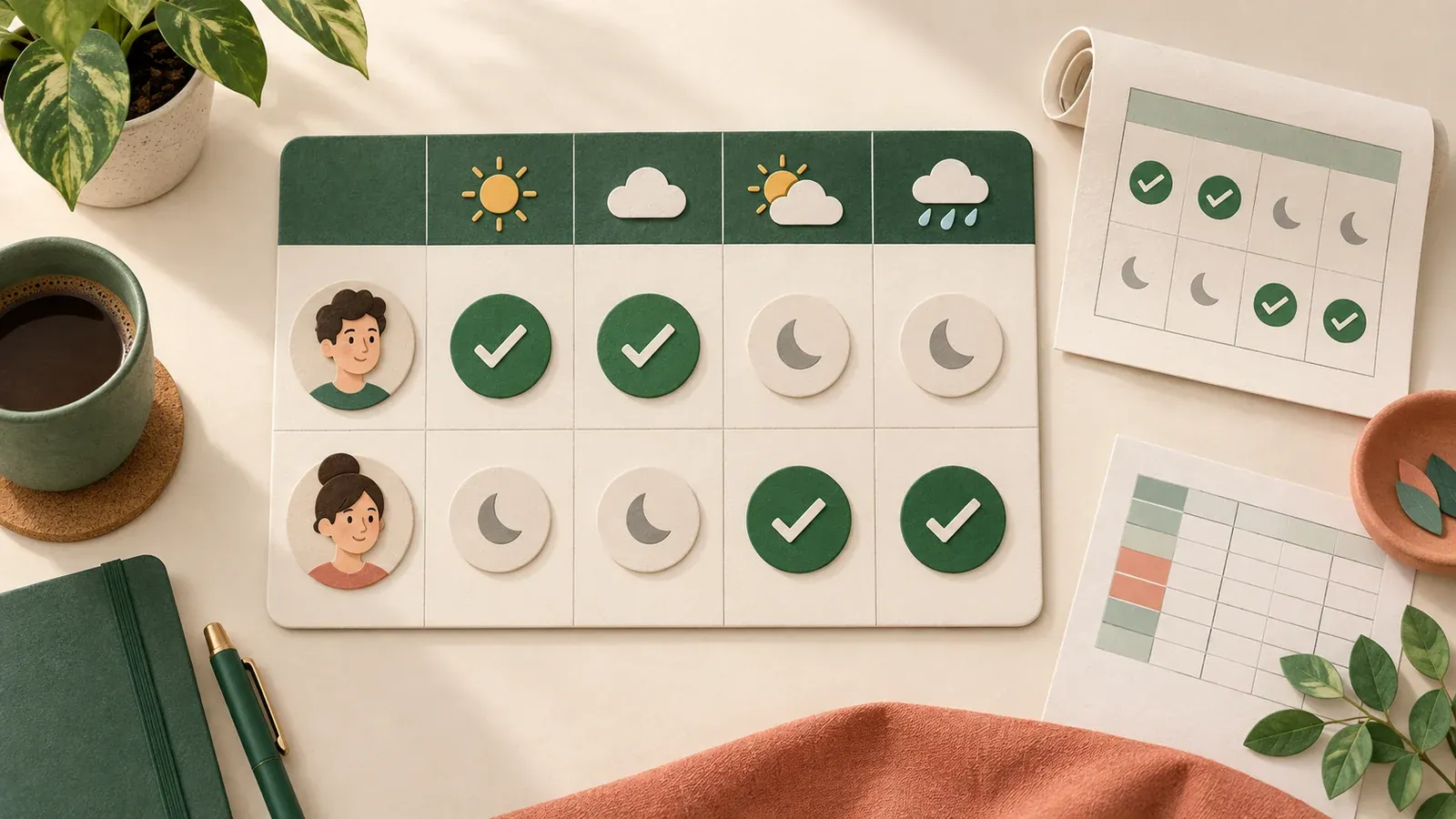
AI-generated editorial illustration.
Start on October 6, 2026. Use the cycle DAY, DAY, OFF, OFF, with Alex at offset 0 and Blair at offset 2. Require one working person per day.
| Date | Alex | Blair | Coverage |
|---|---|---|---|
| 2026-10-06 | DAY | OFF | 1 |
| 2026-10-07 | DAY | OFF | 1 |
| 2026-10-08 | OFF | DAY | 1 |
| 2026-10-09 | OFF | DAY | 1 |
The schedule contains eight person-date assignments and coverage is one on all four dates. Export the dated schedule as CSV for a spreadsheet or create an all-day ICS calendar for calendar software. Both exports preserve each date and label, including OFF days. ICS events are all-day, transparent calendar labels; they do not block time as appointments.
Build a repeatable schedule app with Atoms
Use Atoms to describe the schedule workflow and build an app around it. The prompt below defines the input contract, calculation, exports, and role checks. Atoms documents Atoms Cloud and connected Supabase as backend choices; select one if the app needs saved schedules. App-user permissions and export access require implementation and verification for the chosen backend. Atoms Cloud overview · Connect Supabase to Atoms · Supabase row-level security
Copy the build prompt into Atoms
Paste the full prompt in your Atoms project chat. It requests both exports and a synthetic case. After implementation, verify a saved edit and read back both exports.
Copy the build brief and use it to create your version in Atoms.
Example rows (CSV) · Application field specification (JSON)
CSV sample input
This input encodes the example above. required_workers applies to each date in the selected horizon.
Review the schedule before sharing
Confirm that the cycle begins on the intended date, every person has the correct offset, and the daily coverage count matches the team’s requirement.
