On this page
A single-restaurant order app needs one authoritative order record, a small set of legal status changes, and access rules for the customer and restaurant team. Use the database to store orders and status history; send notifications from those saved events. That separation keeps a delayed or repeated webhook from becoming a second order.
This design answers a recent community question about connecting order alerts, restaurant notifications, delivery updates, and customer messages with webhooks and APIs. The original question asks how to connect those events; this proposed design gives each alert a saved order and event to reference.
Download the sample CSV · Download the form field specification
Model the menu and each order line
For one restaurant, start with six tables:
menu_items: item name, description, price in integer cents, availability, and display order.orders: customer ID, contact details, fulfillment type (pickupordelivery), delivery address when needed, notes, status, totals, and timestamps.order_items: order ID, menu item ID, item name snapshot, unit price snapshot, quantity, and line total.status_events: order ID, prior status, new status, actor, event key, and timestamp.notification_jobs: saved event ID, recipient, attempt status, and delivery receipt.payments: existing order ID, Checkout Session ID, currency, amount, and verified payment state.
Keep a fixed restaurant ID on menu and order rows. Store an assigned driver ID only when driver accounts are enabled. Use a unique client submission key to return the original order when a customer retries the same submission.
Snapshot the item name and price on each order line. If a cook updates the menu tomorrow, the saved order should still show the item and price the customer submitted today. Calculate totals on the server from the selected menu items and quantities; do not accept a browser-submitted total as authoritative. Use integer cents, positive integer quantities, and reject unavailable items.
Keep customer contact, delivery address, and free-text notes out of public menu responses. A customer can submit an order and read their own order. Restaurant staff can see and update orders belonging to this restaurant. If the app includes drivers, each driver should see only deliveries assigned to that driver. With Supabase, define and verify row-level policies for each operation; Atoms documents that Supabase and Atoms Cloud are alternative backends for one project and that connecting Supabase alone does not build or verify the app's data behavior. Atoms’ Supabase guide
Make order status a controlled workflow
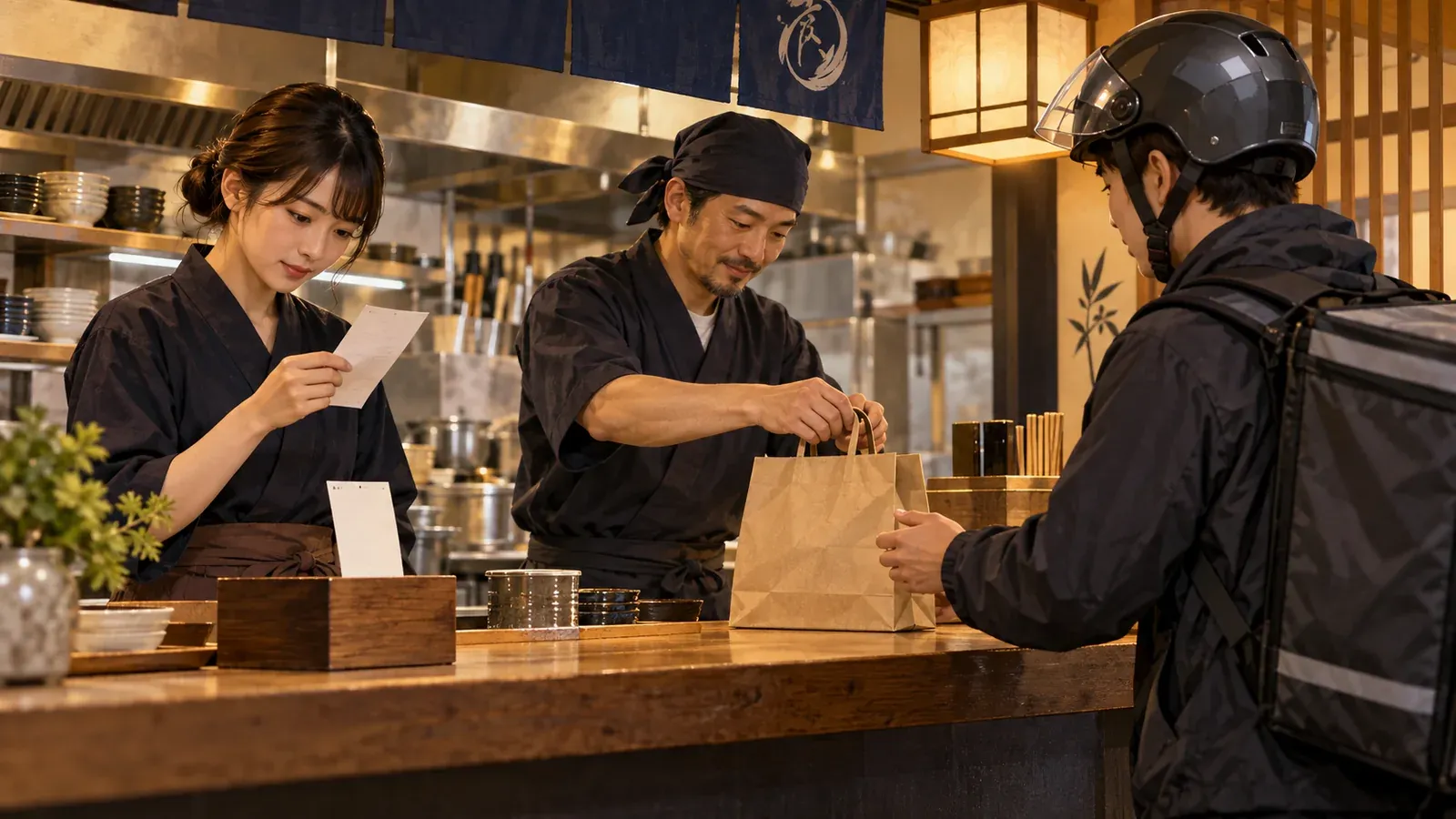
AI-generated editorial concept; not a screenshot of a deployed app.
Use a transition table so every screen and automation follows the same rules:
| Current status | Allowed next status | Actor |
|---|---|---|
submitted |
accepted, rejected |
Restaurant staff |
accepted |
preparing, cancelled |
Restaurant staff |
preparing |
ready |
Restaurant staff |
ready |
completed |
Restaurant staff or assigned driver |
Require a reason for rejected and cancelled. Reject any transition absent from the table, and write an event with the actor and old/new status in the same server-side operation as the order update. This gives the team a readable history if a customer asks why an order was declined or a delivery was cancelled. Decide separately whether a customer may request cancellation; if so, save it as a request for staff rather than granting the customer a direct status jump.
Send alerts after saving the event
After the database accepts an order or status change, trigger the relevant notification: alert the restaurant on submitted, tell the customer when the order is accepted, ready, or rejected, and notify an assigned driver when a delivery is assigned. If you connect an external service, check the exact connector actions and permissions shown in the current Atoms catalog; availability and write actions vary. Atoms’ integrations guide
An automation tool such as n8n can receive a webhook and send those alerts, but it should not become a second editable order ledger. Include the order ID and event key in each notification job. If delivery fails, retry the notification for the same event; do not create a fresh order.
Treat payment as an optional, separate step
A restaurant can launch the order workflow without online payment. If online payment is needed, keep the first version to this one restaurant, and create a charge only after the restaurant accepts the order. Do not add a multi-merchant payout or split-payment model to this design.
For a Stripe Checkout flow, process successful payment on the server and make fulfillment safe when the same Checkout Session is delivered more than once or concurrently. Stripe says fulfillment must not rely only on a browser redirect and should run once per Checkout Session. Store a unique session or payment-event key with a processed state, and use a transaction or equivalent uniqueness guard before marking the existing accepted order paid. The order already exists before Checkout; a payment event must reference that order rather than create another one. Stripe’s fulfillment guide
Synthetic example and useful checks
The accompanying sample.csv uses fictional customer names and a fictional menu. It includes one pickup and one delivery order. Use it to seed a prototype, then check these cases in the app:
- Submit one pickup and one delivery order; refresh and confirm the orders and line snapshots remain.
- Change a menu price after submission; confirm the existing order keeps its original unit price.
- Submit a delivery with no address and try
submitted -> completed; both should be rejected. - Sign in as customer A and attempt to open customer B’s order; access should be denied.
- Sign in as staff for a different restaurant; its orders should remain inaccessible.
- Deliver the same successful payment event twice, including concurrent requests; confirm the existing order receives one payment update and one fulfillment record.
Atoms’ Supabase setup guide recommends entering harmless sample data, refreshing the app, and checking the matching database record; follow that readback loop for the backend you choose. Atoms’ connection and save-data steps
Build prompt
Use this prompt to create the first version in Atoms:
Copy the build brief and use it to create your version in Atoms.
The included records are synthetic fixtures. Before real orders, verify the live app’s saved data, role boundaries, notification retries, and payment event handling with separate test accounts and provider test mode.
