










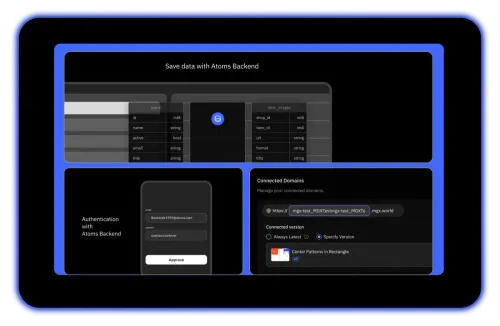
Full-Stack in One Place
Frontend, backend, database, auth, hosting, and deployment — all built from a single prompt.
 Anima
AnimaAnima focuses on turning Figma designs into frontend code. Atoms is better suited to teams that want to build complete apps from a prompt in one workflow.
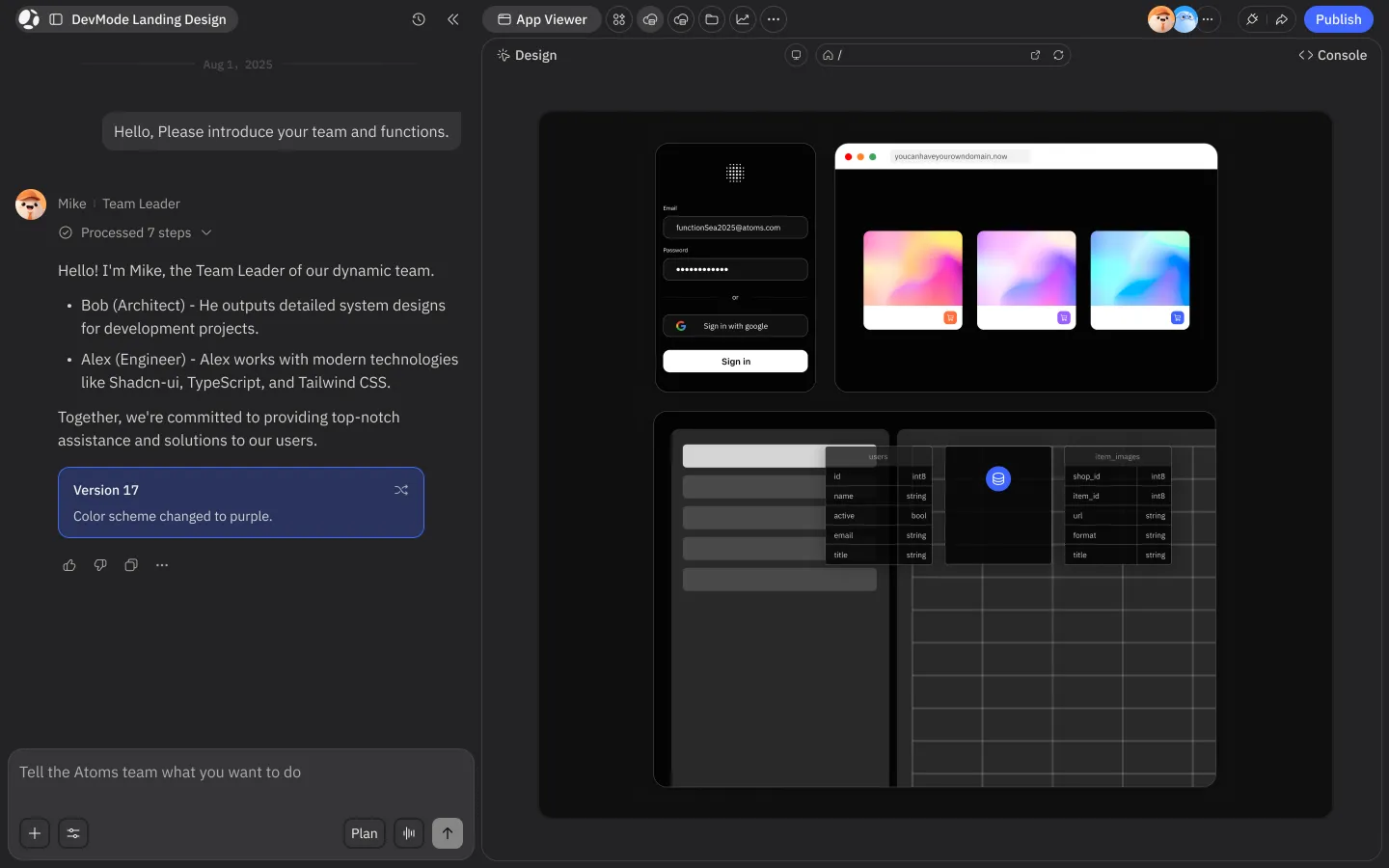
Trusted by customers from











Frontend, backend, database, auth, hosting, and deployment — all built from a single prompt.
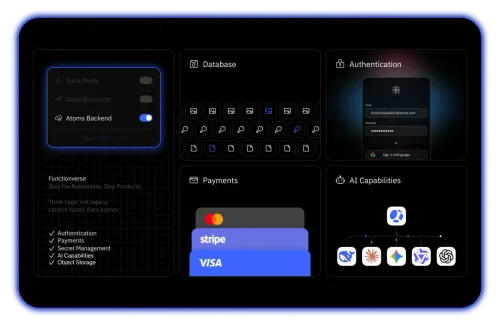
Stripe integration, user authentication, and database included — ship real products, not static pages.
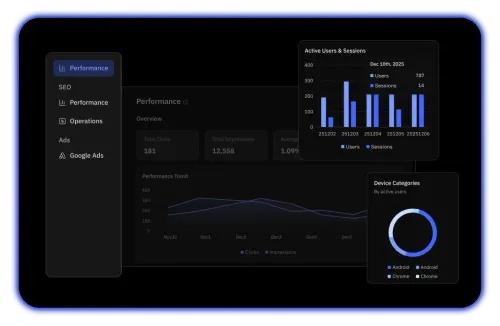
SEO Agent, GA4 dashboard, Search Console, and Ads Agent help you acquire users after launch.
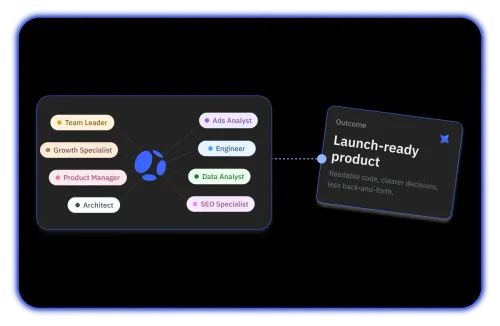
Researcher, Architect, PM, Engineer, SEO Specialist, and Data Analyst collaborate on every project.
| Feature | Atoms Recommended | Anima | What this means for you |
|---|---|---|---|
| Backend & Database | Built-in via Atoms Cloud | Not included | Built-in via Atoms Cloud |
| Authentication | Built-in auth system | Not included | Built-in auth system |
| Payments Integration | Stripe with low-config setup | Not included | Stripe with low-config setup |
| AI Model Selection | Multiple models, Race Mode | Single AI engine | Multiple models, Race Mode |
| SEO & Analytics Tools | SEO Agent, GA4, Search Console | Not included | SEO Agent, GA4, Search Console |
| Primary Approach | Natural language to full-stack app | Figma design to frontend code | Natural language to full-stack app |
| One-Click Deployment | Production deploy + custom domains | Hosting for up to 30 screens | Production deploy + custom domains |
| Code Export & Ownership | GitHub sync, full code export | HTML, React, Vue, Tailwind export | GitHub sync, full code export |
| Figma Integration | Not a core feature | Deep Figma plugin with 1.5M+ users | |
| Starting Price | Free ($0), Pro at $20/mo | Free tier, Starter at $24/mo | Free ($0), Pro at $20/mo |
Atoms generates complete applications with backend, database, and payments from a text prompt. Anima converts existing Figma designs into frontend code — React, HTML, Vue, or Tailwind — but doesn't create backend logic or infrastructure.
Anima excels when you already have polished Figma designs and need production-ready frontend code. Atoms starts from an idea described in natural language and builds the entire product, making it a stronger Anima alternative for non-designers.
Atoms includes an SEO Agent, GA4 growth dashboard, Search Console integration, and an Ads Agent for user acquisition. Anima focuses on the design-to-code handoff and doesn't offer marketing or growth features.
Atoms uses a multi-agent team — Researcher, Architect, PM, Engineer, SEO Specialist — that collaborates through a structured pipeline. Anima uses AI primarily for code generation from visual designs, with chat-based assistance in its Playground.
Atoms is built for shipping complete apps with backend, payments, and growth tools from a prompt.
Anima is built for converting Figma designs into structured, exportable frontend code.
See our Help Center for more info
Atoms turns your ideas into deployed products with backend, payments, and growth tools — no Figma file required.
