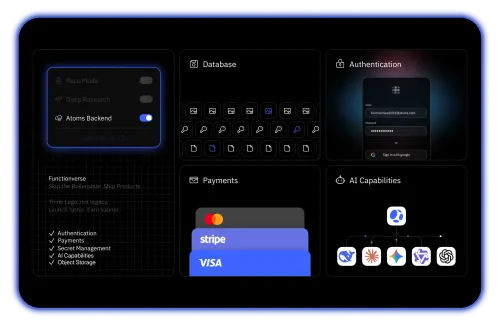
Revenue-Ready from Day One
Auth, databases, and Stripe payments built in — ship products that monetize, not just pages that display.
 Webflow
Looking beyond website-first platforms like Webflow? Try Atoms, a broader way to move from idea to apps, products, and launch workflows.
Trusted by customers from











Auth, databases, and Stripe payments built in — ship products that monetize, not just pages that display.
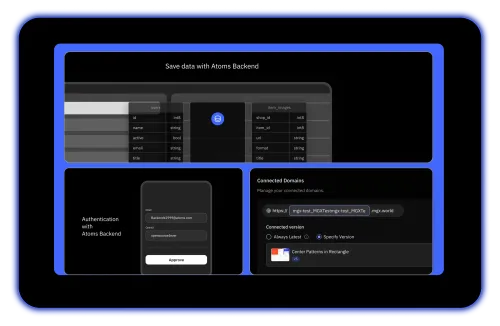
Frontend, backend logic, database, and deployment in one platform — no stitching third-party tools together.
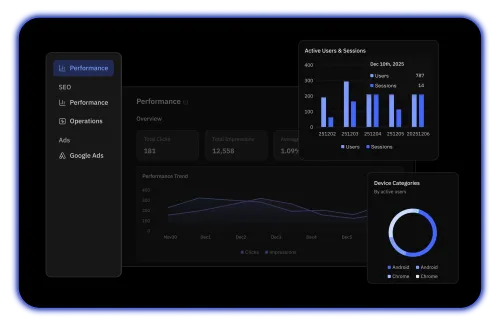
AI agents generate SEO structure, ad copy, and conversion tracking so you grow traffic alongside your product.
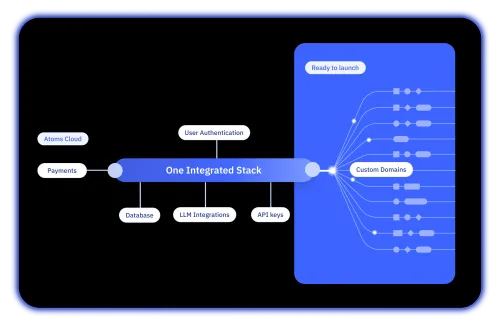
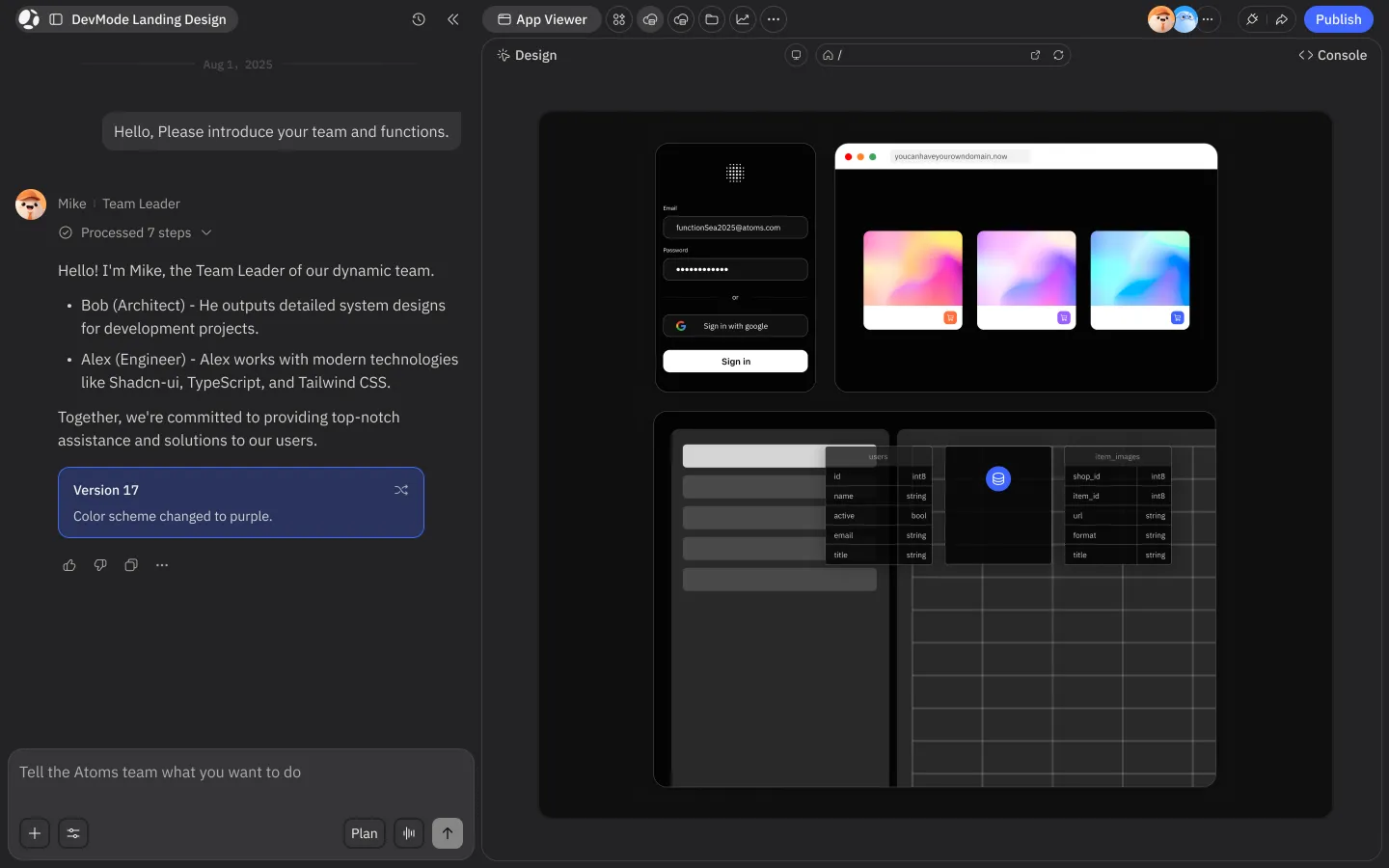
Describe your product in plain language. AI agents handle architecture, code, and infrastructure automatically.
| Feature | Atoms Recommended | Webflow | What this means for you |
|---|---|---|---|
| AI App Generation | Full-stack apps from a prompt | AI assists layout and copy only | Full-stack apps from a prompt |
| Backend Capabilities | Auth, database, payments native | Requires third-party integrations | Auth, database, payments native |
| Visual Design Control | AI-generated, customizable UI | Pixel-level visual editor | AI-generated, customizable UI |
| Payment Integration | Stripe built into workflow | Basic e-commerce or third-party | Stripe built into workflow |
| SEO and Growth Tools | AI SEO agent + ads agent | Manual SEO settings per page | AI SEO agent + ads agent |
| Market Research | AI research before building | Not available | AI research before building |
| Starting Price | Free, then $20/mo (Pro) | $18-49/mo per site + seat costs | Free, then $20/mo (Pro) |
| Learning Curve | Prompt-based, no code needed | Requires CSS/HTML understanding | Prompt-based, no code needed |
| Deployment Workflow | Prompt to live product in minutes | Publish static sites and CMS pages | Prompt to live product in minutes |
| Multi-Agent AI Team | PM, Engineer, SEO, Ads, Analyst | No agent-based workflow | PM, Engineer, SEO, Ads, Analyst |
Webflow excels at building visually refined marketing sites and CMS-driven pages. Atoms generates full-stack applications with business logic, user accounts, and payment flows — designed for products that generate revenue, not just traffic.
Webflow publishes a site and leaves distribution to you. Atoms connects product creation with SEO structure, ad campaigns, and conversion tracking in one workflow — so you move from build to growth without switching platforms.
Webflow's visual editor still requires understanding of CSS concepts, box model, and responsive design. Atoms lets non-technical founders describe an idea in plain language and receive a structured, deployable product from an AI agent team.
Webflow charges per site and per workspace seat, with advanced features pushing costs above $200/month. Atoms starts free and its Pro plan at $20/month includes backend, auth, payments, and growth tools — no per-site fees.
Atoms is built for founders and builders who need launch-ready products with backend logic and growth tools.
Webflow is built for designers and teams who need pixel-level control over marketing sites and CMS content.
See our Help Center for more info
Turn your idea into a revenue-ready product with auth, payments, SEO, and ads — all from one prompt. Start free today.
