Clear page structure
Use descriptive headings, useful navigation and business-specific pages. Inspect the generated markup rather than assuming every project has the same architecture.
Describe a portfolio, service site or event website. Explore working examples, test the interactions and download a standalone HTML site from each demo.
Explore HTML website examples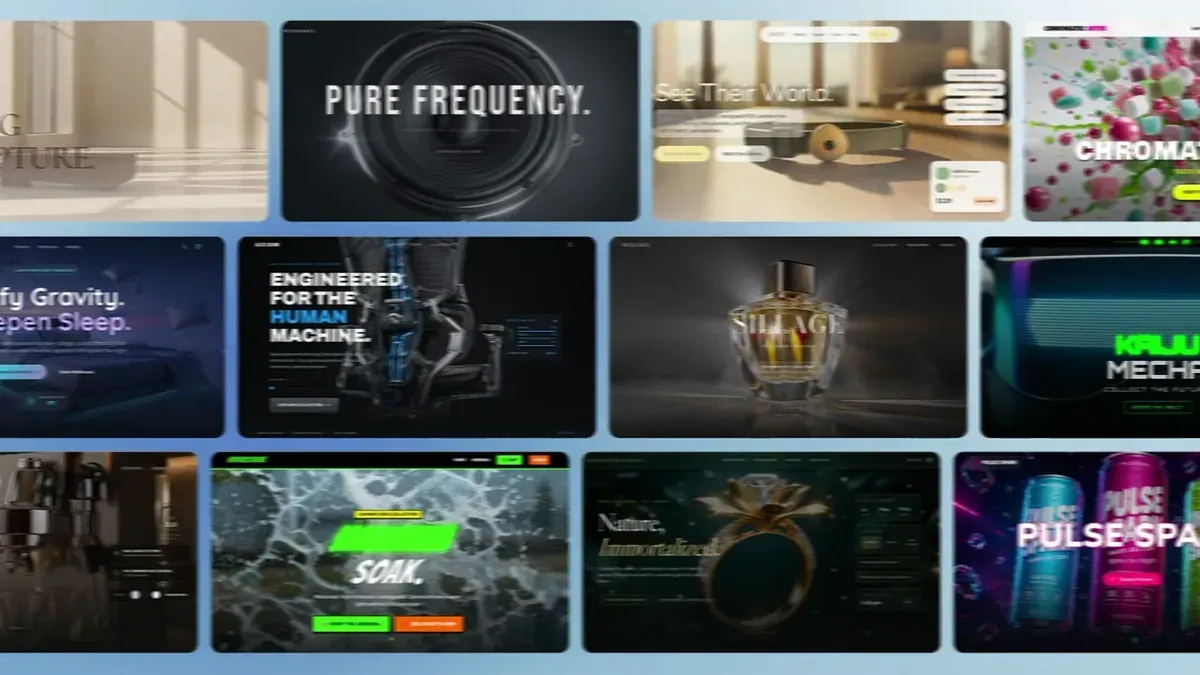
Start with what visitors need to do: explore a project, estimate a repair or plan a festival visit. The platform demo shows the editing workflow; the cases below show complete websites.
Build with AtomsJudge the result by the site visitors can use and the files you can run.
Use descriptive headings, useful navigation and business-specific pages. Inspect the generated markup rather than assuming every project has the same architecture.
Test the gallery, estimator or schedule. A request button should produce the stated action; a mail draft is not a submitted booking.
Open the actual result on desktop, tablet and phone. Check navigation, readable text, image loading and horizontal overflow.
These demos provide an HTML ZIP with local assets. Check the README and serve the downloaded files on a generic static server before choosing another host.
Static sites handle content and browser interactions. Shared accounts, private records, live payments and stored submissions need a separately configured backend.
Specify the output before generation, then verify the site and the exported files.
Name the audience, pages, content and one useful action. For a static export, request native HTML, CSS, small JavaScript and bundled assets.
Check real pages and interactions with your own content. Correct broken links, misleading form confirmations and layout problems before release.
Open the demo’s HTML ZIP. Confirm it includes index.html, assets and a README. Source code or a framework project can need a build step; inspect the actual output.
Serve the package with a static HTTP server and repeat the visitor journey. Choose a host compatible with the output; keep server-dependent features on their configured backend.
The examples below use native HTML, CSS and small JavaScript with bundled images. Aster includes seven HTML pages; Cove and Signal Coast each include one. We downloaded each ZIP, checked every local reference and ran the main interaction on a separate static HTTP server. They are fictional demonstration businesses; email actions prepare drafts and do not send bookings.
Download the Aster HTML example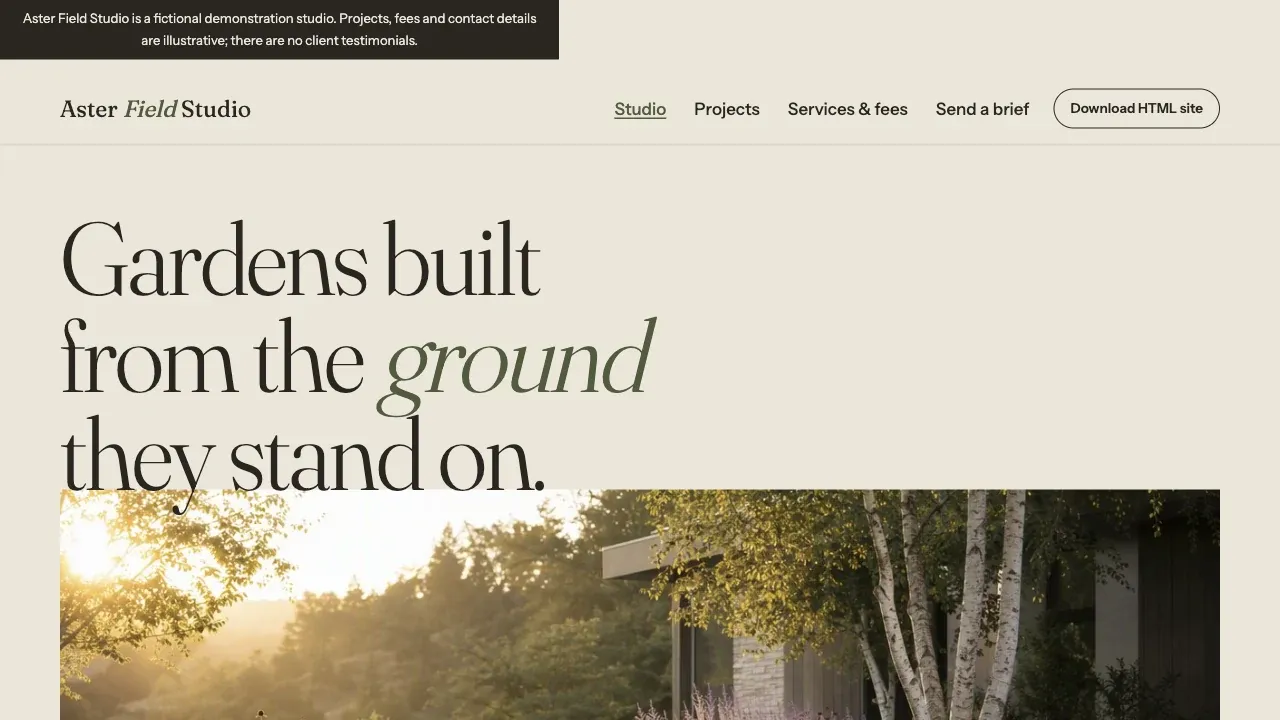
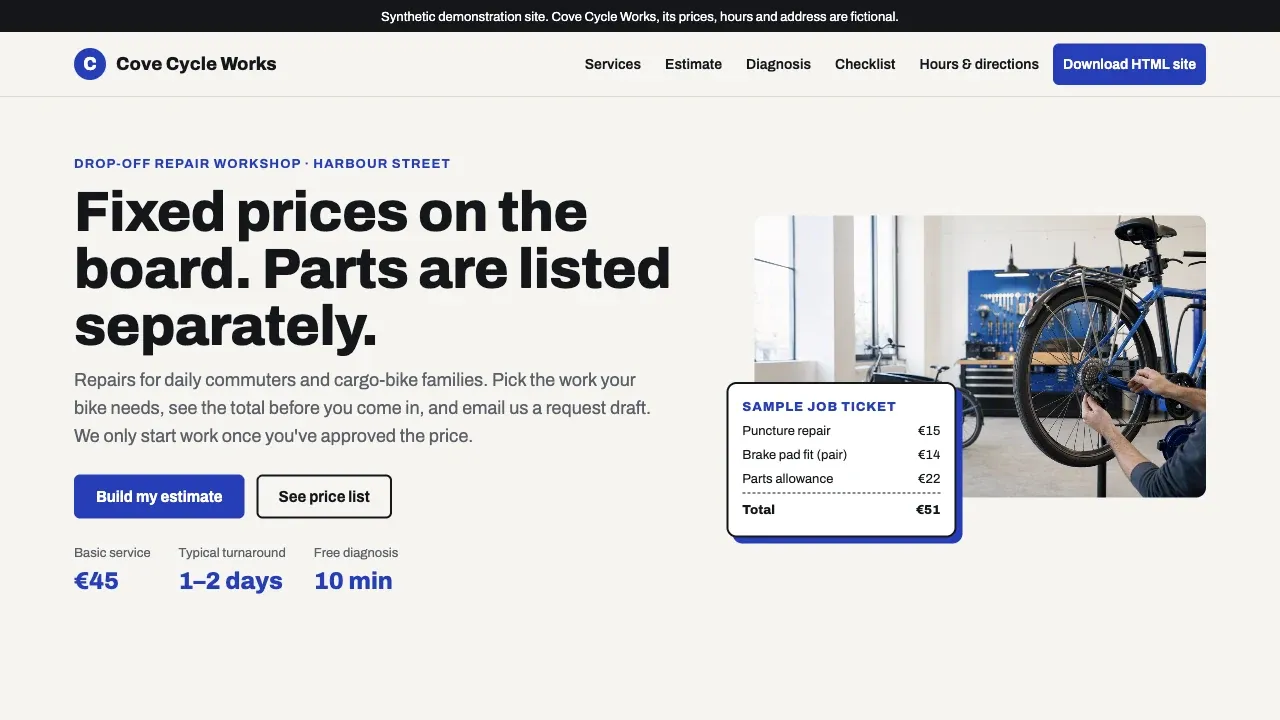
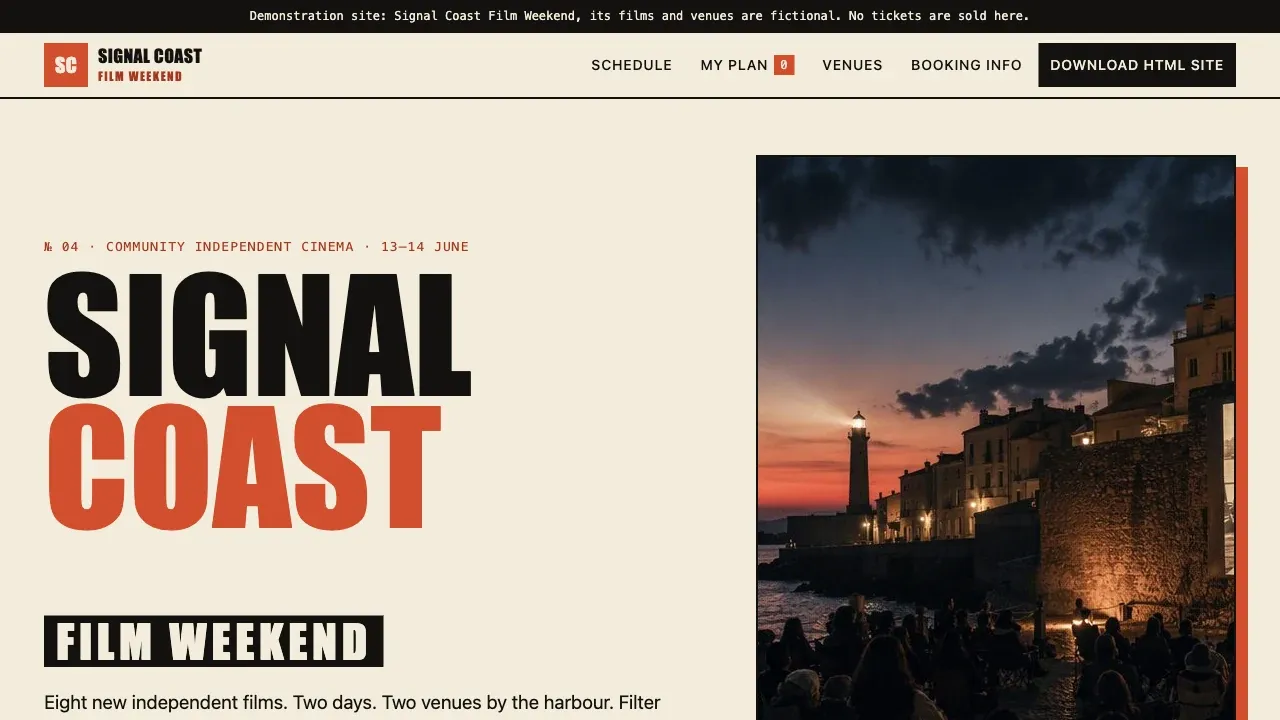
Describe your audience, pages and visitor action. If portability matters, request standalone HTML, CSS, JavaScript, bundled assets and export instructions.
For private accounts, payments or stored submissions, include the backend requirements in your brief.
