AI Page Generator
Generate a polished web page in minutes and publish it to a live URL.
No credit card required
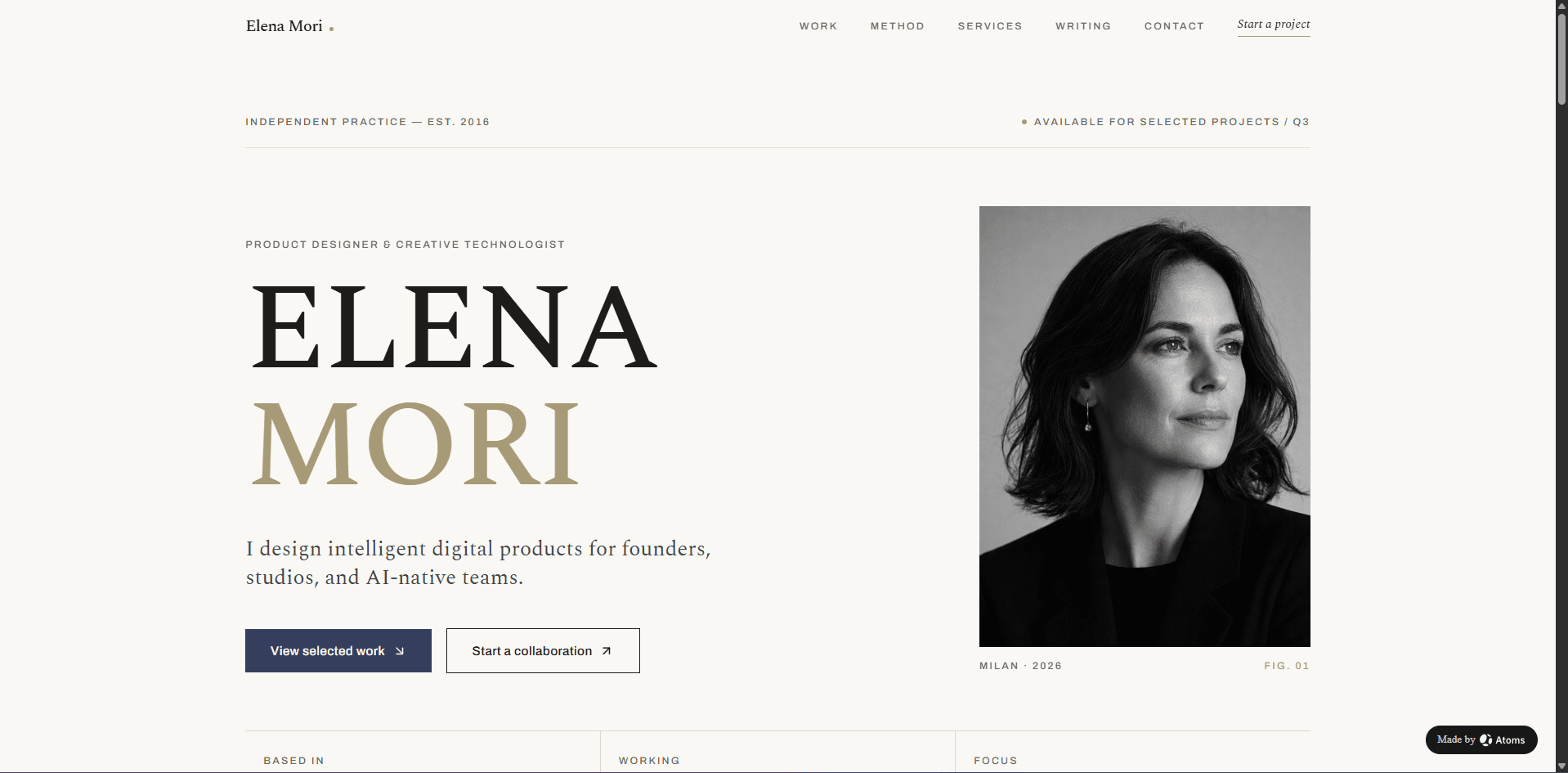
Create a premium AI-generated personal portfolio website for “ELENA MORI”, an independent product designer and creative technologist.
Trusted by customers from






















Feature Highlights
Build with AI agents, customize visually, connect your backend, and preview every change as you go.
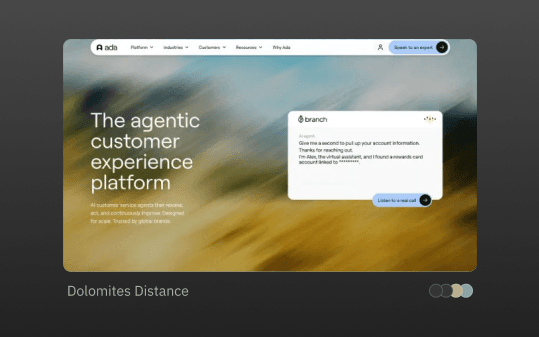
Theme
Theme lets you personalize your product's aesthetics with distinct visual styles.
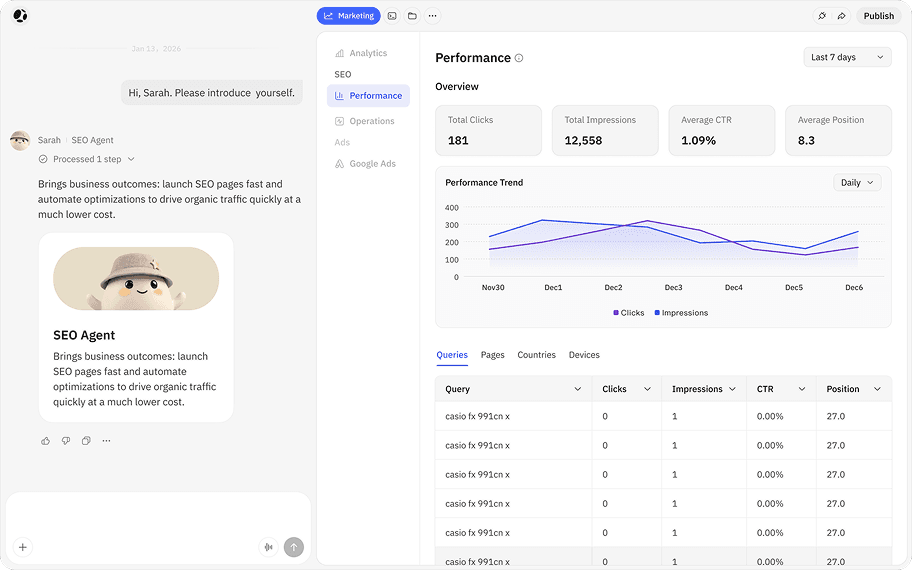
SEO Agent
Automatically make your site search-engine-friendly, so Google can crawl, index, and rank pages that bring you real customers.
Deep Research
Let Iris research complex topics, verify reliable sources, and turn insights into structured reports you can export or transform into deliverables.
Atoms Cloud
Atoms Backend powers your apps with a full-stack backend including user login, database, integrations, and scalable hosting.
Visual Editor
Bring your exact design to life. A visual editor to adjust layouts and components quickly.
Generate and Publish a Page in Four Steps

Describe Your Page
Write what the page is for, what sections it needs, and what action visitors should take. A landing page, a sales page, a waitlist, an event signup. Your call.

Review the Draft
Atoms generates a complete page with layout, copy, images, and conversion elements. Review the structure and content before anything goes live.

Refine in Chat
Click any section and describe changes, or type adjustments in chat. Swap headlines, reorder blocks, change colors, add a form. Use Race Mode to compare design variations.

Publish to a Live URL
One click makes your page live. Share the link immediately or connect your own domain. The page is production-ready from the start.
Atoms Pricing - Plans for Every Builder & Startup
Free to start. Flexible to scale.Frequently Asked Questions
More Insights
Discover more ways to build, launch, and grow with Atoms.
E-commerce Website Builder
Describe your store and get a deployed shop with product pages, cart, Stripe checkout, and inventory management.
AI MVP Showcase Page
Describe your MVP idea and get a deployed showcase page with waitlist signup, feature previews, and payment collection.
Business Website Builder
Describe your business and get a deployed site with service pages, reviews, location info, and lead capture.
Turn ideas into products that sell

Loved by thousands of product creators