MVP Showcase Page
Launch an MVP showcase page that validates your idea and collects early users overnight.
No credit card required
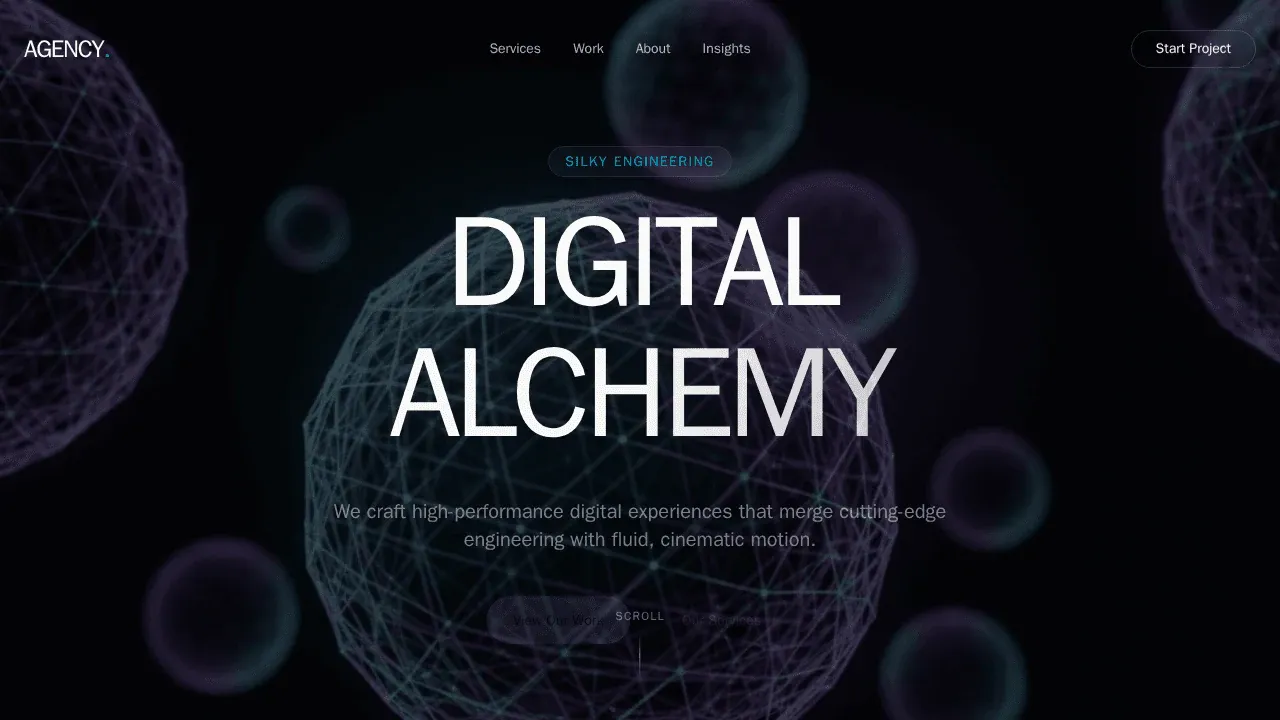
Create a modern digital agency landing page with sections for services, portfolio, about us, team, and contact form. Use a clean, responsive design and include engaging visuals and call-to-action buttons.
Trusted by customers from






















Feature Highlights
Build with AI agents, customize visually, connect your backend, and preview every change as you go.
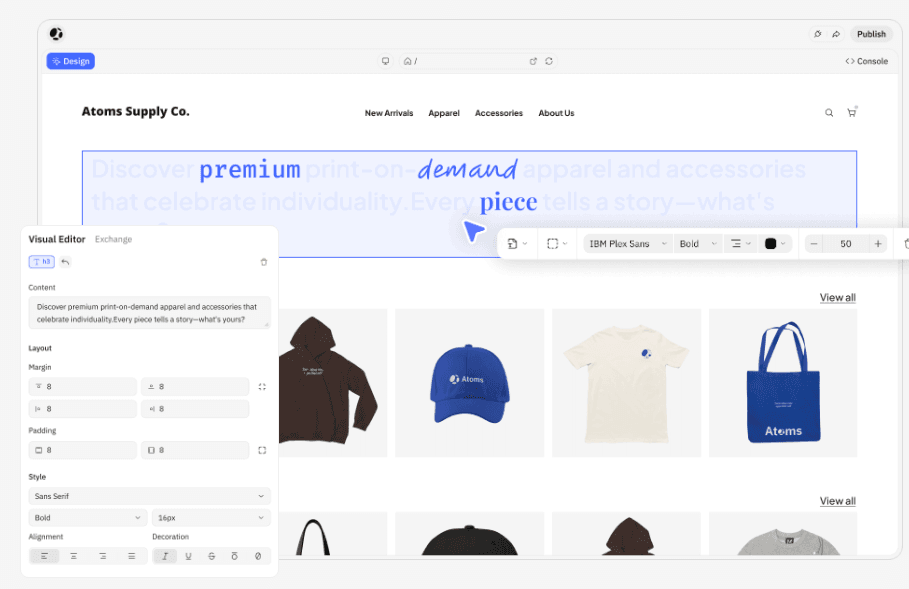
Visual Editor
Bring your exact design to life. A visual editor to adjust layouts and components quickly.
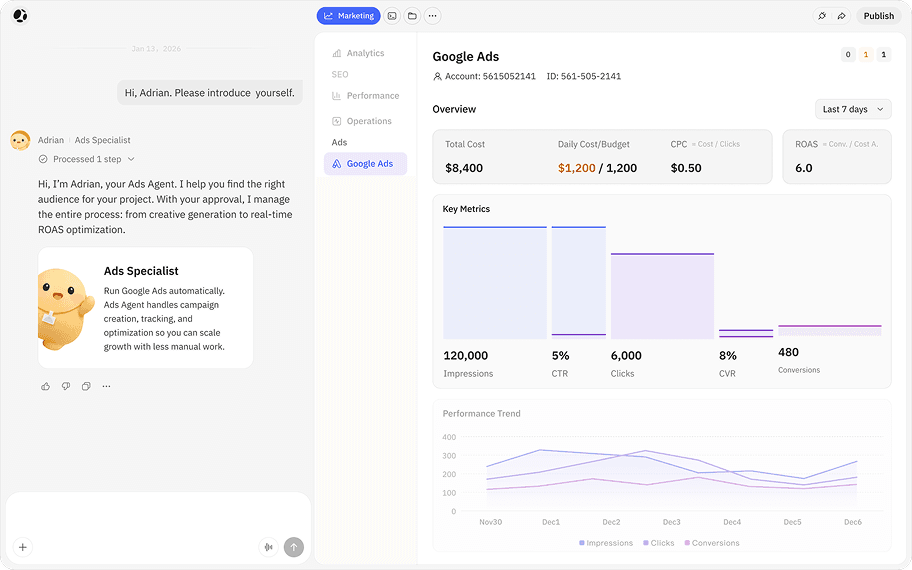
Ads Specialist
Scale growth with less manual work. Ads specialist handles campaign creation, tracking, and optimization.
Deep Research
Let Iris research complex topics, verify reliable sources, and turn insights into structured reports you can export or transform into deliverables.
Theme
Theme lets you personalize your product's aesthetics with distinct visual styles.
Race Mode
Run your prompt across multiple models to instantly get the best version.
From MVP Idea to Live Showcase Page in Four Steps

Describe Your MVP
Write what your product does, who it serves, and what you want visitors to do. Sign up, pay, or join a waitlist. Plain language.

Review the Page Plan
Atoms generates a page structure with hero copy, feature sections, social proof placement, and your conversion flow. Adjust the layout before anything goes live.

Agents Build Your Page
AI agents write the copy, design the layout, set up signup forms or Stripe checkout, and optimize the page for conversions. Use Race Mode to compare design directions.

Go Live and Start Validating
Deploy with one click. Share the link, run ads to it, or send it to investors. Track signups and payments from day one.
Atoms Pricing - Plans for Every Builder & Startup
Free to start. Flexible to scale.Frequently Asked Questions
More Insights
Discover more ways to build, launch, and grow with Atoms.
Turn ideas into products that sell

Loved by thousands of product creators