1. Define the listings
Describe your audience, listing fields, categories, and the details every entry needs.
Build around the records your visitors need: local services, member profiles, workspaces, or curated resources. Choose the fields, search, filters, and listing details for your directory.
Explore what you can build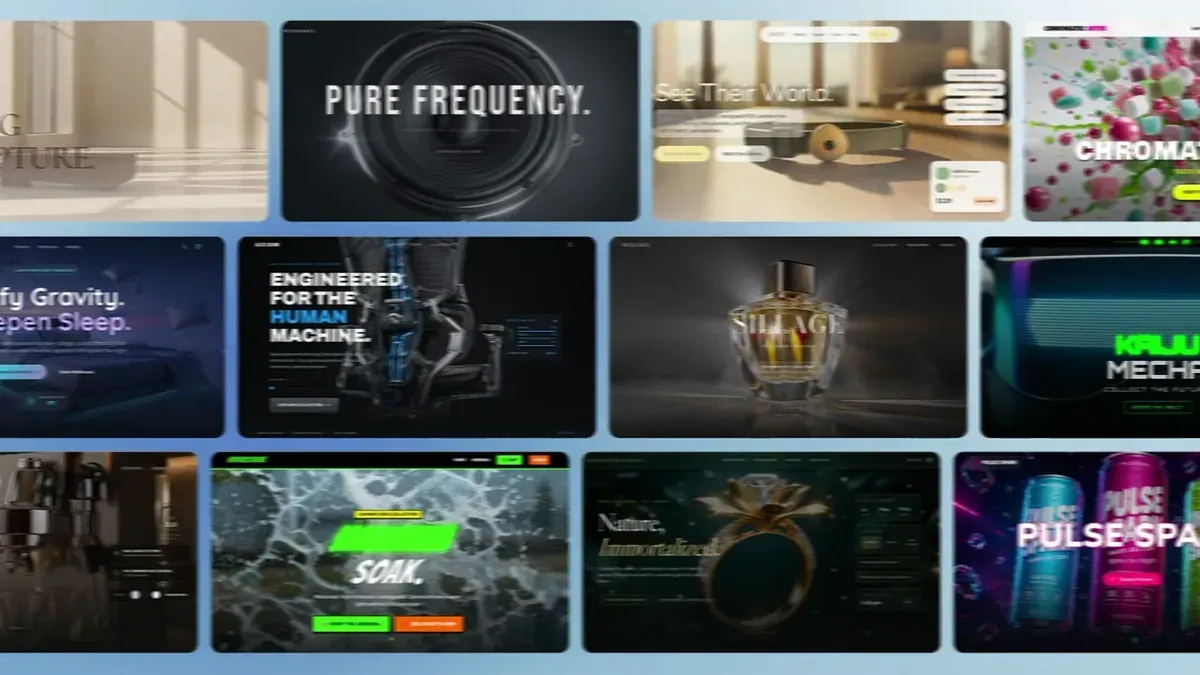
Watch the Atoms platform demo, then describe what you want to build.
Build with Atoms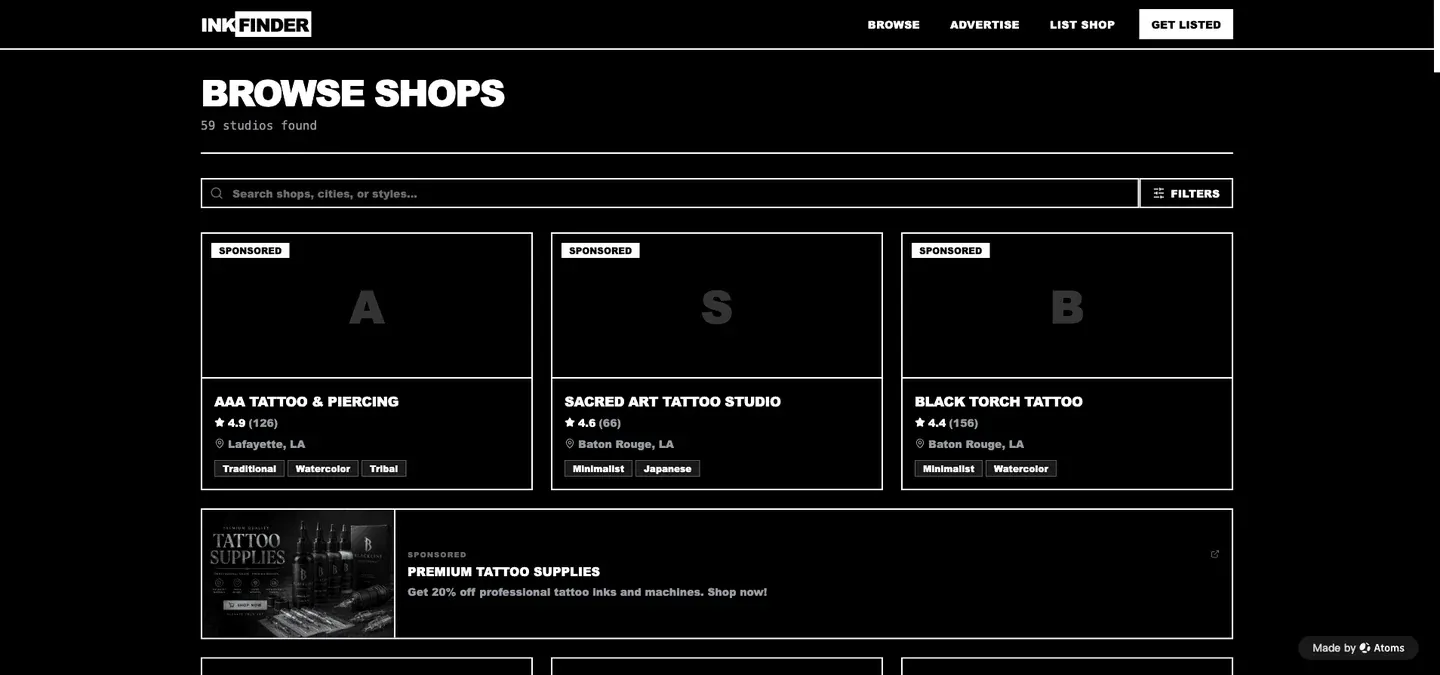
Start with the smallest useful directory, then verify the whole listing workflow.
Describe your audience, listing fields, categories, and the details every entry needs.
Create the list, search, filters, and listing details. Check the result with representative entries.
Add and edit a test entry, then reload. Complete storage and permissions before sharing a live directory.
Explore real Atoms projects with different records and filters. Find a browsing pattern that fits the directory you want to build.
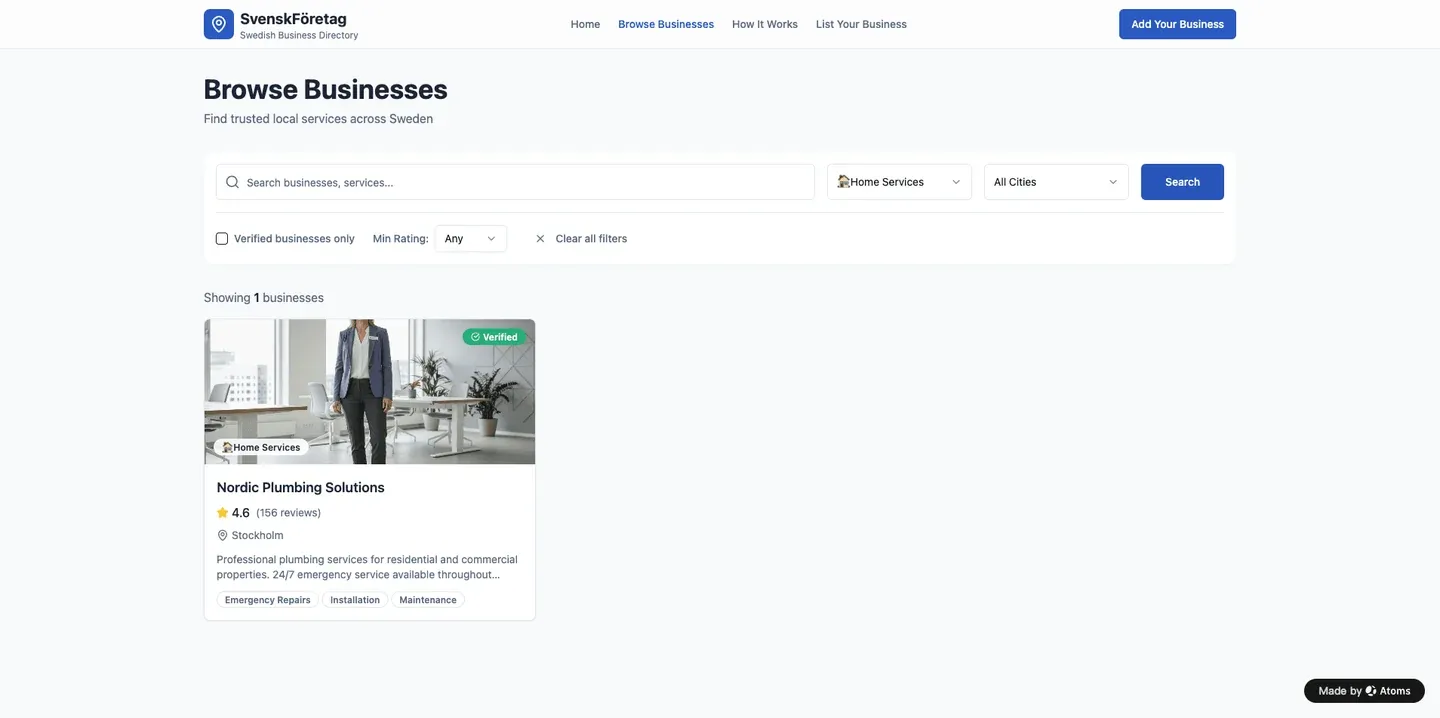
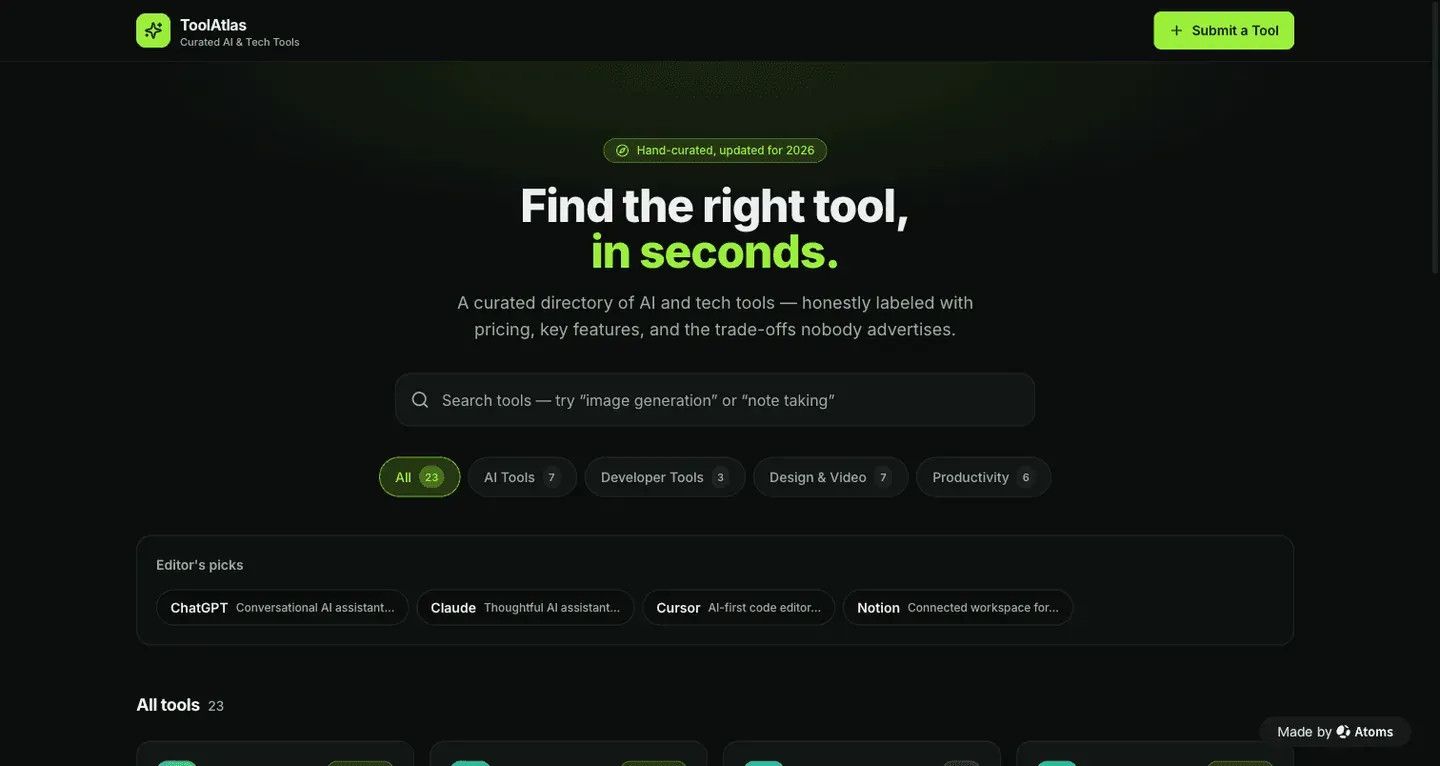
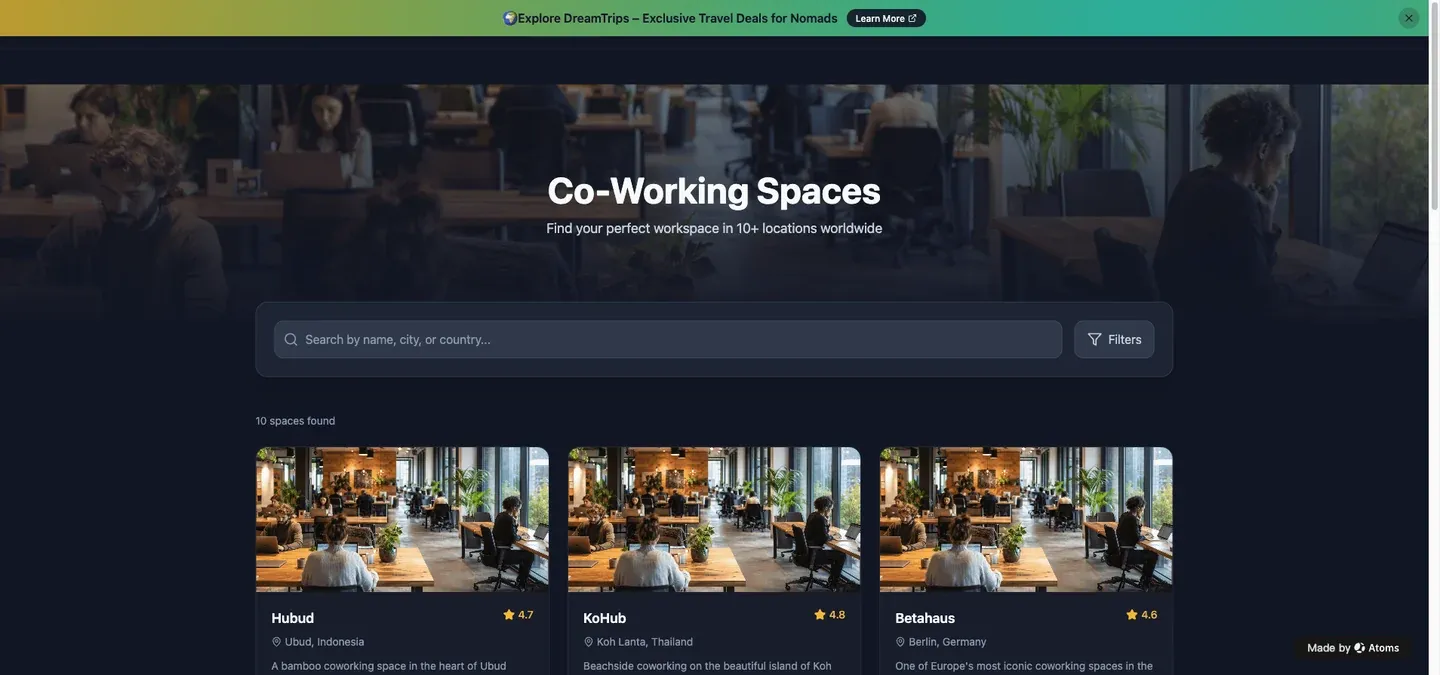
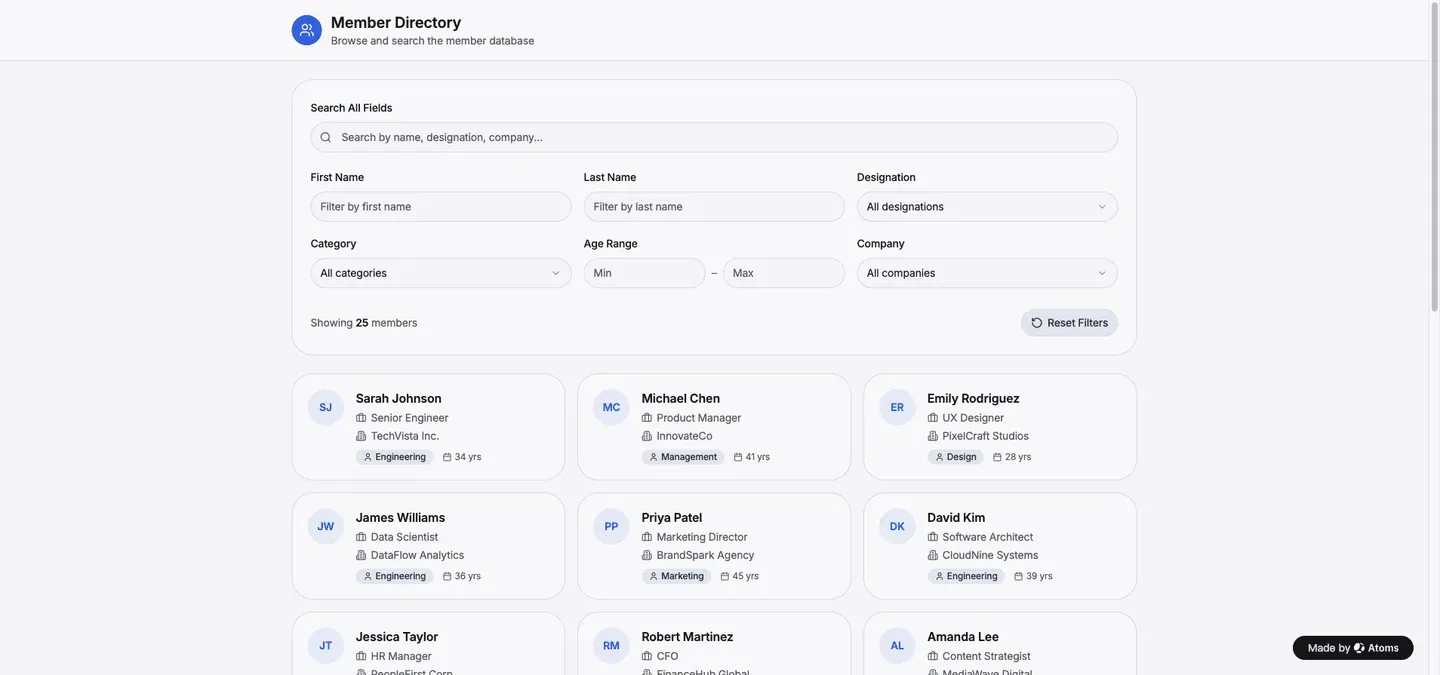
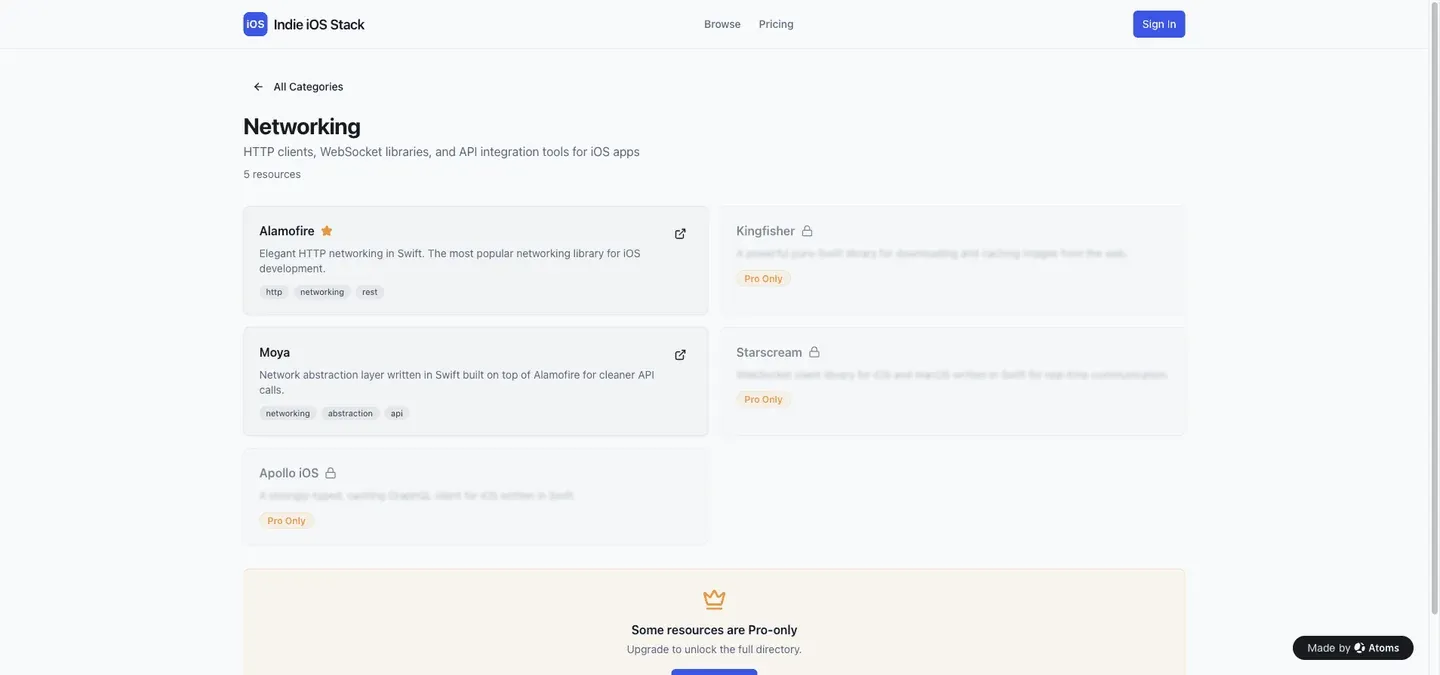
Include listing fields, filters, and how you will maintain your data.
Verify adding, editing, and saving before launch.
