









All Use Cases

Build Social Media Messaging Into Your Website

Use social media messaging codes like to build inside a website — describe your chat features and deploy a live platform in minutes

star

Build Your Messaging App

Trusted by customers from

Start with a template

Construer sitio web agencies café template previewConstruer sitio web agencies café template preview
Preview

Construer sitio web agencies café

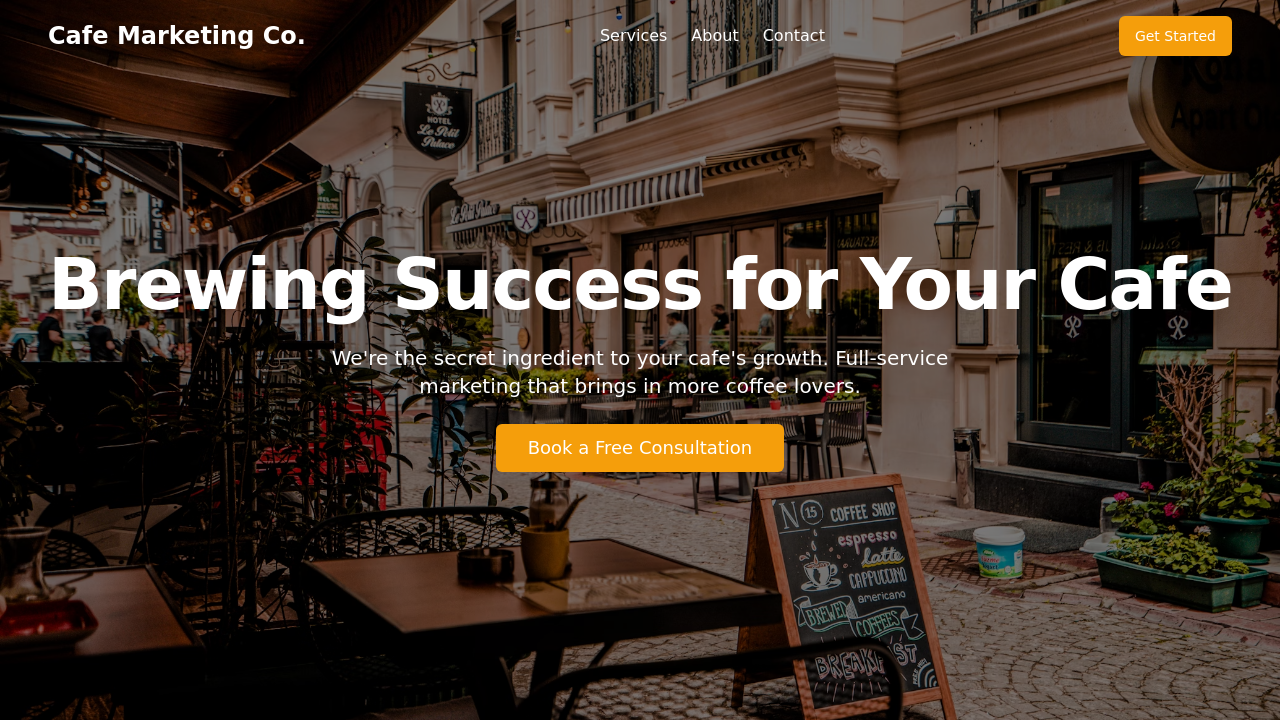
Full-service marketing built for cafés: branded social posts, local SEO, loyalty-app setup and seasonal promos done for you. One dashboard tracks footfall, repeat visits and campaign ROI while you focus on pulling shots.
Website for Media Uploads template previewWebsite for Media Uploads template preview
Preview

Website for Media Uploads

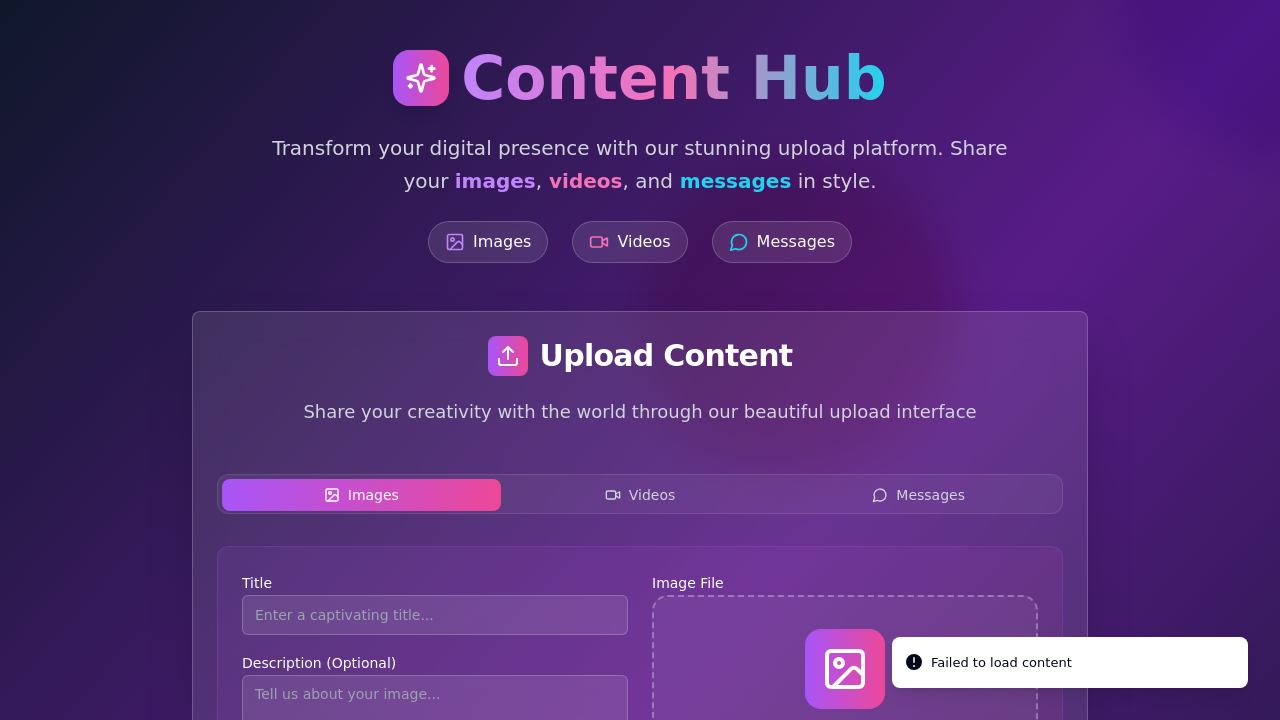
Create a website to upload various media and messages.

Clone Website Design Brief template previewClone Website Design Brief template preview
Preview

Clone Website Design Brief

Tell us your goals in a 15-minute call; we’ll send back a one-page plan with audience, message, and channel choices. Approve it and we build the content calendar—no long contract, stop any month.

Website Design for Self-Dev template previewWebsite Design for Self-Dev template preview
Preview

Website Design for Self-Dev

Design a website for self-development purposes.

AI Website Generator Prompt template previewAI Website Generator Prompt template preview
Preview

AI Website Generator Prompt

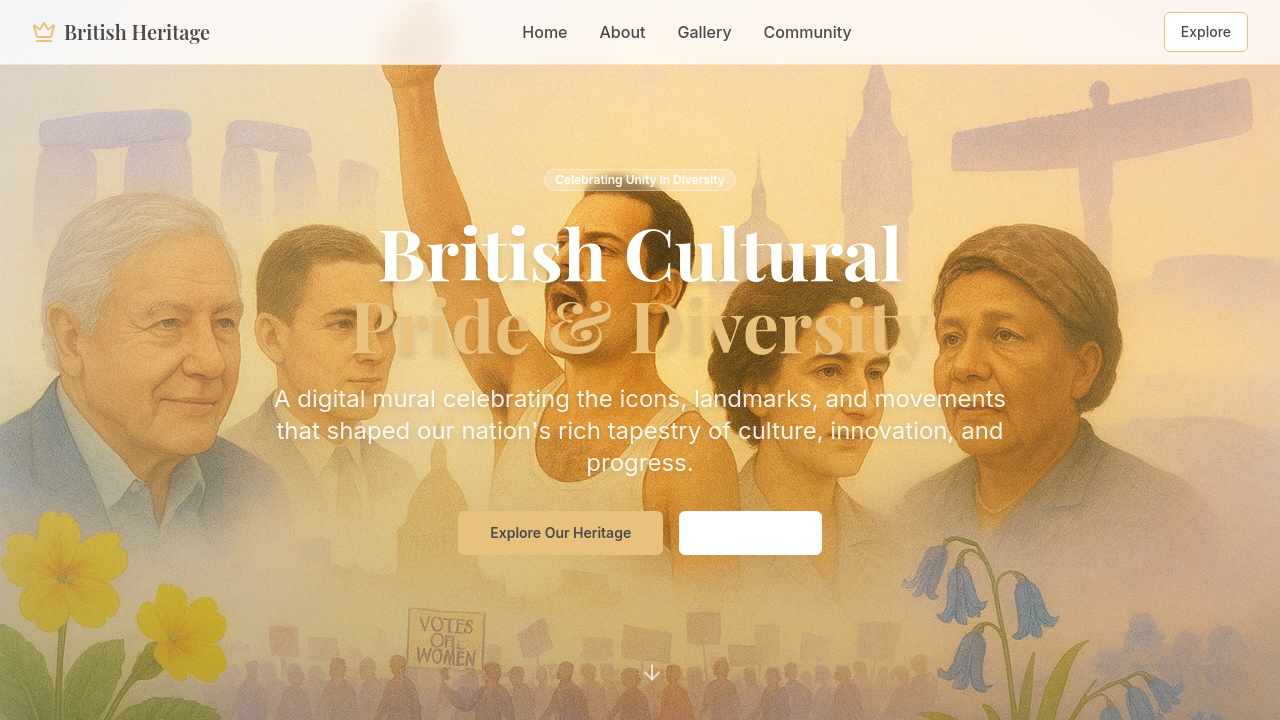
A scrollable digital mural that plots British icons, landmarks, and social movements in chronological order; each tile opens a short text with archival images for quick reference or classroom use.

Innovative Fashion NetClub template previewInnovative Fashion NetClub template preview
Preview

Innovative Fashion NetClub

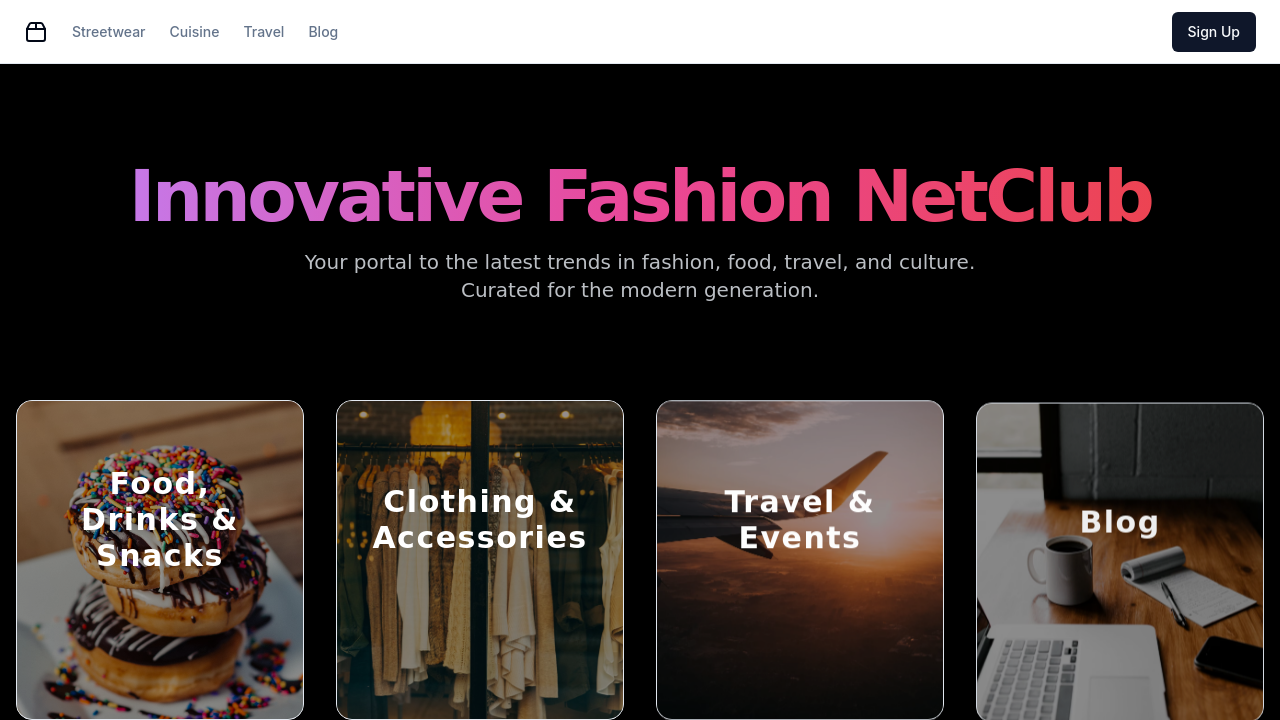
Create an innovative website for Millennials and Gen Z with various offerings.

Start building with templates

Everything you need in a Core Features for In-Website Social Messaging

Real-Time Direct Messaging

Describe your chat requirements — one-on-one DMs, group threads, or broadcast channels — and Atoms generates the full messaging backend with WebSocket connections, message persistence, and read receipts without writing socket code manually.

User Authentication System

Every social messaging feature ties back to verified user accounts. Atoms Cloud provides built-in authentication with email/password, social login, and session handling so messages link to real identities from day one.

Notification Engine

Configure in-app notification badges, message alerts, and activity digests by describing your notification rules. The system handles real-time delivery for new messages, mentions, and follower activity across your platform.

Profile and Contact System

Generate user profiles with display names, avatars, bios, and contact lists. Users can follow, block, or mute others — all managed through a database schema that Atoms creates from your natural language description.

Content Feed with Interactions

Build a chronological or filtered feed where users post text, images, and links. Add likes, comments, and shares as interaction types. Research shows starting with 2-3 interaction types prevents feature bloat while validating engagement.

One-Click Production Deploy

Ship your social messaging website to a live URL with a custom domain in one click. Atoms Cloud handles hosting, database, and SSL certificates so your platform is accessible to users immediately after you finish building.

Who Is Build Social Media Messaging Into Your Website For?

01

Niche Community Founders

Launch a focused social platform for a specific interest group — yoga teachers, car enthusiasts, or local creators — without hiring a dev team.

02

Startup Product Builders

Prototype and validate a social messaging MVP in days instead of the typical 3-6 month development cycle that agencies quote.

03

Freelance Web Developers

Deliver client projects with real-time messaging features faster by generating backend infrastructure through prompts rather than manual coding.

04

Small Business Owners

Add customer messaging and community features to an existing business website to increase engagement and build recurring clientele.

See how it works in minutes

How to Use Build Social Media Messaging Into Your Website

01
Describe your social messaging platform in one sentence — specify who it serves, what messaging features it needs, and how users will interact with each other.
02
Prompt Atoms with your feature requirements: direct messages, group chats, user profiles, notifications, and content feeds. The multi-agent system generates your full-stack application.
03
Select elements on your generated platform and describe visual or functional changes — adjust chat layouts, notification styles, or profile fields using select-to-edit.
04
Deploy your social messaging website to production with a custom domain through one-click deployment. Atoms Cloud handles authentication, database, and hosting infrastructure.

FAQs about Build Social Media Messaging Into Your Website

Build Social Messaging Into Your Website Today

Describe your social platform features in plain language. Deploy a live messaging website with authentication and real-time chat.