Preview
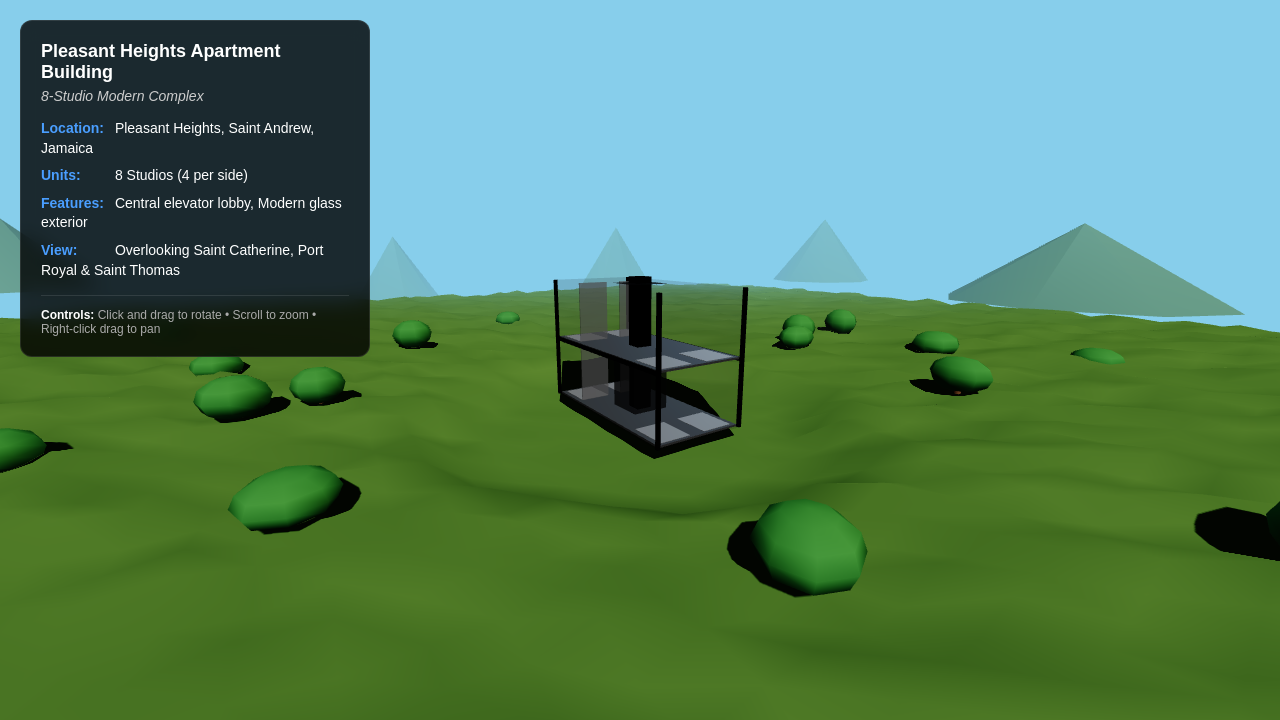
Prototype for 8 Studios
Design an 8-studio apartment building on a hillside.
Describe your workstation build needs in natural language — get a live configurator, spec sheet, or comparison site in minutes

Start Your Build Now
Trusted by customers from











Design an 8-studio apartment building on a hillside.
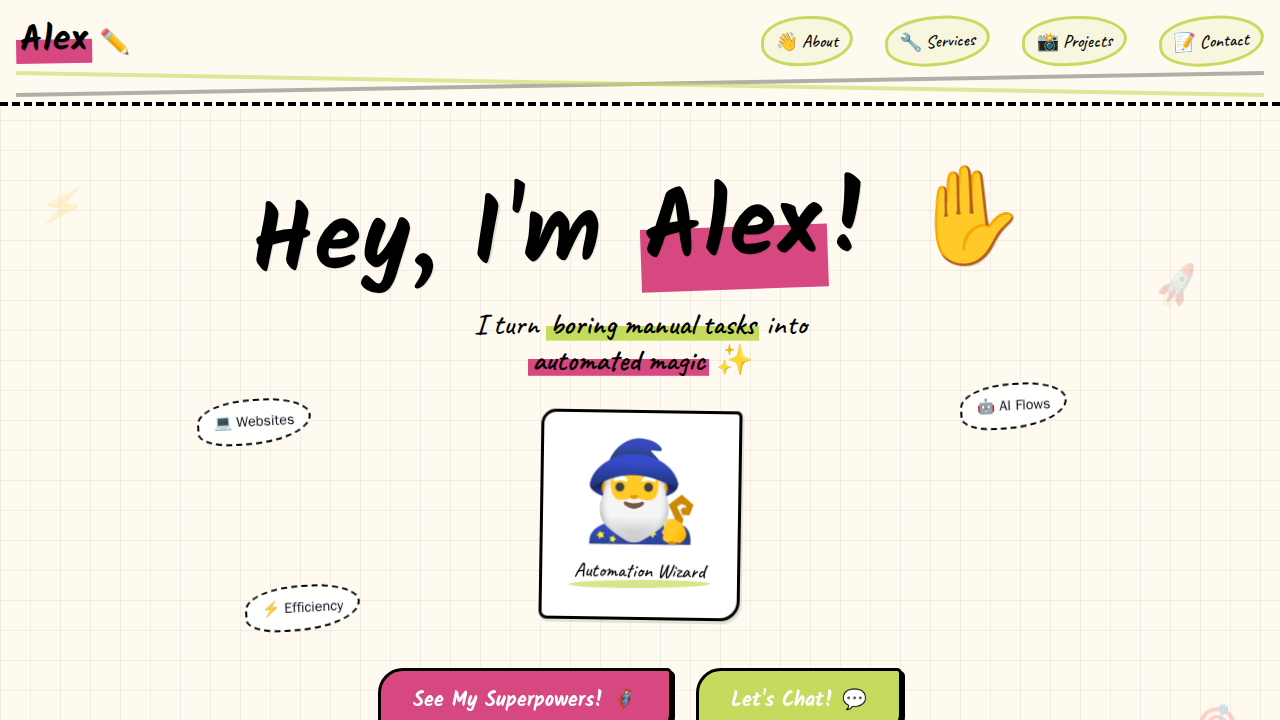
I build no-code scripts and micro-bots that handle your copy-paste chores while you grab coffee. Check my stack, clone the open-source templates, or DM me a 2-sentence pain-point—if I can automate it, I’ll send back the working demo for free.
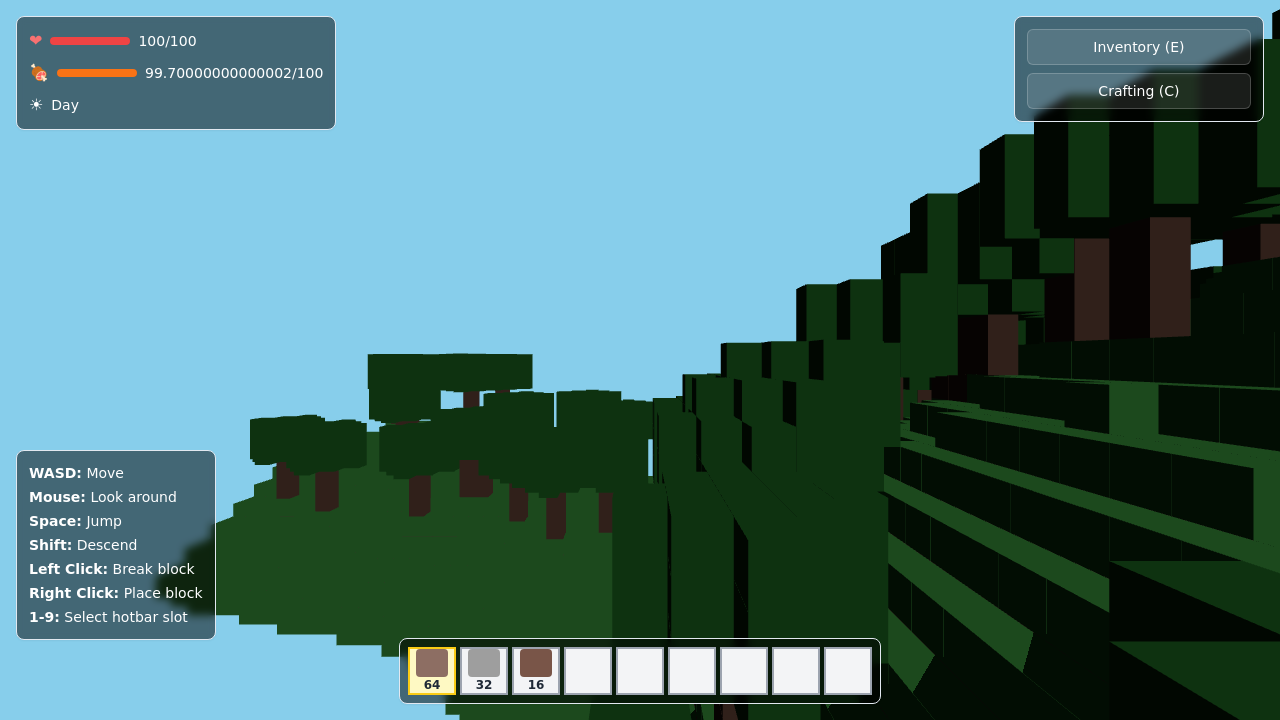
Build a 3D Minecraft clone with survival features.
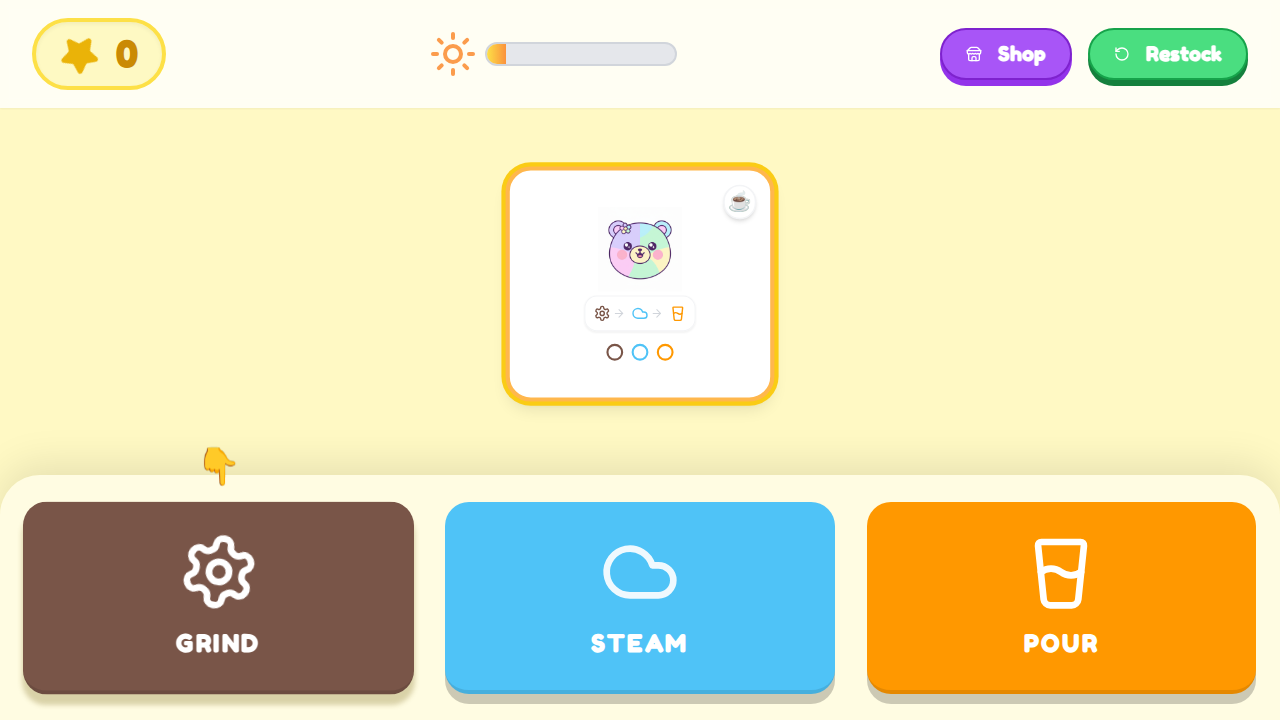
Coffee OS is a minimalist simulation game designed to look and behave like a Notion workspace, where customer orders appear as Kanban cards and players complete drinks using sequenced actions such as Grind → Steam → Pour. Each order earns currency, updates a Notion-style ingredient database, and unlocks faster “productivity upgrades,” all within a strict monochrome UI, emoji icons, and clean loading bars that mimic SaaS workflow tools.
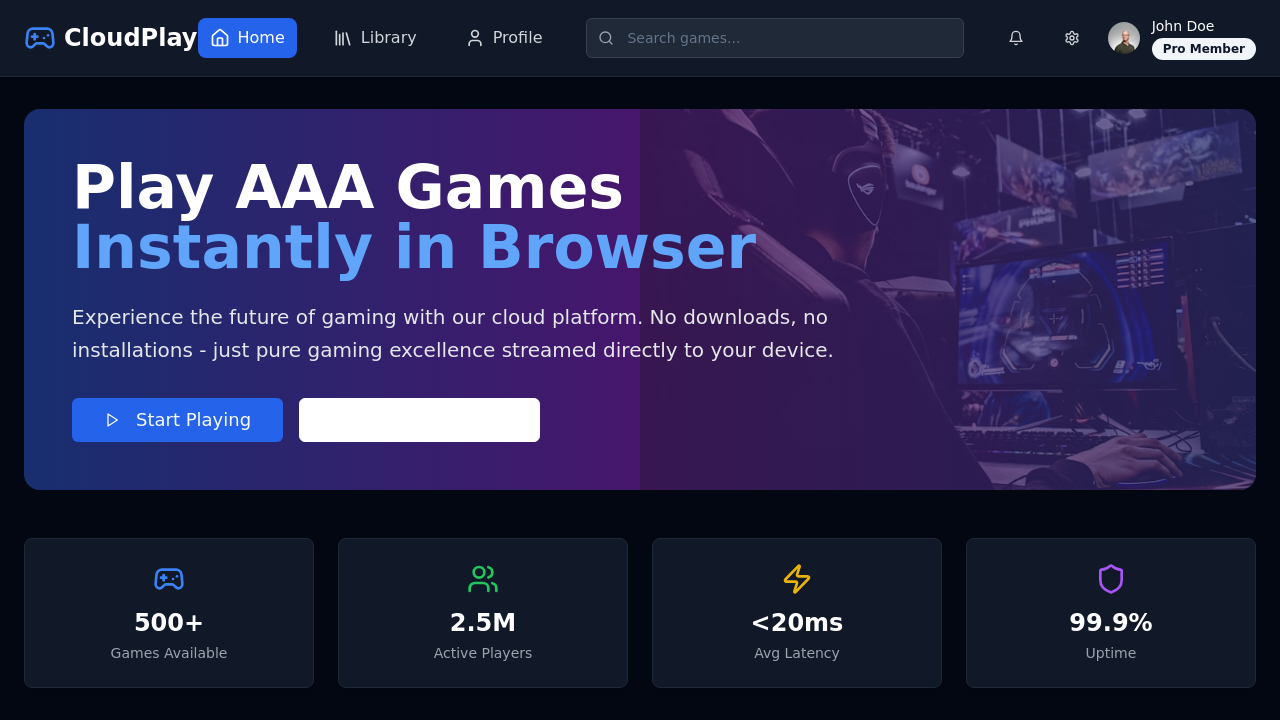
Open your browser, choose a AAA title, and start playing in under 30 seconds. Progress saves to the cloud and resumes on any screen; quit anytime and pay only for the minutes you used.
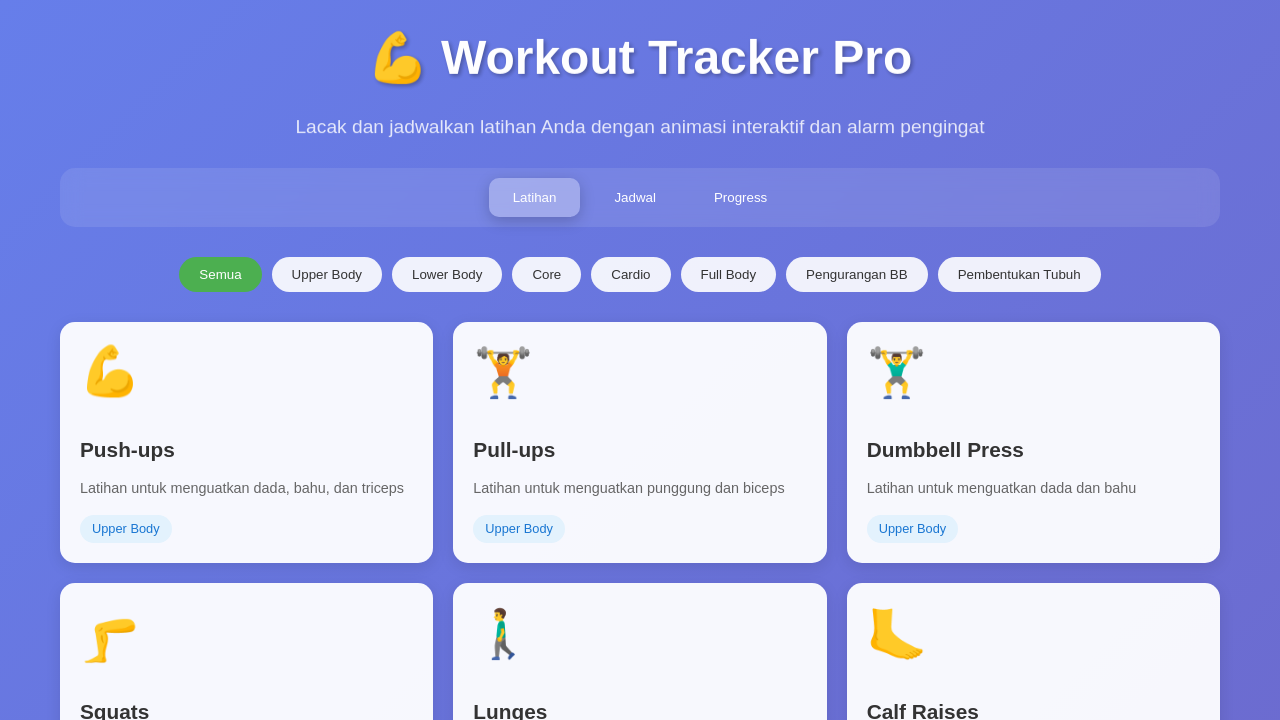
Create a workout tracker website with animations and scheduling.
The Deep Researcher agent scans current processor lineups — from AMD Ryzen 9000 and Threadripper to Intel Xeon 600 — and surfaces specs, pricing tiers, and compatibility notes so you skip hours of manual forum browsing.
Describe a budget like $4,000 for scientific computing with 16-24 CPU cores and machine learning support. Atoms generates a structured spec sheet with itemized costs, wattage estimates, and upgrade paths — ready to publish or share.
Go beyond static lists. Atoms deploys a live web configurator where visitors select CPU family, RAM capacity (up to 1TB for Threadripper builds), GPU tier, and storage — then see real-time price and compatibility feedback.
Run multiple agent teams in parallel to generate competing workstation build recommendations — one optimized for single-thread CAD performance, another for multi-GPU AI training — then pick the result that fits your audience.
Publish your configurator or comparison page to a custom domain with Atoms Cloud. Built-in hosting, authentication, and database mean your workstation build tool is production-ready without provisioning separate infrastructure.
Monetize your workstation build guides with integrated Stripe payments. Offer premium configuration consultations or paid build-list downloads — set up without juggling API keys or complex checkout flows.
Publish interactive workstation build guides with live pricing and component filters — no coding required, deployed in minutes.
Generate internal spec comparison tools for evaluating Threadripper vs. Xeon workstations across departments and budgets.
Deploy client-facing configurators that mirror offerings from Puget Systems or ORIGIN PC — on your own domain with your branding.
Research and document your ideal rendering workstation build, then share a live spec page with collaborators or sponsors.
Use AI to build a clear SaaS landing page that explains what you do and drives signups.
Use AI to build your startup’s first landing page that explains your vision and collects early interest.
Use AI to turn your skills and past work into a clear portfolio site that helps clients say yes.
Use Atoms to design both your backend and website so you can launch a working app from one place.
Build a complete flashcard maker with AI generation, spaced repetition, and custom branding — no code required.
Describe your ideal PC configurator in plain language. Atoms handles the research, design, and deployment — you ship.
