On this page
A furnished apartment inventory list should record each item by room, then capture move-in and move-out condition as separate dated inspections. Copy the CSV below to start a room-by-room checklist; its separate inspection rows preserve the baseline instead of replacing it with the later observation.
Download the sample CSV · Download the form field specification
Copy the furnished apartment inventory list
Use one row per item per inspection. Keep a stable item_id across inspections, and give each inspection its own ID, date, observer, condition, and evidence reference. A photo reference should identify a private file or folder that authorized participants can access; do not put a public image URL in a tenant-facing record.
The rows are synthetic examples. They describe observations for comparison, not a conclusion about responsibility, a deposit deduction, or a legal claim. Record what each person can see, keep the original evidence, and let the parties resolve disagreements through the process in their agreement.
Make the handover usable on paper
Put the property address or internal code, unit, inspection date, inspection stage, and participant names at the top. Then list rooms in a consistent order and include item, quantity, condition, notes, photo reference, and an acknowledgement area. Leave enough room for handwriting and use a separate page for additional notes or disputed items.
| Room | Item | Qty | Move-in condition / note | Move-out condition / note | Evidence reference |
|---|---|---|---|---|---|
| Living room | Two-seat sofa | 1 | Good; small mark on left arm | Fair; mark appears longer | IT-001, both inspection IDs |
| Kitchen | Water glasses | 6 | Good; count verified | Good; count is 5 | IT-002, both inspection IDs |
Both the paper form and the app should identify the exact inspection version. If someone corrects a misspelled item name, preserve the change history where possible; never turn a move-out observation into the move-in baseline. A signed acknowledgement records that the listed version was reviewed. It does not automatically settle a disagreement about damage or payment.
Model inspections and photos as dated evidence
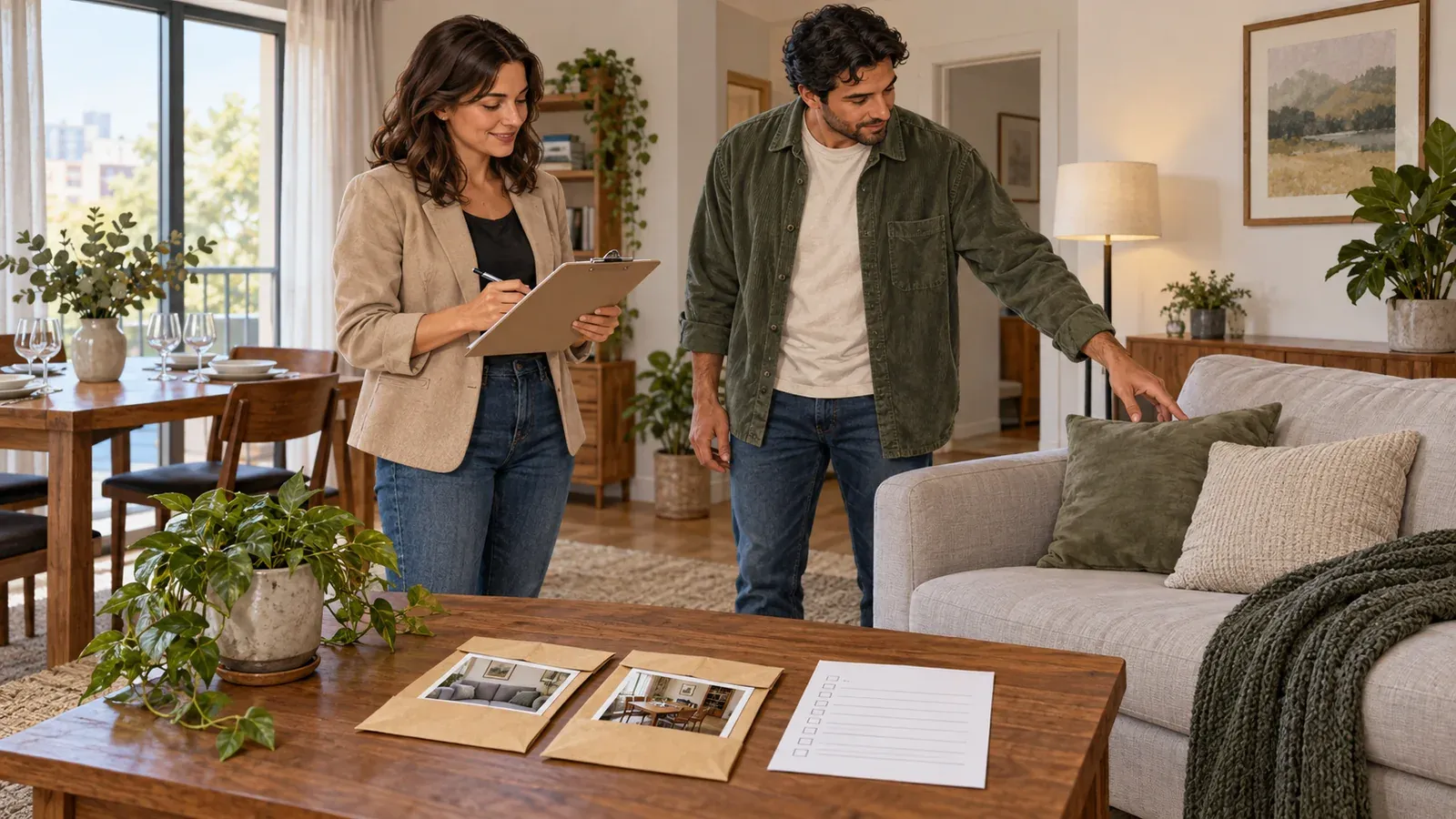
AI-generated editorial concept; not a screenshot of a deployed app.
For a digital version, organize data around seven tables: properties, rooms, items, inspections, inspection_items, photos, and acknowledgements. Each inspection belongs to a property and has a stage, timestamp, and inspector. Each inspection_items row links a stable item ID to one inspection ID and stores that inspection’s observed quantity, condition, and notes. Enforce one observation per item and inspection. Once acknowledged, freeze the observation snapshot; corrections create a new inspection version requiring a new acknowledgement. Store photo references on that observation so a later inspection does not overwrite earlier evidence. The app design below is a proposed build; the checks are acceptance steps for the resulting app.
The property manager can manage a property and create inspection versions. A tenant should see only the handover assigned to them, including its items and photos, and should not see other units or tenants. Keep photo storage private and restrict access through the app's authorization rules. A shareable inspection link should not grant access to unrelated property records.
Atoms documents Supabase and Atoms Cloud as alternative backends for an Atoms project. Choose one for the project. Supabase connection is setup, not proof that an app saves records; build the data feature and test that records remain after refresh, edits read back correctly, and a second tenant account cannot access another property's inspection. (Atoms Help Center, “Connect Supabase”)
Review the available connector actions and requested permissions before connecting external services. Atoms notes those capabilities can vary by connector and release. (Atoms Help Center, “Integrations”)
This inventory and handover workflow does not need Stripe. Keep condition records and acknowledgements separate from deposits or any other financial process.
For an app build, seed one property with two rooms, a sofa, and six glasses. Add a move-in inspection and a later move-out inspection where five glasses are observed. Refresh and confirm both versions remain attached to the same item IDs; compare the two photo references; try opening the record as a tenant assigned to another unit.
Use this short build prompt to start the proposed version:
Copy the build brief and use it to create your version in Atoms.
You can adapt a spreadsheet into an app with the spreadsheet-to-web-app guide, then use the client portal guide to plan tenant-specific access. Keep the printable list available for participants who need to inspect and acknowledge the handover in person.
