On this page
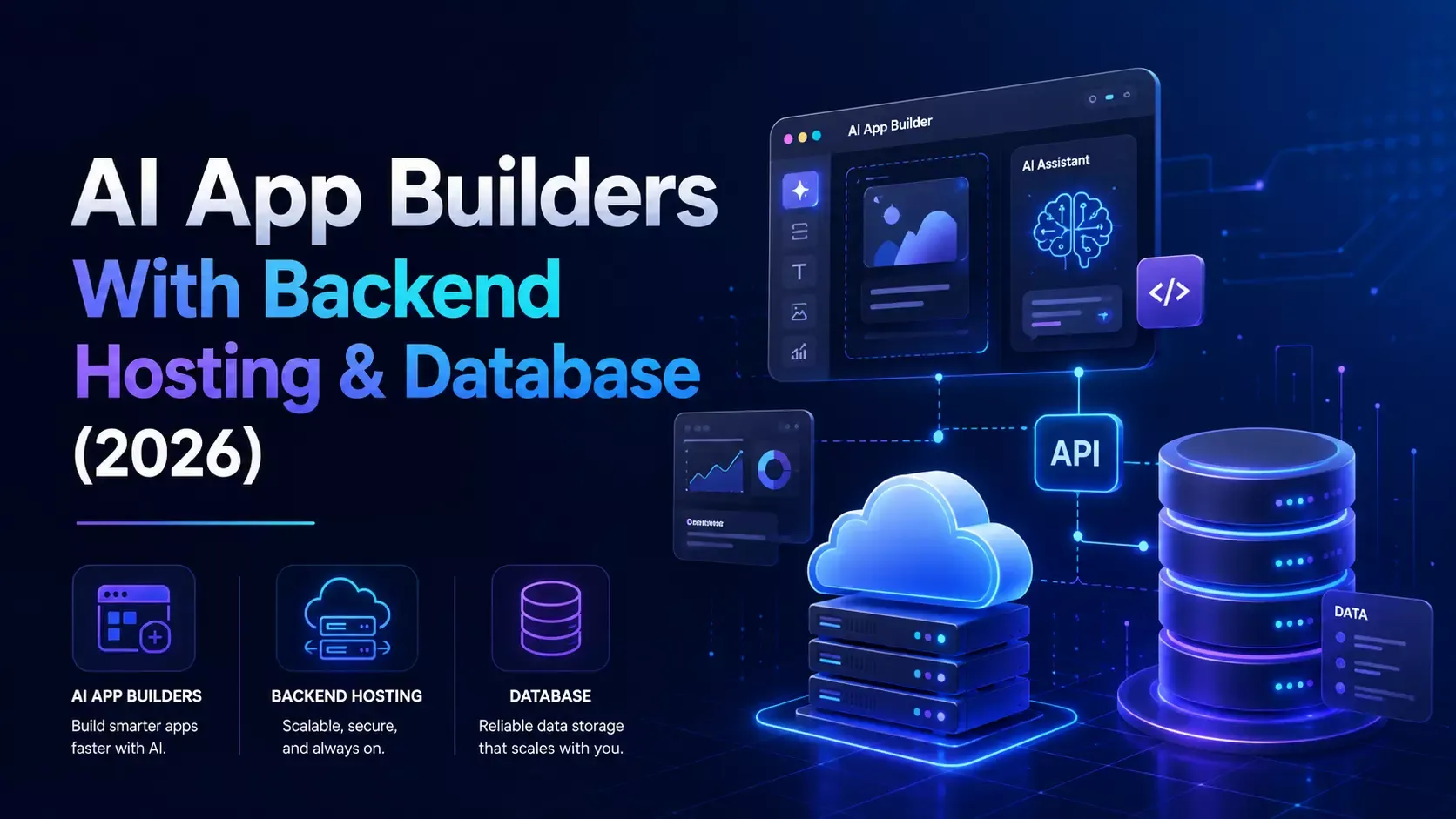
From a generated interface to a deployable application: production requires persistent data, identity, payments, security, and operational ownership.
“I built a SaaS in ten minutes.”
That sentence is increasingly easy to say. The harder sentence comes later:
“Now make the authentication real, persist the data, connect payments, protect permissions, deploy it, and tell me when something breaks.”
This is where many AI app builders reveal the difference between a prototype and a product. A page can open in a preview while the underlying application still has no durable database, no server-side authorization, no payment webhook, no deployment workflow, and no clear owner when production fails.
The market is moving quickly toward production-ready AI app builders: tools that do not stop at generating screens, but help create the infrastructure required to operate a real application. Lovable now describes its platform around end-to-end infrastructure, including hosting, authentication, payments, connectors, security, and analytics. Google’s Firebase documentation similarly shows AI-assisted development provisioning real services such as Firestore, Authentication, Security Rules, and Hosting.
Atoms belongs in this shift for a direct reason: Atoms can build apps with Atoms Backend, Stripe integration, managed hosting, authentication, persistent data, and deployment workflows—not just a front-end mockup.
The prototype-to-production gap
A prototype answers:
Can users see the idea and click through the main screens?
A production application must answer harder questions:
- Where does the data live after refresh or redeploy?
- Who is allowed to read or change each record?
- What happens when payment succeeds but the browser closes?
- Where does server-side business logic run?
- How are secrets protected?
- Can the application use a custom domain?
- How is a failed deployment detected?
- Who owns the code and infrastructure?
- Can the team export, inspect, and extend the implementation?
The difference is not polish. It is the existence of a reliable system behind the interface.
What production-ready means
For an AI-generated app, “production-ready” should be treated as a checklist rather than a marketing adjective.
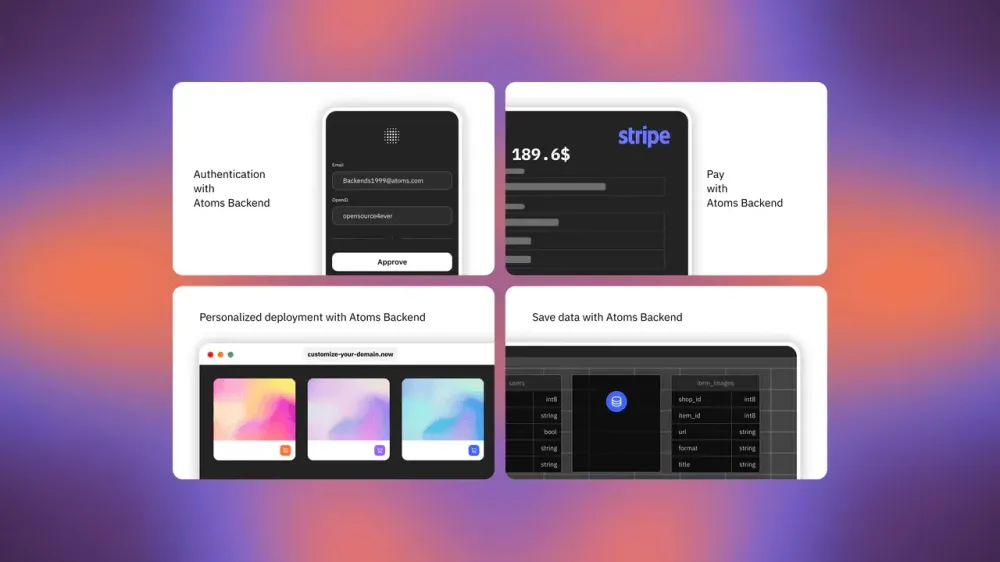
The production layer expands beyond UI generation into identity, data, payments, security, deployment, and operations. This Atoms Cloud visual is a platform illustration; verify the current feature configuration for each project.
1. Persistent database
The application needs a real data layer that survives refreshes, new sessions, deployments, and multiple users.
A production database requires more than a table-shaped UI. Define:
- entities and relationships;
- unique identifiers;
- required and optional fields;
- indexes and query patterns;
- migrations or schema changes;
- seed and test data boundaries;
- backup and retention expectations.
localStorage can be useful for a demo preference or temporary client state. It is not a replacement for shared, durable application data.
Atoms capability: Atoms Backend provides the application backend and persistent data layer for projects that need more than a front-end preview. Describe the entities, user flows, and data rules in the build brief, then inspect the generated behavior rather than assuming that a visual table is backed by durable storage.
2. Authentication and authorization
Authentication answers “who is this user?” Authorization answers “what is this user allowed to do?”
A production app needs both.
Examples of authorization rules include:
- a customer can read only their own invoices;
- a team member can edit projects in their workspace;
- an owner can invite or remove members;
- an administrator can access moderation tools;
- a guest can view public content but cannot mutate records.
A login screen without server-side permission checks is not a secure application. The important rule must be enforced where the data and action are protected, not only in the UI.
Atoms capability: Atoms includes authentication through Atoms Backend. Specify user roles, protected routes, ownership rules, and the actions each role can perform. Then test the same flow as a signed-out user, a regular user, and an administrator.
3. Payments and webhooks
A fake checkout button proves almost nothing. A real payment workflow must handle asynchronous events and unreliable networks.
A production payment integration should define:
- products and prices;
- one-time payments or subscriptions;
- successful checkout;
- failed payment;
- cancellation;
- refund;
- renewal;
- entitlement state;
- webhook verification;
- idempotency;
- customer support lookup.
The browser should not be the sole source of truth for whether a customer paid. Payment providers send events after the user leaves the page, retries a request, or returns later. Your application needs server-side logic to process those events safely.
Atoms capability: Atoms supports Stripe integration for payment flows. Ask for the product catalog, checkout behavior, subscription state, success and failure paths, and webhook-driven entitlement updates explicitly. Test payment state transitions in the deployed environment, not only the happy-path preview.
4. Server-side logic
Many applications contain rules that should not run only in the browser:
- calculating prices or discounts;
- validating ownership;
- processing webhooks;
- calling private APIs;
- sending transactional email;
- generating exports;
- applying rate limits;
- running scheduled tasks;
- writing audit events.
If a secret or permission decision is shipped to the browser, assume that users can inspect it. Production-ready AI app generation must make the boundary between client and server visible.
When prompting an AI app builder, say which operations are server-side and which data must never be trusted from the client.
5. Security rules
Security is not a final prompt asking an AI to “make it secure.” It is a set of explicit, testable constraints.
A useful security brief includes:
- who can read each entity;
- who can create, update, and delete it;
- whether users can access records by ID guessing;
- what validation occurs at the server boundary;
- which secrets are stored as environment variables;
- how uploads are restricted;
- how abuse and repeated requests are handled;
- which actions require confirmation or re-authentication.
Firebase’s AI-assistance documentation is a useful engineering reference because it describes AI coding agents working with Firestore, Authentication, Security Rules, and Firebase Hosting. The point is not that every app should use Firebase. The point is that a real backend workflow includes provisioning, rules, validation, and deployment—not just generated UI.
6. Custom domain and deployment
A product is not production-ready if it exists only inside a builder preview.
The launch path should cover:
- production deployment;
- HTTPS;
- custom domain;
- environment configuration;
- build failures;
- rollback or recovery;
- preview versus production separation;
- database migration sequencing;
- ownership of the deployed code.
Atoms capability: Atoms provides managed hosting through Atoms Cloud and supports custom-domain deployment workflows. The practical goal is to move from a generated project to a live URL that can be tested, shared, and iterated without assembling a separate hosting stack first.
7. Logging and monitoring
The first production failure is rarely the last. A team needs to know:
- whether a deployment completed;
- whether requests are failing;
- whether checkout webhooks are arriving;
- whether authentication is broken;
- whether a key user flow has slowed down;
- whether the database is returning authorization errors;
- whether a third-party connector is unavailable.
At minimum, define meaningful error states and an operational path for investigating them. A friendly “Something went wrong” message is useful for users, but insufficient for the team responsible for fixing the problem.
If the builder does not expose every monitoring feature your application needs, keep a clear escape hatch: inspect the generated code, connect external observability, and document the runtime boundaries.
8. Code ownership and escape hatch
AI acceleration should reduce implementation friction, not create permanent dependency on a chat box.
Before launch, confirm:
- where the source code lives;
- how changes are reviewed;
- whether the app can be exported;
- whether the database schema is understandable;
- whether integrations can be replaced;
- whether a developer can debug a failed request;
- whether the team can migrate away if requirements change.
Atoms capability: Atoms is designed to take projects from natural-language requirements through full-stack implementation and deployment, while keeping the resulting product available for inspection and continued iteration. Treat code ownership and export requirements as part of the initial brief, not a late rescue plan.
The production-ready AI app builder checklist
Use this before calling an AI-generated application ready for real users.
Data
- [ ] Real persistent database exists.
- [ ] Schema and relationships are documented.
- [ ] Data survives refresh, redeploy, and multiple sessions.
- [ ] Validation exists at the server boundary.
- [ ] Backup, retention, and migration expectations are known.
Identity
- [ ] Users can sign up, sign in, sign out, and recover access.
- [ ] Protected routes are enforced beyond client-side navigation.
- [ ] Authorization rules exist for every sensitive entity.
- [ ] Tenant or workspace boundaries are tested.
- [ ] Admin actions are separated from customer actions.
Payments
- [ ] Stripe products and prices are defined.
- [ ] Checkout success and failure are handled.
- [ ] Webhooks are verified and idempotent.
- [ ] Subscription, refund, and cancellation states are represented.
- [ ] Entitlements are derived from trusted server-side events.
Security
- [ ] Secrets are not embedded in client bundles.
- [ ] Record access cannot be bypassed by changing an ID.
- [ ] Inputs are validated and constrained.
- [ ] Uploads, connectors, and external calls are restricted.
- [ ] Sensitive actions require confirmation or re-authentication.
Deployment
- [ ] Production deployment is separate from preview.
- [ ] HTTPS and custom domain are configured.
- [ ] Environment variables are defined for each environment.
- [ ] Failed builds and deploys are visible.
- [ ] A rollback or recovery path exists.
Operations
- [ ] Errors are logged with enough context to debug.
- [ ] Payment and authentication failures are observable.
- [ ] Critical user flows have smoke tests.
- [ ] There is a documented support and incident path.
- [ ] The team knows who owns the code and runtime.
Atoms versus a front-end-only generator
A front-end-only generator is often enough for:
- a landing page;
- a clickable concept;
- a design test;
- a static marketing page;
- a short-lived internal demo.
A full-stack AI app builder becomes more valuable when the application needs:
- user accounts;
- persistent records;
- protected routes;
- payments;
- server-side workflows;
- file or data integrations;
- a real deployment;
- continued product iteration.
Atoms combines these needs in one workflow:
| Production requirement | Atoms path |
|---|---|
| Authentication | Atoms Backend |
| Persistent application data | Atoms Backend database |
| Payment collection | Stripe integration |
| Server-side behavior | Backend and application logic |
| Hosting | Atoms Cloud managed hosting |
| Custom domain | Atoms deployment workflow |
| Continued development | Inspectable, iterative generated project |
| Product validation | Live preview and deployed result |
The exact availability, limits, and configuration can vary by project and should be checked in the current Atoms workspace. The broader distinction is stable: an app builder should be evaluated by the running system it can deliver, not only by the first screen it generates.
A prompt for building a production-ready SaaS
Use a brief that forces the infrastructure into the first plan:
The prompt is deliberately less glamorous than a typical design brief. That is the point. Production requirements should shape the architecture before the builder spends its effort polishing screens.
How Firebase and Lovable change the market
The market evidence is useful because it confirms that production infrastructure is becoming part of the AI builder category.
Lovable’s current materials describe Supabase connectivity for database, authentication, storage, real-time features, and serverless functions. Its broader product positioning discusses hosting, payments, connectors, security, and analytics. That is a move away from “generate an app” toward “operate an application stack.”
Firebase’s official AI-assistance documentation describes a different but related path: an AI coding agent can initialize services, configure Authentication, provision Firestore, generate Security Rules, validate them, and deploy Hosting. The AI agent is operating against real infrastructure APIs and configuration, not merely returning a mock interface.
These examples do not make every generated application production-ready automatically. They establish a market direction: backend provisioning, identity, security, payments, deployment, and operations are becoming expected parts of the product promise.
From prompt to production with Atoms
Atoms is designed for the gap between a product idea and a running application.
A practical Atoms workflow is:
- Describe the business outcome — define users, entities, workflows, and success criteria.
- Plan the backend — specify Atoms Backend data, authentication, roles, and server-side rules.
- Build the product — generate the interface and full-stack behavior together.
- Connect payments — configure Stripe products, checkout, and webhook-driven entitlements.
- Preview and test — test real flows, error states, permissions, and persistence.
- Deploy — use Atoms Cloud hosting and configure the custom domain.
- Operate and iterate — inspect failures, improve the product, and keep ownership of the result.
This does not remove the need for security review, payment testing, legal review, or operational ownership. It removes the false assumption that those concerns must begin only after the prototype is finished.
Final answer: prototype speed is not production readiness
AI has made the first version of an app dramatically cheaper. That is good news—but it makes the backend gap more visible.
The question is no longer:
Can AI generate a convincing interface?
It is:
Can this AI app builder create and operate a real system with users, data, payments, permissions, deployment, and recovery paths?
Atoms directly supports that production path through Atoms Backend, authentication, persistent data, Stripe integration, managed hosting, custom-domain deployment, and continued project iteration.
A prototype gets attention. A production-ready application earns trust when the browser is refreshed, the payment is retried, the permission is challenged, the deploy fails, and the team still knows what to do next.
Sources
- Atoms Cloud: the agentic backend platform
- Atoms AI app builder with backend, hosting, and database
- Atoms AI app builder
- Atoms Backend website builder
- Atoms AI prototype generator
- Lovable: AI app builder
- Lovable Supabase integration documentation
- Firebase: Integrate services using AI assistance
- Firebase agent skills
- Firebase Security Rules
