On this page
Use a restaurant food inventory template that gives every ingredient one base unit, adds full packs and loose stock in that unit, and rounds the shortage up to whole purchase packs. Track mass in grams, volume in milliliters, or count in eaches. Do not convert grams to milliliters unless you have measured data for that specific ingredient.
Download the Excel workbook · Count lines (CSV) · Count sessions (CSV) · Purchase units (CSV) · Example rows (CSV) · Application field specification (JSON)
The synthetic examples are independently checkable: flour is 1 × 25,000 g + 4,000 g = 29,000 g on hand against a 35,000 g target, so order one 25,000 g pack. Milk is 2 × 6,000 mL + 500 mL = 12,500 mL against a 14,000 mL target, so order one case.
Give every ingredient one base unit
Create a stable ingredient_id and choose its dimension and base unit when the ingredient is added: mass with g, volume with mL, or count with each. Set the purchase pack size in that same base unit. A flour bag might contain 25,000 g; a milk case might contain 6,000 mL; a carton might contain 12 each.
Keep each ingredient’s units consistent through its count, target, and order calculation. A mass measurement and a volume measurement cannot be added directly. Do not treat 1 gram as 1 milliliter. If a recipe or supplier provides ingredient-specific density or measured conversion data, store that evidence and conversion rule explicitly; otherwise keep the original dimensions separate.
Convert packs and loose stock to base units
AI-generated editorial illustration.
Record the number of full purchase packs and any loose base units left outside full packs. Calculate:
On hand = full packs × base units per pack + loose base units
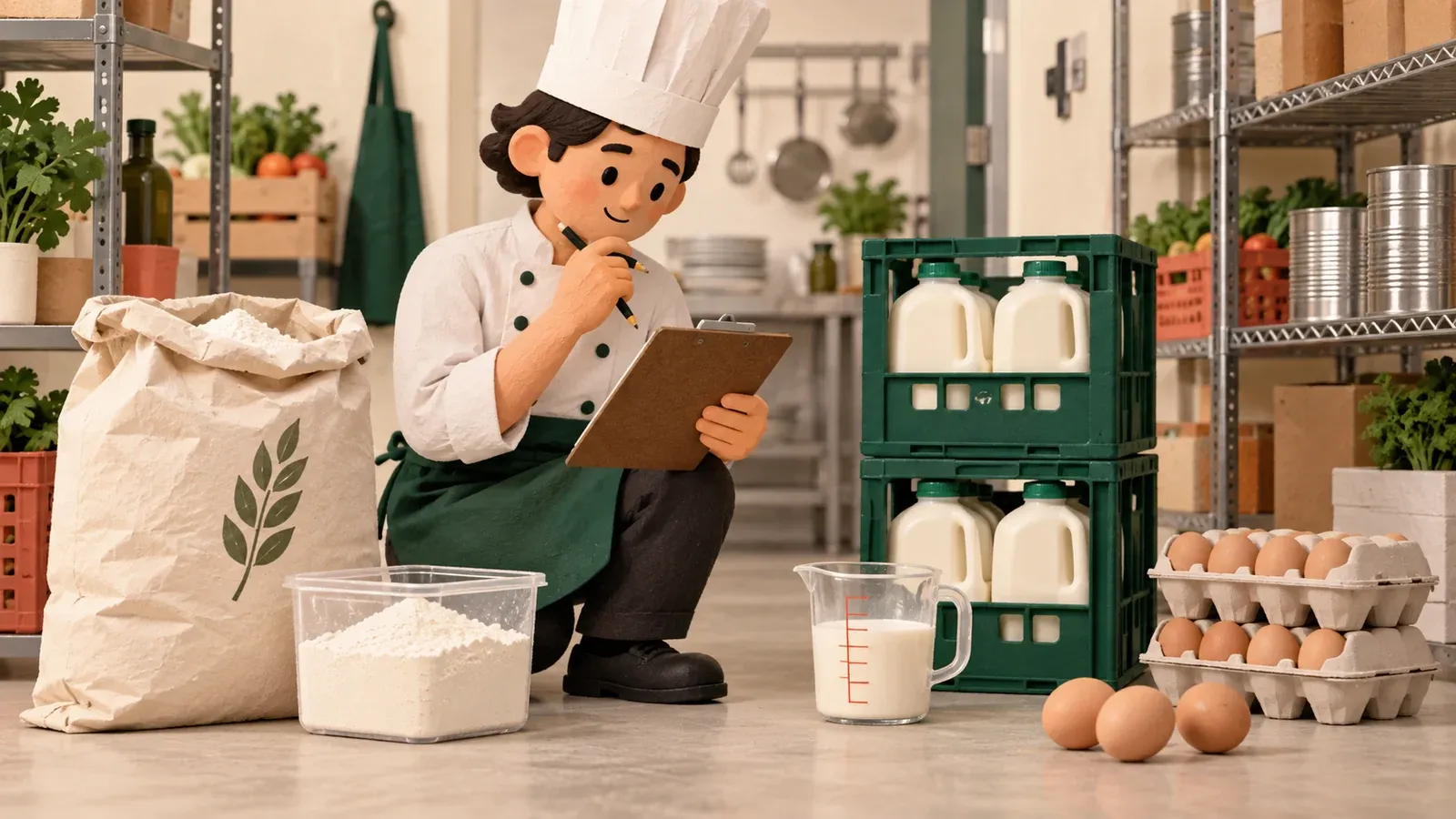
For example, one synthetic 25,000 g flour bag and 4,000 g loose flour give 1 × 25,000 + 4,000 = 29,000 g. Two 6,000 mL milk cases and 500 mL loose milk give 12,500 mL. Two 12-count egg cartons and three loose eggs give 27 each.
Use positive pack sizes and nonnegative whole full-pack counts. For counted items such as eggs, loose quantity and targets must also be whole numbers. Mass and volume can use decimals. Keep loose quantity in the base unit, not “partial case” or an ambiguous fraction, so count staff can enter the amount they actually measured.
Round the order up to whole packs
Set a target on-hand quantity per ingredient and calculate the shortage after the count. The order quantity is:
Order packs = ceil(max(0, target − on hand) ÷ base units per pack)
| Synthetic ingredient | Base unit | Pack size | Full packs | Loose units | On hand | Target | Shortage | Order packs |
|---|---|---|---|---|---|---|---|---|
| Flour | g | 25,000 | 1 | 4,000 | 29,000 | 35,000 | 6,000 | 1 |
| Milk | mL | 6,000 | 2 | 500 | 12,500 | 14,000 | 1,500 | 1 |
| Eggs | each | 12 | 2 | 3 | 27 | 32 | 5 | 1 |
For each row, the deficit is greater than zero and no larger than one pack, so the ceiling is one pack. If on-hand stock already meets or exceeds the target, max(0, target − on hand) is zero and the order is zero packs. The formula does not include incoming orders. Check open purchase requests before sending another, and count arrivals as stock only when received. The calculated packs are a recommendation, not a placed order.
Use the synthetic sample files
sample.csv contains one row per ingredient with its dimension, pack size, count, target, and calculated order. All ingredients and quantities are invented. Check each result within its own unit: flour stays in g, milk stays in mL, and eggs stay in each. The sample’s ordered stock after replenishment would be 54,000 g of flour, 18,500 mL of milk, and 39 eggs if the full recommended pack arrives and no stock changes first.
Use purchase_units.csv to keep pack definitions separate from count rows. In a spreadsheet, validate that pack size is positive, full packs are whole numbers, and loose units use the selected base unit. Recount an ingredient if its dimension, supplier pack, or loose quantity is uncertain rather than silently converting between mass and volume.
Move food counts into an app
These CSVs work as editable templates while a restaurant refines its counting process. Preserve ingredient, purchase-unit, location, session, and line IDs if you move the records to a workflow app. Atoms offers Atoms Cloud and a connected Supabase project as alternative backend choices; connecting Supabase alone does not create inventory forms, validation, or durable saves. Once an app is built, verify that a saved count remains after reload and that another role sees only its permitted records. Atoms Supabase connection guide
For a one-time spreadsheet migration, see Spreadsheet to web app. To plan a dedicated workflow, visit the Atoms AI app builder.
Build a restaurant food inventory app in Atoms
Copy this complete prompt into your Atoms project chat:
Copy the build brief and use it to create your version in Atoms.
