
On this page
A seating chart generator assigns people to seats or tables from a guest list. For an event with relationship rules, start with usable capacity, fixed positions, and the people who must sit together or apart. Generate a candidate, check those requirements, then adjust preferences. When the list changes, compare the revision with your accepted plan so you can see exactly who moved.
This guide focuses on weddings, dinners, and other events with table assignments. It gives you a fictional plan you can check by hand and a complete brief for building your own seating planner in Atoms: a guest-list form, a rule editor, a checked seat map, and a comparison of changed assignments.
Build a seating planner in Atoms with guest rules, a checked seat map, and clear revision comparisons.
Choose the right kind of seating chart generator
Choose a tool based on what it assigns and what it checks. A classroom grid, an event floor plan, and a rule-based allocation solve different parts of the job.
A randomizer places names into available positions. It is useful when many arrangements are acceptable, especially if you can preserve important seats. Mosaform's planner describes locked seats, shuffling, manual swaps, and print or CSV output.
A floor-plan maker helps you draw the room and place guests. SeatPlan advertises table shapes, CSV import, collaboration, and PDF or Excel exports. Check the plan conditions for the outputs you need.
A rule-aware generator considers relationships as well as space. Tablecharm describes together/apart rules and explanations when requirements conflict. ToolNaru describes hard and soft conditions, unassigned participants, and condition checks after manual edits. These are the providers' descriptions; test the behavior with a small fictional roster before uploading your real list.
For a wedding seating chart generator, try a pair that must share a table, a pair that must be separated, and one locked seat. Then deliberately enter contradictory rules. Inspect whether the tool shows the conflict and whether a manual move updates its checks. This gives you a more useful selection test than the appearance of its first chart.
Prepare a guest list and rules the generator can check
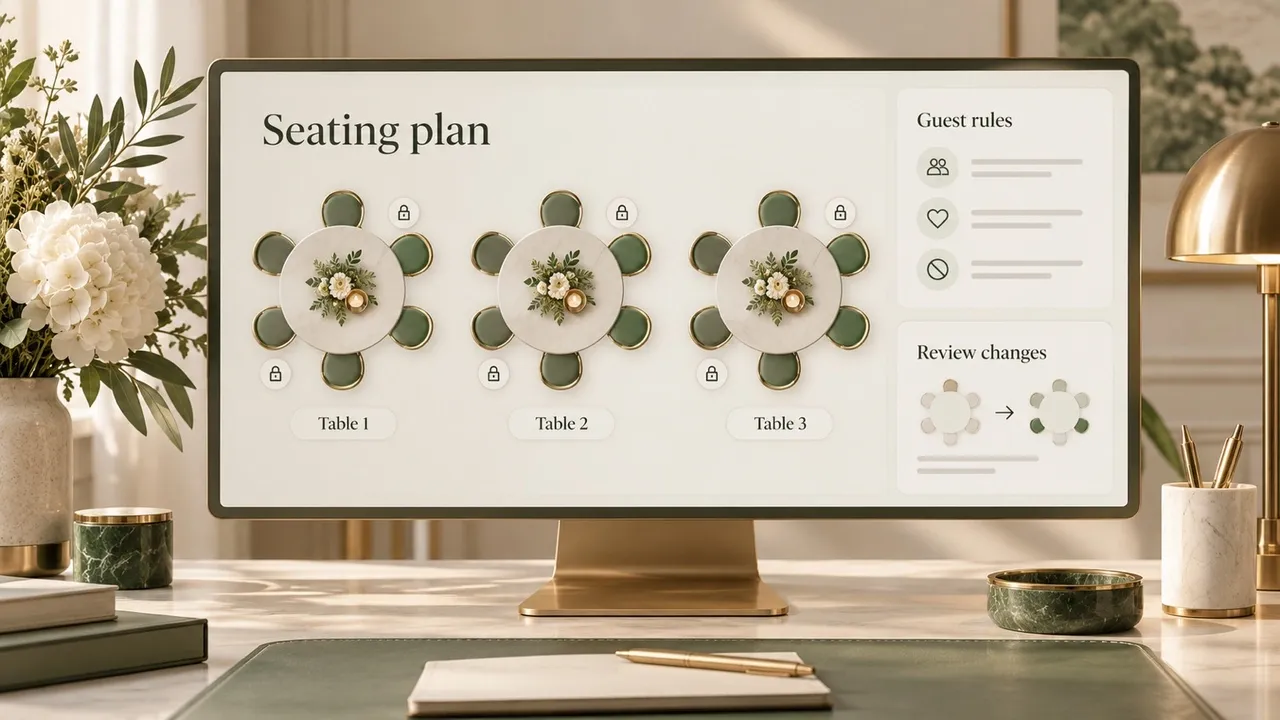
AI-generated editorial concept; not a screenshot of a deployed app.
Separate the guest roster from the rules. Give each guest a stable identifier so two people with the same display name remain distinct. Keep confirmed attendees, tentative attendees, and declined invitations distinguishable; choose which set the current plan includes.
| Input field | What to record | Check before generating |
|---|---|---|
| Guest ID and display name | One entry per person being seated | No duplicate IDs or unnamed plus-ones |
| Table and seat IDs | Usable positions in the agreed venue layout | Capacity matches the venue's confirmed arrangement |
| Fixed position | A specific table or seat that must stay assigned | The position is usable and has one occupant |
| Together group | People required to share a table | The full group can fit an eligible table |
| Apart rule | The exact pair and required separation | Define different tables, adjacent seats, or another condition |
| Preference | A desirable placement that can be relaxed | It is distinguishable from a hard requirement |
“Together” needs a definition. Sharing a table does not necessarily mean sitting next to each other. Likewise, “apart” can mean different tables, nonadjacent chairs, or a separation agreed with the organizer. A classroom's front-row or neighboring-desk conditions use a different geometry from a dinner's table assignments.
Record the practical condition without publishing the private reason behind it. For example, a staff view can show that a position must be kept available or that a guest has a confirmed access requirement; the guest-facing chart needs only the approved name and location. Confirm the physical route and placement with the venue and guest where appropriate. A generated diagram alone cannot establish that the room works for them.
Check why a plan might be impossible
Count usable seats first, then check whether the rules can coexist. Spare seats elsewhere do not make every group fit.
A mandatory group of seven cannot share a table with capacity six. The event might have plenty of seats overall, but that group still requires a larger eligible table or an organizer-approved change to the grouping rule.
Relationship rules can also contradict each other. If Alex must share a table with Blair, and Blair must share a table with Casey, all three must share that table. Requiring Alex and Casey to sit at different tables makes those three rules incompatible. Write down the conflicting rules together so the organizer can decide which one should change.
Locked positions introduce another check. Two guests cannot occupy the same seat. A group attached to a fixed guest needs enough remaining capacity at that guest's table. Treat occupied, blocked, and available positions separately.
If a tool returns no arrangement, inspect its explanation. A stated capacity shortfall or contradictory rule set gives you something specific to fix. An incomplete search or timeout leaves the answer unresolved. Repeatedly pressing Shuffle does not resolve a contradiction.
Work through a small, verifiable event plan
Consider an invented dinner with fourteen guests and three tables, each with six seats. There are eighteen positions and four empty seats. For this example, “together” means the same table and “apart” means different tables.
The hard rules are:
- Alex and Blair share a table; Casey and Devon share a table.
- Gray and Harper share a table; Morgan and Noel share a table.
- Blair and Gray sit at different tables; Erin and Kai sit at different tables.
- Alex stays at T1-S1, Gray at T2-S1, and Morgan at T3-S1.
The seat map below satisfies those rules. Seat numbers follow the table's agreed numbering scheme; this is an assignment example rather than a scaled room plan.
| Position | Table 1 | Table 2 | Table 3 |
|---|---|---|---|
| Seat 1 | Alex — locked | Gray — locked | Morgan — locked |
| Seat 2 | Blair | Harper | Noel |
| Seat 3 | Casey | Indigo | Empty |
| Seat 4 | Devon | Jules | Empty |
| Seat 5 | Erin | Kai | Empty |
| Seat 6 | Finn | Lane | Empty |
Validate the arrangement against the roster, not just the visible chair count. Every confirmed guest should appear once, every occupied position should have one guest, and each table should remain within capacity. Next, check every together group, apart pair, and locked position individually.
Here, all four pairs share their required tables. Blair and Gray are at Tables 1 and 2; Erin and Kai are also at Tables 1 and 2. The three locked guests remain in their specified seats. Empty positions belong to Table 3 and are available in this fictional setup.
Keep the checked map as your accepted version. A screenshot is useful for review, but retain the editable assignments and rules so the next change can be compared with them.
Add a guest without resetting the room
Now Owen confirms attendance and must share a table with Gray. Table 2 is full, and Gray is locked there. Table 3 still has space.
Move Lane from T2-S6 to T3-S3, then assign Owen to T2-S6. All original hard rules remain satisfied. The new plan has fifteen guests, three empty seats, and one existing guest whose assignment changed.
For this exact example, one existing move is the minimum. With zero existing moves, Table 2 keeps its six occupants and cannot admit Owen. The Lane move provides a valid one-move solution, so the lower bound is achievable. This proof depends on the stated capacities and lock; it is not a guarantee about a tool's optimizer.
There is another equally small edit: move Kai from T2-S5 to T3-S3 and place Owen at T2-S5. Erin remains at Table 1, so Erin and Kai stay apart. Both options move one existing guest. An organizer can choose between them using confirmed preferences that were not part of the hard rules.
| Revision option | Existing guest moved | Owen's assignment | What to review |
|---|---|---|---|
| Move Lane | T2-S6 → T3-S3 | T2-S6 | Whether Lane accepts the new table |
| Move Kai | T2-S5 → T3-S3 | T2-S5 | Whether Kai accepts the new table |
Use the same procedure for a late decline or a table change: preserve the accepted map, enter the change, compare candidate revisions, and rerun every hard-rule check. Count changed tables and changed seats separately if that distinction matters to your event. Reordering people within a table can still require new place cards even when nobody changes tables.
If your seating arrangement generator offers seat locks, verify what they preserve. Locking every occupied seat in this example would prevent the necessary move. Retain the genuine fixed positions while permitting the organizer to approve the smallest acceptable edit.
Hand off one approved version to guests and the venue
Create each output from the same accepted revision. Guests may need an alphabetical name-to-table list. Venue staff may need the table-by-table seat map. The organizer needs the editable rules and change history, with private reasons kept out of public exports.
Put a clear revision label on the staff files. After a change, replace the affected outputs together so the entrance chart, place cards, and staff list agree. Tell the responsible staff member which assignments changed rather than circulating another unexplained full chart.
Before printing or sharing, look up a guest in the exported list, find that person in the table map, and check a changed assignment against its revised place card. Inspect name spelling, table labels, empty positions, and readability at the intended print size. Also verify the selected tool's saving, export, sharing, and access behavior before relying on it for the event.
Build your seating planner with Atoms
Build your own planner when your team needs a specific input form, rule-review screen, or change-approval process. Atoms turns natural-language briefs into websites and web applications, supports conversational iteration, and provides application infrastructure, deployment, and code export. Describe the workflow, review the generated app, and refine the parts your organizers actually use.
Connect those capabilities to the seating task:
- Guest-list and rule screens: ask for CSV import, stable guest IDs, table capacities, fixed positions, and clearly separated requirements and preferences.
- A reviewable seat map: ask for assignment checks, visible violations, and an accepted-versus-candidate comparison showing who changes seats or tables.
- A team workflow: use sign-in and persistent event storage, with organizer access and private notes checked before entering real guest data.
- An editable app you can launch: refine the interface through conversation and use deployment or code export for the next stage of your project.
The assignment algorithm needs to validate the exact rules you enter. Use the example above to check every-person-once, capacity, locks, and relationship constraints. For larger inputs, a solver's search limit and evidence determine whether it can claim a minimum-change solution; the sample's one-move proof applies to its stated inputs.
Copy the complete brief below and build your seating planner in Atoms.
Copy the complete prompt, open Atoms with the button, and paste it into a new build after signing in. The prompt stays here for you to copy; the button does not automatically prefill it.
Review the initial demo, both Owen revisions, exported guest lists, and access behavior before using real attendees. For the separate task of building a venue-facing website, the restaurant website guide covers menus, visit information, and reservation paths; the Atoms AI App Builder introduces the broader app-building workflow.
Conclusion
Bring your venue's confirmed table layout and a clear guest-rule list into the build brief. Start with the fictional acceptance test, review the app's checks, then adapt the forms and revision controls to your event team's workflow. Build the planner in Atoms and keep the accepted arrangement under organizer control.
Turn your guest list and seating rules into a planner your event team can use.
Frequently asked questions
01Q1: Can I create and export a seating chart for free?
Check the selected tool's current plan. A free design or preview can have different conditions for saving, exporting, and collaboration. Try the exact output you need before entering the full roster.
02Q2: Should I assign tables or individual seats?
Choose the level the event needs. Table assignments leave guests to choose chairs; individual seats make place cards and fixed-position requirements explicit. Confirm the venue's handoff format before building the chart.
03Q3: Should AI infer who needs to sit together?
Enter confirmed rules instead of asking it to infer relationships or personal needs from names. The organizer should decide which requirements are mandatory and approve changes when they conflict.
04Q4: What if several arrangements pass every rule?
Compare them using your preferences and the number of changed assignments. Passing the hard checks establishes feasibility; it does not tell you which social arrangement your guests will prefer.
