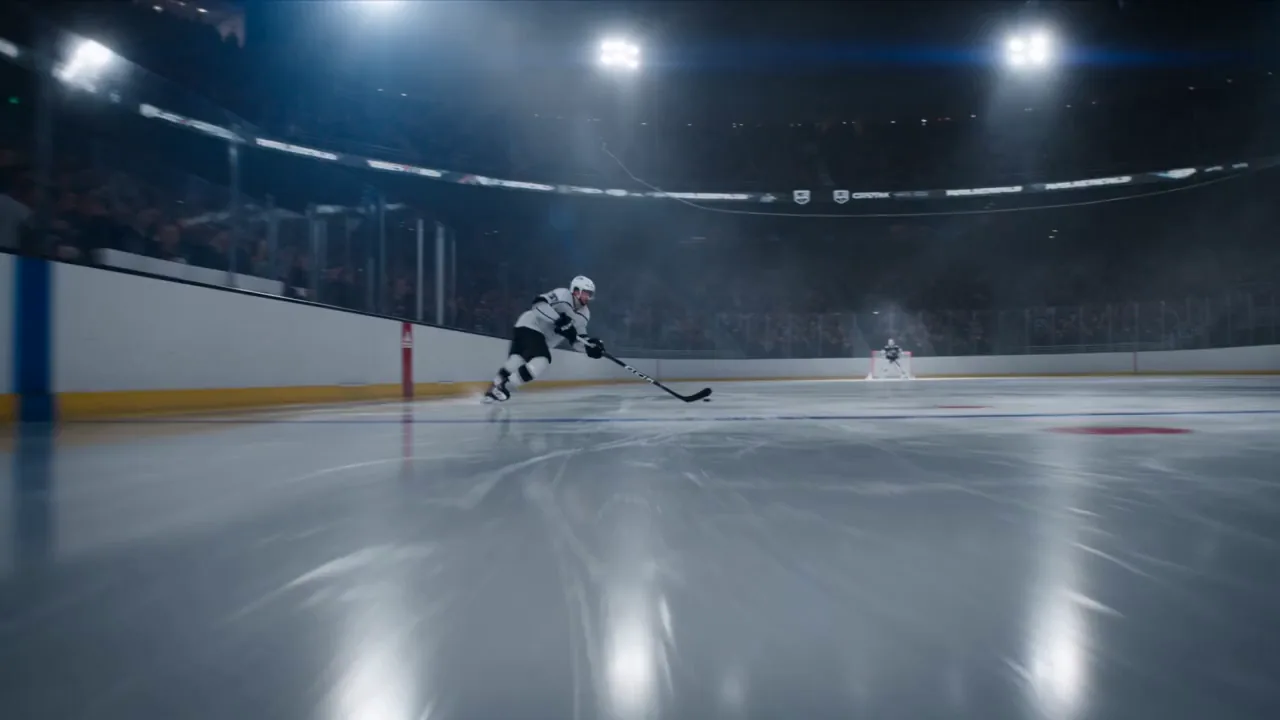
Make every movement count.
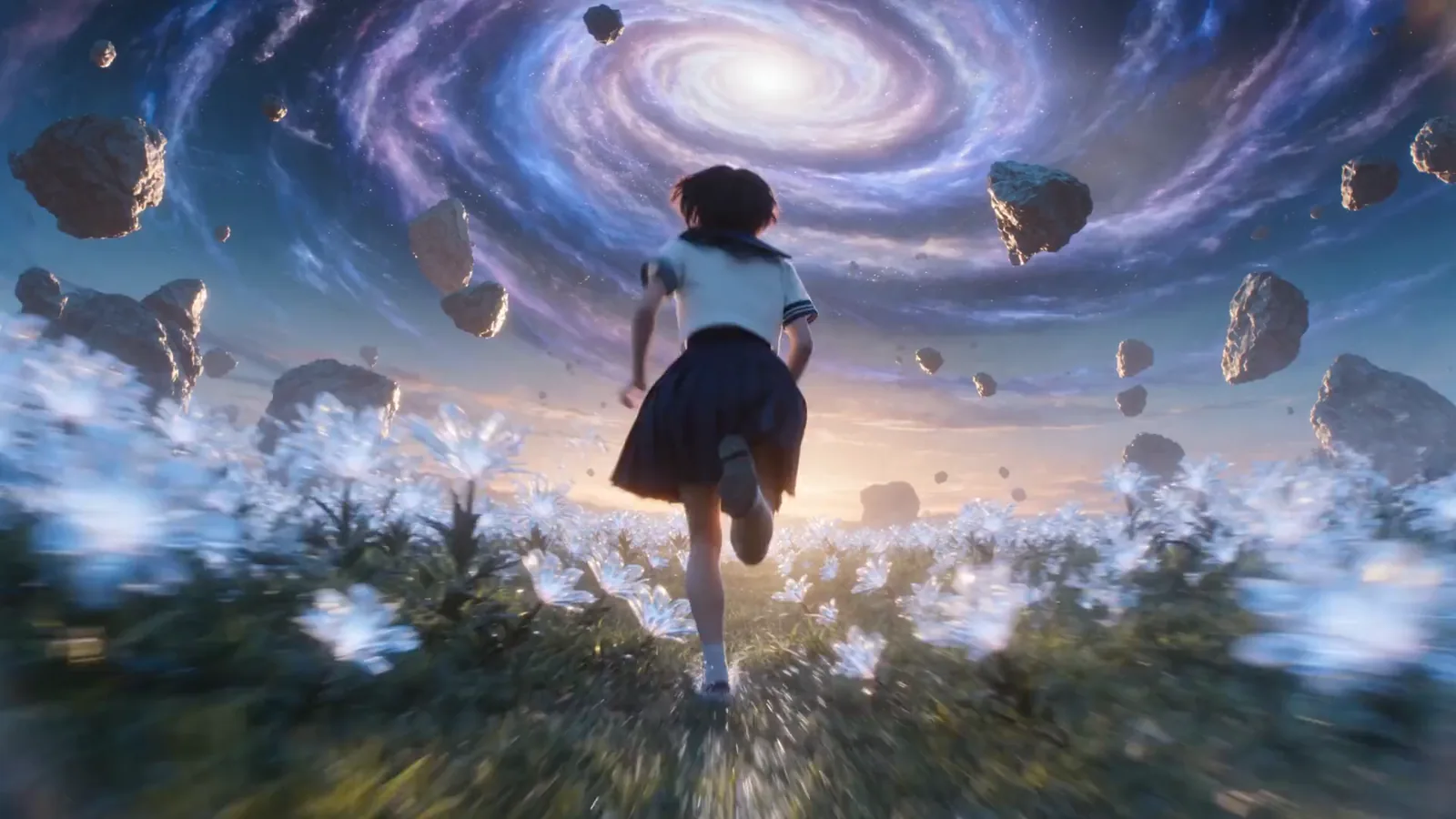
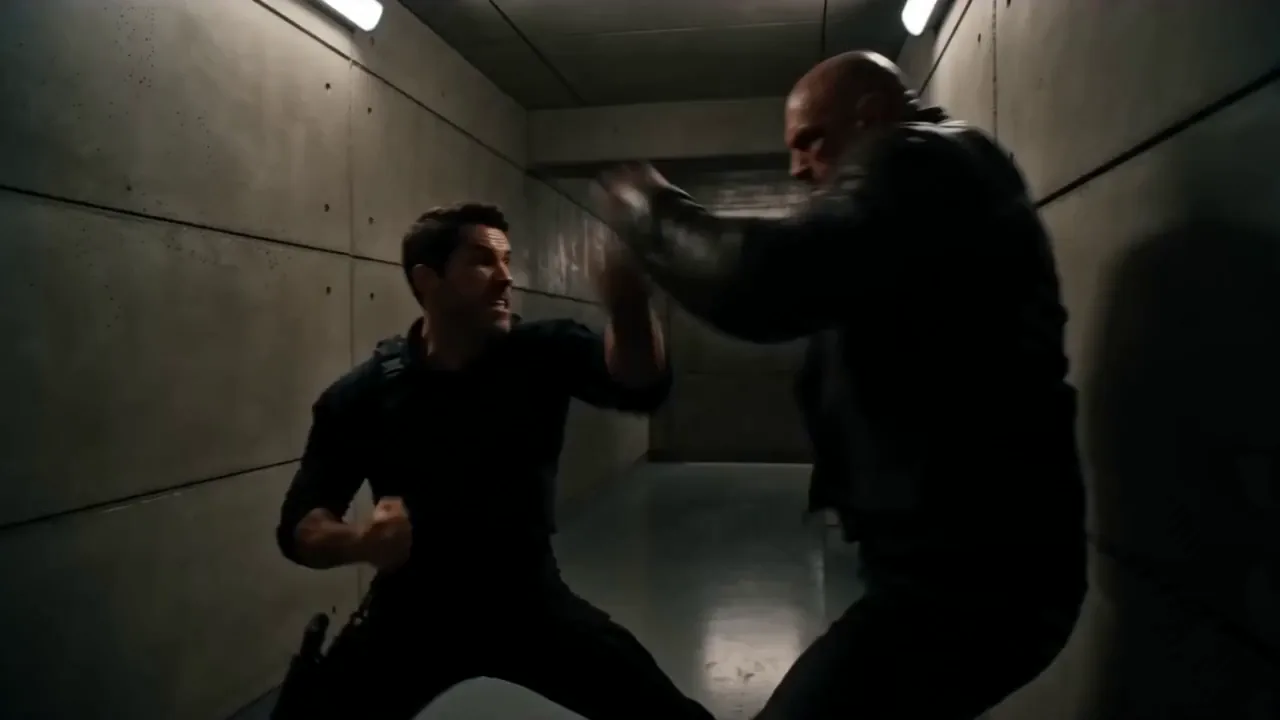
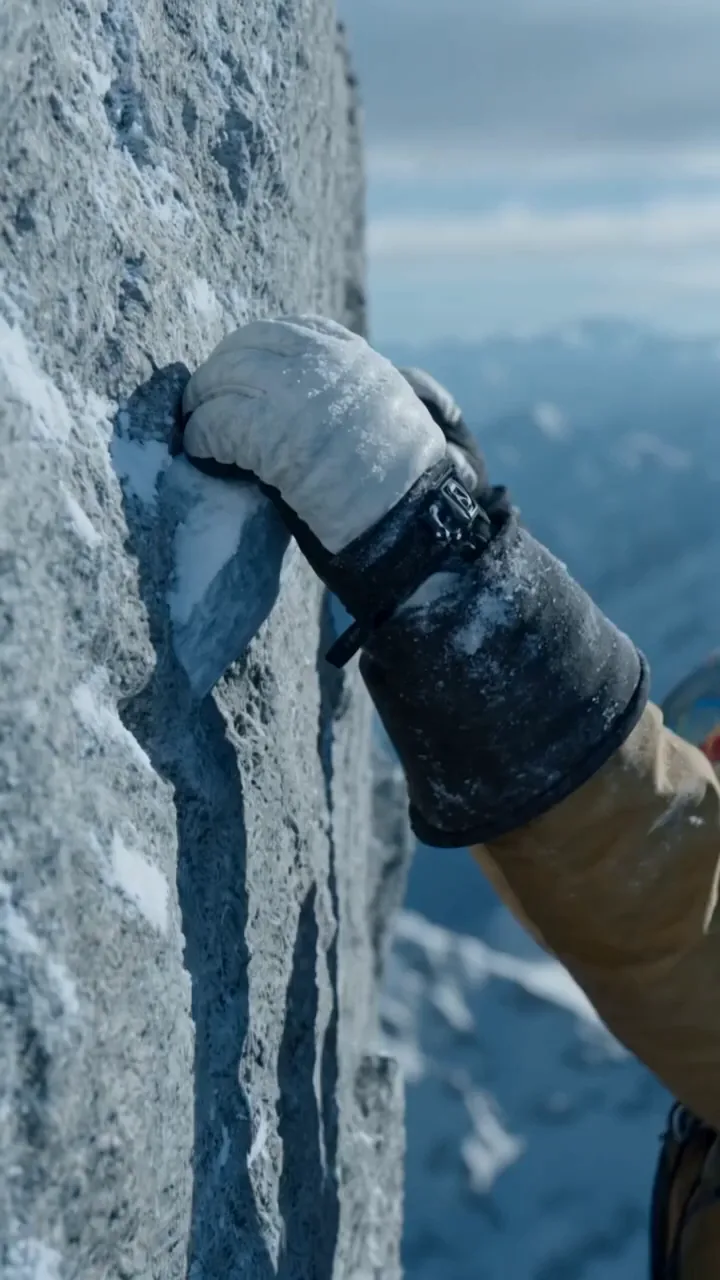
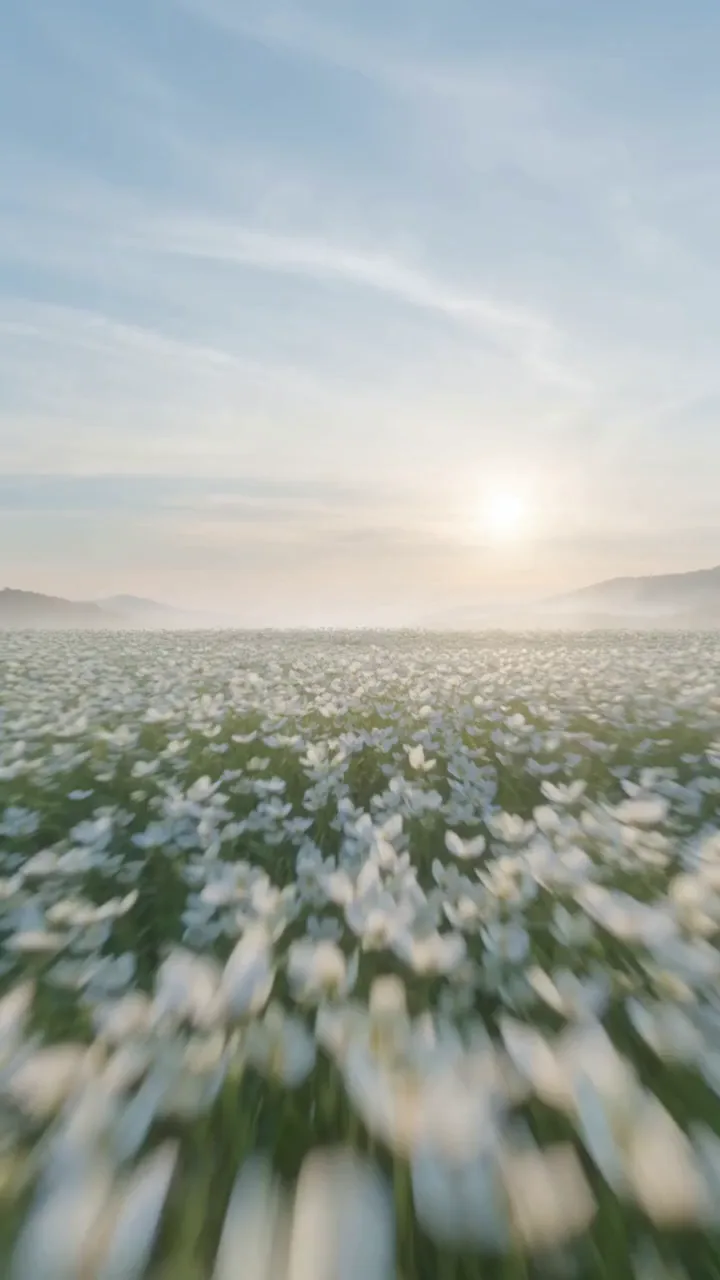
An idea. An image. A whole new world. Bring your vision to life with AI video, right inside Atoms.
Trusted by builders at





Explore video models, bring your own references, and shape a shot with words. Atoms keeps the creative workflow together, from your first idea to your next take.
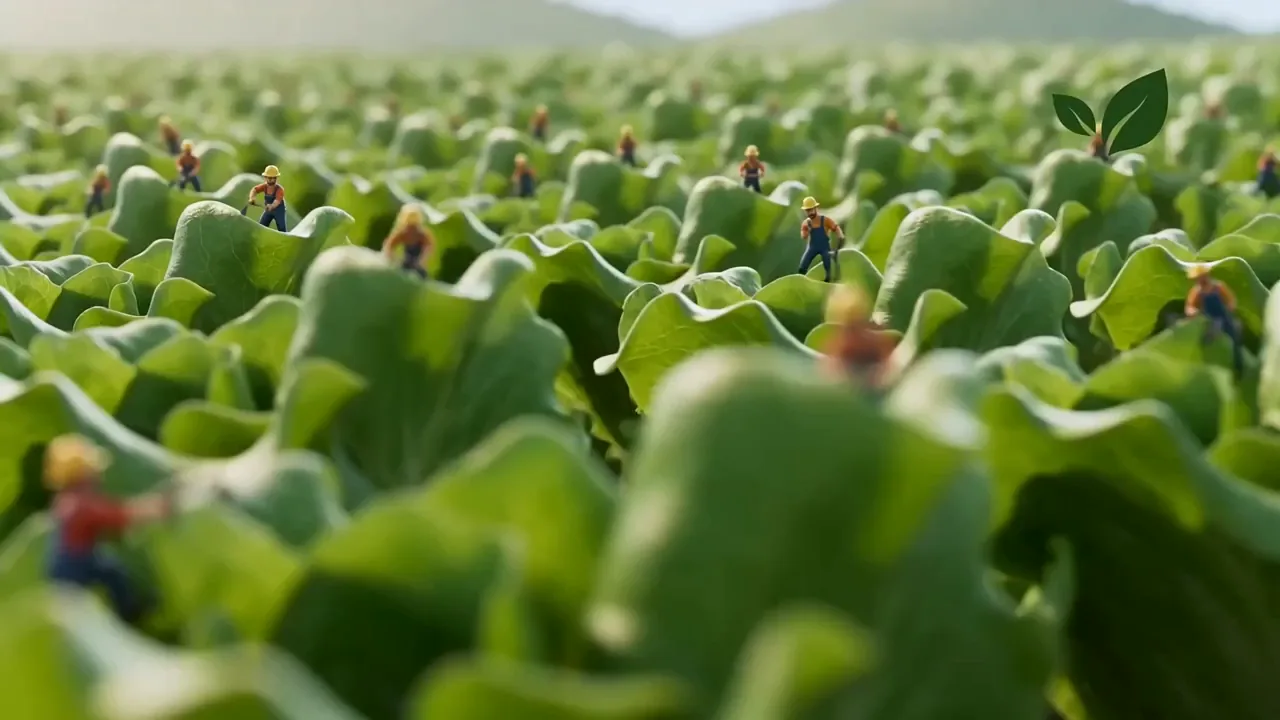
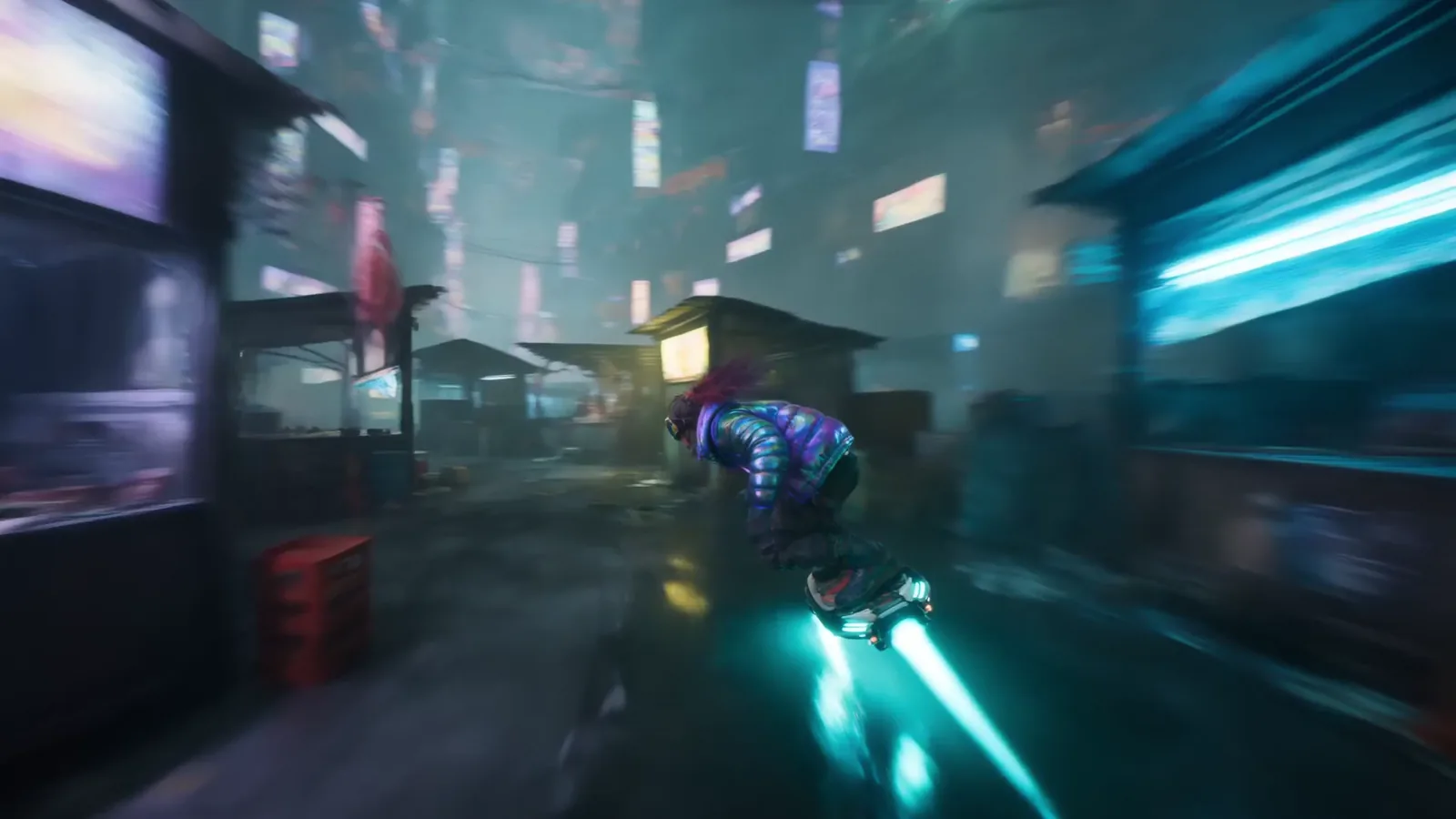
Explore video ideas by style, from cinematic stories to product moments and imagined worlds.
Make every movement count.
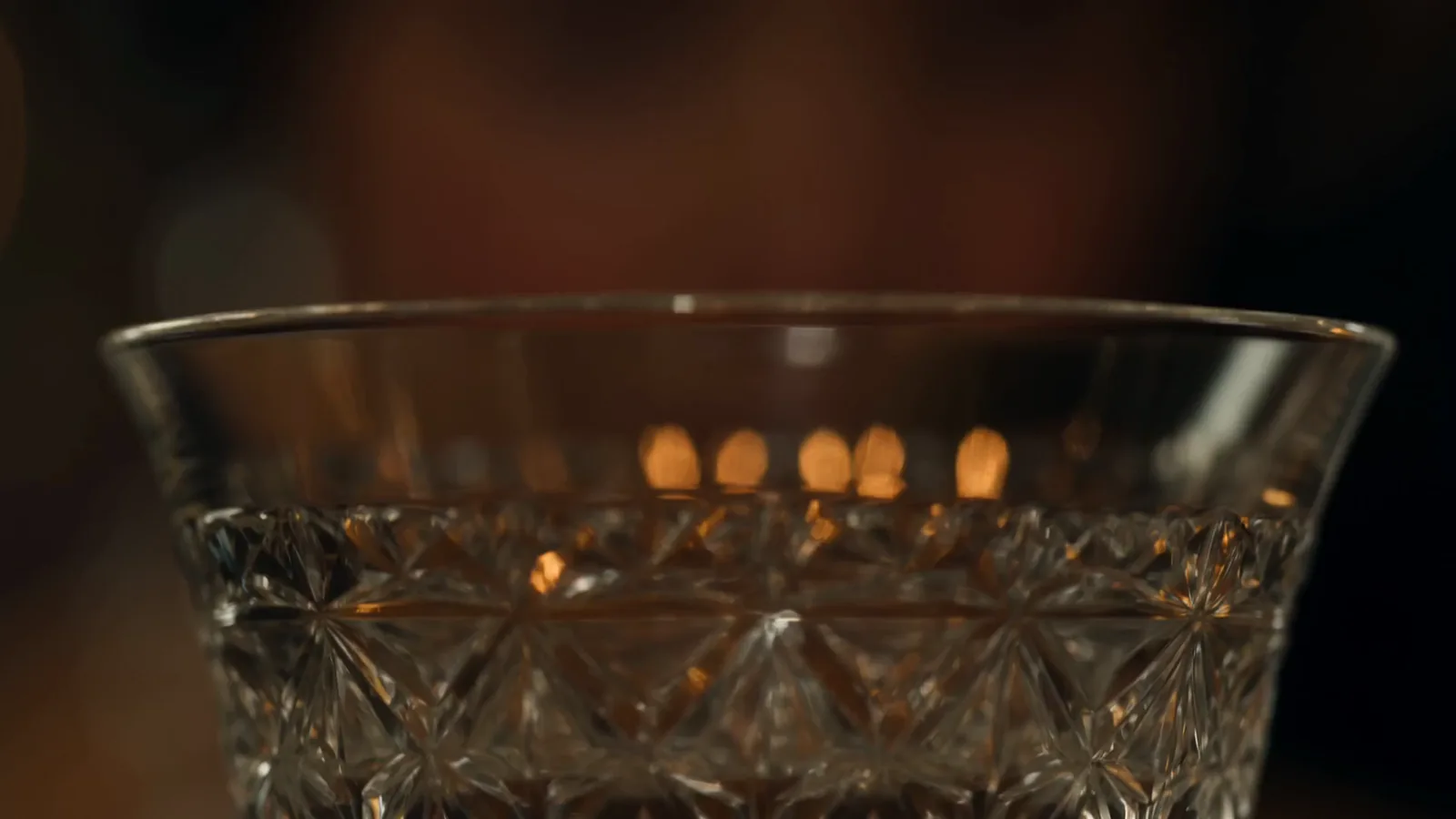
A scene worth staying for.
Give a character a signature move.
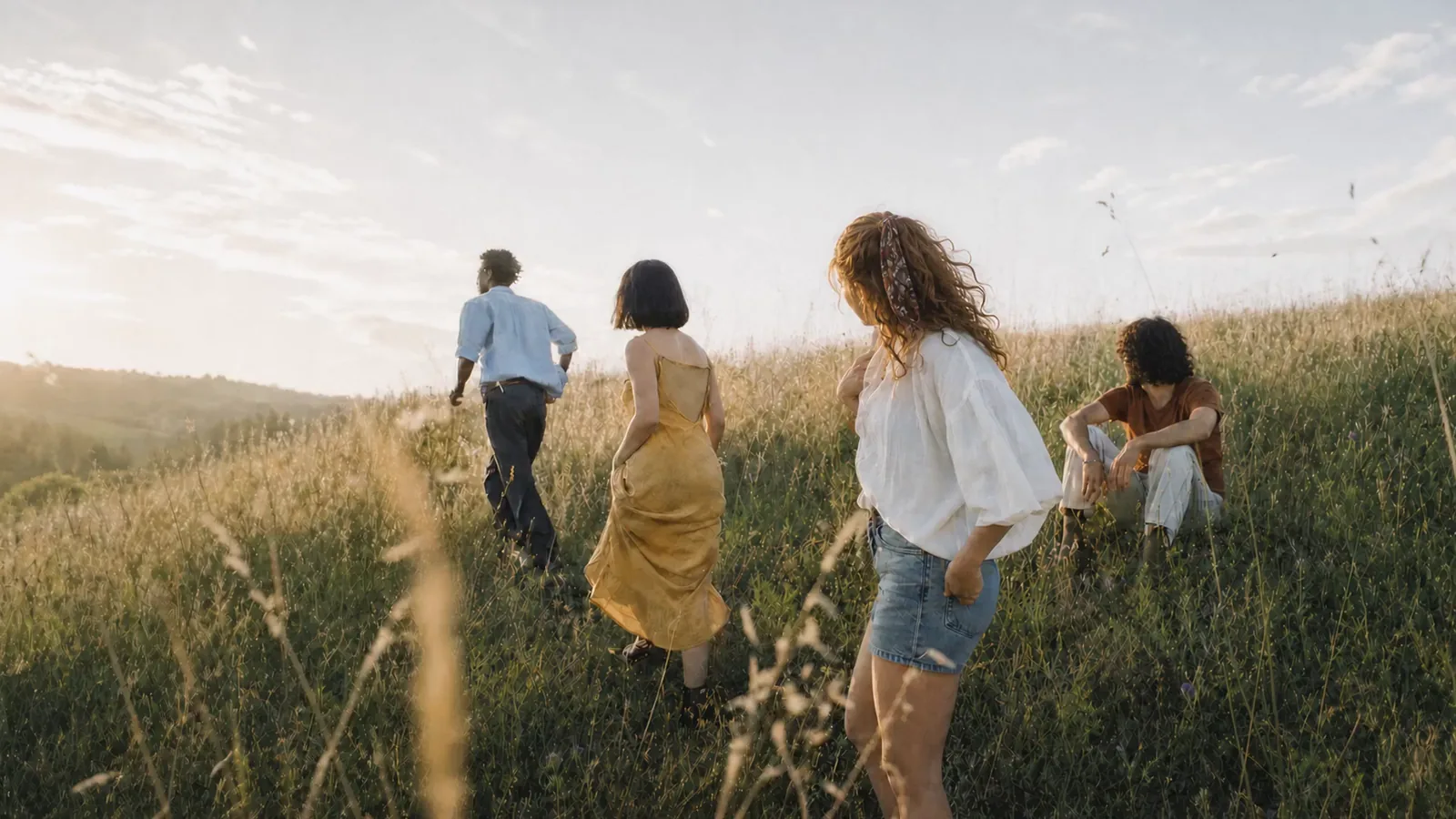
Let an imagined world come alive.
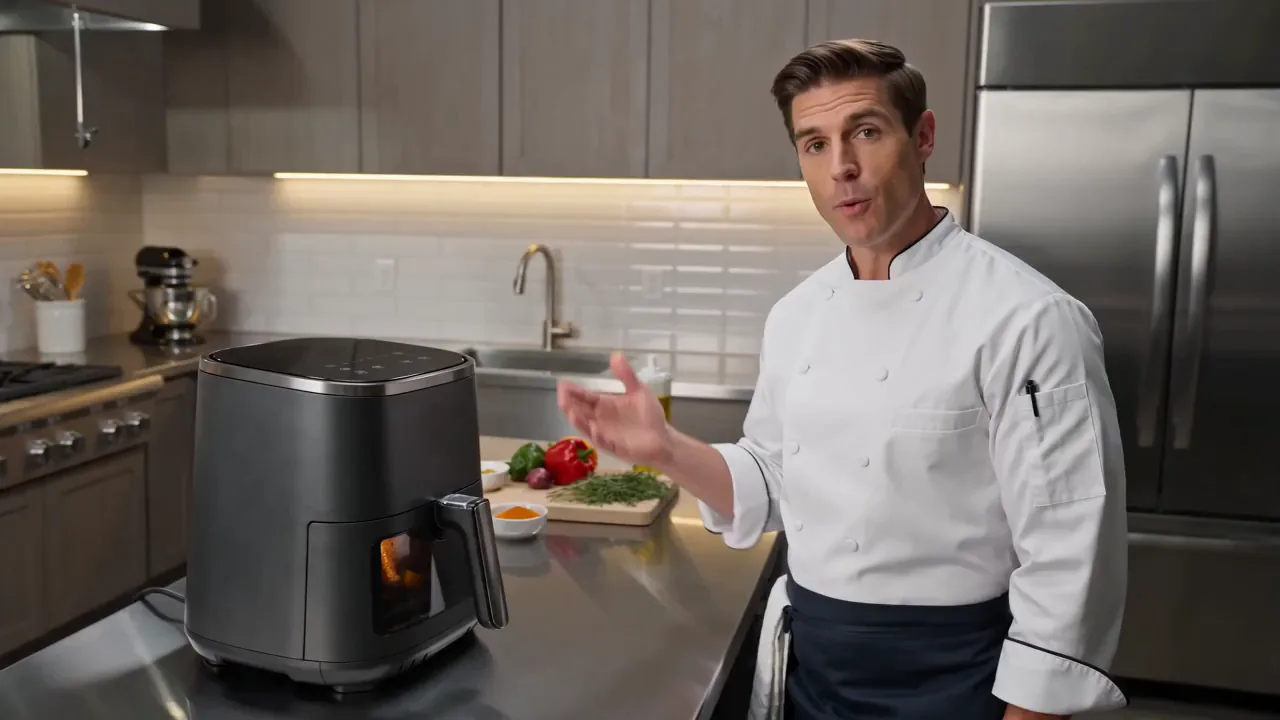
Put your product in the spotlight.
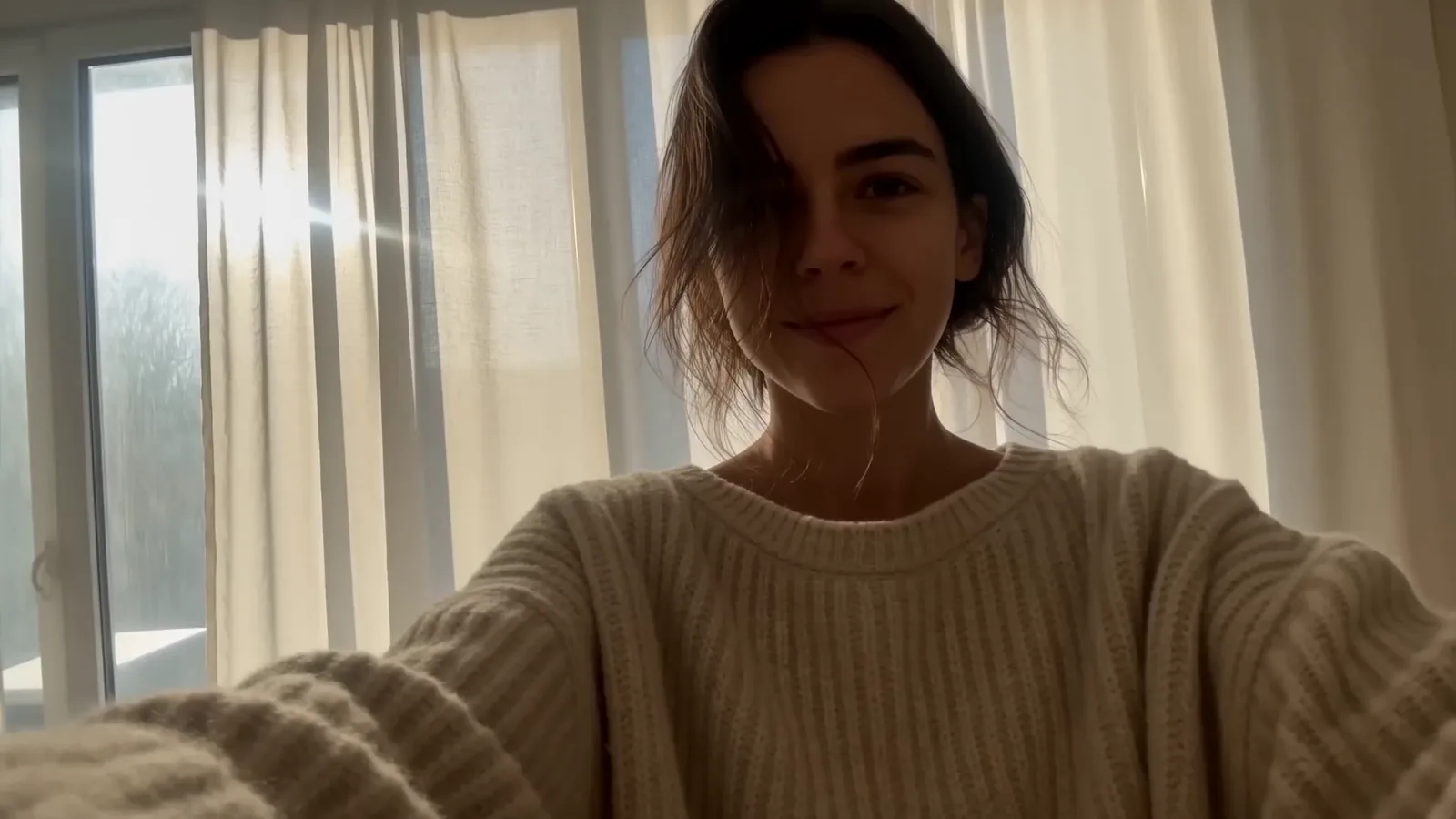
Find a story in an everyday moment.
Make the impossible feel within reach.
Change the rules of the world.
See where to start in Atoms. Choose a model, describe the shot, then review your first take.

Explore the video models available in Atoms and choose one for the scene you have in mind.
Add image, video, or audio references when your selected model supports them. Show the details that words alone cannot capture.
Choose from the ratios, durations, and resolutions your model supports. Check the credit cost before you generate.
Start with words, a still image, or an existing clip. Find a new way to tell your story.
Start with a description. Set the subject, action, lighting, and camera movement, then refine your next take.
A couple in an opulent ballroom, warm chandelier light, an intimate cinematic mood. The camera slowly moves closer as the scene unfolds.
Plan a launch, introduce a character, or try an unexpected visual. Pick a purpose and start with a ready-to-use creative brief.
Build a teaser that establishes a world before the full story begins.
Give a character a memorable entrance for a game, story, or creative pitch.

Explore a campaign mood before committing to a full production.
A collection of scenes, styles, and unexpected moments to inspire your next video.
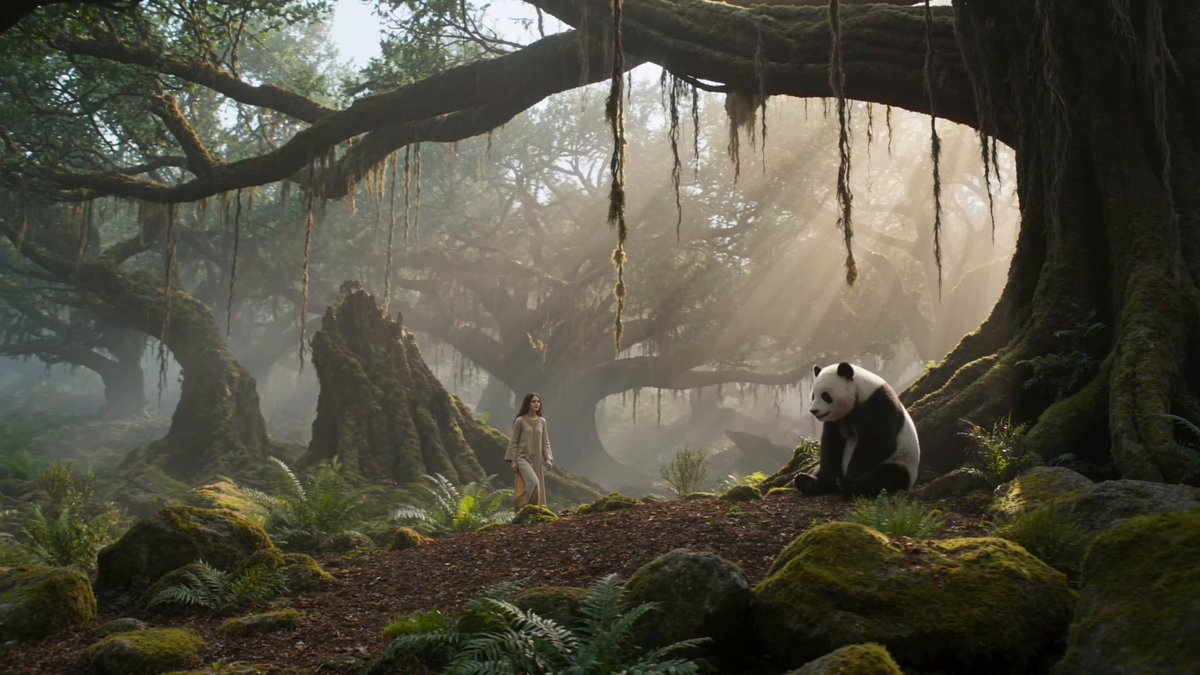
15-second ultra-photorealistic cinematic video set in a completely untouched ancient forest inspired by the year 1200 AD or earlier. A beautiful young woman is the main character, wearing a simple historically inspired medieval linen dress in earthy natural tones, with long slightly messy hair and no modern accessories or makeup. She is peacefully playing with a large realistic giant panda deep inside the ancient forest. The forest feels completely natural and untouched: enormous centuries-old trees, thick moss, wild ferns, hanging vines, small streams, soft mist, fallen leaves, natural rocks and subtle morning sunlight filtering through the dense canopy. No buildings, roads, modern objects or artificial elements. 0–4 sec: Wide cinematic shot as the woman walks slowly through the misty forest and notices the panda sitting near an old moss-covered tree. The panda looks at her naturally and curiously. 4–8 sec: Medium handheld shot as she gently approaches and sits beside the panda. She smiles naturally and carefully strokes its thick fur. The panda responds playfully, moving closer to her. 8–12 sec: Close-up of the woman's genuine expression and the panda's highly detailed face and fur. Natural breathing, blinking, subtle facial movements, realistic hair movement from the forest breeze. 12–15 sec: Cinematic wide shot as the woman and panda playfully walk deeper into the ancient forest together while sunlight breaks through the trees and mist floats around them. Extremely realistic human anatomy, realistic skin texture, individual hair strands, physically accurate panda fur, natural animal behavior, realistic cloth physics, subtle environmental movement, authentic atmospheric perspective, natural daylight, soft volumetric light, realistic shadows, cinematic depth of field, slight handheld camera movement, documentary-style realism, shot on a high-end cinema camera, 4K detail, natural color grading, no fantasy look, no CGI appearance, no artificial beauty filter, no modern elements, no text, no watermark.
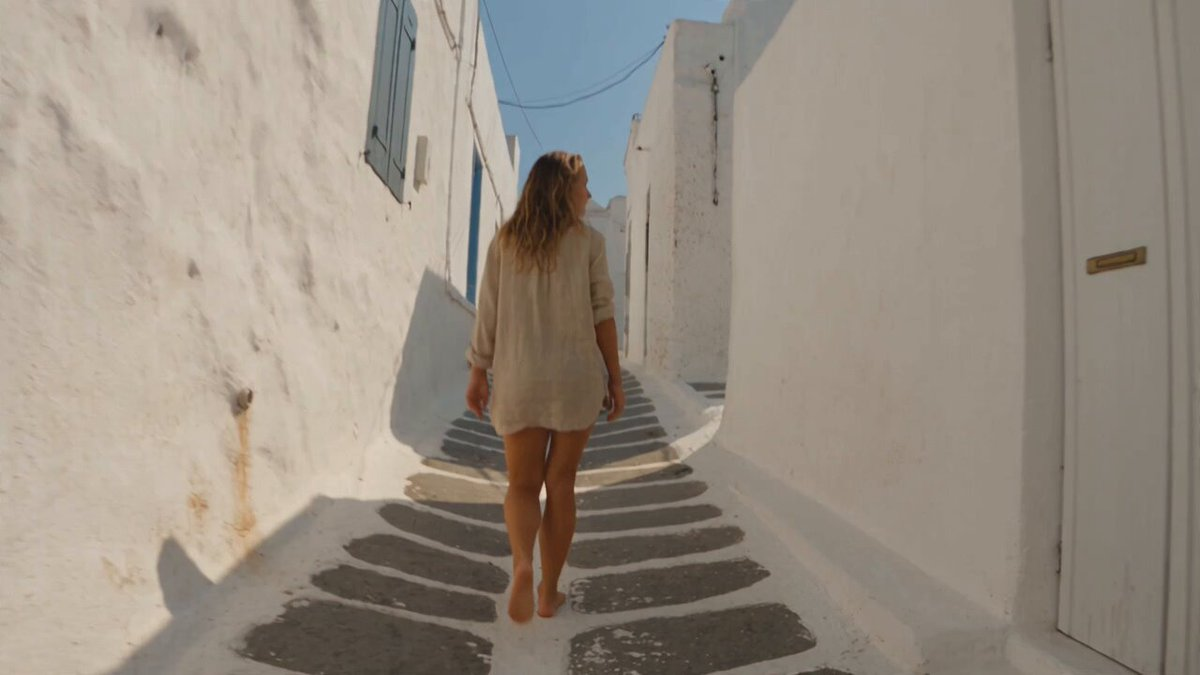
[STYLE + CAMERA + ATMOSPHERE] Real found-footage vacation memories on a Mediterranean island — looks like genuine phone clips stitched into a soft Instagram-memories video. Handheld phone camera only: slight shake, natural exposure mistakes, occasional soft focus, real lens dirt, wind on mic, authentic summer audio (cicadas, sea, scooters, distant music, laughter). Many short shots across one day — morning → midday → afternoon → night — simple hard cuts between clips, no transitions, no flashy effects, no slow-mo tricks, no color-grade gimmicks, no text, no stickers, no sparkles. Aesthetic = warm, calm, lived-in, beautiful because the moments are real. [SUBJECT] A woman about 27, natural Mediterranean vacation look: sun-touched skin, relaxed hair (loose / salty / slightly messy), minimal makeup, easy summer clothes that change lightly across the day (linen shirt, swimsuit under clothes, simple dress at night). She feels present and peaceful — smiling small, not performing for a camera crew. Friends appear only briefly as real people in frame, never staged. [PLACE] A real Mediterranean island vacation: whitewashed alleys, bougainvillea, stone steps to the sea, pebble or sandy cove, harbor with small boats, café terraces, golden dry hills, evening square lights. Believable, specific, lived-in — not a CGI postcard. [TIMELINE — MANY SHOTS, MEMORY MONTAGE] 0-4s: MORNING — soft early light. Phone clip of her walking empty alley in morning quiet, light on walls. Calm, slow energy. 4-9s: LATE MORNING — cove. She dips into clear water, floats a second, laughs once under her breath. Cut to laying on a towel, eyes closed, fingers in warm pebbles. Cut to handheld close of water dripping from her hair. Real wet skin, real sun, no glamour lighting. 9-15s: MIDDAY — bright, hot, slightly overexposed phone look. Scooter or walk through town; she buys fruit / cold drink from a tiny shop. Cut to eating on a low wall, squinting in sun. Cut to friends briefly in frame toasting plastic cups, then camera drifts back to her quiet smile. Heat, cicadas, tourist murmur. 15-21s: AFTERNOON — softer heat. She reads / journals in shade. Cut to swimming again, slower. Cut to drying off on rocks, looking at horizon. Cut to taking a slightly crooked selfie then lowering the phone, embarrassed-soft laugh. Memory feeling: unfinished, tender. 21-26s: GOLDEN HOUR → EVENING — warm side light on white walls. She walks the harbor as boats rock. Cut to dinner terrace: simple plate, glass of wine, candle or string lights starting. Soft talk off-mic. She watches the square, content, not rushed. 26-30s: NIGHT — real night phone noise/grain. Small plaza / bar terrace. Music far away. She dances a little with someone or alone for two seconds, then the clip cuts to her sitting on steps under warm lamps, knees up, looking tired-happy. Last shot: phone pointed at the dark sea from a balcony, breathing, then the recording ends naturally mid-moment — like a real memory file. [REALISM LOCK] Found footage / vacation phone memories only. Many shots, day-to-night progression. Real summer vibes, calm joy, Mediterranean island. credible, beautiful, aesthetic Instagram-memories energy made of real clips.
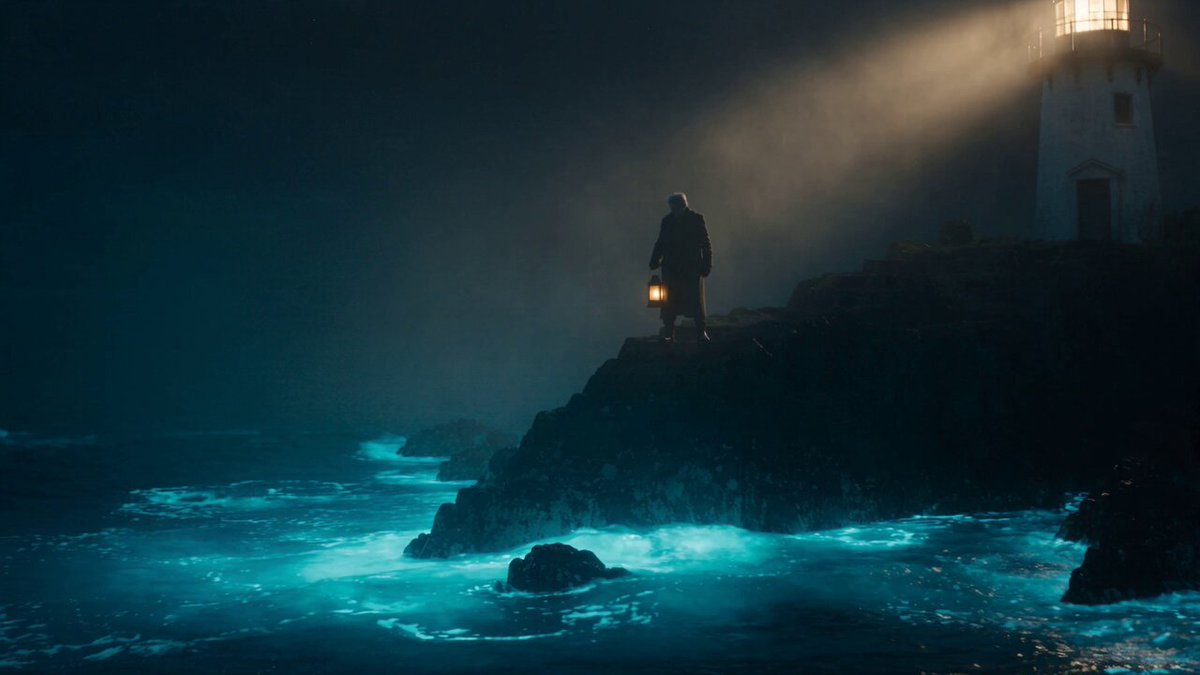
A weathered old lighthouse keeper stands on a foggy cliff at night, wearing a thick wool coat, holding an old brass lantern. Below him, the ocean waves glow with soft bioluminescent blue light with each crash against the rocks. As he raises the lantern, dozens of floating glowing orbs (like fireflies) rise up from the water and drift past him into the misty air, swirling gently around his figure. Volumetric moonlight beams cut through the fog. Camera starts wide on the cliff, then does a slow cinematic push-in toward the keeper's face as the orbs surround him, ending on a close-up with orbs reflecting in his eyes. Teal and warm-amber color grade, hyper-realistic textures, shallow depth of field, film grain, atmospheric fog, 15 seconds, smooth continuous camera motion, no cuts.

Create a hyper-realistic cinematic 15-second food video in the exact glossy ultra-detailed commercial style of premium Asian street-food ASMR films, with creamy soft lighting, slow-motion juice drips, rising steam and mouth-watering close-ups. Wooden chopsticks slowly lift a plump white shengjianbao from a black iron pan, black sesame seeds and green onion on top, dough shining under warm light. The bao is torn open in dramatic slow motion as thick golden broth and juicy minced meat filling burst out, sticky amber sauce stretching and cascading downward in long glossy strands while dense white steam swirls upward. Extreme close-up of the savory meatball-like filling as golden liquid continuously drips into a white ceramic spoon, forming perfect heavy droplets. Wide shot of a cast-iron skillet packed with perfectly pleated raw baozi on a gas stove as clear water is poured in, instantly creating thick clouds of steam. Tight shots show the bottoms crisping into golden lace-like crusts while a metal spatula flips them, revealing caramelized crunchy edges. Finished baozi stacked on a blue-and-white plate, one bitten open to reveal steaming pinkish meat and sauce, chopsticks dipping it into dark soy-sesame dipping sauce. Final wide shot of the steaming plate under a warm hanging lamp on a wooden table in a cozy night kitchen, soft steam rising against a dark window with distant city lights.
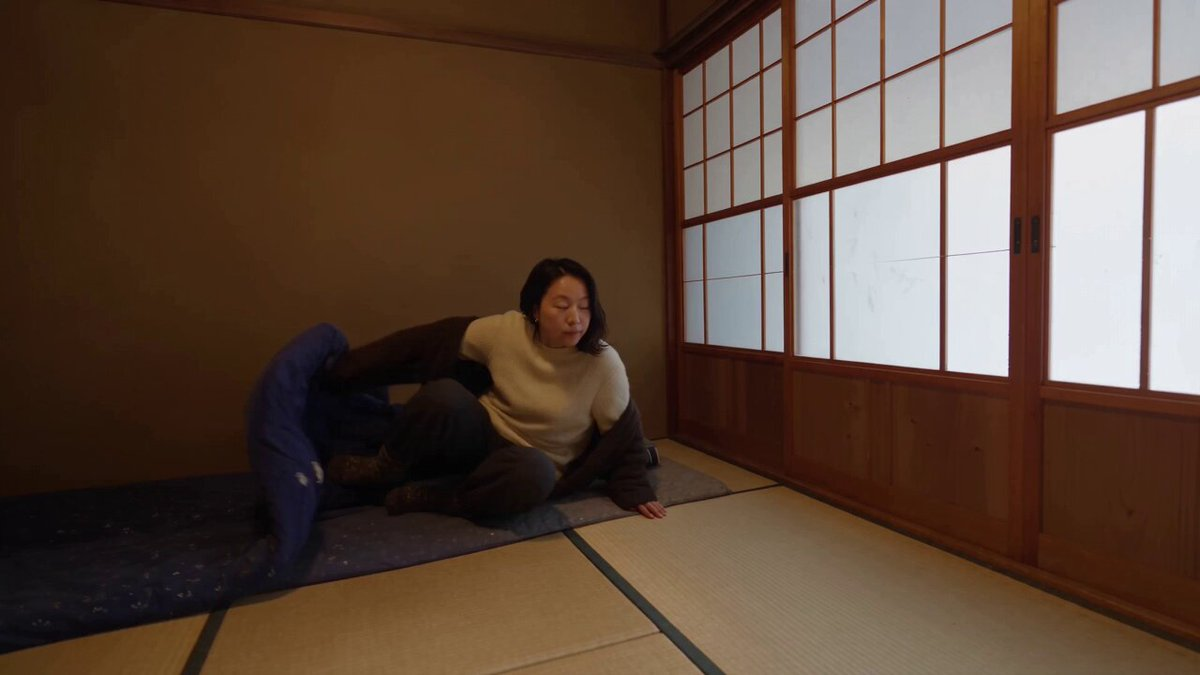
Create a 30-second photorealistic Japanese winter lifestyle vlog in a traditional mountain village at sunrise. Follow a young Japanese woman as she wakes in a wooden house, opens the shoji door, feeds small winter birds, sweeps fresh snow, makes hot green tea, and walks along a snowy village path. Show realistic snow-covered rooftops, cedar trees, stone paths, birds, footprints, chimney smoke, warm tea steam, and soft golden morning light. Use natural handheld 2026 vlog cinematography with close-ups, POV shots, walking follow shots, realistic autofocus, exposure changes, motion blur, and a gentle final village reveal. Natural environmental audio only: wind, birds, footsteps, snow, broom, tea pouring, wooden doors and distant village sounds. Natural dialogue in English. No music, narration, subtitles, CGI, animation, artificial snow, unrealistic bird behavior, floating camera, logos or watermark.
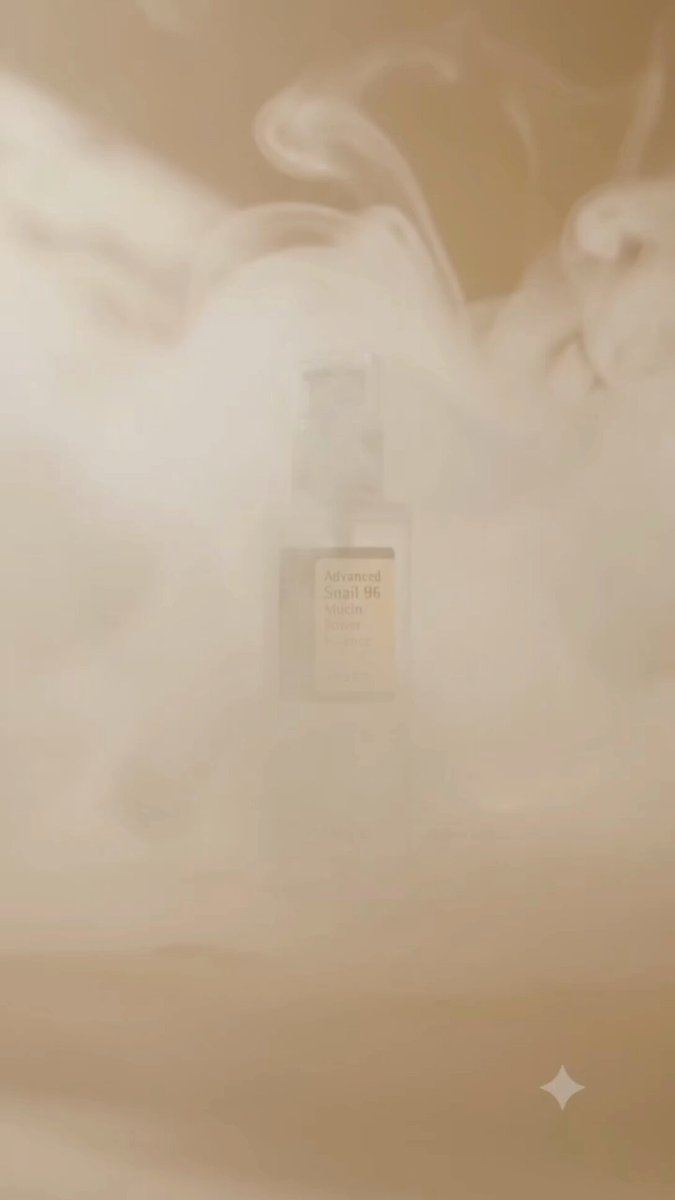
Scene 1: Cinematic macro shot of a COSRX Advanced Snail 96 Mucin Power Essence bottle standing on a sleek glass surface, surrounded by rolling ethereal white smoke and floating crystal-clear water droplets, warm beige and soft golden studio lighting, 4k resolution, photorealistic. Scene 2: Dynamic close-up transition as thick, glossy, viscous snail mucin essence slowly drips and stretches from above onto the glass reflective surface next to the bottle, creating rippling micro-droplets, elegant and luxurious aesthetic, hyper-detailed textures. Scene 3: Gentle camera push-in focusing sharply on the product label as soft light glints across the glass bottle and a final ripple settles in the pooling essence below, minimalist and high-end commercial look.
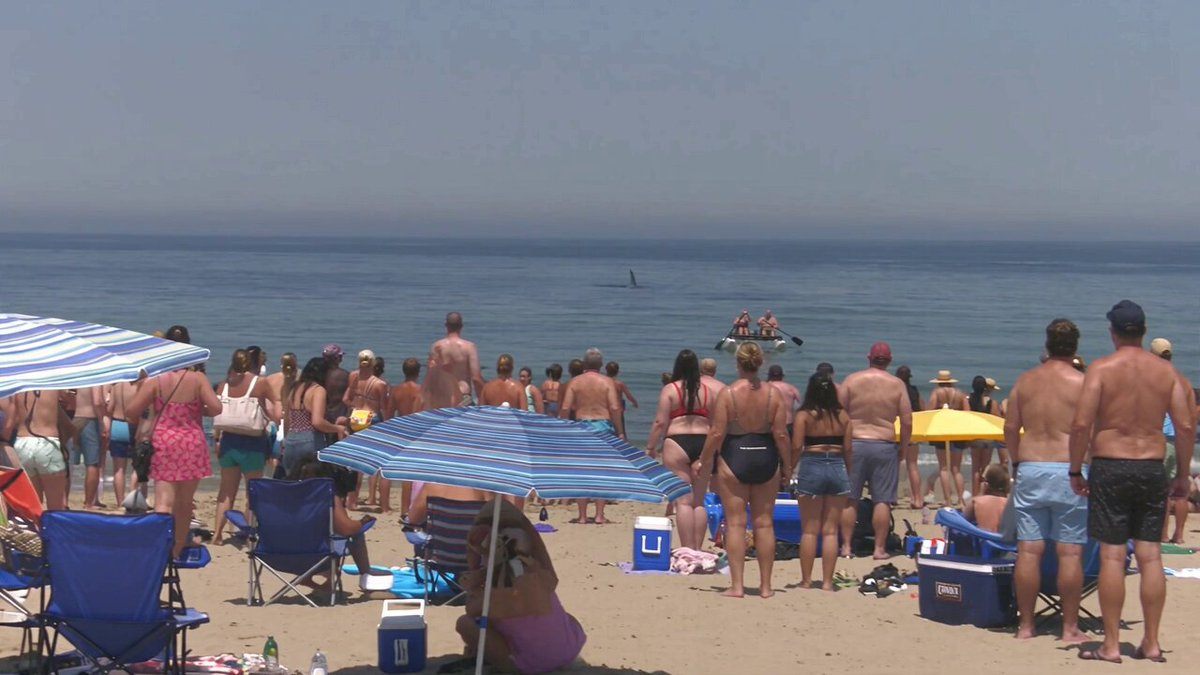
[STYLE + CAMERA + ATMOSPHERE] Raw amateur/paparazzi beach footage, harsh midday sun, hot haze, blown highlights, crushed shadows, dirty sensor, rolling shutter, imperfect autofocus. Shot from the SAND, far back in the crowd — long telephoto, run-and-gun: constant ZOOM IN / ZOOM OUT hunting the action, frame hunting, occasional overshoot, breath bumps, wind on mic. STRICTLY ONE SINGLE UNBROKEN CONTINUOUS SHOT for the entire clip — no cuts, no edits, no angle changes, no montage, no hidden transitions; the operator never stops rolling, only zooms and reframes inside the same continuous take. Never steadicam, never drone polish, never studio look. Photoreal crowded public beach near shore: umbrellas, coolers, wet sand, shore break. Out on the water the elderly couple is isolated — open water around their boat, NO other swimmers near them. Audio: wind roar in mic, distant screams, lifeguard whistles, surf, mechanical hatch click, cans crack open, toast shout, crowd erupting. NO “8K”, NO clean HDR, NO cinematic color grade — looks like a real phone/telephoto clip uploaded from the beach. [SUBJECT] A Boston Dynamics–style experimental beach rescue robot: bipedal hydraulic humanoid, exposed actuators, cables, matte yellow-and-black industrial plating, sensor head, no cartoon face — purely mechanical, fast, precise, slightly uncanny. Chest/torso has a real mechanical hatch / compartment that can open. Moves like a real BD demo robot under stress: hard foot plants, servo whine, sudden acceleration. Fully photoreal, wet metal, sand stuck to joints. [PROP] Two-person water bike / hydrobike clearly branded “Techhalla” on the hull/side panels (readable when the lens zooms in). Elderly man and elderly woman aboard, mid-water, alone. Two cold beer cans stored inside the robot’s hatch. [TIMELINE SECOND BY SECOND — ONE CONTINUOUS SHOT ONLY] 0-3s: [HOOK — telephoto from shore, continuous] Camera already shaky. Far offshore, alone in open water, the Techhalla water bike with the elderly man and elderly woman. FAR AWAY in the distance, a small dark shark fin is visible — clearly distant at first. On the beach, people start noticing and EVERYONE else panics and flees toward the shore / up the sand — mass run inland. Hard ZOOM IN trying to find the distant fin, overshoots, ZOOM OUT to the empty water around the boat and the stampede on the beach. Still the same continuous shot. 3-7s: [Continuous zoom hunt — fin CLOSES IN] Beach empties toward shore in messy flight. The elderly couple is stranded mid-water on the Techhalla bike — no people around them, only open sea. The shark fin steadily APPROACHES from far away toward the boat — getting larger in frame as it closes the distance, cutting a longer wake. They pedal uselessly. Zoom in on their fear, zoom out showing how much closer the fin has gotten. 7-11s: [Continuous track-zoom] Fin is now closing fast on the Techhalla bike. From the sand, the Boston Dynamics–style robot SPRINTS and plunges into the surf at extreme speed — clearly arriving BEFORE the shark reaches the boat. Camera zooms out for the sprint, zooms in on spray as it powers through waves. Same unbroken take. 11-16s: [Continuous tight zoom — critical] Robot reaches the Techhalla water bike first. Arms lock onto BOTH the elderly man AND the elderly woman together and LAUNCHES BOTH of them in one hard throw toward shore — BOTH fly several meters through the air, hit the wet sand, and ROLL across the shore, ending up lying sprawled / sitting dazed on the sand — stunned, soaking, staring with incredulous disbelief. SAME CONTINUOUS SHOT: lens follows their flight, roll, and faces. In that same beat, the shark — now right on them after approaching from far away — SURGES and BITES the empty Techhalla boat hard — jaws clamp the hull. No cut. 16-22s: [Continuous] IMMEDIATELY after the throw/bite, the robot propels out of the water, climbs onto the sand, and RUNS straight to the two dazed elders. A mechanical HATCH on its torso OPENS with a hard latch click. The robot pulls out TWO beer cans and holds them out. BOTH elders GRAB the beers, CRACK them open, CLINK / toast together, then DUMP / pour the beer over their own heads and bodies — foam and spray everywhere — while they still sit/kneel soaked on the sand, laughing in shocked disbelief. Zoom punches between hatch → cans opening → toast → beer cascading over them. Shark thrashes the bitten Techhalla wreck in the surf behind. Still one continuous shot. 22-26s: [Continuous hold zoom] Beer dripping down their faces and clothes; they stay on the sand, incredulous, half-dying of laughter / adrenaline. Robot stands over them, hatch still open. Beach noise building. 26-30s: [Continuous slow zoom out] The whole beach ERUPTS — applause, cheers, phones up, people celebrating hard. Messy zoom out to the roaring crowd, last imperfect zoom in on the beer-soaked elders and the robot. Clip ends handheld, dirty, SAME continuous shot from start to finish — never cut once. [QUALITY / REALISM LOCK] Believable documentary/paparazzi beach clip only. Soft compression, noise, heat shimmer, autofocus hunting. Emphasize: one continuous shot, zoom in/out only. Shark fin STARTS FAR AWAY then steadily approaches. Isolated mid-water Techhalla boat. Mass flee to shore. Robot arrives first; BOTH elders thrown, ROLL on sand, dazed/incredulous; shark BITES the boat; robot runs back, opens hatch, hands two beers; elders TAKE them, OPEN them, TOAST, POUR beer over themselves while EVERYONE celebrates. NO resuscitation, NO CPR. No comedy cartooning, no text overlays beyond the Techhalla boat branding, no glossy VFX sheen, no “photorealistic 8K cinematic” language — raw, grit, heat, fear, then beers over the head and applause.
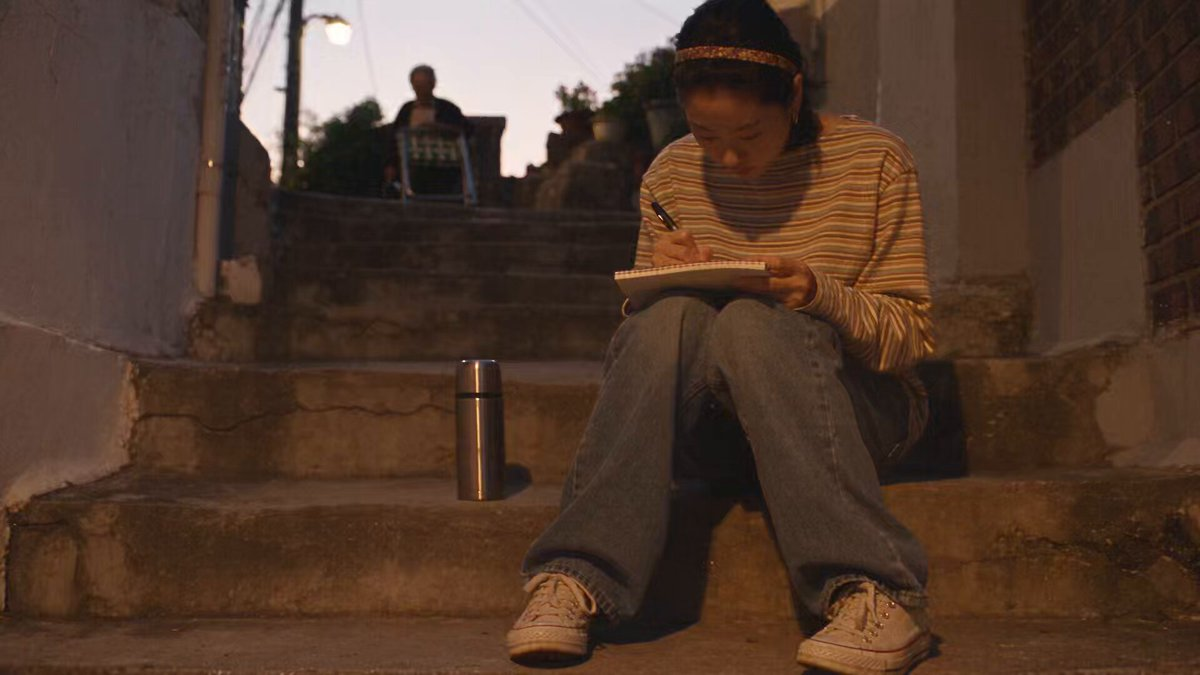
Create a 30-second, 1080p ultra-realistic early-2000s DV home video of a young Korean woman spending a golden-hour evening in an older Seoul neighborhood. MAIN SUBJECT Young Korean woman, early 20s, natural beauty, realistic skin texture, minimal makeup, black straight hair down with a thin headband, oversized striped long-sleeve shirt tucked loosely into wide-leg jeans, worn white sneakers and small hoop earrings. Keep her identity, outfit, hairstyle and proportions perfectly consistent throughout. SETTING A quiet older Seoul neighborhood at dusk. Narrow sloped streets, stone stairways, dim streetlamps just flickering on, small rooftop gardens, an old mailbox row and distant rooftops catching the last orange light. Lived-in, unpolished, no landmarks or brand names. SEQUENCE She sits on a set of stone steps outside her building, sketching in a small notebook, a thermos beside her. An old man from next door struggles to carry a folding chair and a small radio up the same steps. She notices, closes her notebook, and takes the folding chair from him so he only carries the radio. At the top, she sets the chair down for him. He sits, turns on the radio to soft static-y music, and says: "Thank you, my knees aren't what they used to be." She smiles and replies: "Anytime, ahjussi." She picks her notebook and thermos back up and continues up the sloped street, the sound of his radio fading behind her. Partway up, she pauses to watch the sunset color the rooftops, takes a sip from her thermos, then keeps walking. She reaches her doorway, turns to the camera with a soft smile and says: "Best part of the day." She steps inside. Camera cuts to black. CAMERA Raw handheld early-2000s DV camcorder, shaky footage, autofocus hunting in low light, faded warm colors, exposure shifts as the sky darkens, motion blur, soft digital detail, occasional accidental zooms. No polished cinematography. AUDIO Natural neighborhood ambience — evening cicadas, distant dogs barking, wind, footsteps on stone, faint radio static and music, far-off traffic. No score. CONTINUITY Notebook and thermos stay with her throughout. Folding chair transfers cleanly from her hands to the ground; radio stays with the old man. No disappearing, duplicating or teleporting objects. Smooth, realistic movement. NEGATIVE CGI look, plastic skin, identity drift, outfit changes, distorted hands, extra fingers, subtitles, watermark.

Created, anime style video of this kind, about 15 seconds long. A warm cozy kitchen scene begins with a hand slicing a fresh onion on a wooden cutting board next to diced bacon pieces, then shifts to mixing raw ground meat with sliced onions and a cracked egg inside a clear glass bowl. Next a thick triangular slice of yellow Swiss cheese is carefully placed in the center of a large raw meat patty and the meat is folded and sealed tightly around the cheese to form a stuffed burger. The sealed meat is placed into a hot black cast-iron pan with sizzling oil on a gas stove, searing until the surface turns golden brown with bubbling juices. A wooden spoon then pours thick glossy dark brown sauce over the cooked patty. Finally the juicy sauced patty is stacked between sesame seed buns with melting yellow cheese, tomato and onion slices, a hand gently presses the top bun, and the finished oversized cheese-stuffed burger is shown plated on a white dish beside a tall glass of iced cola on a sunlit wooden table in a bright kitchen.
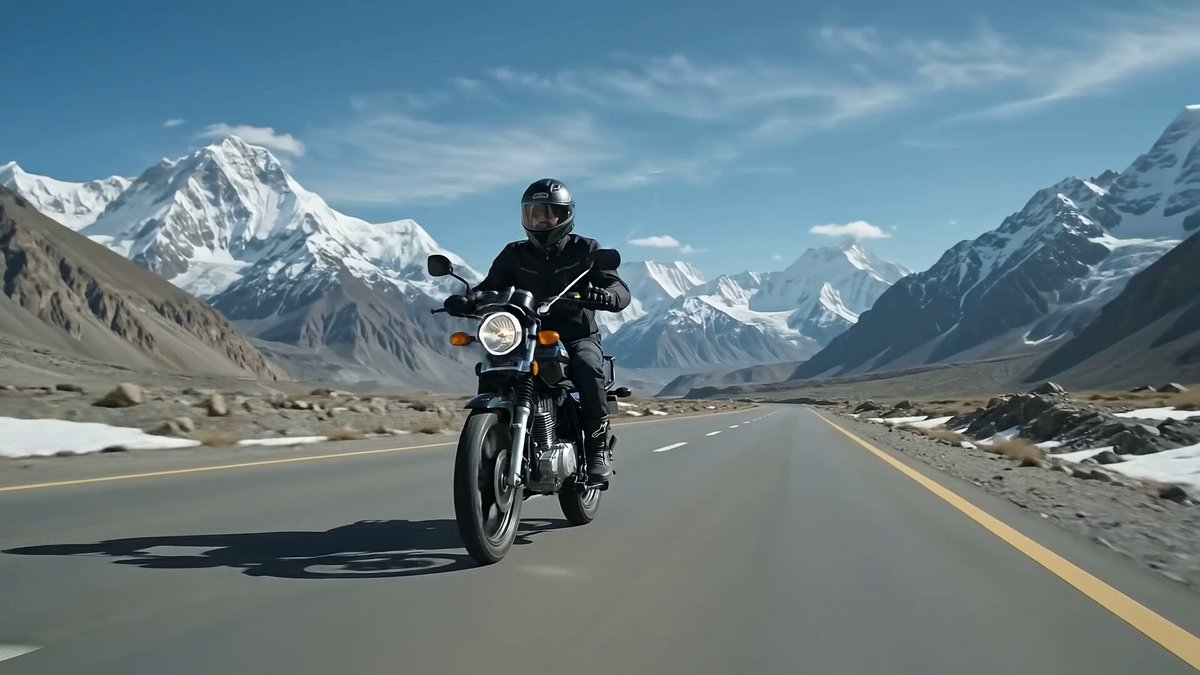
"Create a 10-second photorealistic cinematic motorcycle commercial featuring a young 24-year-old male rider with an athletic, muscular physique, riding a Suzuki GS150SE along the Karakoram Highway in northern Pakistan at approximately 100+ km/h. The rider looks confident and energetic, wearing a premium black riding jacket with the sleeves fitted around his muscular arms, dark riding pants, gloves, riding boots, and a full-face helmet. Keep his appearance, clothing, helmet, and body proportions identical throughout the entire clip. The Suzuki GS150SE should remain accurately proportioned and visually consistent, with realistic suspension movement, wheel rotation, chain movement, engine vibration, brake components, exhaust, mirrors, and authentic motorcycle details. The highway winds dramatically through enormous snow-covered Karakoram mountains, with towering icy peaks visible in the distance. Cold mountain atmosphere, patches of snow beside the road, crisp blue sky, thin clouds, distant glaciers, and realistic high-altitude lighting. Cinematic Direction Begin with a low front three-quarter tracking shot of the GS150SE approaching at speed. Transition into a side tracking shot showing the rider enjoying the mountain scenery while maintaining control of the motorcycle. Briefly show a helmet-level POV looking down the sweeping Karakoram Highway toward massive snow-covered peaks. Use realistic aerodynamic effects: subtle airflow flowing around the rider and motorcycle, jacket fabric reacting naturally to wind, slight suspension compression over road imperfections, realistic tire contact, and controlled motion blur. Finish with a dramatic rear three-quarter tracking shot as the motorcycle disappears along the winding highway, surrounded by enormous icy mountains. Visual style: photorealistic, premium motorcycle commercial, cinematic 4K, natural mountain lighting, realistic physics, detailed motorcycle textures, dynamic tracking camera, shallow depth of field where appropriate, subtle lens flare, realistic motion blur, immersive scale, epic Himalayan/Karakoram atmosphere. Important: No distorted motorcycle parts, no extra limbs or fingers, no changing rider appearance, no duplicated motorcycle components, no unrealistic wheel geometry, no floating motorcycle, no excessive CGI effects, and no text overlays unless specifically requested. Overall feeling: freedom, adventure, power, solitude, mountain exploration, and the thrill of riding through the Karakoram."
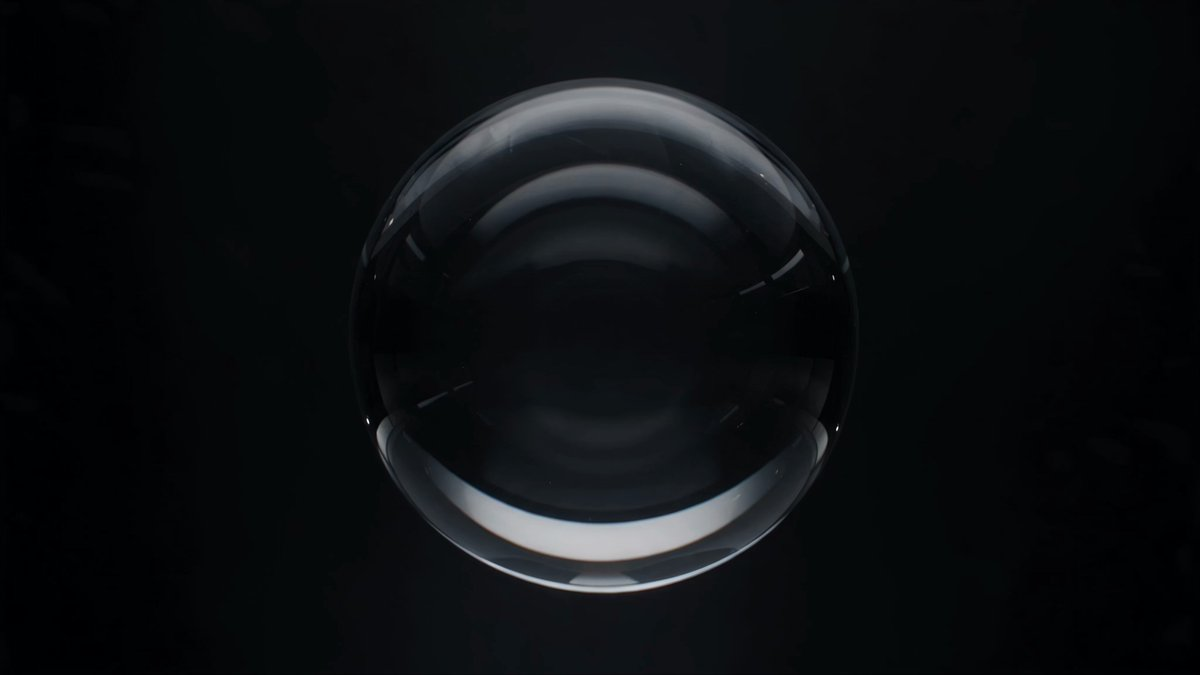
Create a 30-second title sequence governed by one strict continuity rule: every shot must inherit one visual object, shape, texture, or typographic element from the previous shot, and that inherited element must transform into the central subject of the next composition. Begin with a perfectly transparent glass sphere floating in a dark studio environment. The camera slowly approaches it. A reflection inside the sphere gradually resembles the letter O. Transition seamlessly so the sphere itself becomes a typographic O in the word “ORIGIN.” The O should then expand until its interior becomes a circular tunnel. Move the camera through that tunnel. At the far end, reveal that the circular opening is actually the iris of a human eye. Move closer until the iris texture fills the frame. Allow the radial iris pattern to transform into an abstract sunburst graphic used behind the next title card. Continue this inheritance logic throughout the entire sequence. Each transformation should feel surprising in hindsight but visually inevitable once it occurs. Avoid unrelated cuts, arbitrary imagery, or transitions based solely on dissolves. Every new scene must be born from something physically or graphically present in the preceding scene. Introduce five to seven distinct title cards across the sequence. Keep typography elegant and readable. Maintain a consistent visual identity even as environments change. Use controlled camera movement, cinematic macro photography, precise lighting, tactile materials, and sophisticated match transitions. For the final transformation, bring several earlier visual motifs back together without repeating them literally. The last inherited form should resolve into the title “CONTINUUM.” Hold the final title in a calm, minimal composition. The sequence should demonstrate long-range visual continuity, transformation logic, object permanence, and design memory rather than simply producing a chain of beautiful independent shots.
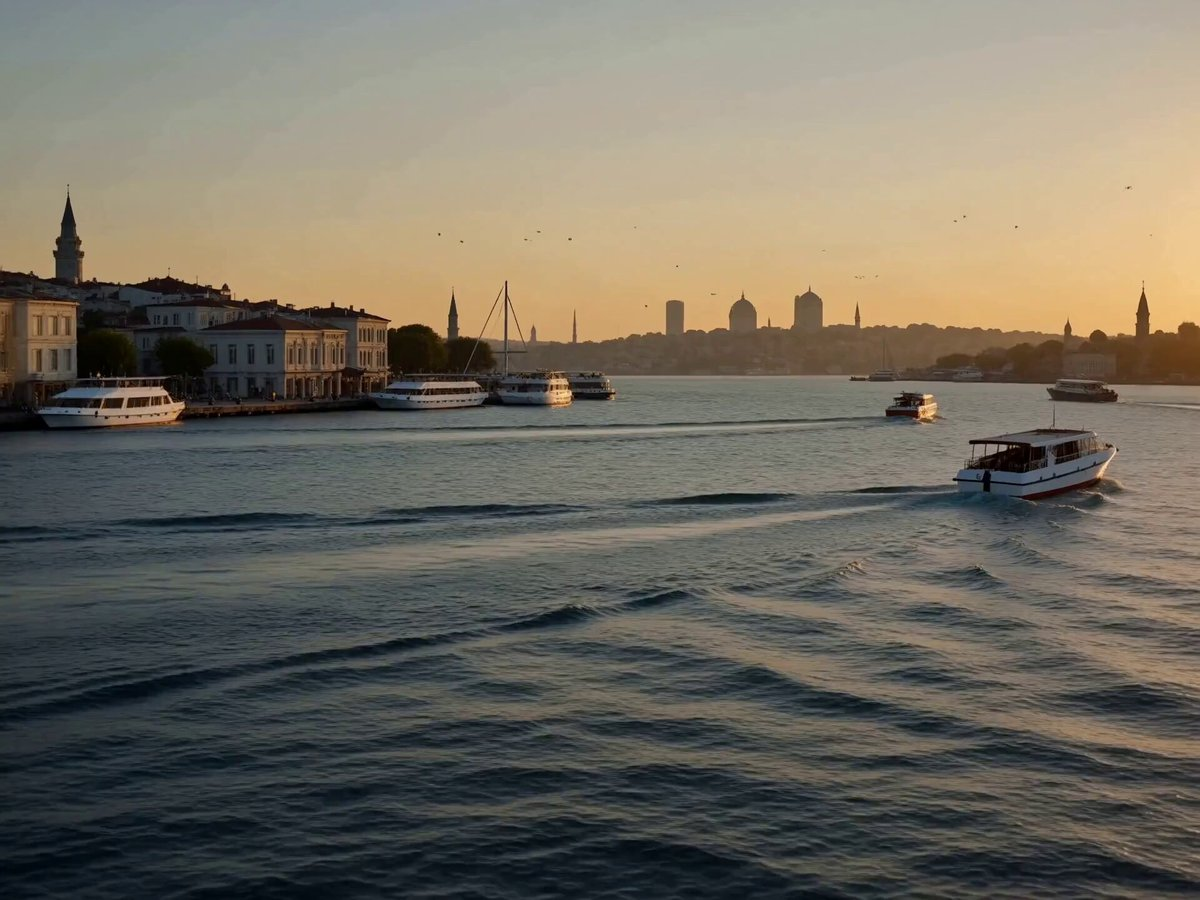
Create a highly realistic cinematic travel video of a young woman enjoying a peaceful sunset moment on an elegant waterfront terrace overlooking the Bosphorus in Istanbul, Turkey. She is wearing a sophisticated flowing cream-colored dress with delicate fabric details. Her long dark hair moves naturally in the gentle evening breeze. The video begins with a wide cinematic establishing shot of the Bosphorus, showing elegant waterfront buildings, traditional Turkish architecture, boats slowly moving across the water, and the Istanbul skyline glowing under the setting sun. The camera then slowly moves toward the woman from behind as she walks along the terrace beside a stylish glass railing. She gently places one hand on the railing and looks toward the Bosphorus. After a moment, she turns toward the camera with a subtle natural smile. The camera smoothly moves from a wide shot into a medium close-up, capturing her face, flowing hair, and the warm sunset reflections on the water. End with the camera slowly pulling back to reveal the woman standing against the breathtaking Istanbul skyline. Use realistic environmental movement: gentle waves on the Bosphorus, distant boats moving naturally, subtle wind, moving hair and dress fabric, birds flying in the distance, and soft atmospheric haze. Camera: smooth cinematic tracking, slow dolly movement, gentle orbit around the subject, natural parallax, 35mm lens, shallow depth of field, realistic motion blur, premium travel-film cinematography. Lighting: warm golden-hour sunlight, soft sunset glow, natural rim lighting on her hair and shoulders, realistic shadows, subtle lens flare, cinematic exposure. Visual Style: ultra-photorealistic, luxury travel commercial, premium tourism advertisement, realistic skin texture, detailed hair strands, natural facial expression, realistic fabric physics, cinematic composition, highly detailed Istanbul environment, 4K quality. Negative Prompt: cartoon, anime, CGI look, plastic skin, artificial face, distorted anatomy, extra fingers, extra limbs, deformed hands, unnatural walking, stiff movements, flickering, jittery camera, warped buildings, unrealistic water, duplicate people, oversaturated colors, excessive blur, low resolution, text, subtitles, watermark, logo.
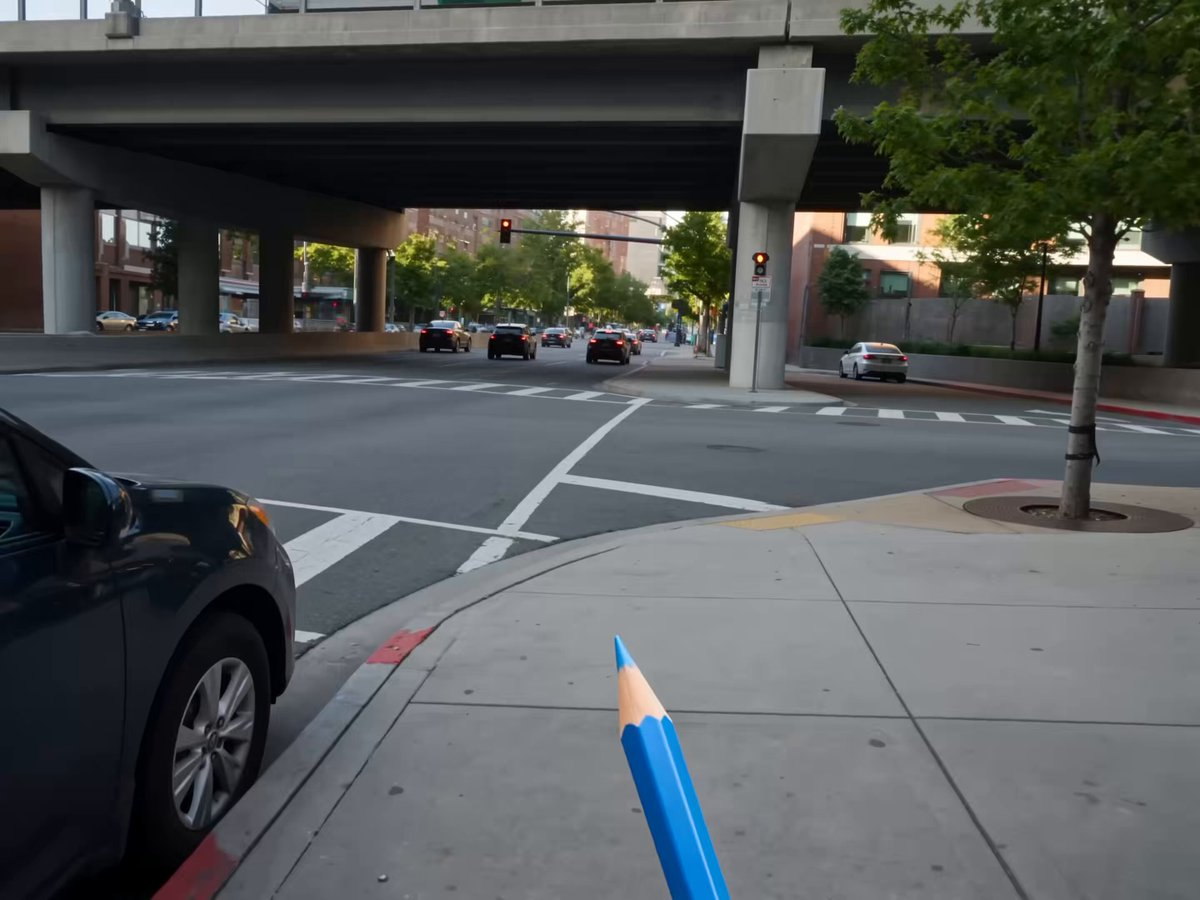
Style: Cinematic live-action seamlessly blended with 2D hand-drawn line-art animation, using a playful rotoscoping-inspired transformation effect. Visual Direction: First-person POV throughout. A hand holding a blue pencil appears at the bottom of the frame, seemingly tracing over real-world objects. Wherever the pencil moves, the live-action environment gradually transforms into expressive 2D illustrations. Scene Transitions & Subjects: - Train: A white-and-green train travels across an elevated urban overpass. As the blue pencil traces along it, the train smoothly converts into clean black-and-white sketch line art, while retaining its movement and perspective. - Cat: An orange tabby cat casually walks along a paved sidewalk. The pencil follows its movement, transforming the cat into a white hand-drawn cartoon with stylized illustrated shadows. - Bus: A light-colored compact bus drives through the street. As it passes beneath the pencil’s tracing path, it morphs into a colorful pastel illustration with loose, artistic hand-drawn outlines. - Girl: A woman sits naturally on a bench in a narrow urban alley, looking at her phone. The pencil traces around her and the surroundings, seamlessly turning the scene into a stylized 2D color-block illustration. Tone & Atmosphere: Bright natural daylight, contemporary urban environment, playful and whimsical mood, fluid camera movement, dynamic transformations, and seamless transitions between realistic footage and hand-drawn animation. Overall Effect: The video should feel as though the blue pencil is literally drawing reality into an animated world, with each subject transforming organically rather than appearing as a sudden cut or visual effect.
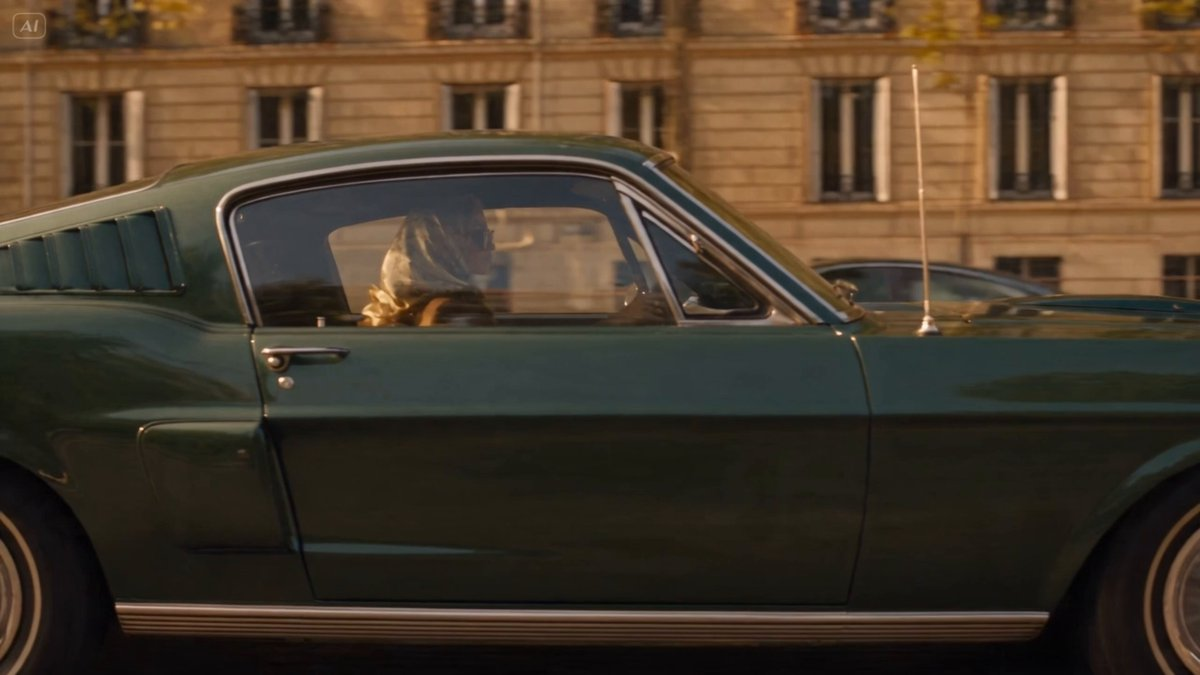
Cinematic 30-second video of a glamorous blonde woman driving a classic dark-green 1960s Ford Mustang coupe through a tree-lined city avenue at golden hour. She wears a patterned silk headscarf, large brown sunglasses, a brown blazer, and large statement rings (one yellow diamond, one emerald). Stylish slow-motion tracking shots of the car speeding past buildings and traffic. Close-up of her focused face, sunglasses catching the golden light. Close-up of her hands on the wooden steering wheel, rings glinting. Rear-view mirror reflection of her eyes. Her jeweled hand resting on the car door, wind catching a loose strand of hair from the headscarf. A red traffic light glowing as the Mustang idles, engine humming, heat shimmer off the hood. A motorcycle with a passenger weaves through traffic beside her. Wide low-angle shot of the Mustang's grille and headlights as it accelerates past camera. A bearded man in a black beanie stands on the sidewalk, watching the Mustang drive away into the sunlit street, his gaze lingering. New scenes: A brief shot of pedestrians and café awnings blurring past in the background bokeh. An aerial/drone-style shot pulling back to reveal the full tree-lined avenue as the Mustang weaves gently between light and shadow from the trees. A final slow-motion hero shot — the Mustang turning a corner into direct sunset flare, silhouette and lens flare dominating the frame, her profile briefly lit gold before the light overtakes the frame. Warm sunset lighting, lens flares, motion blur, elegant and mysterious atmosphere, high-end commercial style, anamorphic lens feel, shallow depth of field, watermark-free.
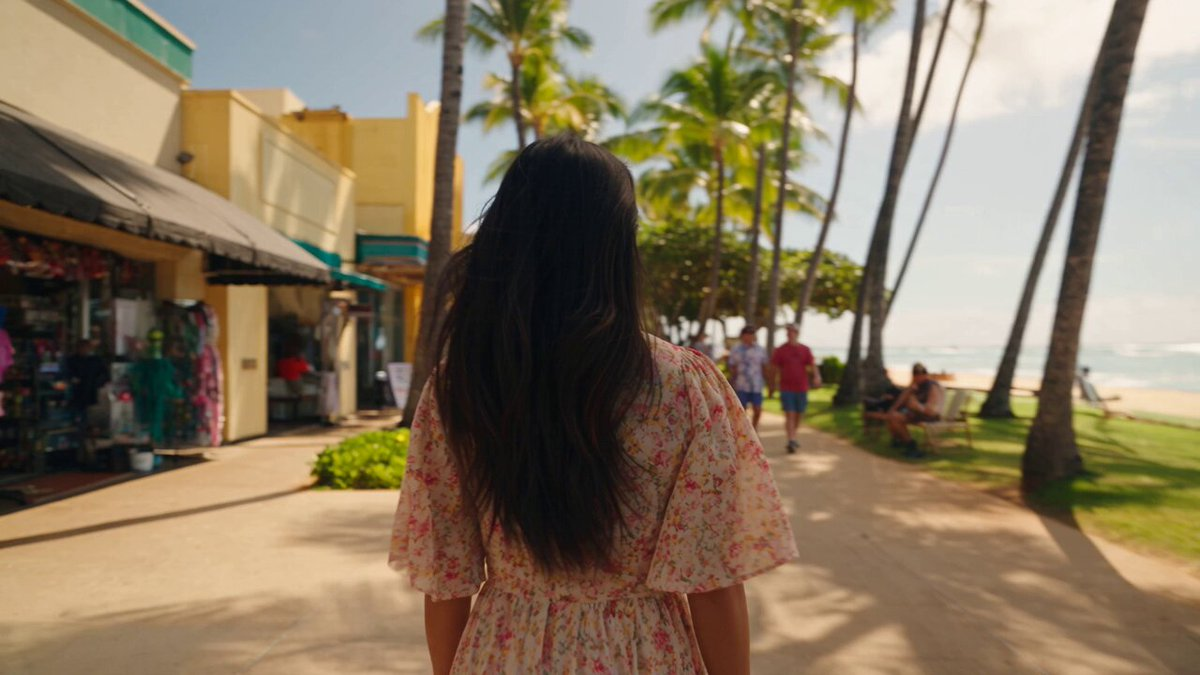
A cinematic 30-second tropical travel vlog montage featuring a beautiful 20-year-old East Asian woman with dark hair exploring Hawaii during a dreamy summer vacation. Shot like an authentic luxury travel diary with handheld camera movement, candid moments, soft golden-hour sunlight, dreamy 35mm film aesthetics, warm vintage color grading, shallow depth of field, natural skin texture, atmospheric lighting, and cinematic storytelling. Maintain the same woman throughout every scene: dark hair, youthful appearance, natural makeup, elegant summer outfits, relaxed happy expression. Format: 4K cinematic video, 24fps, 35mm film grain, realistic handheld camera, soft focus, warm color palette, travel documentary style. Scene 1 (0-4s) — Arrival & City Walk: A beautiful Hawaiian morning. The woman walks through a bright tropical city street wearing a flowing floral summer dress and sunglasses. Palm trees line the sidewalk, sunlight reflects off colorful buildings, people walk casually in the background. Camera follows from behind, then transitions into a close-up of her smiling face as wind moves through her hair. Scene 2 (4-8s) — Beach Discovery: She steps onto a wide sandy beach with crystal blue ocean waves behind her. She walks barefoot along the shoreline, holding her dress slightly as waves touch her feet. Low-angle cinematic shots of footsteps in wet sand, ocean reflections, distant volcanic mountains under a clear sky. Scene 3 (8-12s) — Tropical Nature Moments: A cinematic worm's-eye view looking upward through towering palm trees. Golden sunlight streams between the leaves with beautiful lens flares. Cut to a close-up of her standing near a rocky ocean cliff, wind blowing through her hair while she looks peacefully toward the sea. Scene 4 (12-16s) — Beachfront Cafe & Slow Living: She sits alone at a cozy beachfront cafe near the window, drinking a tropical drink while watching waves outside. Soft sunlight enters through the glass. Close-up shots of her hands, coffee cup, ocean view, and thoughtful expression create an intimate travel diary feeling. Scene 5 (16-20s) — Ocean Adventure: She floats peacefully on a surfboard in calm turquoise ocean water. Camera moves around her from water level, showing gentle waves, sunlight sparkling on the sea surface, tropical coastline and mountains in the distance. She laughs naturally while looking toward the camera. Scene 6 (20-24s) — Night Market Exploration: A vibrant Hawaiian night market filled with warm lights, food stalls, and colorful decorations. She walks through the crowd, trying tropical fruit skewers and local street food. Cinematic close-ups of her reaction, glowing lanterns, neon bokeh, and bustling atmosphere. Scene 7 (24-27s) — Golden Sunset Ending: Wide cinematic silhouette shot of her standing on the ocean shore during sunset. Orange and pink skies reflect on the water. Waves gently move around her feet as she watches the sun disappear behind the horizon. Emotional travel film ending. Scene 8 (27-30s) — Hotel Night Reflection: Nighttime high-rise hotel balcony overlooking sparkling tropical city lights. She wears a simple white dress, leaning against the balcony while a warm breeze moves the curtains behind her. Final intimate close-up of her lying on the hotel bed, looking warmly into the camera lens with a peaceful smile. Camera Style: Authentic travel vlog cinematography, handheld camera shake, smooth cinematic transitions, slow push-ins, natural movement, occasional POV shots, realistic autofocus adjustments, subtle motion blur. Visual Style: Dreamy Hawaii vacation film, luxury travel advertisement aesthetic, soft golden sunlight, realistic skin texture, cinematic depth of field, nostalgic 35mm film look, warm atmospheric colors, natural expressions, emotional storytelling. Avoid: cartoon style, CGI look, plastic skin, unrealistic face, inconsistent character appearance, changing hairstyle, extra fingers, distorted body, artificial lighting, oversaturated colors, blurry face, unnatural movements, duplicate people.

A ridiculously cute chubby baby kitten with soft creamy-white fur, tiny rounded ears, huge glossy dark eyes, plump cheeks with a subtle pink blush, and a tiny fluffy tail. The kitten is sitting on a warm wooden dining table, leaning forward while nibbling a small piece of food with its tiny paws near its mouth. It wears a delicate golden-yellow ribbon collar tied into a small bow around its neck. A small white ceramic plate with crumbs and pieces of food is partially visible on the left side of the frame, with a few crumbs scattered across the wooden tabletop. A human hand is gently visible near the kitten on the right side, creating a warm interaction. The scene is indoors in a cozy softly lit room, with warm beige walls and a softly blurred window in the background. Golden natural sunlight enters from the side, creating beautiful soft highlights on the kitten's fluffy fur and subtle shadows on the table. Ultra-cute 3D animated realism, highly detailed fluffy fur, realistic whiskers, expressive glossy eyes, adorable chubby proportions, soft cinematic lighting, shallow depth of field, creamy bokeh background, warm cozy atmosphere, realistic textures, soft pastel color palette, cinematic close-up composition, eye-level camera, 9:16 vertical frame, high detail, polished animated-film quality, photorealistic rendering.
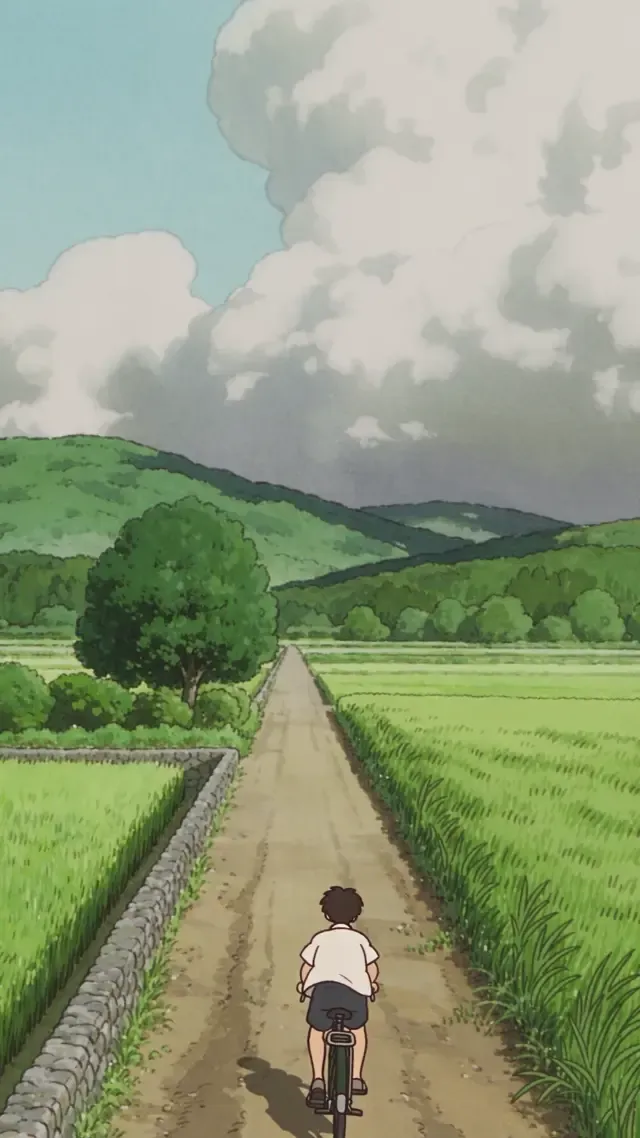
9:16 vertical video, 15 seconds, traditional hand-drawn cel animation. Characters have flat colors, a single layer of hard-edged shadows, and dark hand-drawn outlines. The countryside backgrounds are painted by hand, with paper texture and visible brushwork, but no watercolor bleeding. Character: An original boy wearing a white short-sleeved shirt and dark shorts, with simple facial features and dark dot eyes with highlights, without traits of any existing character. He rides an old dark-green bicycle. Setting: A summer afternoon in the Japanese countryside. A dirt road extends from the bottom of the frame toward distant rice fields, bordered by thick grass and low stone walls. Layered green hills lie in the distance, and the sky fills the upper half of the frame with large cumulus clouds. Shot sequence: Shot 1: A locked-off wide shot in vertical composition. The boy rides into the frame from the bottom and continues up the road toward the top of the image, gradually becoming smaller. The camera remains fixed. Roadside grass sways continuously in the same direction, and treetops on the background hills move slightly. The cumulus clouds change shape very slowly, with gradual changes perceptible within 4 seconds rather than remaining static. Afternoon sidelight casts shadows to the right of the road. Shot 2: Cut to a medium side view. The boy leans forward slightly to accelerate, and the hem of his shirt streams backward in the wind. The rice fields behind him ripple in the breeze, with subtle alternating light and shade in the painted rice stalks. A dragonfly enters from the lower left, hovers ahead of him, and then flies away. Animate its wings with the cadence of hand-drawn animation. Shot 3: The boy stops beside a large roadside tree, rests one foot on the ground, and looks up at the canopy. Slowly push in from a medium side view to a close-up of his face. Sunlight filters through the leaves, casting moving patches of light on his face that visibly shift within 2 seconds as the leaves continue swaying. He squints briefly and gives a relaxed smile. Shot 4: Cut back to a locked-off wide shot. The boy begins pedaling again and rides deeper into the scene. Clouds continue slowly changing shape and grass keeps swaying, bringing the scene to a quiet close. Quality constraints: Preserve the hand-drawn cel-animation aesthetic throughout, with flat character colors and hard-edged shadows. Backgrounds should feel alive through continuous subtle motion: slowly changing clouds, swaying grass, and moving patches of light. Do not include iconic character designs or compositions from existing animated works. No dialogue, text, or brand logos.
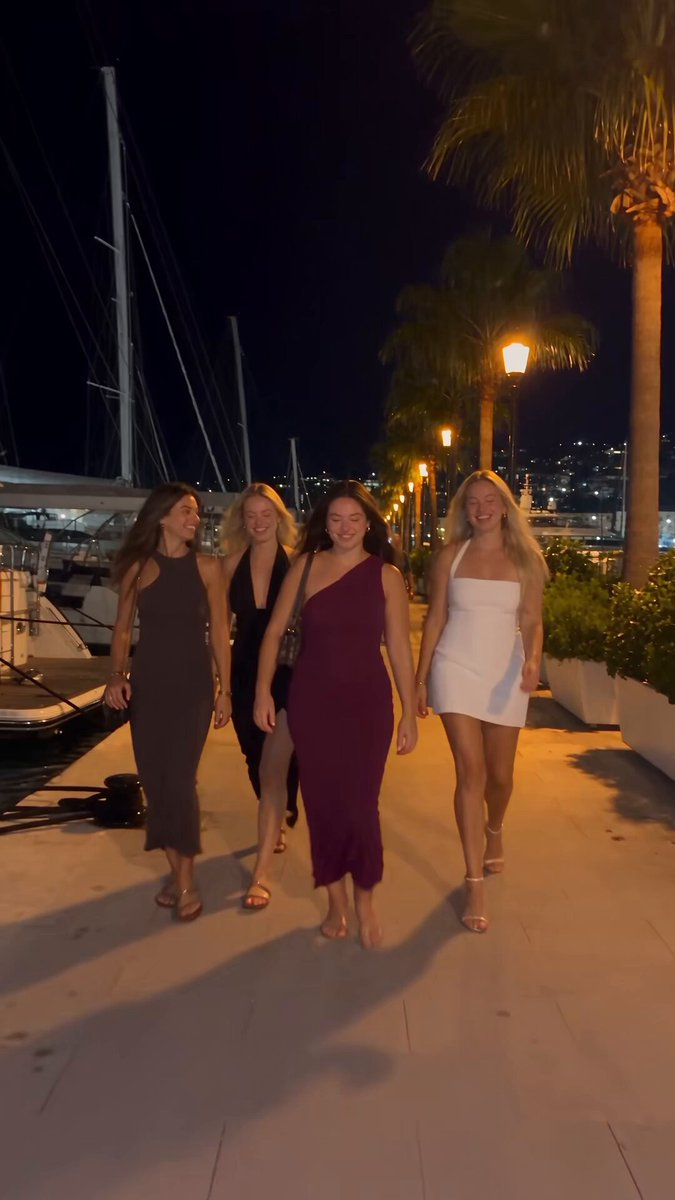
Raw vertical phone video (UGC), handheld throughout, filmed by a friend who walks with the group, casual sway, natural night lighting, wide-angle lens, deep focus. Characters: The hero is a young woman with long dark hair in a deep-purple one-shoulder dress with a small shoulder bag. Her three friends: one in a dark brown dress, a blonde in a black wrap dress, a blonde in a white mini dress — party dresses and sandals. Laughing, spontaneous night-out energy. Setting: A luxury marina at night — a stone quay along a narrow water slip flanked on both sides by large moored luxury yachts, big white hulls rising on either side, masts and rigging above, fenders on the hulls. Warm orange street lamps, palm trees, distant city lights. The yachts glow with blue-turquoise underwater LED lights spilling into the water; a yellow mooring line runs to the stone. [0.0s–4.0s] — Wide tracking shot, eye level, camera moving backward. The camera walks backward ahead of the four women as they stroll toward it down the marina promenade, framed head-to-toe, laughing and chatting in French; warm lamplight and palm trees behind, slight handheld bob. [4.0s–6.0s] — Medium shot, eye level, backward track + quick left pan. The woman in the purple dress surges ahead of the group toward the lens, one arm raised, hair flying; the camera, on their left, keeps tracking back and pans to hold her. [6.0s–8.0s] — Medium-wide, camera tilts down-left to follow, whip motion. She reaches the quay edge between the moored luxury yachts and launches headfirst over the edge; the handheld camera whips left and tilts down to chase her off the stone. [8.0s–10.0s] — High-angle wide, looking down at the water, slight jolt. From up on the quay the camera looks down as she plunges headfirst into the blue-turquoise water in the slip between the big yacht hulls — a big splash, the underwater lights glowing around the impact; the handheld frame jolts slightly with the motion. [10.0s–13.0s] — High-angle medium, looking down, small handheld drift. She surfaces in the teal water, gasping and laughing up at the camera, hair slicked back, treading water. [13.0s–16.0s] — Handheld tilt up and back down, slight zoom. The camera lifts off the water and tilts up to a person leaning on the deck railing of one of the moored luxury yachts, watching her in the water, then tilts back down and zooms slightly in on her still treading and laughing. [16.0s–20.0s] — High-angle medium, tilting to follow her up. She swims to the stone quay wall, reaches up and grabs a thick dark mooring pole, and hauls herself out; the camera tilts upward with her as she rises from the water, legs braced on the stone. [20.0s–23.0s] — Low/close medium at the quay edge, static handheld. She climbs onto the stone lip, rolls onto her side, soaked dress clinging, then pushes up to her feet; the camera holds close, catching the water running off her. [23.0s–27.0s] — Medium shot, eye level, loose handheld reframe. Back on the promenade, dripping wet, she flips her long wet hair forward and wrings it out, laughing, as her friends and passing pedestrians move behind her. [27.0s–30.0s] — Medium shot, eye level, camera settles. Still dripping, she straightens up and strikes a confident, playful pose for the camera — hand on hip, tossing her wet hair back with a big smile — her friends laughing around her; the camera holds on the pose to end. Audio: Live sync sound — friends laughing and shouting excitedly in French, a scream at the leap, a big water splash, water sloshing against the yacht hulls, wet footsteps on stone, ambient night marina sounds. No music. Style: Raw amateur vertical phone footage, natural night lighting, warm street lamps mixing with the turquoise underwater yacht glow, authentic handheld motion.
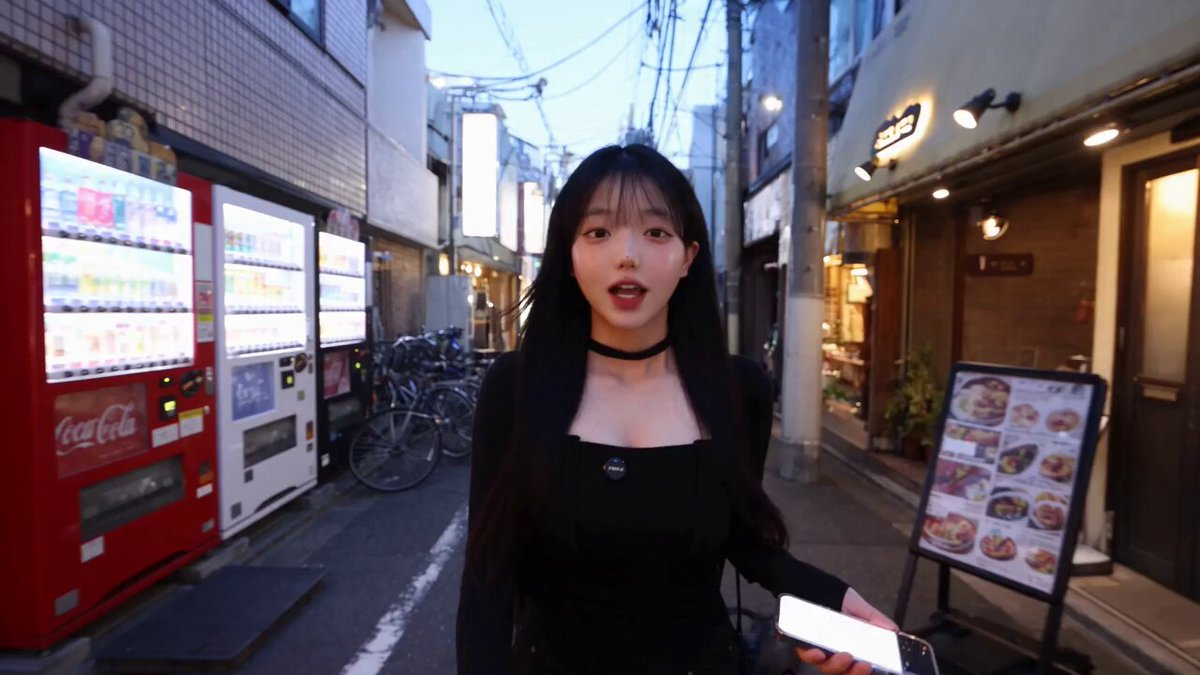
Ultra-realistic smartphone food vlog set in a charming neighborhood in Tokyo, Japan. The entire video must look like it was genuinely recorded on a modern flagship smartphone by a real female creator, not like a cinematic production or AI-generated video. 0–5 seconds: A young Japanese woman walks through a narrow Tokyo side street in the early evening, holding her smartphone at arm’s length and casually talking to the camera. Traditional Japanese shopfronts, vending machines, bicycles, small signs, utility wires, pedestrians and warm storefront lights create an authentic neighborhood atmosphere. Natural handheld movement and slight framing imperfections. 5–10 seconds: She notices a tiny hidden dessert café and turns the camera toward its entrance with an excited reaction. She walks inside while continuing the vlog. The camera naturally adjusts exposure from the bright street to the warmer interior. 10–16 seconds: Show the staff preparing a fresh strawberry cream dessert. Realistic strawberries, whipped cream, soft cake layers and small details of the preparation. The creator moves the phone closer for a natural food close-up while autofocus subtly shifts between the dessert and her hand. 16–22 seconds: She receives the dessert, holds it directly toward the phone camera, then takes a spoonful and tastes it. Her reaction should be spontaneous and believable, with subtle facial expressions rather than exaggerated acting. 22–27 seconds: She smiles, takes another small bite and turns the camera slightly to show the cozy café interior, Japanese customers naturally sitting in the background and warm practical lighting. 27–30 seconds: She walks back outside onto the Japanese street, looks directly into the phone camera and naturally says, “Okay, this place was actually so good!” She smiles and ends the recording casually. Authentic Japanese environment, realistic human behavior, natural walking physics, real-looking food textures, accurate skin texture, natural hair movement, realistic reflections, imperfect smartphone framing, subtle autofocus hunting, automatic exposure adjustments, slight handheld shake, natural motion blur, realistic low-light smartphone noise, true-to-life colors, detailed background activity, genuine vlog energy, high-resolution smartphone footage, photorealistic, documentary realism, no cinematic camera moves, no drone shots, no artificial slow motion, no CGI appearance, no text, no subtitles.
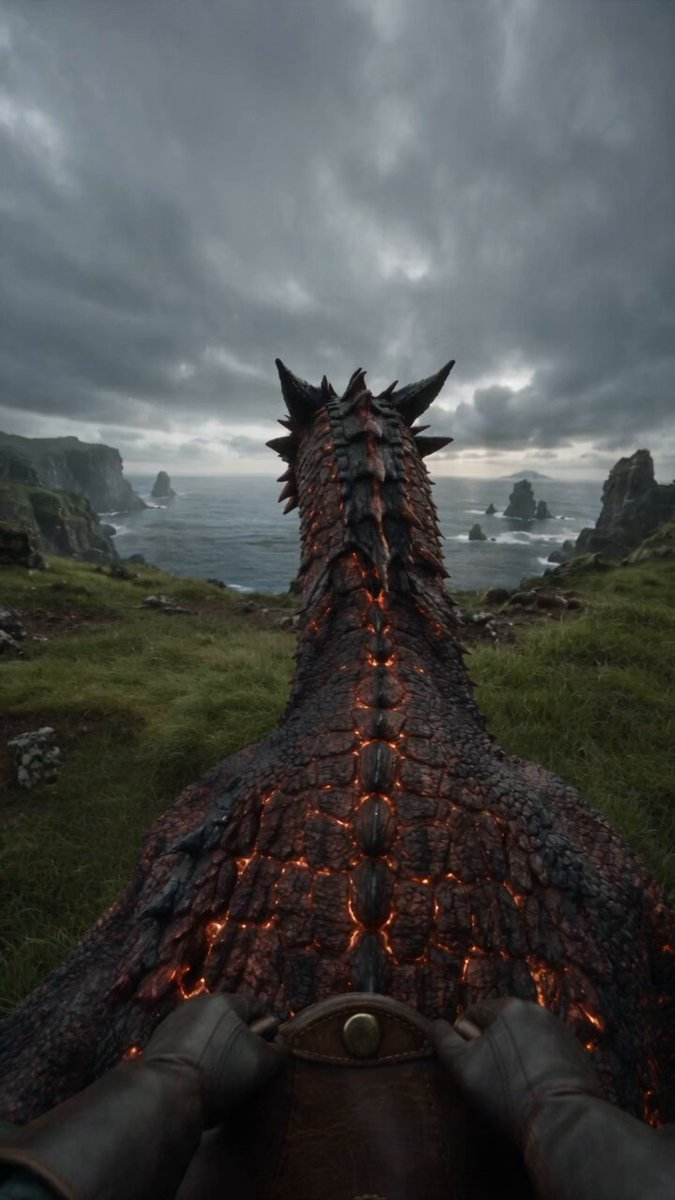
Create a 30-second vertical 9:16, 24fps, 8K-quality photorealistic live-action fantasy sequence from a first-person rider POV. A massive original obsidian-crimson dragon with individually detailed scales, subtle dark mottling, molten-gold eyes, volcanic-black swept-back horns, blade-like dorsal fins, burgundy-red translucent wings and faint ember-like fissures across its body. Rider wears black leather gloves, dark-green sleeves and weathered leather bracers, holding heavy chain reins from a worn brown studded saddle. Begin with the dragon calmly breathing on a wet emerald coastal cliff; it slowly turns toward camera and the rider gently pets its neck. Suddenly it lowers its body, launches across the grass and leaps from the cliff. Dive steeply toward the grey-green ocean, deploy huge wings with realistic membrane movement, then skim just above the water with spray hitting the lens. Perform a dramatic high-speed bank around a sea stack, then plunge directly underwater. Brief dark-teal underwater silence with bubbles and faint crimson glow, followed by a powerful eruption through the ocean. Finish with a calm glide above foggy water as the dragon slowly turns and looks toward the rider. Use physically accurate anatomy, weight, gravity, wing aerodynamics, water physics, scale deformation, wind and environmental interaction. Natural rider-mounted camera movement, realistic motion blur, lens droplets, focus breathing, subtle handheld vibration, cinematic depth of field, soft overcast lighting, HDR, restrained film grain and natural cinematic color grading. Audio: atmospheric drone → intimate cello → rising orchestral tension → massive launch/flight score → intense percussion during the bank → muffled underwater audio → epic orchestral return during emergence → soft cello/piano ending. Layer detailed ASMR/SFX: dragon breathing, scales, leather, reins, claws scraping soil, wind, wingbeats, water spray, bubbles, ocean impact and a deep natural dragon roar. Make it indistinguishable from expensive real live-action cinema. No AI look, cartoon, anime, game CGI, plastic textures, fake physics, neon glow, oversaturation, distorted anatomy, extra limbs, text or watermark.
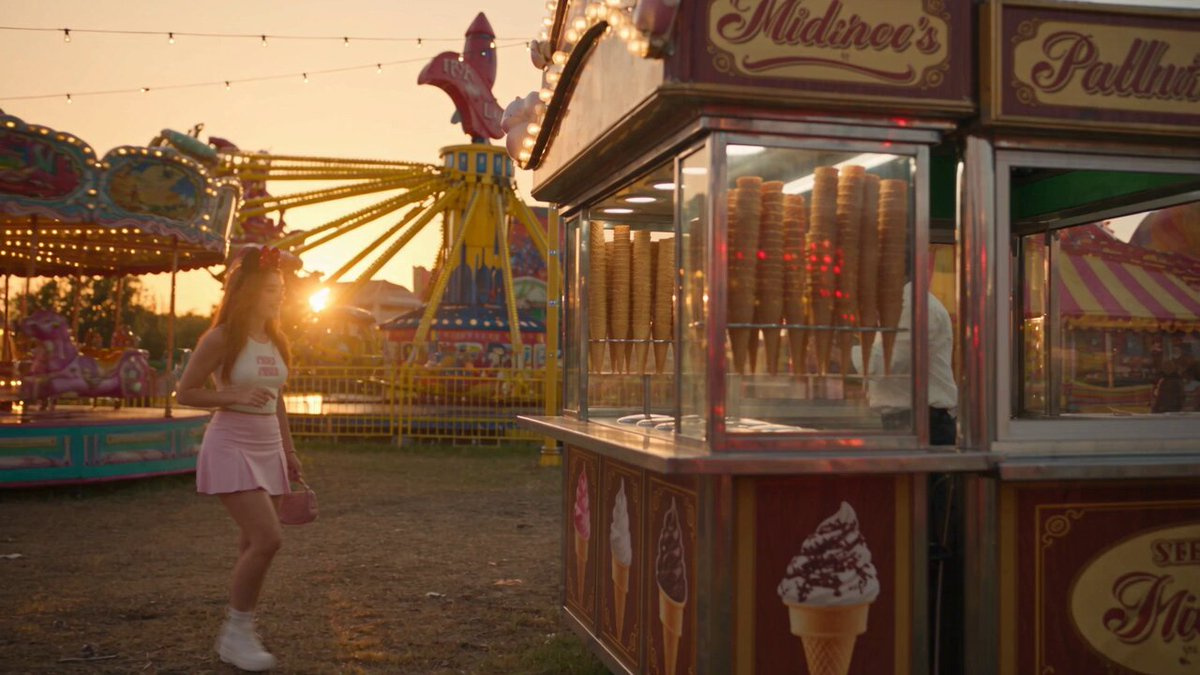
CHARACTER: A young woman wearing a cute, stylish amusement-park outfit with a clearly visible Mickey Mouse ears headband. Keep the headband consistent throughout the entire video. She is excited, playful, and expressive. A cheerful Turkish ice cream vendor stands behind a traditional Turkish ice cream stall, holding a long metal ice cream paddle. 0–3 SEC — ORDER Start with a cinematic wide shot of the colorful amusement park, then smoothly move toward the Turkish ice cream stall. The girl approaches the counter, smiling excitedly. Her Mickey Mouse ears headband is clearly visible. She points toward the ice cream. The vendor prepares a cone with a scoop of ice cream and extends it toward her. 3–6 SEC — THE FIRST TEASE Cut to a medium shot. The girl eagerly reaches for the cone. Just as she is about to grab it, the vendor smoothly pulls the ice cream away with the long paddle. She looks at him in surprise. He smiles mischievously and offers it again. 6–9 SEC — MORE TEASING She reaches again. The vendor smoothly moves the cone from left to right, then slightly upward, always just out of reach. The girl follows the cone, laughing and becoming increasingly determined. Keep the interaction fluid, realistic, and playful, with natural body movement and timing. 9–11 SEC — THE NOSE TRICK The vendor finally brings the ice cream toward her. She confidently leans forward, expecting to receive it. Instead, he gently places a small dab of ice cream on the tip of her nose. Close-up on her shocked expression. She pauses, looks cross-eyed toward the ice cream on her nose, then looks back at the vendor with a playful annoyed expression. 11–15 SEC — SHE WINS Before the vendor can tease her again, she quickly grabs the cone from the paddle. She successfully gets the ice cream. The vendor laughs and raises his hands in playful defeat. She proudly holds up the cone, smiles toward the camera, wipes the ice cream from her nose, and takes a happy bite. CINEMATOGRAPHY: Photorealistic live-action, premium cinematic quality, warm golden-hour lighting, natural skin texture, realistic facial expressions, shallow depth of field, soft background bokeh, subtle anamorphic lens characteristics, natural motion blur, smooth gimbal movement, cinematic push-ins and tracking shots, realistic amusement-park atmosphere. IMPORTANT: Keep the Mickey Mouse ears headband clearly visible and consistent throughout the scene. Maintain consistent faces, wardrobe, hairstyle, ice cream cone, vendor paddle, and environment. All movements must be smooth and physically realistic. No exaggerated cartoon movement, no 3D animation, no jerky motion, no teleporting, no object duplication, and no unnatural hand movements.
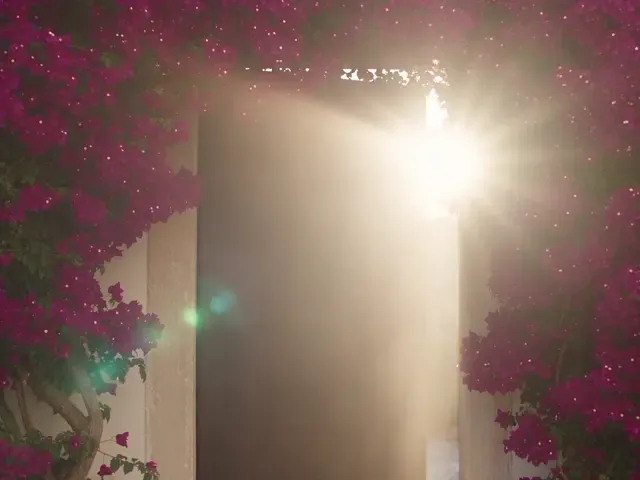
FORMAT: 30 seconds, 4:3, 1080p, 24 fps, real-time speed. A premium automotive brand commercial with dynamic hard-cut montage editing, 15 shots, and only sound effects and ambient audio. Scene: A pink-haired woman steps out of a villa framed by bougainvillea. A vintage green Porsche roars to life amid smoke kicked up by its tires, while old-town streets rush past like a real high-end car commercial.
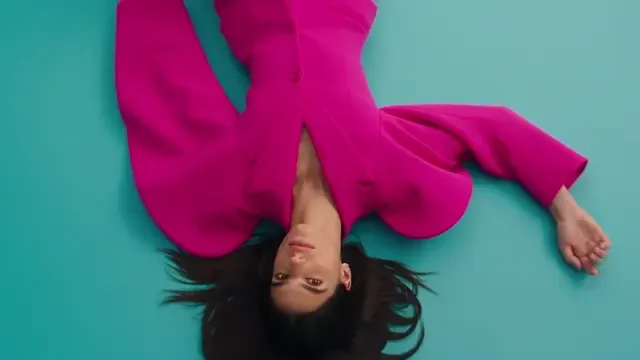
Create a 30-second ultra-photorealistic luxury fashion film starring a beautiful female model with long jet-black hair, expressive eyes, and natural facial features. Wardrobe: An exaggerated, sculpturally tailored bright pink/magenta oversized blazer with dramatic, architectural padded shoulders and sleeves, paired with matching tailored trousers for an elegant haute couture look. Scene 1 (0–5 seconds): Open with a cinematic overhead shot of the model lying on a smooth cyan-blue studio floor. Her oversized pink suit creates a striking visual contrast. The camera slowly pulls back as she poses confidently. Scene 2 (5–9 seconds): Cut to a bright, minimalist white studio. The model walks straight toward the camera with a confident runway expression, emphasizing the blazer's exaggerated sculptural silhouette and voluminous shape. Scene 3 (9–13 seconds): Transition to a bold orange-and-white geometric set. Use dynamic camera movement for full-body runway shots as the model strikes powerful editorial poses. Scene 4 (13–17 seconds): Cut to an atmospheric dark studio illuminated by vivid magenta lighting. Introduce a futuristic black-and-chrome fashion look, highlighting glossy reflections. Show cinematic full-body silhouettes. Scene 5 (17–22 seconds): Return to the magenta suit against a vibrant lime-green and orange background. The model performs dramatic fashion poses, with the oversized sleeves moving naturally to create a striking silhouette. Scene 6 (22–26 seconds): Add a fast-paced cinematic macro transition featuring close-ups of rotating metallic details, glossy reflections, and abstract fashion-inspired imagery. Scene 7 (26–30 seconds): End with a stunning close-up portrait of the model's face. Capture realistic skin texture, expressive eyes, subtle micro-expressions, and cinematic beauty lighting. Visual style: A high-end luxury brand campaign, Vogue-style fashion photography, professional studio lighting, bold color blocking, smooth cinematic transitions, varied camera angles, realistic fabric physics, rich textures, sharp focus, and premium commercial cinematography. Requirements: Maintain highly consistent facial features, hairstyle, body proportions, and wardrobe details across every shot. Movement must follow realistic human anatomy, with natural-looking hands, no facial distortion, no flicker, and no artificial CGI appearance. Achieve an overall 4K-quality look.

Create a funny, high-quality 3D animated video lasting exactly 15 seconds. The main character is a cute, chubby orange pumpkin with large expressive eyes, a goofy beaming smile, and oversized black sunglasses, standing on a cozy Halloween porch at sunset. 0–5 seconds: The pumpkin dances confidently to a cheerful, funny tune, wiggling its body and showing off its cool sunglasses. 5–10 seconds: Suddenly, the sunglasses slide down its face. The pumpkin reaches to catch them, loses its balance, and comically rolls across the wooden porch. 10–15 seconds: The pumpkin gently bumps into a small pile of autumn leaves, springs back up, puts its sunglasses on backward, and proudly says in a funny voice, “I meant to do that!” A startled cat leaps into the air in the background. Requirements: Fluid character animation, exaggerated comedy, precise comic timing, and lively facial expressions. Use cinematic golden-hour lighting, detailed material textures, a consistent pumpkin design, and natural shadows, accompanied by playful sound effects and cheerful background music. Compose in 16:9 widescreen with the polished quality of a 3D animated film. Avoid cuts that break character continuity, extra limbs, distorted faces, subtitles, and watermarks.
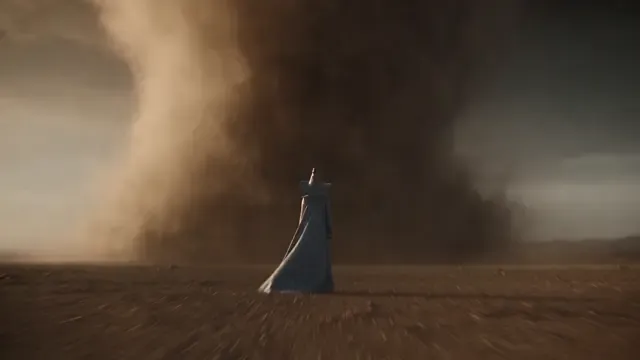
A stylish young witch, wearing an ornate blue-and-silver witch's hat and matching robes, battles hordes of flaming stone golems across a vast desert wasteland. A gigantic sand tornado rises into the sky in the background. High-speed dynamic tracking shots, dramatic lighting, Hollywood CGI blockbuster quality, photorealistic textures, 4K resolution, 24 fps.
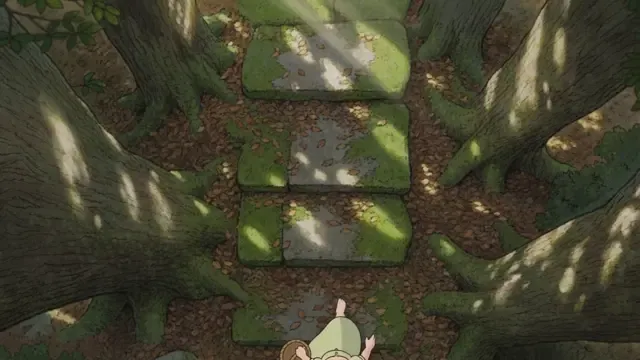
16:9, 20 seconds, traditional hand-drawn cel animation. Characters use flat colors and hard-edged shadows. The ancient forest background is painted by hand, with visible brushwork on tree trunks and layered blocks of color conveying the thickness of moss. Character: An original girl wearing a light-green dress, barefoot, with her hair in two short braids. She carries a small bamboo basket. Setting: A stone stairway through an ancient forest, covered with moss and fallen leaves. Thick tree trunks flank the path, with bark textures rendered in hand-drawn lines and blocks of color. A soft patch of light glows deep along the path, whose end is out of sight. There is no mist in the air. Sunlight forms diagonal beams through the canopy. Shot sequence: Shot 1: A locked-off wide shot with a composition emphasizing the vertical direction. The girl enters from the bottom of the frame and walks briskly up the steps toward the upper middle of the image. The camera remains fixed. Background leaves sway continuously, and light beams slowly shift across the ground as the leaves move. The movement of the light patches must be noticeable within 3 seconds rather than appearing static. Afternoon sunlight filters through the canopy, bright but not harsh. Shot 2: Cut to a medium side view. The girl crouches to pick up an acorn from the steps and places it in her basket. Focus on her hand and the acorn. She stands and continues walking, touching a tree trunk as she passes. At the point where her fingers touch, the trunk's brushwork has a subtle painted texture without becoming photorealistic. Shot 3: She approaches the patch of light deeper along the path and stops. Slowly push in from a wide shot to a medium shot. A small animal—only a blurred partial silhouette, like a deer or rabbit—briefly darts along the edge of the light beam without appearing fully or clearly. The girl tilts her head, then continues forward into the beam, her figure softened by the light. Shot 4: A locked-off medium shot as the girl's figure disappears into the light. Hold on the steps and light beams while the leaves continue swaying and the beams shift slowly, bringing the scene to a quiet close. Quality constraints: Preserve the hand-drawn cel-animation aesthetic throughout, with visible brushwork in the painted backgrounds. Light beams use hand-painted gradients, not digital lighting effects. Backgrounds must remain subtly animated—swaying leaves and moving patches of light—not static images. Keep fantasy elements restrained, suggested only through indistinct silhouettes. Do not include iconic creatures or scene compositions from existing animated works. No dialogue or text.
새로운 아이디어를 찾아보세요
선물 크레딧은 월 최대 0까지 누적됩니다
모든 모델 이용 가능
720p · 동영상당 5초
동영상 생성 초당 $0.0463부터
 Claude Opus 5.5
 Seedance 2.5 20% 할인 Seedance 2.0 20% 할인
 Nano Banana 2.1

 Gemini 4 Argon

 모델 더 보기
모든 모델 이용 가능
720p · 동영상당 5초
동영상 생성 초당 $0.0376부터
Claude Opus 5.5 Seedance 2.5 35% 할인 Seedance 2.0 35% 할인Nano Banana 2.1Gemini 4 Argon모델 더 보기유연한 맞춤 설정, 규모 확장, 중앙 집중식 관리가 필요한 조직을 위한 플랜입니다.
맞춤 요금제팀 규모, use case, 비즈니스 요구 사항에 맞는 요금제를 상담해 보세요.
필요한 사항을 알려 주세요
AI video generation uses generative models to create or transform moving images from inputs such as text, images, and video clips.
Text to video starts with a written description of a scene. Your prompt can describe the subject, setting, style, and desired movement.
Image to video starts from a still image, providing a visual reference for the resulting motion. Available controls depend on the selected model and tool.
Video to video uses an existing clip as input for a transformation or new interpretation. Supported inputs and transformations depend on the selected tool.
Select Create a video to enter Atoms. Sign in if needed, then explore the video tools available to your account. Model access, usage, and pricing depend on your plan.
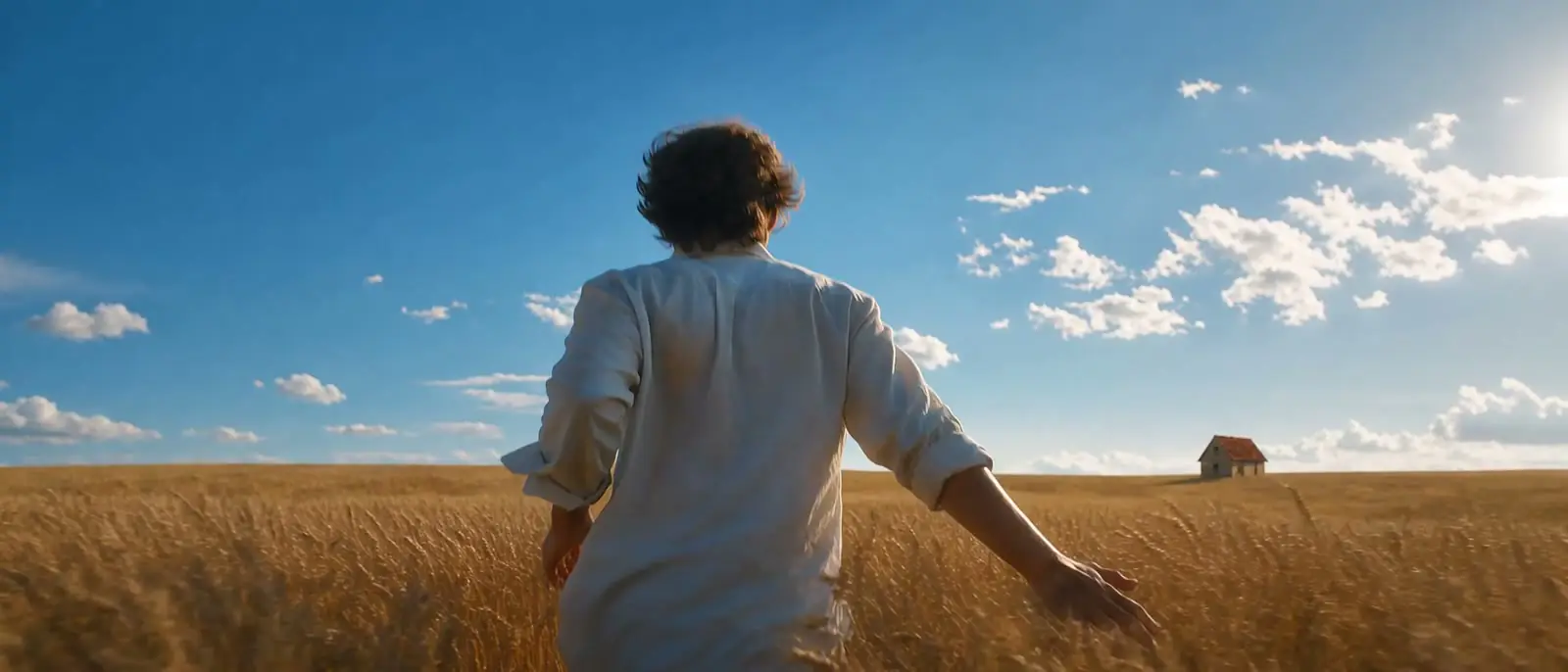
Open Atoms and turn that creative brief into your next video project.
