All Use Cases / App

AI Dashboard Builder

Describe your metrics in plain language — Atoms builds and deploys your AI dashboard builder project live

star

Build Your Dashboard

Starting point

Build an interactive web app for AI-driven design concepts.

What you can build

Describe what you want to visualize — revenue by region, monthly trends, conversion funnels — and Atoms generates the appropriate chart types, axis labels, and color schemes without requiring knowledge of D3.js or Chart.js.

Best fit

Build investor-ready dashboards showing MRR, churn, and acquisition metrics without hiring a BI engineer or learning Tableau.

Trusted by customers from

Start with a template

AI Studio Dashboard Design template previewAI Studio Dashboard Design template preview
Preview

AI Studio Dashboard Design

Build an interactive web app for AI-driven design concepts.

Futuristic UI with Cards template previewFuturistic UI with Cards template preview
Preview

Futuristic UI with Cards

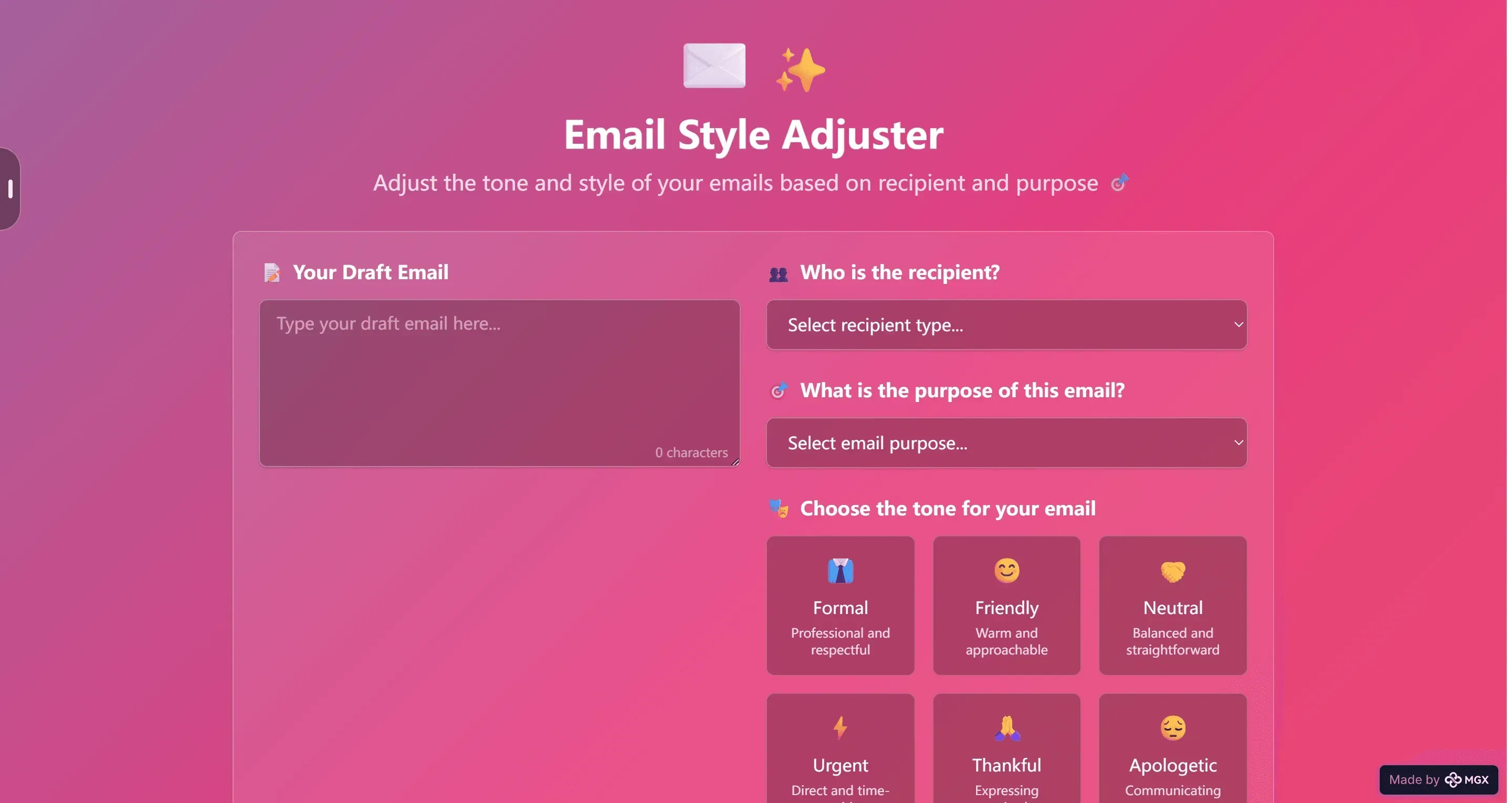
AI Analyzer Dashboard puts three tools in one tab: live lead scoring, instant sentiment scans, and no-code marketing workflows you can switch on in a click. Import your data, set the rules, and let the engine segment audiences, tag emotion, and trigger campaigns while you watch the metrics update in real time.

Dashboard-App für Pokémon template previewDashboard-App für Pokémon template preview
Preview

Dashboard-App für Pokémon

Create a dashboard app for tracking Pokémon card project growth.

Dashboard Registrasi Siswa template previewDashboard Registrasi Siswa template preview
Preview

Dashboard Registrasi Siswa

Create a cool dashboard for new student registration.

AI Website Generator Prompt template previewAI Website Generator Prompt template preview
Preview

AI Website Generator Prompt

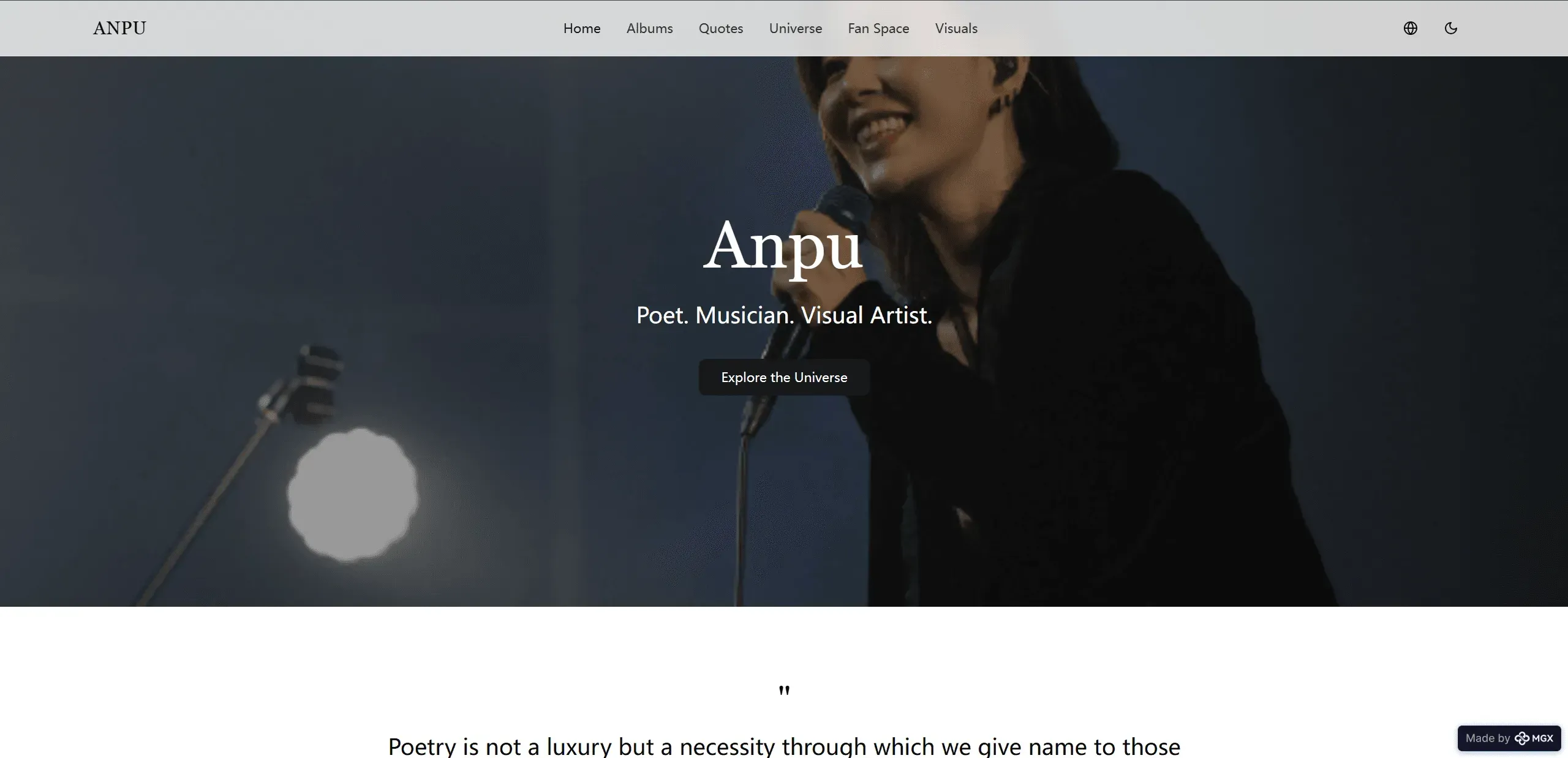
A scrollable digital mural that plots British icons, landmarks, and social movements in chronological order; each tile opens a short text with archival images for quick reference or classroom use.

Beta Web App Landing Page template previewBeta Web App Landing Page template preview
Preview

Beta Web App Landing Page

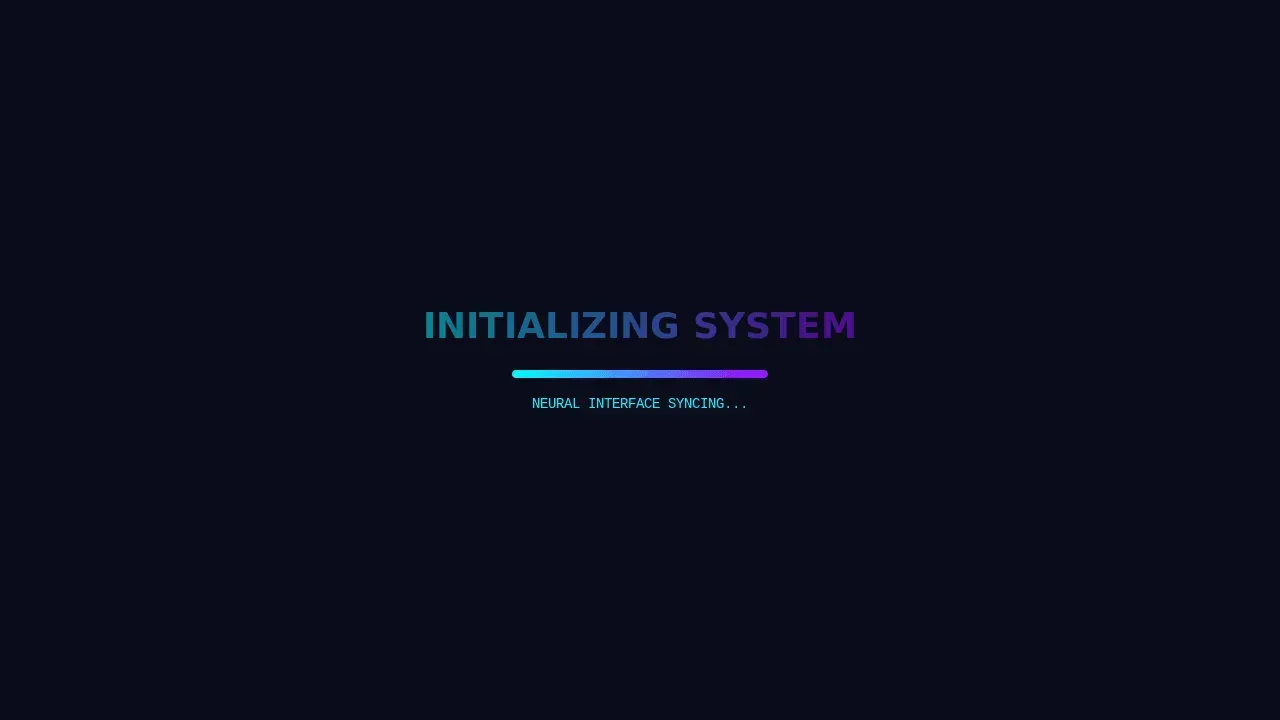
This is the landing page for "News Deck," a web application currently in beta access. It features a sleek, dark-themed design with neon accents, promoting its core service: "Intelligent analysis. Delivered daily, weekly, monthly." The interface presents clear options for users to choose their preferred frequency of insights, including "Daily" for real-time information and "Weekly" for trend analysis, creating a modern and user-friendly experience for accessing curated news content.

Start building with templates

Everything you need in a What makes this AI dashboard builder different

Natural Language to Charts

Describe what you want to visualize — revenue by region, monthly trends, conversion funnels — and Atoms generates the appropriate chart types, axis labels, and color schemes without requiring knowledge of D3.js or Chart.js.

Live Data Connections

Connect to databases, APIs, CSV uploads, or third-party services directly from your dashboard. Atoms configures authentication, handles data parsing, and sets up real-time refresh intervals so your metrics stay current.

One-Click Deploy to Production

Your dashboard isn't a static mockup — it's a working web application. Deploy it to a custom domain with built-in hosting, SSL, and authentication so stakeholders can access live data from any device without extra setup.

Built-In Auth and Permissions

Control who sees what with Atoms Cloud authentication. Set role-based access so executives see summary KPIs, analysts get drill-down tables, and clients view only their own data — all configured through natural language.

Select-to-Edit Refinement

Click any chart, card, or layout section and describe changes: swap a bar chart for a line chart, add a date filter, change the color theme. Atoms updates the component instantly without regenerating the entire dashboard.

Race Mode for Layout Options

Run multiple agent teams in parallel to generate different dashboard layouts from the same prompt. Compare side-by-side results — one may emphasize KPI scorecards while another prioritizes trend visualizations — then pick the version that fits.

Who Is AI Dashboard Builder For?

01

Startup Founders Tracking KPIs

Build investor-ready dashboards showing MRR, churn, and acquisition metrics without hiring a BI engineer or learning Tableau.

02

Marketing Team Leads

Generate campaign performance dashboards with channel ROI, engagement trends, and budget breakdowns updated in real time.

03

Operations Managers

Monitor SLA compliance, resource utilization, and process bottlenecks with dashboards that refresh automatically from your existing data sources.

04

Freelance Data Consultants

Deliver client-facing dashboards on custom domains with authentication — export the code via GitHub sync to hand off cleanly.

See how it works in minutes

How to Use AI Dashboard Builder

01
Describe the dashboard you need — specify metrics, data sources, chart types, and who will view it. Use plain language like you would brief a colleague.
02
Review the generated layout as Atoms creates charts, KPI cards, filters, and responsive layouts. Click any element to refine it with follow-up instructions.
03
Connect your data by specifying database credentials, uploading CSV files, or pointing to API endpoints. Atoms handles parsing, type detection, and refresh scheduling.
04
Deploy to production with one click — get a live URL on your custom domain with SSL, authentication, and mobile-responsive views ready for stakeholders.

FAQs about AI Dashboard Builder

Build your first dashboard in minutes, not weeks

Describe what you need, connect your data, and deploy a live dashboard to your own domain — all from one prompt.