Preview
AI Website Generator Prompt
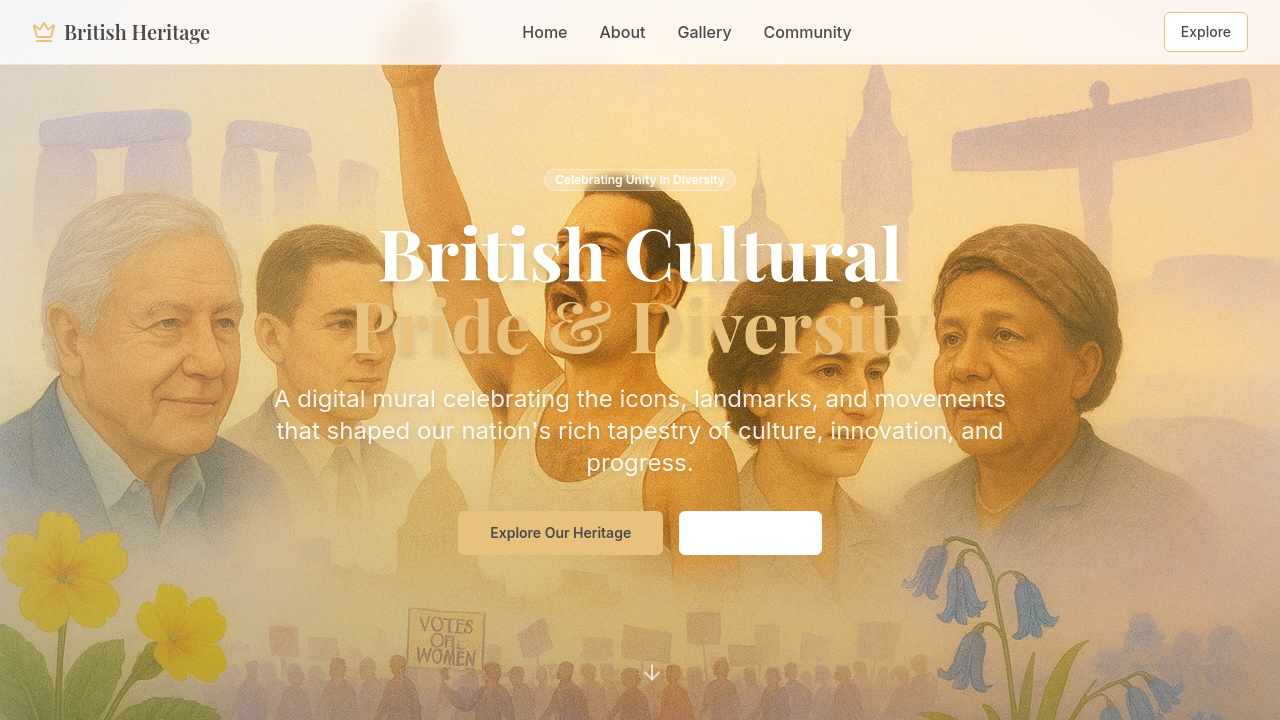
A scrollable digital mural that plots British icons, landmarks, and social movements in chronological order; each tile opens a short text with archival images for quick reference or classroom use.
Describe your brand, get a website logo generator that builds your entire site in one go

Generate Your Logo Now
Trusted by customers from











A scrollable digital mural that plots British icons, landmarks, and social movements in chronological order; each tile opens a short text with archival images for quick reference or classroom use.
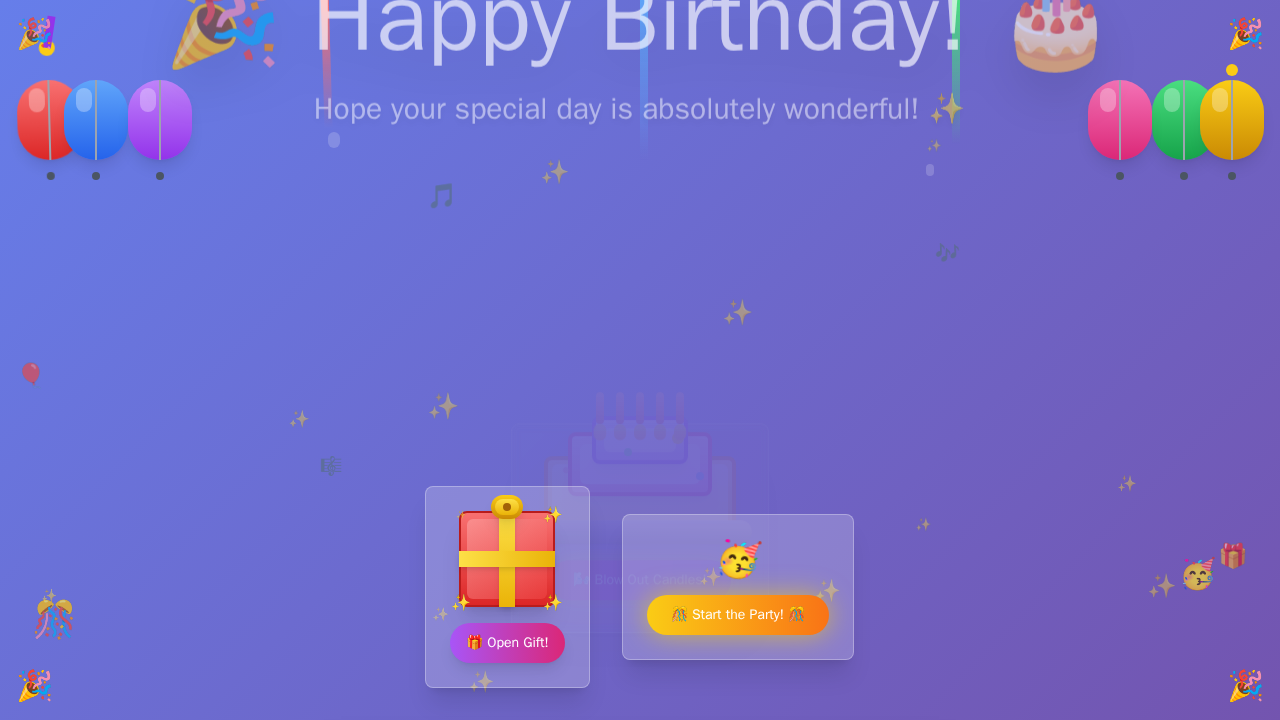
Wishing you a day sparkling with joy and a year glowing with dreams-come-true. ✨
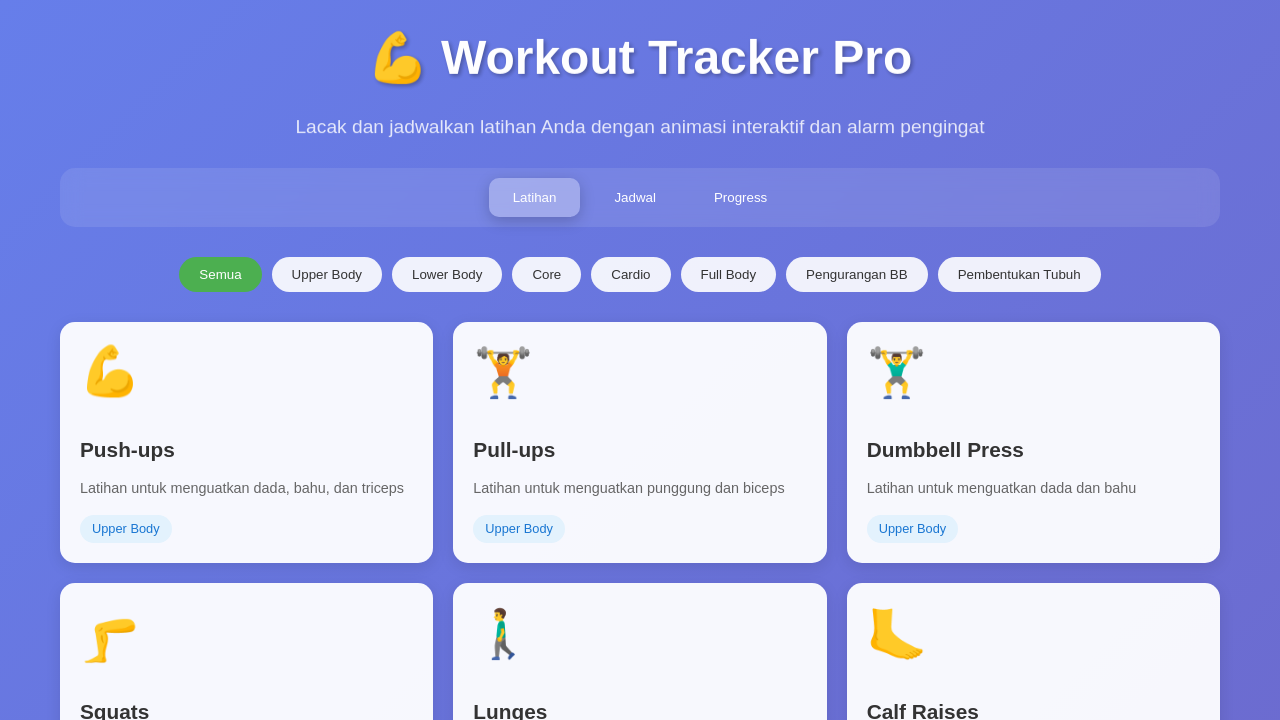
Create a workout tracker website with animations and scheduling.
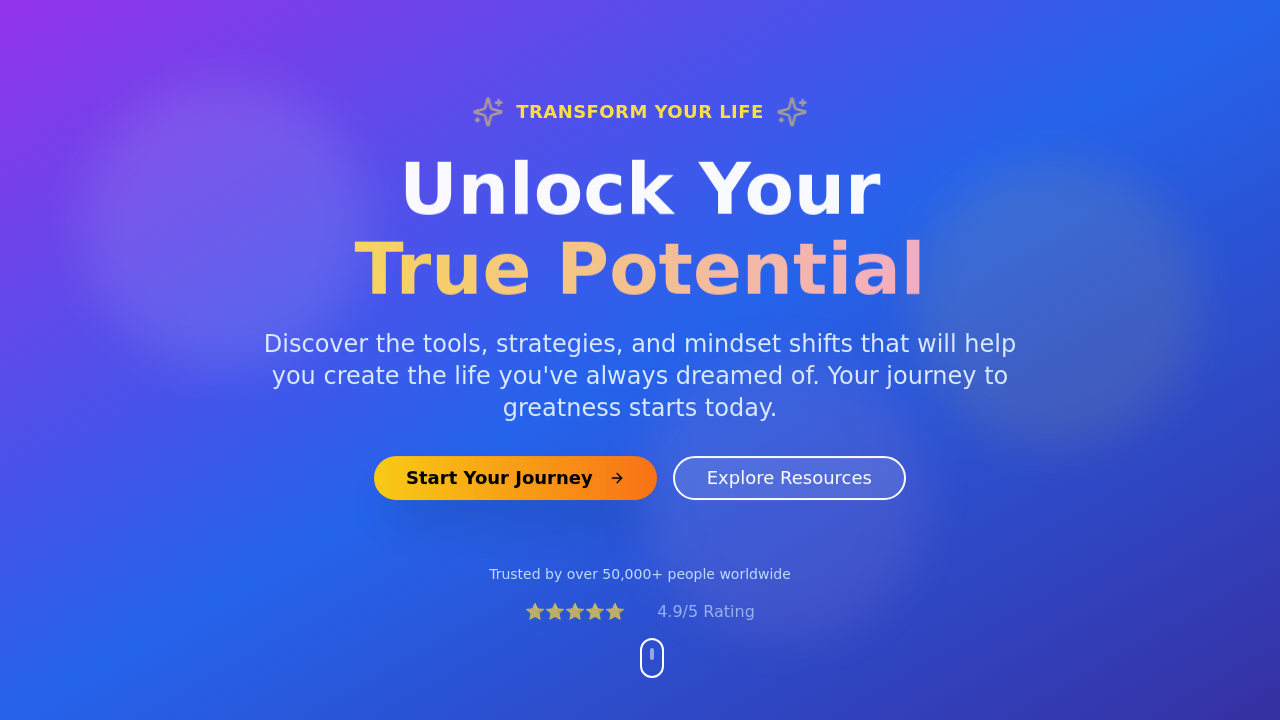
Design a website for self-development purposes.
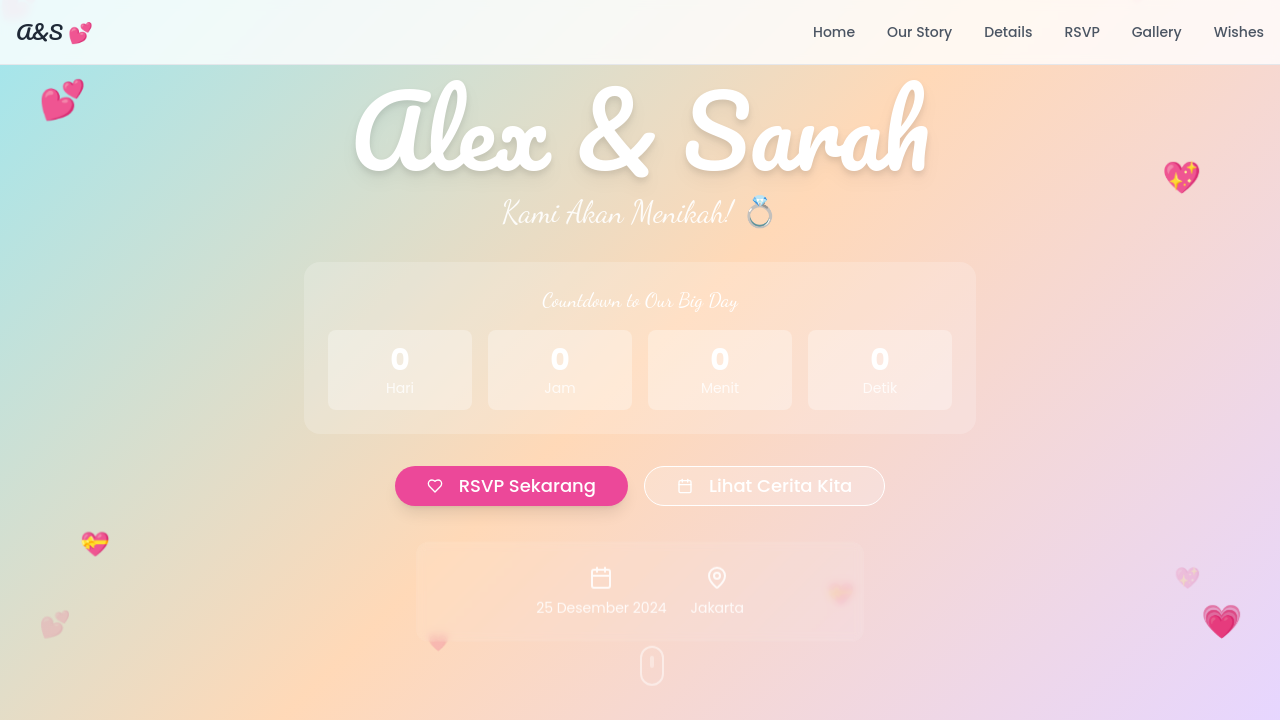
A wedding website featuring React, Tailwind CSS, and engaging animations.
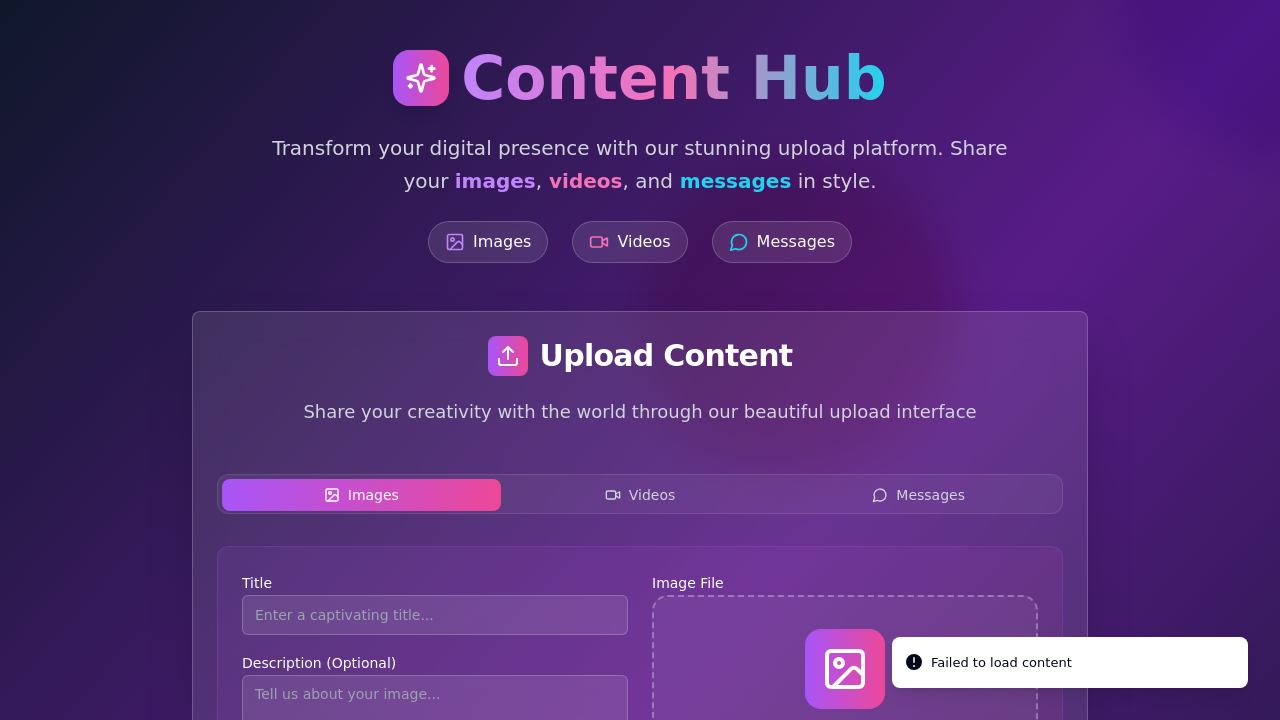
Create a website to upload various media and messages.
Traditional logo makers like LOGO.com or Canva stop at the download button. Atoms generates your logo, applies it to a fully functional website with navigation, footer, and favicon, then deploys it — all from a single natural-language description.
Atoms runs a Deep Researcher, Architect, PM, Engineer, and SEO Specialist in parallel. While one agent crafts your logo concept, others scaffold your site layout, write copy, and wire up authentication — delivering a cohesive brand in minutes, not days.
Unsure which logo direction fits? Race Mode runs multiple AI model teams simultaneously, each producing a distinct logo and site pairing. Compare 2 or more complete variations side by side and pick the one that resonates with your audience.
Click any element on your generated site — the logo, a heading, a color block — and describe what you want changed. Swap fonts, adjust icon spacing, or shift your palette from warm to cool without opening a separate editor or re-uploading files.
Once your logo and site look right, deploy to production with a single click. Atoms Cloud handles hosting, SSL, and custom domain mapping so your brand goes live in under 60 seconds — no FTP, no DNS headaches.
Unlike closed logo platforms, Atoms lets you export your entire project — logo assets, site code, and configuration — to GitHub. Own every SVG, every component, and every style token with zero vendor lock-in.
Go from idea to a branded, deployed website with a matching logo in one sitting — no designer on retainer needed.
Generate multiple logo-and-site concepts for client pitches using Race Mode, then refine the winner with select-to-edit.
Skip the $500 designer fee. Describe your shop, get a commercial-ready logo and live site with Stripe payments wired in.
Spin up branded landing pages with unique logos for A/B campaign tests — deploy each variant to its own custom domain.
Build a fully functional random website generator with categories, shuffle logic, and instant deployment.
Go from a text prompt to a live, hosted website with backend, payments, and custom domain — no code required.
Turn plain-language descriptions into production-ready HTML websites with clean code export and one-click deployment.
Write one sentence about your business and let AI draft a complete site for you.
Use Atoms to design both your backend and website so you can launch a working app from one place.
Describe your vision, generate a logo and a live website, and deploy it — all inside Atoms. Start building now.
