
On this page
Picking a platform for an online store gets harder once selling becomes a real operation rather than a side page. Most teams stall on the same things: catalog limits, checkout control, and designs that resist edits. The best website builder for online stores depends on how central commerce is to your business and how much control you need. This article walks through 7 of them and what each one handles best.
Compare the 7 website builders at a glance
These website builders for online stores differ less in how they look on day one than in what running a store on them feels like later. Some are full commerce platforms, others are design-led builders, and one is a prototyping tool for the validation stage. The table below groups them by best-fit store type, commerce depth, and the main tradeoff to accept.
| Builder | Best-fit store | Commerce depth | Key tradeoff |
|---|---|---|---|
| Atoms | Concept validation stage | Storefront prototyping | Commerce operations need review |
| Shopify | Ecommerce-first DTC brands | Full hosted commerce | Less design freedom than editors |
| Wix | Small shops and boutiques | Built-in commerce tools | Harder to scale complex catalogs |
| Squarespace | Design-led creative brands | Physical and digital products | Fewer advanced commerce features |
| BigCommerce | Large catalogs and B2B | Enterprise-grade operations | More platform than small stores need |
| WooCommerce | WordPress-based stores | Open-source and extensible | Requires technical maintenance |
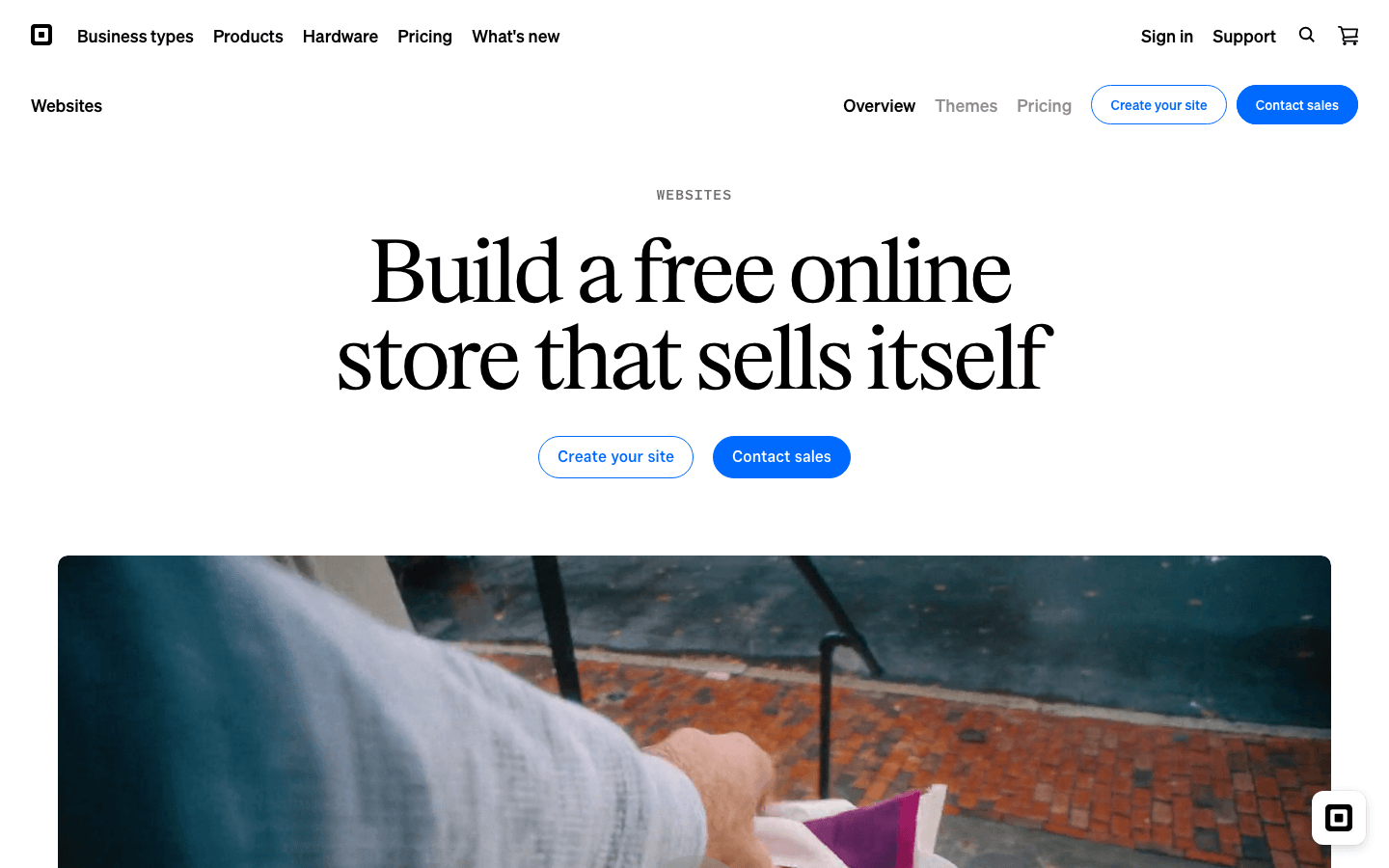
| Square Online | In-person plus online sellers | POS-connected commerce | Tied to the Square ecosystem |
7 website builders for online stores
The seven website builders to launch your online store below each get the same treatment: a short positioning overview, the main features that matter for selling, and the situations where each one fits best.
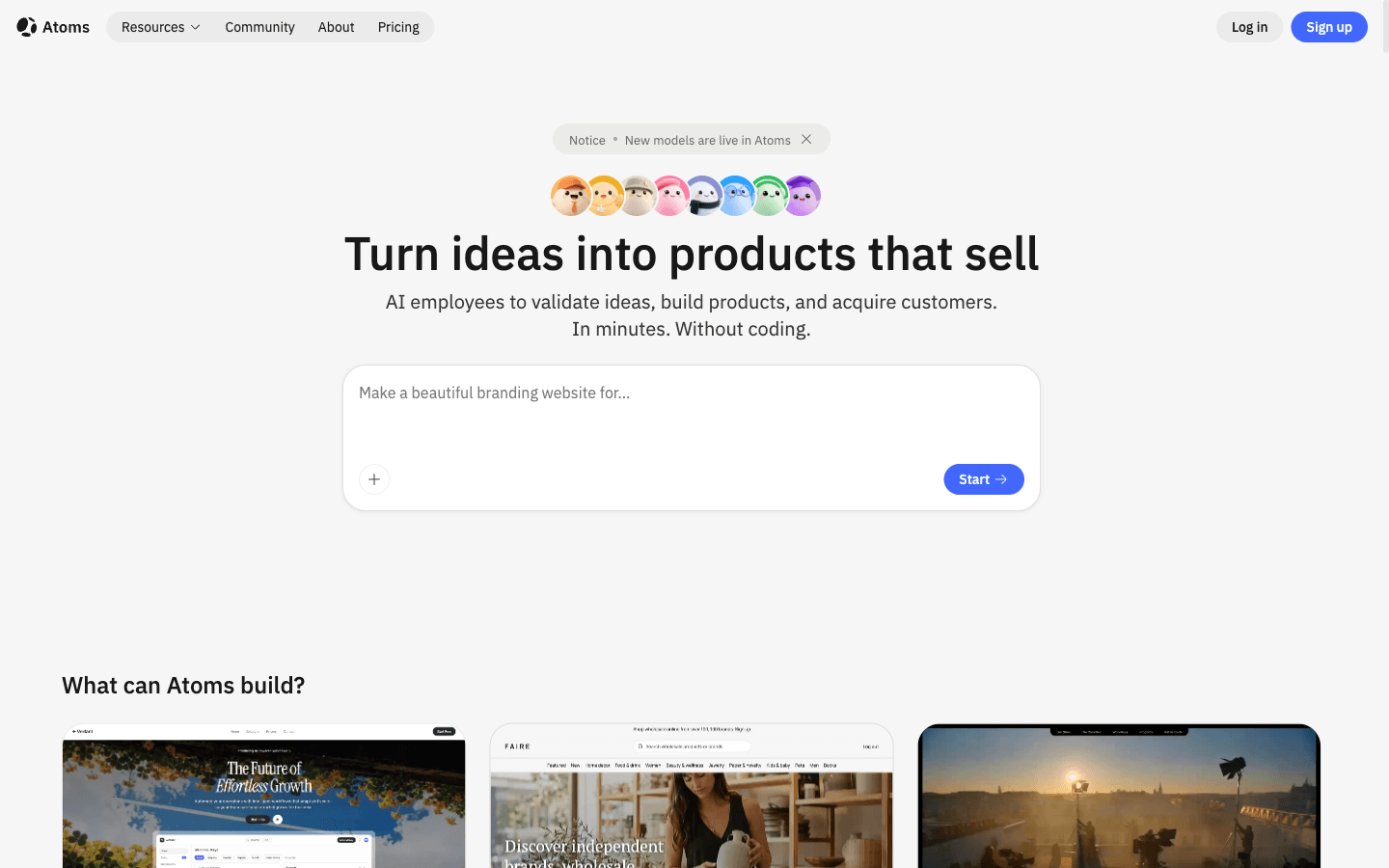
Atoms
Atoms is an AI product-building platform that turns a plain-language brief into an editable website or web application. For online stores, it fits the validation stage: you can generate a storefront concept, refine layouts and content through conversation, and preview the result. It is not a full commerce platform, so checkout, payments, and order operations still need separate review.
Main features
- Natural-language store creation: Describe products, audience, and pages, and receive a working storefront draft instead of a blank canvas, which shortens the concept phase.
- Editable layouts and content: Iterate on sections, copy, and imagery through conversation, keeping every change inspectable before anything ships.
- Generated media for product pages: Create images and video inside the same workflow, so a storefront gets campaign-ready visuals without a separate tool.
- Preview and review before publishing: Check the experience across screens and refine it before involving any commerce tooling.
Suitable for
- Founders validating a product idea before committing to a commerce platform
- Teams that need a storefront concept to align stakeholders
- Sellers comparing design directions before build-out
- Marketers testing campaign landing pages for products
Shopify
Shopify is a hosted ecommerce platform that combines store management, checkout, payments, and product tooling in one place. It removes most technical maintenance, and its large app ecosystem lets a store add marketing, shipping, and analytics functions as it grows. It suits sellers who want commerce operations handled for them from the first order onward.
Main features
- Managed commerce infrastructure: Hosting, security, and updates are handled for you, so the team can focus on products and customers instead of servers.
- Integrated checkout and payments: A ready-made checkout supports common payment methods, which reduces setup work before the first order.
- Large app ecosystem: A wide range of apps extends the store with reviews, subscriptions, and fulfillment tools without custom development.
- Product and inventory management: Variants, prices, and stock are organized in one dashboard, which keeps a growing catalog manageable.
Suitable for
- Ecommerce-first brands where selling is the core business
- Growing stores that prefer managed hosting and support
- Sellers who rely on third-party commerce apps
- First-time founders who want an all-in-one system

Wix
Wix is a visual website builder with built-in ecommerce features aimed at non-technical users. Its drag-and-drop editor makes page design approachable, and commerce sits alongside tools for bookings, events, and other business activities. It works best when the store is one part of a broader small-business site rather than the whole operation.
Main features
- Visual drag-and-drop editor: Pages are arranged directly on the canvas, so layout changes do not require coding skills or developer time.
- Built-in commerce tools: Products, orders, and payments are managed from one dashboard alongside the rest of the site.
- Business features beyond selling: Bookings, events, and restaurant tools let service businesses sell products and appointments together.
- Room for custom functionality: Teams with development help can extend pages beyond the visual editor when the standard tools are not enough.
Suitable for
- Small businesses building their first online store
- Local businesses selling products and services together
- Boutique shops with smaller product ranges
- Beginners who want visual control over design

Squarespace
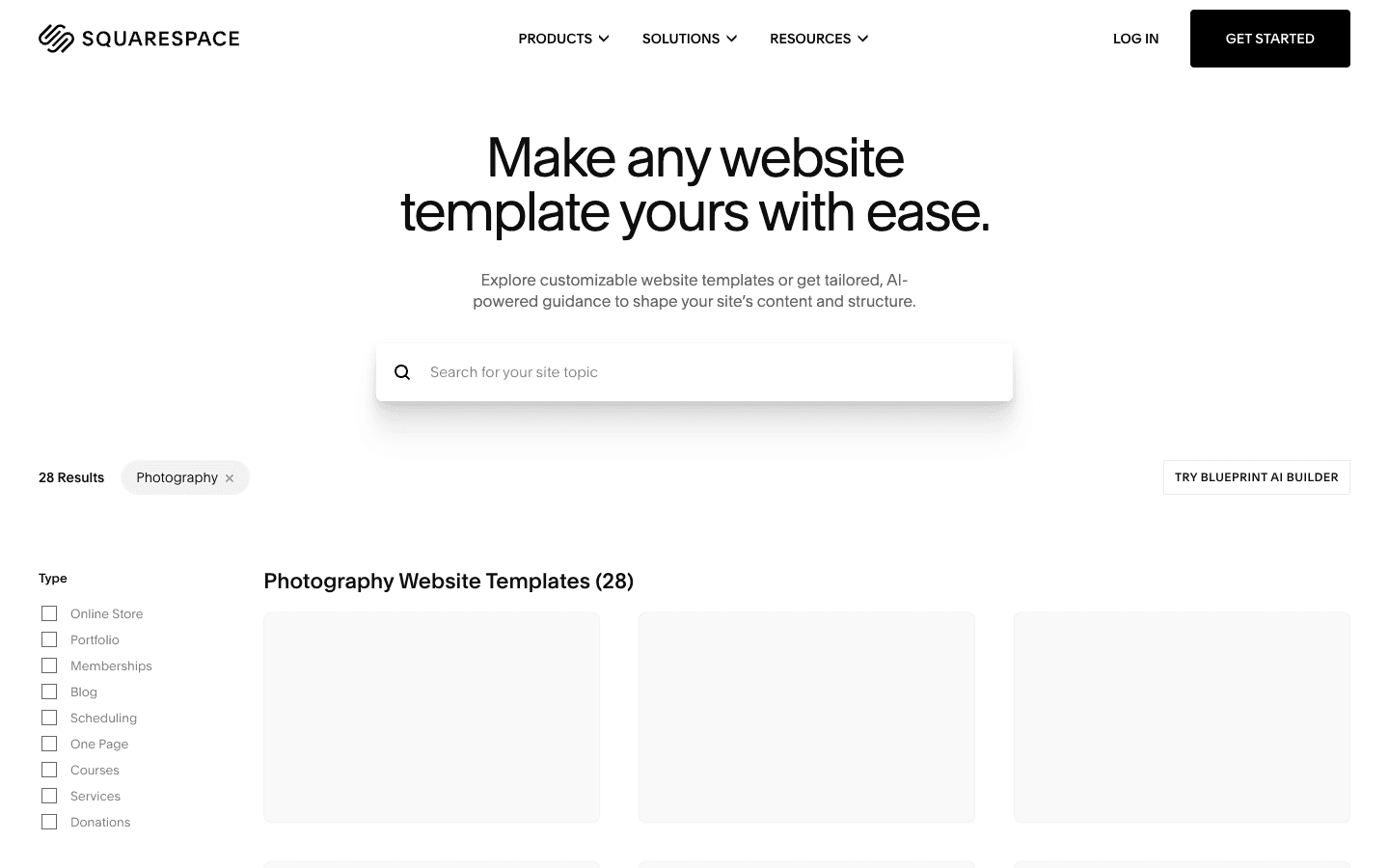
Squarespace is a design-led website builder known for polished templates and strong visual presentation. Its commerce features cover physical and digital products, and everything stays inside one website management environment. It fits brands where presentation drives the buying decision and the catalog stays curated rather than constantly expanding.
Main features
- Design-focused templates: Templates emphasize typography, imagery, and spacing, giving product pages a premium look with little design effort.
- Flexible layout editor: Content and sections can be arranged freely on the page, which keeps layouts balanced without developer help.
- Physical and digital products: One store can sell shipped goods and digital downloads, useful for mixed catalogs.
- Built-in store operations: Products, orders, and customer information are managed in the same environment as the website.
Suitable for
- Creative brands with curated product collections
- Artists, photographers, and independent makers
- Premium brands where presentation shapes conversion
- Small teams that value simplicity over deep commerce features
BigCommerce
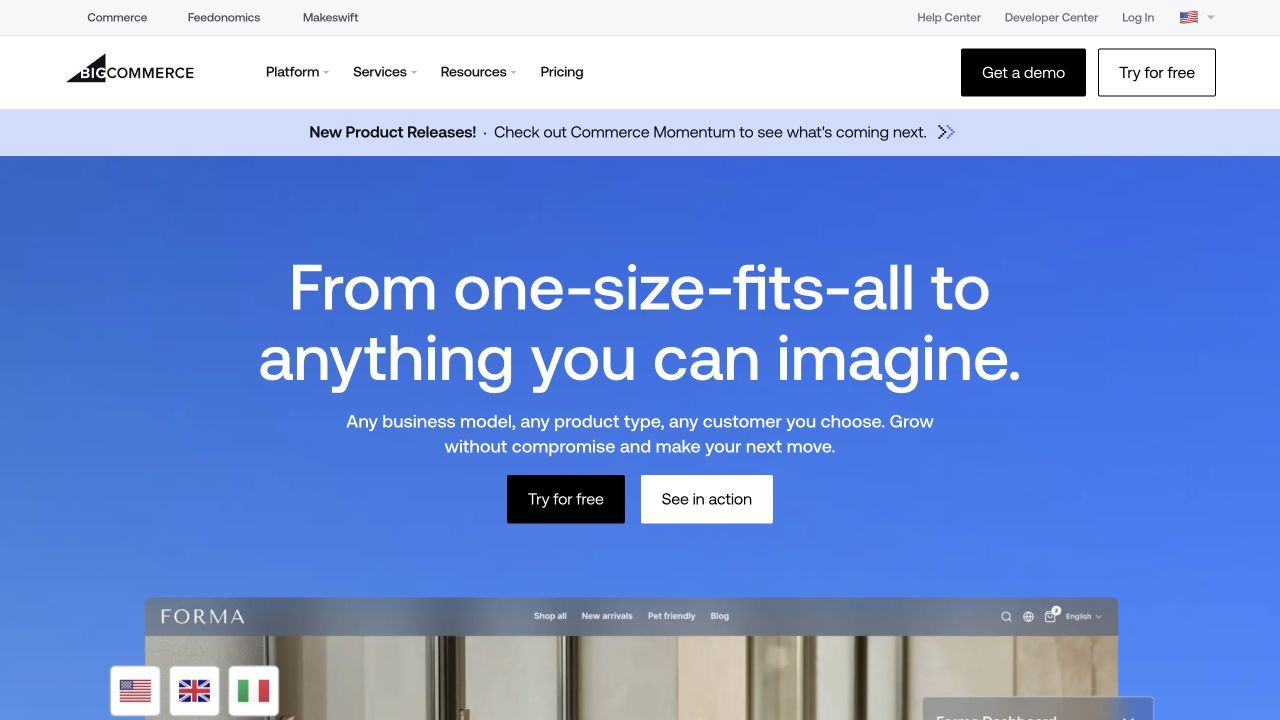
BigCommerce is a hosted ecommerce platform built for larger and more complex selling operations. It supports big catalogs, detailed product variants, B2B purchasing, and integrations with external business systems. It fits established stores better than small experimental projects that do not yet need this depth.
Main features
- Large catalog support: Complex products with many options and variants are handled natively, which suits stores with deep inventories.
- Wholesale selling support: Customer accounts and specialized pricing options support business buyers with more structured purchasing.
- Integration-friendly design: The store can connect to external inventory, accounting, and customer systems as operations grow.
- Multiple payment gateways: Different payment providers can be connected, giving flexibility across markets and regions.
Suitable for
- B2B and wholesale businesses with structured purchasing
- Retailers managing large or complex catalogs
- Established companies connecting commerce to other systems
- Teams that need strong integration options
WooCommerce
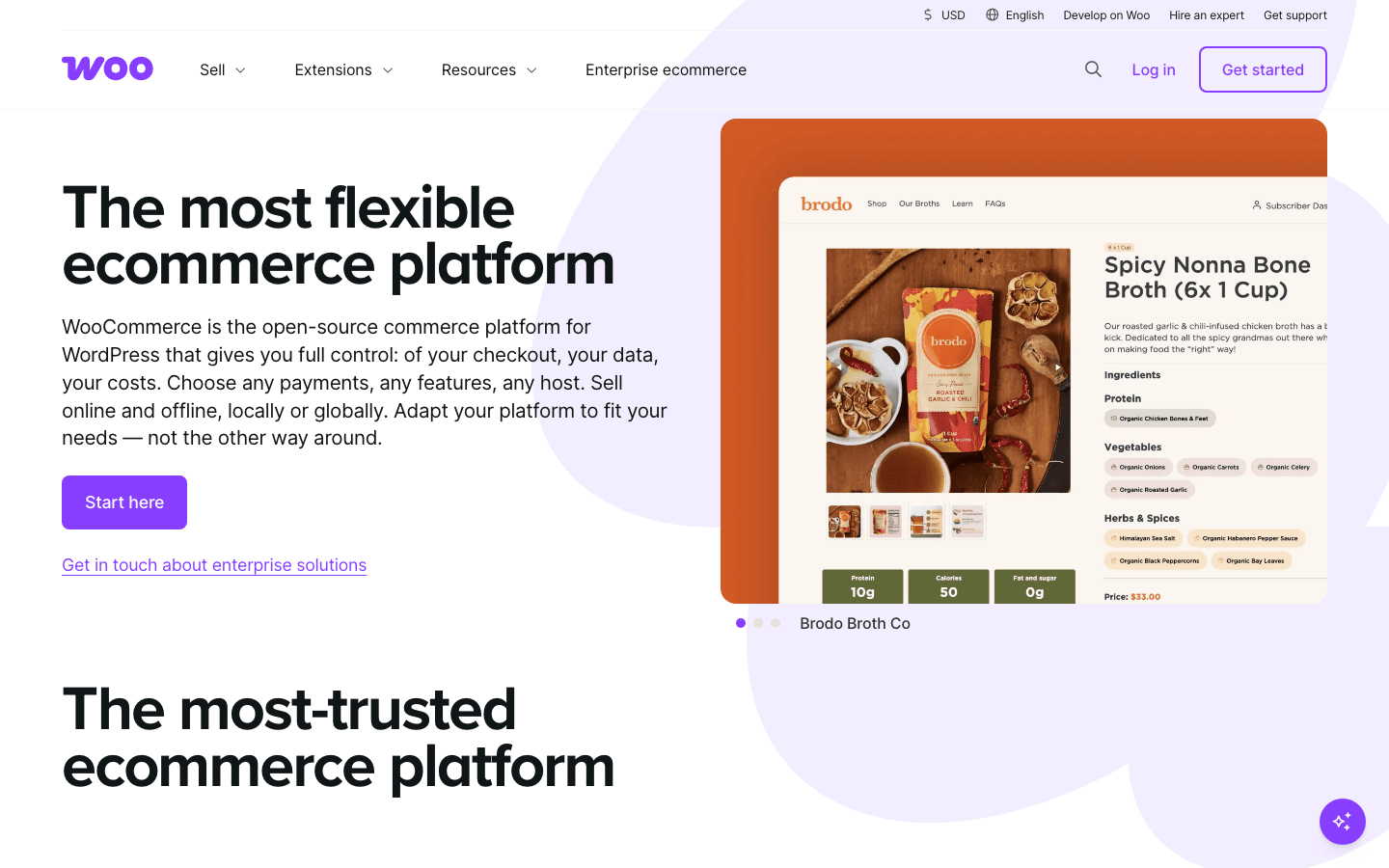
WooCommerce is an open-source ecommerce plugin that turns a WordPress site into a full online store. It gives the owner control over hosting, data, themes, and extensions, which enables deep customization. The tradeoff is that maintenance, updates, and technical decisions stay with your team rather than a vendor.
Main features
- Open-source control: You own the store data and can modify the platform itself when built-in features are not enough.
- Flexible product types: Physical goods, digital downloads, and subscriptions are supported through core features and extensions.
- Custom storefront freedom: WordPress themes and templates allow product pages and checkout flows shaped around the brand.
- Extensive plugin ecosystem: A broad range of plugins adds payment gateways, shipping tools, and SEO features as needs change.
Suitable for
- Businesses already running a WordPress website
- Brands that need customized storefronts or checkout flows
- Teams with developer resources for ongoing maintenance
- Stores with specialized or large product catalogs
Square Online
Square Online is an ecommerce platform built around Square's point-of-sale ecosystem, designed for businesses that sell both online and in person. Inventory, orders, and customer data stay connected across channels. It is a natural fit when physical sales already run through Square and the online store extends an existing counter business.
Main features
- POS and inventory syncing: Online and in-person sales share one inventory, so stock counts stay accurate across channels.
- Local delivery and pickup: Online ordering with local fulfillment options suits shops and restaurants serving a defined area.
- Social selling integrations: Product catalogs can connect to supported social channels, adding places to reach customers.
- Unified customer data: Purchase activity from different channels lands in one system, which simplifies customer relationships.
Suitable for
- Brick-and-mortar retailers moving into online selling
- Restaurants and cafés offering online ordering
- Local businesses already using Square for payments
- Sellers who need online and offline stock to match
Choose based on your store's operating model
The right pick follows how your store actually operates, not a universal ranking. Use these decision paths to narrow the list before comparing plans.
- Ecommerce-first operation: Choose a full commerce platform such as Shopify or BigCommerce, where checkout, payments, and order management are native rather than assembled.
- Content-led brand with a small catalog: A design-led builder like Wix or Squarespace keeps the site and the store in one simple workflow.
- Existing WordPress stack: WooCommerce keeps your content, URLs, and plugins intact while adding commerce underneath.
- In-person plus online selling: Square Online keeps POS and online inventory synchronized, which matters more than storefront flexibility.
- Prototype or validation stage: Build the storefront concept first and test demand before committing to a commerce platform.
- Migration from an existing store: Check payment eligibility, data export, URL control, and the checkout transition before switching platforms.
Two stores with the same products can still belong on different platforms. Weigh daily operating work, such as inventory updates and order handling, as heavily as launch-day design. The cheapest starting point is not always the cheapest platform after a year of workarounds.
How Atoms helps validate a storefront concept before build-out
Atoms is an AI product-building platform that turns natural-language requirements into editable websites and web applications. For a store project, you describe the products, audience, pages, and visual direction, then generate, edit, preview, and review the storefront before publishing. Production launch still requires human review of payments, integrations, accessibility, security, and performance.
- Storefront generation from a brief: Specialized AI agents plan and build the pages, structure, and content of a store concept in one pass. You review a working draft instead of a static mockup, and every part stays editable through conversation. This makes it practical to compare two or three design directions before picking one.
- AI-generated images and video: Hero visuals, product scenes, and campaign assets can be created and placed directly into the storefront. This keeps the asset-creation and store-building workflows connected instead of split across tools.
- Growth agents for SEO and advertising: Once a store experience exists, dedicated agents support search optimization and campaign planning. That helps a validated concept start attracting traffic without a separate growth stack.
- Backend and deployment support: For stores that need more than a frontend, Atoms can provide persistent data, authentication, and deployment workflows. Commerce operations such as payments and order management remain your team's responsibility to configure and review.
Sportswear E-commerce Website A sportswear brand storefront built with Atoms, showing how a product brief becomes a complete online-store experience with generated pages and visuals.
Snacks Online Store A snack products online store generated from a natural-language brief, illustrating catalog-style pages for a small retail brand.
Digital Watches Online Store A premium sports watch brand store page, an example of a single-brand storefront with a strong visual direction.
Noise-cancelling Headphone Store Website A high-end headphone brand store website, showing how Atoms handles a focused product line with campaign-style presentation.
Conclusion
Store builders have shortened the path from a product idea to a working online store. The right one depends on how central commerce is, how large the catalog will grow, and which channels you sell through. Shortlist two, rebuild the same product page in both, and compare the daily operations. To validate a storefront concept from a plain-language brief, build your first prototype in Atoms.
A little more clarity
Frequently asked questions
01Q1: What is the best website builder for a first online store?
There is no single best website builder for online stores, and a first store should prioritize simplicity. Pick a platform whose checkout and product management you can run yourself, and confirm it supports your payment methods before committing to a plan.
02Q2: Which builder is best for a growing catalog?
Look at catalog depth first: variant handling, inventory tools, and bulk editing matter more than templates. Hosted commerce platforms built for larger operations, and extensible options like WooCommerce, usually absorb catalog growth better than design-first builders. Check how variants and stock rules behave at twice your current size.
03Q3: Can you use a website builder for in-person and online selling?
Yes, some platforms connect online stores with point-of-sale systems so inventory and customer data stay synchronized across channels. Square Online is built around this model, and Shopify also offers POS integration for retailers selling both in person and online. Confirm that stock updates flow both ways before relying on them.
04Q4: What should you test before launching an online store?
Run the full purchase path yourself: product page, cart, checkout, and confirmation on both phone and desktop. Verify payment methods, shipping rules, taxes, and URLs before spending on traffic. If you prototyped the storefront first, treat payments and commerce integrations as a separate setup and review step.
Share this article
 Posts
Posts 