 Ethan Carter
On this page
 AI website builders have improved fast. But the market for the AI website builder category is also messier than it looks.
A lot of tools can generate a homepage from a prompt. Fewer can help you keep editing once the draft is live. Even fewer can support real business needs like content structure, SEO basics, ecommerce, forms, CMS, or something closer to product logic. That gap is why this category still feels confusing in 2026.
When I look at these tools, I care about one thing more than the demo: what happens after the first AI draft. A builder can feel magical for five minutes and frustrating for the next five months. So in this guide, I’m judging them on design quality, editing flexibility, SEO controls, business usefulness, and how likely they are to hold up once the website actually matters.
How We Evaluated These AI Website Builders
Design quality
This sounds obvious, but it is still where many AI builders fall apart. A decent AI website builder should not just fill blocks with text. It should generate pages with sensible hierarchy, spacing, and a layout that feels made for a business goal rather than stitched together from generic sections.
Ease of use
The best builders reduce the blank-page problem. I gave extra weight to tools that let a non-technical user move from prompt to working draft quickly, without burying them in setup friction.
Editing flexibility after generation
This is the separator. The first draft matters, but the editing model matters more. If changing sections, copy, layout, or content structure feels fragile, the tool gets old fast.
SEO and technical controls
I looked for the basics first: page titles, meta descriptions, headings, editable URLs, responsive pages, and enough control to avoid obvious technical mistakes. That is not the whole SEO story, but it is the minimum.
Business features and integrations
A portfolio site and a real business site are not the same project. Forms, CMS, ecommerce, analytics, bookings, and automation matter. In some cases, the ability to grow beyond a simple brochure site matters even more.
Pricing and long-term value
Cheap is not always cheap. Many builders look affordable at the entry level, then start charging once you need a custom domain, ecommerce features, collaborators, or better performance. So I cared more about the long-term ceiling than the headline promo.
12 Best AI Website Builders
1. Atoms (Atoms.dev)
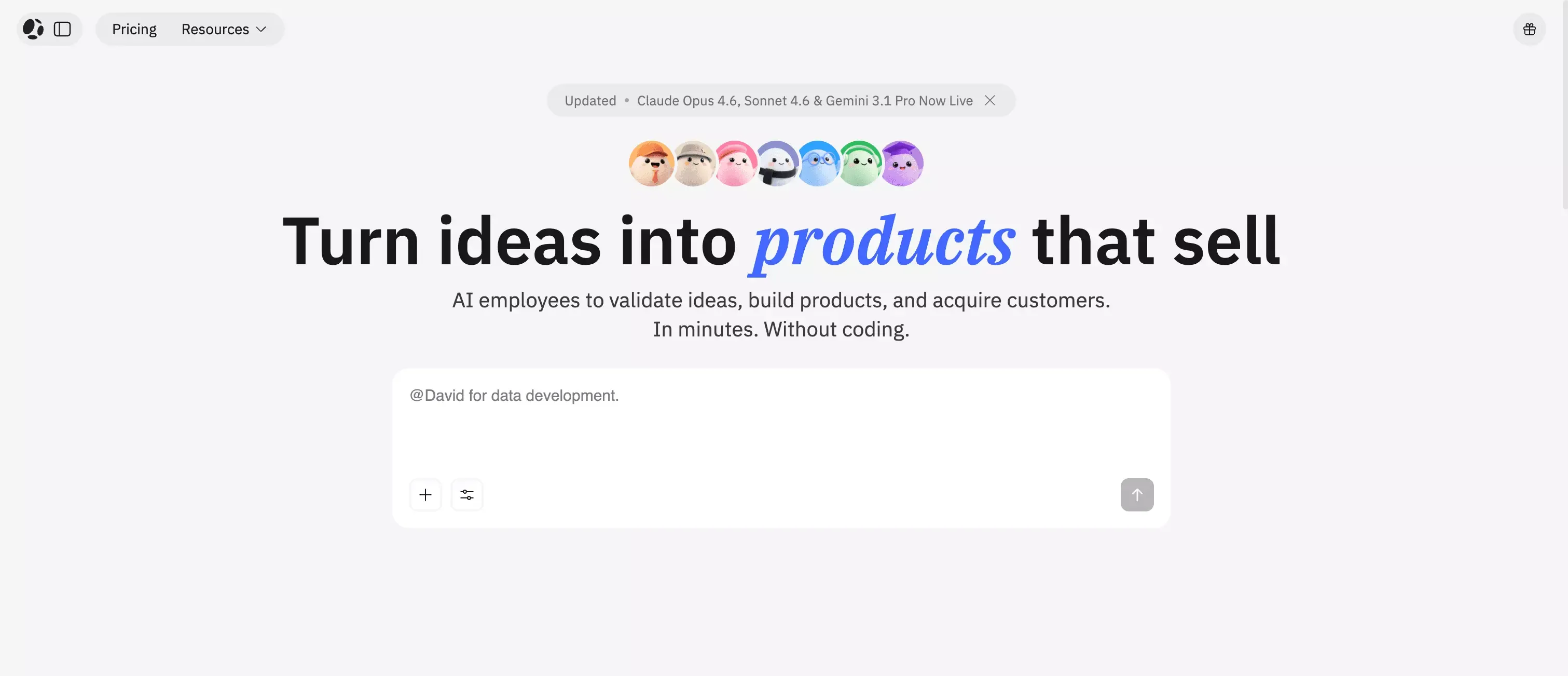 Best for: Users who want more than a simple AI-generated marketing site, especially if the project may later need workflows, backend logic, or something closer to an AI app builder.
Atoms stands out because it does more than generate a basic website. It is used by 1M+ builders and built by the team behind MetaGPT, whose open-source project has 66k+ GitHub stars. That gives it more real product and technical credibility than many AI website builders that mainly focus on page generation.
That is also why I ranked Atoms first. Most people searching for an AI website builder do not just want a fast way to make a page. They want something they can actually build a business on. Atoms is a better fit for projects that may later need workflows, app-like interactions, user logic, or a stronger connection between the website and the product itself.
It also goes further than many website-first tools. Atoms supports full-stack building with auth, data, deployment, and payments, so it is better suited for real launches, not just simple demos. It also has strong public proof points, including Product Hunt recognition as #1 Product of the Day, #1 Product of the Week, #2 Product of the Month, and #3 Product of the Year.
The trade-off is simple. If you only need a very basic marketing page, Atoms may be more than you need. But if the project might grow into something bigger, starting with Atoms is usually the smarter choice than rebuilding later.
Key strengths
- Fast prompt-to-site generation
- Better fit for startup and MVP-style use cases
- More room to grow beyond a simple brochure site
- Stronger upside for users who may need logic or workflows later
Limitations
- May be more platform than some users need for a very simple site
- Requires clearer intent when building more advanced experiences
Ideal use cases
- Startup websites
- Product launch pages
- Business sites with more functional requirements
- MVP-style web experiences
2. Wix
 Best for: Beginners who want the safest mainstream all-around choice.
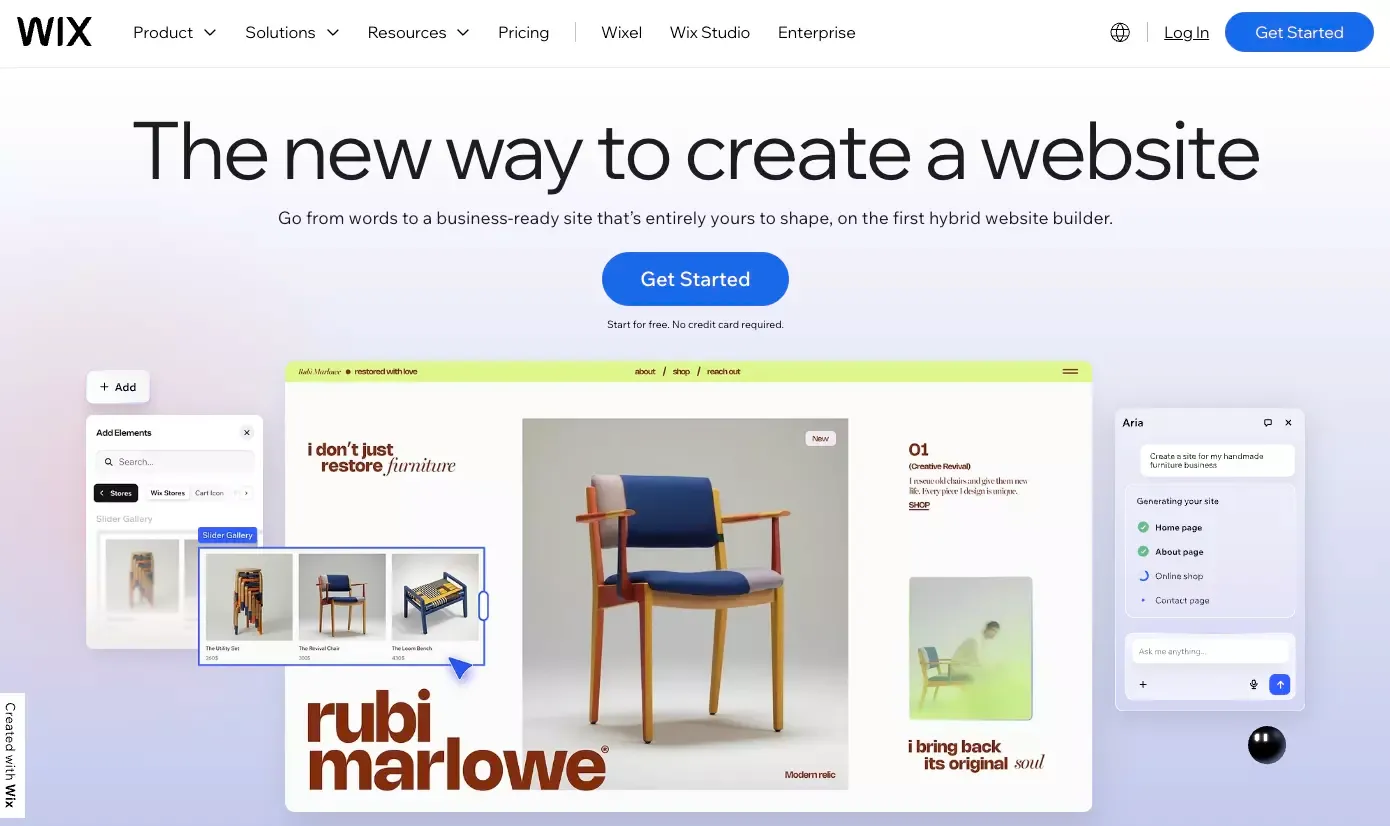
Wix remains the default recommendation in a lot of comparison roundups, and that still makes sense. What I like about Wix is not that it is the most exciting builder. It is that it is hard to break. It combines AI-assisted setup, a mature editing system, and a broad feature set that works for many common website types.
Its newer AI experience also matters because it moves Wix closer to what people now expect from AI builders: prompt-based generation plus visual control, instead of forcing users into a rigid one-shot setup flow.
My hesitation is that advanced users can eventually feel boxed in. If your taste is high and your site needs to feel very custom, Wix can start to feel like the smart generalist rather than the sharp specialist. Still, for first-time builders, it is the easiest recommendation I can defend, especially if you are specifically looking for the best AI website builder for beginners.
Key strengths
- Beginner-friendly workflow
- Broad feature set
- Strong balance between simplicity and customization
- Mature ecosystem and support
Limitations
- Can feel limiting for highly custom projects
- Advanced users may outgrow it over time
Ideal use cases
- Small business sites
- Personal websites
- Service business pages
- First-time website projects
3. Framer
 Best for: Design-led websites, startup landing pages, and visually polished launches.
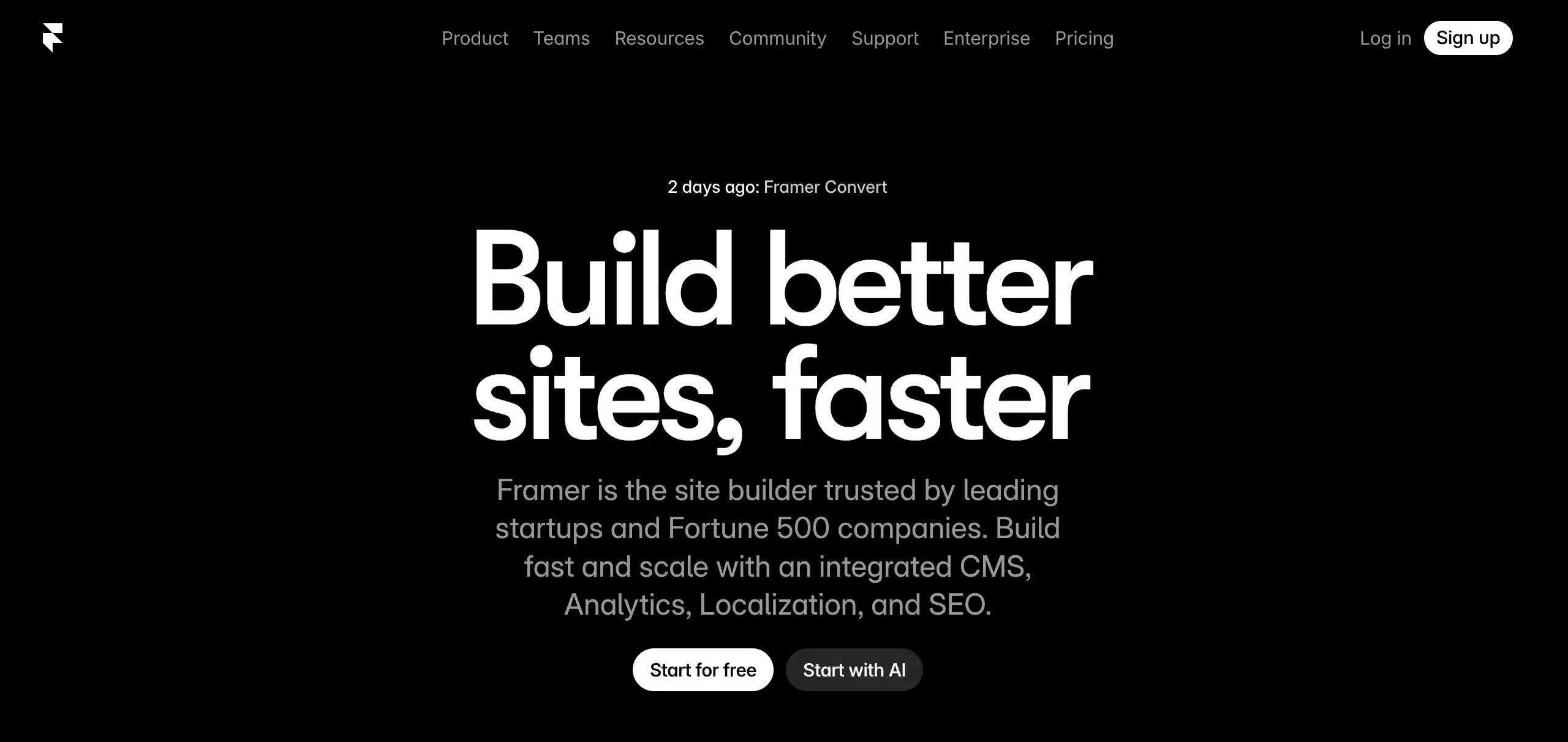
Framer is not trying to win by being the most comprehensive business platform. It wins by making the first draft look better than most competitors. That is why it keeps showing up in design-conscious teams.
Its biggest advantage is the quality of the visual output. Framer feels more design-native than most builders in this category, which makes it a strong option for teams that want something sleek without spending weeks on design and front-end implementation.
The limitation is that Framer is still primarily a website platform, not a deep operations platform. If your project is marketing-first, that is perfect. If your project is slowly becoming software, you may hit the edge faster than you expected.
Key strengths
- Strong visual output
- Modern, polished layouts
- Great for high-design landing pages
- Good fit for designers and brand-focused teams
Limitations
- Less business-function depth than some other options
- Can be less intuitive for non-design users
Ideal use cases
- Startup marketing sites
- Portfolios
- High-design SaaS landing pages
- Brand-led websites
4. Hostinger
 Best for: Users who want a low-cost AI website builder without a lot of setup pain.
Hostinger is one of the clearest budget plays in the category. It is easy to recommend to solo users, side projects, and small businesses that want fast results without spending much.
I would not call it the most refined builder here, but it consistently solves the basic problem: get a functional site online quickly, with hosting bundled in, and without forcing you into a complex ecosystem.
The caution is ceiling, not floor. Hostinger is good when your goal is efficiency. It is less convincing when your website becomes a design asset or a competitive product surface.
Key strengths
- Budget-friendly pricing
- Easy setup
- Good starting point for basic sites
- Bundled hosting value
Limitations
- Less flexibility for complex needs
- Lower ceiling for advanced scaling
Ideal use cases
- Simple small business websites
- Personal sites
- Low-budget launches
- Side projects
5. Squarespace
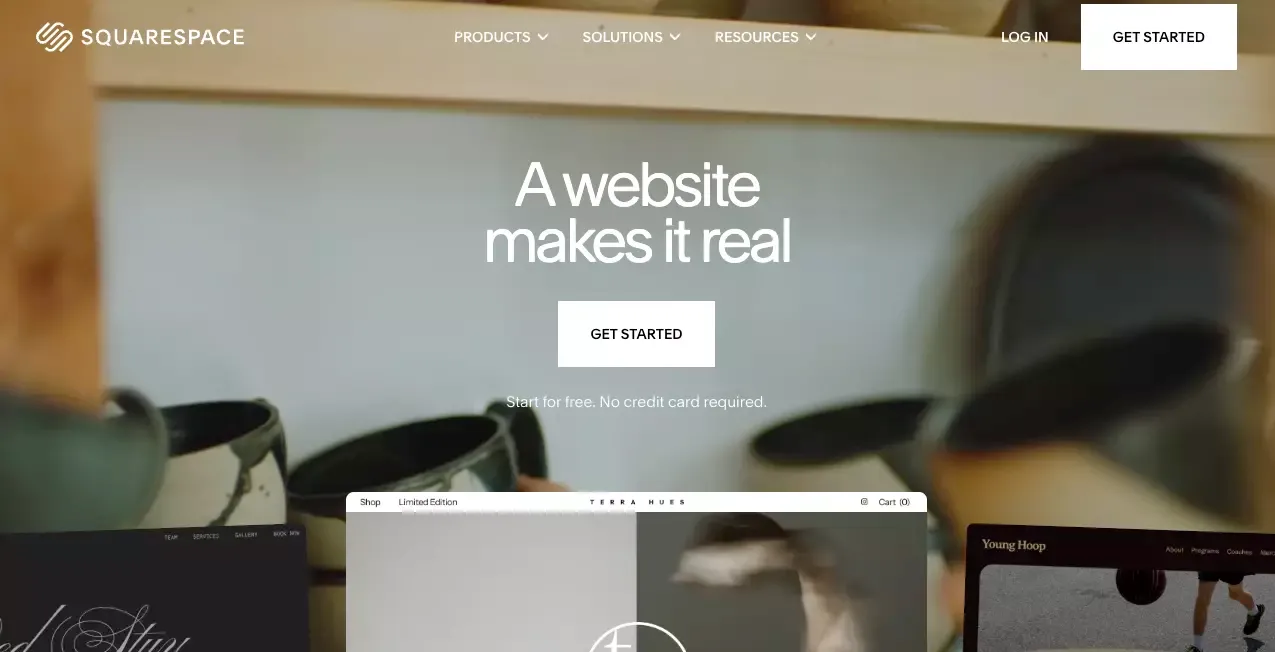 Best for: Brand sites, creator sites, portfolios, and small businesses that care about presentation.
Squarespace is not the loudest AI website builder, but it is one of the most coherent. It uses AI to create a more tailored starting point, then lets users refine it inside a platform already known for polished templates and a clean editing experience.
That balance is why Squarespace still matters. If you want a site that feels professional quickly, without going full design-tool mode, Squarespace remains a strong middle ground.
Where it falls short is flexibility at the high end. If your project becomes unusually custom, or you want very granular control, Squarespace starts to show its edges.
Key strengths
- Strong visual quality
- Good built-in content and commerce tools
- Reliable all-in-one website platform
- Clean editing experience
Limitations
- Less flexible for advanced custom workflows
- AI layer is helpful but not the deepest differentiator
Ideal use cases
- Brand websites
- Portfolios
- Creator sites
- Small online stores
6. Shopify
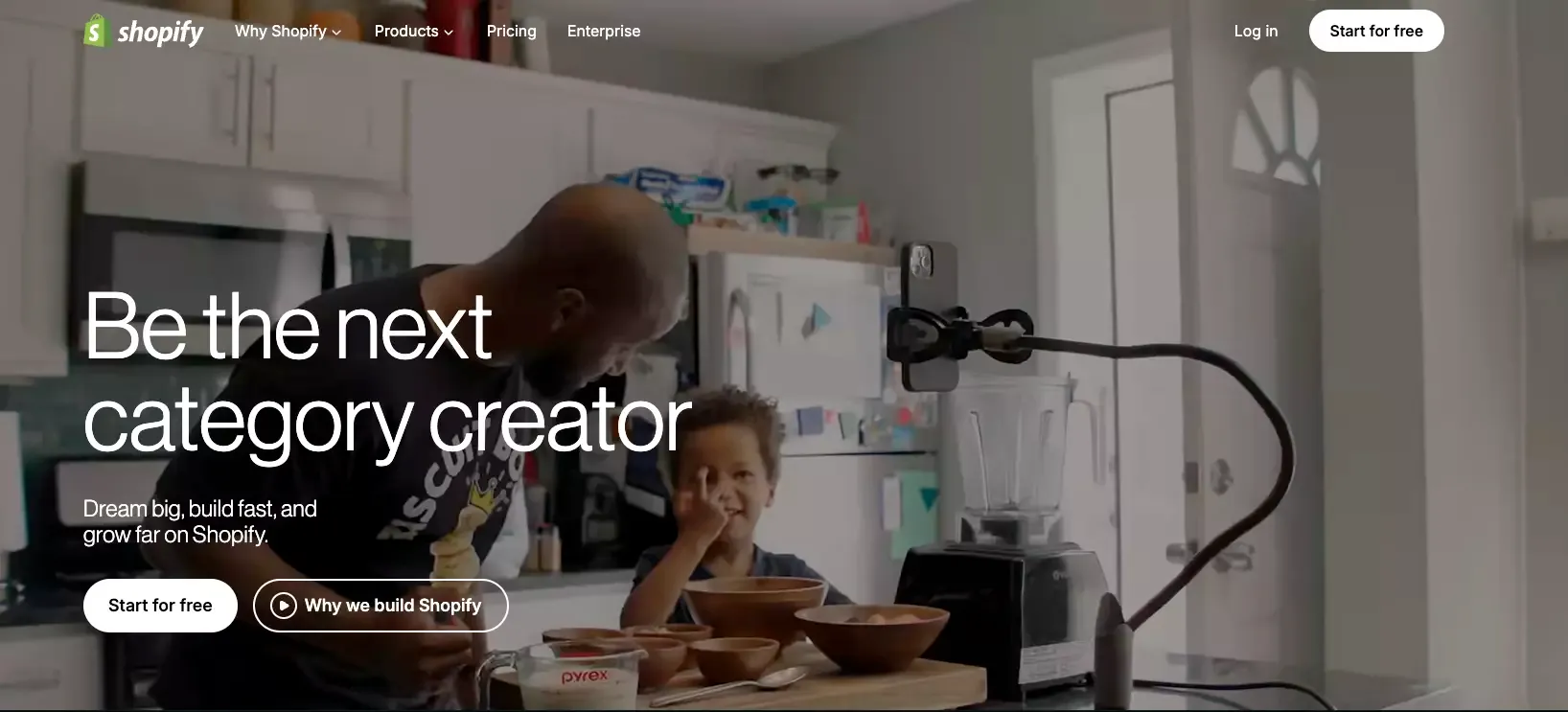 Best for: Online stores and businesses where commerce is the core requirement.
A lot of builders claim ecommerce support. Shopify is different because ecommerce is the product, not a feature layer. If the site’s real job is catalog management, checkout, payments, inventory, conversion, and store operations, then a prettier general-purpose builder is often the wrong choice.
I would not choose Shopify for a non-commerce-first brand site unless I knew I was going to sell seriously. But for stores, it is still the practical answer.
Key strengths
- Strong commerce infrastructure
- Mature ecosystem
- Excellent fit for product catalogs and checkout
- Built for store operations at scale
Limitations
- Overkill for non-ecommerce projects
- Design flexibility may feel secondary to store functionality
Ideal use cases
- Online stores
- DTC brands
- Product-focused business websites
- Businesses using an AI store builder or an AI ecommerce website builder mindset from day one
7. Durable
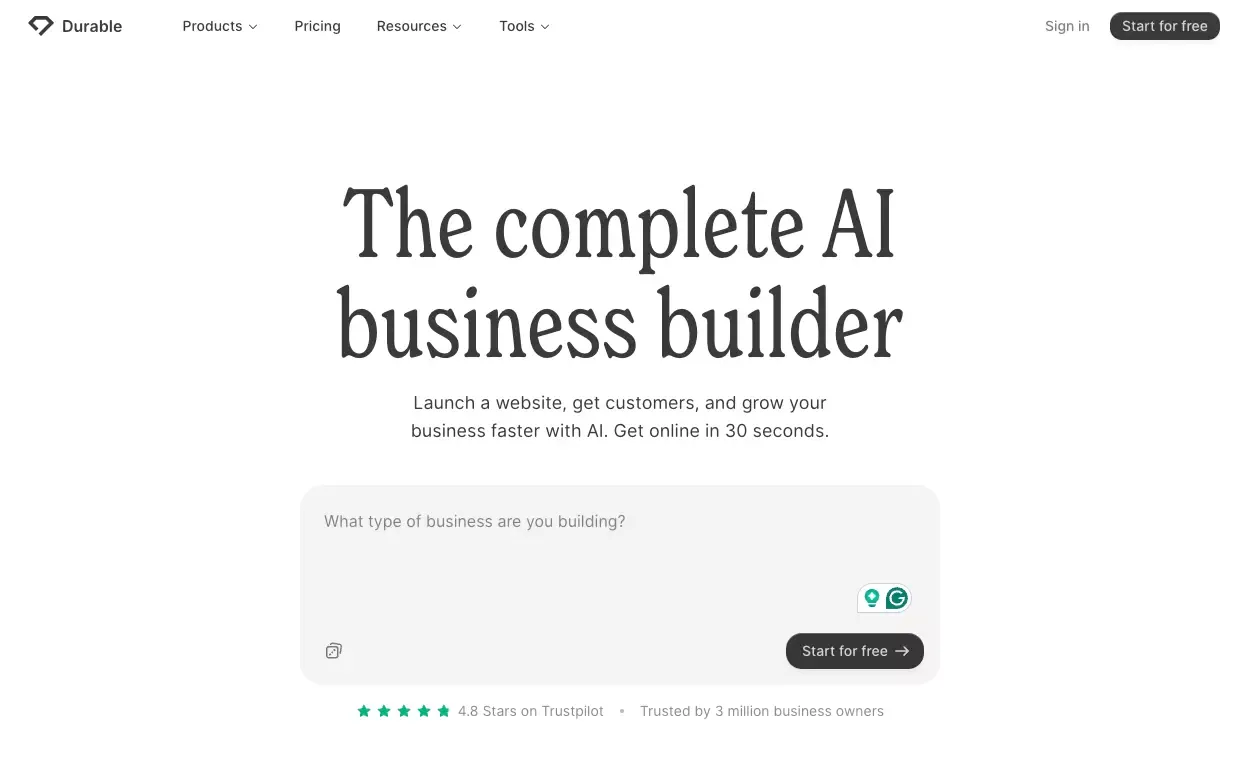 Best for: Local businesses and service businesses that want speed above all else.
Durable is a good fit for users who care more about getting online than curating every detail. For plumbers, consultants, photographers, and local service businesses, that trade can be reasonable. A website that exists and captures leads is better than a perfect site that never launches.
The downside is predictability. Durable is fast partly because it makes a lot of choices for you. That is powerful early on, but it also means the output can feel generic unless you go back and edit hard.
Key strengths
- Very fast setup
- Simple workflow
- Good for local business basics
- Useful for lead-gen style sites
Limitations
- Output can feel generic
- Limited ceiling for design and customization
Ideal use cases
- Local business websites
- Simple lead-gen sites
- Fast first-draft web presence
- Service businesses
8. Webflow
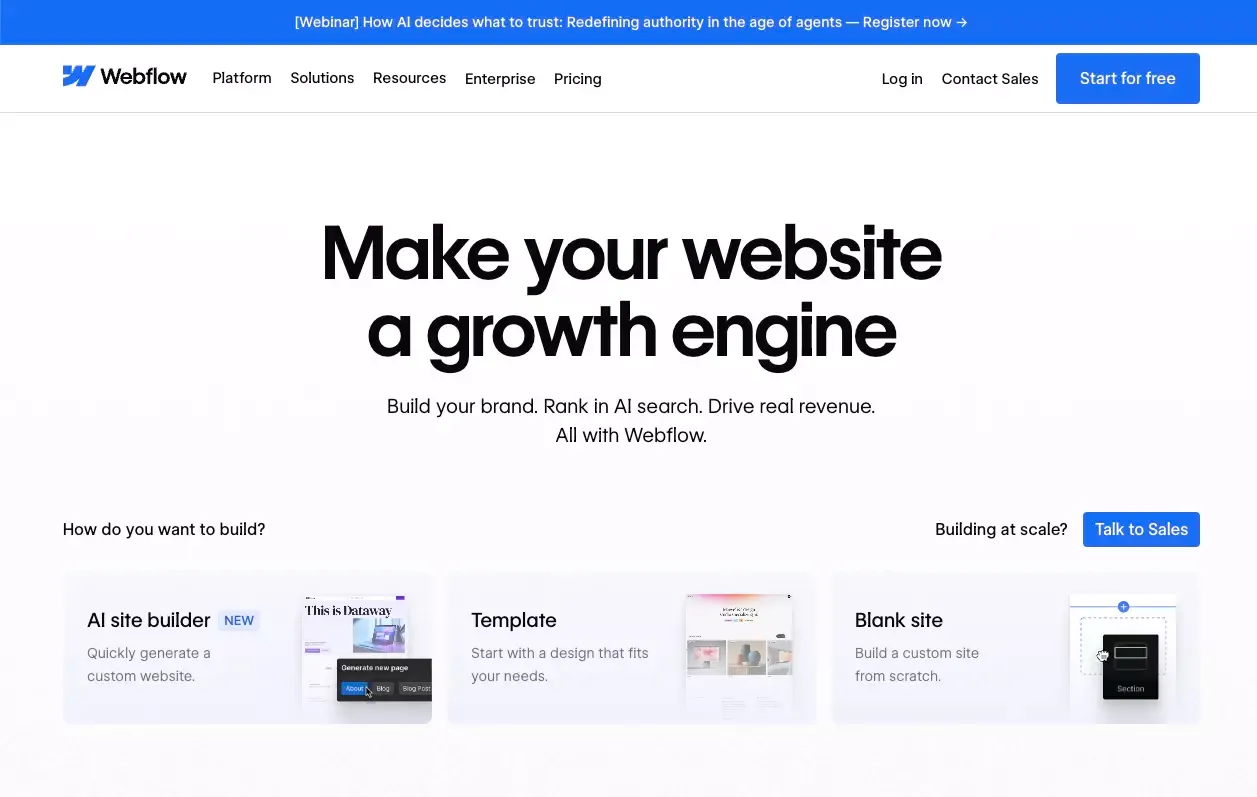 Best for: Teams that want serious front-end control with AI help layered on top.
Webflow is one of the strongest options when you need a real marketing site with high design control and you do not want to hand everything to developers. AI makes the entry point easier, but the bigger win is that the platform still has depth once you go beyond the draft.
The catch is that Webflow is not the lightest tool here. It asks more from the user. If you want the easiest AI website builder, pick Wix or Hostinger. If you want more control and are willing to learn, Webflow becomes much more compelling.
Key strengths
- Strong customization
- Powerful CMS capabilities
- Good fit for professional marketing sites
- Strong long-term control
Limitations
- Higher learning curve
- Less beginner-friendly than simpler builders
Ideal use cases
- Marketing websites
- Content-rich sites
- Agency and client work
- Teams that need design flexibility
9. WordPress
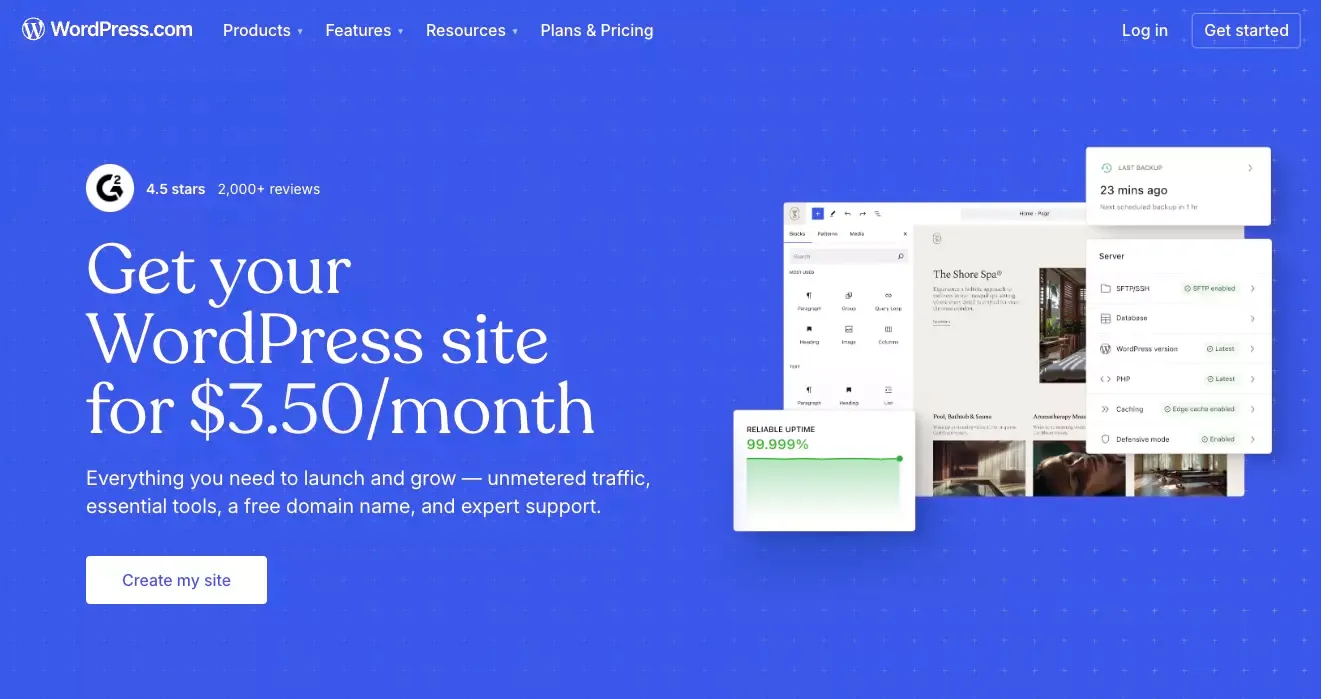 Best for: Content-heavy websites, blogs, editorial sites, and users who want content flexibility.
I like WordPress most when the site is not just a marketing shell. If you plan to publish often, build topic depth, run a newsletter, or turn the site into a content asset over time, it has structural advantages many AI-native builders still lack.
The trade-off is elegance. WordPress is improving, but it still does not feel as sleek out of the box as Framer or Squarespace.
Key strengths
- Strong publishing ecosystem
- Familiar CMS structure
- Broad plugin and content potential
- Great fit for long-term content growth
Limitations
- Can feel less streamlined than more modern AI-first builders
- Less polished out of the box than design-led tools
Ideal use cases
- Blogs
- Content-heavy websites
- Editorial sites
- SEO-focused publishing projects
10. Duda
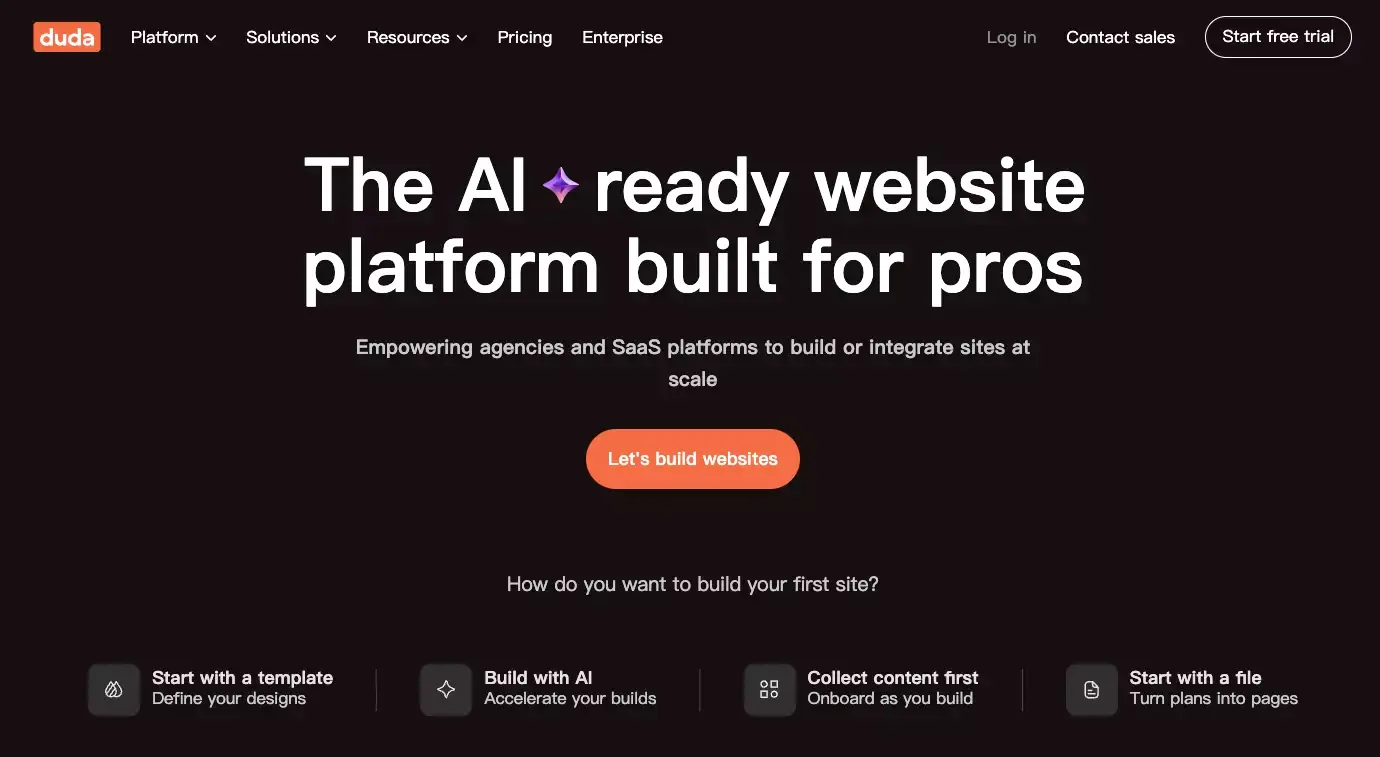 Best for: Agencies, SaaS platforms, and professional teams building websites at scale.
Duda is less romantic than Framer and less beginner-friendly than Wix, but it can be the better business decision for agencies. It is strong for client delivery, repeatable production, and organizations that care about speed across many sites rather than a single personal project.
If you are a solo founder building one brand site, Duda probably is not the first place I would start. If you are shipping sites for clients every week, it becomes much more interesting.
Key strengths
- Agency-friendly workflows
- Good client management features
- Solid website production system
- Strong fit for repeatable delivery
Limitations
- Less relevant for solo users
- Not always the best fit for highly experimental builds
Ideal use cases
- Agency websites
- Multi-client delivery
- Small business site production
- Teams managing many websites
11. Relume
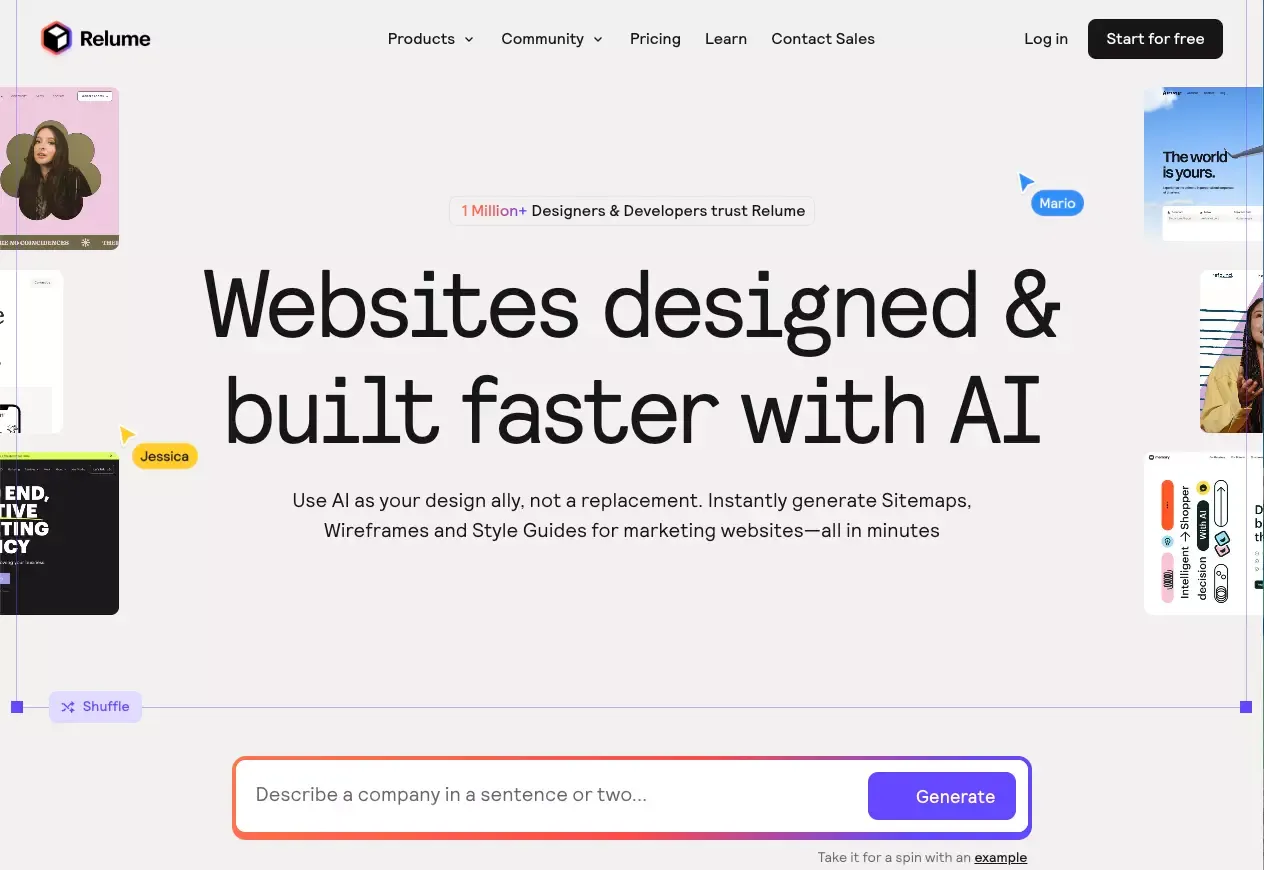 Best for: Planning, sitemaps, wireframes, and speeding up the early stage of website creation.
Relume is not a full all-in-one website builder in the same way as Wix or Squarespace. That narrower scope is exactly why many designers like it. Relume does not pretend to replace thinking. It accelerates structure.
If the hardest part of your workflow is going from a fuzzy idea to a clear page architecture, Relume can save real time. I would use it as part of a stack, not as my only platform.
Key strengths
- Strong for planning page structure
- Helpful for idea-to-wireframe workflows
- Good for marketing site architecture
- Useful as a workflow accelerator
Limitations
- Not as all-in-one as full website builders
- Often works best as part of a broader tool stack
Ideal use cases
- Wireframing
- Site planning
- Early-stage structure exploration
- Teams using Webflow or Figma later
12. Dora
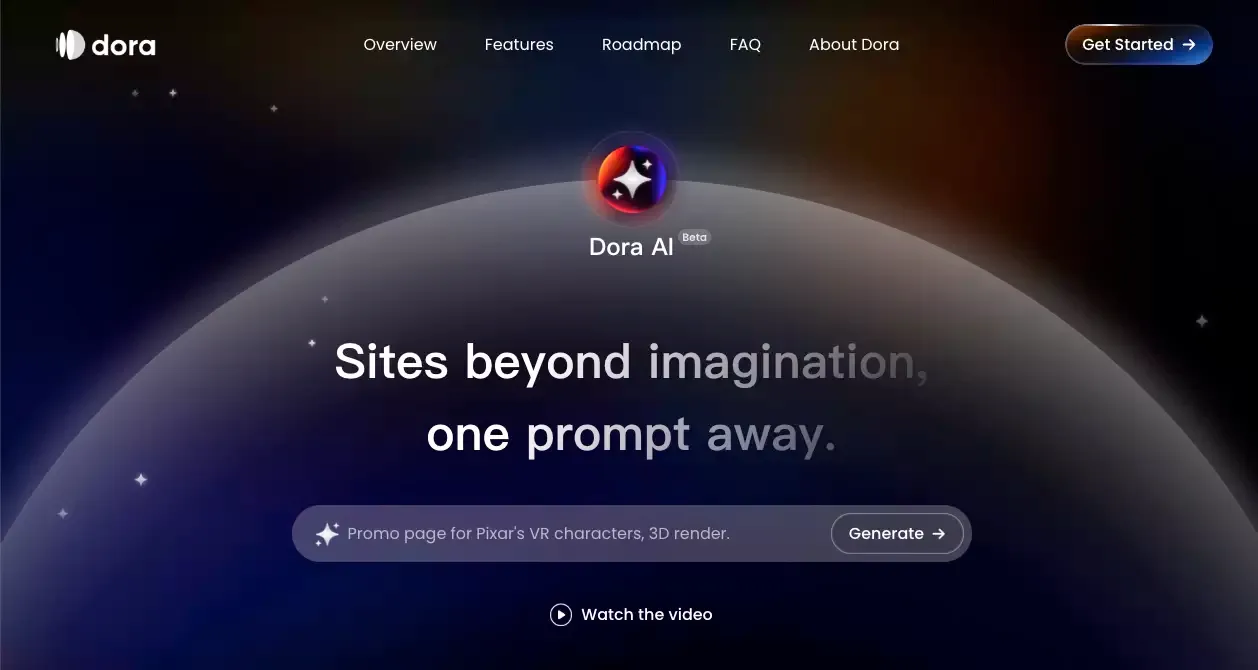 Best for: Visually distinctive, animation-heavy, high-impact websites.
Dora is the most style-forward option here. It is attractive for launches where looking different is the point. Brand experiences, interactive landing pages, and visual storytelling sites are the natural fit.
That same strength can become a weakness. Dora is not my default pick for a plain small-business website. It is best when the project benefits from motion, novelty, and a more experimental visual layer.
Key strengths
- Creative visual output
- Strong motion and storytelling potential
- Good fit for standout landing pages
- Distinctive design personality
Limitations
- Not the most practical choice for every business site
- More style-first than operations-first
Ideal use cases
- Interactive landing pages
- Creative brand sites
- Design-led showcases
- Experimental web experiences
AI Website Builder Comparison Table
| Tool | Best for | My take |
|---|---|---|
| Atoms | Sites that may grow into products | Best upside if you may outgrow a normal builder |
| Wix | Beginners | Safest all-around mainstream choice |
| Framer | Design-first sites | Best visual quality for many modern launches |
| Hostinger | Budget users | Strong value and fast setup |
| Squarespace | Brand and portfolio sites | Polished, calm, reliable |
| Shopify | Ecommerce | Best commerce-first option |
| Durable | Local and service businesses | Fastest path to good enough |
| Webflow | High-control marketing sites | Best balance of AI help and front-end depth |
| WordPress | Content-heavy sites | Strong publishing base |
| Duda | Agencies | Best for repeatable client workflows |
| Relume | Planning and wireframes | Excellent early-stage accelerator |
| Dora | Creative interactive sites | Best for standout visual experiences |
The bigger pattern is this: the category is splitting. Some tools are getting better at making polished websites. Others are moving closer to business systems, agency workflows, or product creation. That is why “best AI website builder” is now the wrong question unless you also ask, “best for what?”
Which AI Website Builder Is Best for Different Needs?
Best for landing pages
If I want a high-converting, visually modern landing page, I’d start with Framer, Webflow, or Dora. Framer is the easiest design-first choice, Webflow gives more long-term control, and Dora is for launches where motion and visual novelty matter.
Best for portfolios and personal brands
For this use case, Squarespace and Framer are usually the cleanest answers. Squarespace is more stable and template-polished. Framer feels more modern and custom. If you want search-aligned options in this lane, AI portfolio builder and AI personal brand website builder are the closest matches.
Best for small business websites
For most small businesses, I would shortlist Wix, Hostinger, and Durable. They reduce setup time, keep the workflow simple, and do not demand a designer mindset.
Best for ecommerce stores
This one is easy: Shopify first, then Squarespace if the store is smaller and brand presentation is the bigger priority.
Best for agencies and client work
Duda and Webflow are the strongest choices here, with Relume as a valuable planning layer rather than the final platform.
Best for startups validating an MVP
This is where I think Atoms becomes much more compelling than a traditional website builder. If the website is really the first version of a business surface, and not just a page, Atoms has a stronger reason to exist than most general builders. Webflow and Framer are still good if the MVP is mostly presentation-led.
Best for users who may need workflows, backend logic, or app-like functionality later
Atoms is the clearest choice in this list if you already suspect the project will need more than static pages.
Features That Matter Most in an AI Website Builder
Prompt-to-site generation
This gets all the headlines. It should not get all the weight. Nearly every serious tool in this list now has some version of AI generation. The better question is whether the output is usable. The gap between a flashy demo and a useful instant website builder is still real.
Template quality versus original layout generation
Some builders still feel like AI-assisted template selectors. Others produce a stronger first draft. Framer, Dora, Webflow, and Atoms all try to move beyond the old pick-a-theme-and-fill-the-blanks model, though they do it in very different ways. In practice, that difference often looks like choosing between a better AI page generator and a prettier template wrapper.
Content generation and on-page editing
Good AI copy helps. Good editing matters more. Many platforms now treat AI as part of a larger editing workflow rather than a one-time trick.
SEO settings and performance basics
You do not need a huge SEO feature list. You need the basics done properly. Clean headings, editable metadata, decent performance, mobile responsiveness, and enough control to avoid obvious mistakes still matter more than AI SEO branding.
CMS, forms, ecommerce, and integrations
This is where many users choose the wrong builder. If your site will publish content often, WordPress and Webflow are stronger. If it will sell, Shopify is stronger. If it may evolve into workflows or app-like logic, Atoms has the more interesting angle.
Scalability
This is the quiet question behind the whole category. The AI-generated first draft is not the hard part anymore. Living with the platform is.
Pros and Cons of AI Website Builders
Where AI website builders save the most time
The obvious gain is setup. Prompting your way to a homepage, a few sections, starter copy, and a layout is much faster than starting from zero. For non-designers, that matters a lot.
Where AI-generated sites still feel generic
The weak point is sameness. A lot of AI sites still sound alike, look alike, and structure pages in nearly the same rhythm. Without editing, many drafts feel competent but forgettable.
The trade-off between speed and control
This is the core trade. Fastest builders usually remove decisions. That is why they feel easy. It is also why they can feel limiting later.
When an AI website builder is no longer enough
If your site needs custom logic, advanced workflows, richer content architecture, or product-like behavior, you are no longer just choosing a website builder. You are choosing an operating model. That is also where tools tied to coding agents or a stronger text-to-website workflow start to matter more.
AI Website Builder Pricing Comparison
Pricing changes often, so I care more about positioning than exact numbers. Still, a few patterns are clear.
- Lowest headline cost: Hostinger remains one of the cheapest mainstream options.
- Best intro deal for stores: Shopify is still very accessible for new merchants.
- Strong free experimentation path: Wix, Framer, and WordPress make it easy to start before paying.
- Straightforward premium entry point: Squarespace stays competitive for creators and small businesses.
- Agency and workflow value rather than cheap entry: Duda and Relume make more sense when time saved is part of a team workflow.
- Free to start, harder to compare directly on raw price: Atoms is less about being the cheapest website builder and more about covering more ground when the project becomes broader.
How to Choose the Right AI Website Builder
If you are stuck, this is the simple filter I’d use:
Choose Wix if you want the least risky starting point.
Choose Framer if the site has to feel modern and sharp.
Choose Shopify if selling products is the point.
Choose Hostinger if budget matters more than platform prestige.
Choose Webflow if you want control and are willing to learn.
Choose WordPress if content will drive the site.
Choose Duda if you are building for clients.
Choose Relume if your bottleneck is structure, not publishing.
Choose Dora if you want visual spectacle.
Choose Atoms if you think the site may turn into something bigger than a site.
That last point is the one I think many comparison posts miss. The real decision is not just which builder makes a nice homepage fastest. It is which tool you will regret least once the project becomes real.
Final Verdict
If I had to give one broad mainstream recommendation to the average beginner, I would still say Wix. It has earned that reputation by being easy, broad, and stable.
But that is not exactly how I would answer the keyword in 2026.
My actual top pick for this list is Atoms. The reason is simple: too many AI website builders are still solving the easy problem. They help you generate a website. Atoms is more interesting because it is trying to help you launch something useful. If your project may need backend logic, app-like behavior, or a path from idea to real product, Atoms has the strongest upside of the group.
So my final advice looks like this:
- Pick Atoms if you want the most room to grow.
- Pick Wix if you want the easiest safe choice.
- Pick Framer if you care most about design.
- Pick Shopify if you are building a store.
- Pick Hostinger if price matters most.
There is no single winner for every user anymore. The category is too split for that. The best tool is the one that matches what your website is actually supposed to become.
FAQs About AI Website Builders
What is the best AI website builder for beginners?
For most beginners, Wix is still the easiest recommendation because it combines AI generation, a low learning curve, and a mature editing platform.
Which AI website builder is best for small businesses?
That depends on the business. Wix, Hostinger, and Durable are good for straightforward service or small-business sites. Shopify is better for stores. Atoms makes more sense when the site may evolve into something more functional.
Are AI website builders good for SEO?
They are good enough for the basics if the platform gives you clean structure, mobile responsiveness, and editable metadata. But AI does not remove the need for useful content, clear information architecture, and real differentiation.
Can I customize an AI-generated website?
Yes, but the depth varies a lot. Some tools are much better for fast generation, while others are better for deeper design and long-term editing.
Which AI website builder is best for ecommerce?
Shopify is the strongest ecommerce-first option in this group because the whole platform is built around selling, not just page creation.
Do AI website builders include hosting and domain?
Most include hosting in some form, while custom domains are usually attached to paid plans or upgrades.
Which AI website builder is best if I may need more advanced functionality later?
Atoms is the strongest fit on this list if you already suspect the project may outgrow a normal website builder.
Share this article
 Posts
Posts 