
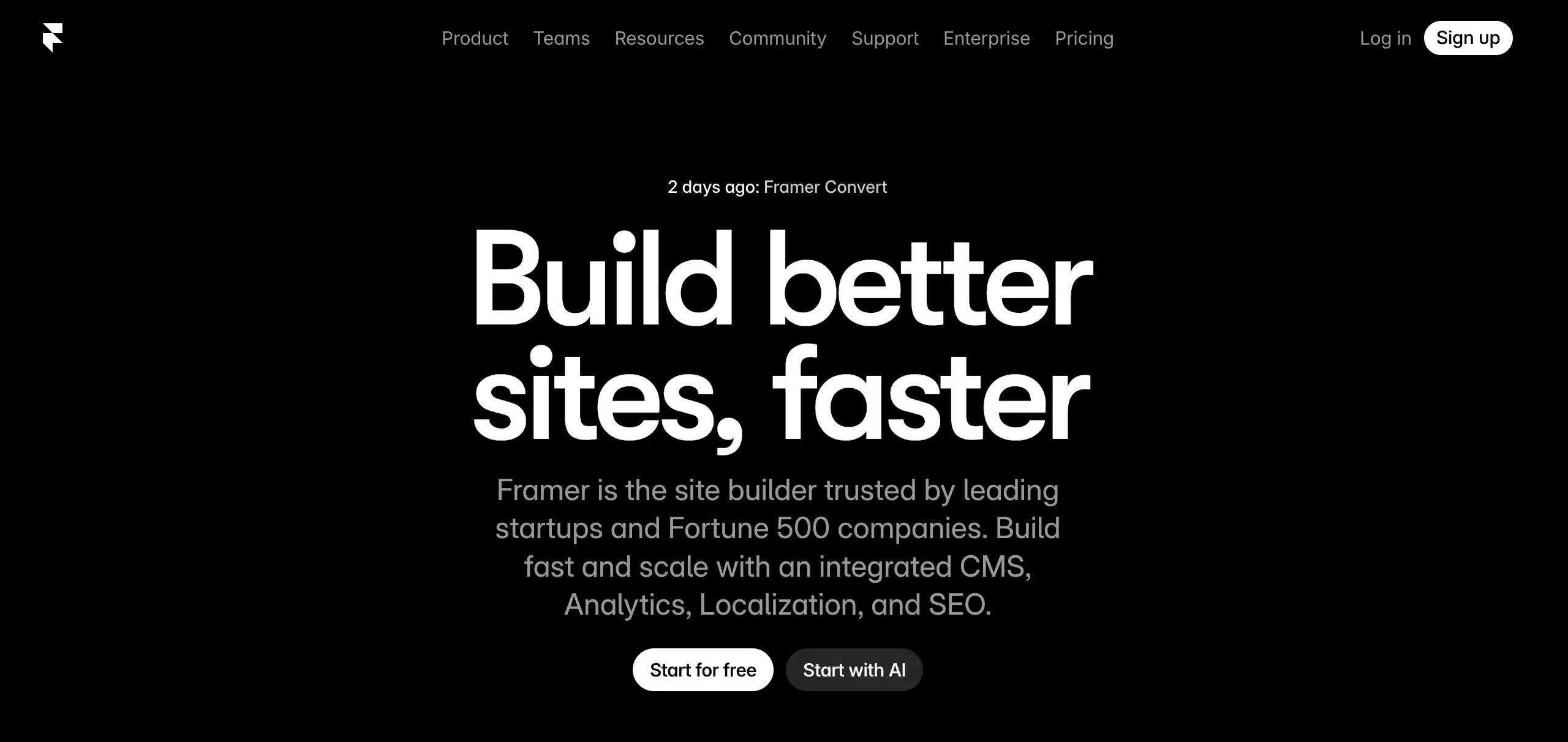
 I get why Framer has so much momentum.
The first impression is strong. The editor feels modern. The sites look polished. Compared with a lot of older website builders, Framer feels lighter, cleaner, and much more current. If your main goal is to launch a good-looking website without wrestling with clunky tooling, it is easy to see the appeal.
But after looking at Framer more closely, I think the real answer is more nuanced.
Framer is very good at helping you build beautiful websites. It is not automatically the best choice if what you actually want is a real product with backend logic, payments, user accounts, data handling, and room to grow.
That is where people get confused. They hear “AI website builder,” see how fast Framer can produce a polished page, and assume it can handle the whole journey. In practice, Framer feels strongest when the job is still a website.
Once the job becomes a product, the conversation changes.
My Quick Take
If someone asked me whether Framer is worth using in 2026, my answer would be:
Yes, for websites. Not always for products.
That is the cleanest summary I can give.
I would recommend Framer for
- landing pages
- startup websites
- portfolios
- marketing sites
- content sites with a strong visual layer
I would hesitate to recommend it for
- SaaS products
- internal tools
- backend-heavy builds
- workflows that need auth, payments, and data from day one
- teams that want a fuller idea-to-launch system
This is not a “Framer is overrated” take. It is more that Framer is excellent inside a narrower box than some people realize.
What I Like About Framer
The biggest thing Framer gets right is the experience of making a site feel polished.
A lot of builders let you publish something fast, but the result still looks like it came from a website builder. Framer does a better job than most at avoiding that feeling.
The layouts look more premium. The editing flow feels closer to modern design tooling. And the whole product seems built around people who care about presentation.
That matters more than people admit.
For many founders and marketers, the hard part is not writing a headline or choosing a CTA. It is making the whole site feel credible. Framer helps with that. It gives smaller teams a way to punch above their weight visually.
What stood out to me
- the editor feels modern instead of dated
- visual quality is high by default
- it is easier to create sleek layouts than in many traditional builders
- it works especially well for brand-led and design-led websites
- publishing feels pretty streamlined
This is where Framer really earns its reputation.
If your problem is, “I need a site that looks sharp and does not feel templated,” Framer is one of the strongest options I would look at.
Where Framer Starts to Feel Limited
This is the part that matters more, in my opinion.
Framer is often talked about like it can cover every modern use case. I do not think that is quite true.
The moment your project stops being “a site” and starts becoming “a product,” the cracks show faster.
Where the limits show up
- user login
- data storage
- business logic
- payments
- deeper workflow automation
- stronger ownership of code and architecture
Framer starts to feel less complete once those needs appear.
That does not make it a bad platform. It just means it is optimized for a different kind of outcome.
I think this is where many people buy the wrong tool. They choose based on how impressive the first build looks, not based on what the project will need two months later.
And that is a costly mistake.
A website that looks great on day one is nice. A product that still works for your business on day ninety matters more.
My Honest Take on Framer AI
Framer’s AI is useful, but I would not oversell it.
It helps reduce the blank-page problem. It can speed up early layout work. It is good for getting structure in place quickly. If you already know roughly what you want, that can save time.
But I would not describe it as a full idea-to-product system.
That is the important distinction.
Framer AI feels good for
- first drafts
- page structure
- starter content
- getting momentum quickly
- accelerating website creation
Framer AI does not really feel built for
- deeper product planning
- backend generation
- business workflow setup
- complete app building
- full launch execution
So yes, the AI is helpful. But it feels like an accelerator inside a website builder, not a complete execution engine.
That difference matters a lot, especially if you are a founder trying to build something real instead of just shipping a polished front end.
Framer Pricing: Fair, but Depends on Your Use Case
At first glance, Framer’s pricing feels reasonable.
And honestly, for a lot of website use cases, it is reasonable.
If you are building a marketing site, a personal site, or a startup homepage, the pricing will probably not be the thing that stops you.
The issue is less about the sticker price and more about the bigger workflow around it.
Because the real question is not:
“Is Framer affordable?”
It is:
“Will Framer still be enough once this project grows?”
That is a much better question.
If the answer is yes, then great.
If the answer is no, then the actual cost is higher than the subscription. It includes the extra tools you will add later, the workflow complexity, and possibly the cost of migrating.
That is why I think Framer is best when your end goal is already clear and relatively contained.
Pricing perspective table
| Question | My take |
|---|---|
| Is the entry price reasonable? | Yes, for most website use cases |
| Is it cost-effective for simple sites? | Usually yes |
| Does pricing stay simple as needs grow? | Not always |
| Is it still the right tool for product-heavy projects? | Often no |
Who I Think Framer Is Best For
If I had to sum it up simply, I would say Framer is best for people who care a lot about the website itself.
Not just getting online.
Getting online in a way that looks good.
Framer is a great fit for
- designers
- marketers
- founders launching brand-first websites
- agencies building landing pages
- creators building portfolios
- teams that want a modern visual website fast
If you are the kind of person who notices spacing, layout, motion, hierarchy, and overall presentation, there is a lot to like here.
Framer feels like a product made by people who understand why those things matter.
Who I Would Push Toward Other Tools
If someone told me they wanted to build a real SaaS MVP, an internal workflow tool, or a product with meaningful backend needs, I would not put Framer at the top of the list.
I would start looking at other options much earlier.
I would think twice about Framer if you need
- a fuller product workflow
- backend support built in
- auth and user systems
- payments and data flows
- stronger code ownership
- an easier path from idea to launch
This is exactly where alternatives start making more sense.
And this is where Atoms enters the conversation very naturally.
Why Atoms Feels Like a More Natural Alternative for Product Builders
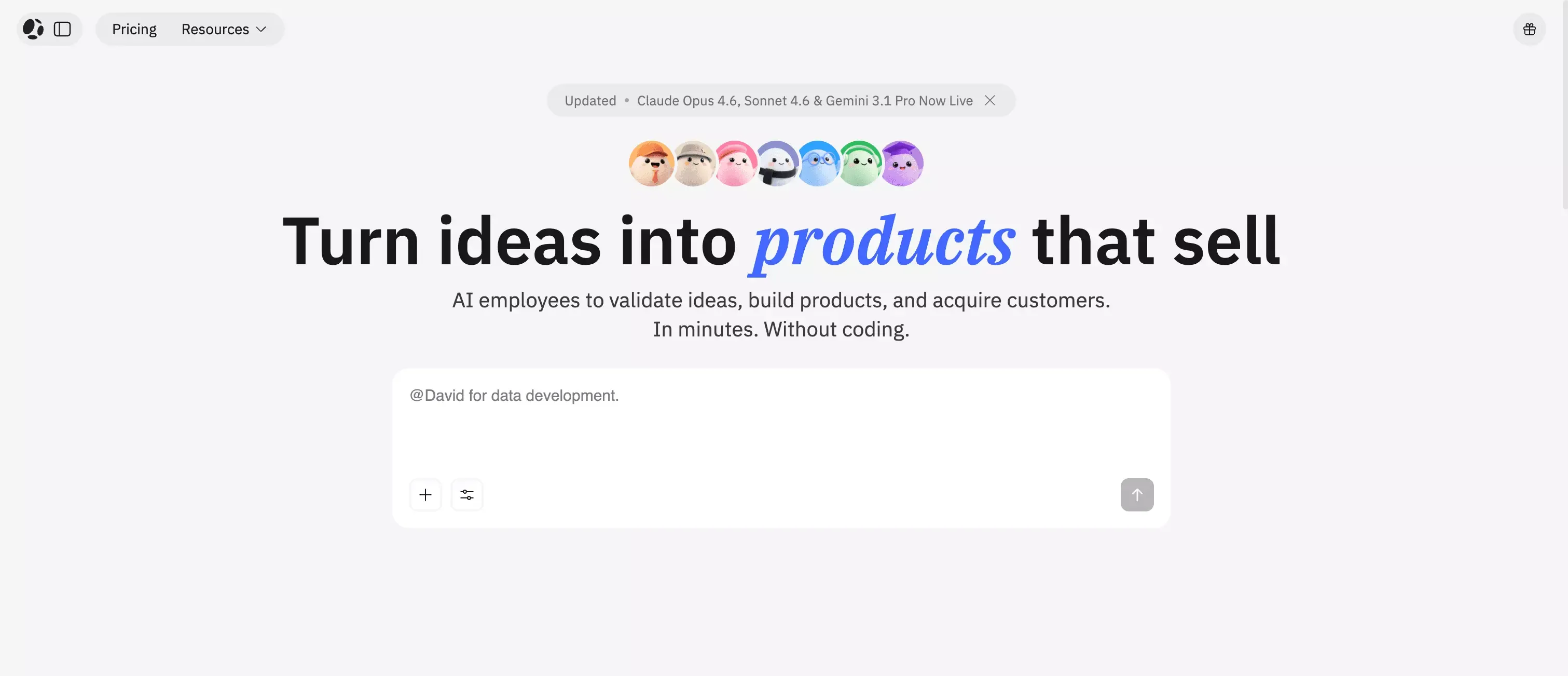 I would not position Atoms as “Framer, but better.”
That is too simplistic, and honestly not accurate.
The more honest comparison is this:
- Framer is better when you want a polished, design-first website
- Atoms is more compelling when you want to go from idea to real product
That is a much cleaner split.
Atoms stands out because it is built around a broader workflow. Instead of focusing mainly on page creation, it is designed to help users move through research, planning, building, backend setup, launch, and growth with less fragmentation.
That makes it more interesting for people building things like:
- SaaS products
- internal tools
- e-commerce experiences
- MVPs that need real functionality
- growth-ready products, not just pretty pages
Why I would consider Atoms instead of Framer
- you want more than a website
- you need backend support
- you care about SEO and SSR
- you want code export and GitHub sync
- you want one system that covers more of the launch workflow
- you are building for actual use, not just presentation
This is the key insight for me.
A lot of people do not actually want a website builder. They want a business builder, product builder, or launch system. Framer is not really trying to be that. Atoms is much closer to that direction.
So the recommendation feels natural, not forced.
If your goal is a true product workflow, Atoms looks stronger in areas like AI app building, backend website setup, and coding agents than a tool that stays centered on visual page creation.
It is also easier to connect the recommendation to specific jobs to be done. If you mainly want a polished homepage, an AI website builder is the relevant category. If you need something closer to a product, pages around AI dashboard builder or AI ecommerce website builder point in a more practical direction.
Lovable and Replit Also Make Sense in This Conversation
I also would not frame this as only “Framer vs Atoms.”
That is too narrow.
Lovable and Replit deserve to be mentioned because they sit closer to the AI-assisted product-building side of the market than Framer does.
Lovable is worth a look if
- you want prompt-based building
- you care about speed over pixel-perfect visual control
- you are comfortable iterating with AI as the main workflow
Replit is worth a look if
- you want build and deploy in one place
- you are okay with a more technical environment
- you want more flexibility than a pure visual builder gives you
So the smarter comparison is not just feature versus feature.
It is use case versus use case.
Quick comparison table
| Tool | Best for | Main strength | Main tradeoff |
|---|---|---|---|
| Framer | design-first websites | polished visual output | not ideal for deeper product workflows |
| Atoms | idea-to-launch product building | broader workflow with backend, SEO, and ownership | less centered on design-first site polish |
| Lovable | fast AI-led building | quick prompt-based iteration | may be less ideal for users wanting tight visual control |
| Replit | app building with deployment | flexible build-and-ship workflow | more technical than pure visual builders |
The Biggest Mistake People Make When Judging Framer
I think the biggest mistake is evaluating Framer too early in the journey.
People ask, “Can this help me build something fast?”
Framer often answers that very well.
But the more important question is:
“Can this still help me once the thing becomes real?”
That is where the answer gets more conditional.
A lot of tools look amazing during the first hour. Far fewer still feel like the right decision once users, payments, content, SEO, backend needs, and growth start stacking up.
Framer absolutely wins that first impression battle.
I am less convinced it wins the longer-term product battle unless your scope stays firmly in website territory.
Pros and Cons
What I Like
- beautiful visual output
- modern editing experience
- strong for marketing sites and portfolios
- fast to start
- polished overall feel
- much better-looking results than many older builders
What I Don’t Like
- better for websites than real products
- AI is helpful, but not that deep
- not my first choice for backend-heavy workflows
- can become limiting as product complexity grows
- may push you into extra tools later
Final Verdict
After looking at Framer closely, my opinion is pretty straightforward:
Framer is very good. But it is best when you use it for the job it was clearly built to do.
That job is creating polished, modern websites quickly.
If that is what you need, Framer is easy to recommend. It feels premium. It makes good design more accessible. It helps small teams produce sites that look much more expensive than they probably were.
But if your real goal is to build a functional product with deeper logic, backend support, ownership, and growth infrastructure, I would not stop at Framer.
That is where Atoms starts to make more sense. And depending on the workflow you prefer, Lovable and Replit are worth exploring too.
My practical takeaway
- pick Framer for beautiful websites
- look at Atoms when you want a fuller path from idea to launch
- consider Lovable or Replit if AI-led app building is the bigger priority
If I were choosing today, I would treat Framer as a strong website tool, not a universal builder.
That distinction changes everything.
