
If you’re searching for the best AI website builder for beginners in 2026, let me share the top 7 tools I rely on to build websites quickly and easily. These include Atoms, Lovable, Replit, Bubble, Base44, Glide, and FlutterFlow. Each of these AI website builder platforms is designed with beginners in mind—no vibe coding or technical headaches required. I prefer tools that offer intuitive interfaces, smart AI assistants, and a no-code experience. This means anyone can create a website, regardless of their coding skills. Interest in AI website builders has surged this year, so you’re definitely not alone in wanting to explore these powerful tools.
- Atoms
- Lovable
- Replit
- Bubble
- Base44
- Glide
- FlutterFlow
AI website builders like Atoms and Lovable help beginners make websites. You do not need to know how to code. Some important features are easy-to-use tools, design automation, content generation, and SEO tools. AI tools can save you a lot of time. You can build a website or app in just a few minutes. Try a free plan first to test different builders. This helps you find the one that works best for you. Give the AI clear details for better results. This makes sure your website shows your own ideas.
Quick Comparison Table
When I looked for the best AI website builder for beginners, I wanted to compare them easily. I made this table so you can quickly see the top tools. You can check which ones are simple to use. You can see how much automation each builder gives. You can find out who each tool is good for. You can also see what prices to expect.
| Builder | Ease of Use | Automation Features | Best For | Free Plan / Trial |
|---|---|---|---|---|
| Atoms | Very easy, no code, natural language prompts | Multi-agent AI, all-in-one backend, SEO friendly | Beginners, SaaS, e-commerce | Yes |
| Lovable | Simple, prompt-driven | Fast site generation, AI content | Personal sites, portfolios | Yes |
| Replit | Beginner-friendly, code optional | AI code suggestions, instant deploy | Developers, learners | Yes |
| Bubble | Visual editor, no code needed | Workflow automation, database setup | Web apps, startups | Yes |
| Base44 | Guided setup, easy templates | AI-powered design, content fill | Small businesses, shops | Yes |
| Glide | Spreadsheet-based, intuitive | AI app builder, data sync | Internal tools, mobile apps | Yes |
| FlutterFlow | Visual builder, drag-and-drop | AI code generation, export options | Mobile apps, prototypes | Yes |
I saw that some builders, like Atoms, help you make a real app with logins and payments. Others, like Lovable, let you make a basic site very quickly. Most tools give you a free plan or trial. You can try them before paying. Prices start at $0 for basic versions. You might want to upgrade later for more features as your site grows.
If you are new, pick a builder that fits your goals and feels easy. Try some free plans and see which one you like best.
1. Atoms
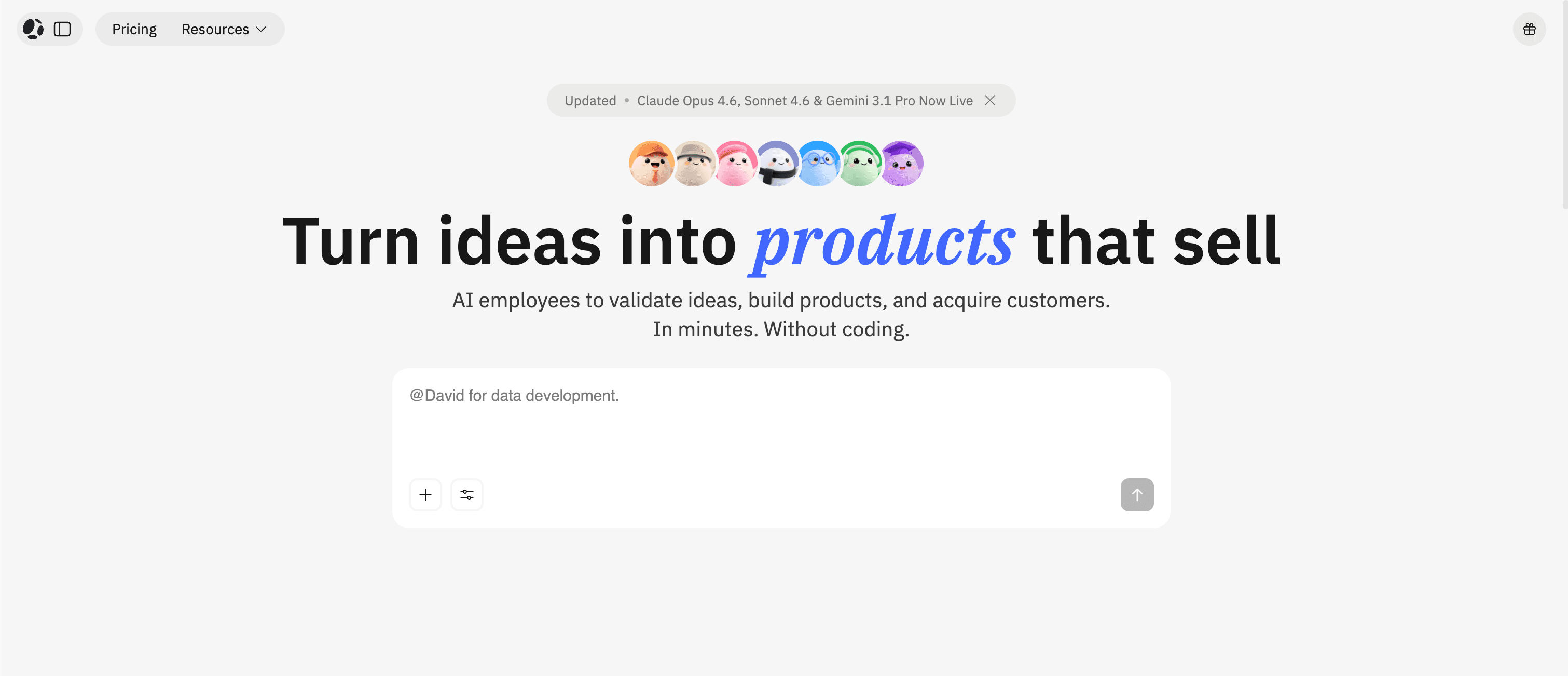
I want to tell you about Atoms. This platform feels like magic for anyone who wants to build a website. Atoms uses a smart team of AI agents that work together. I just described my idea in plain language. The AI listens and gets to work. In a few minutes, I see a real website with pages, content, and even a working backend. I don’t need to touch any code. Most importantly, the websites it creates are SEO-friendly.
Best For
I think Atoms is perfect for beginners who want more than a simple landing page. If you dream about building a SaaS app, an online store, or even a tool for your business, Atoms can help. I also recommend it for people who want to launch fast. Atoms works well for students, creators, and small business owners. If you want to turn your idea into a real product, this tool makes it possible.
Reasons to Recommend
Here’s why I always suggest Atoms when someone asks for the best AI website builder for beginners:
-
Atoms turns a short description into a full website, complete with structure and content.
-
I can launch a real site online by just sharing my goals. It saves me hours of work.
-
The AI team handles all the coding and design. I don’t need any tech skills.
-
Atoms gives me an all-in-one backend. I get logins, databases, and payments set up automatically.
-
I can export my code and sync with GitHub if I want to grow my project later.
-
Atoms uses smart SEO tools, so my site shows up on Google.
-
I get built-in analytics and easy setup for Google Analytics 4.
Tip: Atoms lets me focus on my ideas. The AI does the heavy lifting. I can go from idea to launch in just eight hours.
I believe Atoms stands out as one of the best AI website builders for beginners because it makes building real apps easy and fun. I feel in control, and I see results fast.
2. Lovable
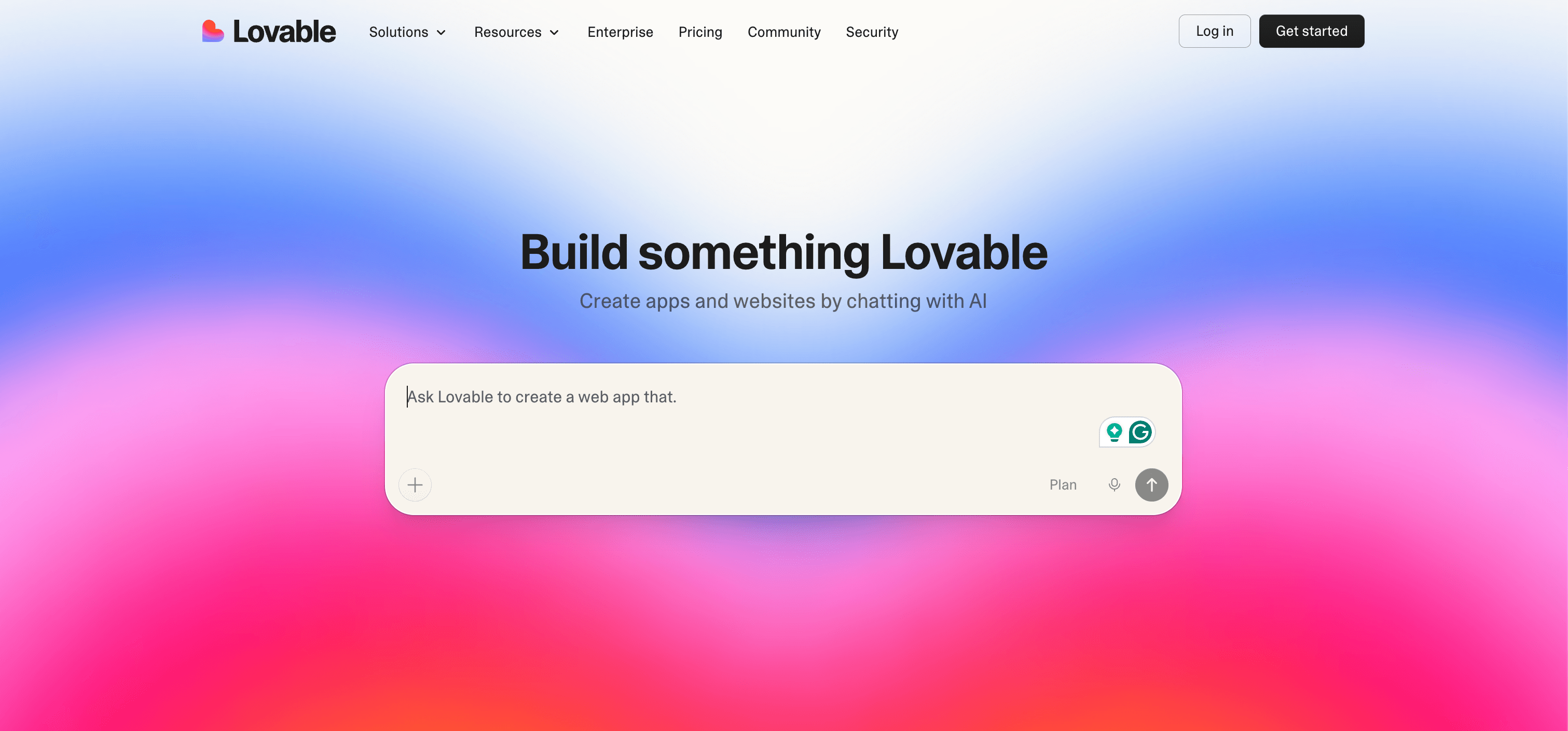
Lovable is an AI-powered app and website builder. You describe your idea in plain language, and the platform generates a working application for you. It can create the frontend, backend, and database automatically.
Using Lovable feels more like chatting than building. You give instructions, the AI builds, and you refine the result step by step.
The experience is fast, especially for MVPs and prototypes. The main advantage is speed. The downside is that complex logic sometimes still needs manual adjustment.
Best For
I think Lovable shines when I want to launch something fast. It works well for people who have ideas but don’t know where to start. Here are some ways I use Lovable:
-
I build simple projects and prototypes to test my ideas.
-
I create landing pages for events or marketing campaigns.
-
I set up personal websites or portfolios to show my work.
-
I help friends make small business sites with booking or shopping features.
-
I launch MVPs to see if people like my product.
-
I make quick sign-up pages to collect emails for my startup.
Lovable helps me skip the blank page and get results in minutes. I like that I can focus on my message instead of the tech.
Reasons to Recommend
I recommend Lovable to anyone searching for the best AI website builder for beginners. The platform stands out because it feels friendly and flexible. I can try new layouts without fear of breaking anything. Lovable gives me a bit more control than some other tools, which I appreciate when I want to tweak my site.
Lovable works best for people who want to learn and grow. I get to see how things work behind the scenes. If I want to try more advanced features later, Lovable lets me do that. I always feel like I’m in control of my project.
Tip: If you want to build a site quickly and learn along the way, Lovable is a great place to start.
3. Replit
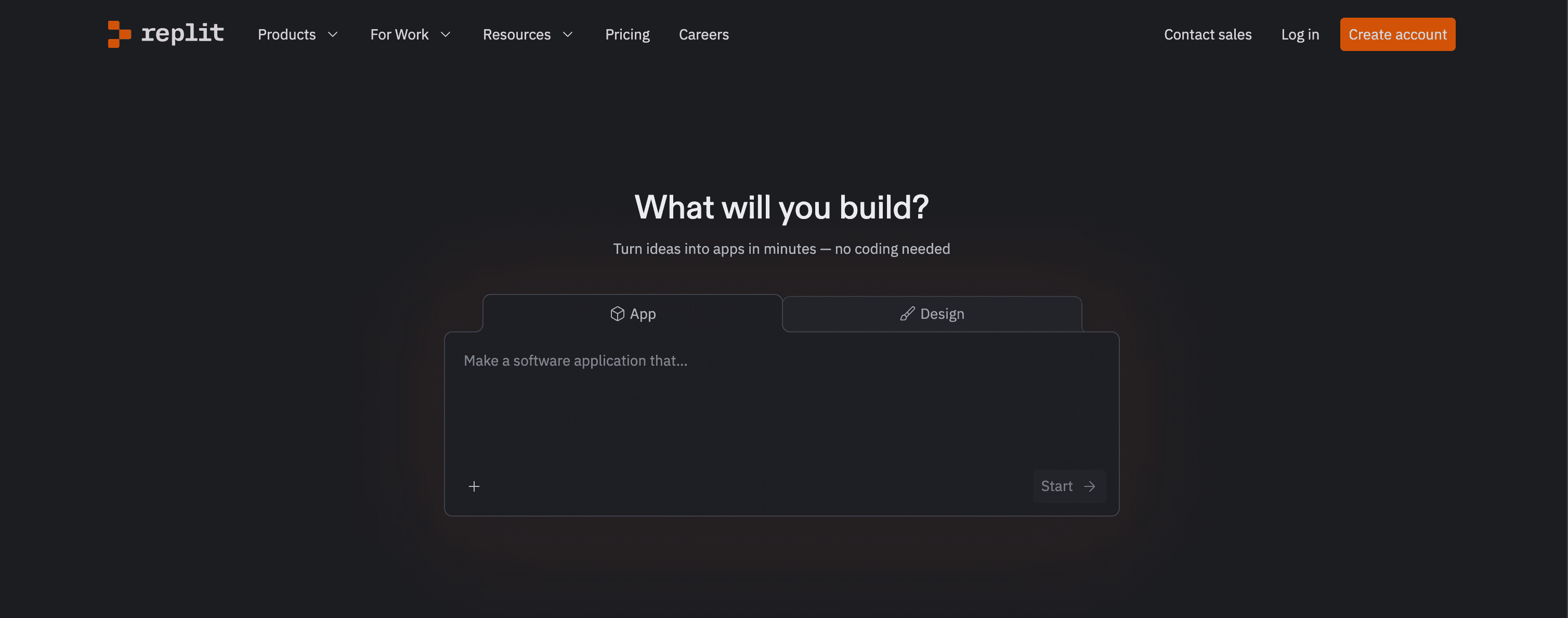
Replit is a cloud development platform. It started as an online coding environment, but today it also includes AI tools that help generate and explain code.
Unlike most no-code builders, Replit keeps the code visible. Developers can choose the language, edit files, and run applications directly in the browser.
In practice, Replit feels like coding with an AI assistant rather than using a visual builder.
Best For
I think Replit works best for people who want to learn by doing. If you want to build a website but don’t know how to code, Replit is a great place to start. I use it when I want to:
-
Try out new ideas without setting up a lot of tools.
-
Learn how websites work by seeing real code.
-
Build simple web apps or prototypes for school or work.
-
Work on projects with friends online.
-
Practice coding with help from AI.
Replit’s AI features make it easy for beginners to get started. Here’s what I like most:
-
I can generate code using natural language prompts.
-
I keep full control over my project. I can download my code or sync it with GitHub.
-
The AI handles backend logic and hosting, so I don’t have to worry about the hard parts.
Reasons to Recommend
I always recommend Replit to beginners who want to build websites with AI. The platform gives me a lot of freedom and support. Here’s a quick look at why I think Replit stands out:
-
Full Code Ownership: I have complete access to my code. I can edit, move, or share it without being locked in.
-
Scalable Performance: My projects can grow. Replit adjusts to more visitors automatically.
-
Enterprise-Grade Security: My work stays safe with strong security and encryption.
-
Transparent Pricing: I pay for what I use. There are no hidden fees, so I can plan my budget as my site grows.
Tip: If you want to learn, experiment, and build real websites with AI help, Replit is a smart choice. I feel like I’m in control, and I can see my progress every step of the way.
4. Bubble
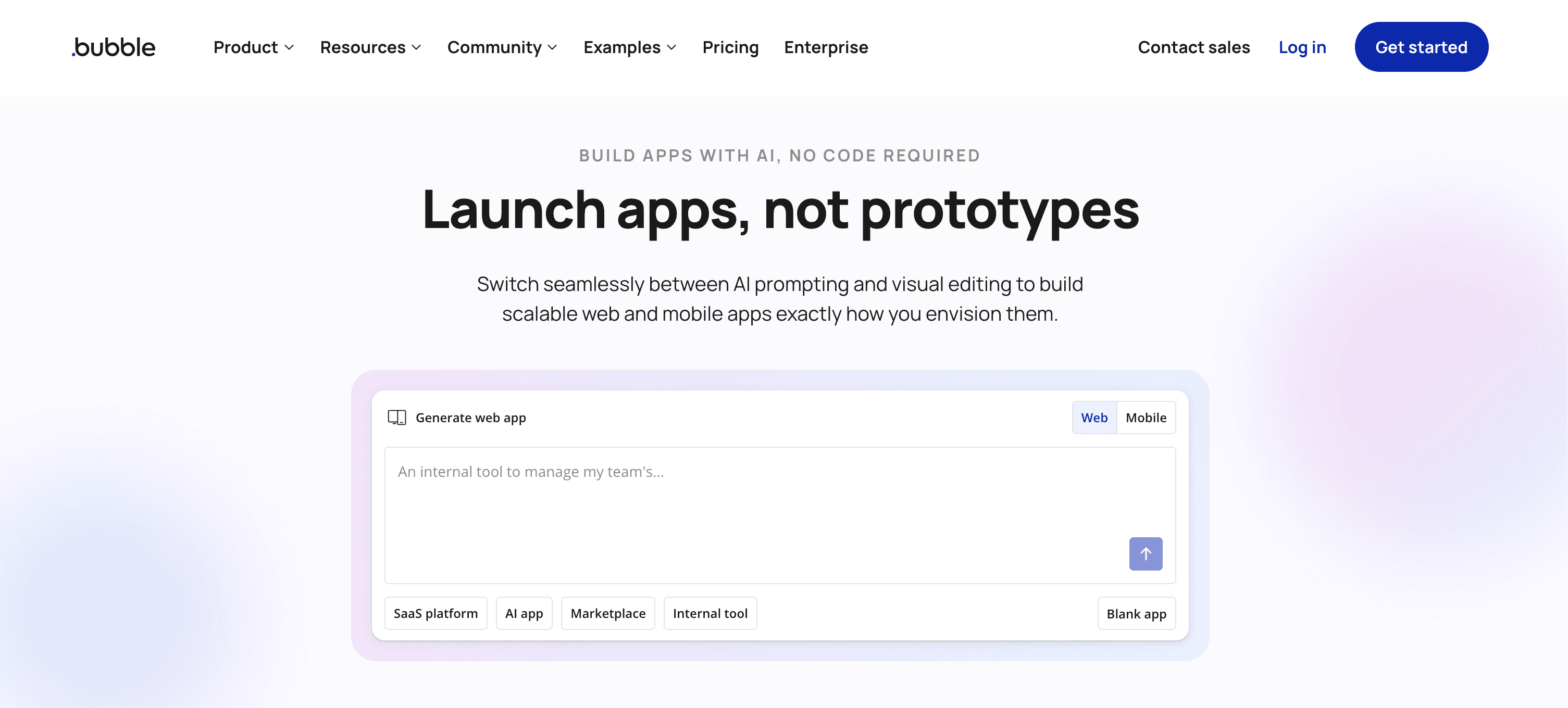
Bubble is one of the most well-known no-code platforms. Instead of writing code, users build applications through a visual interface.
You drag elements onto a page and connect workflows to define how the app behaves. Bubble also provides a built-in database and backend logic.
Many startups use Bubble to build SaaS tools or marketplaces. It is powerful, but large apps may require careful optimization.
Best For
I think Bubble works best for people who want to build more than a simple website. If you dream about making a web app, Bubble is a great choice. I use it when I want to create things like:
-
Membership sites with user logins
-
Online stores with payment options
-
Apps for tracking workouts or projects
-
Tools for small businesses
Bubble is perfect for beginners who want to learn by doing. I don’t need to know how to code. I just use the drag-and-drop editor and watch my ideas turn into real apps. Bubble’s visual database makes it easy to set up things like user profiles or product lists.
Reasons to Recommend
I always recommend Bubble to friends who want to build something powerful without learning to code. Here’s why I think Bubble stands out:
-
The no-code editor lets me add features like subscriptions or messaging with ease.
-
I can manage all my data visually, which saves me time and stress.
-
Bubble’s popularity is growing fast.
-
The platform helps me focus on my idea, not the tech behind it.
Tip: If you want to build a web app and feel in control, Bubble gives you the tools to make it happen—even if you’re just starting out.
5. Base44
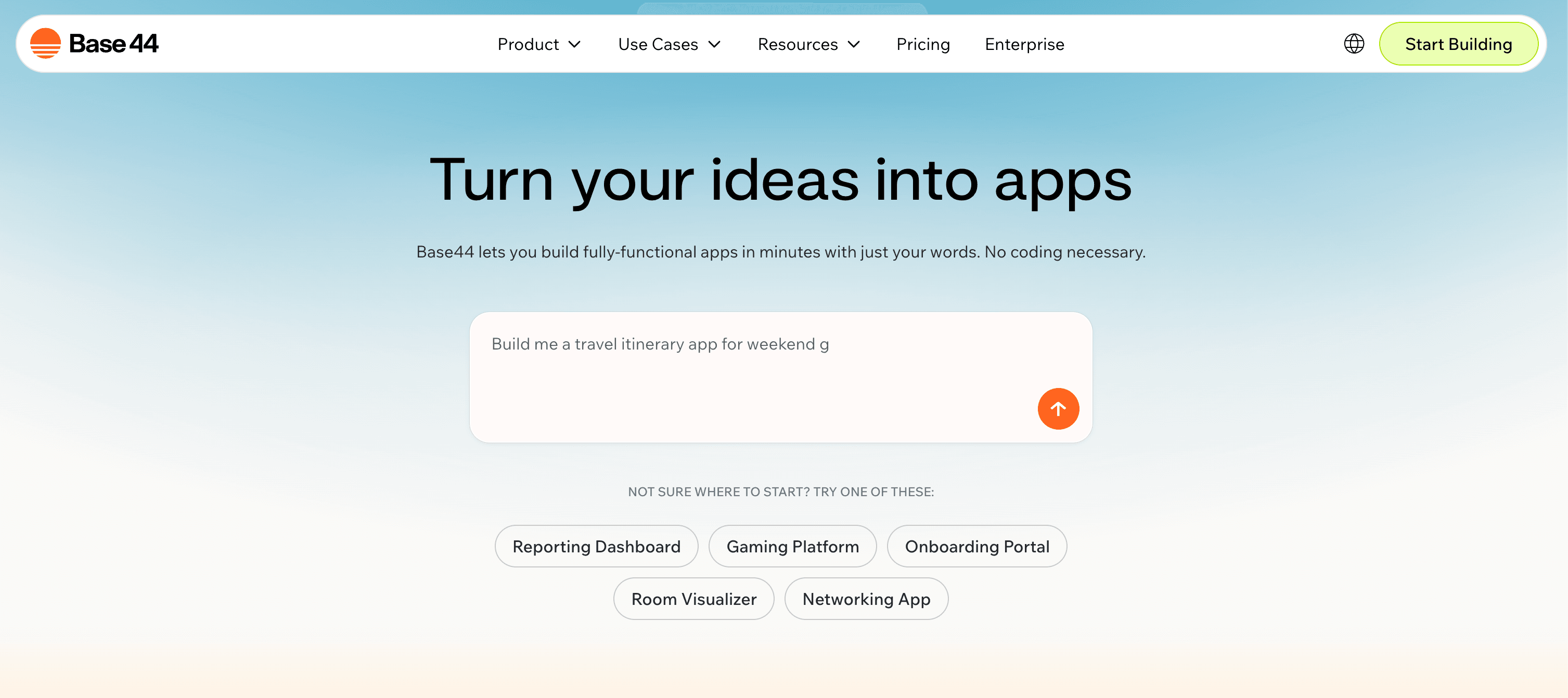
Base44 is an AI app builder focused on simplicity. Users describe the product they want, and the platform generates a working app structure automatically. Beside, it provides lots of templates ready to use.
Base44 is best for non-technical users who want to launch a simple tool or MVP quickly.
Best For
I think Base44 works best for people who want to get online fast. If you have a small business, a shop, or a new project, Base44 can help you. I use it when I want to:
-
Launch a business website without hiring a developer
-
Create an online store for my products
-
Build a landing page for a new idea
-
Set up a simple site for a club or event
Base44 is great for beginners. You don’t need any tech skills. You just need your idea.
Reasons to Recommend
I always recommend Base44 to friends who feel nervous about building a website. Here’s why I like it:
-
I can describe my vision in simple words. The AI understands and builds my site.
-
The process is easy. I review what the AI creates and make changes until it looks right.
-
I save a lot of time. My site goes from idea to online in minutes, not months.
-
The platform gives me templates and design help, so my site looks professional.
-
I feel in control because I can refine my site as much as I want.
Tip: If you want to turn your idea into a website without stress, Base44 makes it possible. Just share your vision and let the AI do the work.
6. Glide
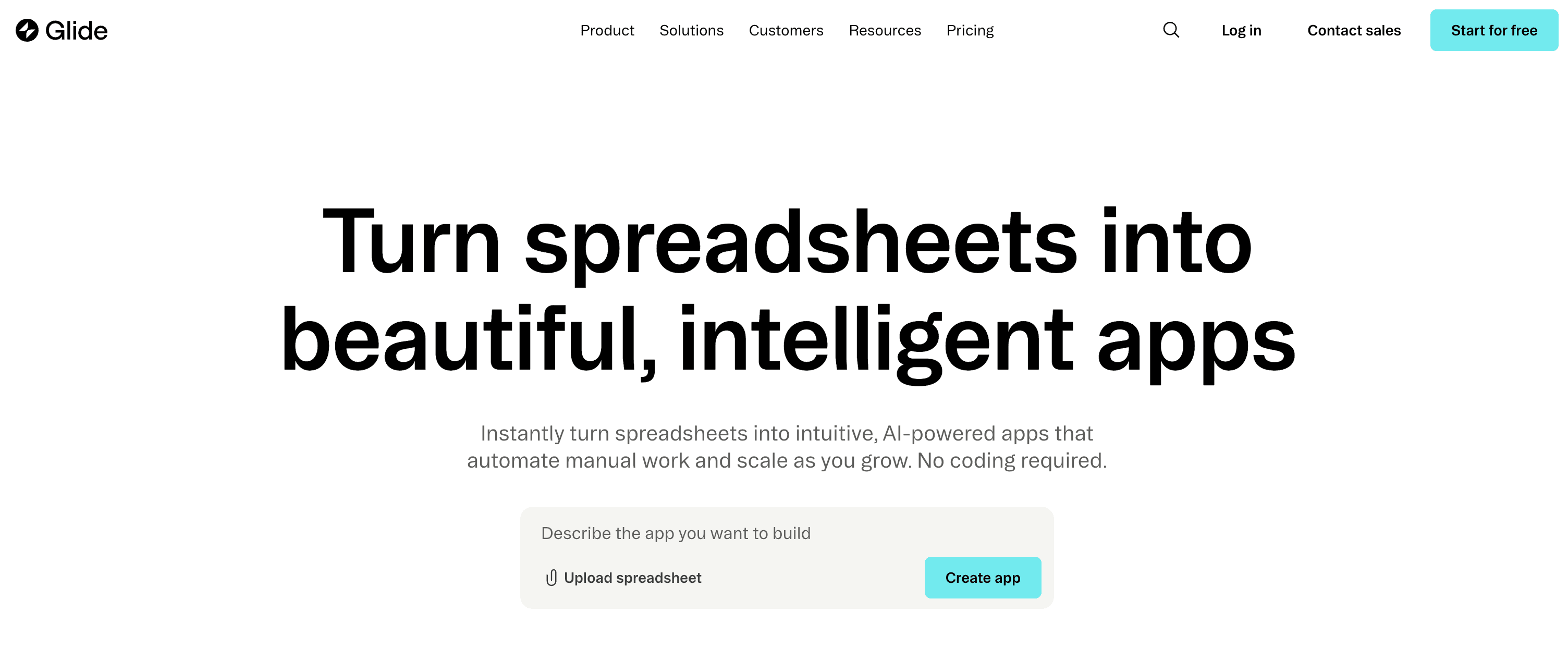
Glide focuses on turning data into apps. You connect a spreadsheet, and the platform automatically creates an interface around that data.
The builder is simple and clean. You arrange components like lists, forms, and dashboards without coding.
Glide works especially well for internal tools, small business apps, and quick prototypes.
Best For
I think Glide works best for people who want to build apps fast without hiring a developer. I use it when I want to:
-
Launch a side project or MVP
-
Help a nonprofit team organize events
-
Build tools for my classroom as a teacher
-
Create a simple app for my small business
-
Try out new ideas without spending money
Glide is perfect for solopreneurs, educators, and anyone who wants to see results quickly. I don’t need a big budget or a tech team. I just need an idea and a spreadsheet.
Reasons to Recommend
Here’s why I always recommend Glide to beginners:
-
I built a working app in under 90 minutes, even without reading the docs.
-
The drag-and-drop editor is super intuitive.
-
I see live updates as I make changes, so I know exactly what my users will see.
Glide gives me the flexibility to customize the look and feel of my app. The automation features help me set up simple workflows, like sending emails or updating data. I noticed that Glide keeps improving, adding more ways to automate tasks. If you want deep backend logic, you might need something else, but for most projects, Glide does the job. I feel satisfied every time I use it because I get to focus on my ideas, not the tech.
Tip: If you can use a spreadsheet, you can build an app with Glide. It’s that simple.
7. FlutterFlow
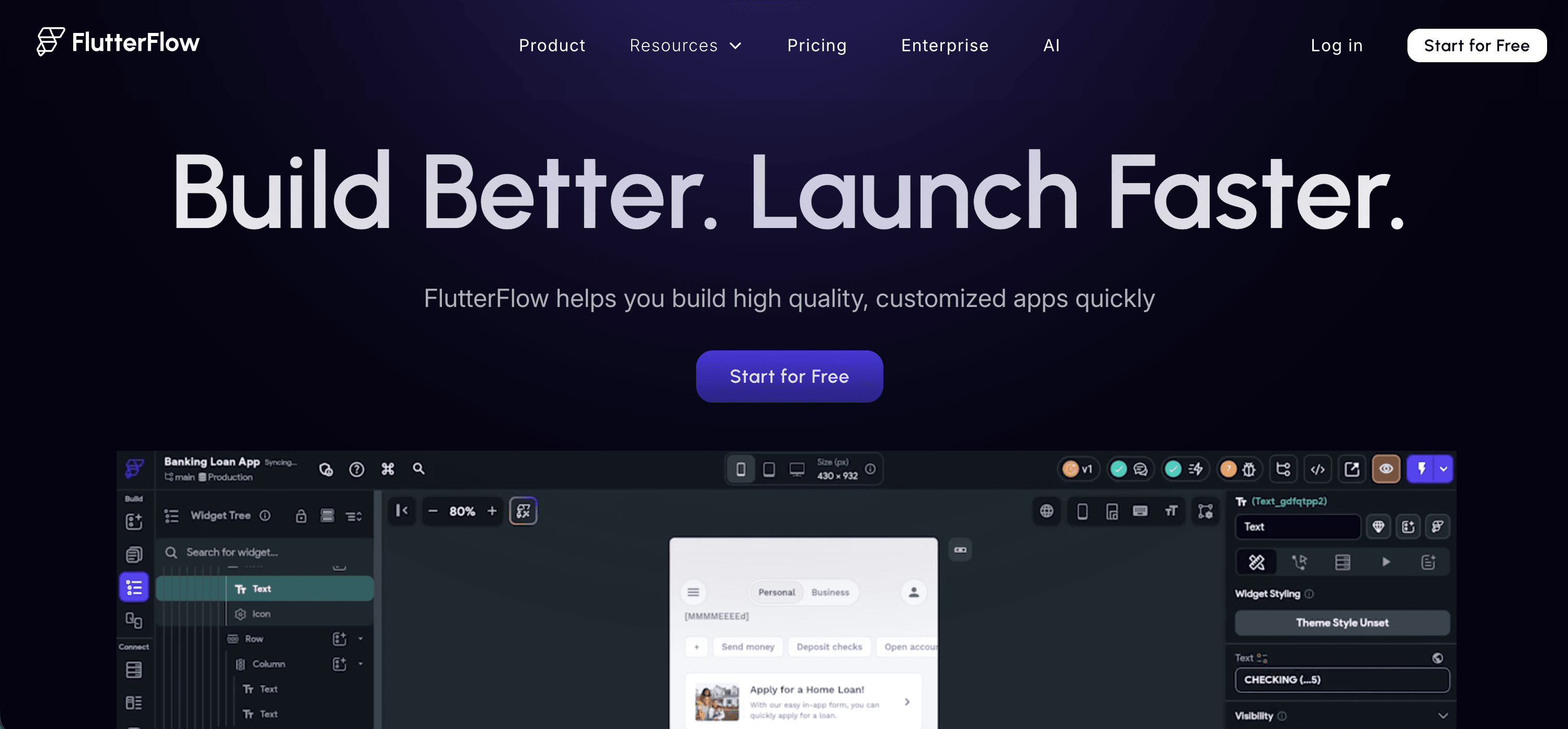
FlutterFlow is a visual builder based on Google’s Flutter framework. It allows users to design mobile or web apps with drag-and-drop components.
You can connect APIs, manage data, and export the generated Flutter code if needed.
Because of this, FlutterFlow sits between no-code and traditional development. It is popular with startups building real mobile products.
Best For
I think FlutterFlow works best for people who want to create mobile apps or simple web apps quickly. If you are a beginner, a student, or someone with an idea but no coding background, this tool can help you. I use FlutterFlow when I want to:
-
Build a proof of concept for a new app idea
-
Make a prototype to show friends or investors
-
Create simple tools for my school or club
-
Try out app design without learning a new programming language
FlutterFlow is great for testing ideas fast. I can make changes and see results right away. If I want to add more advanced features later, I can learn as I go.
Reasons to Recommend
I recommend FlutterFlow to anyone who wants to start building apps without getting stuck on code. Here’s a quick look at what makes it stand out:
-
User-friendly interface: I can start building apps right away, even if I’ve never coded before.
-
Rapid development: I build and test ideas quickly, which saves me time.
-
Built-in integrations: I connect to tools like Firebase and APIs without writing lots of code.
I noticed that FlutterFlow works best for simple apps and prototypes. For bigger projects, I might need to learn some coding. Still, for beginners like me, it’s a fun and easy way to turn ideas into real apps.
Tip: If you like using drag-and-drop tools, you’ll feel right at home in FlutterFlow.
Choosing Your AI Website Builder
Assessing Your Needs
When I started looking for the best AI website builder for beginners, I realized I needed to figure out what mattered most to me. I wanted a platform that matched my goals and made things easy. Here’s a table I use to help decide:
| Criteria | Description |
|---|---|
| Define Your Goals | I ask myself what kind of website I want. Is it a store, a portfolio, or something else? |
| Assess Features and Usability | I check if the builder has the tools I need and if it feels easy to use. |
| Consider Future Scalability | I think about whether the platform can grow with me. Will it let me add more features later? |
| Start with a Clear Goal | I always start by writing down my main goal. This helps me pick a builder that fits my vision. |
Matching Features to Goals
Once I know what I want, I look for features that match my needs. I describe my business vision and goals clearly. I get specific about my industry and audience. This helps the AI create a site that feels right for me.
-
I communicate my goals to the AI system.
-
I use detailed prompts, like describing my business, audience, and what I want to achieve.
-
I look for an intuitive interface that makes building easy.
-
I choose AI-driven content tools that generate text, images, and layouts based on my inputs.
If I want a site for a boutique florist, I tell the builder about my specialty and target customers. The more details I give, the better my results.
Getting Started Tips
I learned a few tricks that make starting easier. Here’s what works for me:
-
I use descriptive inputs. Instead of saying “online store for florist,” I say “online store for boutique florist that specializes in floral arrangements for Gen Z customers, with a specialty in begonias.”
-
I share my brand information. I answer questions about my business and brand so the AI can create a draft that matches my goals.
Tip: The more you tell the AI, the better your website will look and feel. Don’t be afraid to get specific!
I always try a free plan first. I explore templates and play with the editor. I ask myself if the builder feels comfortable. If it does, I know I’m ready to build my site.
I love how AI website builders make things simple for everyone. You do not need to be a tech expert. You can launch a website in minutes and see your ideas come to life.
FAQ
How long does it take to build a website with AI?
I can build a simple website in just a few minutes. If I want a full app with more features, it might take a few hours. The process feels fast and easy.
Do I need to know how to code?
No, I don’t need any coding skills. I just described what I want. The AI does the hard work for me. I can focus on my ideas.
Can I change my website after I publish it?
Yes! I can update my site anytime. I just log in, make changes, and save. The updates show up right away.
Is it free to start building a website?
Most AI website builders let me start for free. I can try out features and see if I like the tool. Some advanced features may cost extra.
