
 If you search for the best no-code app builders today, you quickly run into a problem: this category is messy.
Some tools are true no-code platforms. Some are really AI app builders. Some are best for internal tools. Others are built mainly for mobile apps. They all get grouped under the same keyword, but they solve very different problems.
That is why so many comparison posts feel shallow. They treat every platform like it belongs in the same bucket.
I do not think there is one best no code app builder for everyone. I think there is a best fit for the kind of product you want to ship, the level of control you need, and how much complexity you are willing to take on later.
In this guide, I am looking at the platforms I would actually shortlist in 2026 if I were building something real. Not just browsing features. Not just chasing hype. Real use cases, real trade-offs, and real product decisions.
What a no code app builder really is
A no code app and website builder is a platform that lets you create apps through visual interfaces instead of writing traditional code.
In practice, most of these tools still need to handle three core layers well:
Database
This is where your product stores information. Users, records, tasks, products, orders, content, or anything else your app depends on.
UI
This is the visible part of the app. Pages, layouts, buttons, forms, dashboards, tables, and navigation.
Logic
This is the layer that makes the product work. Permissions, workflows, automations, conditional actions, notifications, calculations, and data relationships.
The strongest platforms make all three layers usable. The weaker ones make one layer easy and the other two frustrating.
That is the real lens I use when comparing no code app builders. A nice editor is not enough. A tool only becomes valuable when it helps you ship a product that people can actually use.
Why people look for a no code app builder
Most people are not searching this keyword because they want to learn what no-code means. They are searching because they want to build something without hiring a full engineering team first.
Usually, the need falls into one of these buckets:
Faster MVP launches
Founders want to test a SaaS idea, marketplace, portal, or internal workflow without waiting months for development.
Lower upfront cost
Teams want to validate before committing engineering time or budget.
Easier iteration
Product people, operators, and marketers want to change flows themselves instead of opening tickets for every update.
Better leverage for small teams
A small team can go much further when one builder replaces multiple tools, manual coordination, and repeated setup work.
But there is another side to this category that many glossy articles skip: no-code can also create the wrong kind of speed.
You can build something fast and still build yourself into a corner. That usually happens when you optimize for demo speed instead of choosing a platform that matches the product you actually want six months later.
No code vs low code vs AI app builders
This is where the category gets confusing.
No-code
No-code tools are best when you want a visual workflow and minimal technical overhead. They are ideal when speed, accessibility, and iteration matter most.
Low-code
Low-code platforms make more sense when technical teams still want to extend or customize the product with code. They are often better for companies that expect deeper integration or long-term developer involvement.
AI app builders
AI app builders promise an even faster path by generating parts of the product from prompts. That can be powerful. It can also be inconsistent. In my view, AI is most useful when it reduces planning and setup work, not when it becomes a black box you cannot control later.
That is why I do not choose based on the word “AI” alone. Almost every platform is adding AI now, along with more automation and coding agents. The real question is whether the platform helps you build something maintainable.
How I evaluated the best no code app builders
When I compare tools in this category, I care less about giant feature lists and more about whether the product can survive real use.
Ease of use
Can a non-technical person get something working quickly without getting lost?
Design flexibility
Can you shape the product into something that feels like your app, not just the platform’s template?
Backend and data control
Can the tool handle non-trivial data relationships and business logic without becoming painful?
Integrations and automation
Can it connect cleanly with APIs, databases, and external tools?
Deployment options
Can you publish and launch in the environments that matter for your use case?
Scalability and lock-in
What happens if the app succeeds? Does the platform still make sense?
Total cost of ownership
How does pricing feel after the initial excitement wears off?
Those are the questions that matter more than whether a landing page says “build anything.”
Best no code app builders at a glance
Here is the short version of how I would think about the market.
| Tool | Best for | My take |
|---|---|---|
| Atoms | Idea-to-product workflow with strong AI help | Best when you want help beyond the editor |
| Bubble | Complex full-stack web apps | Still the power pick |
| Glide | Internal tools and operational apps | Fastest path for business workflows |
| FlutterFlow | Polished cross-platform apps | Strongest visual-mobile balance |
| Softr | Portals, dashboards, lightweight business apps | Very practical for structured-data use cases |
| WeWeb | Web apps with more backend freedom | Good fit when long-term control matters |
| Adalo | Simpler mobile-first apps | Easier to grasp than heavier platforms |
| Thunkable | Beginner-friendly mobile app creation | Best when app-store publishing is core |
The best no code app builders in 2026
1. Atoms
Best for
Founders, solo builders, and lean teams that want help moving from idea to working product fast.
What stands out
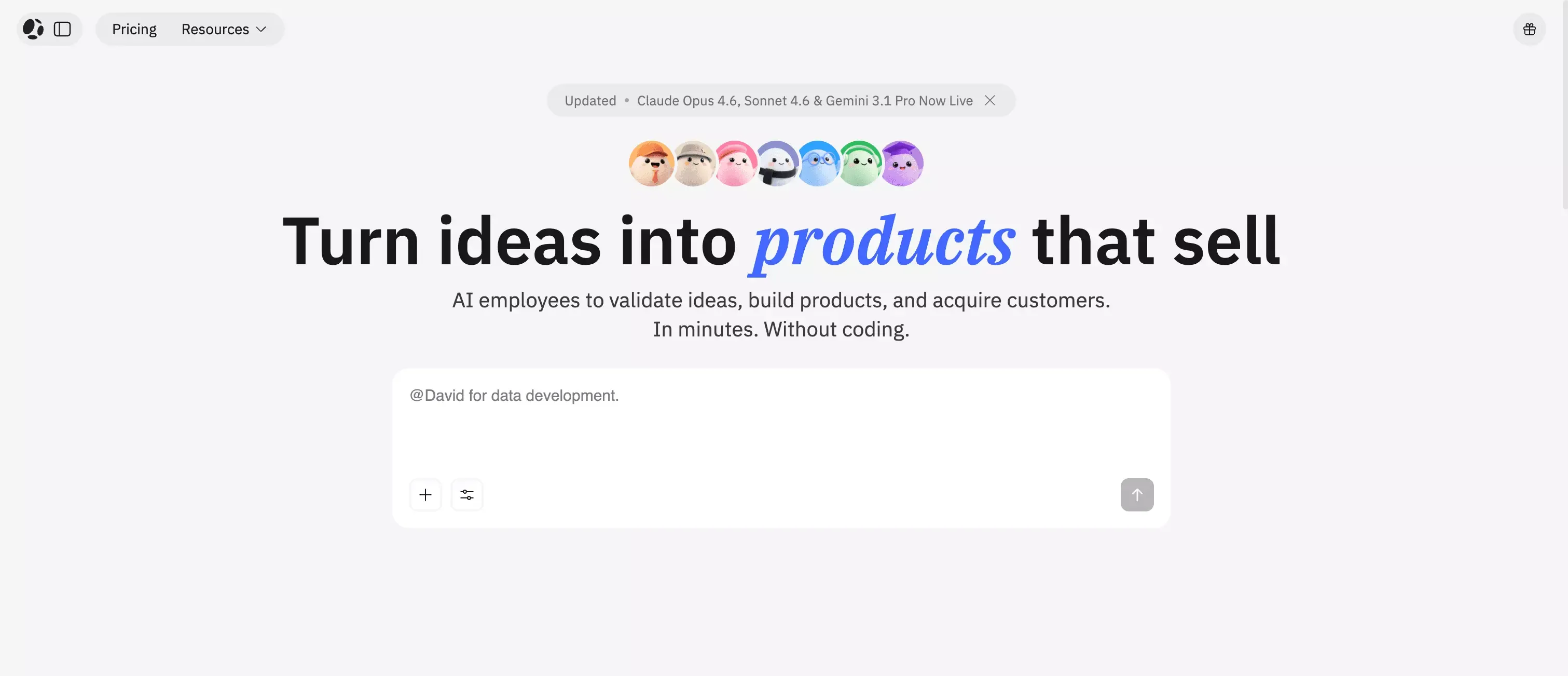
Atoms is built around a multi-agent workflow, with roles like Deep Researcher, Architect, PM, Engineer, SEO Specialist, and Data Analyst. Instead of only helping you drag components onto a page, it is designed to help you move from “I want this product to exist” to something you can actually use, launch, and grow.
That broader workflow is the real difference. Atoms supports full-stack product generation, including frontend, backend, auth, database, payments, and deployment, with Atoms Cloud as the managed backend layer. There is also real-world proof behind the pitch. One recent example showed a creator using Atoms to build a revenue-ready SaaS app, launch it in under a week, and generate $2,500 in pre-sales before launch.
It also feels more credible than many newer tools in this space. Atoms is built by the same team behind MetaGPT, whose open-source project has about 66.6k GitHub stars. In 2025, MGX, now Atoms, ranked #1 Product of the Day and #3 Product of the Year on Product Hunt. And there is already some real-world proof that this workflow can work: in this LinkedIn post, a creator shared that they used Atoms to build a revenue-ready SaaS app, launch it in under a week, and generate $2,500 in pre-sales before launch.
Trade-offs to know
If you want maximum manual control from the first step, a more traditional full-stack builder may feel more predictable. Atoms makes the strongest case when you want leverage, speed, and help across the full product workflow.
Ideal use cases
- Early-stage SaaS ideas that also need to build your SaaS landing page with AI
- AI app builder workflows
- Product experiments
- Founder-led launches
- Teams that want fewer disconnected tools
2. Bubble
Best for
Complex SaaS apps, marketplaces, and custom web products with more demanding logic.
What stands out
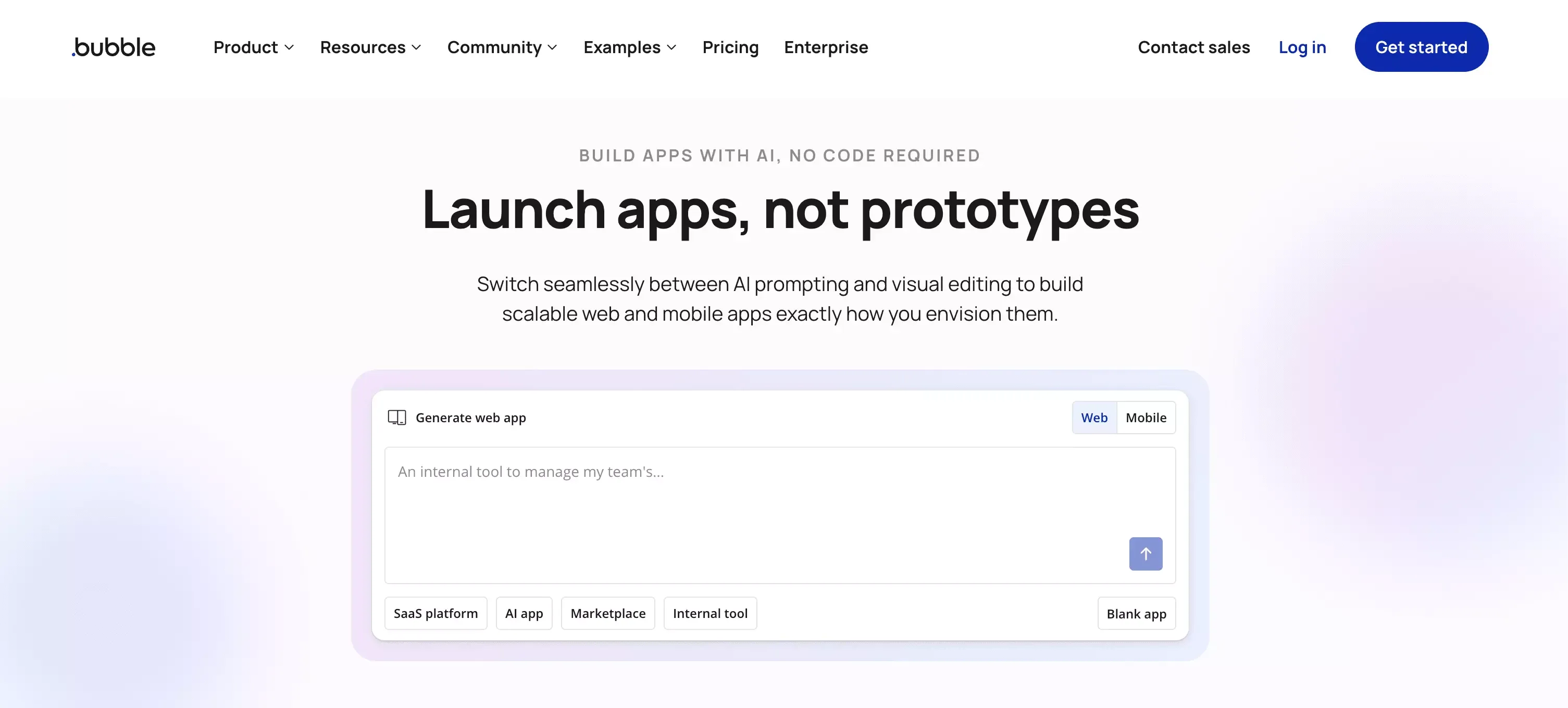
Bubble is still one of the most powerful platforms in the category. It remains the default answer when someone wants a serious no-code web app with real logic behind it.
That reputation is not accidental. Bubble gives you more flexibility than most beginner-friendly tools, especially when workflows, permissions, and data relationships start getting deeper.
If I were building a custom SaaS MVP and expected the product to need a lot of logic, Bubble would still be one of the first platforms I would consider.
Trade-offs to know
Bubble has a steeper learning curve than lighter tools. It is powerful, but that power comes with more complexity. It is not the cleanest choice for someone who only needs a quick internal app or a simple portal.
Ideal use cases
- SaaS MVPs
- Marketplaces
- Multi-user platforms
- Products with custom workflows
- Teams that need flexibility more than simplicity
3. Glide
Best for
Internal tools, business workflows, team apps, and operational software.
What stands out
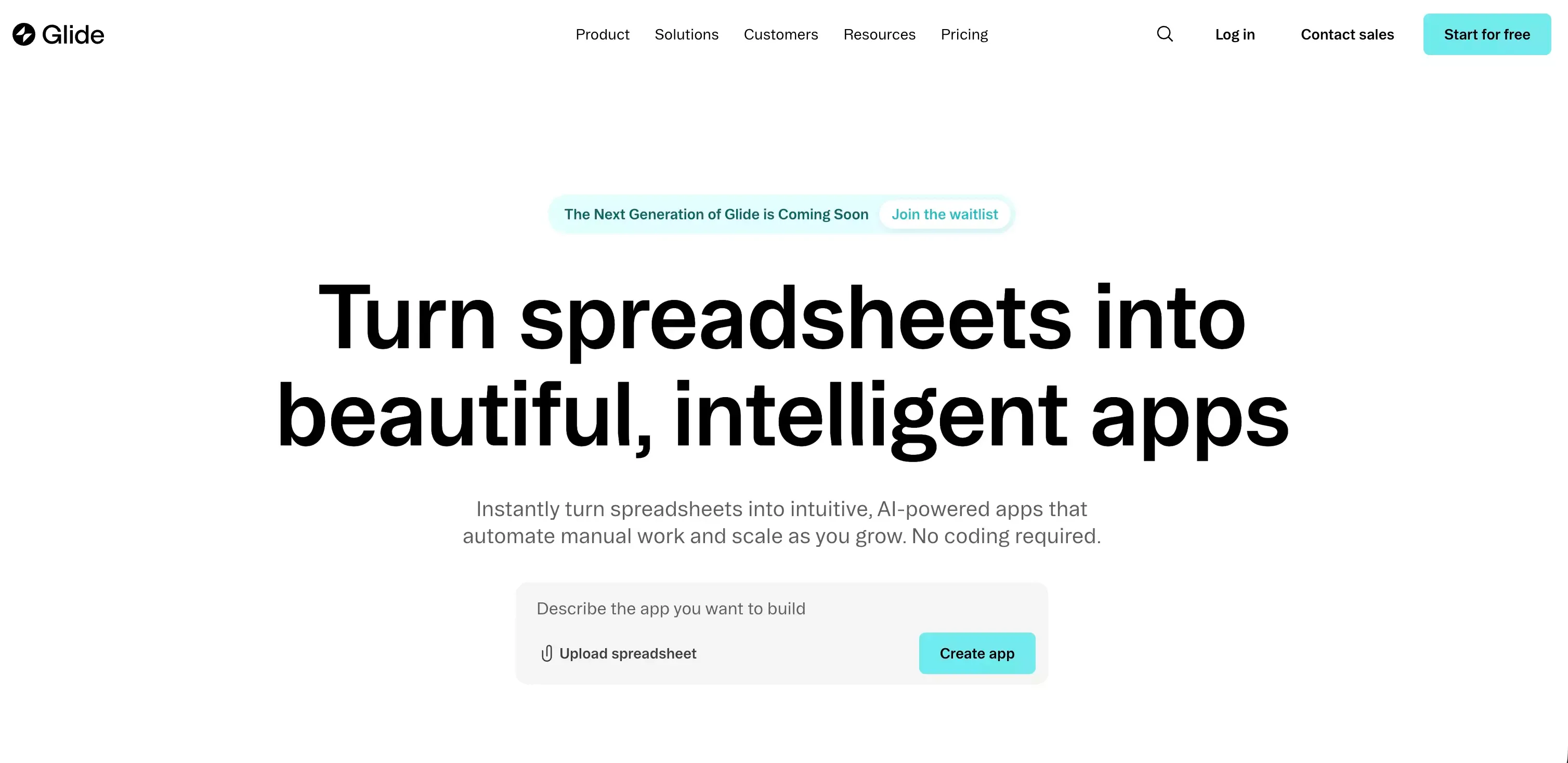
Glide is one of the clearest products in this market because it knows exactly what it is good at.
It is not trying to be everything. It is strong when the app is mostly structured data plus business process. That makes it a very practical choice for teams that want to replace spreadsheets, patchwork workflows, or manual internal operations with something usable and fast.
This is where Glide shines. It helps people build software for work, not just software for demos.
Trade-offs to know
Glide is less compelling when you need a highly custom consumer product or a deeply differentiated user experience. It is strongest when speed and business utility matter more than product originality.
Ideal use cases
- Internal tools
- Approval flows
- Dashboards
- Lightweight CRM systems
- Ops and admin apps
4. FlutterFlow
Best for
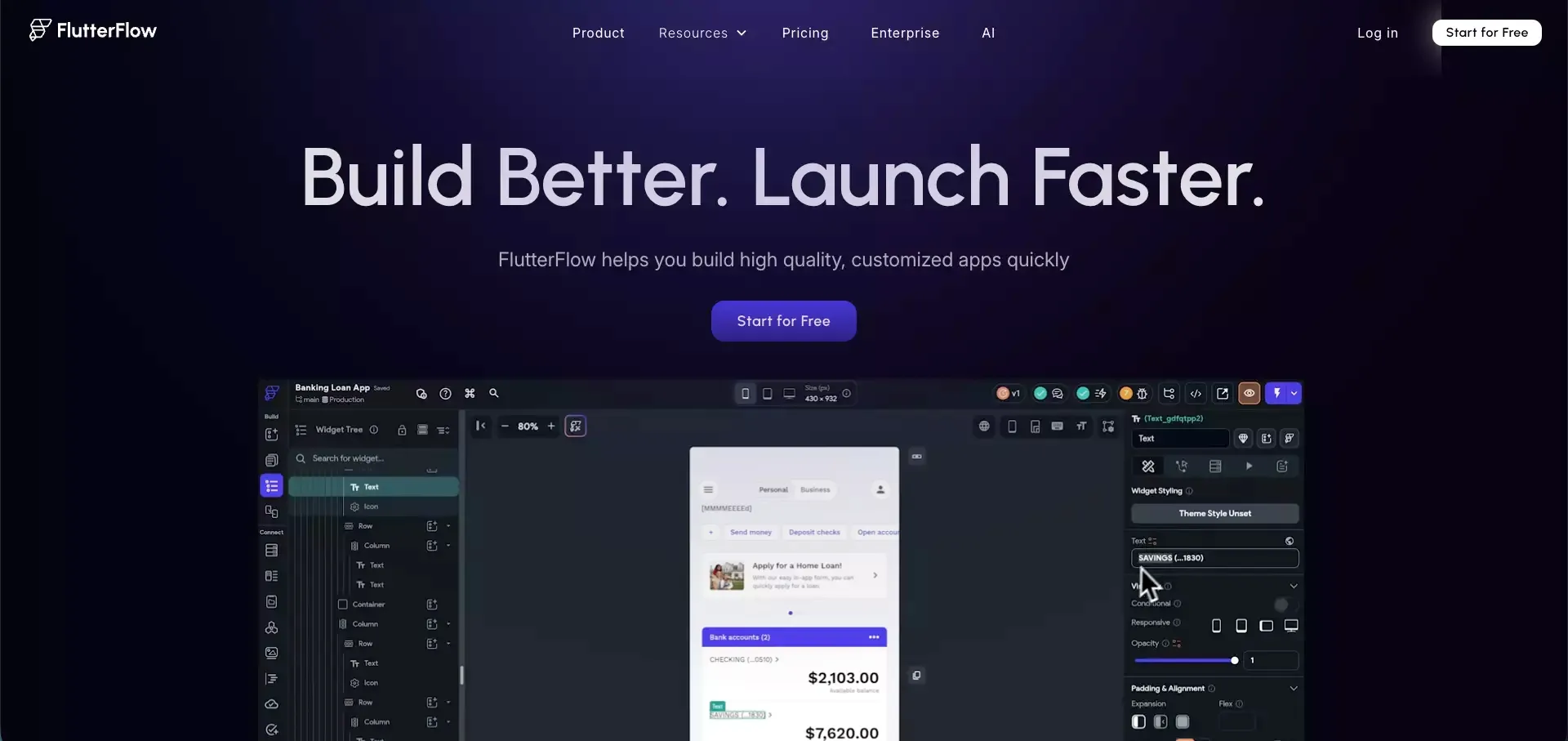
Cross-platform apps with stronger mobile ambitions and more polished product design.
What stands out
FlutterFlow feels closer to product development than many no-code tools that stop at forms, dashboards, and simple business workflows.
That is why it stands out. If you care about app quality, visual control, and a more serious mobile experience, FlutterFlow becomes much more interesting than simpler tools.
It is a good middle ground for teams that want visual development but do not want the product to feel limited from day one.
Trade-offs to know
FlutterFlow asks more from the builder. It is not the easiest place to start if your goal is just to make a basic business tool live as fast as possible.
Ideal use cases
- Mobile apps
- Cross-platform products
- More polished MVPs
- Teams with stronger design expectations
- Products that may need more technical depth later
5. Softr
Best for
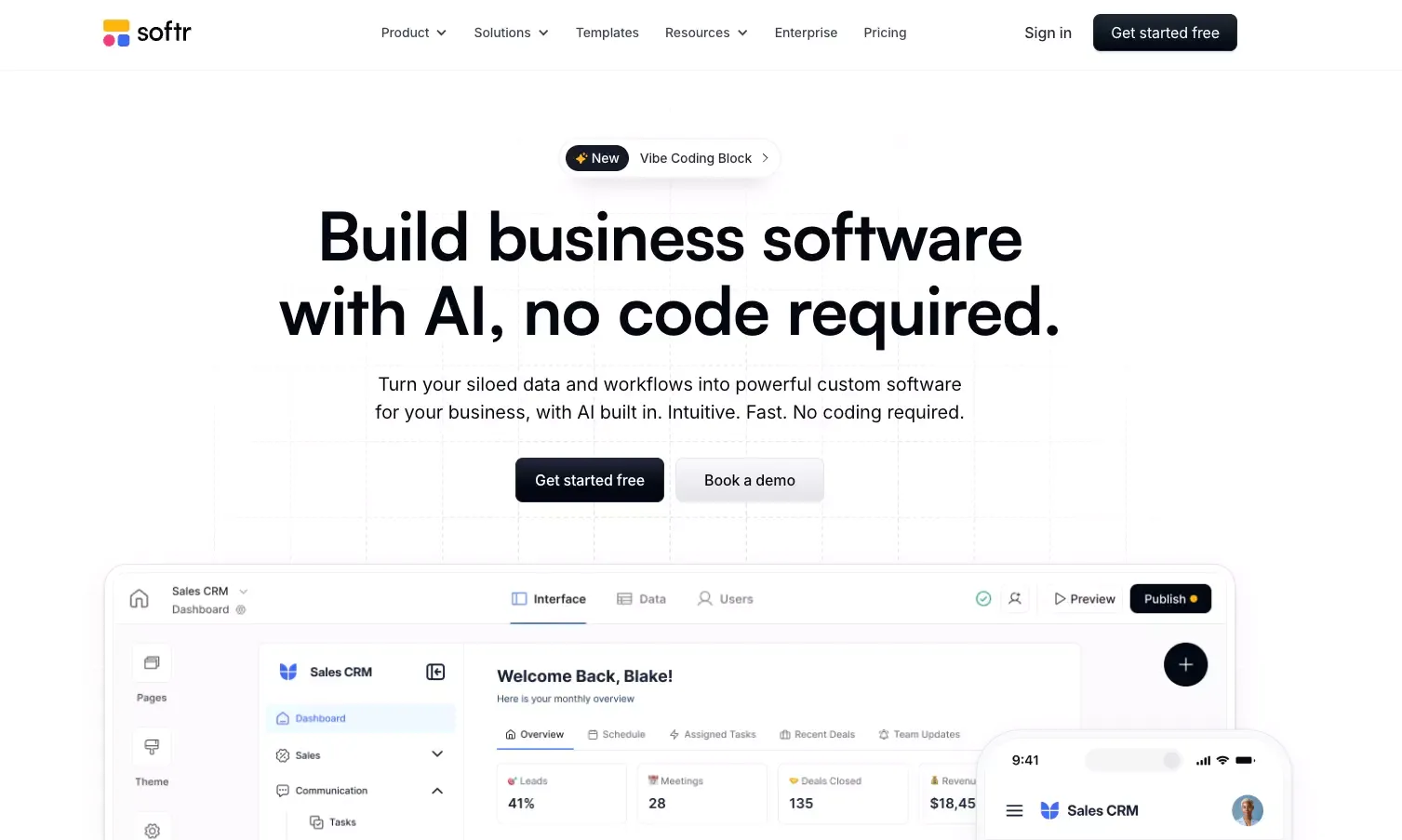
Client portals, internal dashboards, member areas, and lightweight business apps.
What stands out
Softr is easy to recommend because its use case is so clear.
If you already have structured data and need a usable frontend around it, Softr is often one of the most practical options. It is especially good for portals, dashboards, partner areas, and internal interfaces where permissions and visibility matter.
That clarity is a strength. It helps teams move quickly without pretending every project needs a giant all-purpose builder.
Trade-offs to know
Softr is not my first pick for a highly custom SaaS product with complex app logic. It is much better when the shape of the product is already fairly straightforward.
Ideal use cases
- Client portals
- Partner portals
- Internal dashboards
- Member experiences
- Role-based business apps
6. WeWeb
Best for
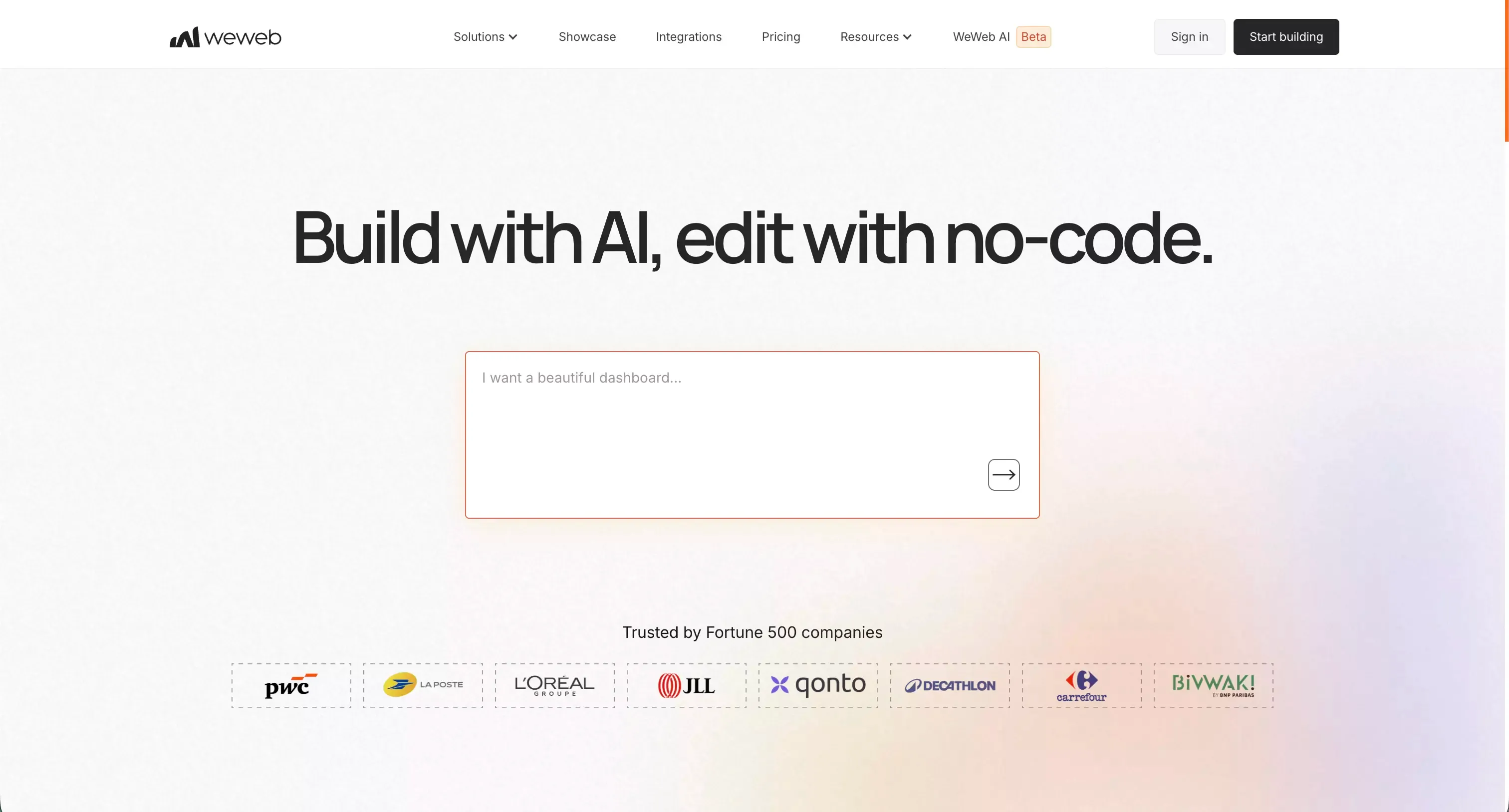
Web apps where backend flexibility, ownership, and long-term control matter more.
What stands out
WeWeb is one of the more interesting options because it speaks to a smarter buyer.
A lot of no-code tools focus on how fast you can build version one. WeWeb becomes more compelling when you are already thinking about version two, version three, and what happens if the app actually works.
This makes it especially relevant for teams that care about control, architecture, and avoiding painful lock-in decisions too early.
Trade-offs to know
WeWeb is usually not the fastest tool for total beginners. It makes more sense when the team is already thinking a little more seriously about product structure and backend choices.
Ideal use cases
- Serious web apps
- Custom frontend projects
- Products tied to existing backend systems
- Teams thinking ahead about ownership
- Builders who care about long-term flexibility
7. Adalo
Best for
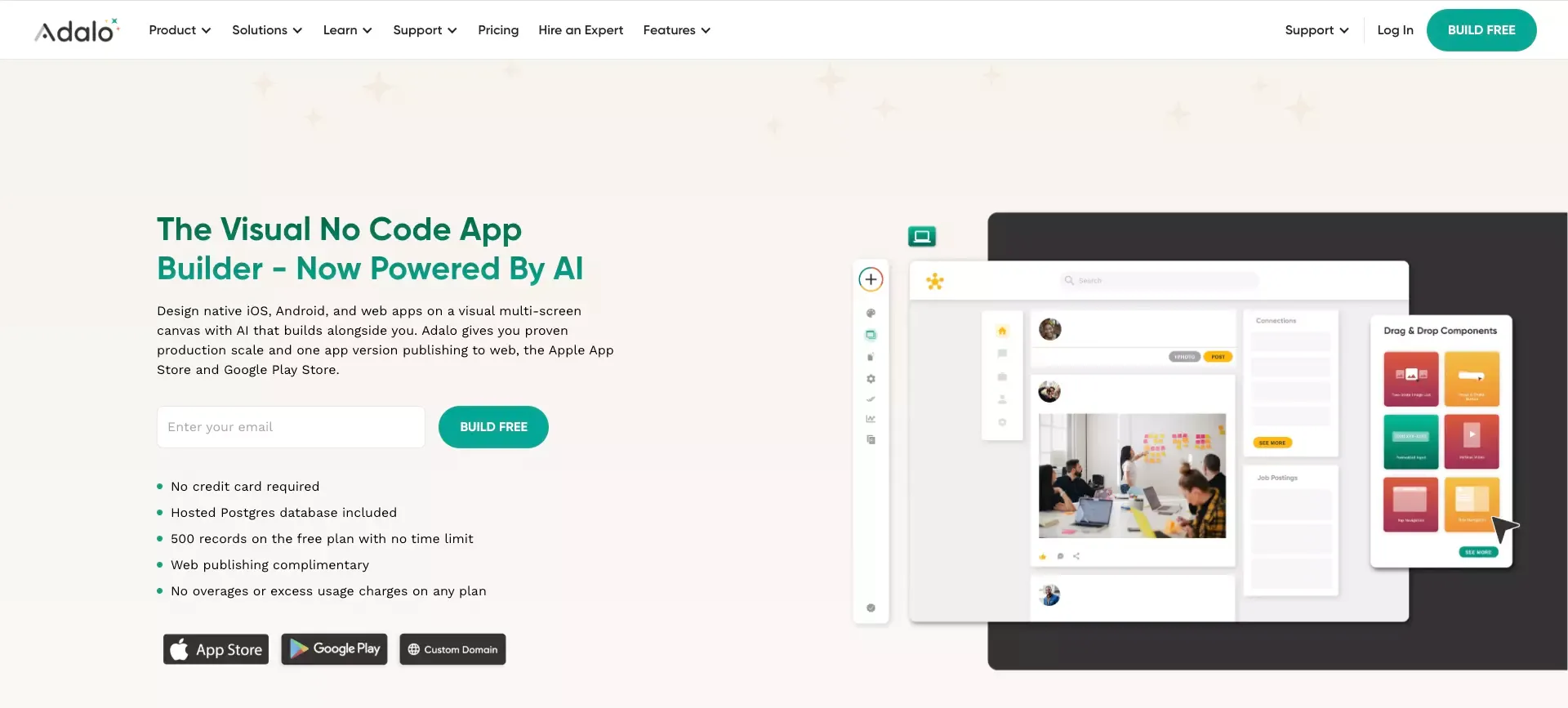
Simpler mobile-first apps and founder-led app ideas.
What stands out
Adalo still deserves a place on this list because it stays focused. It is a visual builder that is easier to understand than some of the heavier platforms, especially for people whose main goal is to get a mobile app experience into users’ hands.
That simplicity has value. Not every project needs maximum logic depth. Sometimes speed, clarity, and publishability matter more.
Trade-offs to know
I would not pick Adalo first for a product with highly complex logic or a demanding SaaS architecture. It is better suited to simpler apps where the main goal is launching, testing, and learning.
Ideal use cases
- Simple mobile apps
- MVP experiments
- Founder-led products
- Small business apps
- Projects where app-store presence matters
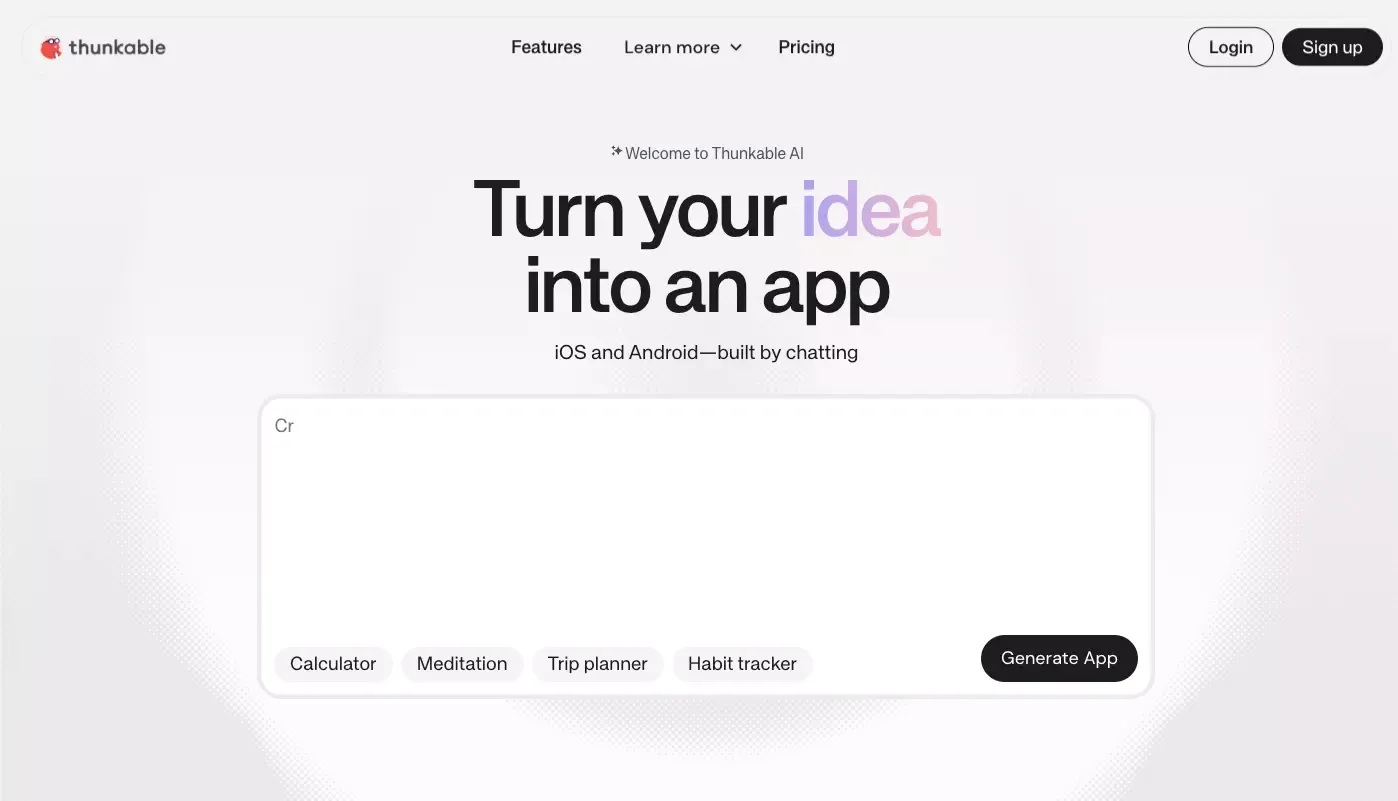
8. Thunkable
Best for
Beginner-friendly mobile app creation and teams focused on app-store publishing.
What stands out
Thunkable still has a clear lane. It is useful when the project is explicitly mobile-first and the builder wants a visual path to publishing without needing a traditional dev team.
That makes it especially approachable for non-technical founders, education use cases, and early app experiments.
Trade-offs to know
Thunkable is narrower than full-stack platforms like Bubble, and it is less business-workflow-oriented than Glide or Softr. That is fine. It does not need to win every category to be a useful option.
Ideal use cases
- Mobile-first products
- Beginner app builders
- Educational projects
- Small app experiments
- Early launches to app stores
Which no code app builder is best for your use case
This is the simplest way I would choose.
Best for idea-to-product speed
Atoms
Pick Atoms when the real problem is not just building screens. Pick it when you want help turning an idea into a usable product faster.
Best for complex SaaS logic
Bubble
Pick Bubble when flexibility, workflow depth, and custom app behavior matter most.
Best for internal tools
Glide
Pick Glide when the app is mostly about structured data, business process, and operational speed.
Best for polished cross-platform apps
FlutterFlow
Pick FlutterFlow when mobile quality and visual product feel are central to the project.
Best for portals and dashboards
Softr
Pick Softr when you need a clean business app over existing data.
Best for long-term flexibility
WeWeb
Pick WeWeb when you care about backend freedom and want to think ahead about ownership.
Best for simpler mobile launches
Adalo or Thunkable
Pick one of these when you want a more approachable mobile-first builder and speed matters more than deep flexibility.
Can you build a real business with a no code app builder?
Yes, but only if you choose with discipline.
No-code is good at helping teams get to proof faster. It is good at helping you validate a workflow, serve early users, and reduce time lost to setup. It is not magic. A weak product built in a no-code tool is still a weak product.
The bigger risk is choosing the wrong platform for the stage after validation.
A lot of teams make the same mistake. They choose based on what looks easiest in the first weekend. Then they discover they needed more control, better app structure, stronger permissions, cleaner integrations, or a more scalable logic layer.
That is why I think platform choice should be tied to product shape, not just convenience. Speed matters. So does survivability.
Common limitations of no code app builders
No-code tools are useful, but none of them are perfect.
Custom logic limits
At some point, many platforms start to feel constrained when the app becomes more complex.
Performance limits
Some tools are excellent for internal workflows but less ideal for more demanding product experiences.
Lock-in risk
The faster a platform makes you move, the more carefully you should think about what happens if you need to move later.
Team workflow friction
Some tools work well for solo builders but become harder once multiple people need to collaborate across product, design, and operations.
These limitations do not make no-code bad. They just make fit more important.
How to choose the right no code app builder
If I had to reduce the whole decision into one rule, it would be this:
Choose based on the product you want to maintain, not just the product you want to demo.
Here is the practical version of that idea.
Choose based on app type
Are you building a SaaS app, an internal tool, a client portal, or a mobile app? Those are different categories, and they deserve different tools.
Choose based on backend complexity
If your app has real logic, permissions, and relationships, do not optimize for the simplest editor alone.
Choose based on publishing needs
If app-store release is central, mobile-focused builders become much more relevant.
Choose based on long-term control
If the product may become strategically important, think early about flexibility, ownership, and platform dependence.
That one step will save more time than any feature checklist.
Final verdict
My honest take is that the best no code app builder is not the one with the most features. It is the one whose shape matches your product.
If I wanted the broadest AI-assisted path from idea to launch, I would start with Atoms.
If I wanted the most flexible full-stack no-code environment, I would still look hard at Bubble.
If I wanted to ship internal tools fast, Glide would be near the top of my list.
If I wanted a stronger cross-platform product experience, FlutterFlow would be very hard to ignore.
And if I were especially worried about long-term flexibility, WeWeb would deserve serious attention.
That is the real trick in this category. Do not ask which builder is best in the abstract. Ask which one makes your next 90 days easier without making your next 18 months worse.
FAQ
What is the best no code app builder for beginners?
For pure beginner friendliness, Glide, Softr, Adalo, and Thunkable are usually easier starting points than heavier full-stack platforms.
What is the best no code app builder for SaaS?
For SaaS-style products with more custom workflows and deeper logic, Bubble is still one of the strongest choices. Atoms is also interesting if you want stronger AI assistance across the broader product workflow.
What is the best no code app builder for internal tools?
Glide and Softr are usually the clearest answers for internal tools, dashboards, and operational apps.
What is the best no code app builder for mobile apps?
FlutterFlow, Adalo, and Thunkable are all strong options for mobile-first products. The best choice depends on whether you care more about polish, simplicity, or speed.
Are AI app builders replacing no-code tools?
Not really. AI is increasingly becoming a layer inside no-code products rather than replacing them. The better question is how much control you still have after the generation step.
What should I look for before choosing a no code app builder?
Look at app type, backend complexity, deployment needs, long-term flexibility, and how much manual control you want after launch.
