
 AI app builders are improving fast. But they are not all solving the same problem.
Some are great at turning a prompt into a polished interface. Some are better for internal tools. A few are getting closer to the full path from idea to launch, including backend logic, auth, data, deployment, and iteration.
That is why this category feels messy right now. “AI app builder” sounds like one thing, but in practice it covers several different product types. If you compare them too loosely, the ranking becomes meaningless.
So I did not think about this list as a hype contest. I looked at it from a more practical angle: if I wanted to ship something real, which tools would I take seriously first?
This article is written from a product and buyer perspective. I am not pretending every platform here is perfect, and I am not treating every tool as if it serves the same kind of team. That is the mistake a lot of roundups make. The better question is not “Which tool has the most features?” It is “Which tool fits the product you are trying to build?”
Best AI App Builders at a Glance
| Tool | Best for | Main strength | Main limitation |
|---|---|---|---|
| Atoms | End-to-end product building | App, website, backend, and launch workflow in one system | May feel broader than needed for simple UI-only use cases |
| Lovable | Fast full-stack web apps | Prompt-first speed and clean user experience | Less specialized for internal tools or mobile-first projects |
| Replit | Developer-friendly AI building | AI assistance inside a real build environment | Can feel heavier for non-technical users |
| Bolt | Rapid browser-based prototyping | Very fast idea-to-app workflow in the browser | Not always the best fit for long-term product complexity |
| v0 by Vercel | Frontend-heavy product teams | Strong UI generation and repo-friendly workflow | More interface-oriented than backend-oriented |
| Bubble | No-code apps with deeper logic | Mature workflow and app logic support | Learning curve can grow with project complexity |
| Softr | Business apps and portals | Easy way to build structured, data-backed tools | Less flexible for highly customized products |
| Retool | Internal tools and admin apps | Excellent for ops workflows and connected business systems | Not ideal for consumer-facing products |
| FlutterFlow | Mobile-first app development | Stronger path for cross-platform app creation | Less beginner-friendly than simpler prompt-first tools |
| Power Apps | Microsoft ecosystem teams | Strong enterprise fit and business process integration | Best value shows up mainly inside the Microsoft stack |
How I Evaluated the Best AI App Builders
I used a simple standard for this list. Not a theoretical one. A practical one.
1. Can it build more than a pretty demo?
A lot of AI tools can generate a screen. Fewer can support real product work after that first moment. I paid close attention to backend support, auth, data handling, workflows, integrations, and how likely the platform is to hold up once a project becomes real.
2. How quickly can it get me to a working version?
Speed still matters. It just needs to be the right kind of speed.
I care less about a flashy “build an app in seconds” promise and more about whether a team can get to something usable in days instead of weeks.
3. How much control does the builder keep?
Some users want the easiest possible workflow. Others want code access, export flexibility, or a more developer-shaped environment. Both are reasonable. The best tool depends on where the project is going next.
4. Who is this actually for?
This matters more than most comparison articles admit.
A non-technical founder, a startup engineer, a design-heavy product team, and an operations team usually need very different things. A tool that feels perfect for one group can be the wrong choice for another.
The Best AI App Builders in 2026
1. Atoms
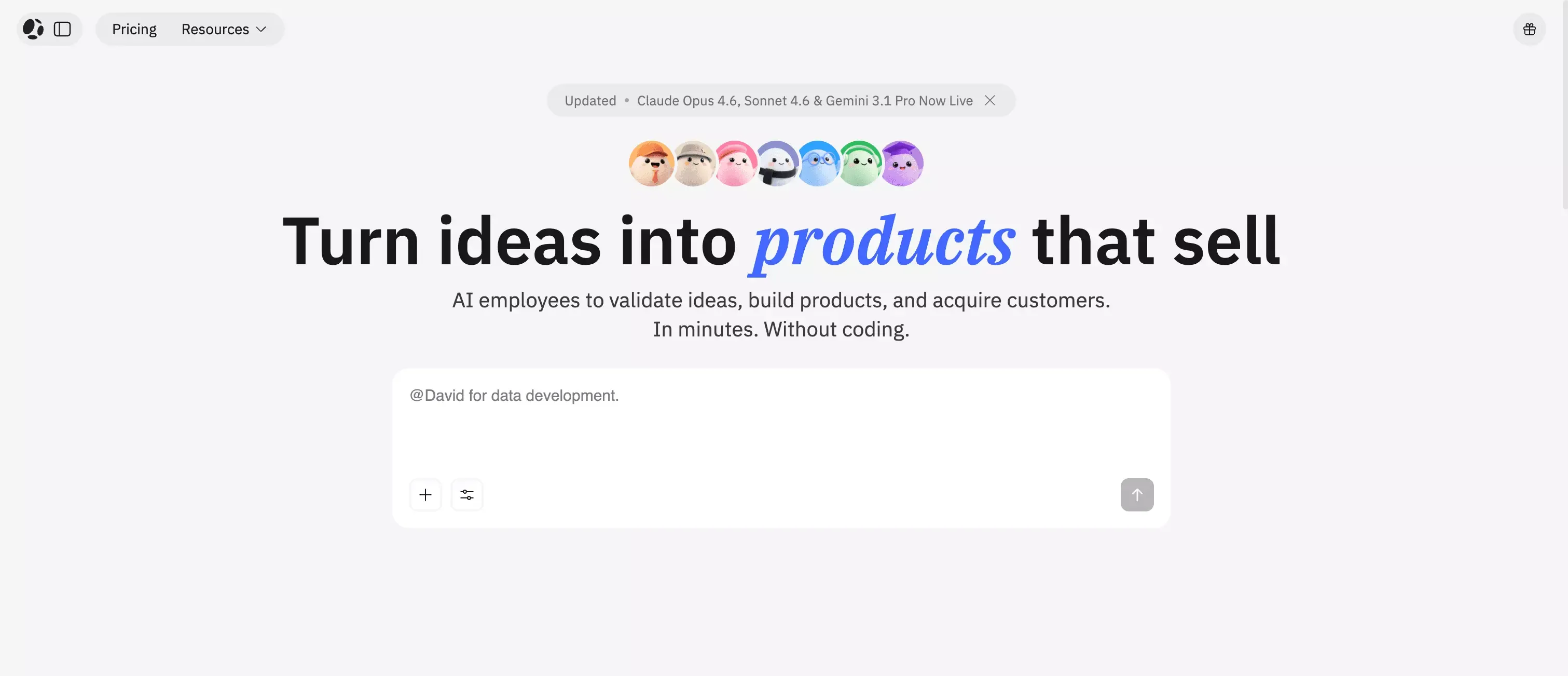 Best for: Founders and small teams that want one workflow from idea to launch
Atoms stands out because it solves a bigger problem than simple UI generation. It is built to help users go from idea to product, not just from prompt to page. Instead of stopping at mockups or layouts, Atoms supports the full path with website generation, app logic, backend, auth, data, deployment, and payments.
Atoms also feels more credible than many tools in this category because the proof is visible. It has a builder base of 1M+, comes from the MetaGPT team, and is tied to an open-source project with 66k+ GitHub stars. It has also earned strong third-party recognition on Product Hunt, ranking #1 Product of the Day, #1 Product of the Week, #2 Product of the Month, and #3 Product of the Year 2025.
What makes Atoms more practical is its workflow. Many AI builders can generate the visible layer, but leave the rest to you. Atoms is better aligned with how real products are launched. If you want to build an MVP, launch a SaaS product, or ship a working business app without stitching together multiple tools, it is one of the strongest options here.
Why it stands out
- Stronger end-to-end product story than most prompt-first tools
- Better fit for users building real apps, not just quick demos
- Useful for teams that want app, website, and backend support in one place
Where it may fall short
- Probably more than you need if you only want a lightweight UI generator
- Less appealing for teams that already prefer a strict IDE-first workflow
- May feel more opinionated than narrower tools
Best use cases
- SaaS MVPs
- Internal business apps
- Customer-facing web products
- Teams that want fewer tools in the stack
2. Lovable
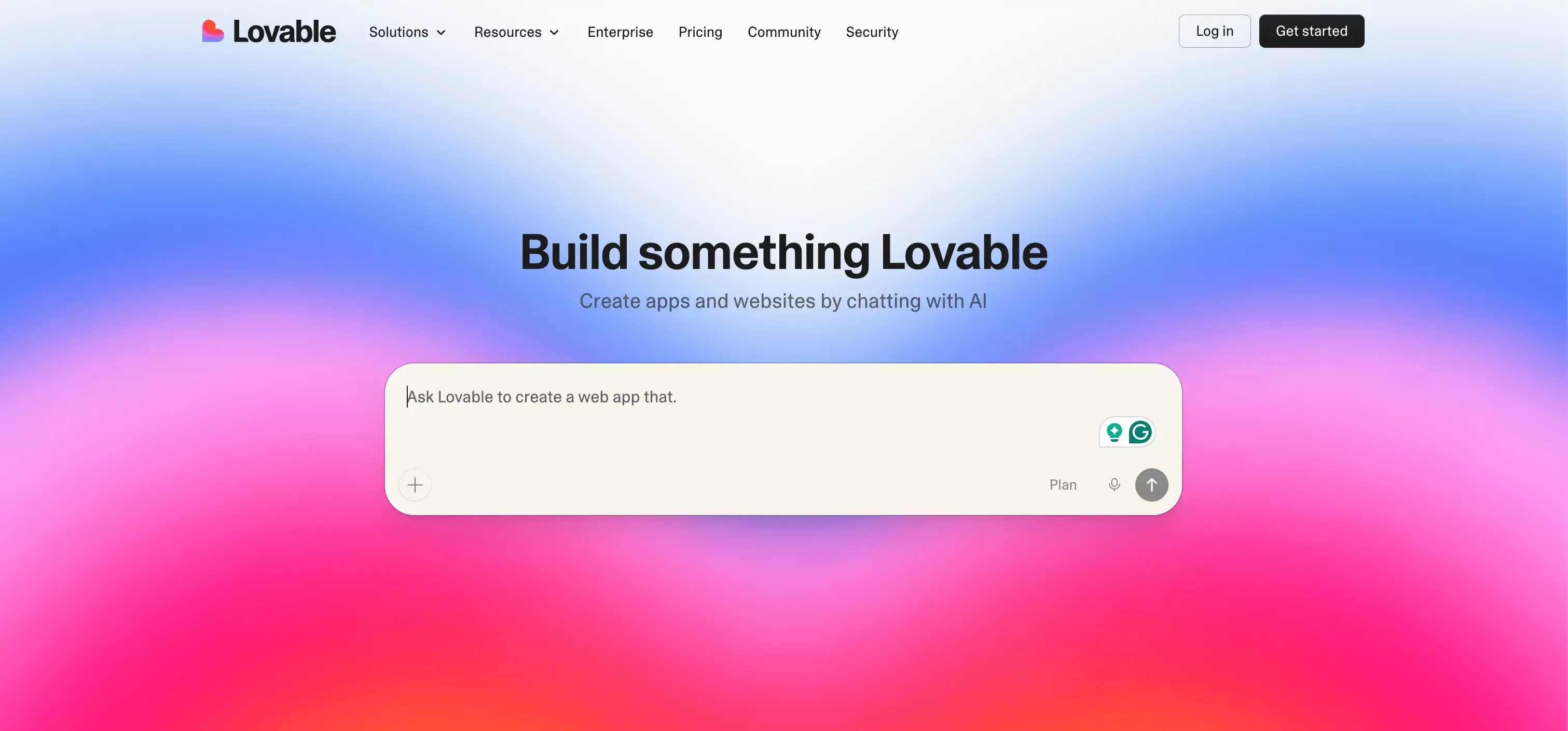 Best for: Fast full-stack web app generation
Lovable has become one of the most visible names in this space, and that makes sense. It has a clear product story, a simple prompt-first workflow, and a strong appeal for founders who want to move quickly.
Its main strength is momentum. Lovable feels built for people who want to go from idea to working web app without spending too much time managing setup, complexity, or engineering overhead. That makes it attractive for early validation, quick iteration, and fast product experiments.
I would put it high on the list for startup-style web products, especially when speed matters more than deep customization on day one.
Why it stands out
- Clean and approachable workflow
- Fast path from idea to usable web app
- Good fit for non-technical or lightly technical builders
Where it may fall short
- Less specialized for internal operations software
- Not the first tool I would choose for mobile-first projects
- Long-term flexibility depends on the exact use case
Best use cases
- Startup MVPs
- Quick validation projects
- Web apps with strong speed requirements
3. Replit
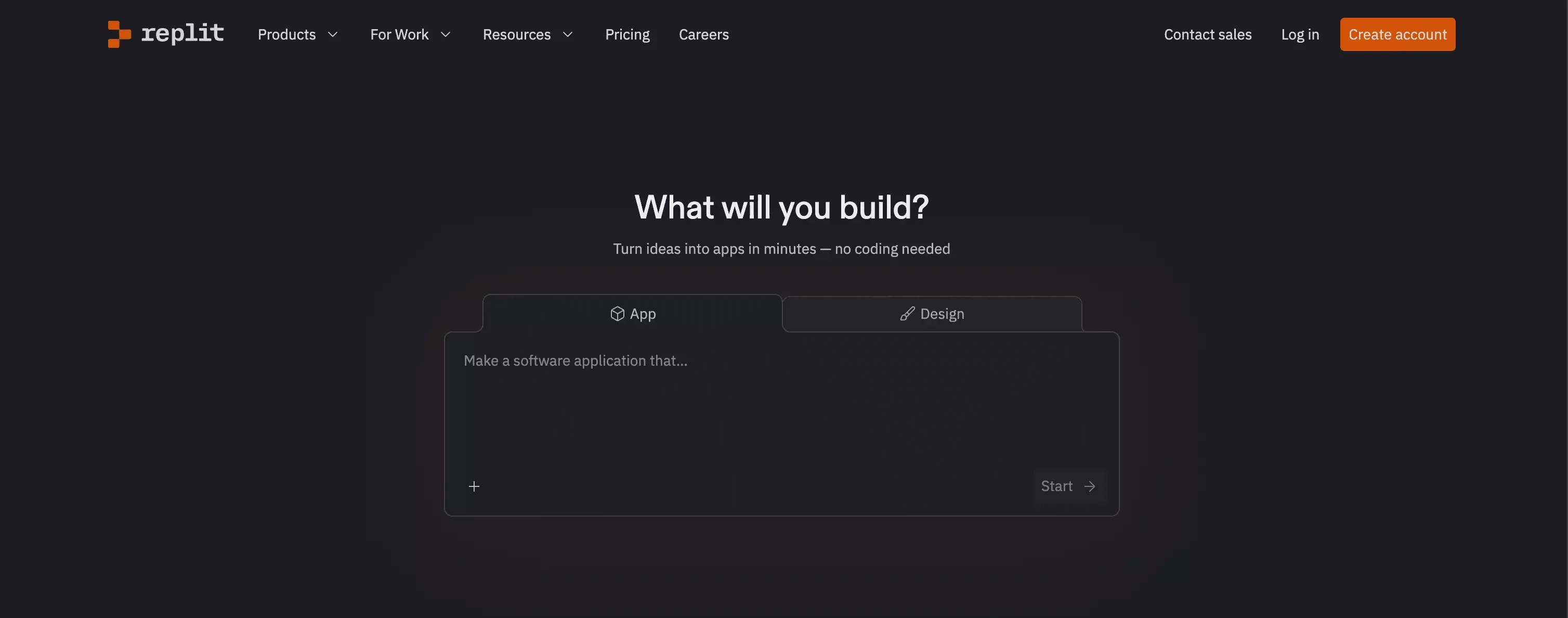 Best for: Builders who want AI help inside a real development environment
Replit sits in a different lane from most tools on this list. It is closer to a real software development platform, which is exactly why it matters.
If you want AI assistance but also want a workflow that feels more natural for actual engineering work, Replit is one of the strongest choices. You can start with natural language, but you are not trapped inside a shallow generation layer. That continuity matters as a project grows.
This makes Replit especially attractive for technical founders, developers, and small teams that want speed without giving up too much control. If that tradeoff matters, it also helps to read a detailed Replit review alongside broader comparisons like this one.
Why it stands out
- More developer-friendly than many AI app builders
- Better long-term fit for teams that will keep iterating in code
- Strong choice when AI is a productivity layer, not the whole workflow
Where it may fall short
- Can feel less approachable for non-technical users
- Not as simple or guided as some prompt-first builders
- More platform-oriented than pure no-code tools
Best use cases
- Developer-led MVPs
- Prototypes that are likely to evolve into real products
- Teams that want AI plus a proper build environment
4. Bolt
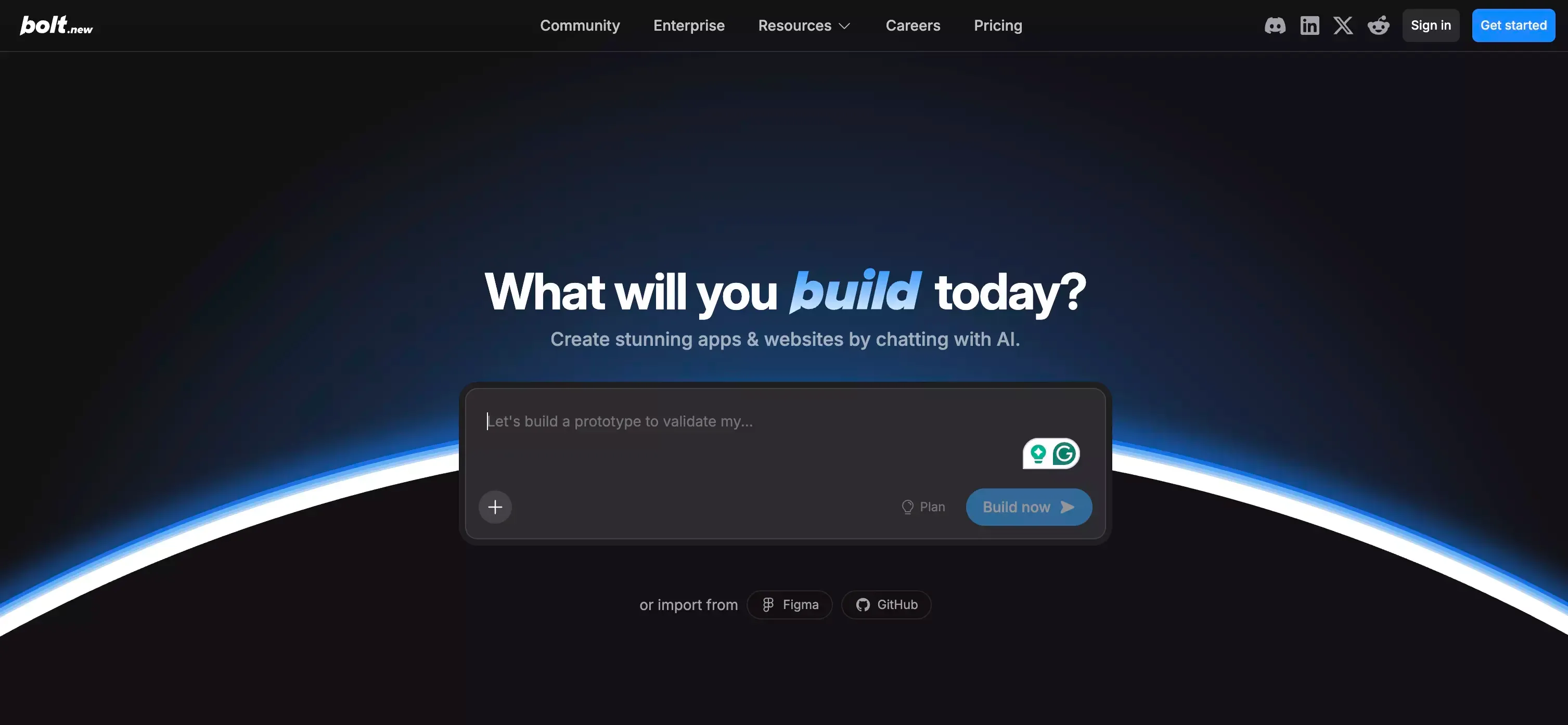 Best for: Rapid browser-based prototyping
Bolt is one of the clearest examples of speed done well. Its value is easy to understand: prompt, generate, edit, and deploy from the browser with minimal setup friction.
That makes it attractive for fast-moving teams, hackathon workflows, early product demos, and anyone who values immediate iteration. Bolt does not overcomplicate its pitch, and that is part of the appeal.
I would not treat it as the automatic best choice for every serious long-term build. But for getting from concept to visible working version quickly, it is one of the more compelling tools in the market.
Why it stands out
- Fast browser-based workflow
- Low friction for ideation and prototyping
- Good fit for teams that want to move immediately
Where it may fall short
- Long-term architecture may matter more on larger builds
- Better for speed-first workflows than for specialized business software
- Not always the best fit for teams with complex product requirements
Best use cases
- Rapid prototypes
- Product demos
- Hackathons
- Early concept validation
5. v0 by Vercel
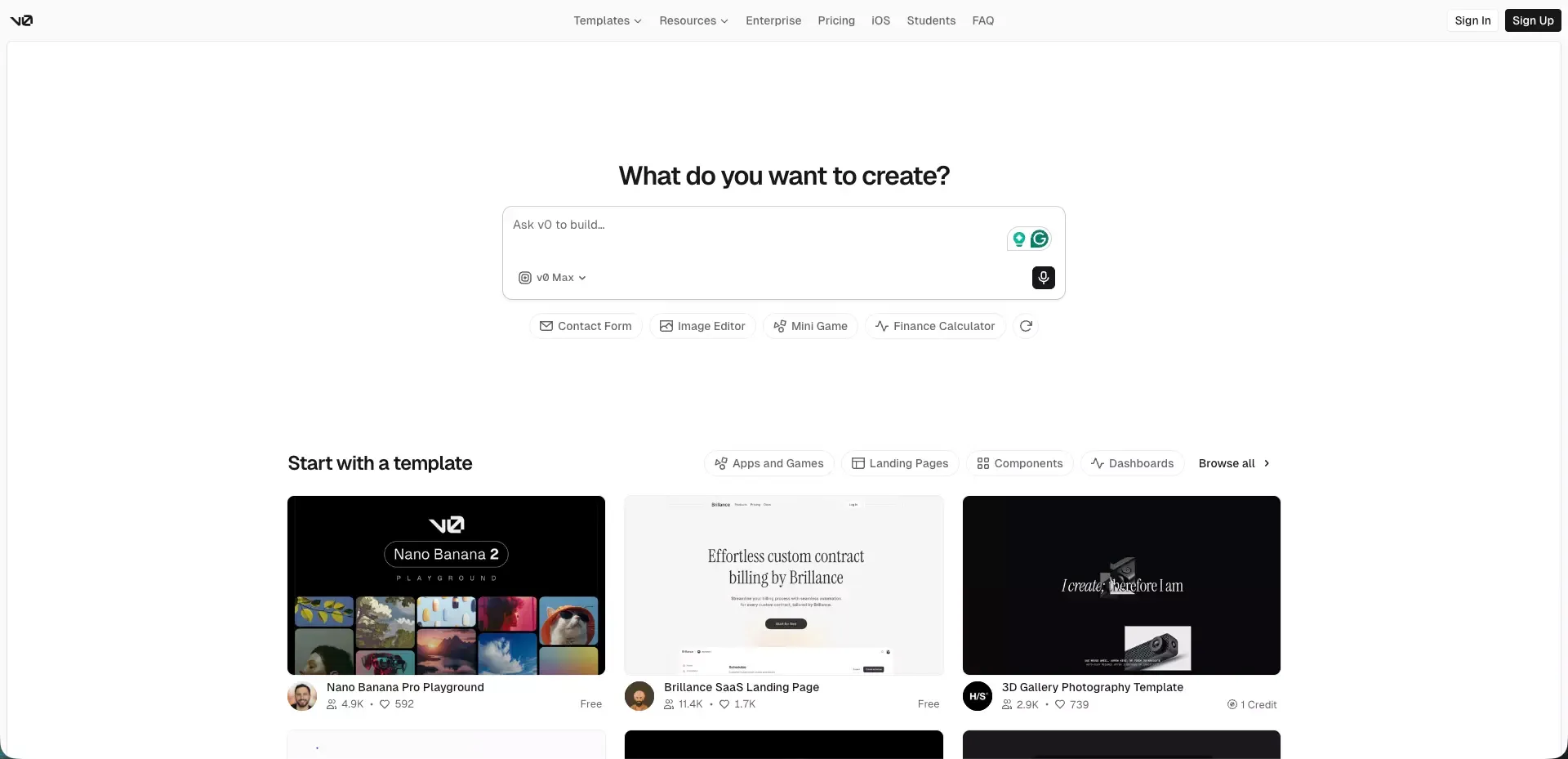 Best for: Frontend-heavy product teams
v0 feels strongest when the interface is the bottleneck.
For teams that care deeply about frontend output, component generation, and moving quickly from idea to polished UI, v0 is a serious option. It also makes sense for builders who want a workflow that stays closer to code and repository-based collaboration.
That makes v0 especially attractive for product teams, designers, and frontend-focused builders. It is not the broadest app-building system on this list, but it does not need to be. It is playing a more specific game, and it plays that game well.
Why it stands out
- Strong UI and frontend generation
- Better fit for design-led product workflows
- Useful for teams that want code-adjacent output
Where it may fall short
- More interface-oriented than backend-oriented
- Less ideal if business logic is the core challenge
- Not the best match for every non-technical founder
Best use cases
- Frontend-heavy products
- Landing pages and app shells
- Design system exploration
- Product teams moving fast on UI
6. Bubble
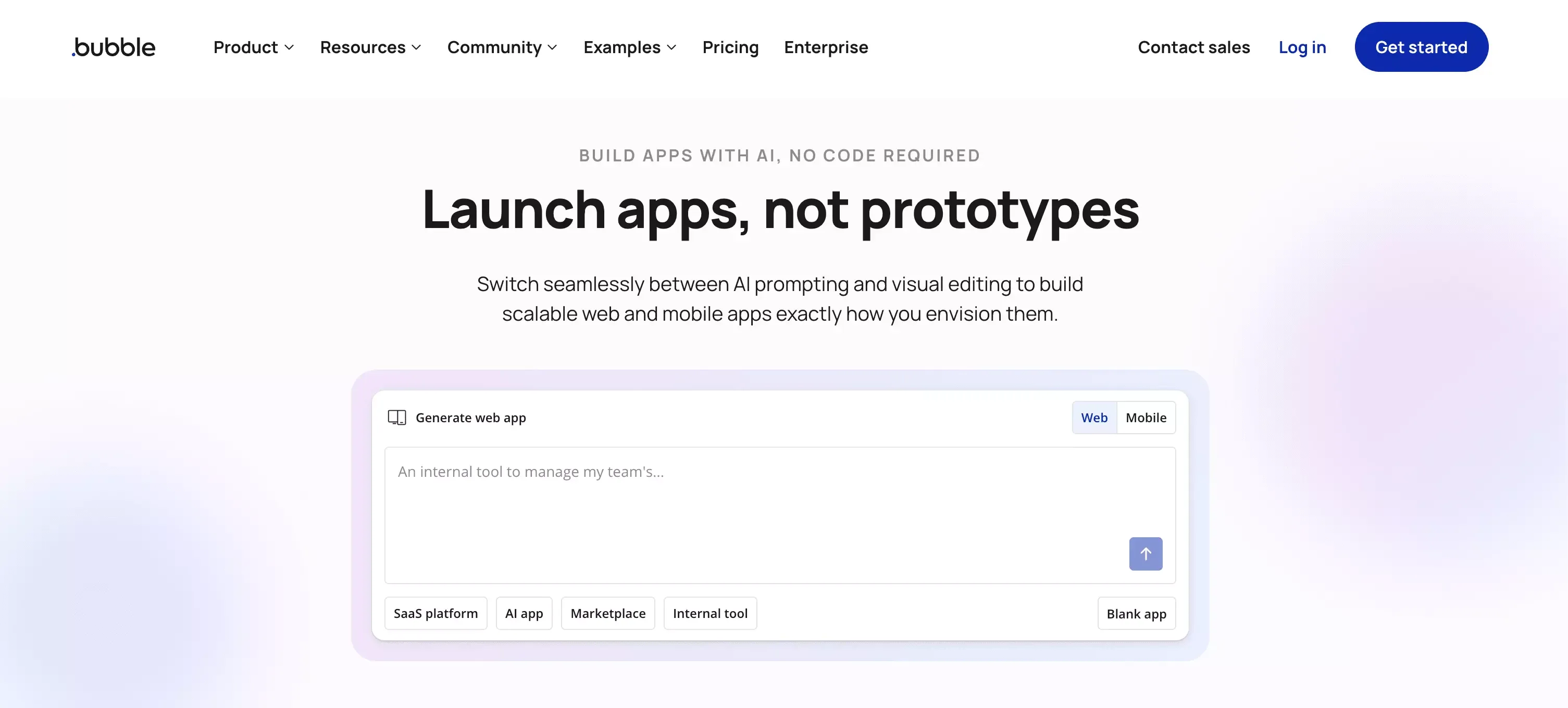 Best for: No-code web apps with custom workflows
Bubble remains relevant because it solves a different problem from newer prompt-first tools.
Its real strength is not just generation. It is app logic. Bubble has long been useful for web apps that need workflows, structured behavior, database logic, and more control than a simple page builder can offer. For many users, that still matters more than flashy first-output speed.
I would not call Bubble the easiest tool on this list. But if the goal is a serious no-code app with meaningful logic, it still deserves a place near the top of the conversation.
Why it stands out
- Stronger logic depth than many newer AI-first tools
- Established option for no-code product building
- Better suited to workflow-heavy apps than UI-only tools
Where it may fall short
- Can become complex as the project grows
- Less instantly approachable than lighter builders
- Not the cleanest choice for users who want maximum simplicity
Best use cases
- SaaS MVPs
- Workflow tools
- Marketplaces
- Custom no-code web apps
7. Softr
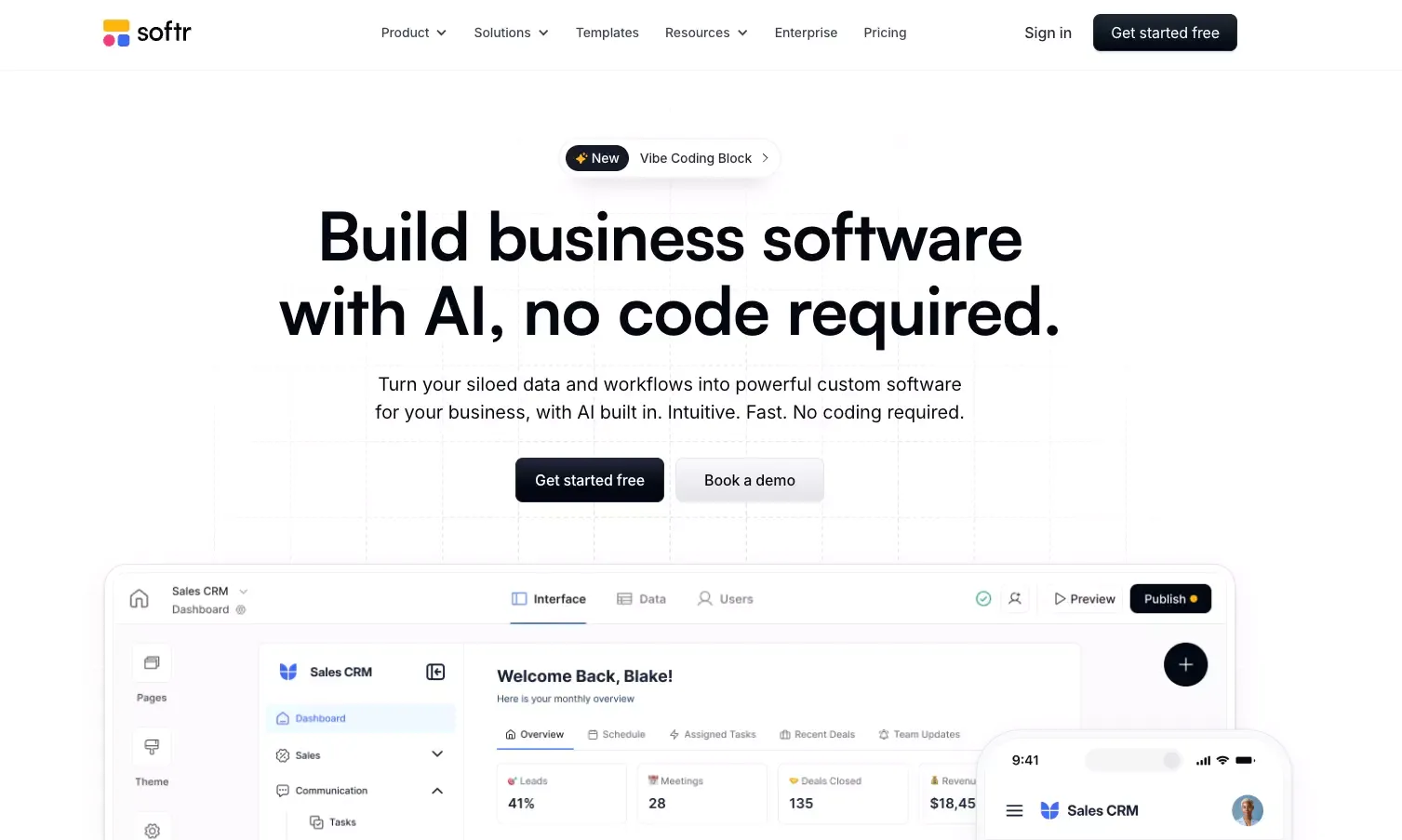 Best for: Simple business apps, client portals, and structured workflows
Softr is one of the most practical tools on this list, even if it is not the flashiest.
Its strength is clear positioning. It is built for business apps, portals, directories, and other structured use cases where speed and clarity matter more than deep custom product design. That focus makes it easier to recommend for real business workflows.
I would not compare Softr directly with tools built for startup-style consumer products. That would miss the point. Softr works best when the problem is operational: you have data, you need software around it, and you do not want a heavy engineering project.
Why it stands out
- Very practical for structured business software
- Easier adoption path for non-technical teams
- Strong fit for portal and workflow use cases
Where it may fall short
- Less flexible for highly customized product experiences
- Not the strongest choice for ambitious consumer-facing apps
- Narrower use case profile than more general builders
Best use cases
- Client portals
- Internal tools
- Directories
- Membership-style apps
- Data-backed business workflows
8. Retool
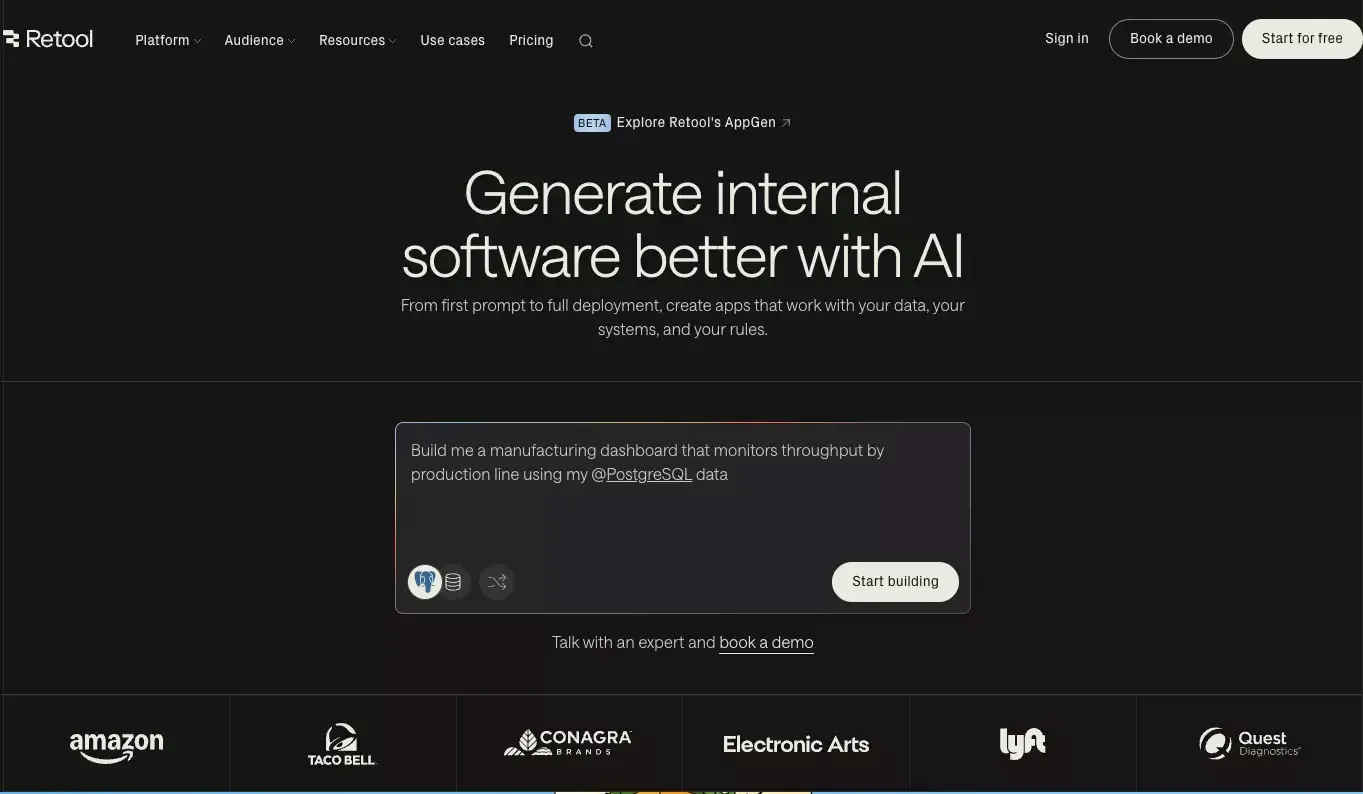 Best for: Internal tools and admin workflows
Retool is one of the clearest examples of a product that knows exactly what it is for.
It is not trying to be a consumer app builder. It is focused on internal software, operational workflows, admin tooling, and data-connected business systems. That makes it extremely relevant for companies building software for teams, not for public audiences.
If your real need is dashboards, ops tools, support systems, back-office interfaces, or AI-enabled internal apps, Retool should be near the top of the shortlist.
Why it stands out
- Excellent fit for business operations software
- Strong data and workflow orientation
- Better aligned with internal app needs than most general AI builders
Where it may fall short
- Not ideal for consumer-facing product design
- Less relevant for startup founders building public products
- Specialized rather than broad
Best use cases
- Admin panels
- Operations tools
- Internal dashboards
- Support and logistics workflows
9. FlutterFlow
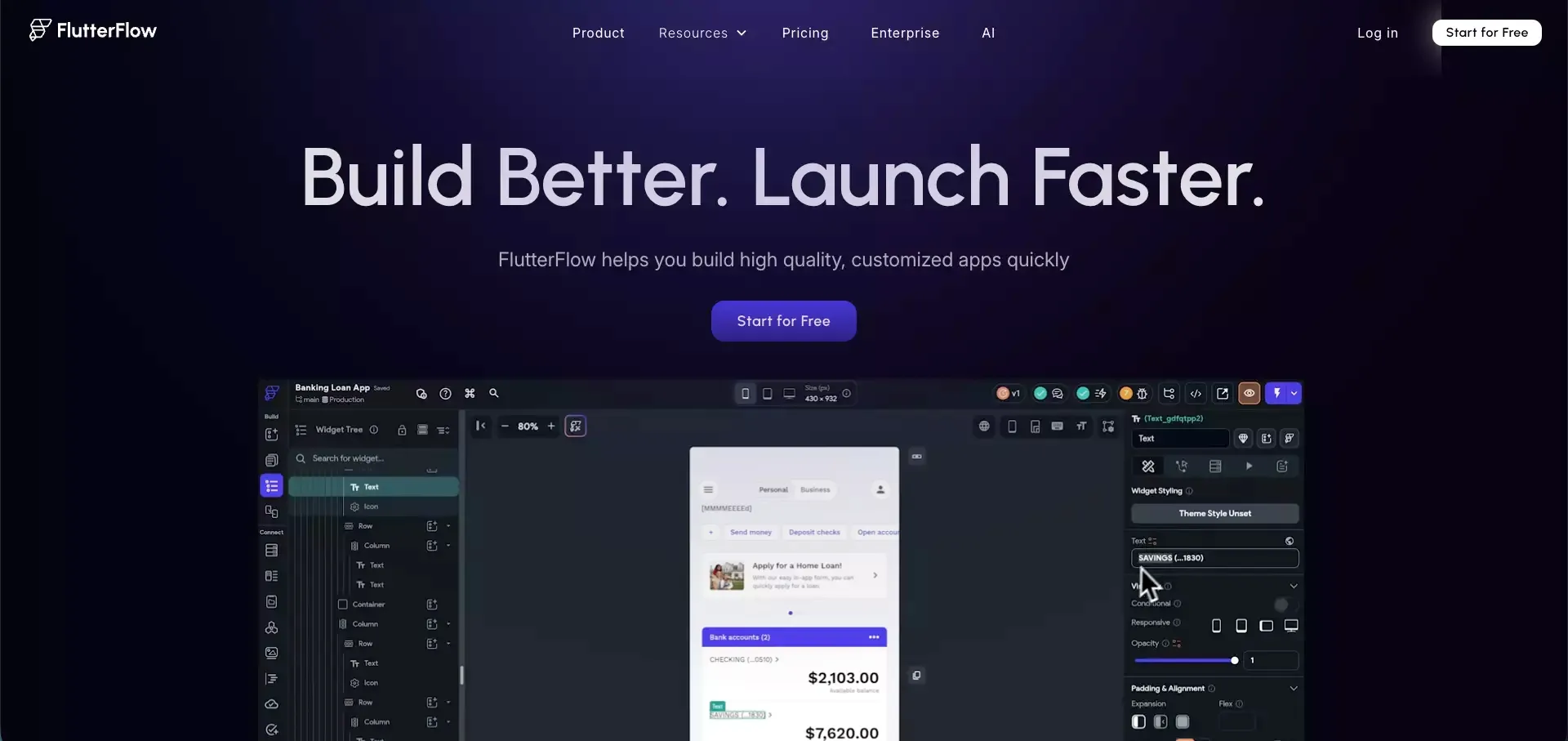 Best for: Mobile-first app development
Most AI app builder articles still lean too heavily toward web products. That is why FlutterFlow matters.
If the product is mobile-first, the shortlist should change. FlutterFlow is one of the strongest options for teams building cross-platform apps and looking for a more structured mobile app workflow. That makes it more relevant than general-purpose web-first builders for this use case.
It is not the easiest tool for every beginner. But if mobile is central to the product, that extra structure is often worth it.
Why it stands out
- Stronger path for mobile and cross-platform apps
- Better fit for app-first products than web-first builders
- Useful when mobile UX matters from the start
Where it may fall short
- Less beginner-friendly than simpler tools
- Not the obvious first choice for web-only products
- Can feel more structured than casual builders want
Best use cases
- iOS and Android MVPs
- Mobile-first startups
- Cross-platform product development
10. Power Apps
Best for: Teams already operating in the Microsoft ecosystem
Power Apps makes the most sense when it is evaluated in context.
For Microsoft-centric organizations, it can be a very sensible way to build business apps faster. Natural-language app creation, enterprise governance, and business process integration are meaningful strengths when the surrounding stack already points in that direction.
I would not rank it higher for the average startup-style buyer because that is usually not the environment they are operating in. But for enterprise workflows, it remains very relevant.
Why it stands out
- Strong enterprise fit
- Natural choice for Microsoft-heavy environments
- Useful for structured business process apps
Where it may fall short
- Best value depends heavily on the surrounding Microsoft stack
- Less attractive for independent builders or startup teams
- Not the most flexible pick outside enterprise workflows
Best use cases
- Enterprise internal apps
- Process-driven business tools
- Teams already invested in Microsoft products
Which AI App Builder Is Right for You?
The right answer depends less on brand visibility and more on what you are actually trying to ship.
Choose Atoms if you want an end-to-end product workflow
Atoms makes the most sense when you want to move from idea to working product without stitching together too many separate systems. It is especially relevant for MVPs, SaaS builds, and web products that need backend support from the start. If you are comparing category fit more directly, the AI app builder and app and website builder pages are closely aligned with that workflow.
Choose Lovable if you want speed and a simple full-stack web app path
Lovable is a strong fit for founders who care most about momentum. It is easy to understand, quick to use, and well matched to fast product validation.
Choose Replit if you want AI inside a serious build environment
Replit is the better fit when developer control matters and the project is likely to keep evolving after the first generation step. That kind of workflow also overlaps with what people want from an AI coding assistant or more autonomous coding agents.
Choose Retool, Softr, or Power Apps if you are building internal business software
This is where many buyers overcomplicate the decision. If the product is mainly for operations, admin, or internal workflow use, specialized business app builders usually make more sense than general-purpose AI app platforms. In that lane, an AI dashboard builder can also be relevant depending on how much of the interface is data-driven.
Choose FlutterFlow if mobile is the main product
Do not force a web-first builder into a mobile-first problem. If the product starts with mobile, choose accordingly.
Common Mistakes When Choosing an AI App Builder
A lot of bad software choices start with the wrong comparison frame.
Mistake 1: Treating every builder as if it does the same job
It does not. This category includes startup MVP builders, internal tool platforms, frontend generators, and mobile app tools. Comparing them too broadly leads to bad decisions.
Mistake 2: Confusing a polished demo with a real product system
Fast output is useful. It is not the same as launch readiness.
You still need to think about:
- Auth and user flows
- Backend logic
- Data structure
- Deployment path
- Team workflow after generation
Mistake 3: Optimizing only for price or only for speed
Cheap tools can become expensive if they break down under real usage. Fast tools can waste time if they only solve the first 20% of the problem.
Mistake 4: Ignoring who will maintain the product later
Some tools are better for founders. Some are better for developers. Some are better for business teams. The wrong fit creates friction long after the first build.
Are AI App Builders Worth It in 2026?
Yes, but only if you use them for the right layer of the problem.
The value is real. These tools can reduce the time it takes to go from idea to usable product, especially in the early stages. They can compress repetitive work, accelerate iteration, and help smaller teams move faster.
But they do not replace product judgment.
They do not automatically define the right scope. They do not guarantee good architecture. And they do not save weak ideas from being weak.
That is why the smartest way to use an AI app builder is not to hand over the entire product process blindly. It is to use AI to shorten the expensive path from concept to working version, then make better human decisions once the product becomes real. That is also where tools tied to an AI prototype generator, an MVP showcase page, or a product launch page can be genuinely useful.
Final Thoughts
If I had to reduce this list to one honest conclusion, it would be this: there is no universal best AI app builder.
There is only the best one for the type of product, workflow, and team you have.
If I wanted the broadest idea-to-launch workflow, I would start with Atoms.
If I wanted a fast and approachable web app workflow, I would look closely at Lovable.
If I wanted AI support inside a more serious engineering environment, I would choose Replit.
If I were building internal business software, I would go straight to Retool, Softr, or Power Apps.
And if the product were mobile-first, I would move FlutterFlow much higher on the shortlist immediately.
That is the real distinction that matters. The winner changes when the intent changes. If you are also comparing adjacent categories, it is worth reviewing broader guides like best no-code app builders and AI website builders.
