
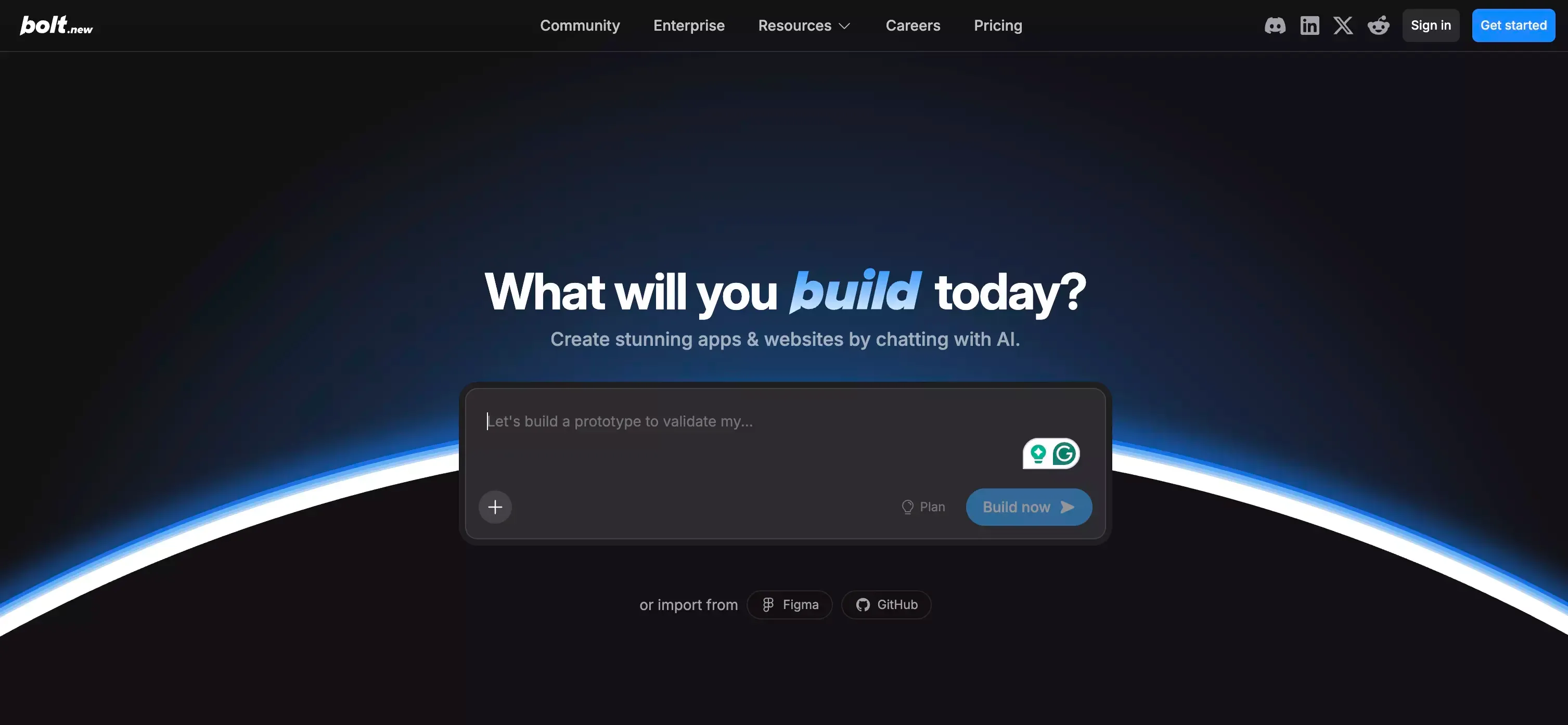
 Bolt.new is one of those products that makes a strong first impression.
You type an idea, and a website or app starts taking shape in front of you. It feels fast. It feels modern. More importantly, it feels close to the way people want AI tools to work.
That early experience is a big part of Bolt.new’s appeal.
It lowers the barrier to getting started. It reduces setup work. It helps turn vague ideas into something visible without forcing users to wrestle with a long stack of tools first, which is a big part of why AI app builders have become so appealing.
That said, the first five minutes are not the whole story.
The real question is not whether Bolt.new looks impressive at the start. The real question is whether it still feels effective once a project becomes more detailed, more iterative, and more serious.
That is what matters for founders, marketers, solo builders, and teams trying to move beyond a demo.
This review takes a closer look at where Bolt.new works well, where it feels less convincing, how its pricing model affects real usage, and when an alternative like Atoms AI may be a better fit.
What Is Bolt.new?
Bolt.new is an AI-powered web and app builder designed to help users create products through natural language prompts.
Instead of setting up a development environment from scratch, users can describe what they want and start building directly in the browser. The platform aims to bring multiple parts of the workflow into one place, including app generation, hosting, database support, authentication, and publishing.
That is a big reason Bolt.new stands out.
A lot of AI tools can generate code. Bolt.new is trying to offer something broader. It is not just about producing code snippets. It is about reducing the friction between idea and launch.
For users who care about speed, that is a strong value proposition.
How Bolt.new Works
Bolt.new is built around a simple workflow.
You start with a prompt. From there, the platform generates an app or website structure based on your request. Users can then refine the result through additional prompts, edits, and iterations inside the same browser-based environment.
This approach feels intuitive, especially for people who do not want to deal with local setup, complicated tooling, or switching between multiple platforms just to get a prototype online. For users who prefer staying entirely in the browser, that overlaps with the appeal of an online code editor.
That convenience is real.
It is also one of the main reasons Bolt.new attracts attention from non-technical founders, marketers, product managers, and solo builders. The tool shortens the distance between an idea and a working draft.
And in many cases, that alone is enough to make it useful.
Bolt.new Overview: What Feels Good Right Away
The strongest part of Bolt.new is momentum.
It helps users move quickly from blank page to visible output. That matters more than it may sound. A lot of builders do not get stuck because they lack ideas. They get stuck because the path from idea to first version still feels too heavy.
Bolt.new makes that first step easier.
This is where the product feels smart. It is not only selling functionality. It is selling progress.
For early-stage projects, that can be powerful.
A founder can sketch out an MVP. A marketer can build a campaign page. A product person can mock up a workflow or rough dashboard without waiting on engineering resources. Even for technical users, there is value in getting a rough version in front of people quickly.
That speed is not just convenient. It can change how fast decisions get made.
Bolt.new Features
Bolt.new has grown beyond the idea of being a simple prompt-to-app tool.
Its broader appeal comes from combining several parts of the product-building process into one environment. That includes browser-based generation, hosting, publishing, database support, authentication, custom domains, and SEO-related capabilities.
This matters because AI builders are often judged too narrowly.
If a platform can only generate a rough interface, its usefulness is limited. But if it can help users build, refine, and publish in one place, it becomes more relevant for real projects.
Bolt.new clearly wants to be in that second category.
That does not mean every feature is equally strong in practice. But it does mean the platform is aiming at a more complete workflow than many people assume.
Bolt.new Pros and Cons
Bolt.new Pros
One of Bolt.new’s biggest strengths is how quickly it creates momentum.
It helps users get from idea to visible product fast. That alone makes it attractive for prototyping, lightweight apps, internal tools, and early validation work.
Another clear advantage is convenience. Everything happening in a browser-based environment makes the process feel simpler and more accessible than traditional development workflows, especially for people drawn to vibe coding.
There is also value in having core pieces of the stack closer together. Hosting, publishing, and related features reduce the need to stitch together too many external tools early on.
For the right kind of user, Bolt.new feels modern and efficient.
Bolt.new Cons
The main weakness shows up later.
Bolt.new looks strongest at the beginning of a project, when the goal is to move fast and generate a solid first version. Once the work becomes more detailed, the experience can feel less smooth.
This is where many AI builders run into the same challenge: the first draft is easy, but iteration is where things get expensive, messy, or frustrating.
That is especially important in tools where usage scales with project complexity. As a product grows, each round of changes can feel heavier. The issue is not only cost. It is also the mental shift that happens when users start hesitating before making another revision.
That hesitation can slow the creative process.
So while Bolt.new is strong for early momentum, it may feel less comfortable for complexity-heavy work that needs many rounds of refinement.
Bolt.new Pricing: Is It Worth the Cost?
Bolt.new’s pricing is easy to understand at a glance, but the deeper question is how that pricing feels over time.
The basic monthly fee is only part of the story. In AI building tools, the real cost often shows up in the number of useful iteration loops a user can afford before the experience starts to feel inefficient.
This is where buyers need to think carefully.
For smaller projects, the pricing can feel reasonable. If the goal is a landing page, simple prototype, or lightweight internal tool, the value can be clear.
For more involved projects, the calculation changes.
A product that requires repeated revisions, deeper logic, tighter UX decisions, or more structured build cycles can create a very different cost experience. What looks affordable at the start may feel less predictable once the project becomes more layered.
That does not mean Bolt.new is overpriced. It means the product is best evaluated based on how much iteration a project is likely to need.
That is the more honest way to judge it.
Who Should Use Bolt.new?
Bolt.new makes the most sense for users who care about speed and visible output.
It is a good fit for founders validating ideas, marketers building pages quickly, product teams mocking up flows, students learning through hands-on building, and solo creators who want to turn concepts into working drafts without getting blocked by setup work.
These are all use cases where fast momentum matters more than long-term workflow depth.
Bolt.new becomes a less obvious choice when the real need is not just building something fast, but turning an idea into a polished, launch-ready product with less friction across the full process.
That distinction matters.
Many people think they are choosing an app builder. In reality, they are choosing the kind of workflow they want to depend on.
If the goal is fast creation, Bolt.new is easy to understand.
If the goal is smoother execution from idea to launch, it makes sense to look at more complete alternatives.
Bolt.new vs Atoms AI
This is where the comparison becomes more useful.
Bolt.new is appealing because it makes building feel immediate. It reduces the setup burden and helps users get a product draft moving quickly. For fast prototyping, that is a real advantage.
Atoms AI serves a different need.
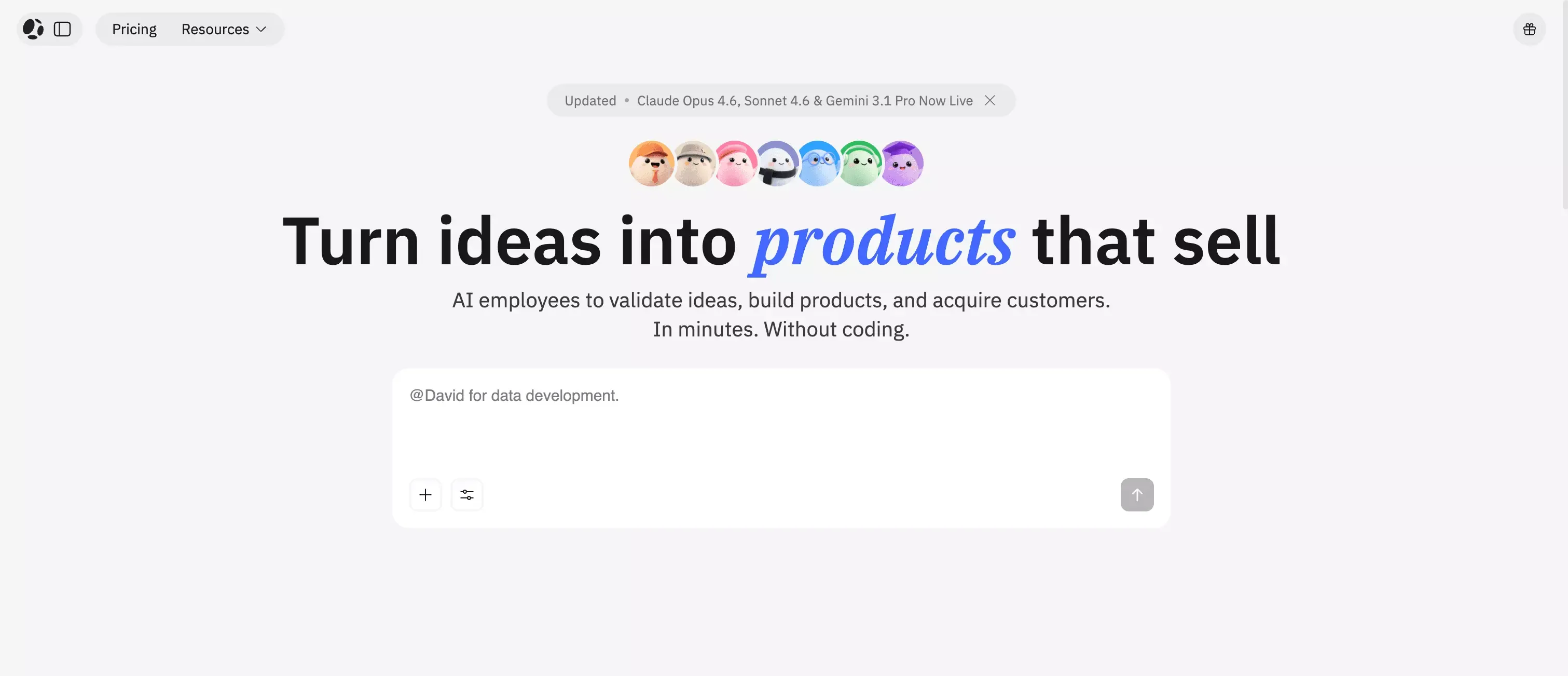 Instead of focusing mainly on generating an app from prompts, Atoms AI is better suited for users who want a fuller idea-to-product workflow. That includes not only building, but also the thinking that happens before and after the first version: research, planning, structuring, refining, and preparing for launch.
That difference is important.
Some users only need speed. Others need follow-through.
Bolt.new is easier to recommend when the goal is to prototype something fast inside a browser-based workflow. Atoms AI is easier to recommend when the goal is to move from idea to a more complete product outcome without relying so heavily on repeated prompt-and-fix cycles.
From a user perspective, the distinction is simple:
- Choose Bolt.new when speed to first version matters most
- Choose Atoms AI when the path from idea to launch matters more
That makes Atoms AI a natural alternative, especially for founders, operators, and non-technical builders who want more than a fast draft.
Best Bolt.new Alternative for Serious Product Launches
There are many tools in the AI builder space, but not all of them solve the same problem.
Some tools are good at turning prompts into interfaces. Others are better at helping users go from concept to launch with more structure and support along the way.
That is why Atoms AI stands out as one of the best Bolt.new alternatives.
It is not just about generating a quick app. It is about helping users build with more direction and more complete execution. For users who want to launch something real, that can matter more than raw generation speed, especially when the process depends on coordinated agentic workflows.
This is especially true for people building SaaS products, business tools, AI products, or projects that need more than surface-level output.
The first version is important. But the path to a usable, durable product is where many teams actually win or lose.
Is Bolt.new Good for SEO?
Bolt.new is more SEO-aware than many people expect.
That is a meaningful advantage because AI builders and app-first tools often struggle when it comes to search visibility. Public-facing projects do not just need to exist. They need to be discoverable.
Bolt.new’s SEO-related features make it more relevant for users building landing pages, public websites, and product experiences that need search engine visibility. That matters even more for teams building an SEO-friendly landing page rather than a private internal tool.
Still, SEO support in a builder does not automatically solve the bigger challenge.
Search performance depends on far more than rendering or page generation. It also depends on content quality, structure, intent alignment, internal linking, authority, and how well the product itself supports long-term content growth.
That is one more reason why some teams may prefer a platform like Atoms AI. When the goal is not just to publish a page but to build and grow a product with a stronger long-term workflow, a more complete system can make more sense.
My Final Verdict on Bolt.new
Bolt.new is a strong product.
It looks polished, feels fast, and clearly understands what modern builders want: less setup, faster output, and a shorter path from idea to live product.
For prototypes, lightweight apps, campaign pages, internal tools, and early-stage validation, it is easy to see why people like it. It solves a real problem, and it solves it in a way that feels modern.
But it is not the perfect fit for every project.
The more serious the product becomes, the more the experience depends on how well the platform handles complexity, iteration, and long-term execution. That is where Bolt.new starts to feel less complete.
So the honest conclusion is this:
Bolt.new is a strong choice for fast building and early momentum.
Atoms AI is the better choice for users who want a more complete path from idea to launch.
That is the distinction that matters most.
FAQ About Bolt.new
Is Bolt.new worth it?
Bolt.new is worth considering if the main goal is to move quickly from idea to working draft. It is especially useful for prototypes, early validation, and lightweight product builds.
What are the biggest Bolt.new pros and cons?
The biggest pro is speed. Bolt.new makes it easy to turn ideas into visible products quickly. The biggest con is that more complex projects may require more iteration, which can make the workflow feel less efficient over time.
Is Bolt.new good for beginners?
Yes. Bolt.new is relatively beginner-friendly because it reduces setup work and makes the process feel more accessible through natural language prompts and browser-based building.
What is the best alternative to Bolt.new?
Atoms is one of the strongest alternatives for users who want more than fast prototyping. It is a better fit for people who need a fuller workflow from idea to launch. That said, tools like Lovable, Replit, and other alternatives can also be good choices depending on your goals and workflow.
Should I choose Bolt.new or Atoms AI?
Choose Bolt.new if your priority is speed and quick product drafts. Choose Atoms AI if your priority is building toward a more complete product outcome with a broader workflow behind it.
