
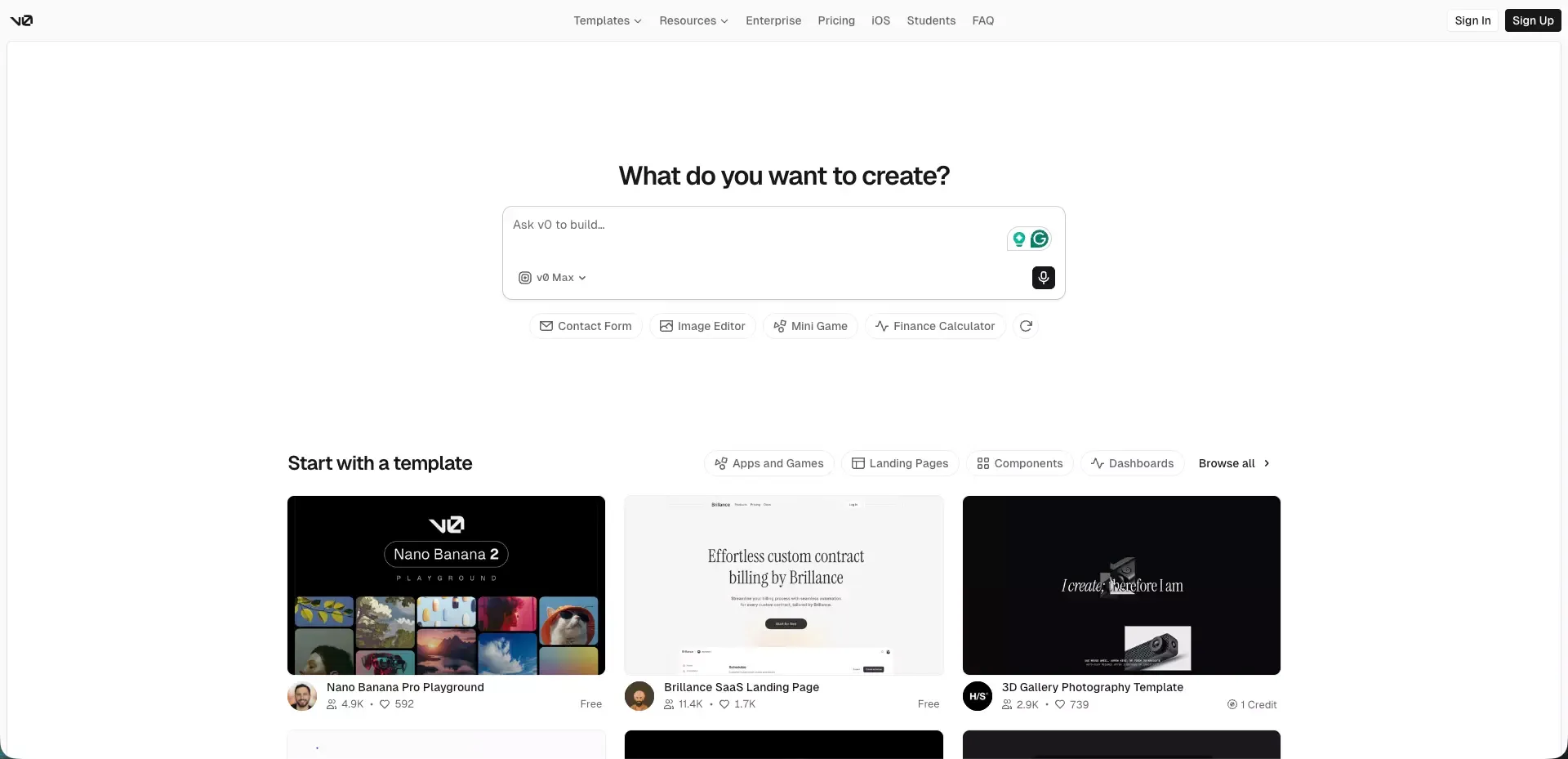
 v0 is one of those tools that makes a strong first impression.
You type a prompt. A polished interface appears. It looks modern, structured, and much closer to something you could actually ship than what many AI builders produced not long ago. That first moment explains a lot of the attention around v0.
But a strong first impression is not the same thing as a complete product experience.
That is the real theme of this review. v0 is genuinely good at some things. In a few areas, it is excellent. At the same time, it can look more complete than it really is, because visual progress happens faster than product progress. A beautiful UI creates momentum. It does not automatically solve backend logic, product architecture, or the messy parts of turning an idea into a dependable app.
TL;DR
| Category | Takeaway |
|---|---|
| Best strength | Fast generation of polished UI |
| Best use cases | Landing pages, dashboard scaffolding, visual prototyping |
| Best fit | Builders already comfortable with React, Next.js, and the Vercel-style workflow |
| Main weakness | Product completeness drops once backend depth and logic matter more |
| Pricing feel | Reasonable for focused work, less comfortable for endless experimentation |
| Bottom line | Great for front-end momentum, less convincing as a full product solution |
What Is v0?
v0 is best understood as an AI app builder with a very strong front-end bias.
It is designed to turn prompts into real interface code quickly. That matters because many AI tools can produce rough layouts, but fewer can generate UI that already feels structured, modern, and close to production quality.
That is why v0 stands out so quickly. It reduces the distance between idea and interface.
At the same time, the bigger question is not whether v0 can generate UI. It clearly can. The more useful question is this:
What part of the product-building workflow does v0 actually improve the most?
From a practical user perspective, the answer is still pretty clear:
- AI prototyping
- front-end scaffolding
- building SaaS landing pages with AI
- AI dashboard building
- fast iteration on interface ideas
That is where the product feels most natural.
Why v0 Gets So Much Attention
A lot of AI app builders promise speed.
v0 is interesting because the speed is visible. You do not just get code. You get something that already looks good. That changes how the tool feels in the first ten minutes.
For many users, that alone is a big deal.
Most people do not struggle because they have zero ideas. They struggle because early product work is messy, slow, and visually unrewarding. v0 solves part of that problem. It gives you something tangible very fast, and that makes momentum easier to maintain.
What feels attractive about v0 right away
- You can move from prompt to interface quickly
- The output often looks cleaner than people expect
- It fits naturally into modern front-end workflows
- It is easier to react to something visual than to a blank canvas
That combination is powerful. It is also the reason expectations can rise too fast.
Where v0 Actually Delivers
This is the part where v0 earns its reputation.
It generates polished UI surprisingly fast
This is still the clearest win.
If your main bottleneck is getting from concept to a presentable interface, v0 is easy to like. It shortens the ugly middle. Instead of spending hours building the first pass of a screen, you can get to something usable much faster.
That is not a small benefit. Early momentum matters.
Landing pages and marketing UI are a natural fit
v0 makes the most sense when visual polish matters more than backend complexity.
That is why it feels so strong for:
- landing pages
- hero sections
- pricing layouts
- feature grids
- testimonials
- product marketing pages
These are interface-heavy tasks. They reward speed, structure, and design quality. v0 is a strong fit here, especially if your goal is to build your startup's first landing page with AI.
Dashboard scaffolding is easier than expected
The next obvious strength is structured product UI.
v0 is well suited to common SaaS patterns such as:
- cards
- tables
- sidebars
- filters
- analytics views
- settings pages
- admin layouts
This kind of scaffolding often takes longer than it should. v0 helps reduce that drag, which is why it overlaps well with an AI dashboard generator workflow.
It is strong for fast concept validation
Sometimes the goal is not to ship immediately. Sometimes the goal is to see the shape of an idea.
That is where v0 becomes especially useful.
Instead of debating a product concept in abstract terms, you can turn it into something visual and react to it. That helps with:
- internal alignment
- founder decision-making
- early user feedback
- design direction
- scope clarification
For concept validation, speed beats perfection.
It works best when you already like the Vercel and Next.js workflow
This point is easy to miss, but it matters.
v0 feels most natural when your mental model already fits modern React and Next.js development. If your team already works in that world, the generated output is much easier to absorb, extend, and refine.
That does not mean others cannot use it. It means the value is higher when the tool fits your existing stack and workflow, especially for teams already comfortable with vibe coding and AI-assisted front-end iteration.
Where v0 Starts to Feel Limited
This is where the conversation becomes more honest.
Beautiful output is not the same as product completeness
This is the biggest gap in the whole experience.
A polished screen gives you the feeling that you are close to done. In reality, many products are not hard because of the first interface. They are hard because of everything behind the interface.
That includes:
- data flow
- permissions
- validation
- integrations
- state management
- edge cases
- long-term maintainability
v0 can help you get the shell quickly. That does not mean it removes the deeper product work.
Backend-heavy products still need more manual effort
This is where expectations need to stay realistic.
If your product depends on more complex backend behavior, the experience becomes less magical. The further you move away from interface generation and into logic-heavy product work, the more likely you are to hit the edges of the tool.
That does not make v0 weak. It just means its strongest value is still concentrated on the front end.
Complex workflows create more friction than simple demos suggest
Multi-step product flows are often where things get harder.
Examples include:
- role-based experiences
- branching user journeys
- complex forms with rules
- dynamic data handling
- systems with lots of dependencies
These are the places where an impressive first screen stops being enough.
It is easy to confuse speed with completeness
This may be the most important practical insight in this whole review.
A tool that creates visible progress quickly can feel more complete than it really is. That is not a flaw unique to v0. It is a category-wide pattern. But v0’s output quality makes that effect even stronger.
The risk is simple: you think you have solved more of the product than you actually have.
v0 Pricing and Value
Pricing always changes how a tool feels in practice.
On the surface, v0 looks accessible because it offers an entry point and a path to higher usage. In reality, the bigger issue is not just the plan itself. It is how the credit-style model changes your behavior.
When the pricing feels fair
v0 tends to feel fair when:
- you already know what you want to build
- your prompts are focused
- the work is front-end heavy
- the output fits directly into your workflow
- the time saved is obvious
In those situations, paying for speed makes sense.
When the pricing starts to feel annoying
The model feels less comfortable when:
- you are exploring loosely
- you change direction often
- you rely on lots of retries
- you are still learning how to prompt well
- you want open-ended experimentation without thinking about usage
That is the tradeoff. v0 can be efficient, but it often rewards clarity more than wandering.
Who Should Use v0?
Not every AI builder fits every kind of user. v0 is no exception.
Best for these users
| User Type | Why v0 fits |
|---|---|
| Front-end developers | Strong UI output and familiar workflow |
| Product teams | Fast mockups and interface iteration |
| Founders validating ideas | Quick visual feedback without long setup |
| Designers who want code | Easier transition from concept to implementation |
| Teams close to Vercel and Next.js | Lower friction after generation |
Less ideal for these users
| User Type | Why v0 may disappoint |
|---|---|
| Users expecting a finished app from one prompt | The hard parts of product work still remain |
| Non-technical builders avoiding code entirely | The workflow is easier if you understand the stack |
| Backend-heavy teams | The product shines less when logic outweighs UI |
| Users who want endless experimentation | Usage-aware pricing changes behavior |
When I Would Look Beyond v0
This is where tool selection becomes more strategic.
If the main problem is interface generation, v0 deserves serious attention.
If the real problem is moving from idea to a fuller working product with less manual stitching, then I would widen the comparison set. That is where tools like Atoms start to make more sense.
Where Atoms feels like a more natural option
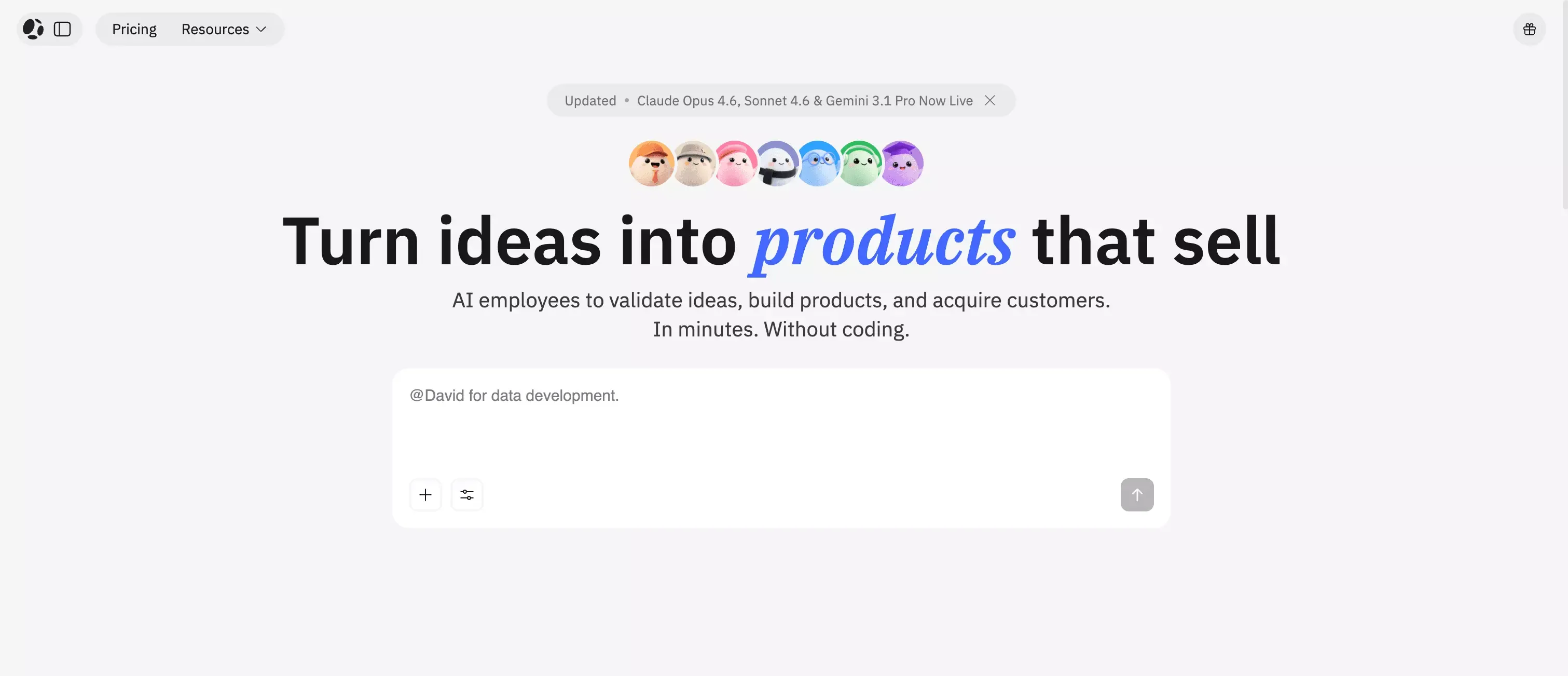 Atoms AI is a better fit when the need is broader than UI speed alone.
For example:
- you care about the full app and website builder workflow
- you want more help beyond front-end generation
- product structure matters as much as interface polish
- you are looking for a more complete build path, not just a faster first screen
That is the key distinction.
v0 is strongest when the front end is the bottleneck.
Atoms is more interesting when the bottleneck is the broader journey from concept to working product.
That is a much more natural way to think about the two than forcing a hard one-to-one comparison.
If you do want broader comparisons, it also makes sense to look at tools reviewed in pieces like Lovable, Bolt, Replit, and Bubble.
v0 vs Real Product Building
This is the part many reviews gloss over.
Fast UI generation is not the same as shipping a dependable product
A strong generated screen can create the illusion that most of the work is finished. Usually, it is not.
Real product building still includes:
- making logic reliable
- handling edge cases
- creating maintainable structure
- connecting systems properly
- refining the user journey
- supporting long-term changes
UI generation helps. It does not replace product discipline.
The biggest gap is not visual quality, but system completeness
This is why v0 can feel both impressive and limited at the same time.
The visual layer is often good enough to make you optimistic. The system layer is where your standards need to stay higher.
That is the right mindset to bring into any evaluation of v0.
Final Verdict
v0 is a strong tool. In the right context, it is a very strong one.
Its biggest strength is not that it can do everything. Its biggest strength is that it can turn vague ideas into polished modern UI much faster than many people expect. That alone makes it useful.
But the honest takeaway is this:
- v0 is excellent for front-end momentum
- v0 is strong for visual prototyping
- v0 is a good fit for React and Next.js friendly teams
- v0 is less convincing when the problem shifts from interface generation to full product completeness
If your goal is to move fast on UI, v0 is one of the more compelling tools in the category.
If your goal is a fuller end-to-end product workflow, it makes sense to evaluate broader options too, including tools like Atoms AI.
That is the most balanced way to look at it. Not as a miracle tool. Not as an overhyped one either.
Just a genuinely useful product with very clear strengths, and very real limits.
