On this page
To build a website from scratch, define its purpose, choose a build method, plan the pages, create a working version, test the main visitor journey, and publish it on a domain you control. You can use an AI builder, a visual editor, or hand-written code; the right route depends on what visitors must do and who will maintain the site.
Have a project in mind? Start your website brief in Atoms and keep the first version focused on one visitor action.
Choose the right way to build
If you are learning how to create a website, start with the job it must perform—not a framework or a template. A portfolio, a booking site, and a customer dashboard have different requirements even when their homepages look similar.
| Build route | Choose it when | What you still own |
|---|---|---|
| AI website or app builder | You want to describe a site, inspect a preview, and revise it through instructions | Requirements, content accuracy, acceptance testing, and operating decisions |
| Visual builder or CMS | You prefer working within an established editing and publishing structure | Template fit, integrations, access, and ongoing content maintenance |
| Hand-written code | You want to learn web development or need direct implementation control | Code, hosting setup, dependencies, security, and maintenance |
“From scratch” does not have to mean writing every line yourself. It means taking responsibility for the site from an empty brief to a usable result.
Before choosing, check whether you can connect your domain, collect the data you need, back up your work, and move the project later. Compare the cost of running the site, not only the cost of generating or designing it.
Prepare a one-page website brief
Gather the content and decisions that prevent avoidable rebuilding. You do not need a finished brand system, but you do need a clear purpose and access to the accounts you will use.
Write down:
- Audience: Who is visiting, and what do they need to know?
- Primary action: Request a quote, book a call, join a waitlist, or buy a product.
- Pages: Only those needed to explain the offer and complete that action.
- Content: Approved service descriptions, contact details, images, and any genuine customer proof.
- Access: Your building account and, when connecting a custom domain, access to its DNS settings.
- Constraints: Budget, launch requirements, data sensitivity, and the person responsible for updates.
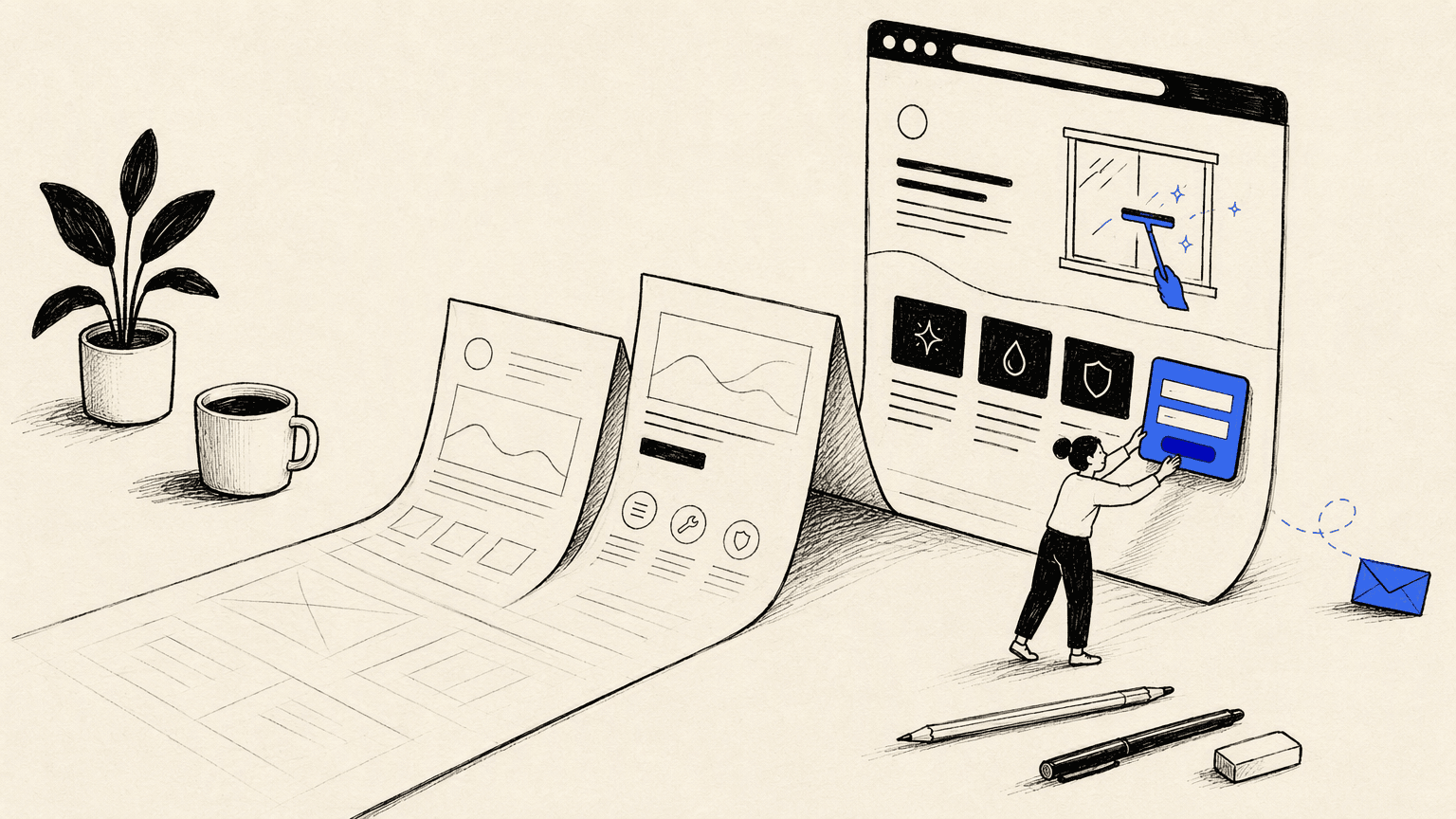
For example, a fictional window-cleaning business might need a homepage, services page, and quote-request form. Its first version does not need customer accounts, a subscription system, or an elaborate dashboard.
For inspiration, MyCodelessWebsite publishes website examples and design resources. Use examples to identify patterns—such as a clear service area or visible contact action—not to copy another company's text, images, or identity.
Build the pages and the main user journey
Build the smallest complete journey before adding decorative sections. A plain form that actually delivers an inquiry is more useful than a polished button that goes nowhere.
Step 1: Map the visitor's route
Write a short sequence: homepage → service details → quote form → confirmation. Give every page a job, and make the next action visible without requiring visitors to guess.
For a small service business, a single page may be sufficient. Add separate pages when they answer distinct questions, not merely to make the site feel larger.
Step 2: Write the core content
Draft the headline, offer, service area, contact details, and action labels. Replace “We provide innovative solutions” with a concrete statement about what you do and for whom.
Keep supporting proof honest. If you do not have customer testimonials, omit that section rather than asking AI to invent reviews or logos.
Step 3: Create the layout
In a visual builder, arrange the sections and add the approved content. If you are coding, begin with semantic HTML, responsive CSS, and only the JavaScript the interaction requires. In an AI builder, provide the same structure as a natural-language brief.
Here is an illustrative brief for Atoms:
Build a responsive website for a fictional window-cleaning service called Clearview. Include a homepage, service details, and a quote-request flow. Use clearly labeled sample content until I provide approved business details. Make “Request a quote” the primary action. Ask for name, contact email, service type, and an optional message. Do not add payments, user accounts, invented testimonials, or customer logos. Show me the proposed structure before expanding the scope.
Atoms supports generating websites and web apps from instructions, previewing the result, and revising layouts and components. Use the preview to check hierarchy and interaction; it is not evidence that every requirement is already satisfied.
Step 4: Make the action work end to end
Decide where a submitted inquiry will go and who will receive it. Connect the chosen destination, then submit a test inquiry using non-sensitive data.
Check the destination directly. A success message alone does not prove that a record was stored or a notification arrived. Test missing fields and a failed request so visitors are not told their inquiry succeeded when it did not.
Step 5: Review one change at a time
Ask for a specific revision: “Keep the content and form unchanged; make the mobile navigation easier to open and close.” Then recheck the affected journey.
This is a practical way to build and iterate your first site with Atoms without turning every adjustment into a new project. If an AI change breaks a working feature, return to a saved version or restore your backup, then retry with a narrower instruction.
Step 6: Publish and connect the domain
A domain is the address visitors use; hosting serves the site. Some platforms combine publishing and hosting, while a coded site needs a deployment destination you configure.
Atoms describes a hosted publishing workflow on its official site. For any platform, follow its current domain instructions rather than copying DNS records from an unrelated tutorial. Back up existing DNS settings and avoid changing mail-related records unless you intend to change email service too.
After connecting the domain, open the public address outside your signed-in builder session. Confirm that the intended site loads over HTTPS and that the main action still works there.
Test before you publish
Treat the launch checklist as a set of observable results. “Looks good on my laptop” is not a complete acceptance test.
- [ ] Visitor journey: A new visitor can understand the offer and reach the primary action.
- [ ] Form delivery: A test submission reaches its destination, and invalid submissions show useful errors.
- [ ] Mobile layout: Navigation, images, and forms work on a real phone without sideways scrolling.
- [ ] Keyboard access: Links and controls can be reached and activated, with a visible focus indicator.
- [ ] Content: Contact details are correct; placeholder claims, images, and sample business information are removed.
- [ ] Search basics: Important pages have descriptive titles, clear headings, crawlable links, and no accidental indexing block.
- [ ] Privacy and security: Secrets are not exposed in the browser, and collected information is limited to what the task needs.
- [ ] Public access: The live domain works in a private browser window, including a direct visit to an inner page.
- [ ] Recovery: You know how to restore the previous version and who can perform that recovery.
For logins, payments, or private customer information, add a qualified engineering review. An attractive preview cannot establish authorization correctness or secure data handling.
Fix launch problems without rebuilding everything
Start with the failing step and change the smallest relevant part. Preserve a working version before adjusting code, integrations, or domain settings.
| Symptom | Check first | Safe fallback |
|---|---|---|
| The form reports success but nothing arrives | Destination configuration, stored records, and request errors | Remove the misleading success state; offer a verified contact method while fixing delivery |
| The site works in preview but not publicly | Publishing status, environment configuration, and public routes | Restore the last working deployment |
| The custom domain shows the wrong site | DNS records against your hosting provider's instructions | Use the verified hosted URL while resolving the domain |
| Mobile content overlaps | Fixed widths, oversized images, and navigation behavior | Simplify the layout and retest the main action |
| An AI revision breaks another page | The changed files or components | Restore the saved version and request a narrower change |
Do not repeatedly regenerate the whole site to fix one broken form. Isolating the failure preserves the parts that already work.
Keep the site useful after launch
Measure whether visitors complete the intended action, then improve the step where they get stuck. A page-view increase is not the same as more valid inquiries or successful purchases.
Keep content current, check forms after changes, and maintain a backup of important data and assets. For a coded site, assign responsibility for dependency and hosting updates. For a managed builder, understand which operational tasks remain yours.
Related reading: explore the Atoms product-building workflow and current plans and credit terms before expanding the project.
Bonus: How Atoms supports this workflow
Atoms is an AI product-building platform that turns natural-language requirements into editable websites or web applications. It supports generation, editing, and preview, so you can move from an idea to a testable product while your team retains responsibility for pre-launch review.
- Build and iterate on the core product. Describe the page, app, or interaction you need in natural language, then inspect the generated result. Ask for focused changes to layout, content, and behavior instead of restarting the project for every revision. Keep the brief narrow enough that you can verify each important path. Use the preview as a working checkpoint, not as proof that security or business rules are complete.
- Create and place visual assets in context. Atoms supports AI image generation as part of product-building workflows, so a candidate visual can be evaluated inside the page or app where it will appear. Check crop, contrast, hierarchy, and readability at the destination size. Keep critical interface copy editable rather than relying on generated lettering. Use a specialist editor when you need precise retouching or print controls.
- Coordinate a larger build without losing ownership. Atoms provides coordinated specialist agents for product-building tasks and supports code export or GitHub synchronization for handoff. Define what the first version includes, what remains out of scope, and which checks must pass before launch. Review integrations, permissions, data handling, and deployment independently. Generated work still requires an accountable human owner.
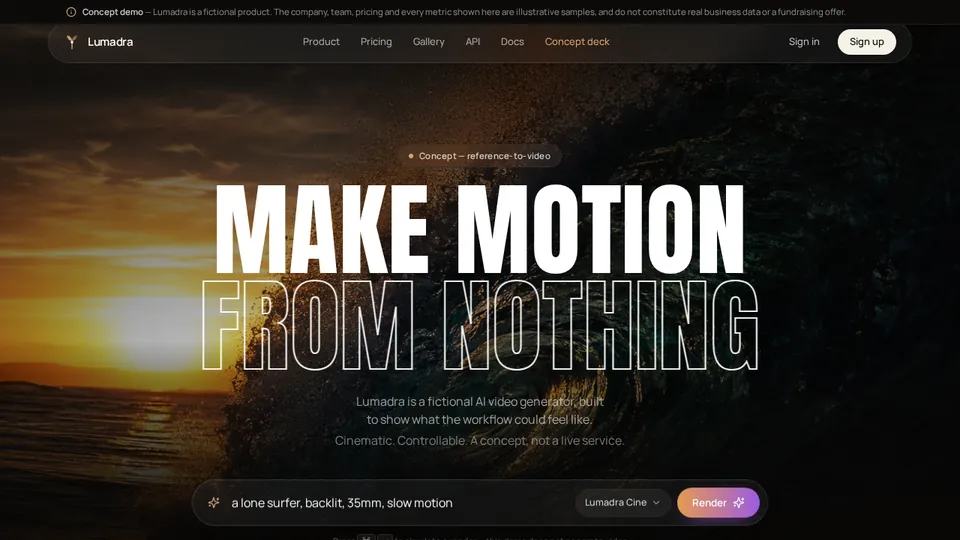
Case: A Product Website
This showcase entry is included as a concise capability example. It is not a benchmark, customer-result claim, or substitute for reviewing the project yourself.
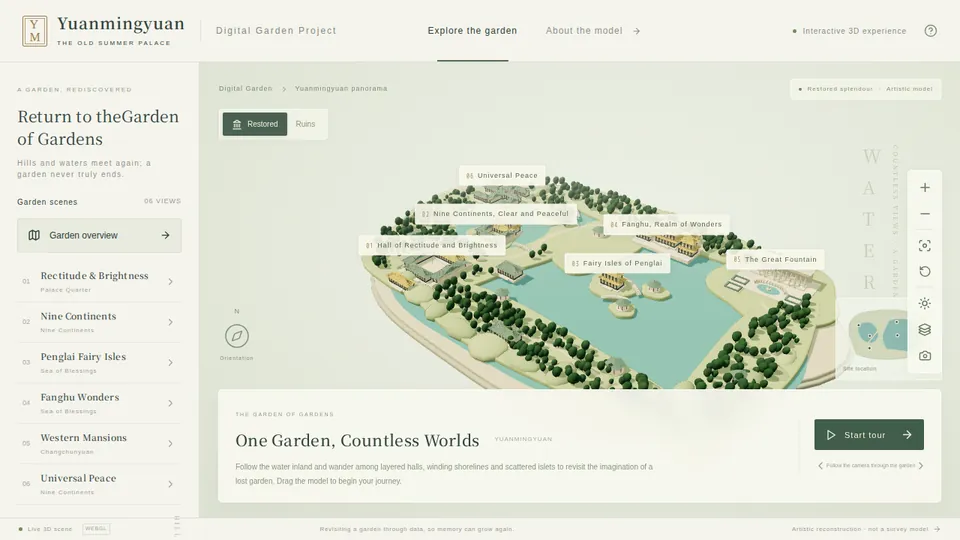
Case: An Interactive 3D Scene
This showcase entry is included as a concise capability example. It is not a benchmark, customer-result claim, or substitute for reviewing the project yourself.
A little more clarity
Frequently asked questions
01Q1: Can I create a website without coding?
Yes. A visual builder or AI website builder can help you create a site without manually writing its code. You still need to define the content, test behavior, and arrange appropriate review for sensitive features.
02Q2: Do I need a domain and hosting?
A publicly accessible site needs hosting. A custom domain is optional when your platform provides a hosted address, but it gives your business a distinct address. Check domain connection and hosting terms separately when comparing plans.
03Q3: How much does a website cost?
Budget for the builder or development work, domain registration, hosting, and any email, forms, storage, or payment services you use. Also allow for maintenance. The total depends on the site's requirements; a universal launch price would be misleading.
04Q4: Can Atoms build more than a landing page?
Atoms supports websites and web applications, including workflows with backend capabilities. Add functions in small, testable increments, and do not treat generated code as a substitute for production engineering review.
Ready to move beyond the first version? Check the current Atoms plans against the features and ongoing usage your site actually needs.
Share this article
 Posts
Posts 