On this page
Choosing a photography website is not a beauty contest between templates. Your site must make images look intentional, load reliably, guide prospects toward an inquiry, and sometimes deliver proofs or sell files and prints. The right choice depends on whether you need a flexible brand site, a photography-specific client workflow, or a fast way to turn a creative direction into a working experience.
This guide compares eight website builders for photographers to showcase work without treating every photographer as the same. We assessed portfolio presentation, editing control, client-facing tools, selling options, and the effort required to publish. Features change, so confirm any must-have integration or plan limit on the provider's current site before committing.
The best website builder for photographers is therefore the one that fits the work behind the images as well as the public portfolio.
The best photography website builders at a glance
| Builder | Best for | Portfolio strength | Business focus | Learning curve |
|---|---|---|---|---|
| Atoms | Turning a custom brief into a working site | Custom visual experiences | Sites, apps, and growth workflows | Low |
| Squarespace | Polished editorial portfolios | Strong templates and layout | Marketing and commerce | Low |
| Wix | Flexible drag-and-drop control | Broad gallery options | Marketing, booking, commerce | Low to medium |
| Pixpa | All-in-one photographer portfolios | Photography-led templates | Galleries and selling | Low |
| Format | Clean creative portfolios | Simple project presentation | Client workflow options | Low |
| SmugMug | Image storage and gallery delivery | Deep gallery organization | Prints and photo sales | Low |
| Pixieset | Client galleries plus a website | Consistent proofing experience | Studio workflow | Low |
| Zenfolio | Photography business operations | Client galleries and portfolios | Selling and client management | Low |
The table is a routing tool, not a universal ranking. A fine-art photographer may favor editorial control, while a wedding studio may value proofing and delivery more than free-form layouts.
The 8 best website builders for photographers
Atoms
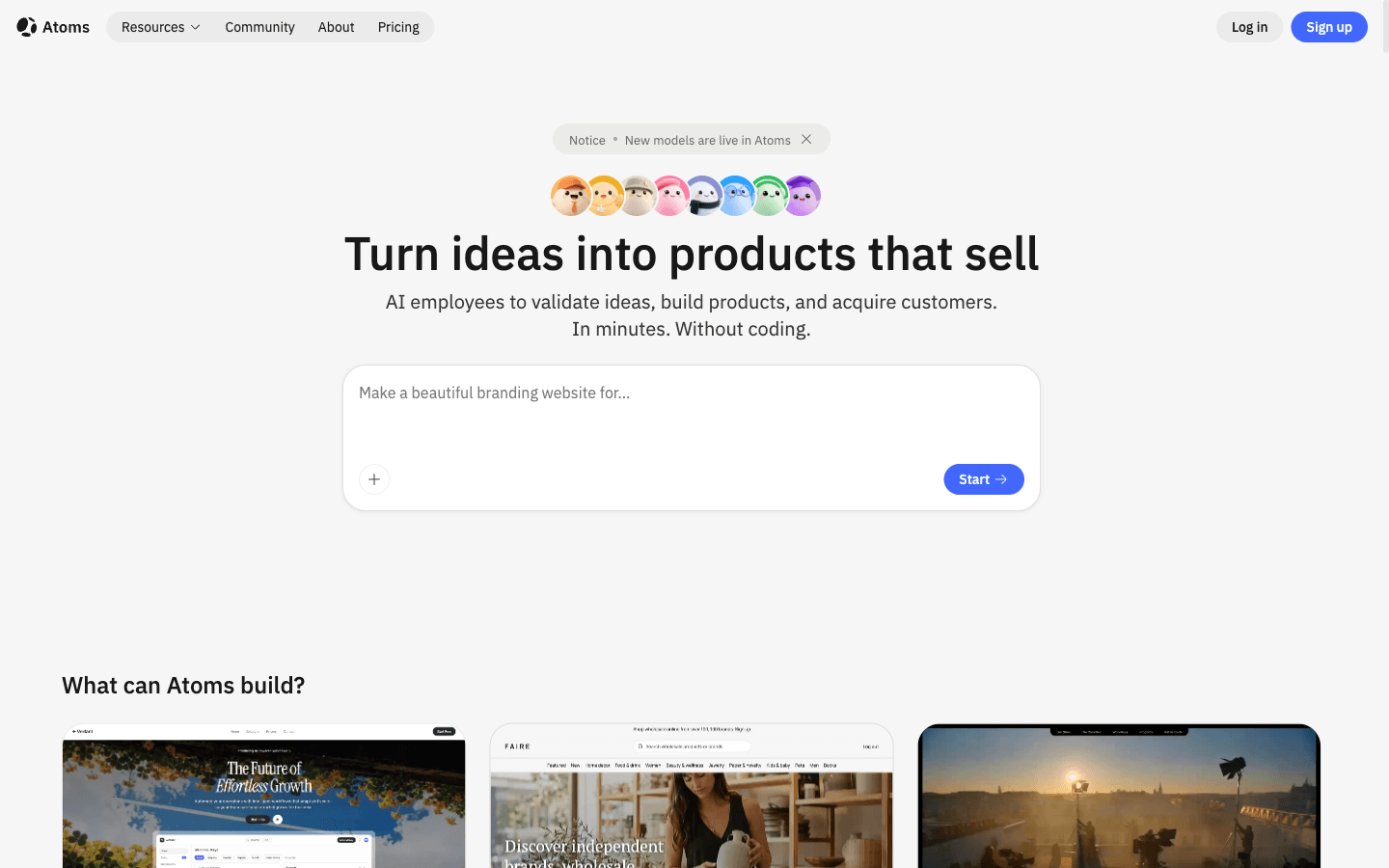
Atoms is the best fit when you want the site to begin with your business idea rather than a fixed template. You describe the audience, pages, visual direction, and interactions, then AI agents help turn that brief into a working website or web app. That makes it useful for photographers building something beyond a conventional gallery: a location scout, booking flow, searchable archive, campaign microsite, or portfolio with custom interactions. You can keep iterating in natural language while retaining a concrete product to preview.
Main features
- Brief-to-site creation. Translate goals, page requirements, and visual direction into a working web experience.
- Full-stack scope. Add data, sign-in, storage, or other application behavior when a portfolio needs more than static pages.
- Iterative editing. Request layout, copy, flow, and feature changes through conversation instead of rebuilding from zero.
Suitable for
- Photographers who want a distinctive site rather than a familiar template.
- Creative teams testing campaign, portfolio, or client-tool concepts quickly.
- Builders who may expand a portfolio into a functional web product.
Squarespace
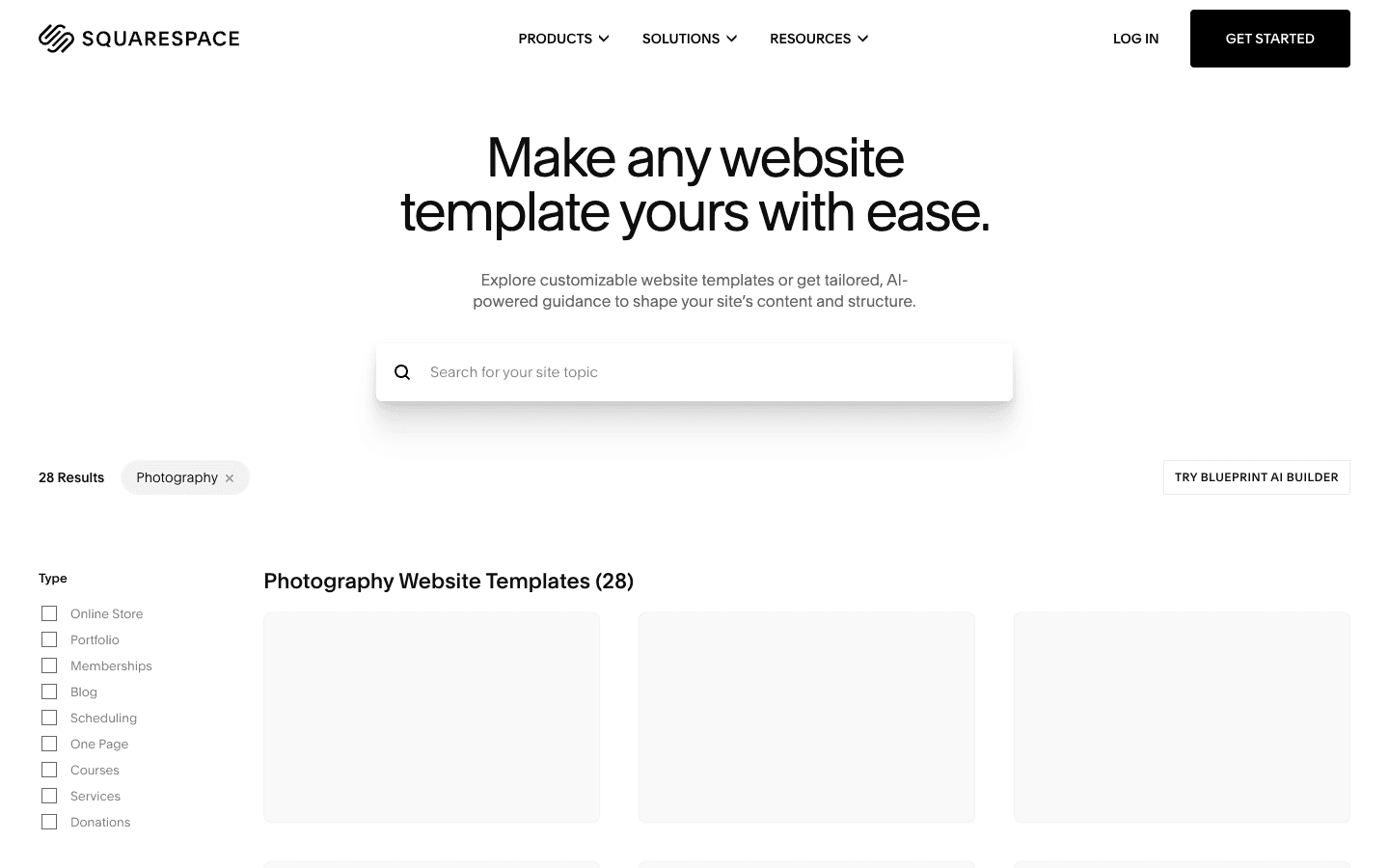
Squarespace suits photographers who want a polished brand site with relatively little setup. Its strength is the relationship between typography, whitespace, image blocks, and responsive layouts: you can reach an editorial look without designing every component. It also gives a solo business one place for pages, blogging, forms, and commerce. The trade-off is that highly unusual interactions or specialized studio operations may require workarounds or separate tools.
Main features
- Design-led templates. Start from responsive layouts intended to keep imagery and type visually balanced.
- Unified site tools. Combine portfolio pages, a journal, inquiry forms, marketing, and commerce.
- Structured editing. Build consistent pages quickly with sections and reusable visual patterns.
Suitable for
- Portrait, editorial, and commercial photographers prioritizing presentation.
- Small studios that want marketing pages and a portfolio together.
- Creatives who prefer strong defaults over granular technical control.
It rewards teams that want a consistent editorial finish with limited setup.
Wix
Wix is a broad website platform with enough layout freedom to serve many photography niches. Its visual editor is useful when you want to position elements precisely, vary page structures, or combine galleries with bookings, forms, a blog, and store features. That breadth is also the main caution: a photographer can spend too long adjusting options that do not materially improve inquiries or image viewing. Start with a restrained system and test mobile pages early.
Main features
- Flexible visual editor. Control page composition beyond a rigid portfolio template.
- Portfolio and gallery options. Organize different bodies of work and presentation styles.
- Business extensions. Add forms, scheduling, marketing, and commerce as the studio grows.
Suitable for
- Photographers who want drag-and-drop layout control.
- Studios combining portfolios with appointments or lead generation.
- Creatives willing to manage more choices for greater flexibility.
The broader editor benefits from a disciplined system and careful mobile review.

Pixpa
Pixpa is aimed directly at photographers and other visual creatives, so the path from signup to portfolio is straightforward. It brings websites, galleries, and selling tools into one environment rather than asking you to assemble a general builder around photography needs. That focus reduces setup, especially for a solo practice. It is worth checking how its preferred gallery, proofing, store, and customization workflows match your exact process before moving a large archive.
Main features
- Creative portfolio templates. Use image-forward layouts designed for bodies of visual work.
- Client-facing galleries. Present and organize photographs in a dedicated viewing experience.
- Integrated selling. Connect portfolio presentation with commerce-related workflows.
Suitable for
- Freelance photographers seeking an all-in-one starting point.
- Visual creatives who want portfolio and gallery tools together.
- Small businesses that value simplicity over deep custom development.
Its photography focus reduces the time needed to assemble a complete setup.

Format
Format concentrates on clean online portfolios for photographers, designers, and artists. Its appeal is focus: projects can be organized and presented without the surrounding site feeling like a generic small-business template. That can make updating recent work less intimidating. A photographer with advanced commerce, elaborate automation, or a custom application concept may outgrow a portfolio-first system, but for a clear showcase with supporting business pages, the narrower toolset can be an advantage.
Main features
- Portfolio-first structure. Group work into projects and keep navigation centered on imagery.
- Creative templates. Build a restrained presentation suitable for multiple photography genres.
- Business support. Add essential pages and client-oriented functions around the portfolio.
Suitable for
- Emerging photographers assembling a professional body of work.
- Artists who want the images to dominate the interface.
- Creatives who favor a focused editor over a large app marketplace.
That restraint helps keep routine portfolio updates manageable for one person.

SmugMug
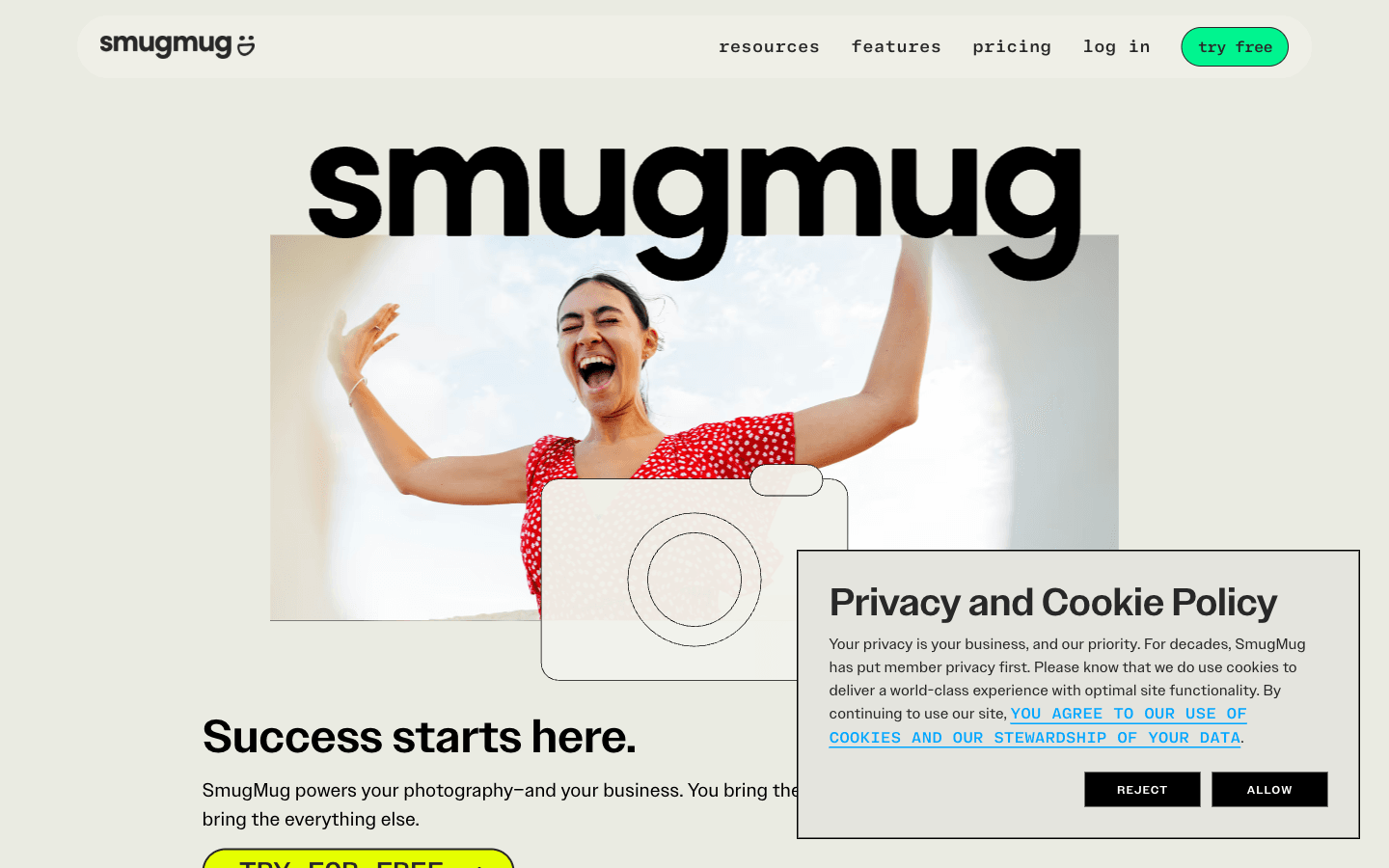
SmugMug is strongest when the photograph library itself is the center of the experience. It combines gallery organization, viewing, storage-oriented workflows, and options for selling prints or downloads. Event, sports, and high-volume photographers may find that more valuable than elaborate marketing pages. The main decision is whether you want your public brand site and your archive-delivery system to be the same product; if storytelling pages lead your business, compare its layout control carefully.
Main features
- Gallery organization. Structure large sets of images for browsing and delivery.
- Photo commerce. Offer photographs and related products through integrated selling paths.
- Privacy controls. Manage how different galleries are exposed to clients or the public.
Suitable for
- Event and volume photographers with many galleries.
- Professionals selling prints or digital images.
- Studios prioritizing image management over editorial site design.
It is compelling when the archive and customer gallery are central assets.
Pixieset
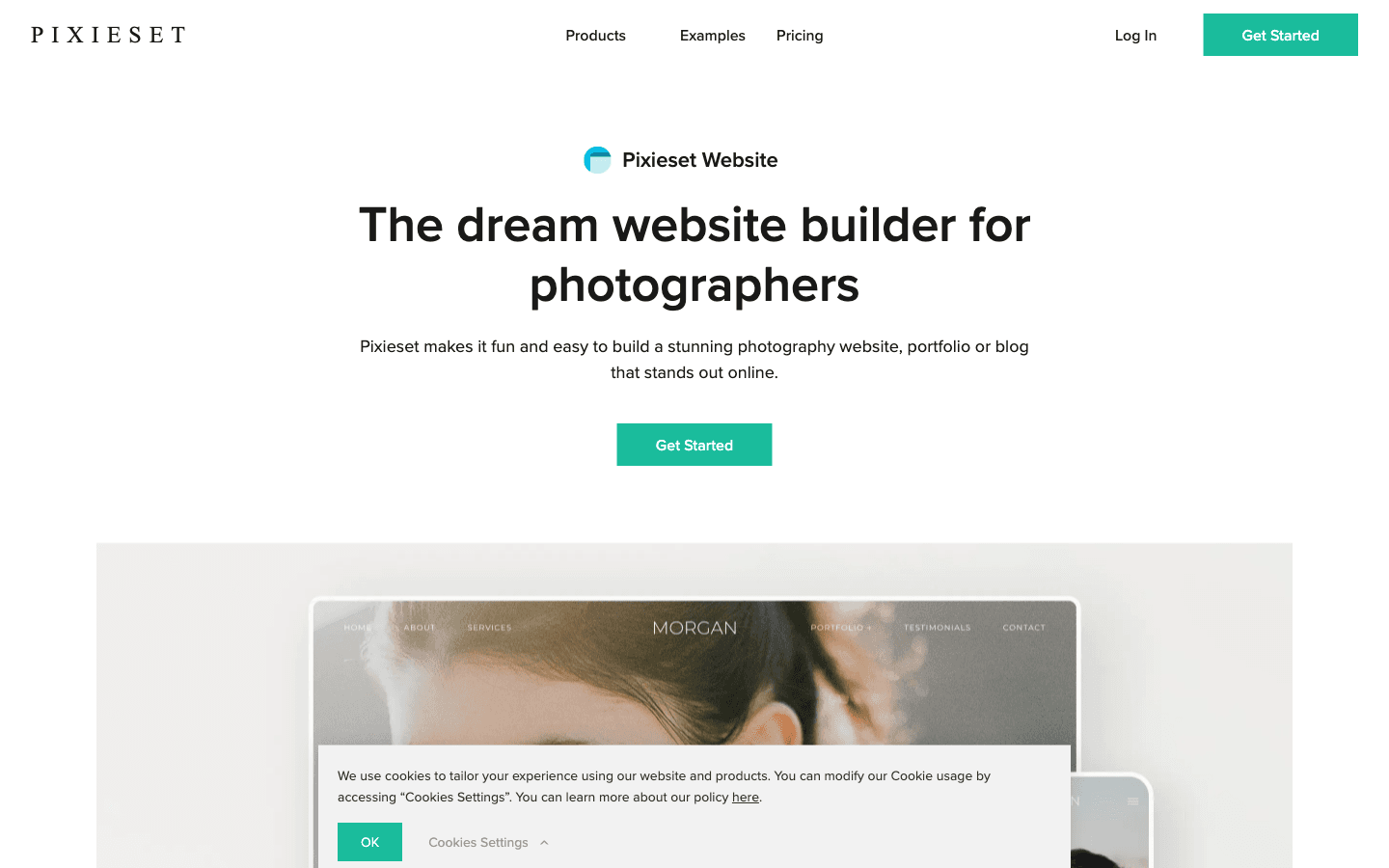
Pixieset connects a public website with a photographer-specific client experience. That makes it attractive to wedding, family, and portrait studios that care about the path after the inquiry: gallery delivery, selection, and related studio workflows. The benefit is consistency between the site prospects see and the tools clients use. The question is whether its design system gives you enough distinction in a crowded local market, so evaluate both the public templates and the client journey.
Main features
- Website and galleries. Keep marketing pages and client image delivery under one brand.
- Photography workflow. Support proofing and presentation tasks common to client studios.
- Unified experience. Reduce the visual and operational gap between inquiry and delivery.
Suitable for
- Wedding, family, and portrait photographers.
- Studios that deliver private galleries repeatedly.
- Teams wanting fewer disconnected client-facing tools.
The unified workflow can make the customer experience feel more consistent.
Zenfolio
Zenfolio is another photography-specific option that combines a public site with business and client functions. It is worth considering when selling, gallery delivery, and studio administration matter as much as the homepage. Compared with a general builder, its concepts align more closely with how photographers work. Compared with a fully custom site, the trade-off is less freedom. Map your actual sequence from lead to gallery to sale before judging the template alone.
Main features
- Photography websites. Publish a portfolio using layouts designed for image-heavy businesses.
- Client galleries. Organize viewing and delivery around individual assignments or customers.
- Business tools. Connect online presentation with selling and studio-oriented workflows.
Suitable for
- Professional photographers managing repeat client projects.
- Studios where gallery delivery and sales are central.
- Users preferring photography terminology and workflows out of the box.
Evaluate it with one complete client project before migrating an archive.

How to choose a photography website builder
Start with the job the site must complete. A portfolio is not automatically a client gallery, and a client gallery is not automatically a persuasive marketing site. Write down the primary conversion—an inquiry, a booking, a print purchase, or a gallery delivery—then judge every feature by whether it supports that action.
Next, test your real files. Upload a landscape series, a portrait series, and one large assignment. Inspect cropping, color, mobile behavior, keyboard navigation, and loading on an ordinary connection. A beautiful demo can conceal a weak editing routine. Also test the less glamorous pages: services, about, contact, privacy, and a clear path back from a gallery.
Finally, calculate workflow cost, not just subscription cost. A cheap builder becomes expensive if you duplicate galleries, resize images manually, or repair every mobile page. Conversely, a specialized platform can be unnecessary if you only need a concise portfolio and an inquiry form. The best website builders for photographers worth checking out are the ones that remove friction from your repeated work.
Build a custom photography website with Atoms
Atoms is an AI product-building platform that turns a natural-language brief into an editable website or web application. A photographer can describe the audience, visual direction, portfolio structure, inquiry path, and custom interactions, then work with Atoms' AI agent team to research, plan, build, preview, and refine the complete experience.
- Create a launch-ready photography website. Build a responsive portfolio, campaign site, searchable archive, booking experience, or client-facing web app from one detailed brief.
- Generate and place visual media. Create images or video for hero sections, project stories, and promotional campaigns, then integrate those assets directly into the site.
- Add full-stack functionality. Connect forms, authentication, persistent data, storage, and custom application behavior when the project needs more than a static gallery.
- Refine the design conversationally. Request changes to layouts, typography, color, copy, navigation, interactions, and mobile behavior while keeping the project editable.
- Support launch and growth. Use specialized agents for research, SEO, advertising, analysis, and product iteration within the same workflow.
Atoms photography website case studies
These Atoms projects show how strong image hierarchy, art direction, brand storytelling, and conversion structure can come together in a finished web experience.
Case 1: Fragrance Brand Store
Fragrance Brand Store is an AFTERGLOW Parfum luxury fragrance storefront built around a lasting-scent proposition. Its image-led composition shows how art direction can carry a premium visual identity.
Case 2: Swim Lifestyle E-commerce Website
Swim Lifestyle E-commerce Website presents SOLEIL, a premium swim and beachwear store with a golden-hour coastal aesthetic. It demonstrates how a coherent color story can connect hero imagery with a complete site.
Case 3: Running Shoe Brand Store
Running Shoe Brand Store is a FEATHERSTEP running-shoe storefront centered on lightweight, zero-impact cushioning. It shows how product imagery, narrative copy, and conversion structure can coexist without losing visual focus.
Conclusion
There is no single best website builder for every photographer. Squarespace and Format are strong presentation-first options; Wix offers broad visual flexibility; Pixpa, SmugMug, Pixieset, and Zenfolio lean into photography-specific galleries and business workflows. If your idea needs a more custom site or may grow into an interactive product, describe the experience you want and start building it with Atoms.
A little more clarity
Frequently asked questions
01Q1: What should a photographer website include?
Include a tightly edited portfolio, a clear specialty, an about page that builds trust, an easy inquiry path, and practical details about services or location. Add client galleries or commerce only when they support your operating model.
02Q2: Is a general website builder enough for professional photography?
Often, yes. A general builder can handle presentation, SEO pages, forms, and commerce. Photography-specific platforms become more valuable when proofing, private delivery, print sales, or high-volume gallery management are frequent tasks.
03Q3: How many photos should I put in a portfolio?
Use enough images to prove consistency, not every image you have made. A smaller sequence with a clear point of view is usually easier to navigate and more persuasive than a large mixed archive.
04Q4: Can an AI website builder create a distinctive photography site?
It can accelerate structure, visual exploration, copy, and implementation, but distinction still comes from your edit, sequencing, art direction, and feedback. Treat AI output as a working draft to refine rather than an automatic final brand.
05Q5: Do I need built-in client galleries?
Only if gallery delivery is part of your recurring workflow. If another service already handles proofs and downloads well, your public site can focus on positioning and inquiries instead of duplicating that system.
Share this article
 Posts
Posts 