On this page
The best landing page builders fit the action you want visitors to take and the work that follows it. Carrd suits a simple one-page launch; Kit connects newsletter signups to email; Unbounce and Instapage offer campaign experimentation. Other tools prioritize CRM handoff, repeated page production, or building a fuller web product. Compare those workflows alongside editing control, integrations, and launch requirements before choosing.
Landing page builders at a glance
A landing page centers on one audience, one offer, and one primary action, such as booking a demo or joining a waitlist. A full website usually serves several tasks through broader navigation.
This comparison groups tools by their documented capabilities and intended workflows. The recommendations are conditional: a sophisticated testing platform may be useful for paid campaigns, while a focused one-page builder may cover a small launch.
| Landing page builder | Page creation | Campaign workflow | Suitable for |
|---|---|---|---|
| Atoms | Brief to editable website | Media and product iteration | Founders building beyond one page |
| Unbounce | Templates and visual editing | A/B tests and visitor routing | Paid campaign experimentation |
| Instapage | Visual builder and reusable blocks | Ad mapping and team review | Agencies managing campaign pages |
| Leadpages | AI generation and visual editing | Lead capture and testing | Teams combining creation and measurement |
| Carrd | Templates or blank one-page canvas | Paid forms and embed options | Focused launches and simple offers |
| Kit | Creator landing-page templates | Signup-to-email automation | Newsletters and lead magnets |
| HubSpot | Templates and drag-and-drop editor | CRM-connected lead management | Existing HubSpot marketing teams |
| Landingi | Prompt generation or visual builder | Events, experiments, shared sections | Multiple campaigns and repeated updates |
8 best landing page builders for different campaign needs
The top landing page builders below cover different jobs. Each entry explains the product's role, relevant features, and likely users. Use the same campaign brief when evaluating your shortlist so that design polish does not hide a missing integration or testing requirement.
Atoms
Atoms is an AI product-building platform for turning a written brief into an editable website or web application. It suits landing pages that need custom structure, coordinated visuals, or room to become a larger product. Start with the audience, offer, and action you want visitors to take. Confirm the form destination, analytics, and production settings for your actual project before launch.
Main features
- Natural-language creation: Describe the page's sections, visual direction, and interactions to generate a working website that you can inspect and develop further.
- Conversational iteration: Request focused changes to copy, layout, or mobile behavior, then preview the result before deciding what to keep.
- Connected media: Generate images or video, or use supplied assets, within the website workflow so campaign content and presentation stay coordinated.
- Product expansion: Backend and deployment capabilities can support a project that grows beyond its launch page, with integrations and production settings reviewed as needed.
Suitable for
- Founders validating an offer while exploring what the eventual product should do.
- Marketers who want to develop campaign visuals and the page together.
- Small teams building a tailored web experience with room for later iteration.
Unbounce
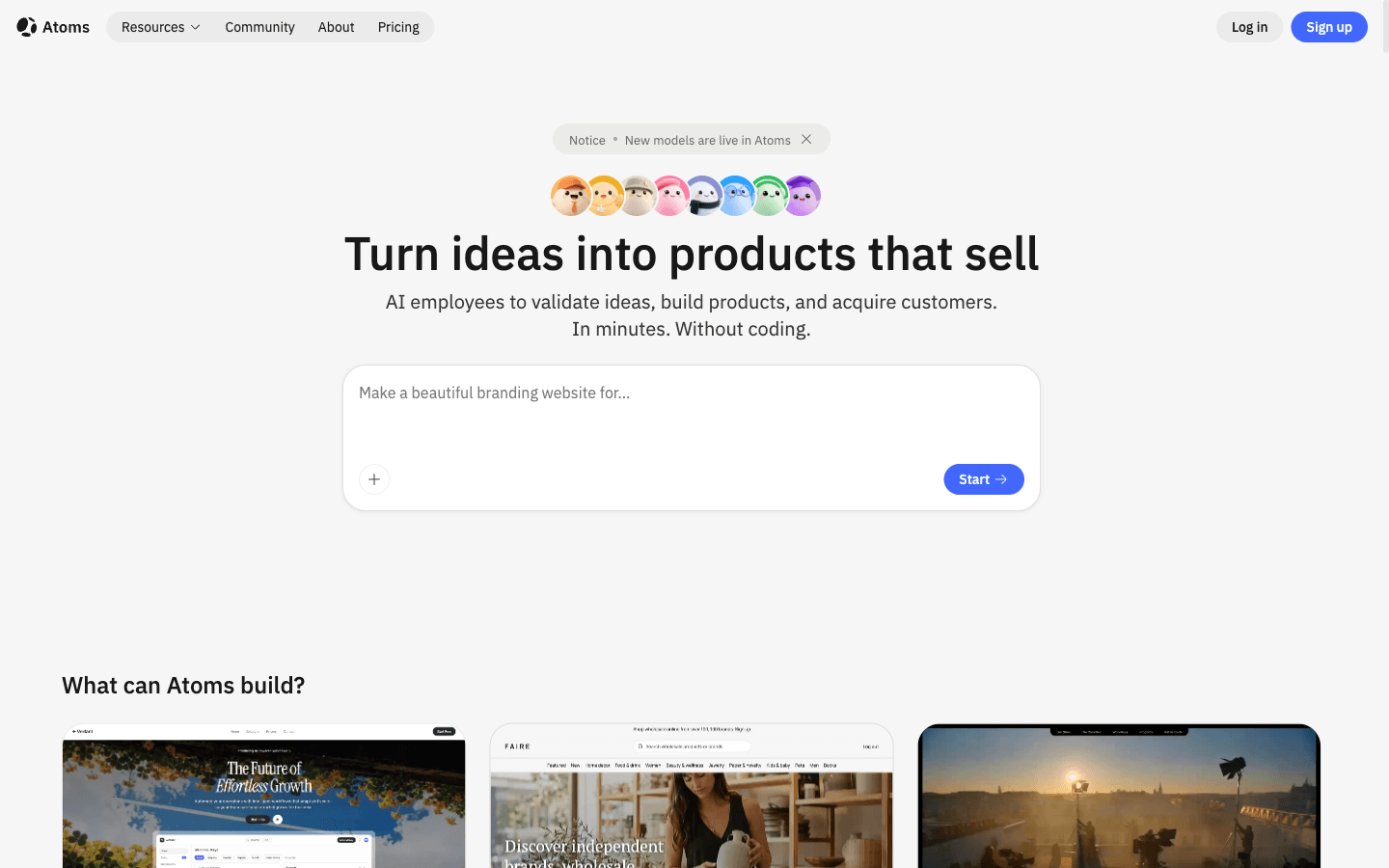
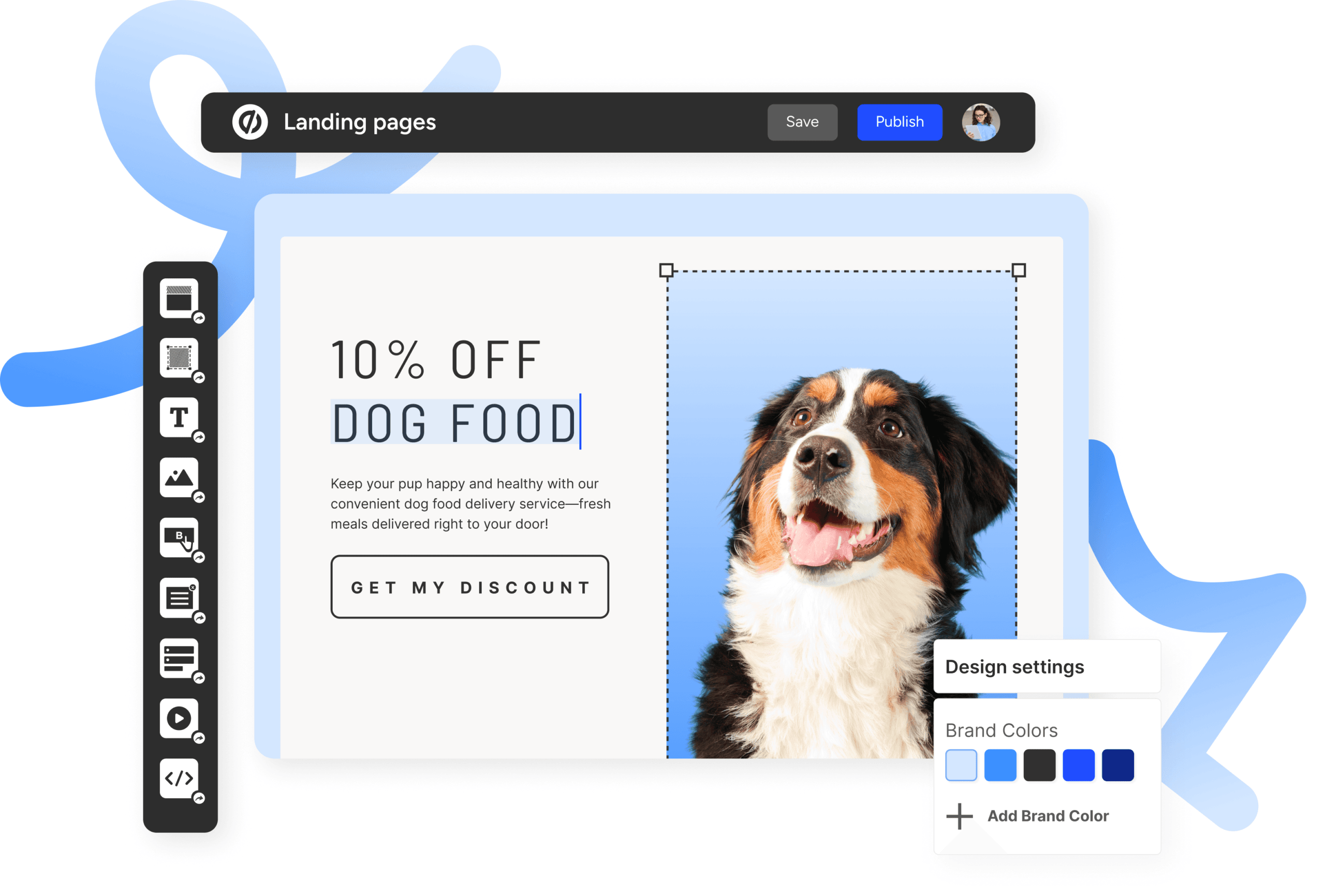
Unbounce is a dedicated landing-page platform with tools for building pages and experimenting with campaign performance. Check the plan's traffic allowances and optimization features against your campaign requirements before subscribing.
Main features
- Visual page building: Customize templates and drag-and-drop elements to create campaign pages without making routine layout changes a development task.
- A/B testing: Create page variants and run experiments in the same platform, keeping page production and campaign learning connected.
- Smart Traffic: AI optimization routes visitors to page variants using attributes such as device type and location, offering an alternative optimization workflow to a conventional split test.
- Dynamic text replacement: Adapt landing-page text to visitors' search terms, helping your team maintain a relevant connection between an ad and its destination.
Suitable for
- Paid-search marketers creating pages for different offers, audiences, or search messages.
- Campaign teams that need to compare headlines, layouts, and calls to action.
- Businesses ready to manage a repeatable experimentation process alongside page creation.
Instapage
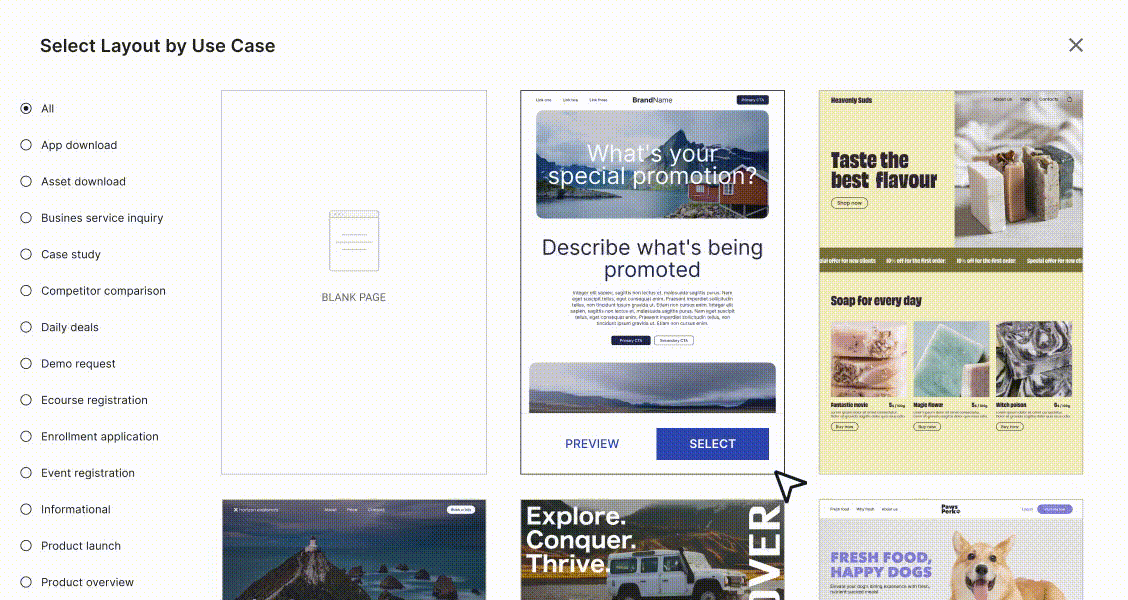
Instapage is a landing-page platform for teams coordinating ads, page variants, reusable content, and stakeholder feedback. It combines visual creation with tools for connecting campaigns to relevant page experiences. Confirm which collaboration, personalization, and experimentation features the proposed subscription includes.
Main features
- Visual creation and AI content: Build page layouts and generate copy ideas within the editor, giving marketers a starting point they can refine for a specific offer.
- Reusable content blocks: Instablocks and Global Blocks help reuse content; shared updates can reduce repetitive maintenance when information appears on multiple campaign pages.
- Ad-to-page coordination: AdMap helps visualize campaign structure and connect ads to relevant destinations, making mismatched messages easier for a team to identify.
- Review and optimization tools: Visual collaboration, analytics, and experimentation capabilities support feedback and improvement as part of the ongoing page workflow.
Suitable for
- Agencies producing and reviewing landing pages for multiple client campaigns.
- Paid-media teams aligning different advertisements with relevant page experiences.
- Organizations that need shared content and a coordinated process for page updates.
Leadpages
Leadpages is an AI landing-page and conversion platform that connects page creation with lead capture and measurement. Its current offering includes prompt-based generation alongside editing and testing features. Check your product experience and plan, particularly for advanced routing, heatmaps, and automation.
Main features
- AI page generation: Describe a campaign to produce a branded page draft, then use editing controls to refine the offer, content, and presentation before publication.
- Lead capture and integrations: Forms, webhooks, and connections to marketing tools help move submitted information into the systems your team uses for follow-up.
- A/B testing: Compare page variants as part of the platform's campaign workflow, with the available testing modes determined by your subscription.
- Conversion measurement: Analytics support ongoing evaluation; advanced features such as heatmaps and Smart Traffic are options to check against your plan and needs.
Suitable for
- Marketing teams building pages for recurring launches, promotions, or events.
- Businesses sending campaign leads into an established email or CRM workflow.
- Teams that want page creation and conversion measurement within one product.
Carrd
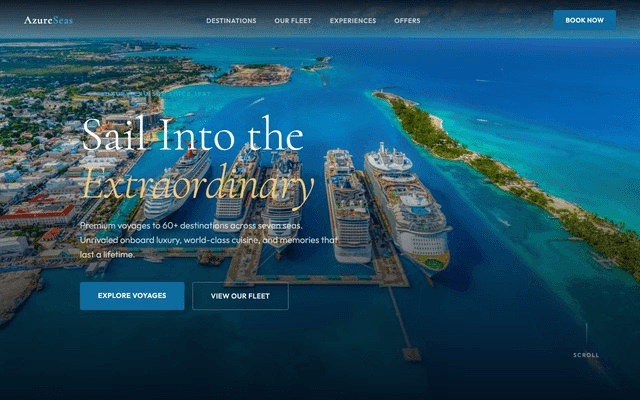
Carrd is a focused builder for responsive one-page websites. A compact product offer, personal introduction, or early launch page fits its basic structure well. You can begin with a template or a blank canvas and shape the content around one action. Distinguish free core publishing from the paid capabilities needed for forms, a custom domain, embeds, and tracking.
Main features
- Simple page starting points: Templates and a blank-page option let you choose between adapting an existing structure and arranging a compact page yourself.
- Responsive presentation: The builder supports one-page sites across screen sizes, giving you a foundation to review with your own content on mobile and desktop.
- Forms and embeds: Paid options include contact or signup forms and third-party embeds, allowing a simple page to connect with a wider marketing workflow.
- Domains and analytics: Paid options support custom domains and analytics services, helping a branded campaign page use the address and measurement tools you need.
Suitable for
- Solo creators introducing a service, project, or offer on one focused page.
- Early-stage teams validating a compact message before expanding their website.
- People who need a clear single-page presence with selected external integrations.
Kit
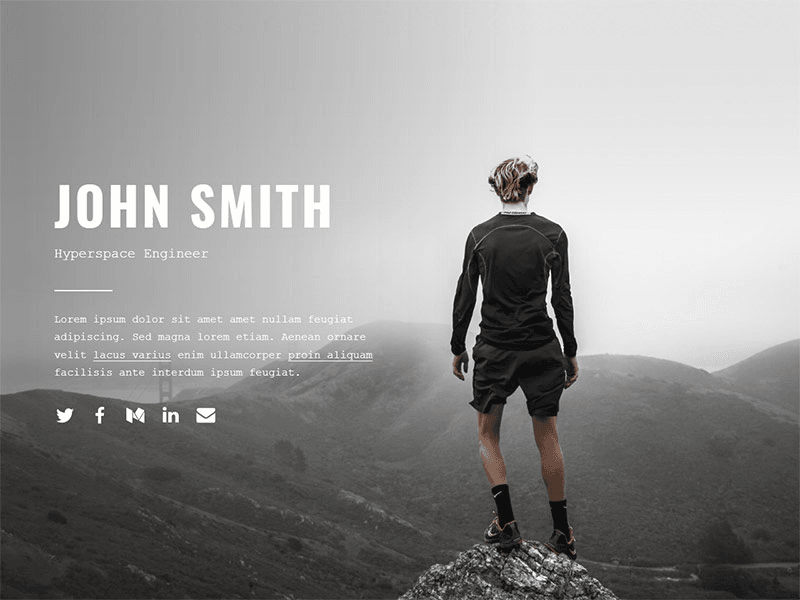
Kit is an email platform for creators that includes landing pages connected to subscriber workflows. It is a natural shortlist choice when the page's main purpose is growing a newsletter, delivering a lead magnet, or promoting an event. Evaluate its design options alongside the email automation you need. Check the relevant plan rather than assuming every follow-up workflow is included.
Main features
- Creator-focused templates: Start with structures for newsletters, lead magnets, waitlists, or events and adapt their content and appearance to the campaign.
- Connected subscriber flows: Landing-page signups can feed email automations, receive signup-source tags, and trigger lead-magnet delivery, keeping collection and follow-up connected.
- Signup analytics: View conversion and subscriber information, with additional tracking integrations available when you need to investigate where signups come from.
- Branding and domain controls: Adjust visual details and use a custom domain, with SEO title and description fields to support the page's identity and search presentation.
Suitable for
- Newsletter publishers building an audience around a clear subscription promise.
- Creators exchanging a useful download for an email signup and follow-up sequence.
- Educators or independent businesses promoting events, launches, and subscriber content.
HubSpot
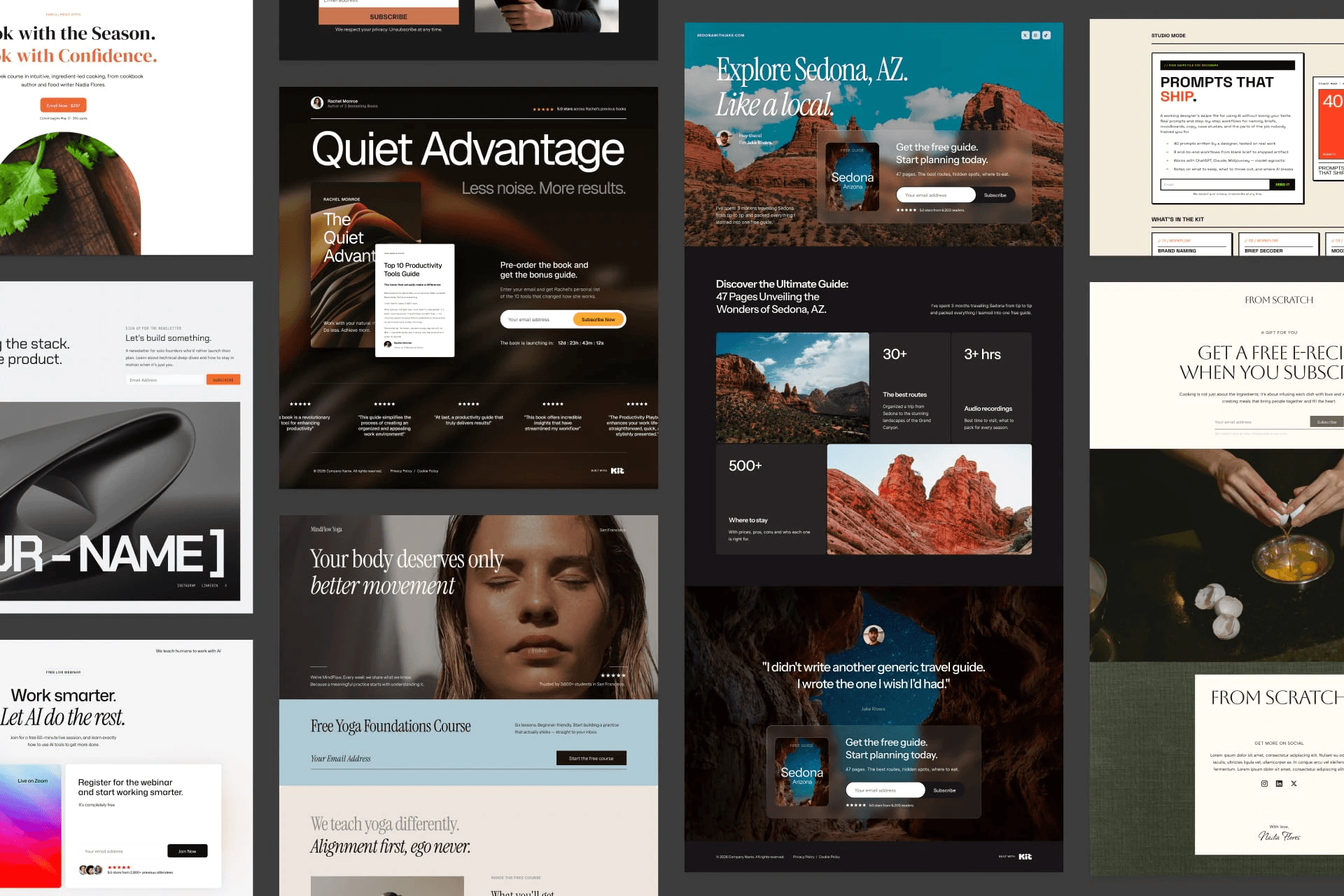
HubSpot is a CRM and marketing platform with a landing-page builder connected to its broader customer-data environment. It is especially relevant when your team already uses HubSpot to manage leads and follow-up. The page can become part of an existing process rather than another separate destination. Confirm the Hub and subscription tier required for testing, personalization, and automation.
Main features
- Templates and visual editing: Create pages using mobile-optimized templates and drag-and-drop controls, then preview how your content appears across devices before publishing.
- CRM-connected lead capture: Landing pages and forms can connect to customer records, helping the team continue the relationship after someone responds to an offer.
- Personalized experiences: Available personalization and dynamic-form features use visitor or CRM context to tailor the experience; check the plan needed for your intended setup.
- Measurement and testing: Conversion analytics and page-testing capabilities help marketers evaluate performance, with feature availability dependent on the selected product tier.
Suitable for
- Teams already managing contacts and marketing activity inside HubSpot.
- B2B campaigns where submitted leads need an organized sales handoff.
- Organizations using CRM context to shape follow-up and page experiences.
Landingi
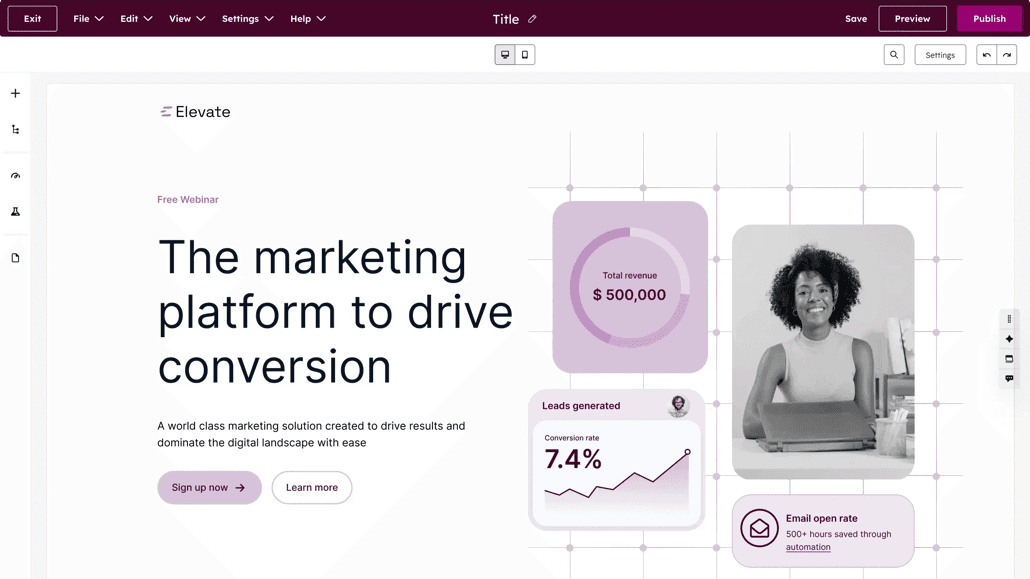
Landingi is landing-page software connecting creation, visitor-behavior data, experiments, and ongoing campaign operations. You can begin through its AI generation workflow or visual editor, then maintain the page within the same environment. Check which plan includes the event tracking, testing, and reusable sections your team will actually use.
Main features
- Generation and visual control: Create a page from a campaign brief or build in the visual editor, retaining an editable result for later changes.
- EventTracker: Track clicks, scrolling, and form interactions to investigate how visitors use a page and where a campaign may need further attention.
- A/B/X experiments: Compare page variants within the platform so page editing and experimentation can remain part of one campaign process.
- Smart Sections and integrations: Update recurring content across pages and connect campaigns to marketing tools, helping teams handle repeated work with greater consistency.
Suitable for
- Marketing teams maintaining several campaigns with overlapping content or branding.
- Agencies that need reusable page components across ongoing client work.
- Organizations combining page production, behavior analysis, and campaign updates.
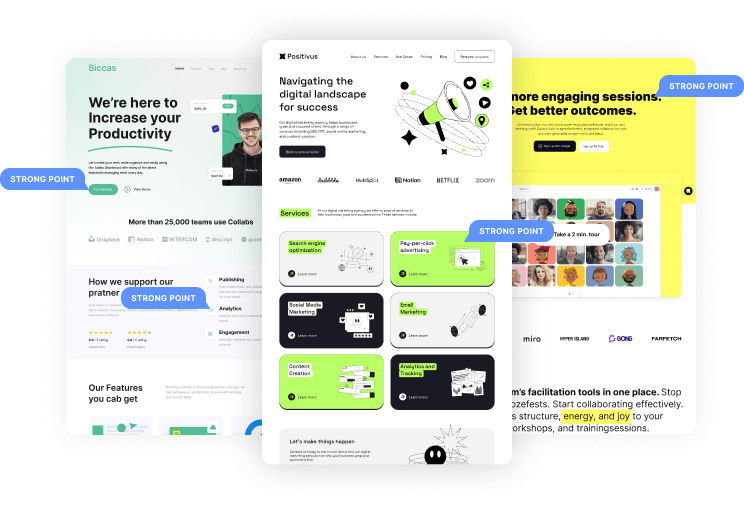
How Atoms helps turn a campaign brief into a live page
For a campaign that needs a tailored web experience, Atoms brings page creation, media, and iteration into one product-building workflow. Describe the audience, offer, sections, visual direction, and primary action, then review the generated website. Focused follow-up instructions help you develop that first version into the page you intend to launch.
- Turn a specific brief into an editable page. Define the offer and required content before generating. For example: “Build a responsive demo-request page for a scheduling product aimed at independent clinics. Include a clear hero, supplied customer proof, a product walkthrough, FAQs, and one primary demo action.” Specify the lead destination and avoid asking the system to invent testimonials or customer results.
- Develop the page and its media together. Atoms can generate images and video or incorporate supplied assets into the experience. Ask for a different hero treatment, a clearer explanation, or a simpler mobile section through focused iterations. Review visual accuracy, text legibility, media rights, and loading behavior before accepting the result.
- Keep a path open for a fuller product. A campaign may lead to a larger website or web application. Atoms supports backend and deployment capabilities when those become part of the project. Introduce additional interactions deliberately, and review data handling, authentication, integrations, and production settings whenever the page's responsibilities expand.
A generated website still needs launch review. Confirm content, accessibility, form delivery, security, and performance. If your campaign depends on CRM handoff or statistical testing, verify that workflow explicitly rather than assuming generation includes it.
These brand projects offer examples of focused product presentation. They illustrate website concepts rather than measured campaign or conversion results.
Luggage Brand Store Website presents UNBREAK, a premium hard-shell luggage brand, around a focused travel-product offer.
Digital Watches Online Store presents the TNNEY / Sport Time sports-watch brand through a landing-page and storefront experience.
Running Shoe Brand Store presents FEATHERSTEP as a lightweight running-shoe brand, connecting a specific product category with a branded storefront.
Turn your campaign brief into an editable page you can review.
How to select an ideal landing page generator
Start with the conversion action and follow it into the next system. If you are comparing landing page builders for stunning pages without coding, check whether a visually appealing page also delivers the lead, purchase, or booking correctly.
- Match the main job. Shortlist Carrd for a compact page, Kit for newsletter acquisition, and HubSpot when CRM continuity matters. Consider Unbounce, Instapage, or Leadpages for campaign experimentation, Landingi for repeated campaign operations, and Atoms for a tailored page that may develop into a fuller product.
- Price the complete setup. Separate an ongoing free plan from a trial. Check forms, domains, visitor allowances, seats, contact counts, integrations, and testing entitlements. An inexpensive publishing option may still require paid features or separate services to run your intended campaign.
- Evaluate the same small campaign twice. Use identical copy, assets, and form fields in two shortlisted tools. Change a mobile section, submit a test lead, confirm its destination, and inspect the thank-you experience. This gives you a concrete basis for judging everyday work.
- Verify measurement before buying traffic. Define the event that represents success and check it reaches your analytics system. Distinguish a button click from a completed submission. If you introduce variants, decide what you are testing and how you will assess the result before starting.
- Review the published experience. Check your domain, links, keyboard access, mobile layout, media loading, content accuracy, and relevant privacy notices. Assign someone to maintain the page after launch, including the form destination and any connected services.
Treat AI output as a first version. The useful question is whether you can understand, edit, and maintain the resulting page as the campaign changes.
Conclusion
Choose a builder around the action you want visitors to take and the workflow that follows. Then evaluate one real campaign before committing: edit the page, submit a lead, and check the result in the next system. A focused trial of that complete path can reveal more than a long feature list. If your next step is a tailored website draft, bring your audience, offer, and page brief to Atoms.
Start with one offer, one audience, and one clear action.
A little more clarity
Frequently asked questions
01Q1: Can I create a landing page without a full website?
Yes. A campaign can use a standalone page with one offer and one primary action. The builder may provide a hosted address, with custom-domain options depending on the product and plan. A fuller website becomes useful when visitors need broader information, navigation, or several different tasks beyond that campaign.
02Q2: Which landing page builder can I use for free?
Carrd, Kit, and HubSpot offer free landing-page options, but their scope differs. Check the current terms for publishing, branding, domains, forms, and follow-up features. A free page does not necessarily include your entire campaign workflow, and a time-limited trial should not be confused with an ongoing free plan.
03Q3: Do I need A/B testing for my first landing page?
First confirm that visitors can complete the intended action and that your tracking records it correctly. A/B testing can help compare alternatives once you have a clear question and enough traffic to evaluate outcomes. Low traffic or a broken lead path can make an apparent winner misleading or unhelpful.
04Q4: Can Atoms create a landing page from a written brief?
Yes. Describe the audience, offer, sections, visual direction, media, and primary action you want. Atoms can generate an editable website and support focused changes through conversation and preview. Define how submissions should work and inspect the result before publishing; a precise brief still requires review of the generated experience.
05Q5: Does an Atoms-generated page replace launch review?
No. Your team should verify content, media rights, responsive behavior, accessibility, forms, integrations, security, and performance before launch. Review backend or payment settings if the project uses them. Generating a page helps with creation, but it does not establish that every business requirement or connected workflow has been validated.
Share this article
 Posts
Posts 