
On this page
The best web page design software matches both the page you want to create and how you plan to maintain it. Wix and Squarespace offer guided website-building workflows; Webflow and Framer provide visual control over implemented pages; WordPress supports a content-oriented site; and Figma helps teams design and review interfaces. The right choice also depends on whether you need a design artifact or a working, published experience.
Web page design software at a glance
A website builder, a design canvas, and a content management system can all help create a page, but they leave you with different responsibilities. Look at the publishing path before choosing the editor.
This is an editorial comparison, not a timed product test or numerical ranking. Atoms is listed first as our own product. The same questions apply throughout: what can you control, what can you publish, and what must you manage afterward?
| Tool | Software type | Learning needs | Output and publishing path | Main tradeoff to evaluate |
|---|---|---|---|---|
| Atoms | AI product-building platform | Clear requirements and iterative review | Working website or app with deployment workflow | Generated content and functionality need checking |
| Wix | Hosted website builder | Visual editing and site setup | Website managed within the platform | Fit of required business modules and controls |
| Squarespace | Hosted website builder | Section, block, and style editing | Website managed within the platform | Layout model and supported section types |
| Webflow | Visual development platform | Layout rules, classes, and CMS structure | Implemented website with hosted publishing | Learning effort and service dependencies |
| Framer | Visual website builder | Responsive layouts and components | Website published from the visual workflow | Fit of content structure and integrations |
| WordPress | Self-hosted CMS in this comparison | Themes, blocks, hosting, and upkeep | Website on your chosen hosting setup | Maintenance and compatibility responsibilities |
| Figma | Design platform with distinct product workflows | Interface structure and collaboration | Design files, prototypes, or supported Make publication | Choosing the correct artifact and publishing route |
Seven web page design tools and who they suit
Choose a tool for the work you expect to repeat. Building one attractive page is different from managing a growing article library, coordinating a design team, or refining a web application.
Atoms
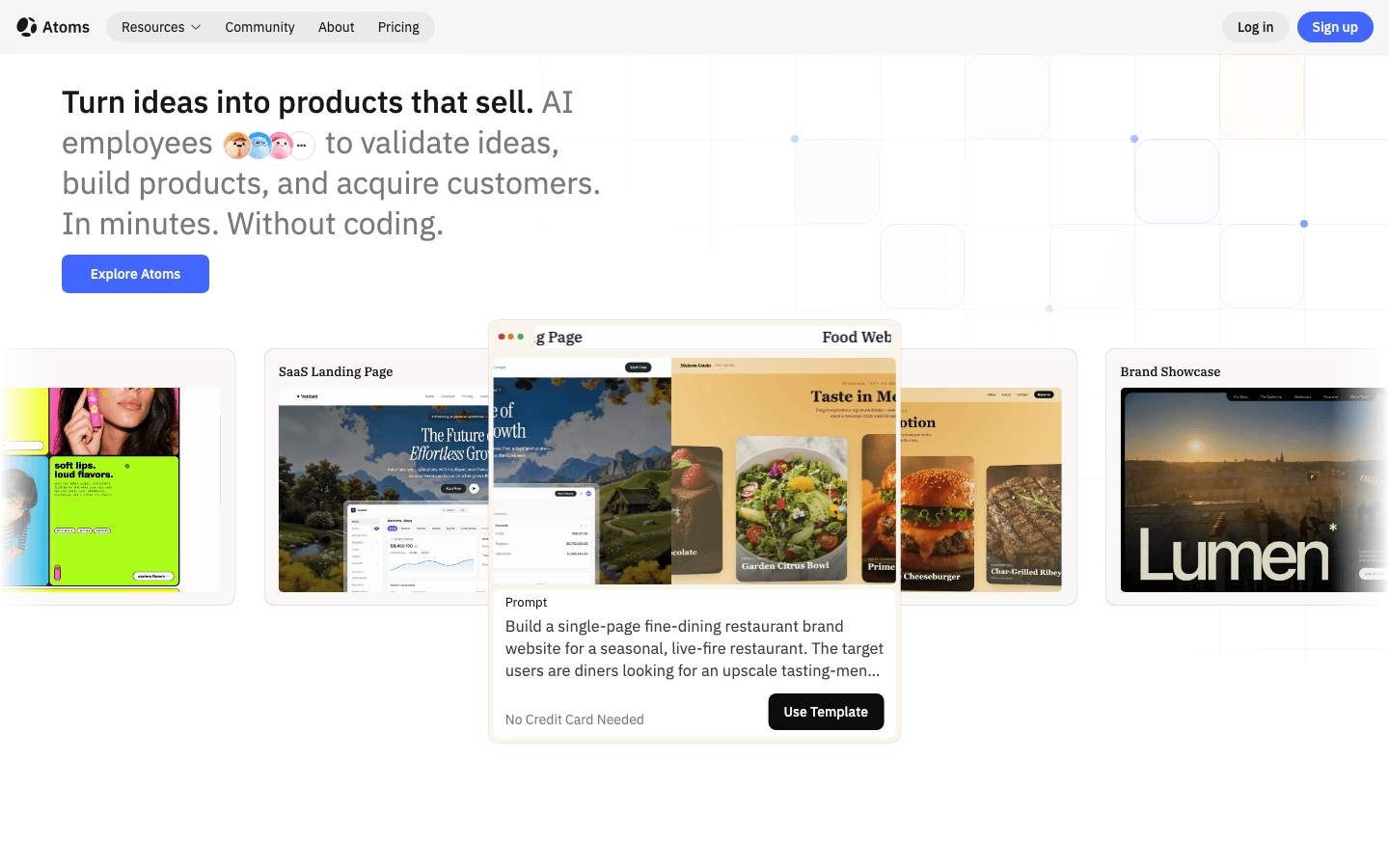
Atoms is an AI product-building platform that generates editable websites and web applications from natural-language requirements. It fits projects where you want to describe a page or product, inspect a working version, and refine it through conversation. This can connect design decisions with actual browser behavior. The responsibility to verify the content, integrations, accessibility, security, and performance remains with the team preparing the launch.
Main features
- Brief-to-website creation: Describe the audience, pages, content, and primary action to establish a starting build. Include the visual direction so the structure and presentation address the same product goal.
- Conversational changes: Request revisions to the layout, copy, or interactions and inspect the updated preview. This supports a workflow organized around what needs to improve rather than only individual styling controls.
- Media and application support: Combine supplied or generated imagery and video with the page. For projects needing application infrastructure, Atoms also supports backend and deployment capabilities, which require project-specific configuration and review.
Suitable for
- Founders exploring a website or web application from a product brief.
- Marketers building a page with supporting media and a clear action.
- Small teams prepared to review and refine a generated working experience.
Wix
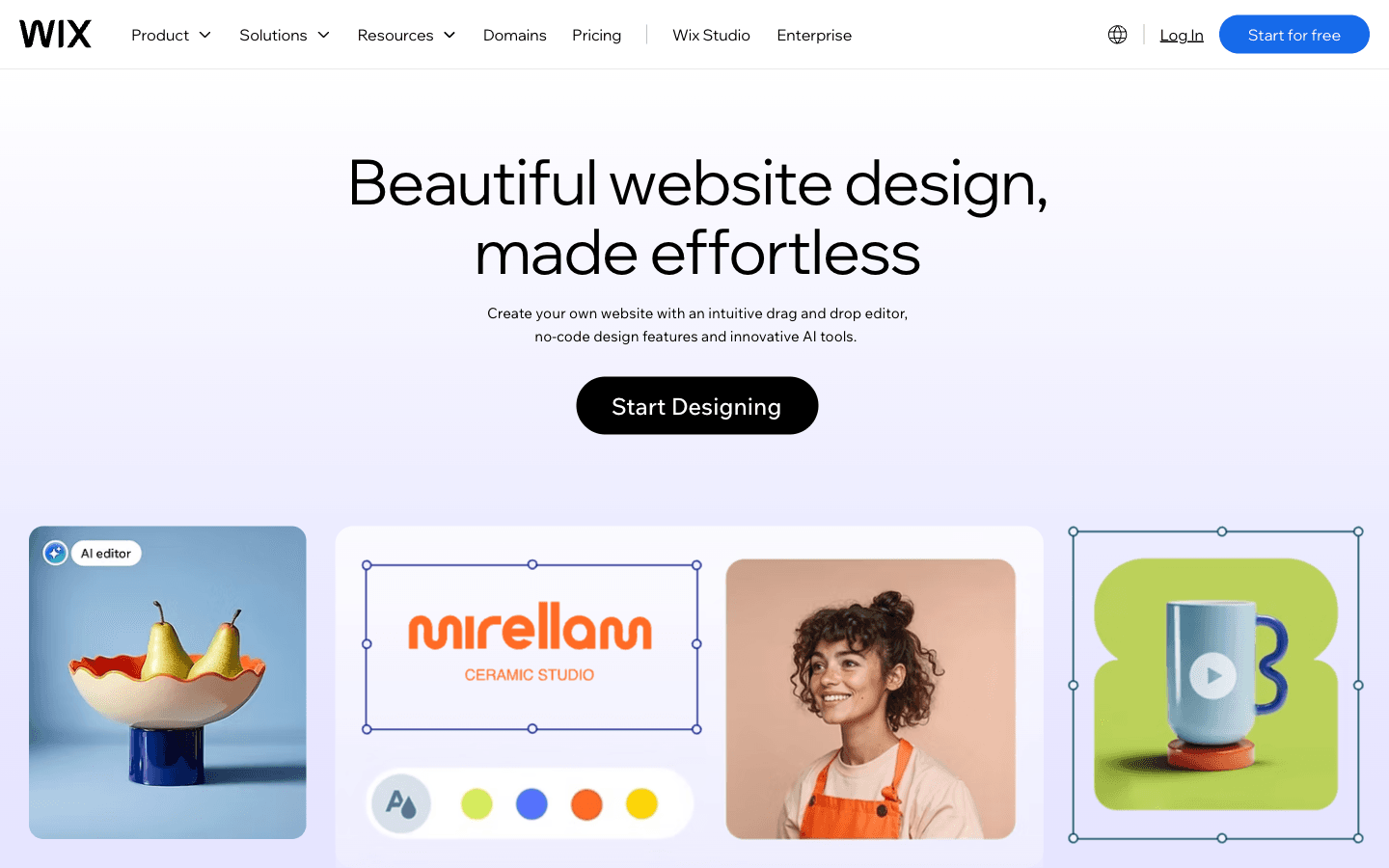
Wix is a hosted website builder that combines visual editing, templates, and AI assistance. It is a practical option for owners who want to create a business website and keep updating it themselves. Start by testing your actual page content and the business functions you require. The important fit question is whether the chosen workflow and modules support your operation, not whether the template looks attractive in a demo.
Main features
- Visual page editing: Arrange and customize page elements without writing the layout code yourself. This gives an owner direct control over common changes such as text, images, and the composition of a section.
- Template starting points: Begin with a layout suited to your site type, then replace the demonstration content. Evaluate it with real headings and images before deciding how much customization the project needs.
- AI-assisted creation: Use AI features to help develop the initial site direction and content. Review the output against your business information, and confirm that required features are included in the setup you select.
Suitable for
- Business owners who want a visual workflow for regular website updates.
- Freelancers building a site around a manageable set of pages.
- Beginners who prefer to adapt a starting structure instead of designing everything.
Squarespace
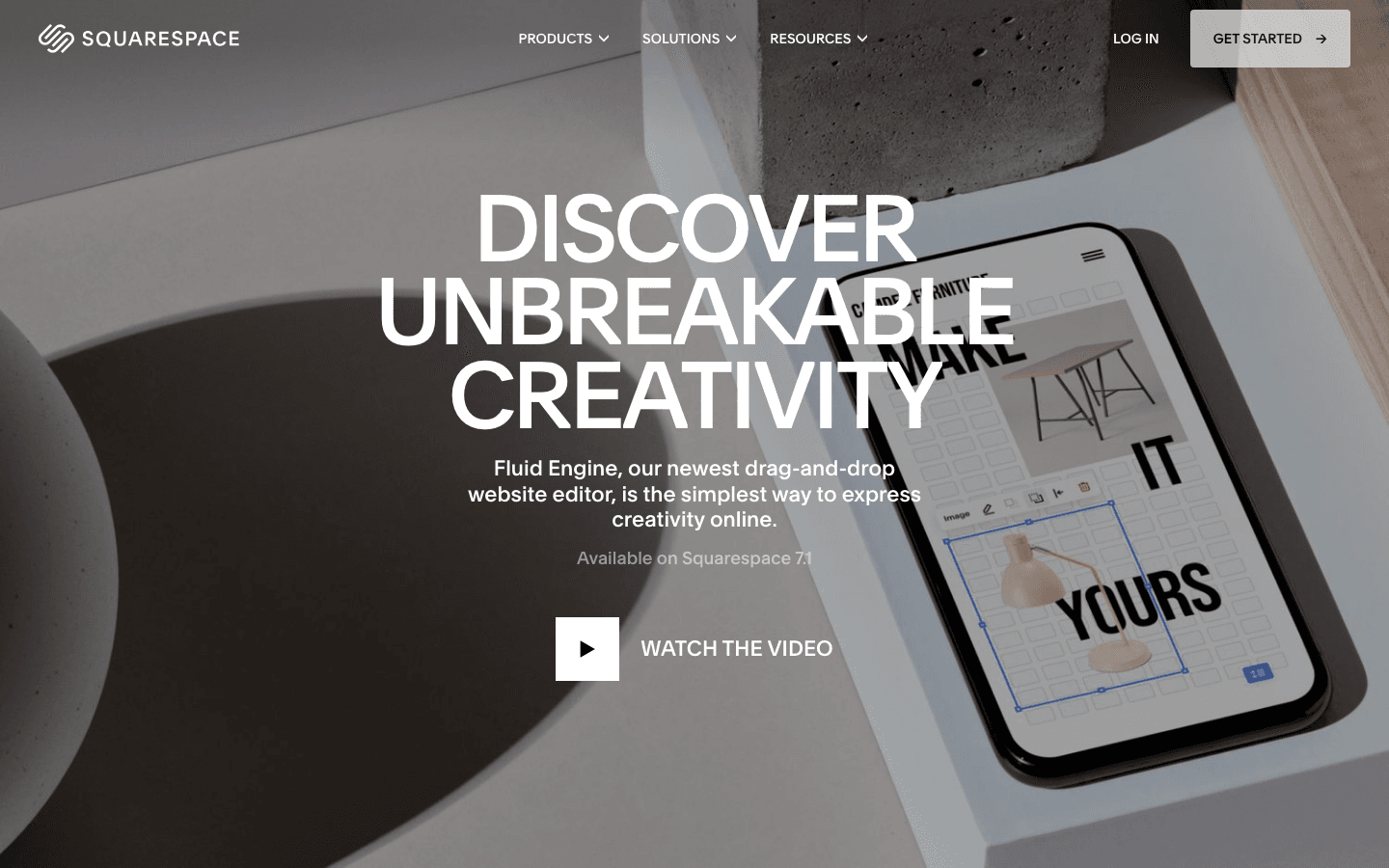
Squarespace is a hosted website platform for creating and maintaining visually led sites. Its Fluid Engine editor uses a grid-based approach to arranging blocks in supported sections on version 7.1 sites. That makes the editing model worth testing with your own content. Some content types use different editing experiences, so assess the pages you actually need rather than assuming every section behaves identically.
Main features
- Section and block composition: Place and adjust content within supported page sections. This helps you organize text, photography, and calls to action around a consistent page structure while retaining control over their arrangement.
- Site-wide style choices: Develop a coordinated typography and color direction through the platform's design settings. Shared choices are useful when you want different pages to feel related without styling each one independently.
- Desktop and mobile layout controls: Review and adjust how supported sections appear on different screens. Use real image crops and longer copy during this pass so layout choices remain useful beyond the template example.
Suitable for
- Creatives presenting a portfolio or a visually focused service business.
- Owners who want a coordinated website with ongoing content updates.
- Teams comfortable composing pages from sections and blocks within a hosted platform.
Webflow
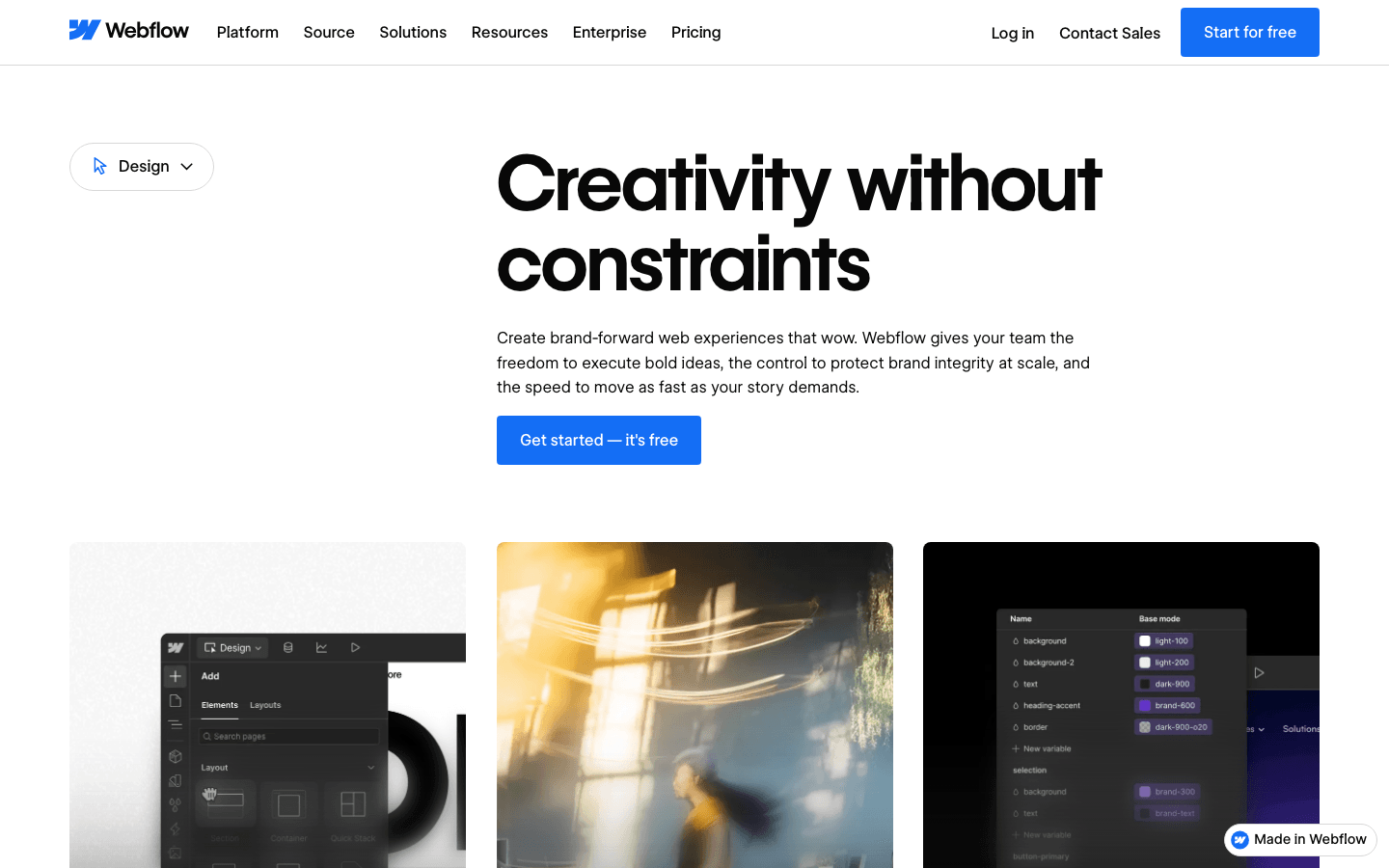
Webflow is a visual development platform for designing implemented websites with controls that reflect web layout concepts. It supports detailed structure and styling alongside CMS-driven content. Consider it when a designer wants to control how the site is built and how repeated pages relate. The same depth introduces concepts to learn, including classes, layout rules, and content structure; test that workflow before choosing it for a team.
Main features
- Visual layout controls: Work with structures such as flexbox and grid and refine spacing and typography. This is useful when the layout needs clear, reusable rules rather than a collection of individually positioned elements.
- Reusable styling and components: Apply shared classes and components across a site. Thoughtful reuse gives designers a way to maintain repeated navigation, cards, and other elements without treating every instance as a separate design.
- CMS-connected pages: Design around structured content and collection templates. This helps a content team add entries within an established presentation, while the designer manages the reusable layout and its responsive behavior.
Suitable for
- Designers who want detailed control over an implemented website.
- Agencies building reusable page systems for ongoing client content.
- Marketing teams with someone responsible for layout structure and CMS modeling.
Framer
Framer is a visual website builder that combines page design, responsive controls, CMS content, and publishing. It fits projects where the team wants to refine a page on a visual canvas and carry that work into the live site. Campaign pages, portfolios, and content sites are useful starting scenarios. Evaluate the actual content model and required integrations before assuming that visual flexibility covers every application requirement.
Main features
- Responsive canvas design: Build layouts with flexible sizing and adjust their behavior across breakpoints. This allows a designer to work through how a section changes with the viewport while keeping the page visually editable.
- Components and CMS templates: Reuse page elements and connect designed templates to content collections. Repeated items can follow the chosen structure while editors work on the content that belongs in each entry.
- Connected publication workflow: Design and publish within the website-building environment. Test the path from a content change to a published update, including the review and recovery options your team expects to use.
Suitable for
- Designers building portfolios and visually distinct campaign pages.
- Teams publishing recurring content through designed page templates.
- Marketers working with a designer who owns responsive behavior and components.
WordPress
WordPress is a content management system; this entry refers to self-hosted WordPress, rather than the WordPress.com hosted service. Its Site Editor lets you design site structure with blocks when a block theme is active. It suits work organized around pages, posts, and reusable templates. You also need to decide who manages hosting, updates, backups, and any extensions that become part of the website.
Main features
- Block-based site editing: With a block theme, edit areas such as the header, footer, and page structure. This gives content-oriented teams a way to shape the site through editable building blocks.
- Shared templates and styles: Define presentation rules for recurring page types and customize visual settings. A template change can affect multiple pages, so review representative examples before applying changes across the site.
- Content-centered organization: Manage pages and their presentation within the CMS workflow. This is useful when publishing and revising content is an ongoing responsibility, with the chosen theme and extensions supplying additional project-specific behavior.
Suitable for
- Publishers and businesses with an ongoing library of written content.
- Owners who want to choose their hosting and site components.
- Teams with a clear maintenance owner or a partner handling that responsibility.
Figma
Figma is a design platform for teams shaping and reviewing interfaces together. Its product workflows now extend beyond design files: Make can create and publish interactive outputs. Keep those paths distinct when planning a project. An ordinary Design file does not become a deployed website merely because it looks complete; select and verify the specific workflow that produces the required final result.
Main features
- Collaborative interface design: Develop page layouts in a shared design environment and gather feedback around the work. This helps stakeholders discuss hierarchy, content, and flow before decisions are treated as final.
- Reusable components: Organize recurring interface elements so related screens follow common patterns. A team can then assess whether a proposed page belongs within the existing product language or requires a new design decision.
- Interactive and publishing workflows: Use supported Make capabilities when the task extends into a working experience. Check the relevant product, plan, and publishing requirements rather than promising a live site from any Figma artifact.
Suitable for
- Product and design teams that need shared interface decisions.
- Agencies reviewing page concepts with clients before implementation or publication.
- Teams already using Figma that want to assess its interactive website workflows.
How Atoms helps build and refine a working website
When the project includes both a visual page and behavior to test, a working draft makes the discussion more concrete. Atoms is an AI product-building platform that turns a natural-language brief into an editable website or web application. You can develop the experience through conversation, preview revisions, and prepare it for publication after review.
Give the brief enough structure to make the first version useful. Name the audience, required pages, real content, and the action a visitor should complete. Then connect design decisions with the job each section performs.
- Build around a visitor task. A product page might need to explain the offer and guide someone toward an enquiry. Specify those needs alongside the desired visual direction. Atoms can generate the page or application as a working starting point. Inspect what the controls actually do before treating the preview as a finished flow.
- Place media where it helps. Atoms supports image and video generation and their integration into the website, as well as supplied media. This is useful when the page depends on showing a product or communicating a mood. Review the resulting crop, meaning, and placement with the surrounding text. More media is not automatically a better page.
- Revise a specific problem. Ask for a clearer content hierarchy, an adjusted mobile layout, or a changed interaction. Preview the revision and recheck the visitor task. Atoms also provides backend and deployment capabilities for projects that need them. Production settings and connections still need review, including security, accessibility, data handling, and performance.
The following projects show three storefront contexts. They illustrate page subject matter and presentation; their descriptions do not verify checkout behavior or commercial results.
Noise-cancelling Headphone Store Website Silent Press is a premium noise-cancelling headphone brand website centered on its headphone offering.
Beverages Online Store This beverages e-commerce website presents a storefront for drinks.
Snacks Online Store This snacks e-commerce website presents a storefront for snack products.
How to choose the right tool
The most useful trial includes a change after the page already exists. That reveals whether the software fits the person who will maintain it, not only the person creating the first version.
If you are comparing web page design software tools for beginners, use the same small brief in each shortlisted option: one service page, a real image, three pieces of supporting information, and an enquiry action.
- Build with real content. Insert the actual business name, a longer heading, and representative imagery. Check whether you understand the controls needed to fix the resulting layout without rebuilding the page.
- Trace the publishing path. Establish whether you are producing a design file, a shared prototype, or a website. For a design-only trial, identify the implementation handoff. For a builder, publish a preview through its supported workflow.
- Try the required function. A form, booking action, or content collection should be part of the trial if the project depends on it. Confirm the real destination and behavior rather than accepting a convincing visual substitute.
- Make a routine update. Replace an image, change the opening hours, or add a content item. Let the future owner attempt this task; an editor is only convenient if the responsible person can use it confidently.
- Compare the whole commitment. Check current costs for hosting, domains, editors, extensions, generation usage, and needed business services. Establish recovery and migration options before the project becomes dependent on them.
For self-hosted software, include updates and compatibility work in that decision. For a hosted builder, understand which services depend on staying with the platform. An export option does not automatically reproduce every hosted function elsewhere.
What to check before publishing your first page
A good editor preview is the beginning of launch review. Check the actual page with its final content and connected actions, then assign someone to maintain it.
- Content and navigation: Replace placeholders, verify claims and contact details, and follow every important link. A visitor should understand the offer and the next step without needing the creator to explain the page.
- Responsive behavior: Review narrow and wide screens, including long headings and image crops. Look for clipped controls, awkward reading order, and sections that leave the main action hard to reach.
- Keyboard and form behavior: Move through interactive elements without a mouse. Test required fields, errors, and success feedback. Confirm that a submitted enquiry reaches the intended destination rather than only changing the screen.
- Media and page information: Review image and video weight, useful alternative text, page titles, descriptions, and the public URL. These checks support a usable, understandable page; they are not a promise of search rankings.
- Updates and recovery: Name the person who edits content, reviews future changes, and handles broken integrations. Make sure that person understands how to recover a previous working version or restore an appropriate backup.
Match the depth of review to the function. A brochure page and an application handling accounts or payments need different checks. If the critical action is not ready, simplify the first release to a verified flow rather than presenting an incomplete feature as available.
Conclusion
Choose page design software around the work that continues after the first layout: real content, functional actions, publication, and routine changes. A simpler tool that fits those responsibilities can be more useful than additional controls nobody will maintain. Test the whole path with one representative page. If you want to begin with a working website from a natural-language brief, build and refine it in Atoms.
A little more clarity
Frequently asked questions
01Q1: Which web page design software is easiest for beginners?
Wix and Squarespace are practical options to try for guided visual website creation. Atoms offers a conversational starting point. The easiest choice for you is the one that lets you make real content changes and verify the page's main action.
02Q2: Can I design a website without writing code?
Yes. Visual website builders and AI product-building tools support that workflow. You still need to supply accurate content, understand the page's purpose, and review its behavior. More specialized functionality may require configuration, integrations, or technical help.
03Q3: Is Figma enough to publish a website?
It depends on the Figma product and workflow. Design files and linked prototypes are distinct from published websites. Make offers publishing capabilities, so verify the relevant access, supported features, and final behavior before selecting that path.
04Q4: What should I budget for besides the editor?
Include the domain, hosting where separate, required extensions or services, collaboration access, and maintenance. AI usage may also affect the plan you need. Compare current terms for your actual requirements rather than relying on an introductory price alone.
05Q5: What should I review before launching an Atoms site?
Check the final content, mobile layouts, navigation, form destinations, and any connected backend or payment services. Review accessibility, security, media rights, and performance as appropriate to the project. A generated working draft still needs a deliberate launch decision.
Share this article
 Posts
Posts 