
On this page
The best website builders for portfolios depend on what your work needs to show. Squarespace offers guided visual layouts; Framer and Webflow offer design and content controls; Pixpa connects portfolios with client galleries; Carrd suits a compact, one-page showcase. Start by deciding whether you need a simple introduction, detailed project pages, or a client delivery workflow. Then compare how easily you can publish, update, and present your actual work.
Portfolio website builders at a glance
Popular website builders for portfolios differ most in the work they help you maintain. A photographer delivering images has different requirements from a product designer explaining decisions across several case studies. This shortlist compares documented capabilities and suggests practical fits; it is not a hands-on performance ranking.
| Portfolio builder | Editing approach | Project workflow | Suitable for |
|---|---|---|---|
| Atoms | Natural-language creation and iteration | Custom editable site | Creators exploring a specific concept |
| Squarespace | Templates and visual editing | Portfolio projects and contact pages | Visual creatives preferring guided layouts |
| Wix | Templates, AI and visual editing | Organized projects and business tools | Freelancers combining work and services |
| Framer | Design canvas and editable interactions | Visual site and CMS | Designers emphasizing presentation |
| Webflow | Visual layout and CMS control | Structured project publishing | Creators maintaining detailed case studies |
| Adobe Portfolio | Portfolio themes and media tools | Photo grids and project pages | Creators working with Adobe media |
| Pixpa | Portfolio templates and visual editing | Public portfolio and client galleries | Photographers managing client delivery |
| Carrd | Templates or blank one-page canvas | Compact single-page showcase | Freelancers with a concise selection |
8 best website builders for portfolios
Compare the capabilities, suitable users, and practical considerations below before committing.
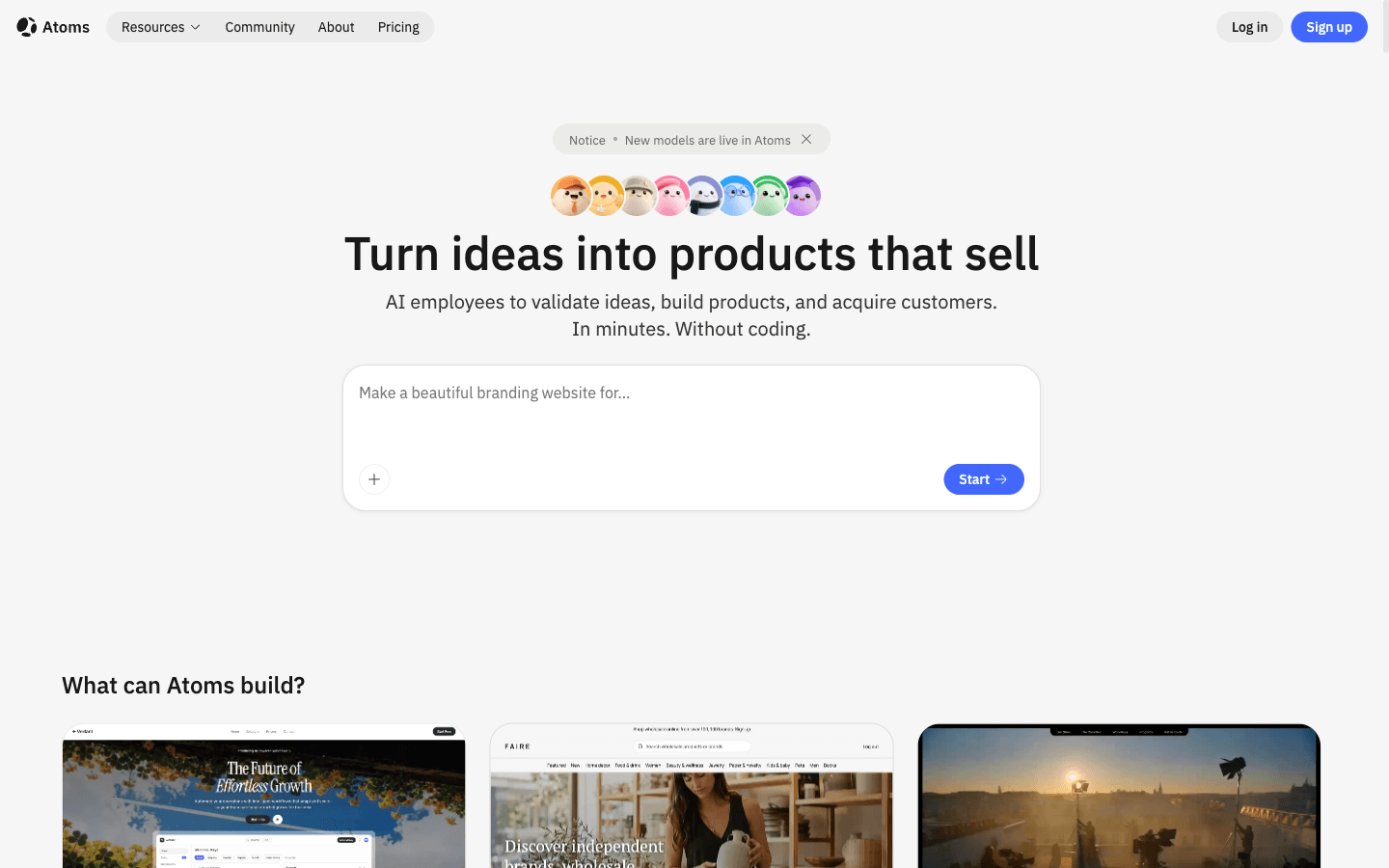
Atoms
Atoms is an AI product-building platform that turns a natural-language brief into an editable website or web application. For a portfolio, you describe the audience, project content, pages, and visual direction, then refine the result through conversation. It is worth considering when you already know what your work should communicate and want help assembling the site around it. Review generated content and interactions before publishing.
Main features
- Brief-to-site creation: Describe your homepage, project pages, and contact experience so the first version follows your intended portfolio structure.
- Conversational revisions: Request changes to layout, copy, or interactions as you review the site, making it possible to refine a specific section.
- Supplied-media placement: Incorporate your own project images and videos into the website, keeping the presentation connected to work you can explain.
- Preview and publishing workflow: Inspect the result and prepare it for deployment, with content, integrations, accessibility, and performance still requiring review.
Suitable for
- Creators starting with a defined portfolio brief and genuine project material.
- Multidisciplinary professionals combining text, images, video, or interactive work.
- People willing to inspect and refine an AI-generated website before launch.
Squarespace
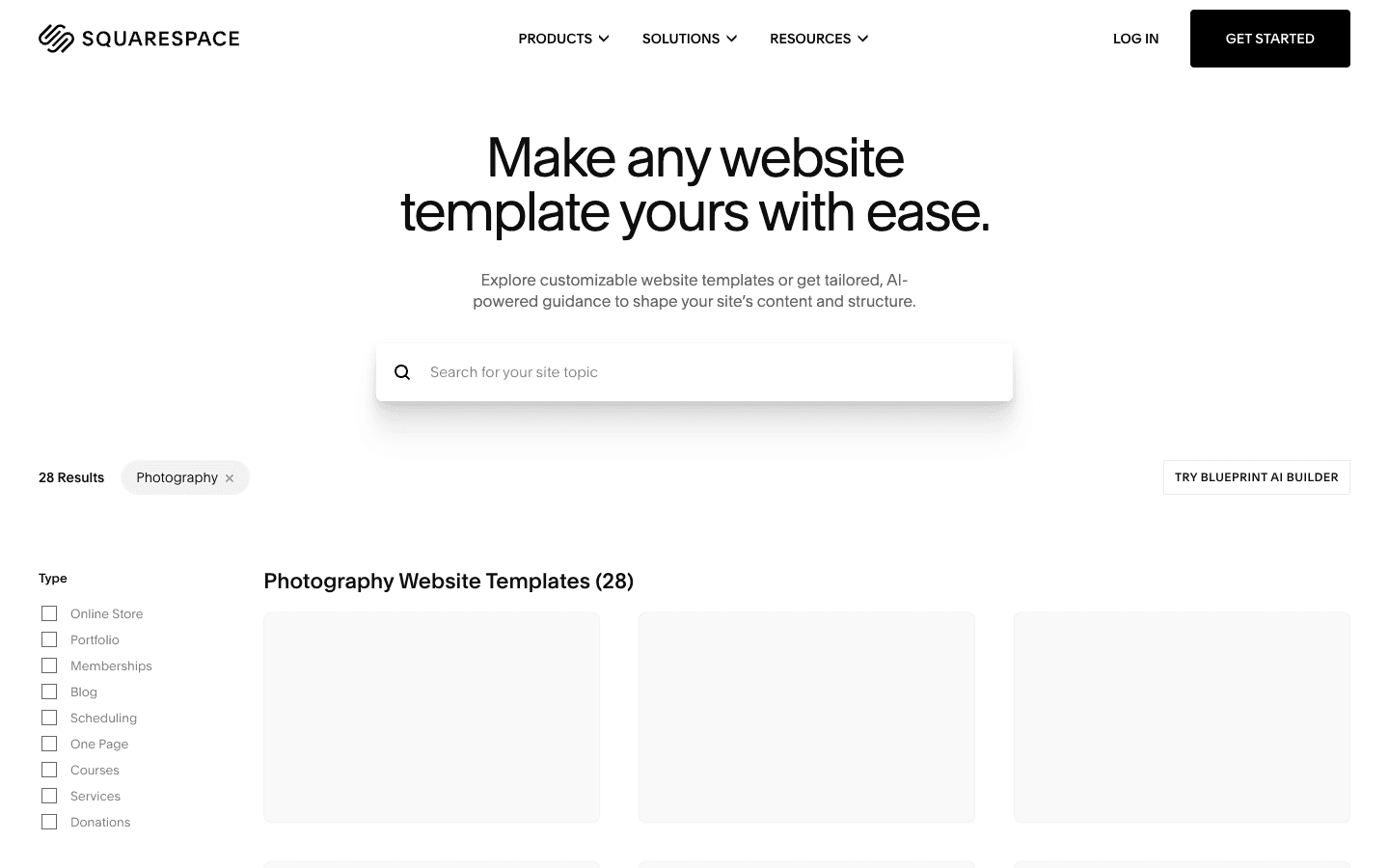
Squarespace is a website builder with portfolio layouts, project pages, and visual editing tools. Its portfolio product gives creatives a starting structure for showing their work, explaining their experience, and receiving inquiries. Consider it when you prefer adapting a designed layout to making every decision on an empty canvas. Try your longest project and preferred image arrangement before deciding that a template fits.
Main features
- Individual project pages: Present each piece of work in its own context instead of squeezing every image and description into one gallery.
- Fluid Engine editing: Adjust portfolio layouts through a drag-and-drop editor, with control over the presentation of text and visual elements.
- Contact forms: Give visitors a direct way to inquire, supported by an About page or resume that explains your background and working approach.
- Marketing and selling tools: Explore email campaigns, stores, or scheduling when your portfolio also supports a business; check the relevant plans and service costs.
Suitable for
- Visual creatives who want a guided starting point for presenting selected work.
- Freelancers combining project pages with an introduction and contact path.
- Creators who prefer managing their presentation within a hosted website service.
Wix
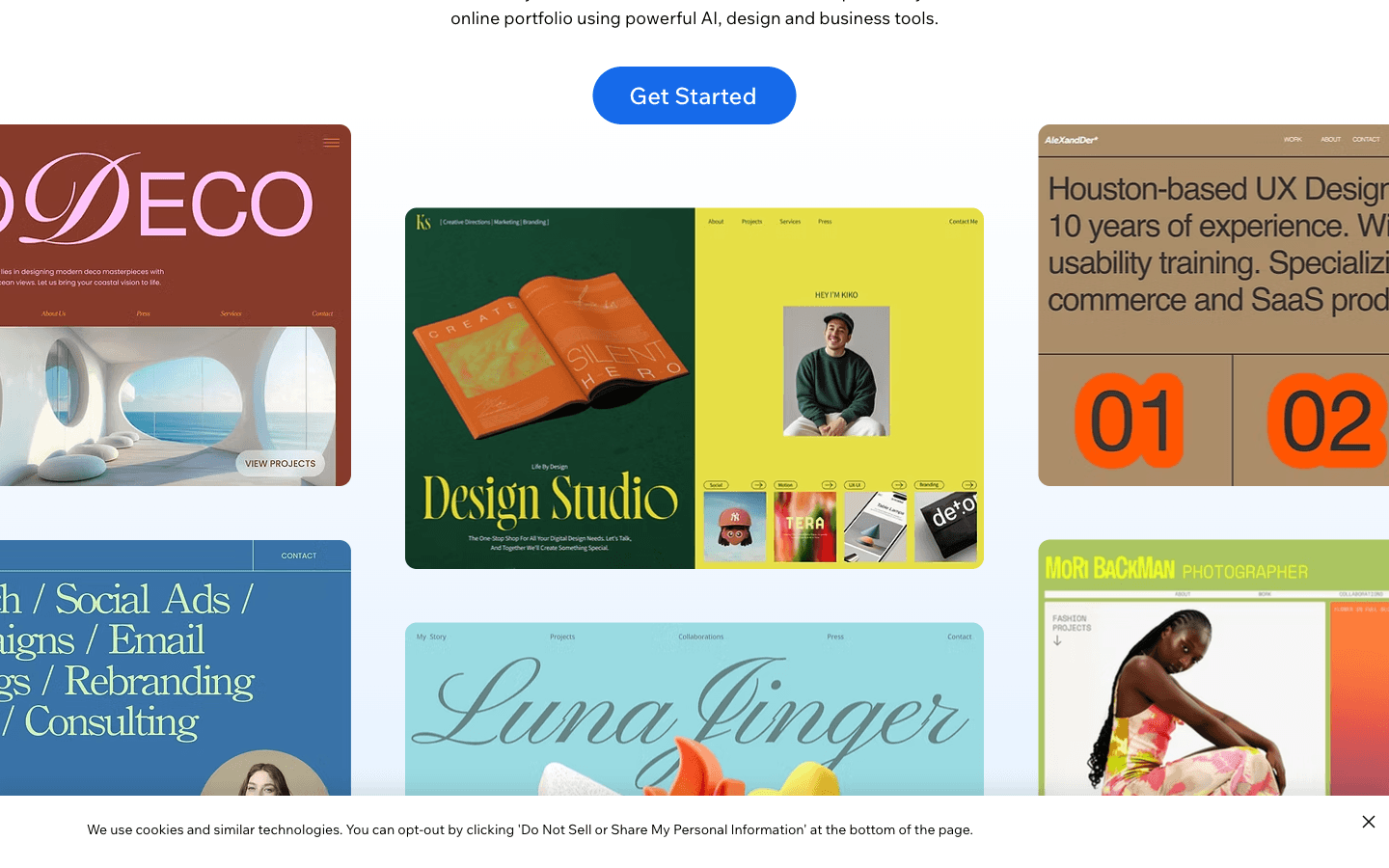
Wix is a website builder whose portfolio tools combine project organization, visual editing, and business functionality. You can start from a template or an AI-generated direction, then organize images and videos into projects. It belongs on the shortlist when your portfolio also needs to explain services or support bookings. Decide which business functions you actually need, then check their requirements before choosing a plan.
Main features
- Template and AI starting points: Choose an initial design or describe the portfolio you want, then customize the result to match your work.
- Project organization: Arrange uploaded media into projects and manage projects, media, and contacts from a central dashboard as your portfolio develops.
- Visual customization: Edit pages, text, and visuals, with motion effects available when they support the presentation rather than distract from it.
- Business functionality: Add a store, booking service, or blog when those activities belong alongside the portfolio, checking the required setup and plan.
Suitable for
- Freelancers presenting past work while offering a clearly defined service.
- Creators organizing projects with a mixture of images and video.
- Professionals who want room to add business functions to their portfolio.
Framer
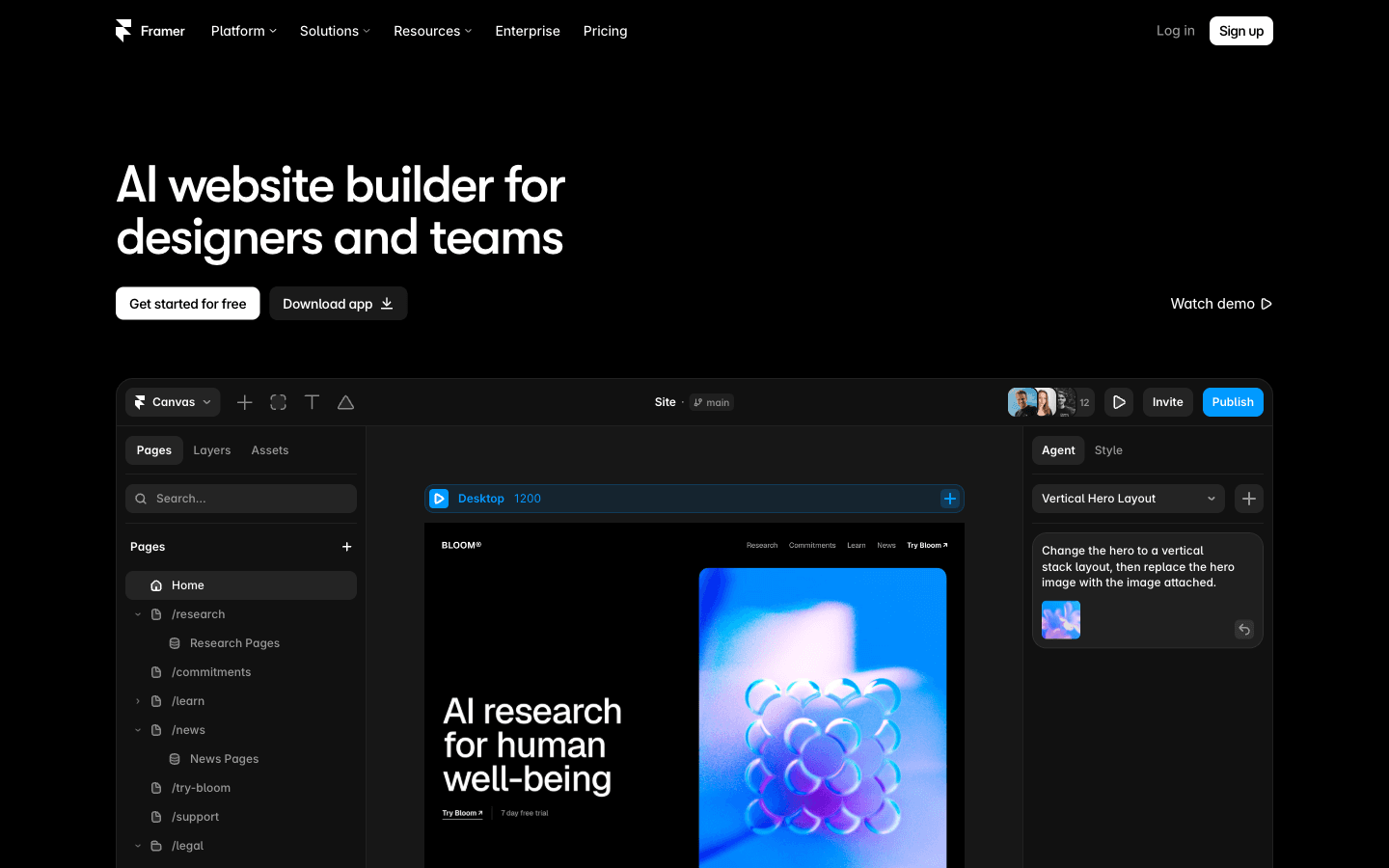
Framer is a visual website design platform with an editable canvas, a CMS, and tools for custom interactions. It is an option for designers who want their portfolio's presentation to demonstrate their visual judgment as well as display finished projects. The useful question is whether those design choices make the work easier to understand. Test navigation and motion on a phone before treating an elaborate desktop composition as finished.
Main features
- Editable design canvas: Shape the layout directly and refine generated designs in place, keeping the relationship between content and presentation visible.
- CMS publishing: Manage repeatable content alongside designed pages, which can help maintain a consistent structure as you add more projects.
- Custom effects and interactions: Build distinctive visual behavior where it supports a project or demonstrates a relevant part of your craft.
- Site publishing and SEO tools: Prepare the site for publication and manage search presentation, checking project titles and descriptions before sharing it.
Suitable for
- Product and visual designers who care about the site as a designed experience.
- Creators using interaction to explain work or demonstrate a relevant skill.
- Portfolios combining tailored layouts with content that needs regular updates.
Webflow
Webflow is a visual website platform with layout controls, content publishing, reusable components, and interactions. For a portfolio, its appeal is the ability to establish a consistent presentation for a growing collection of detailed work. Consider it when project structure and ongoing publishing matter as much as the first homepage. Before committing, check that the person maintaining the portfolio is comfortable with its editing workflow.
Main features
- Visual layout and typography: Control page composition and text presentation to create a consistent visual hierarchy across your portfolio and project pages.
- CMS publishing: Manage site content through a visual CMS, useful when each new project follows a repeatable set of information and presentation choices.
- Reusable components: Carry shared design elements across pages so recurring navigation and other interface details do not need separate decisions every time.
- Responsive interactions: Create visual interactions and adapt them to different breakpoints, with reduced-motion considerations available in the interaction workflow.
Suitable for
- Designers presenting detailed case studies with a consistent information structure.
- Creators expecting to add and revise projects over a sustained period.
- Professionals comfortable making explicit decisions about layout, content, and interactions.
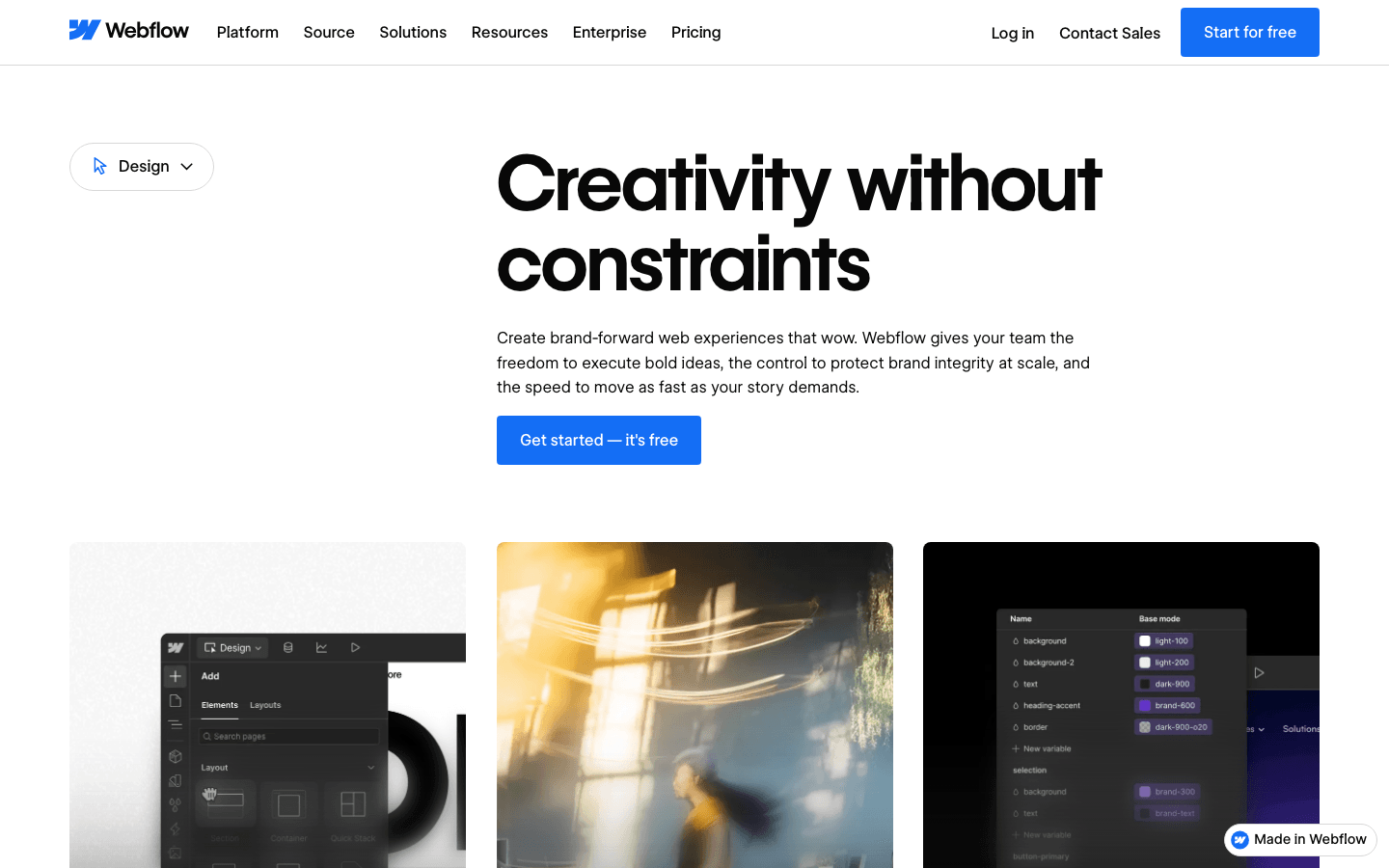
Adobe Portfolio
Adobe Portfolio is a focused portfolio website service with themes and connections to Adobe media workflows. It supports both a simple introductory site and a multipage collection of work. For photographers or designers already organizing material in Adobe tools, that connection is a useful reason to investigate it. Check current subscription eligibility and try the presentation you need before assuming it fits your existing account or project structure.
Main features
- One-page or multipage sites: Begin with a concise introduction or create a collection of work with supporting pages and a contact page.
- Responsive photo grids: Display images in layouts designed to adapt across screen sizes, then inspect important crops and sequences with your actual photographs.
- Lightroom import: Access and import Lightroom photos through your Creative Cloud account, connecting existing media organization with the portfolio-building process.
- Password protection: Keep a whole website or selected pages private when the material needs controlled access rather than an entirely public presentation.
Suitable for
- Photographers whose existing media workflow includes Lightroom and Creative Cloud.
- Designers seeking a focused way to organize and publish visual projects.
- Creators who need selected project pages to remain separate from public work.
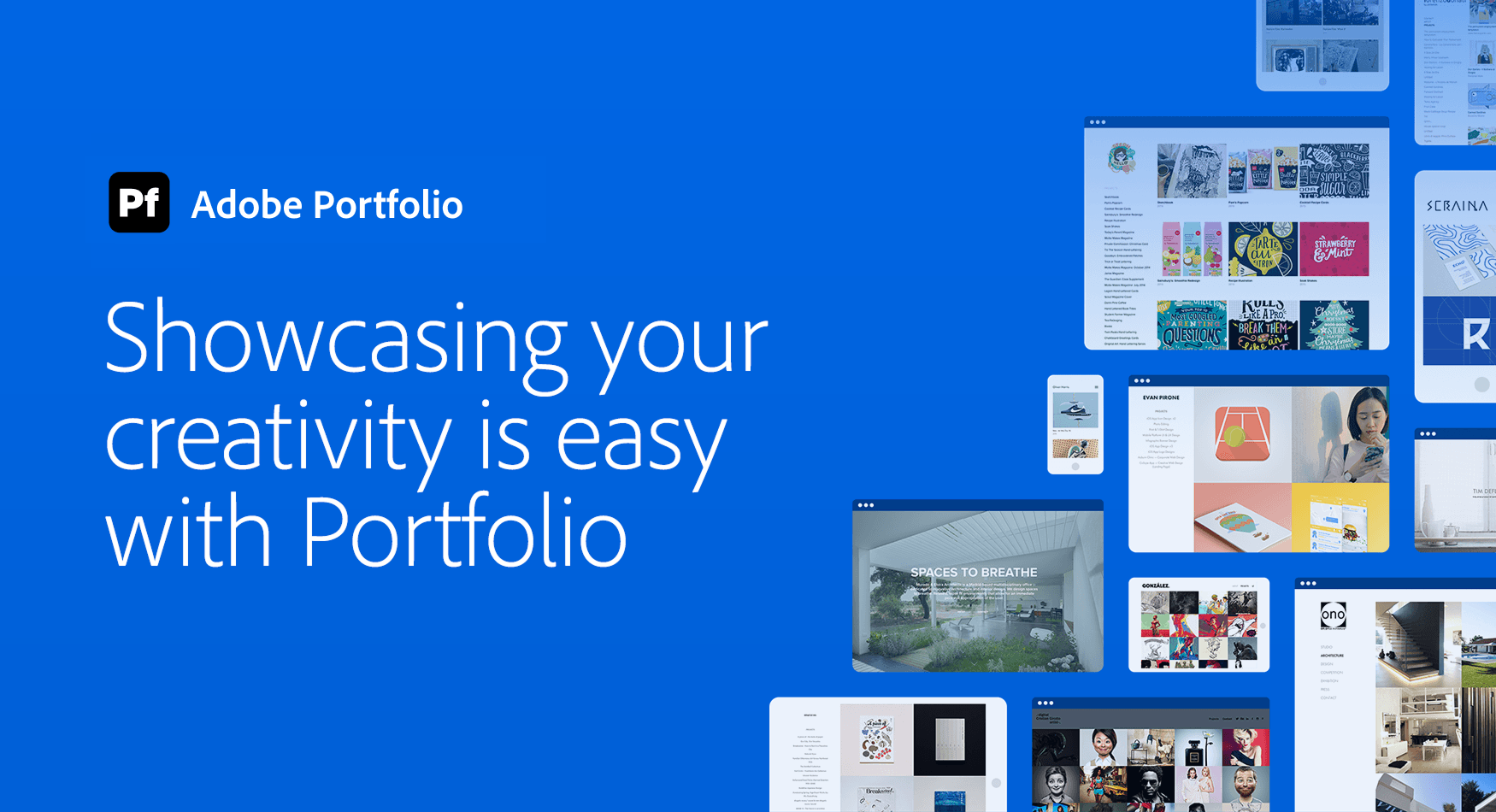
Pixpa
Pixpa is a portfolio website builder that also includes client galleries, a store, and a blog. That combination matters when your website supports client work after the initial inquiry: sharing a shoot, collecting selections, or delivering images. It is a practical candidate for photographers comparing complete workflows. Test a sample gallery and check the intended plan's limits before relying on it for live client delivery.
Main features
- Portfolio templates and visual editing: Arrange sections and adjust typography, spacing, and color to create a public showcase that matches your work.
- Private proofing galleries: Share galleries where clients can review and favorite images, supporting a different task from browsing your public portfolio.
- Image delivery: Let clients view and download material through gallery workflows, checking access settings and the experience on their likely devices.
- Store and blog: Present products, services, or editorial content alongside your portfolio when those activities are part of your creative business.
Suitable for
- Photographers who want public presentation and client galleries in one platform.
- Creators combining selected work with products, downloads, or a service offering.
- Professionals who prioritize the everyday process of sharing and delivering images.
Carrd
Carrd is a builder for responsive one-page websites, using templates or a blank starting point. It fits a portfolio that can explain its purpose, show a concise selection, and offer a clear next action within a single page. That scope can be useful for a first professional showcase. If you expect many substantial case studies, test how visitors will navigate them and how you will maintain the growing page.
Main features
- One-page composition: Bring an introduction, selected work, and contact action into one focused site without designing a large page hierarchy.
- Templates and responsive layouts: Start with an existing structure or make your own, then check how the result presents your material across screen sizes.
- Domains and forms: Relevant Pro features support custom domains and contact or signup forms, helping connect the showcase to a recognizable address and inquiry path.
- Widgets and embeds: Relevant Pro features can incorporate external services or custom code when a small site needs a specific additional function.
Suitable for
- Freelancers with a small, carefully selected set of work to present.
- Early-career professionals building a concise introduction to their skills and projects.
- Creators whose one-page showcase directs visitors to more detailed project material.
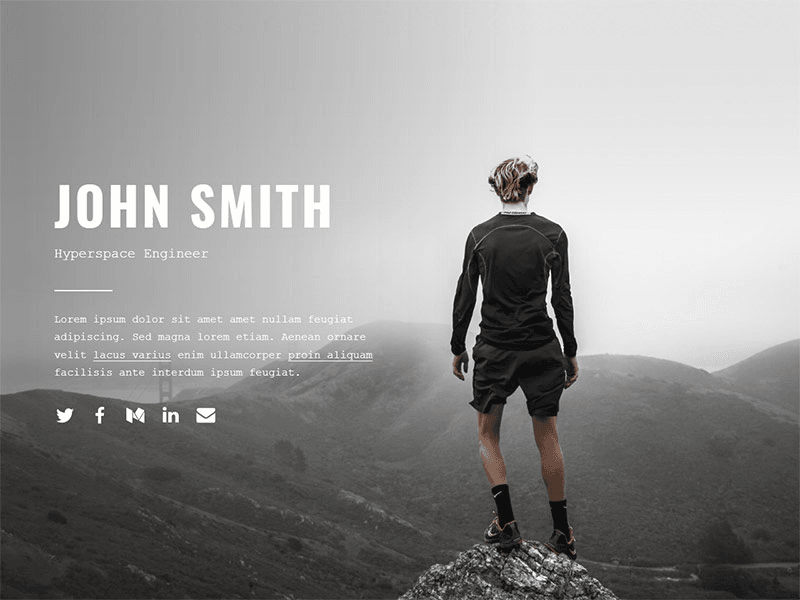
How Atoms helps you shape a portfolio around your work
Once you know what the portfolio must communicate, Atoms can turn that brief into an editable website. Give it the audience, selected projects, your contribution, available media, and the action you want visitors to take. The aim is a site organized around your real work, with a preview you can inspect and refine before publication.
- Build from a specific brief: Explain the page structure and visual direction alongside the content. For example: “Create a product-design portfolio with three project pages and a contact section. Use my supplied descriptions and images, and make my role clear.” This illustrative prompt is not a customer result.
- Revise around evidence: Ask for focused changes, such as bringing your contribution above a gallery or shortening an introduction. Check that the site accurately separates your work from collaborators' work and does not invent client outcomes, testimonials, or research findings.
- Place media with a purpose: Supply real project images and videos, then review their placement, cropping, and relationship to the accompanying text. Atoms also supports generated media, but supporting artwork should not be presented as evidence of completed client work.
- Review before launch: Inspect the site on different screens and verify navigation, content, media rights, contact behavior, integrations, accessibility, and performance. Review the generated result before sharing it.
The following Atoms projects are brand storefronts, not personal portfolios. They offer visual presentation references; they do not demonstrate client acquisition or professional portfolio outcomes.
Luxury Evening Wear NOCTURNE is an evening-wear storefront with an elegant presentation of formal clothing. It offers a visual reference for presenting a cohesive collection.
Streetwear Clothing For Gen Z VAGUE is a Gen Z streetwear storefront with a bold, forward-looking style. It provides a contrasting reference for a creative brand with a stronger visual voice.
Playful Gen-Z Streetwear POPSTACK is a streetwear storefront built around a playful, fashion-focused direction. It is another reference for matching a website’s visual character to the work being presented.
Turn your portfolio brief and real project content into a first website with Atoms.
How to select the right website builders for portfolios
The benefits of using portfolio website builders include reusable layouts, visual editing, and a manageable way to keep work current. Those benefits only help if the tool suits the material you publish. Start with two candidates and put the same genuine project into both.
When comparing professional website builders for a graphic design portfolio, look beyond the cover image. Can you explain the brief, your contribution, the design decisions, and the finished work in a readable sequence? A photography portfolio may instead put greater weight on image presentation and client-gallery tasks.
Use these five checks before paying for a longer commitment:
- Explain one project: Include its context, your role, and the work itself. Read the page as someone unfamiliar with the project. Check that the builder makes the narrative legible without hiding essential details behind unnecessary interaction.
- Add another project: Reuse the structure, change the content, and update the portfolio index. Notice what must be rebuilt and whether the next update is a task you would realistically keep doing.
- Inspect a phone layout: Check image crops, text sizes, navigation, and video behavior. Inspect your longest title and most demanding media.
- Send a real test inquiry: Follow the visitor's contact path and confirm that the message reaches the intended destination. Check any booking or purchase flow separately if it is part of the site.
- Check basic usability: Navigate with a keyboard, inspect focus visibility, and consider motion sensitivity. Try pages with representative media on a slower connection before adding more visual effects.
If you are searching for trusted portfolio website builders to attract desired clients, treat the builder as supporting infrastructure. Clear evidence, an appropriate selection of work, and a functioning contact path give visitors something useful to evaluate; no platform guarantees inquiries or hiring decisions.
Finally, compare the cost of the site you actually need. Check publication, custom domains and renewals, project or media limits, private galleries, and business add-ons. Consider how you would move your content later, and keep independent copies of your text and original files. A plan that fits a homepage may not fit a portfolio with growing case studies or client delivery requirements.
Conclusion
Choose a portfolio builder around the work you publish and the updates you expect to make. Shortlist two options, build the same real project, and test the mobile presentation, contact path, and next-project workflow. Pick the process you can maintain without losing control of your story. To explore a site shaped around a specific brief, bring your genuine project content to Atoms and review a first version.
A little more clarity
Frequently asked questions
01Q1: Which builder should a graphic designer or photographer shortlist?
For design case studies, consider the project structure and visual control offered by Squarespace, Framer, or Webflow. Photographers may also investigate Adobe Portfolio for media workflows or Pixpa for client galleries. These are starting points, not universal winners. Test your actual work and compare the effort required to keep it current.
02Q2: Do I need to code my portfolio or can I start with a builder?
A builder can handle many common portfolio tasks through visual editing or natural-language instructions. Writing code is an option when the site itself needs to demonstrate development skills or implement particular behavior. Either route still requires accurate content, usable navigation, accessible presentation, and testing before you share the portfolio.
03Q3: Can I start a portfolio for free, and do I need a custom domain?
Separate trying an editor from publishing the finished site and connecting a domain: those may have different requirements. Verify the current terms of your shortlist, including Adobe account eligibility where relevant. A custom domain can support consistent branding, but it does not prove skill or compensate for weak project content.
04Q4: Can Atoms turn existing work into a portfolio website?
Yes. Describe the pages and presentation you want, provide your genuine project material, and use Atoms to build and refine an editable website. Review the preview and ask for specific changes. You remain responsible for checking project descriptions, permissions, contact behavior, and the finished experience before publication.
05Q5: Can Atoms invent case studies or guarantee that my portfolio wins clients?
You should not present invented client work, results, or testimonials as genuine experience. Atoms can help create the website and supporting media, but the evidence of professional work must come from you. A website alone cannot guarantee client inquiries.
Share this article
 Posts
Posts 