
On this page
For most readers building a fast web-app MVP, a prompt-first builder is the best starting point. Choose a structured-data platform for a portal or internal tool, a visual no-code system for complex workflows, or a code-oriented workspace when developer handoff matters. In every category, prefer the option whose first usage limit arrives after your first useful release.
This guide compares ten options by what they are best suited to create, how their free access is generally structured, and what is most likely to become a constraint first. “Free” may mean a live branded site, a development workspace, or only a limited generation allowance. Plan names, credits, publishing rules, and limits change often, so check each product’s current terms before committing a project or promising a launch date.
10 free AI app builders at a glance
The table below focuses on practical selection criteria: the type of builder, the audience it fits, the shape of its free access, and the first limit worth investigating. Treat the final column as a due-diligence prompt rather than a permanent pricing claim.
| AI app builder | Best for | Free access model | First constraint |
|---|---|---|---|
| Atoms | Connected product workflows | $0 Free plan with a monthly credit allowance | Credits, storage, or backend projects |
| Lovable | Solo-founder MVPs | Credit-limited workflow | Usage credits or visibility |
| Bolt.new | Full-stack prototypes | Usage-limited workflow | Tokens or project usage |
| Zite | Business apps | Free app-building tier | AI credits or plan terms |
| Base44 | AI-built app publishing | Free app or credit allowance | Credits or domains |
| v0 by Vercel | React UI generation | Free usage allowance | Usage and handoff scope |
| Replit Agent | Code-level control | Free workspace allowance | Compute or agent usage |
| Glide | Spreadsheet-backed apps | Free publishing or data allowance | Rows, apps, or users |
| Bubble | Complex no-code workflows | Development or free tier | Live deployment or branding |
| Softr | Portals and internal tools | Free app or user allowance | AI credits, users, or domain |
10 best free AI app builders
1. Atoms: best for a connected idea-to-web-product workflow
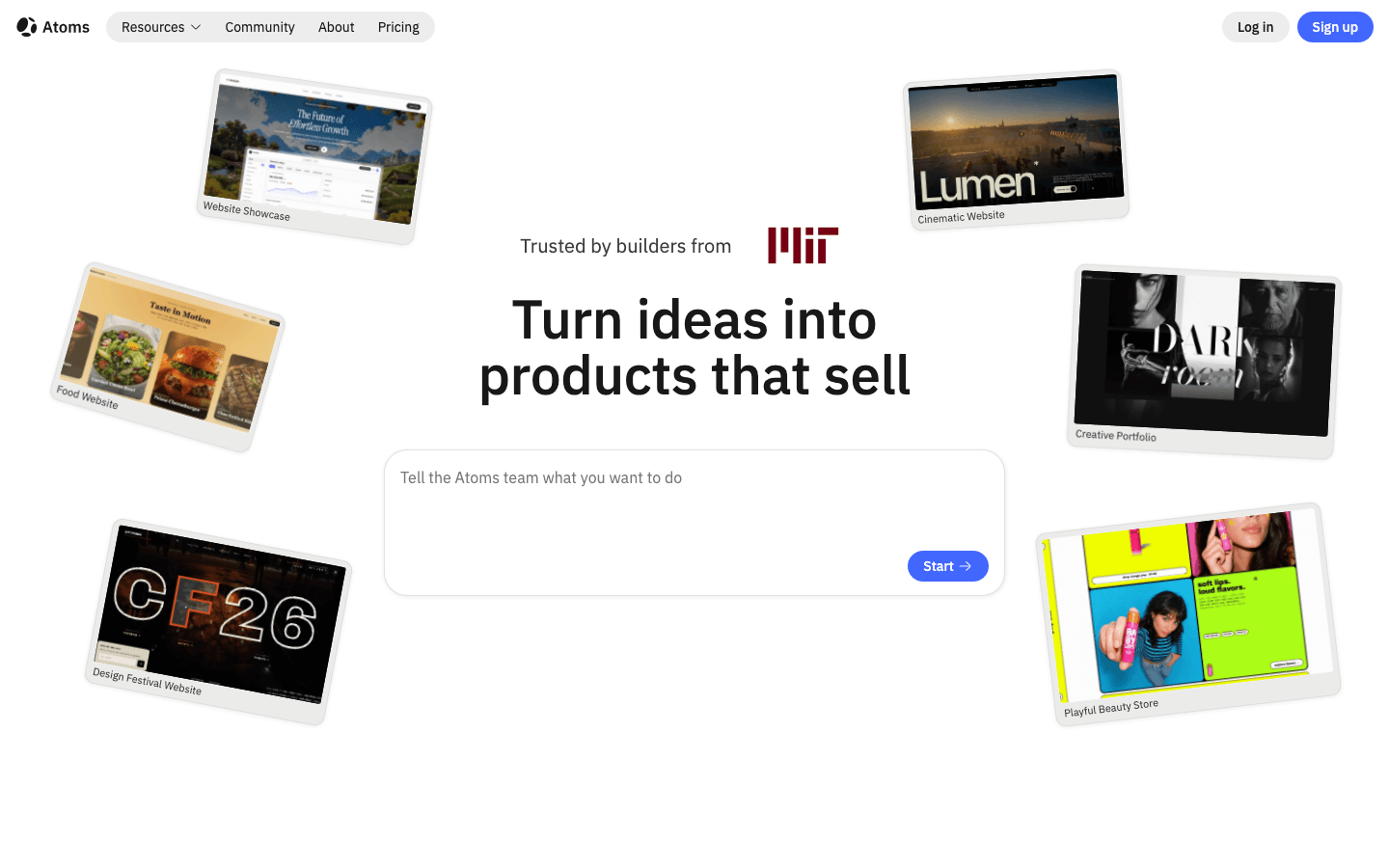
Atoms turns a natural-language brief into a working website or web application. Its specialized AI agents can support planning, building, research, and growth while keeping the result available for review and iteration.
Main features
- Natural-language generation for websites and web apps
- One coordinated workflow across planning, building, research, and growth
- Conversational iteration and live previews
- AI-generated images and video with integrated placement
- Support for 3D experiences and browser games
- Persistent data, authentication, and deployment workflows where needed
Suitable for
Atoms fits founders, creators, marketers, designers, and small teams that want one workflow from idea to a reviewable web product. It is useful for product sites, client-facing web apps, interactive media, 3D experiences, and browser games.
Pricing snapshot, September 15, 2026: Atoms listed a $0 Free plan with 15 daily credits, up to 25 credits per month, 2 GB of disk space, unlimited project sharing, and two backend projects. Before committing, verify the current Free plan on the live Atoms pricing page; these limits can change.
Atoms accelerates product creation, but production settings, integrations, payments, accessibility, security, and performance still require human review before launch.
2. Lovable: best for solo founders building polished web-app MVPs
Lovable is designed around a prompt-first workflow for generating web applications and refining them through conversation. A founder can describe the product, ask for a first version, and then request changes to the interface, flows, or supporting functionality without starting over in a traditional development environment.
Main features
- Prompt-based generation for web-app MVPs
- Fast conversational iteration on screens and user flows
- A strong emphasis on polished, presentable frontend output
- Useful starting point for signup flows, dashboards, directories, and simple SaaS concepts
- A workflow that can suit both non-technical founders and developers reviewing generated work
Suitable for
Lovable is a practical choice for a solo founder who needs to validate an idea quickly and wants the first version to look closer to a product than a rough wireframe. It can also work for small teams building an early customer demo or testing a narrow workflow with a limited audience.
Before starting, check Lovable's current official plan for how credits are counted, whether a project is public or private, and which deployment and integration features are included. Use those published terms to estimate whether the allowance covers the iterations needed for your proof of concept.
3. Bolt.new: best for full-stack prototyping with more project control
Bolt.new focuses on a browser-based prompt-to-code workflow for building full-stack prototypes. It is useful when the project needs multiple pages, application behavior, and a code-oriented foundation rather than only a visual mockup. You can describe what you want, inspect the generated project, and continue shaping it through additional prompts.
Main features
- Prompt-to-code generation for full-stack prototypes
- A browser-based build and preview loop
- Support for multi-page applications and interactive workflows
- More visibility into the generated project than a purely visual builder
- A natural fit for developers or technical collaborators who want to extend the result
Suitable for
Bolt.new suits builders who want to move quickly but still care about the project structure underneath the interface. It is a good option for a prototype that may later be handed to a developer, connected to services, or expanded beyond a simple marketing page.
Its key trade-off is usage economics. Token or project limits can interrupt a larger build, especially when prompts involve repeated debugging, dependency changes, or broad refactors. Before relying on the free path, test how quickly a typical request consumes the allowance and decide whether the generated code can be exported or continued elsewhere when the limit is reached.
4. Zite: best for non-technical teams building business apps
Zite is oriented toward AI-assisted business-app creation. Its value is less about producing a flashy one-page experiment and more about helping users think in terms of workflows, data, roles, and publishing. That makes it relevant to teams that need an internal tool or a client-facing business application without assembling every part manually.
Main features
- Natural-language assistance for creating business applications
- Visible workflows that are easier for non-technical stakeholders to understand
- Database-oriented app concepts
- Role and access considerations for shared tools
- A publishing-oriented workflow for moving beyond a private mockup
Suitable for
Zite is well suited to operations teams, agencies, and business users creating intake forms, approval flows, lightweight CRMs, dashboards, or client portals. It can be a better match than a code-first tool when the people responsible for the app need to edit fields, workflows, and permissions directly.
When assessing the free plan, verify how AI credits work, whether the app can be published publicly, and which data or collaboration features are included. If a project has many users or frequent workflow changes, limits on AI generation may matter less than limits on publishing, records, permissions, or integrations. Also confirm whether branding or a platform subdomain remains visible in the free experience.
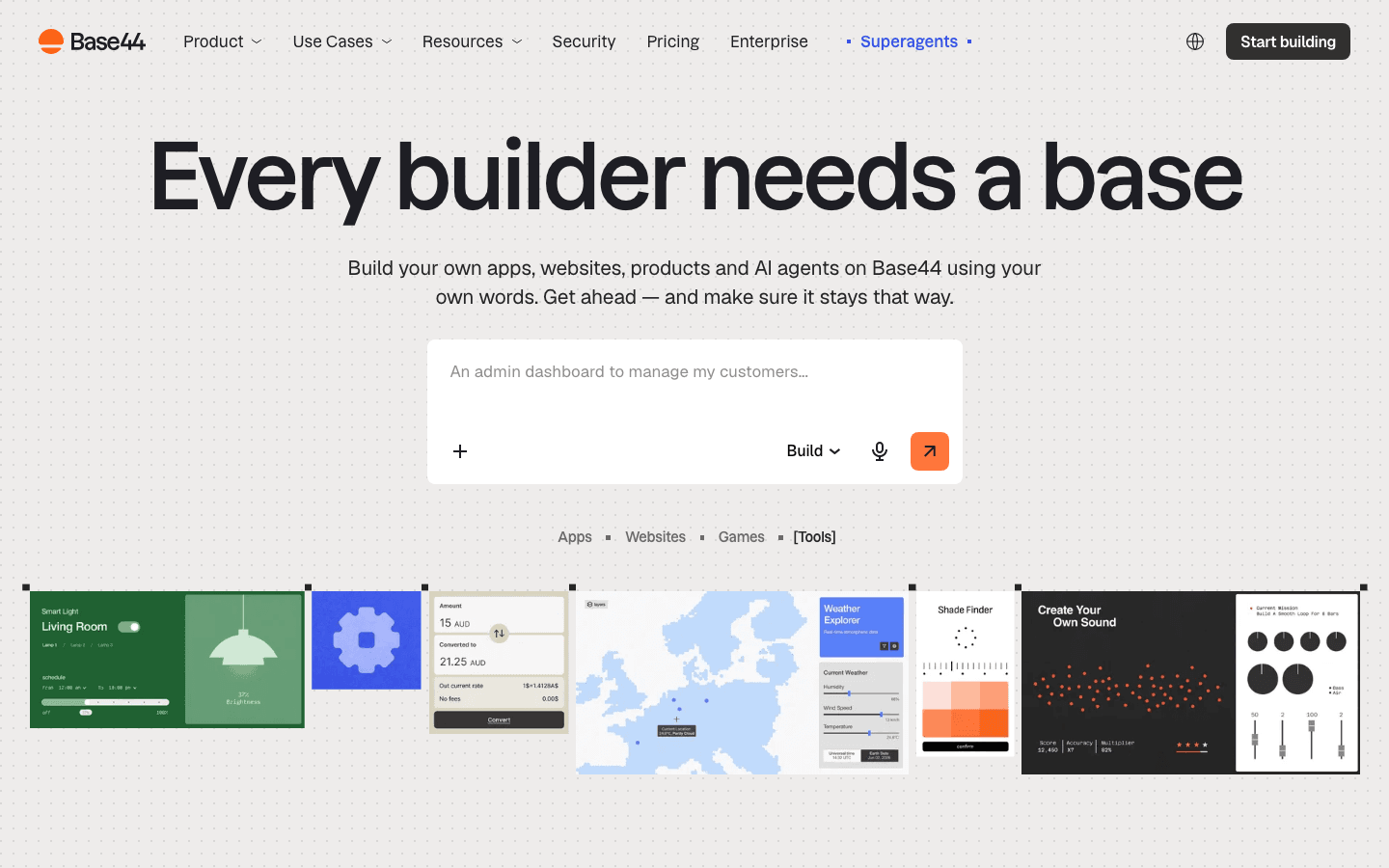
5. Base44: best for AI-built apps with a broad publishing path
Base44 takes a prompt-led approach to creating applications and presents a path from an initial idea to a more complete app experience. The platform is relevant to users who want AI to help assemble product features, integrations, and screens while keeping publishing in view from the beginning.
Main features
- Prompt-driven application creation
- Support for app features and integrations
- A free allowance structured around apps, credits, or both
- A workflow that connects building with publishing considerations
- Useful for testing several small concepts before selecting one to expand
Suitable for
Base44 can work well for entrepreneurs testing multiple app ideas, creators building a small public utility, or teams that want a broader route from an AI-generated prototype to a usable published experience. It is worth considering when app distribution and continued iteration matter as much as the first generated screen.
The first checks should be app-count limits, message or credit usage, domain options, and any restrictions on integrations or publishing. A free allowance can be generous for short experiments but less suitable for a product that needs many rounds of AI-assisted changes. Separate the question “Can I build this?” from “Can I publish and operate this with the free plan?” Those answers may differ.
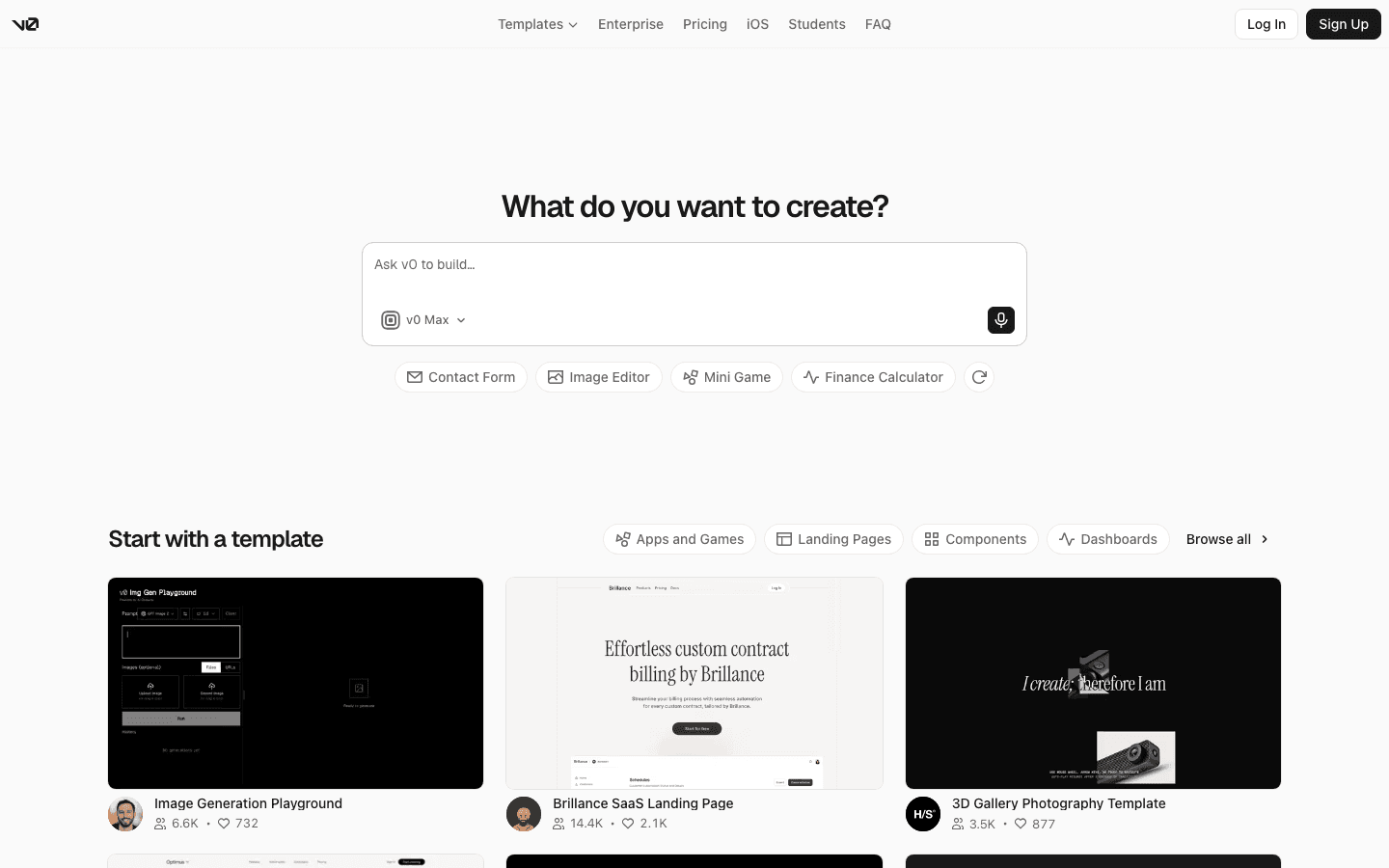
6. v0 by Vercel: best for designers turning prompts into React UI
v0 by Vercel is a strong option for generating interface concepts and React-oriented frontend code from natural-language prompts. It is especially useful when the main challenge is translating a visual idea into components, layouts, and responsive states that a developer can inspect and continue working on.
Main features
- Prompt-based generation of UI concepts
- React-oriented output and component thinking
- Fast exploration of page structures and visual directions
- A useful bridge between design intent and implementation
- A natural fit for projects already connected to a modern frontend workflow
Suitable for
v0 is best for designers, frontend developers, and product teams that need to explore several interface directions quickly. It can help create a dashboard shell, pricing page, onboarding flow, or marketing layout before the team turns the preferred direction into a more complete product.
The boundary is scope. UI generation is not the same as a fully operated application with production data, authentication, monitoring, and business logic. Free usage limits may also affect how many generations or revisions are practical. Confirm what can be handed off, how usage is counted, and which parts of the experience still need to be implemented in the surrounding application stack.
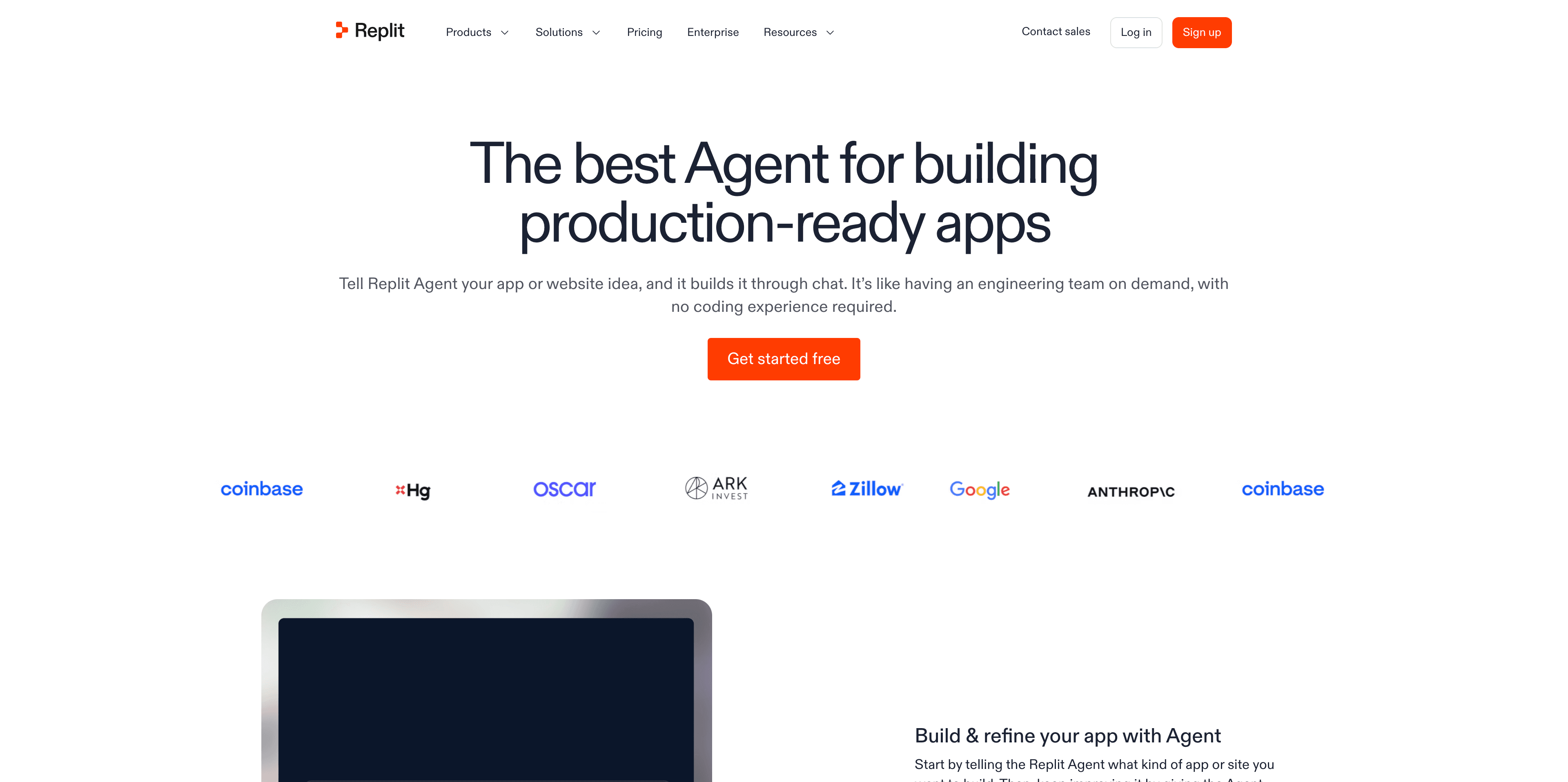
7. Replit Agent: best for builders who want code-level control
Replit Agent combines natural-language assistance with a hosted coding workspace. Instead of keeping the generated result inside a closed visual editor, it is aimed at users who want an environment where files, code, dependencies, and runtime behavior are visible and editable.
Main features
- Natural-language instructions for building and modifying projects
- A hosted development workspace
- Direct access to generated code and project files
- Support for prototypes that need custom logic
- A useful path for learning while building because the implementation remains inspectable
Suitable for
Replit Agent fits technical users, learners, and product builders who are comfortable reviewing code or want to grow into that level of control. It is a good choice for a prototype that may need custom APIs, database logic, background behavior, or a developer-led handoff.
The free experience needs to be evaluated as both an AI allowance and a computing environment. Agent usage, runtime resources, storage, private workspaces, and deployment settings can each become a constraint. If the project depends on a backend process or needs to stay online, confirm whether the free workspace provides the required runtime behavior rather than assuming that code generation alone equals free hosting.
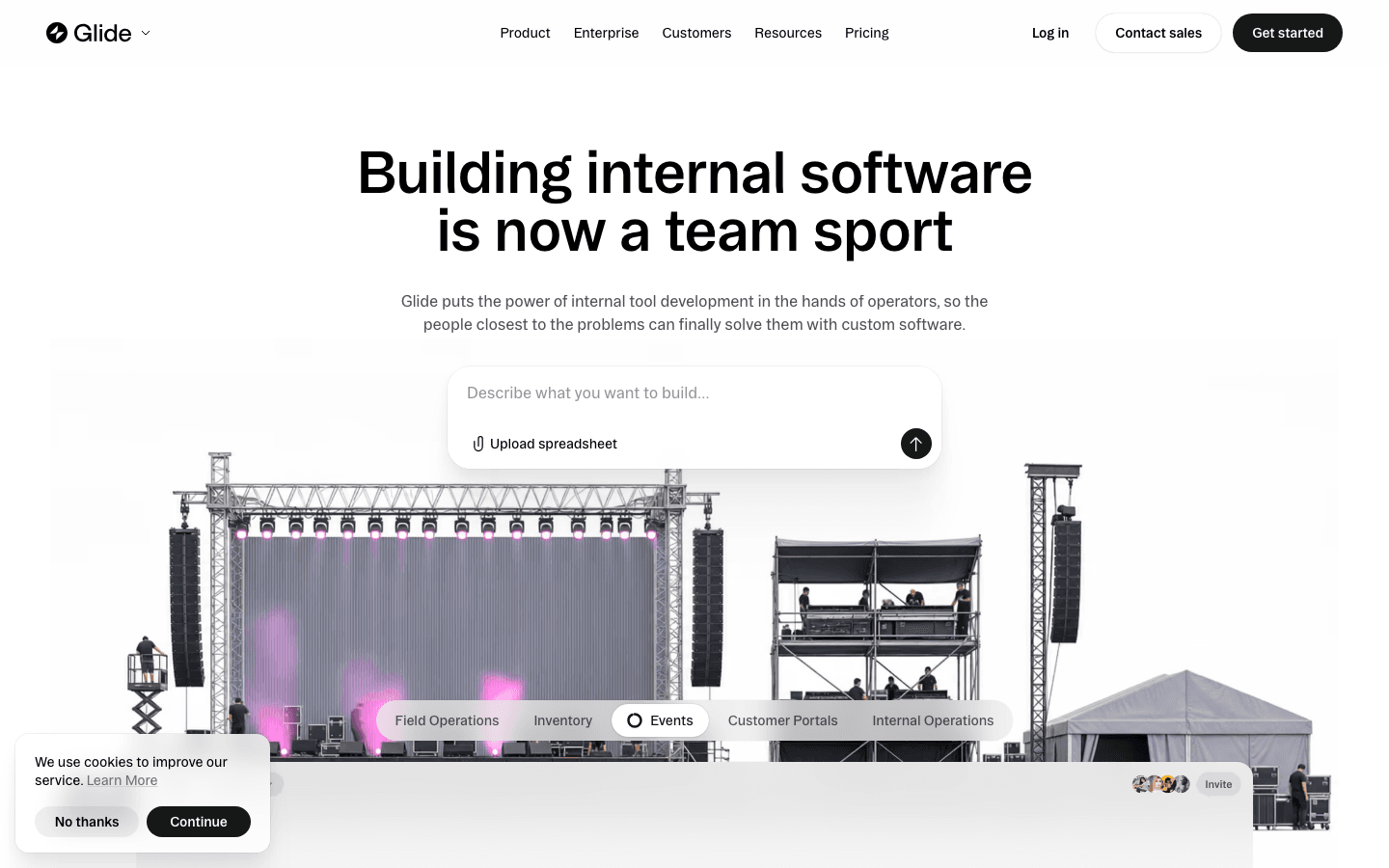
8. Glide: best for spreadsheet-backed internal apps
Glide is a no-code app builder with a strong fit for data that already lives in spreadsheets or structured tables. Its appeal is speed: a team can transform existing records into views, forms, and simple workflows without designing a database-backed system from scratch.
Main features
- No-code app creation from structured data
- Spreadsheet and table-oriented workflows
- Useful views for lists, records, dashboards, and forms
- Fast internal-tool and lightweight client-app setup
- A familiar model for teams that think in rows, columns, and business records
Suitable for
Glide is a good match for inventory trackers, field-operation tools, directories, event systems, simple CRMs, and internal dashboards. It is particularly approachable when the source of truth is already a spreadsheet and the team wants a usable interface around it.
The first constraint is usually data or audience scale rather than AI generation alone. Check row limits, the number of apps, user access, data-source permissions, automation features, branding, and publishing rules. A free app can be ideal for a small team or pilot, but a public directory or multi-client workflow may outgrow the included rows or users sooner than expected.
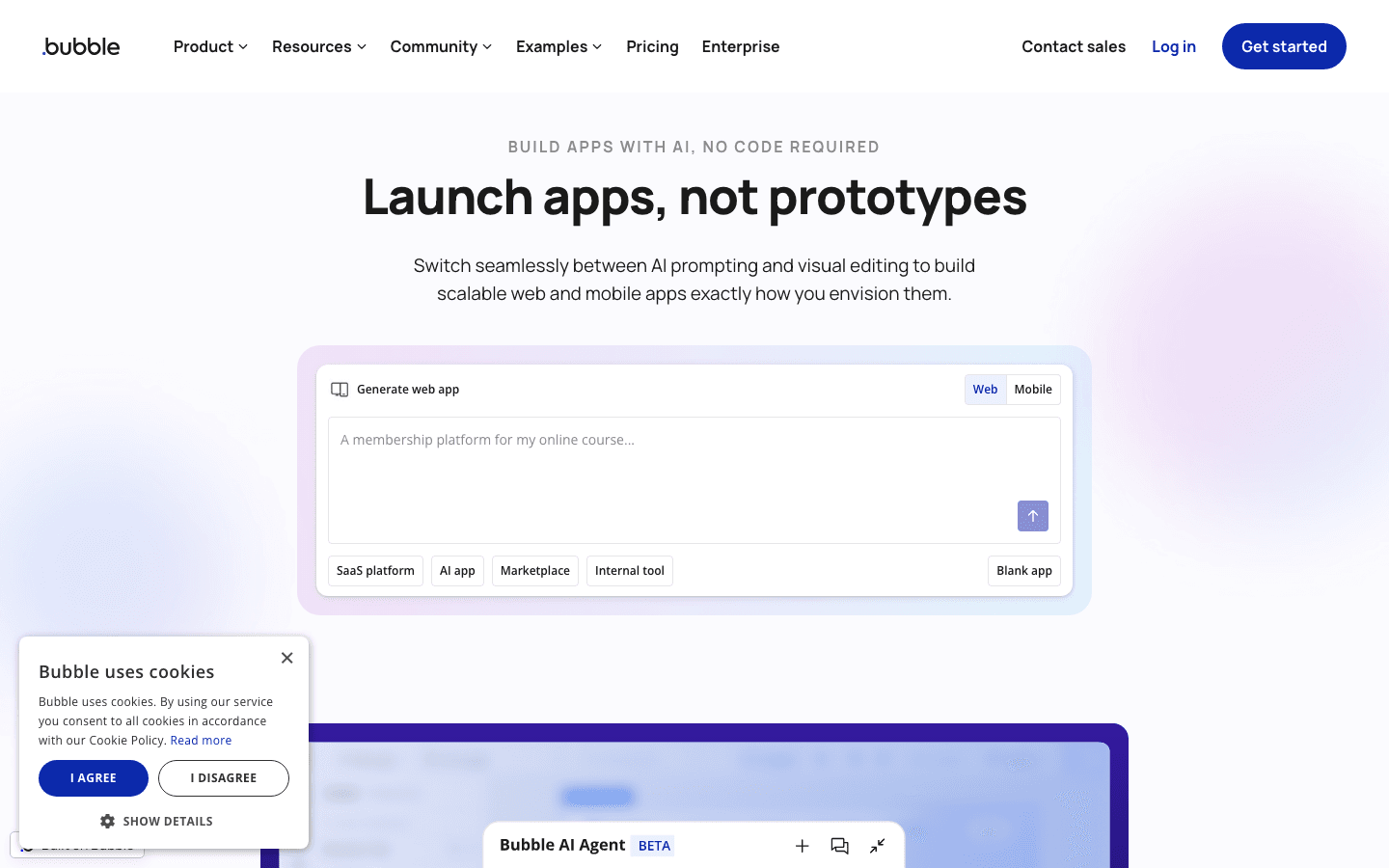
9. Bubble: best for complex workflows and visual no-code logic
Bubble is a mature visual development platform for building web applications with workflows, data structures, and reusable interface elements. Its no-code model gives users more control over application logic than a simple page generator, although that control also means there is more to learn and configure.
Main features
- Visual application building without writing every feature by hand
- Workflow logic and database concepts
- Flexible page and component configuration
- Suitable for multi-step business processes
- A large ecosystem of patterns and extensions to explore
Suitable for
Bubble is a fit for teams building marketplaces, membership products, booking systems, operational tools, and other applications where workflows matter more than a quick single-screen prototype. It can support ambitious ideas when the team is willing to invest in understanding the platform’s model.
The free or development tier should be viewed as a build environment until proven otherwise. Confirm whether live deployment, custom domains, workload, privacy, plugins, and branding are included. Bubble’s flexibility can make it easy to create a compelling demo, but the path from demo to production involves decisions about performance, security, data structure, and operational cost.
10. Softr: best for lightweight portals and business tools
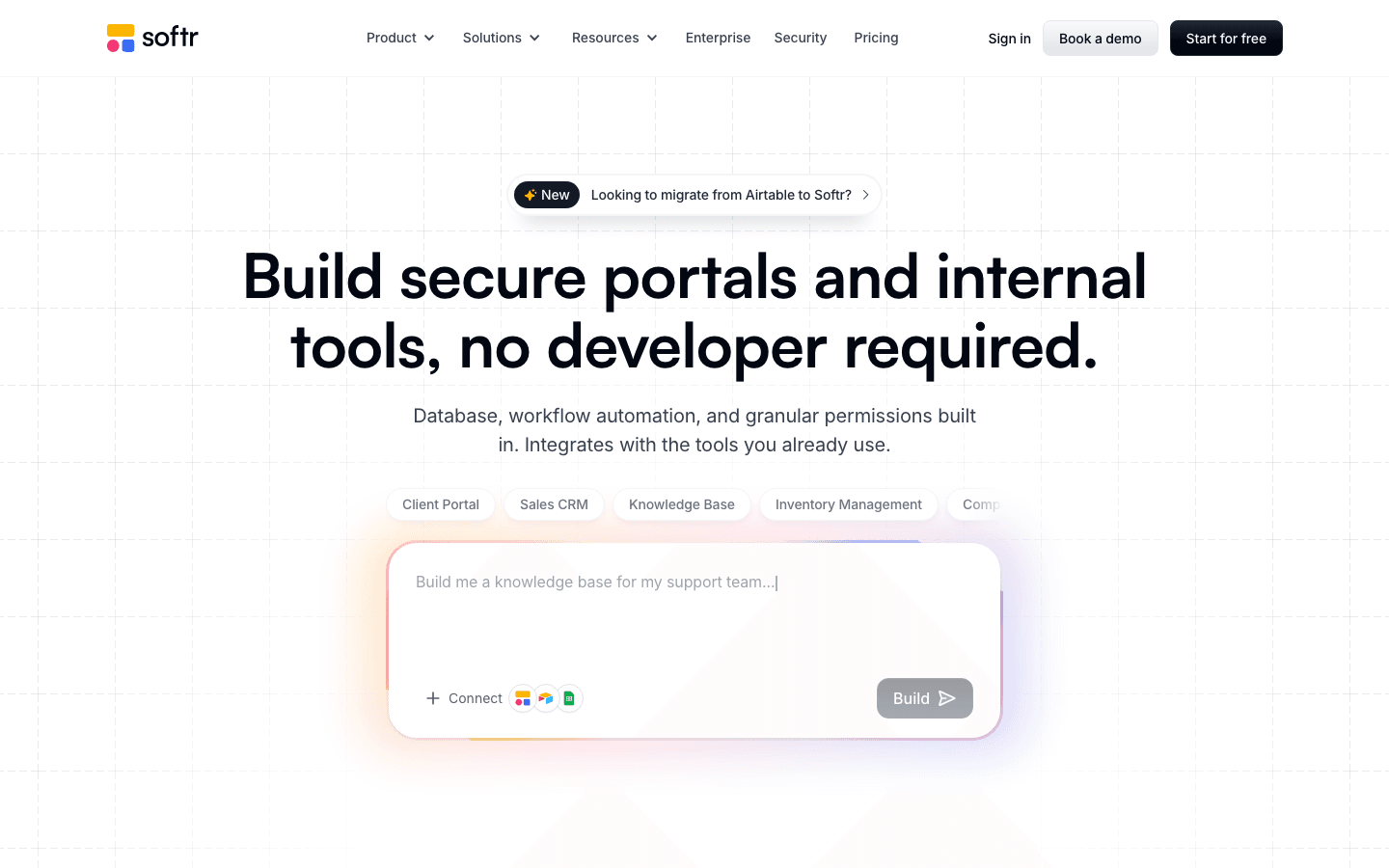
Softr is a no-code option for creating portals, dashboards, directories, and business-facing tools around structured data and reusable blocks. It is approachable for teams that want a user-facing application without taking on a full software-development workflow.
Main features
- Fast creation of portals and internal tools
- Database-backed business use cases
- Reusable blocks and templates for common workflows
- User-facing pages for forms, directories, dashboards, and client access
- A beginner-friendly path for small teams
Suitable for
Softr works well for client portals, intake flows, resource directories, lightweight dashboards, and internal tools with a defined audience. It is a sensible option when the goal is to give people a clean interface over business data rather than create a deeply custom product from scratch.
Check AI credits, users, data sources, custom-domain access, app limits, and authentication rules before choosing the free tier. A small internal pilot may fit comfortably, while a portal with many external users can run into audience or data restrictions. Also consider whether the included blocks and integrations cover the workflow or whether important behavior depends on a paid plan.
Examples of apps built with Atoms
These examples show the range of web experiences built with Atoms. They do not establish free-plan availability or imply that every result is automatic; scope, credits, publishing access, integrations, accessibility, security, and performance still need project-specific review.
Case 1: Terminal 3D Game Engine Terminal 3D Game Engine A retro, terminal-style ASCII dungeon exploration game and demo that renders a classic ray-cast 3D scene in real time.
Case 2: Cozy Island Game Cozy Island Game CozyIsle is a relaxed browser-based 3D island exploration game where players explore a cozy tropical world at their own pace.
Case 3: Snacks Online Store Snacks Online Store An e-commerce website that sells snack products.
Case 4: Modern & Decorative Vases Online Store Modern & Decorative Vases Online Store An e-commerce website that sells modern decorative vases and other home-decor objects.
How to choose a free AI app builder
Start with the app you need
First classify the project. A landing page, internal tracker, client portal, public SaaS MVP, dashboard, and interactive campaign have different requirements. A prompt-first tool may be ideal for validating a product flow, while a data-oriented builder may be better for an operations team. Choosing by app type prevents the AI novelty from hiding a poor fit.
Check what “free” unlocks
Ask whether the plan provides a live public app or only a preview and development mode. Then check branding, platform subdomains, custom domains, authentication, user roles, data rows, storage, integrations, private projects, and support. These details determine whether “free” is useful for your actual audience.
Compare the cap that will stop you first
Some limits are predictable, such as an app count or a fixed number of records. Others are usage-based: messages, tokens, AI credits, compute, or edits. For an internal tool, users and rows may matter more than AI credits. For an early MVP, compare how each product counts generations, messages, tokens, compute, or edits before choosing a plan.
Decide how much control you need
Prompt-first builders prioritize speed. Visual no-code platforms prioritize workflow configuration. Code-oriented tools prioritize ownership and technical control. End-to-end platforms keep planning, building, media, deployment, and growth in one workflow; prefer that approach when moving between separate tools would slow a small team or create repeated handoff work. Choose the control model you will still be comfortable with after the first prototype.
Plan for the first upgrade
Identify the first upgrade trigger before building: a custom domain, more users, private projects, higher usage, advanced integrations, production support, or a larger workload. Map that trigger to your launch requirement. For example, a client portal that needs ten external accounts should be compared by included users and authentication, while an MVP that needs frequent revisions should be compared by credits or messages.
What can you build with a free AI app builder?
Free AI app builders are most useful when the first release has a clear, limited scope. Common projects include internal task trackers, lightweight CRMs, inventory views, reporting dashboards, booking pages, intake forms, directories, and client portals. They can also support a small MVP with signup, one core workflow, a basic dashboard, and a narrow validation cohort.
Creative projects are another strong use case. Depending on the platform, you may build a portfolio, interactive campaign, browser game, or 3D experience. The key is to match the project to the builder’s actual strengths. A free tier can be enough to demonstrate an idea, but traffic, records, users, custom domains, integrations, and support requirements usually become clearer only after people start using it.
Conclusion
The best free AI app builder is the one whose first limitation arrives after your first useful result, not before it. Choose a prompt-first tool for rapid MVP exploration, a code-oriented workspace when ownership matters, a visual no-code platform for workflows, or a data-backed builder for internal tools and portals.
If a connected path from an idea to a web product matches your project, start building an app or website with Atoms. Confirm that its current credits and publishing terms cover your first release before you begin.
A little more clarity
Frequently asked questions
01Q1: Do I need coding experience to use a free AI app builder?
Not always. Prompt-first and no-code tools reduce the amount of code you need to write, and many can create a usable first version from a plain-language description. Coding knowledge is still valuable when you need custom integrations, complex data behavior, security controls, performance tuning, or a reliable production handoff. Treat AI generation as an acceleration layer, not a guarantee that technical decisions disappear.
02Q2: Can I publish a real app on a free plan?
Sometimes. A free plan may allow a public web app on a branded subdomain, while another may provide only a preview or development workspace. Check whether publishing is included, whether the platform branding remains visible, whether a custom domain is available, and whether authentication or user limits apply. “Live” can mean very different things across products.
03Q3: What is the biggest limitation of free AI app builders?
There is no universal limit. Prompt-first products often constrain messages, tokens, or credits. No-code platforms may constrain apps, users, rows, data sources, integrations, or domains. Some free tiers also limit privacy, support, workload, or publishing. Identify the cap that matches your project: repeated iteration for an MVP, records for an internal tool, or users and domains for a public app.
04Q4: Is Atoms a replacement for technical review?
No. Atoms can coordinate AI-assisted product creation and support backend, authentication, persistent data, payments, and deployment workflows where appropriate. Production settings, integrations, payments, accessibility, security, and performance still need review. Use the platform to accelerate the path from idea to working product, then validate the result before launch.
05Q5: What do the Atoms examples in this guide demonstrate?
They demonstrate the range of web experiences represented in the approved case set: browser games, an interactive 3D scene, and online stores. They do not prove that every project is automatic or that every feature fits within the current free allowance. Evaluate the scope and plan limits for the project you intend to build.
Share this article
 Posts
Posts 