On this page
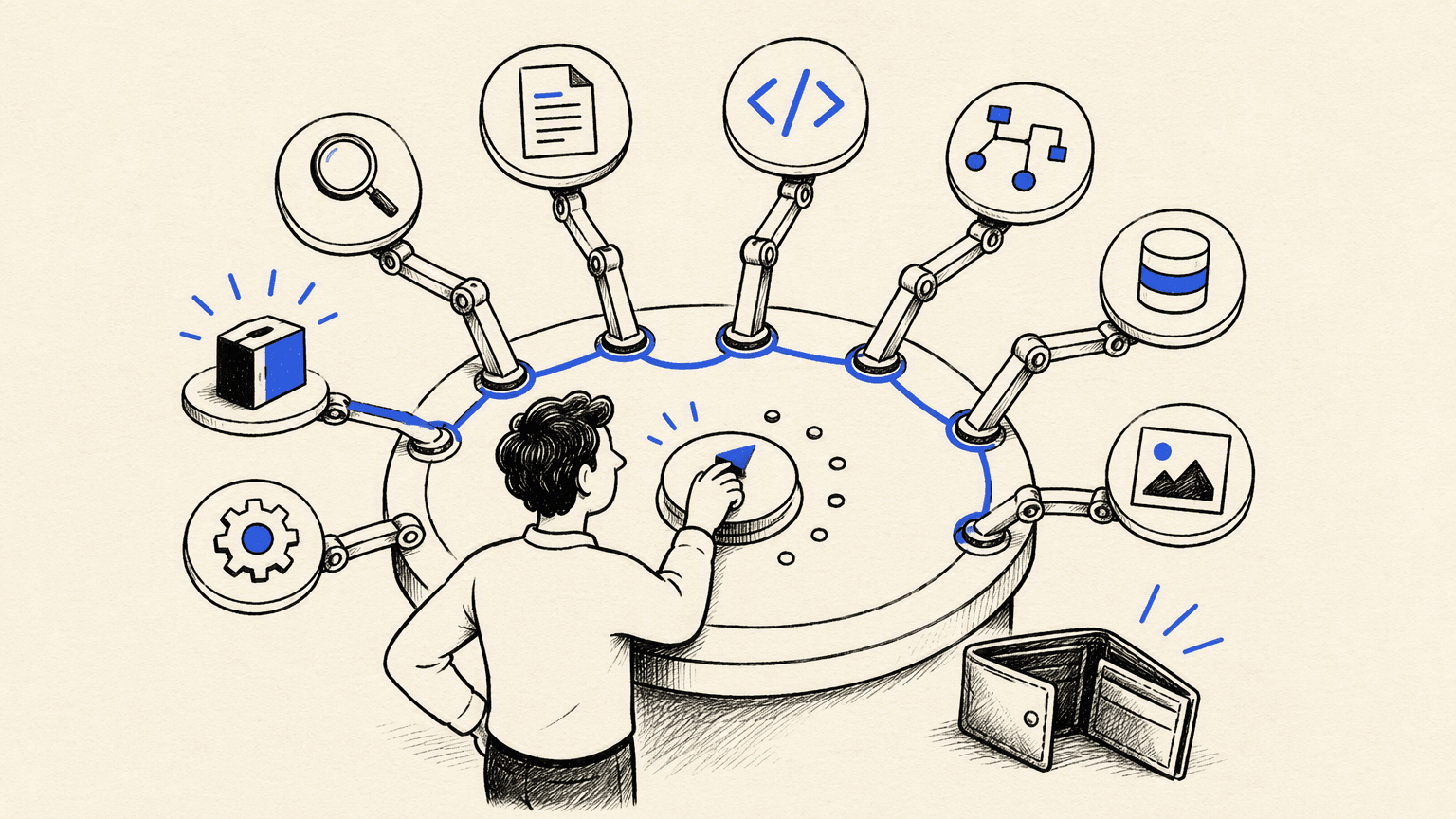
You can use capable AI agents today without paying a cent — but the options that show up under "free AI agents" are free in very different ways. Some trade money for usage limits. Some hand you a starting balance that runs out. Some give away the software and charge nothing for the license, while a server bill and model usage quietly become the price.
This guide compares eight options on one frame: how each one is free, what it can actually do, how much setup it takes, and where the free part stops. The goal is simple — pick something you can start using right now, and know exactly what you're trading away. Free offerings change often, so treat each vendor's current terms as the final word.
What "free" means for AI agents
Most offers in this space collapse into four models:
- A free tier. The platform keeps a usable slice of its product free — a capable assistant, basic tools, limited daily usage. The major chat assistants follow this pattern, with limits that shift over time.
- Free credits or a starting balance. You receive an allocation of metered usage — cloud resources, AI calls, automation runs — as a runway rather than a permanent budget.
- Open-source software you host yourself. The license costs nothing; the server, setup, and maintenance are yours. Several automation and agent platforms follow this model.
- Free software with your own model key. The tool is free, but the intelligence is billed by whichever model provider you connect — the "bring your own key" pattern.
The label on the box rarely tells you which model you're buying into; the fine print does. That's why the comparison below marks, for every option, exactly how it is free — and the sections that follow flag the limits you should expect.
Free AI agents at a glance
| Tool | What it is | How it's free | Setup effort | Best for |
|---|---|---|---|---|
| Atoms | AI agent platform for building and launching websites and apps | Free tier plus a $26 starting Cloud & AI balance | Low — build by chatting | Founders and marketers shipping a product |
| Kimi AI Agent | Research and knowledge assistant with very long context | Free usage quota on the official platform | Low | Research, documents, and code in one workspace |
| ChatGPT | General assistant with built-in tools and GPTs | Free plan; paid tiers lift limits and unlock the API | Low | Everyday tasks and first experiments |
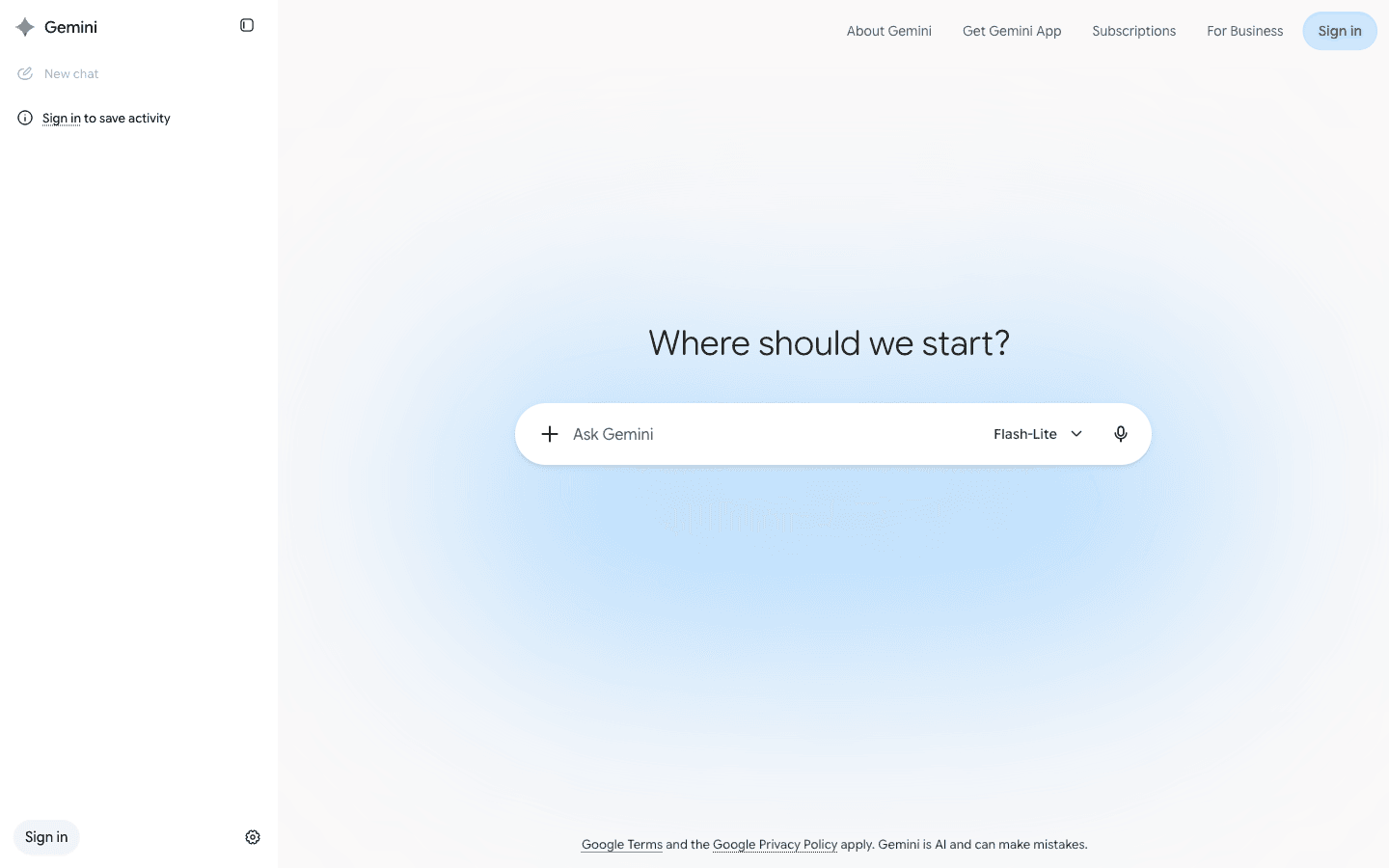
| Google Gemini | Assistant woven into Google's apps | Free plan; higher limits on the paid tier | Low | Anyone working inside Google Workspace |
| Microsoft Copilot | Companion assistant across Windows and the web | Free chat tier; Microsoft 365 integration is paid | Low | Casual productivity with Microsoft tools |
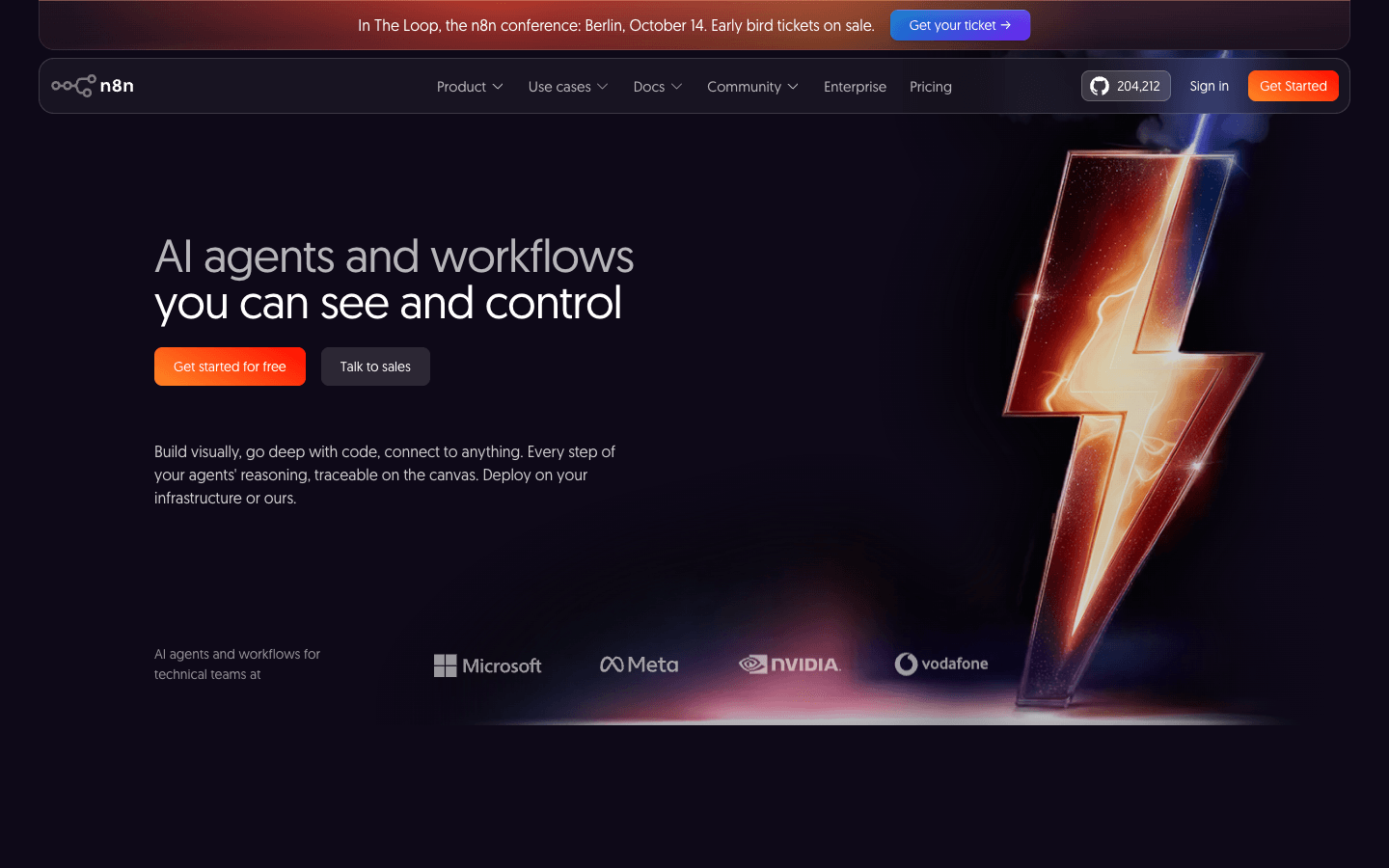
| n8n | Visual automation platform with AI workflow steps | Community Edition is free to self-host | Medium — a server to run | Automating the tools your business already uses |
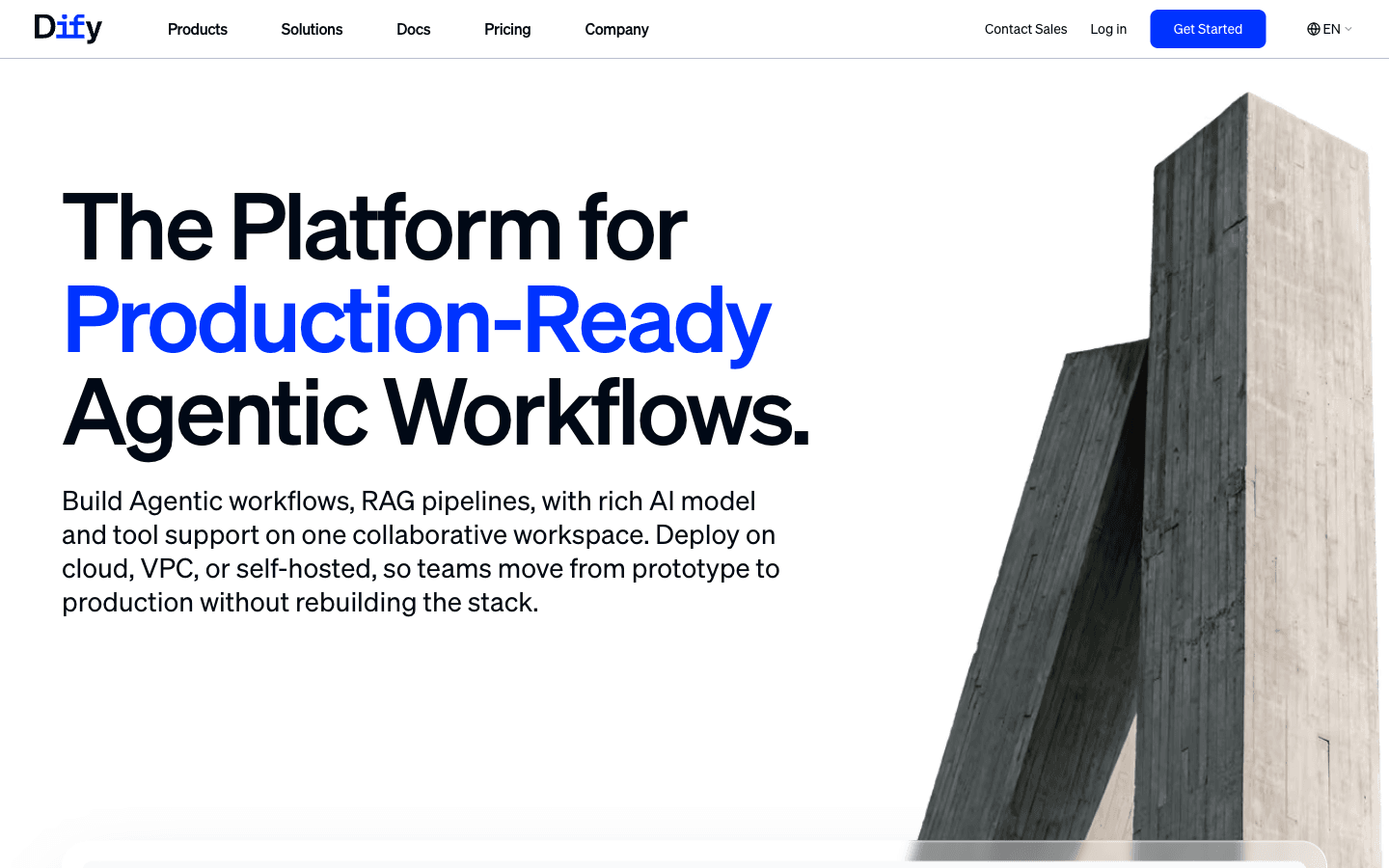
| Dify | Open-source platform for agents over your own data | Self-hosted community edition is free | Medium — a server to run | Assistants and RAG apps over internal documents |
| CrewAI | Open-source framework for multi-agent teams | Free framework; you bring model access | High — code required | Developers orchestrating agent teams |
Setup effort reflects what it takes to reach first useful output: a chat box is low, a self-hosted server is medium, and a code-first framework is high.
The 8 best free AI agents
Each profile below covers the same ground: what the tool is, how its free access works, and who it fits. Start with the option closest to your current job.
1. Atoms
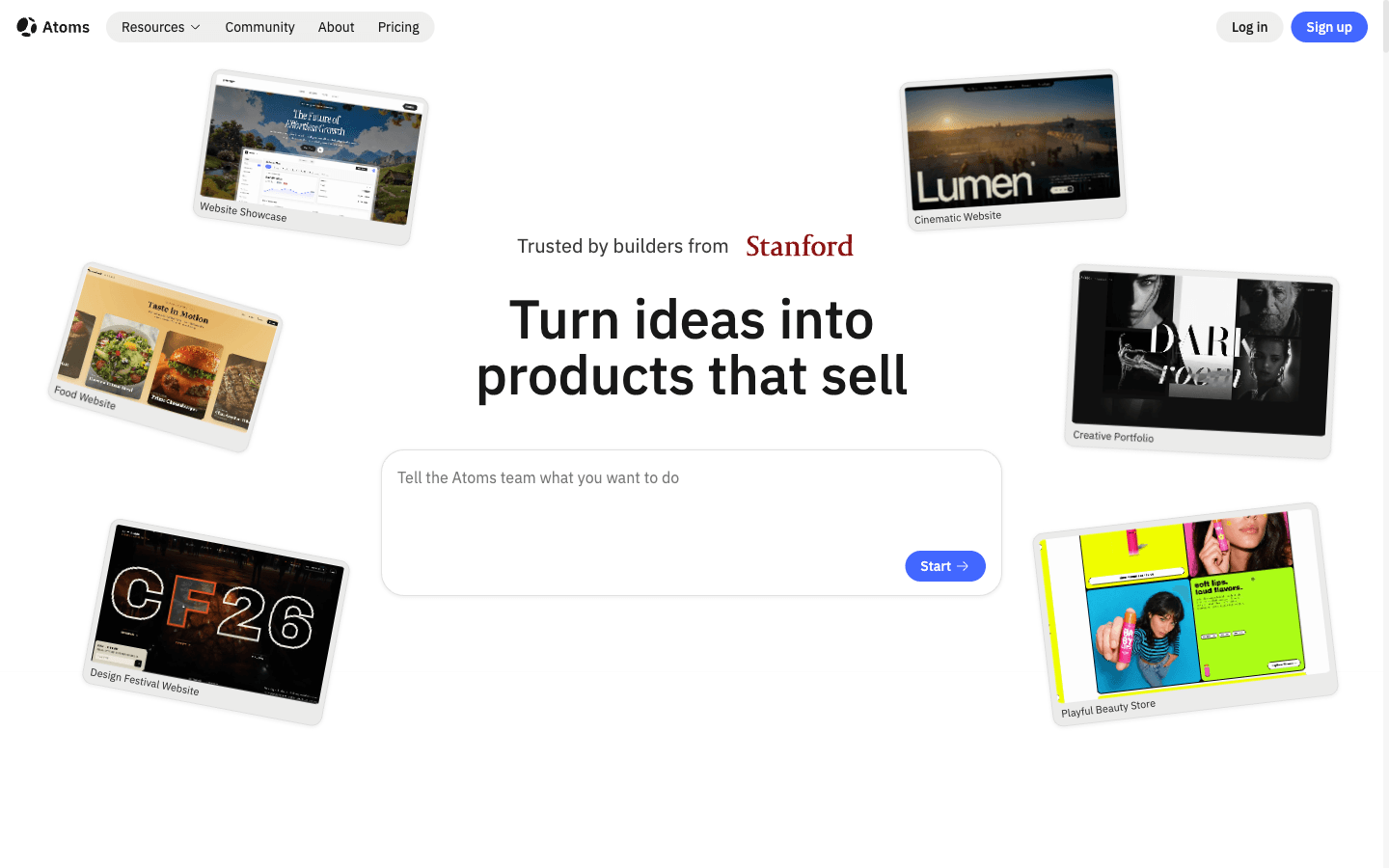
Atoms is an AI product-building platform: instead of stopping at answers, its agents take a natural-language brief — audience, pages, interactions — and turn it into a working website or web app, including the backend pieces that make a product real. The free path is built in: every account gets a free tier plus $26 in Cloud & AI balance — $25 for cloud resources and $1 for AI usage — so you can build and launch before you pay.
Main features
- Brief-to-product builds. Multiple agents plan, build, and assemble your pages into a coherent, deployable site or app you can preview and revise.
- Media built in. Generated images and video can be placed directly into the experience, and 3D scenes or browser games cover interactive projects.
- Atoms Cloud backends. When a prompt needs a database, sign-in, or storage, the platform provisions the backend automatically instead of handing you wiring instructions.
- Growth agents. Dedicated SEO, advertising, and deep-research agents help a finished product find and convert its audience.
- Iterate by describing. Changes come from natural-language feedback rather than rebuilds from scratch.
Suitable for
- Founders and solo builders who measure progress by what ships.
- Marketers and creators who want a real product, not a mockup.
- Teams mixing web design with generated media, 3D, or games.
2. Kimi AI Agent
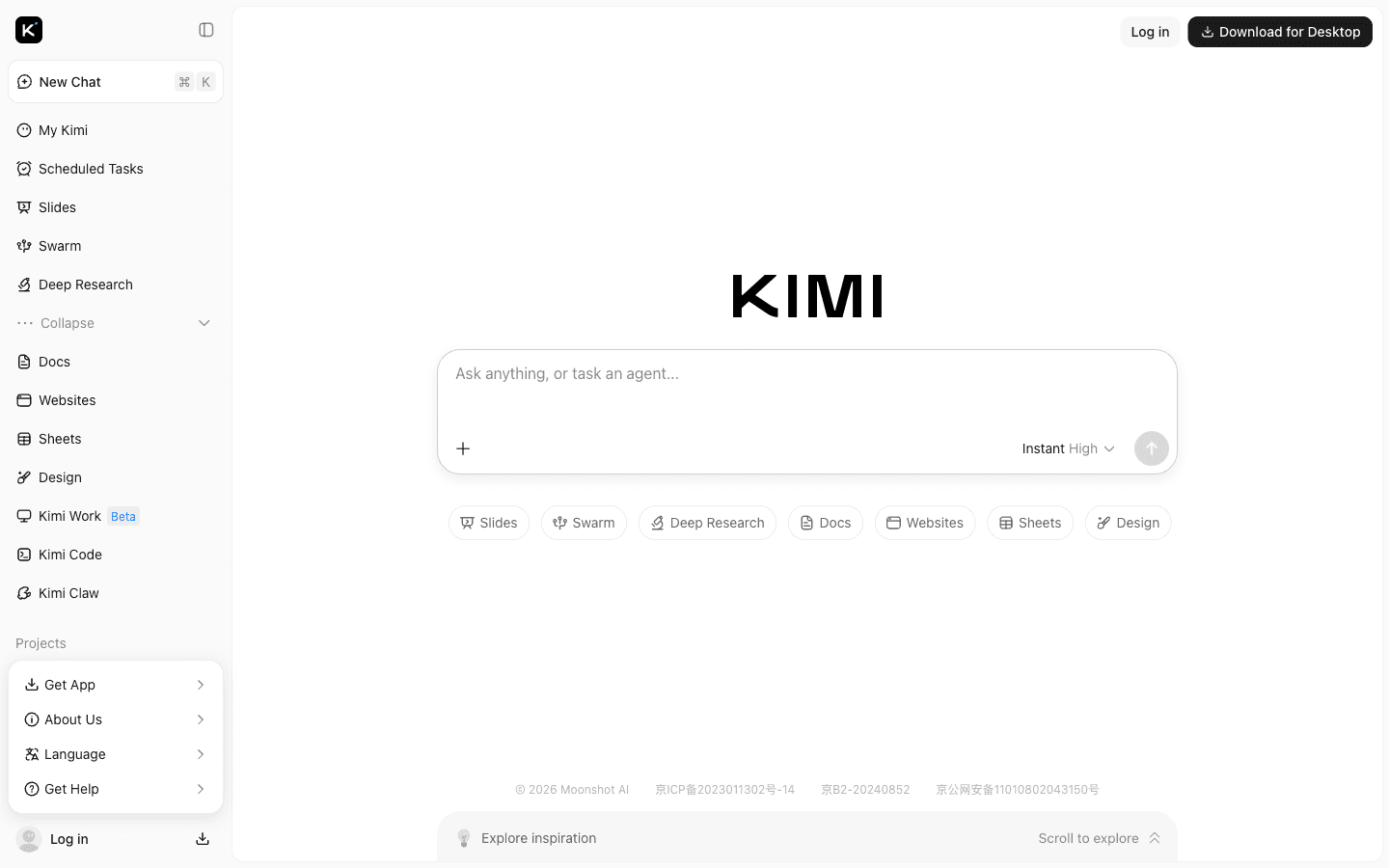
Kimi centers on an autonomous agent with a free usage quota, aimed at knowledge work: deep research across multiple sources, code generation, data analysis, and document production from one workspace. The free quota covers a serious amount of everyday research and drafting before you would think about heavier paid usage.
Main features
- Multi-source research. Aggregates evidence across publications, news, and databases before drafting findings.
- Very long context. Keeps large reports, codebases, and multi-file projects in view within a single session.
- Multimodal input. Text, images, and documents feed one shared working context.
- Deliverable output. Turns research into reports, spreadsheets, slide decks, and PDFs.
Suitable for
- Researchers, students, and analysts with document-heavy work.
- Developers who want research and coding in one free assistant.
- Anyone who wants a single free agent that spans several task types.
3. ChatGPT
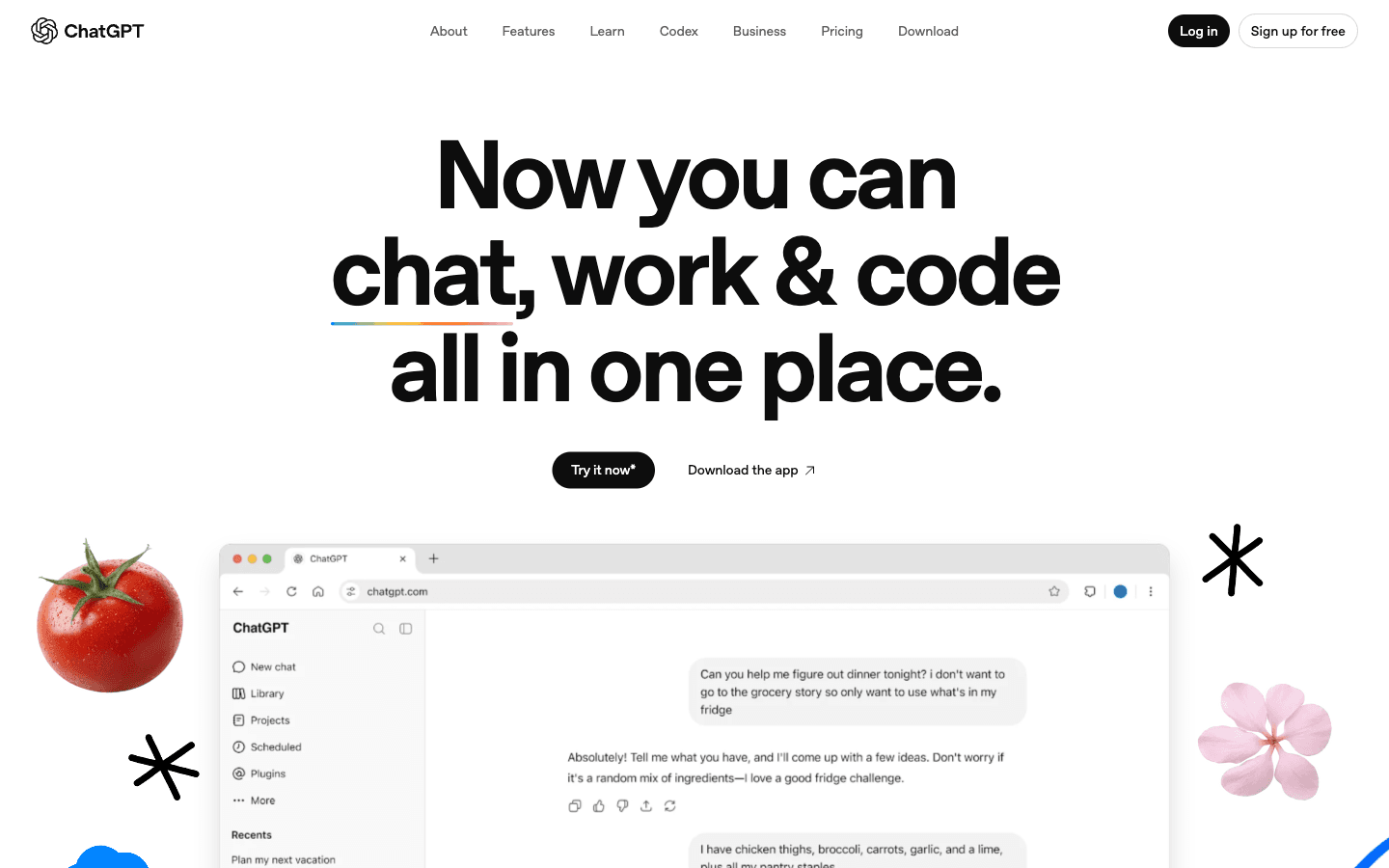
ChatGPT is where most people meet AI agents, and its free plan is a genuine starting point rather than a demo: chat, built-in tools, and access to GPTs — the purpose-built versions of ChatGPT that others publish for specific jobs. Free-tier capabilities and limits change over time, and the heaviest agent features plus the API sit behind paid plans.
Main features
- Free plan. Day-to-day chat plus a set of built-in tools at no cost.
- GPTs. Purpose-built assistant variants you can use without configuring anything yourself.
- Low learning curve. Web, desktop, and mobile, with the widest documentation and community of any option here.
- A clear upgrade path. Paid tiers lift limits and unlock programmatic access when you outgrow free.
Suitable for
- Complete beginners who want their first agent experience.
- One-off tasks where zero setup matters more than depth.
- Prototyping an idea before investing in a specialized tool.
4. Google Gemini
If your work already lives in Google's ecosystem, Gemini is the lowest-friction free option: a capable assistant inside the apps you already use — Gmail, Docs, Drive, and Calendar — with free access to the base experience and a paid tier for extended limits and more advanced reasoning.
Main features
- Free access. A capable assistant at no cost, embedded in the tools you already open every day.
- Ecosystem integration. Works with your existing documents, mail, and calendar rather than beside them.
- Multimodal understanding. Handles text, images, and code, and reads very long context.
- Paid upgrades when needed. Higher ceilings and advanced capabilities move to the subscription tier.
Suitable for
- People whose work is already inside Google Workspace.
- Quick drafting and summarizing without leaving the current tab.
- Anyone who wants free assistance with minimal setup.
5. Microsoft Copilot
Microsoft's free Copilot tier is a capable companion assistant across the web and Windows, with real-time browsing and image generation included at no cost. The deep integration story — Copilot inside Word, Excel, and Outlook — belongs to the paid subscriptions, and free usage naturally comes with lighter limits.
Main features
- Free chat tier. A general assistant on the web and in Windows, no subscription required.
- Browsing and image generation. Current web answers plus basic image creation in the same box.
- Windows and Edge integration. Sits inside the tools Microsoft users already have.
- Subscription tiers. Office-app integration and higher limits unlock with Microsoft 365 plans.
Suitable for
- Windows users who want an assistant without new accounts.
- Light, casual productivity rather than deep agent work.
- Complementing — not replacing — a more capable free agent elsewhere.
6. n8n
n8n is an AI automation platform free to self-host: its Community Edition runs on your own server, connects hundreds of apps and services, and lets you build AI steps — or whole agent workflows — into processes your business already runs. The trade is familiar: instead of license fees, you supply a machine and some setup patience. On self-hosted instances, the AI features are bring-your-own-key, so model usage is billed by your own provider account.
Main features
- Visual workflow builder. Drag-and-drop automation with conditional logic, loops, and triggers.
- Wide integrations. Connects CRMs, databases, messaging, and anything with an API.
- AI steps and agents. Adds LLM reasoning directly into workflows, with agents that can call your tools.
- Your infrastructure. Self-hosting keeps data and execution on your own machines; cloud plans exist if you would rather not run servers.
Suitable for
- Operators and small teams automating real, recurring processes.
- Teams that want control over where workflows and data live.
- Anyone comfortable running a server — or willing to learn.
7. Dify
Dify is an open-source platform for building agent applications over your own data. Its sweet spot is retrieval-augmented generation: point it at internal documents and databases, and build assistants that answer from those sources instead of guessing from a generic model. The self-hosted community edition is free; the friction is hosting and maintaining it.
Main features
- Agent and RAG builder. Assemble workflows that retrieve from your documents before they answer.
- Private data sources. Connect internal files, databases, and knowledge bases directly.
- Self-hosted by default. Data stays on your infrastructure, and the community edition carries no license cost.
- Deployable output. Produces internal assistants and tools your team can actually use day to day.
Suitable for
- Teams whose agents must answer from internal knowledge.
- Privacy-conscious organizations willing to self-host.
- Builders who want agent tooling without vendor lock-in.
8. CrewAI
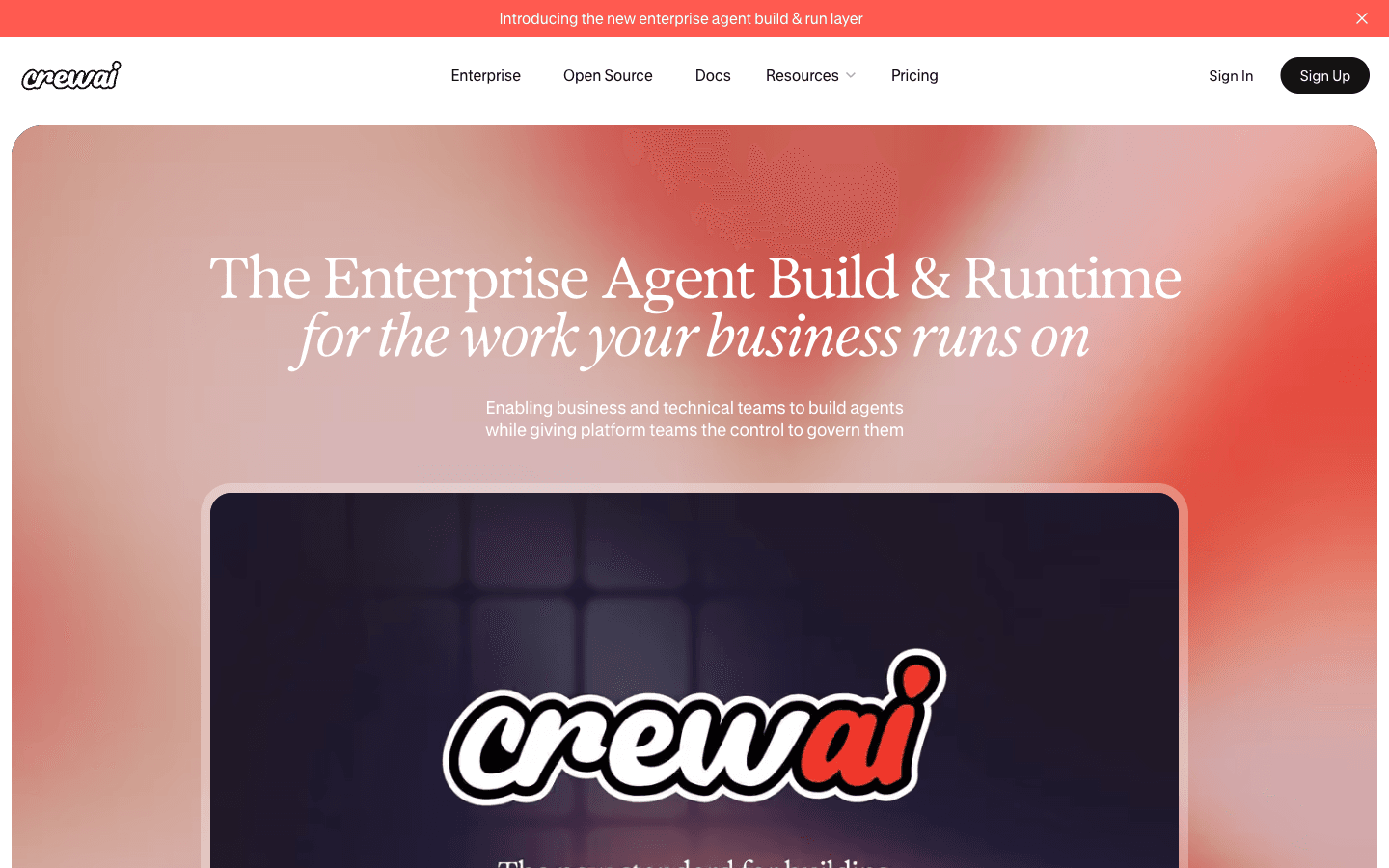
CrewAI is an open-source framework for multi-agent systems. Instead of one do-everything assistant, you assemble a crew of role-based agents — a researcher, an analyst, a writer — give each its own tools and goals, and let the framework coordinate the work between them. The framework itself is free; your costs are the model access you connect and the code it takes to run.
Main features
- Role-based agents. Each agent gets a defined role, objective, and toolset.
- Coordination built in. Delegation and hand-offs between agents are first-class features, not add-ons.
- Model-agnostic. Works with the LLM provider of your choice.
- Code-first. Python workflows that fit into existing systems and pipelines.
Suitable for
- Developers who want multi-agent orchestration under their own control.
- Teams with repeatable pipelines such as research, analysis, and drafting.
- Projects that have outgrown what a single agent can hold.
Where free AI agents stop
Every option above is genuinely free to start. None of them stays free forever at production scale — and pretending otherwise is where "free" lists lose people. The limits to plan around:
- Usage caps. Free tiers throttle messages, tool calls, or runs. The ceiling moves over time, but it exists, and heavier use pushes you to a paid plan.
- Credits run down. A starting balance is a runway, not a budget line: one-time cloud credits, AI credits, and trial executions are meant to get you to a first result.
- Self-hosting trades fees for operations. A free server-side tool still needs a machine, updates, backups, and monitoring. Your time becomes the line item.
- Bring-your-own-key shifts the meter. When the software is free but the model is yours, costs live on your provider account — and running local models to avoid them needs capable hardware.
- Outputs still need review. Agents draft, assemble, and automate, but generated work should be checked before it ships, especially anything customer-facing.
- Scale changes the math. Higher limits, priority access, and commercial support are paid features almost everywhere. That is a timing decision, not a trick.
The practical rule: pick the free model that matches the job you have now, plan for the first ceiling, and let real usage — not fear of a future bill — decide when to upgrade.
Build and launch with Atoms
Most free agents help you finish tasks. Atoms is built for the step after that: turning a description into a product that exists. You describe the audience, the pages, and the interactions; its specialized AI agents plan and build a working site or app, generate the images and video it needs, and wire in backend pieces like a database and sign-in — then keep iterating from your feedback.
Starting costs nothing: every Atoms account includes a free tier plus $26 in Cloud & AI balance — $25 for cloud resources and $1 for AI usage (here's the announcement). The cloud balance covers the infrastructure your product runs on, and the AI balance powers AI features inside it. You can check what's left in your workspace under Settings → Cloud & AI.
If the free agents above are your training ground, this is the graduation path: the same brief you would hand an assistant becomes a product build — a storefront, a tool, or an interactive experience (app builder). Treat the output the way you would treat any agent's work: review it, refine it, and ship it when it's ready.
A few projects built with Atoms, to show what a brief can grow into:
tuftcraft A Minecraft-style browser clone generated as a single static HTML project.
Cozy Island Game A cozy 3D island exploration game you can wander at your own pace.
Noise-cancelling Headphone Store Website A premium storefront for a noise-cancelling headphone brand, complete with a full shopping flow.
California Women’s Activewear An activewear brand store with a full catalog experience for a lifestyle label.
How to choose your first free AI agent
Match the tool to the job in front of you:
- "Show me what agents can do." Start with the free tiers of ChatGPT, Google Gemini, or Microsoft Copilot — zero setup, and enough to form your own opinion. If your work is research-heavy, start with Kimi instead.
- "Automate something I already do." Go to n8n and accept the server; if the job depends on internal documents, Dify is the better fit.
- "I code, and I want control." CrewAI gives you the orchestration layer; pair it with whichever model provider you already pay.
- "I want to end up with a product." Start with Atoms — the free balance is designed for exactly that path.
Three questions keep the choice honest:
- What is the job right now — a task, a process, or a product?
- What setup is realistic this week — a chat box, a server, or a codebase?
- Where does this tool stop, and what would upgrading cost later?
If you can answer those three, you can pick with confidence — and you will know which limits matter before they arrive.
Conclusion
Free AI agents are real, and the right one can carry a surprising amount of your work: a free tier that covers your mornings, a self-hosted automation that runs quietly on your server, a quota that funds your research habit. Start with the option that matches today's job, learn its limits, and when you are ready to turn a description into something real, open Atoms and start building — your account's free balance is already waiting.
A little more clarity
Frequently asked questions
01Q1: Are free AI agents actually free?
Yes — with the right definition. Free tiers, free credits, and free open-source software all let you use capable agents without paying. What differs is the model: free tiers cap usage, starting balances run out, and self-hosted software moves costs to your server and model bills. Every option in this guide is genuinely free to start; none of them is free at unlimited production scale.
02Q2: What can I do with a free AI agent?
Plenty: research a topic across sources, draft and format documents, generate and review code, automate recurring workflows, and build assistants over your own data. With the right platform, you can also turn a written brief into a working website or app. The free tiers covered here are strong enough for learning, prototyping, and real side projects.
03Q3: Do I need to know how to code to use a free AI agent?
Not for the assistant-style options — ChatGPT, Gemini, Copilot, and Kimi all work through a chat interface, and Atoms builds by conversation too. Self-hosted platforms like n8n and Dify ask for comfort with servers and setup rather than programming itself. Frameworks like CrewAI are code-first and aimed at developers.
04Q4: What's the catch with free AI agents?
Limits and metering: message caps, expiring balances, bring-your-own-key model costs, and the operational overhead of self-hosting. There is also a quality catch — agent output needs human review before it counts as finished work. None of that makes free options a trap; it makes the fine print worth reading.
05Q5: Can I build and launch a real product with free AI agents?
You can get very far. Atoms, for example, gives every account a $26 Cloud & AI balance that covers real backend resources and in-app AI usage while you build toward a first launch. When you are ready to go further, check the current plans on the pricing page — and review generated projects before publishing, as you would with any agent output.
06Q6: Which free AI agent should I start with?
If you want zero setup, start with ChatGPT or Gemini. If your work is research-heavy, Kimi. If you have a recurring process to automate, n8n. If you write code, CrewAI. And if the goal is to build and launch something of your own, start with Atoms.
Share this article
 Posts
Posts 