
On this page
Business teams compare ai tools for business across workflow automation, sales, productivity, and customer service before standardizing on a stack.
Businesses rarely need “more AI” in the abstract. They need a faster way to research a market, move information between systems, prepare a sales list, answer routine questions, or turn a rough idea into something customers can use. The best AI tools for business are therefore the ones that fit a real workflow, connect to an approved data boundary, and make human work easier to review.
This shortlist is organized by job to be done rather than by model popularity. It covers general assistants, embedded workplace AI, workflow automation, autonomous or semi-autonomous agents, and specialist tools. Use the quick comparison to choose a starting point, then test one repeatable workflow before expanding across the company.
Best AI tools for business at a glance
The table below is a starting map, not a universal ranking. Choose the tool that matches the bottleneck you can describe most clearly and measure most easily.
| Business need | Recommended tool | Tool type | Best starting use |
|---|---|---|---|
| Product and campaign creation | Atoms | AI product-building platform | Turn a brief into a working web experience |
| Workflow automation | Zapier AI | Automation platform | Connect repetitive app handoffs |
| Delegated operations | Lindy | AI assistant and agent platform | Handle recurring administrative work |
| Research | Perplexity | AI search and answer engine | Explore a question with cited sources |
| General analysis | ChatGPT | General AI assistant | Synthesize information and draft next steps |
| Long-form research | Kimi Deep Research | Research agent | Produce a structured, sourced report |
| Workplace productivity | Microsoft Copilot | Embedded workplace AI | Work inside Microsoft 365 files and meetings |
| CRM workflows | Salesforce Agentforce | CRM-native AI and agents | Prioritize and automate customer work |
| Sales intelligence | Clay | Go-to-market data platform | Enrich accounts and research prospects |
| Marketing and CRM work | HubSpot AI | Embedded marketing and sales AI | Support content, data, and customer workflows |
| Knowledge management | Notion AI | Workspace assistant | Search, summarize, and organize team knowledge |
| Meeting intelligence | Otter.ai | Transcription assistant | Capture summaries and action items |
| Marketing content | Jasper | Specialist content platform | Create coordinated, on-brand campaign assets |
| Customer chat | Tidio AI | Customer engagement AI | Answer routine questions and route conversations |
What are AI tools for business?
AI tools for business are software products that use machine learning or generative AI to support work such as analysis, drafting, search, customer communication, data processing, and workflow execution. Some are broad assistants that can help with many tasks. Others are embedded in a CRM, office suite, knowledge base, or marketing platform and can use context already stored there.
The practical differences matter when you are choosing a tool:
General-purpose AI assistants
General assistants are flexible working partners for drafting, reasoning, summarization, brainstorming, and analysis. They are useful when the task changes often or when the team needs help turning unstructured input into a plan. Their flexibility also means the user must provide context, check the output, and decide how the result enters a formal workflow.
Embedded workplace AI
Embedded tools work inside software a team already uses. An assistant in a document, spreadsheet, meeting platform, or CRM can reduce copying between tabs and make existing context easier to use. The trade-off is that the tool is most valuable when the company has already standardized on that suite and configured access carefully.
Workflow automation
Automation platforms connect triggers, actions, and AI steps across applications. They are usually a good fit for repeatable processes: capture a form submission, classify it, update a record, notify an owner, and create a follow-up task. Automation is strongest when the steps and exception paths are known in advance.
Autonomous or semi-autonomous agents
Agents start with a goal and may plan several steps, use tools, process files, or take actions within granted permissions. They can reduce coordination work, but they also need bounded access, clear escalation rules, and human approval for consequential actions. A tool that can act is not automatically a tool that should act without review.
Specialist AI tools
Specialist products focus on one business problem, such as meetings, sales enrichment, customer chat, marketing content, or analytics. They may provide deeper workflows than a general assistant. Start with a specialist when the task is frequent, the input is predictable, and the output has a clear owner.
Best AI tools for business
Atoms
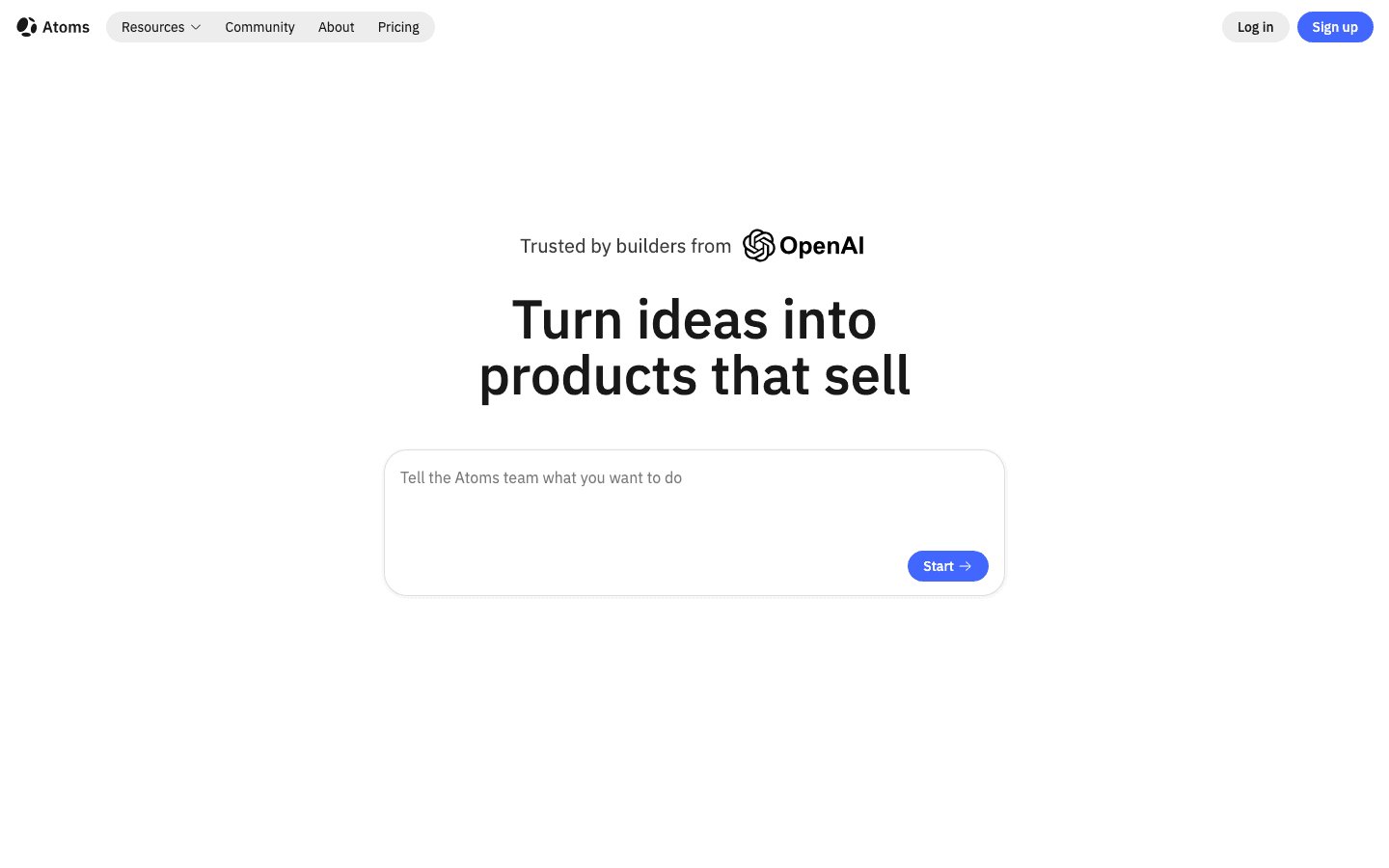
Atoms is best for turning a natural-language product, campaign, or web-app brief into a working, editable web experience. Instead of stopping at a concept or static mockup, it coordinates AI agents across planning, building, research, and growth so a team can review a usable product and continue iterating on it.
Main features
- Builds websites and web applications from a plain-language description of the audience, pages, visual direction, content, and primary action.
- Supports conversational iteration, preview, and review so teams can refine structure, content, and interaction without starting over.
- Creates images and videos and places them into the web experience, keeping asset production connected to page building.
- Supports 3D models, interactive browser experiences, and playable game-like prototypes when a standard landing page is not enough.
- Includes growth-oriented workflows for SEO and advertising, while production settings, integrations, accessibility, security, and performance still require review before launch.
Suitable for
Founders, marketers, designers, developers, creators, and small teams that need to validate a digital product or campaign quickly. It is especially useful when the project combines a website with generated media, interactive 3D, or game-like experiences. It is not a replacement for every CRM, analytics, or communication tool; its role is to help turn a validated idea or workflow into a launch-ready web product. See the Atoms product-building platform when the next step is to build rather than only describe the experience.
Zapier AI
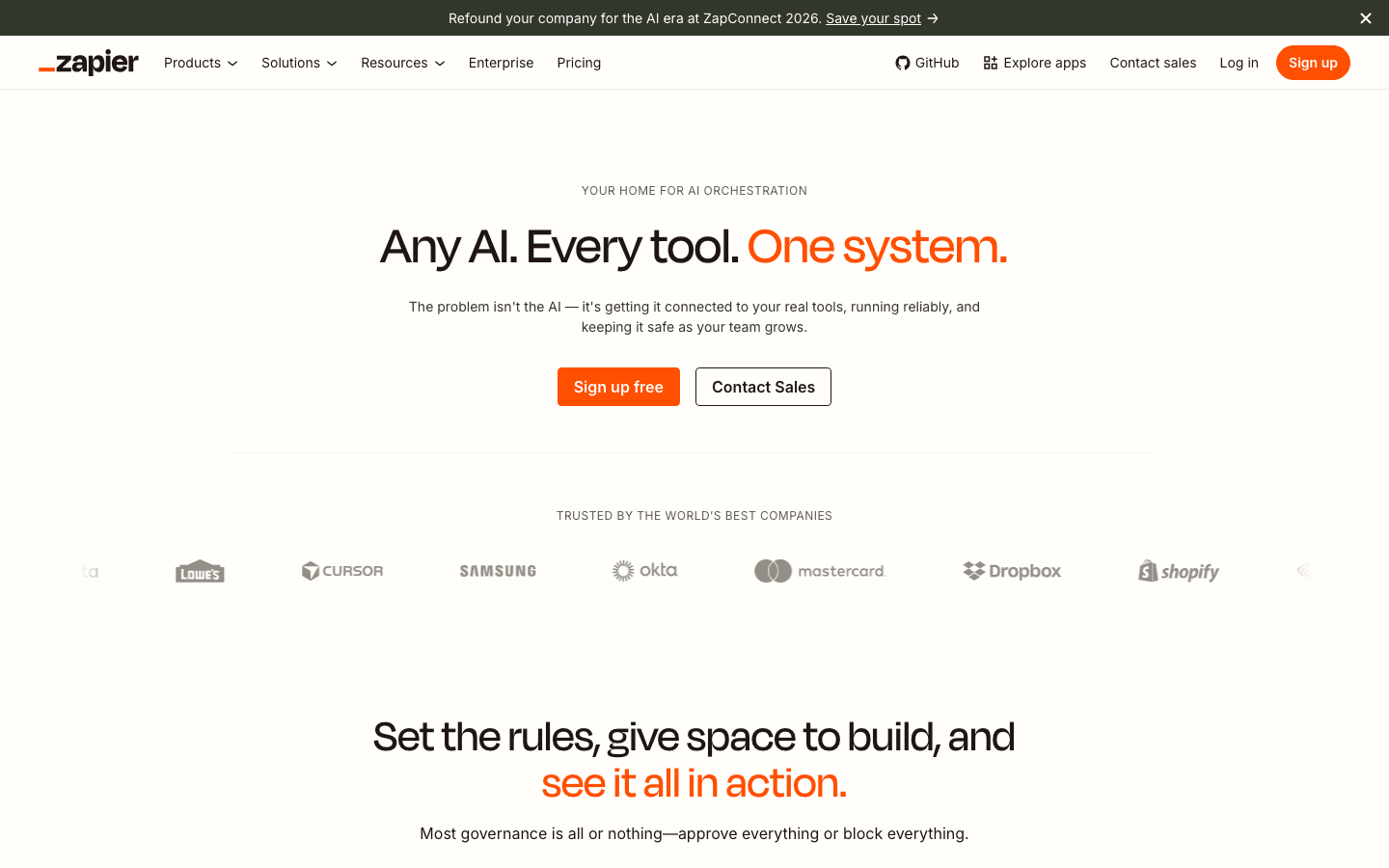
Zapier AI is best for connecting the software a business already uses. It fits workflows built from triggers, actions, app handoffs, and optional AI steps. A team might use it to classify an incoming request, add the result to a system of record, notify the right person, and create a task for follow-up.
Main features
- Helps teams create and manage multi-step workflows across connected applications.
- Adds AI steps where text needs to be classified, summarized, transformed, or routed.
- Makes repetitive handoffs visible as an automation rather than leaving them as manual instructions in a team chat.
- Supports a no-code or low-code starting point for business users who understand the process they want to improve.
Suitable for
Operations, marketing, sales, and support teams with repetitive work spread across several SaaS tools. Start with a process that has a clear trigger and a measurable outcome. Zapier improves the workflow around existing systems; it does not remove the need to define ownership, handle exceptions, or approve sensitive actions.
Lindy
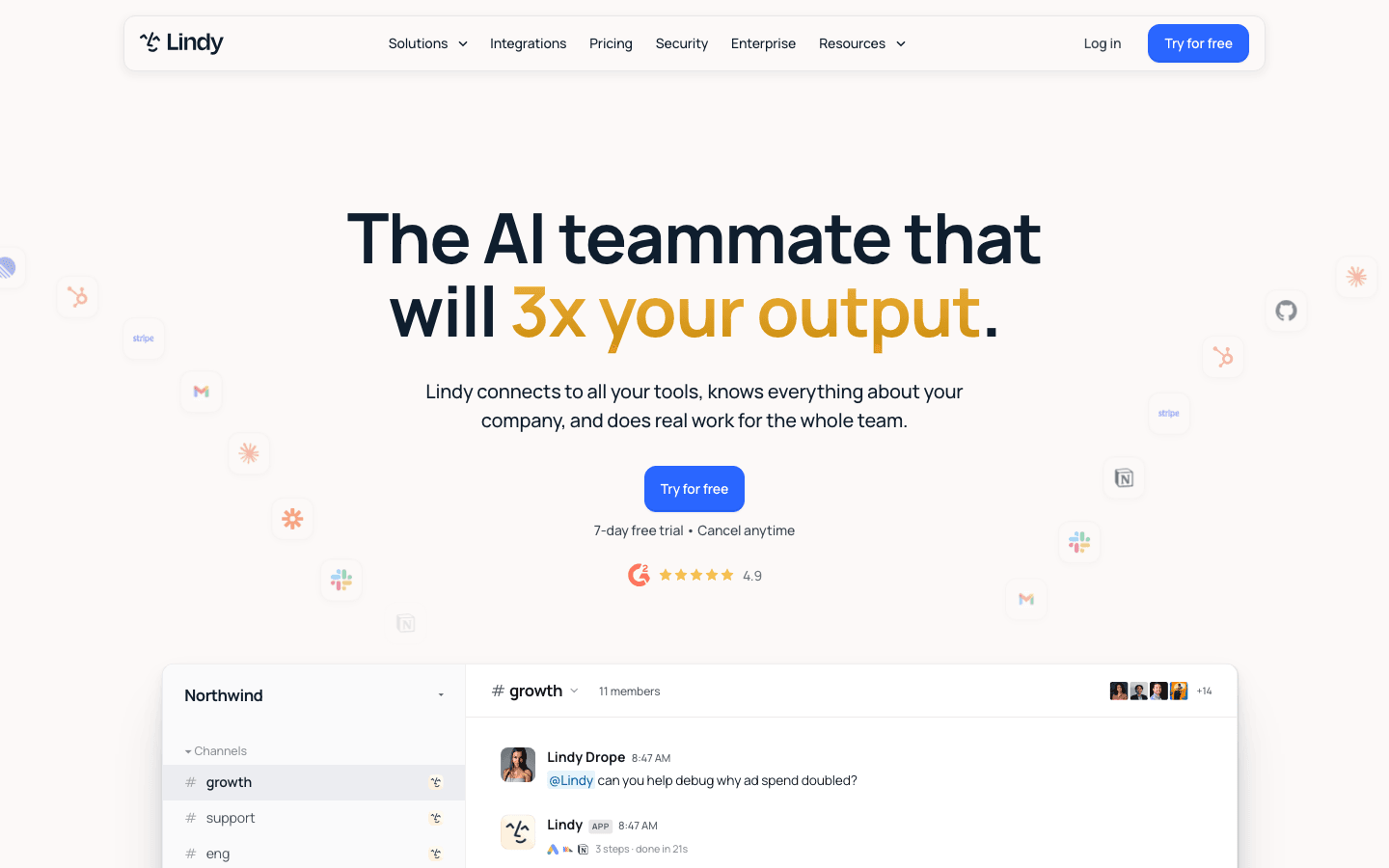
Lindy is best for delegating repeatable communication, scheduling, document, and administrative work to configurable AI assistants. It is more appropriate than a simple trigger-action recipe when the task involves interpreting context and carrying out a sequence of steps.
Main features
- Supports assistants for recurring operational tasks such as email handling, scheduling, document processing, and coordination.
- Lets teams configure workflows around the way a task should be handled rather than writing a new instruction each time.
- Can support use cases across sales, support, recruiting, and general operations.
- Provides a path from a manual process to delegated work while keeping permissions and handoffs explicit.
Suitable for
Founders, lean operations teams, agencies, and managers who spend significant time on recurring coordination. Use it for bounded tasks with known escalation conditions, such as preparing a draft response or routing a request. Keep a human in the loop when a message, commitment, or decision could affect a customer or employee.
Perplexity
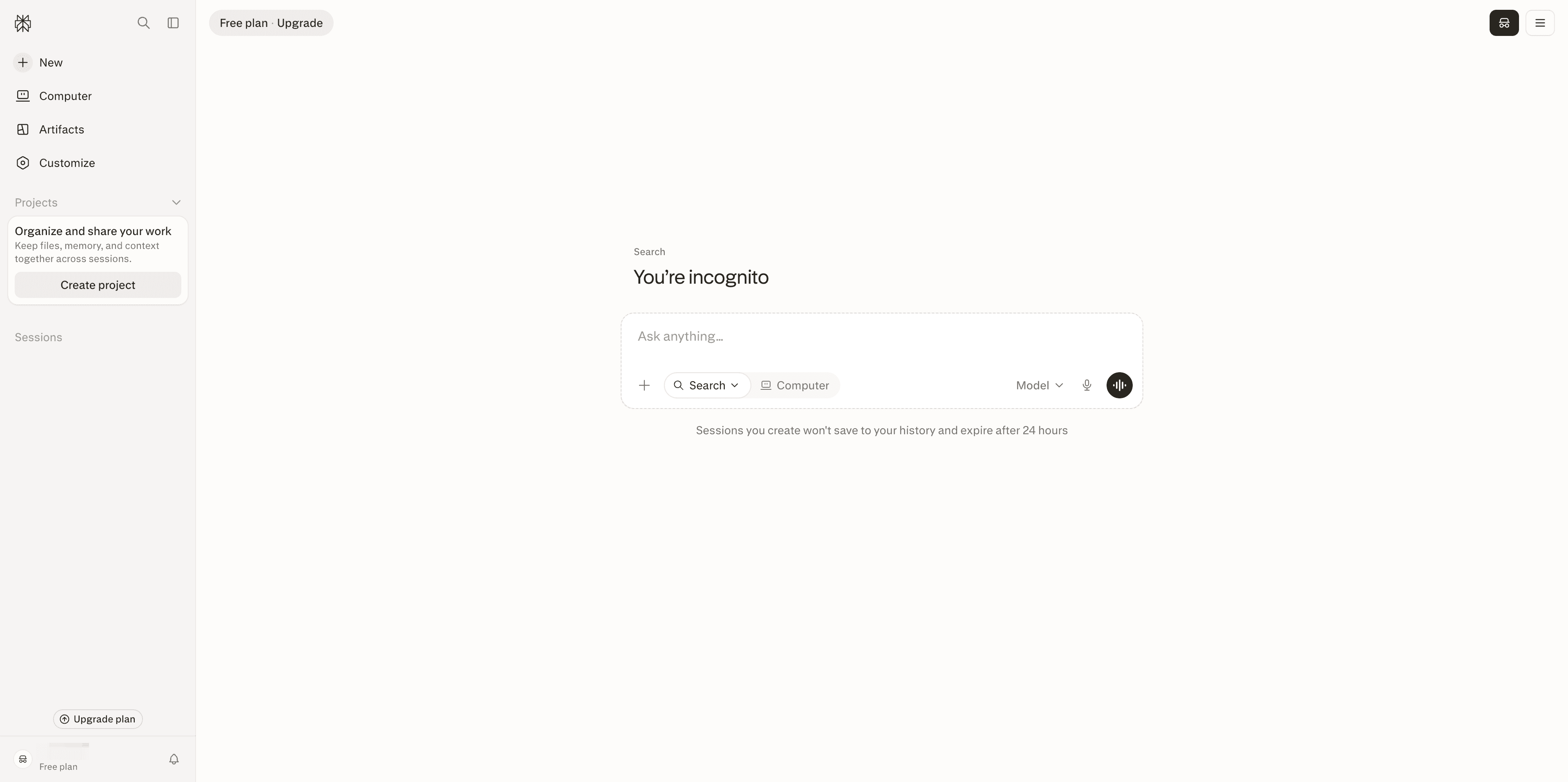
Perplexity is best for fast, source-backed exploration. It combines conversational questions with search so a user can start with a broad question, inspect cited sources, and ask follow-ups without rebuilding the query from scratch.
Main features
- Answers questions in a conversational format rather than returning only a list of search results.
- Provides cited sources that a reader can open for verification and deeper reading.
- Supports exploratory research across markets, competitors, industries, and general business questions.
- Makes it easier to move from a first answer to a narrower follow-up question.
Suitable for
Executives, marketers, analysts, and operators who need a quick research starting point. It works well for discovery and source collection, not as an automatic substitute for due diligence. Verify important claims against primary sources, especially when a decision depends on current regulation, financial information, product availability, or a precise technical detail.
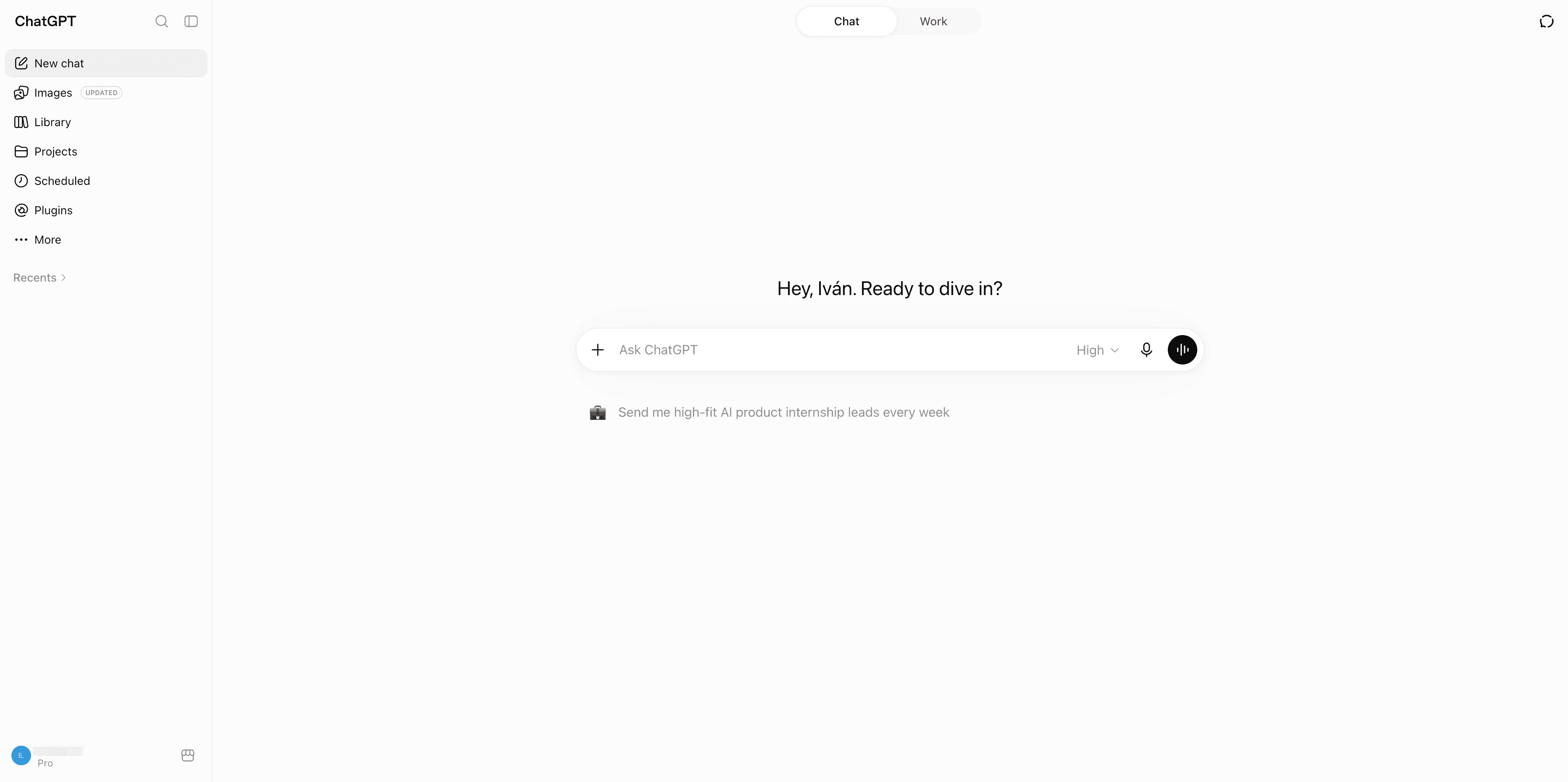
ChatGPT
ChatGPT is best for flexible reasoning, drafting, synthesis, and iterative problem-solving across departments. Its value comes from range: the same assistant can help turn interview notes into themes, compare options, draft an internal brief, or explain an analysis to a different audience.
Main features
- Supports drafting, summarization, structured thinking, brainstorming, and question answering.
- Helps teams transform unstructured material into outlines, frameworks, checklists, or next steps.
- Enables iterative work in which the user can critique an output and refine the request.
- Can support analysis when the user supplies the relevant context and checks the result.
Suitable for
Most knowledge-work teams that need a general-purpose assistant rather than a system dedicated to one department. It is a strong first tool for experimentation, but generality is also its limit: teams may need a more deeply integrated product for CRM actions, governed analytics, or specialized content operations. Establish a review habit before using generated work in customer-facing or consequential settings.
Kimi Deep Research
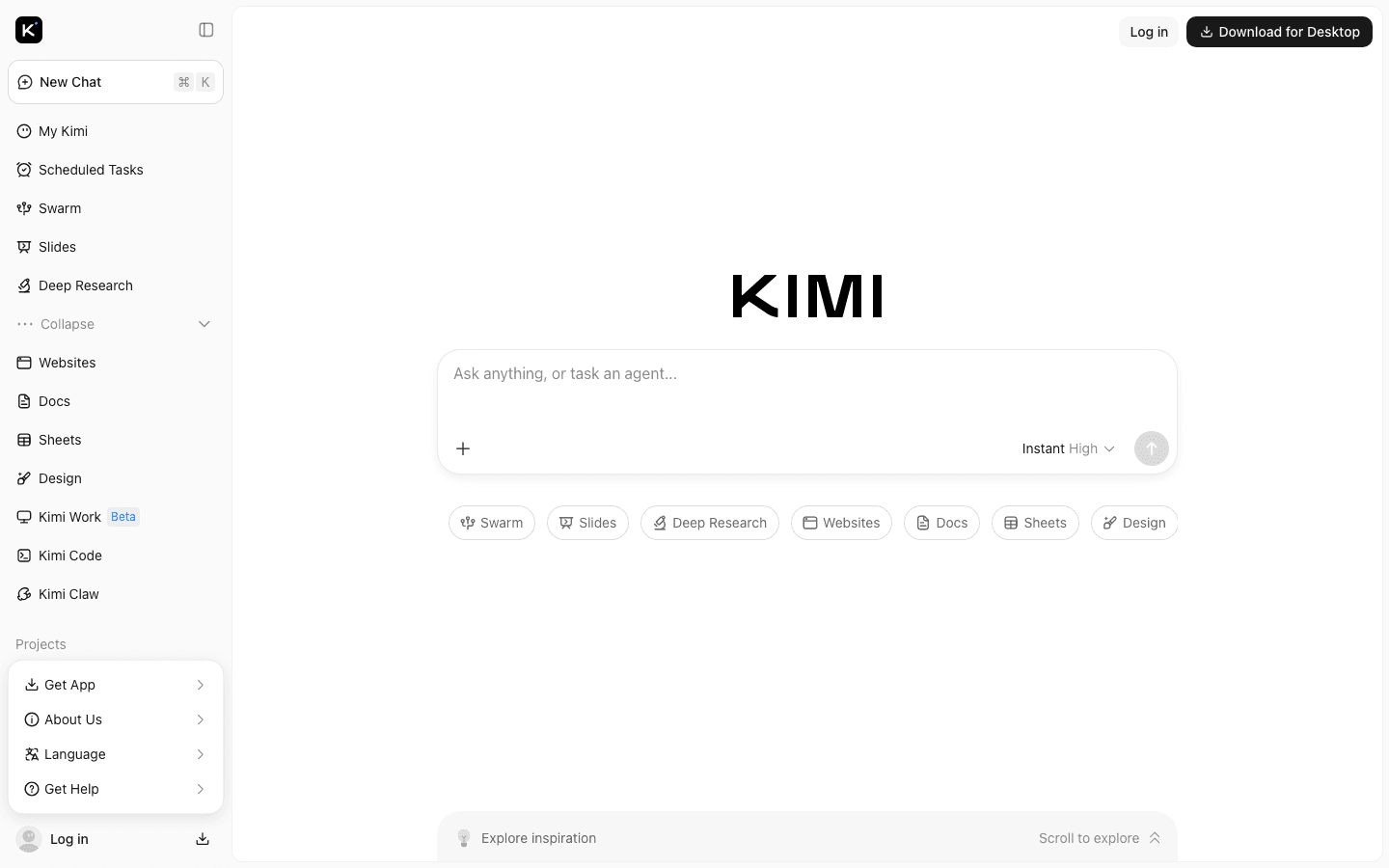
Kimi Deep Research is best for structured research goals that require source review, evidence analysis, and a cited report. Compared with quick answer tools, it is designed for a longer path from question framing to organized output.
Main features
- Helps clarify a research goal before gathering information.
- Reviews sources and organizes evidence into a more comprehensive report.
- Produces cited outputs that make it easier to trace important claims.
- Fits research tasks that need synthesis across multiple documents or perspectives.
Suitable for
Strategy teams, consultants, analysts, investors, and founders preparing a market or competitor view. Use it when the deliverable is a report rather than a quick answer. Define the scope, date boundary, and evidence standard first, then manually verify the claims that will influence a budget, product direction, or external statement.
Microsoft Copilot
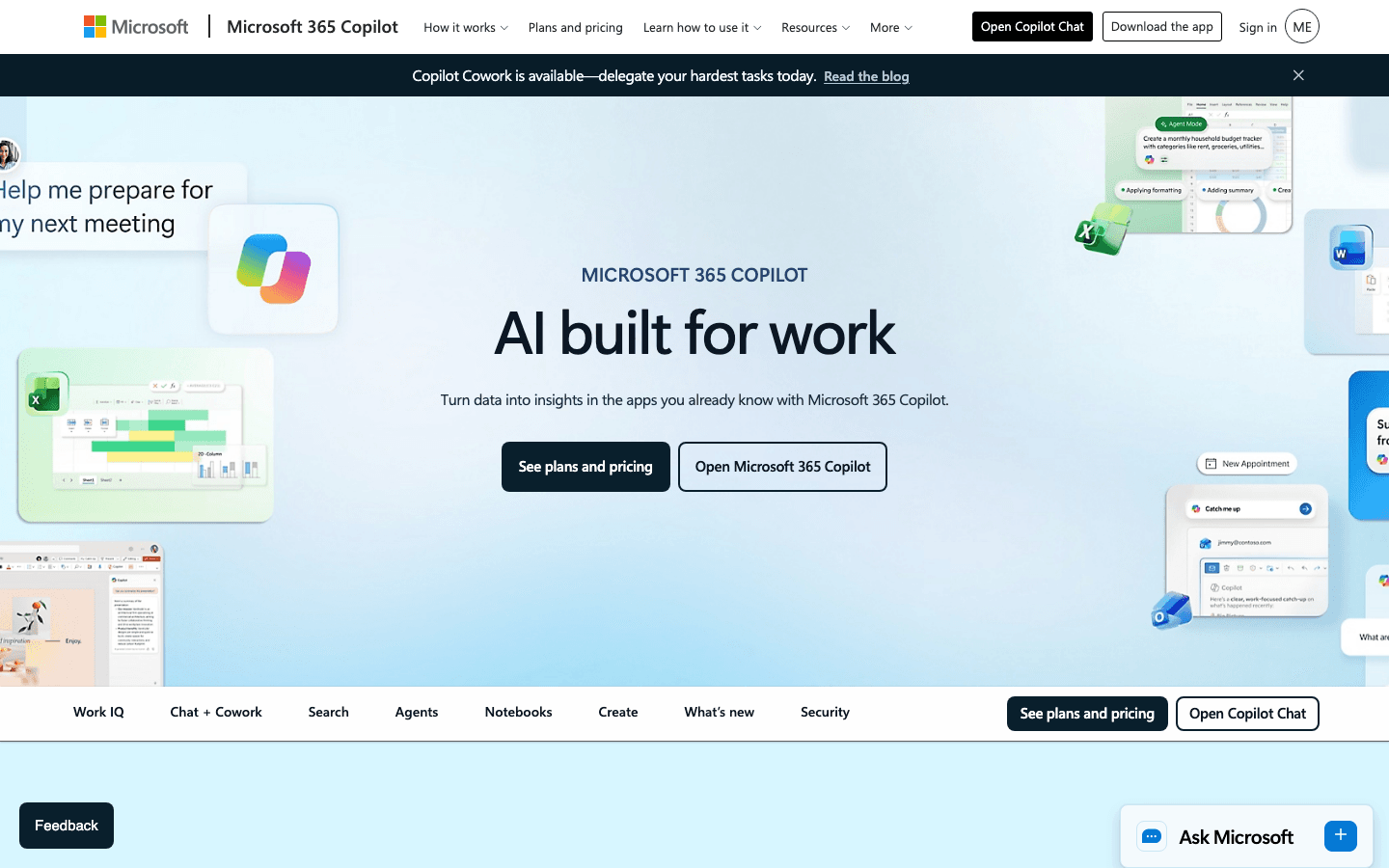
Microsoft Copilot is best for organizations already working in Microsoft 365 and looking for AI assistance inside documents, spreadsheets, meetings, and related workplace workflows. Its main advantage is proximity to the tools where work already happens.
Main features
- Supports drafting and editing in document workflows.
- Helps users work with spreadsheet information and turn it into a more understandable summary.
- Supports meeting-related assistance, including summaries and follow-up work where available in the configured environment.
- Reduces the need to move content into a separate assistant for common workplace tasks.
Suitable for
Teams that already rely on Microsoft 365 and want to improve adoption by keeping AI close to existing documents, files, and meetings. Involve administrators early: the usefulness and safety of embedded AI depend on permissions, data organization, and the way the company manages access. A poor information structure can make an embedded assistant faster at finding the wrong context.
Salesforce Agentforce
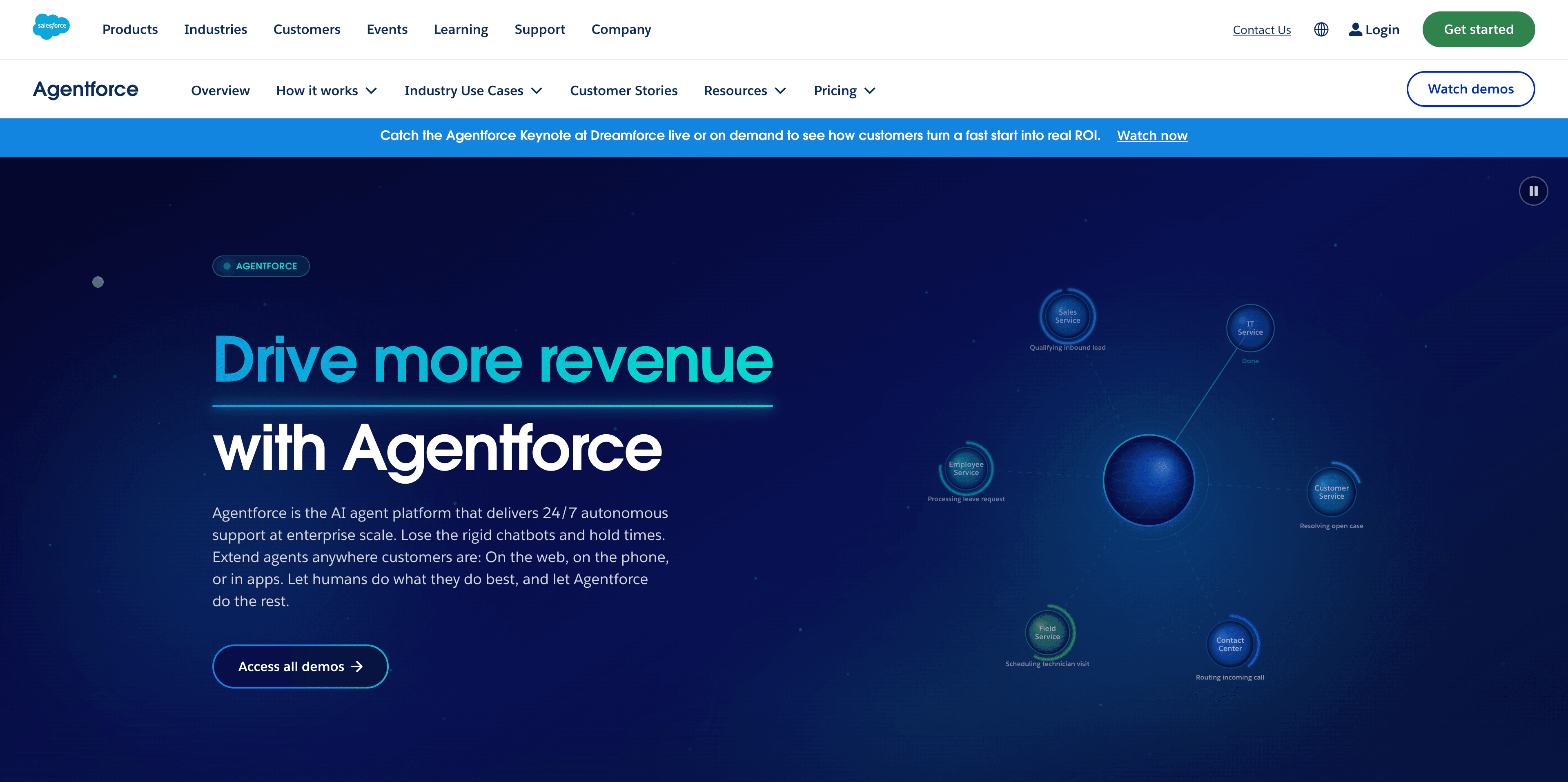
Salesforce Agentforce is best for customer workflows that need CRM context, actions, and escalation. It is designed for organizations that want AI to work alongside customer data and established sales or service processes rather than operate as a disconnected chatbot.
Main features
- Uses CRM context to support customer-facing and internal workflows.
- Helps prioritize work, recommend next actions, and automate bounded processes.
- Supports agent-style execution for tasks that can be defined through permissions and business rules.
- Can be paired with human handoff when a request needs judgment, approval, or specialist attention.
Suitable for
Sales, service, commerce, and enterprise teams already using Salesforce as a system of record. Start with a narrow workflow such as triage, follow-up preparation, or routine service handling. Confirm the data source, action permissions, audit expectations, and escalation path before allowing an agent to change records or communicate independently.
Clay
Clay is best for data enrichment and research-driven prospecting. It helps go-to-market teams gather information about companies and people, add useful context to records, and use that context to prepare more relevant outreach.
Main features
- Enriches lead and account information for sales and marketing workflows.
- Supports research on prospects and companies before outreach.
- Helps generate personalized messaging from the context collected by the workflow.
- Connects research and enrichment to repeatable go-to-market processes.
Suitable for
Sales development, growth, demand generation, and revenue operations teams that need better context before contacting a prospect. Define which fields are trusted, how often records should be refreshed, and what requires approval before outreach. Enrichment is only useful when the resulting data is accurate enough to support a clear action.
HubSpot AI
HubSpot AI is best for teams already operating marketing, sales, and customer workflows in HubSpot. Its value comes from helping with work around customer records, content, prospecting, and workflow support without forcing every task into a separate tool.
Main features
- Supports marketing and sales content workflows.
- Helps teams work with customer and prospect context stored in the platform.
- Can assist with prospecting and routine workflow tasks.
- Fits teams that want AI capabilities close to their existing CRM and marketing operations.
Suitable for
Small and mid-sized teams that want to extend an established HubSpot workflow rather than assemble a separate AI stack. Begin with one use case, such as drafting campaign variants or preparing a follow-up, and define who reviews the output. Check record permissions and data quality before relying on generated recommendations.
Jasper
Jasper is best for on-brand, multi-asset marketing content at team scale. It is more useful than a generic writing assistant when the challenge is coordinating campaign language across formats while preserving company context and brand voice.
Main features
- Supports campaign content production across multiple marketing assets.
- Uses reusable company and brand context to make outputs more consistent.
- Helps teams move from a campaign brief to a coordinated set of drafts.
- Gives marketing teams a specialist workspace instead of treating every request as a blank chat.
Suitable for
Marketing teams producing recurring campaigns, landing-page copy, email variations, social content, or sales enablement material. Establish an editorial review step for claims, positioning, and customer promises. Jasper can accelerate production, but the team still owns the strategy, evidence, voice, and final approval.
Tidio AI
Tidio AI is best for customer-facing chat and routine engagement. It can help answer common questions and keep conversations moving when a support team does not need to handle every first response manually.
Main features
- Supports automated responses to routine customer questions.
- Provides a customer engagement layer for chat-based interactions.
- Helps reduce repetitive first-line support work.
- Can route conversations toward human attention when the request is outside the approved scope.
Suitable for
Small businesses, ecommerce teams, and support teams with a predictable set of frequently asked questions. Start with a narrow knowledge base and monitor unanswered or misrouted conversations. Do not let the system improvise policies, refunds, or sensitive account decisions without a clear rule and human handoff.
Notion AI
Notion AI is best for knowledge management, workspace search, summaries, and task organization. It is useful when a team’s information already lives in a shared workspace and the problem is finding, condensing, or turning that information into action.
Main features
- Helps search and summarize workspace knowledge.
- Turns notes and discussions into clearer documents or follow-up items.
- Supports task creation and organization around team work.
- Keeps AI assistance close to the pages and project context the team already maintains.
Suitable for
Product, operations, marketing, and project teams that use Notion as a working knowledge base. It is most effective when pages have clear ownership, useful titles, and a maintenance habit. Set permissions deliberately and treat generated summaries as a draft until the owner confirms that decisions and action items are represented correctly.
Otter.ai
Otter.ai is best for meeting transcription, summaries, searchable conversation records, and action items. It turns spoken discussion into a reusable artifact so people who attended can focus on the conversation and people who did not attend can catch up more quickly.
Main features
- Transcribes business conversations and meetings.
- Creates summaries that make long discussions easier to scan.
- Keeps conversation records searchable for later reference.
- Helps identify action items and follow-up responsibilities.
Suitable for
Sales, recruiting, customer success, and internal teams that hold frequent meetings and lose time reconstructing what was agreed. Tell participants when recording or transcription is enabled, follow the organization’s consent policy, and have an owner correct important decisions. A transcript is evidence to review, not a substitute for a confirmed decision log.
Examples of business experiences built with Atoms
Case 1: Running Shoe Brand Store
Running Shoe Brand Store A running-shoe brand storefront suited to marketing and sales landing workflows.
Case 2: Noise-cancelling Headphone Store Website
Noise-cancelling Headphone Store Website A headphone product website shaped for launch-ready marketing pages.
Case 3: Luggage Brand Store Website
Luggage Brand Store Website A luggage brand storefront focused on product presentation and conversion.
Case 4: Beverages Online Store
Beverages Online Store A beverage e-commerce site used to validate a sellable category page quickly.
How to choose the right AI tool for your business
Use the following checks before connecting company data or buying another tool:
- Start with the workflow, not the category. Write down what repeats, where the handoffs occur, who owns the result, and what “better” means. A vague goal such as “use AI for sales” is difficult to pilot; “reduce the time needed to prepare a qualified account brief” is testable.
- Check integration and data boundaries. Identify the source of truth, required permissions, retention expectations, and whether the product has a native connection, connector, API, or embedded context that fits your stack. Do not send proprietary information simply because a tool accepts it.
- Match autonomy to risk. Use assistants for drafting and analysis. Reserve autonomous actions for bounded, reversible workflows with explicit permissions, logs, and escalation. Customer communications, financial actions, access changes, and employment decisions deserve stronger review.
- Evaluate adoption and total cost. Include setup, seats, usage, training, review time, maintenance, and the cost of another disconnected dashboard. A tool that saves minutes but creates a new reconciliation task may not improve the process. For a web-building pilot, check Atoms pricing against the scope of the project rather than assuming a particular allowance or price.
- Define one success metric. Choose time saved, cycle time, response time, conversion, error rate, or output quality for the pilot. Compare the result with the old process before expanding.
A practical way to roll out AI tools
Pick one high-volume, low-risk workflow with an accountable owner. Document the current steps and baseline metric, then connect only the data and permissions required for the test. Keep a human review step for customer-facing or consequential outputs, and record common failure modes rather than hiding them. Run the pilot long enough to capture normal variation, compare it with the baseline, and decide whether to stop, adjust, or standardize it. Once the workflow is stable, document the new process and expand to another department only when the next use case has a similarly clear owner and outcome.
Conclusion
The best AI tools for business are not the ones with the longest feature lists. They are the ones that fit an approved workflow, use the right data, and produce an outcome a team can measure. Start with one bottleneck, keep review proportional to risk, and expand only after the process works. If the next step is turning a validated product, campaign, or workflow into a working web experience, explore Atoms and build from the brief instead of leaving the idea in a document.
A little more clarity
Frequently asked questions
01Q1: What are the best AI tools for small businesses?
Start with a tool that solves a clear recurring bottleneck and fits software the team already uses. A small business might begin with Zapier AI for app handoffs, ChatGPT for flexible drafting and analysis, Tidio AI for routine customer questions, or Atoms for a new website or lightweight web product. Avoid adopting a broad enterprise stack before validating one workflow with a baseline and an owner.
02Q2: What is the difference between AI automation and an AI agent?
Traditional automation follows predefined triggers and actions. An AI-enhanced workflow may classify text or choose among known paths, but the structure is still largely specified. An agent can interpret a goal, plan steps, use tools, and sometimes act within granted permissions. Agents can handle more variation, but they also need tighter boundaries, monitoring, approval rules, and escalation when the request is ambiguous or risky.
03Q3: Are AI tools safe for proprietary business data?
Safety depends on the provider, plan, configuration, permissions, retention practices, and the workflow itself. Review the product’s current data-handling terms and administrative controls before connecting sensitive information. Limit access to what the task requires, avoid using unapproved data in experiments, and keep a human review step for outputs that could expose confidential information or affect a customer, employee, or financial decision.
04Q4: How do AI tools integrate with an existing tech stack?
Integration can happen through native features, app connectors, APIs, webhooks, or an assistant embedded in a suite such as a CRM or workplace platform. The important question is not only whether a connection exists, but whether it preserves the correct source of truth, permissions, ownership, and exception handling. Map the data flow before implementation and test what happens when a field is missing, a record is duplicated, or an action needs human approval.
05Q5: How much technical skill is needed to use AI tools for business?
Many general assistants and no-code automation tools are accessible to business users, especially when the workflow is simple and the expected output is easy to review. CRM agents, analytics systems, APIs, permissions, and production deployments may need an administrator or technical partner. In either case, process knowledge matters: the clearer the team is about inputs, decisions, exceptions, and ownership, the more useful the tool will be.
06Q6: Where should a business start with AI?
Choose one workflow that happens frequently, has low downside, and can be measured. Document the current process, connect only the required data, and define an approval point before the pilot begins. Good starting examples include summarizing internal meetings, preparing a research brief, enriching a sales list, answering routine support questions, or automating a repetitive handoff between existing apps. Expand only after the first workflow has a stable owner and a demonstrable improvement.
Share this article
 Posts
Posts 