
On this page
The best AI research tools do different jobs: some find papers, some explain documents, some map citations, and others help analyze data or polish academic writing. This guide compares 12 options by research stage, evidence trail, and practical fit so you can choose a tool—or a small stack—without treating an AI-generated answer as a substitute for reading the source.
What are AI research tools?
AI research tools are software products that use search, language models, citation data, or data-analysis automation to help with one or more parts of research. In practice, the category covers several distinct jobs:
- Discovery: finding papers, authors, datasets, and related work.
- Triage: screening a large result set and identifying which papers deserve a closer read.
- Document-grounded synthesis: asking questions about papers or a selected document collection.
- Citation analysis: tracing how studies connect and whether later work supports, contrasts with, or merely mentions a claim.
- Data exploration: inspecting spreadsheets or datasets with natural-language prompts and visualizations.
- Writing support: improving grammar, clarity, structure, and academic tone.
These tools can make orientation and extraction faster, but they do not automatically make research deep, accurate, or reliable. A fluent summary can still omit a limitation, confuse correlation with causation, or attach a claim to the wrong paper. For consequential work, use AI to narrow the search and structure your notes, then inspect the original abstract, methods, results, figures, and references yourself.
The best AI research tools at a glance
| Tool | Best for | Research stage | Main strength | Main limitation or watch-out |
|---|---|---|---|---|
| Atoms | Building a custom research workspace or web app | Workflow design | Turns a research workflow into an editable product | Requires you to define and review the workflow |
| Kimi Deep Research | Broad, multi-step questions | Orientation and synthesis | Decomposes a question and produces a structured report | Verify claims, source quality, and citations |
| Consensus | Evidence-oriented questions | Discovery and synthesis | Connects answers to scholarly findings | A cited study still needs methodological review |
| Elicit | Structured paper discovery | Discovery and extraction | Organizes study details for comparison | Extraction should be checked against the paper |
| Semantic Scholar | Paper discovery and triage | Discovery | Useful paper-level summaries and filters | Coverage and summaries are not a complete review |
| Litmaps | Citation mapping and monitoring | Literature review | Visualizes connected literature from seed papers | Maps reflect available citation relationships |
| ResearchRabbit | Collection-based exploration | Literature review | Explores related papers, authors, and collections | Exploration still needs a defined search strategy |
| Scite | Citation context | Verification | Separates supporting, contrasting, and mentioning citations | Citation labels do not replace reading the citing paper |
| SciSpace | First-pass paper comprehension | Reading and synthesis | Helps explain selected academic documents | Inspect figures, methods, and caveats yourself |
| NotebookLM | Source-bounded synthesis | Reading and synthesis | Keeps questions tied to your uploaded sources | Output is limited by the documents you provide |
| Julius AI | Exploratory dataset analysis | Analysis | Natural-language questions and quick charts | Exploratory output is not automatically formal statistics |
| Paperpal | Academic-language refinement | Writing and editing | Targets clarity and journal-oriented language | Better prose does not validate the research |
Free access and plan limits change frequently, so check each product’s current terms before building a workflow around a specific allowance. The table is a fit guide, not a universal ranking.
How to choose an AI research tool
Start with the research job
Begin with the decision you need to make. If you need broad topic orientation, a general research assistant may be enough for the first pass. If you are preparing a defensible literature review, prioritize scholarly discovery, structured screening, citation mapping, and a clear record of why papers were included. If you already have a document set, a source-grounded workspace is usually more useful than another broad search tool. If your bottleneck is a spreadsheet, choose a data-analysis tool rather than asking a paper-search product to do the job.
A useful test is to describe the next 30 minutes of work. Are you collecting candidate papers, comparing study designs, locating contradictory findings, checking a citation, exploring a dataset, or editing a draft? The answer usually identifies the right category faster than a feature checklist.
Check the evidence trail
For research, the answer is only as useful as the path back to the evidence. Look for links to the original paper, enough citation detail to identify the study, the ability to inspect relevant passages or citation context, and a clear distinction between a paper’s finding and the tool’s interpretation. Date coverage matters too: a tool may be excellent for older literature but incomplete for a fast-moving topic.
Treat “deep accurate” and “deep reliable” as standards to test, not labels to accept. Ask whether the tool can surface uncertainty, show conflicting results, and preserve the difference between an observational association and a tested intervention. Before quoting a generated summary, open the source and verify the wording, population, sample, method, and result.
Compare privacy, exports, collaboration, and cost
If you upload unpublished research, interview transcripts, or proprietary data, read the product’s current privacy and retention terms. Check whether references can be exported in a format your citation manager accepts, whether teammates can share collections, and whether notes remain usable outside the product. Also compare the cost of the complete workflow, not just the entry tier: a free search tool may still require a separate reader, reference manager, or analysis environment.
Practical AI research stacks by scenario
Fast topic orientation
Start with a general research assistant such as Kimi Deep Research to break down the question and identify vocabulary. Move to Semantic Scholar or Google Scholar to collect papers, then open the original sources and confirm the most important claims. This stack is fast, but it should end with verification rather than a pasted report.
A defensible literature review
Use Google Scholar or Semantic Scholar for broad discovery, Litmaps or ResearchRabbit for relationship-based expansion, and Elicit for structured screening. Add Scite when a central claim needs citation-context checks. Keep a search log, inclusion criteria, extraction fields, and a record of excluded papers so the final review is explainable.
Understanding a difficult source pack
Put the selected documents into NotebookLM or use SciSpace for paper-by-paper comprehension. Ask targeted questions about definitions, methods, and limitations. When two sources disagree, compare the original passages and study designs instead of asking the tool to choose a winner.
Exploring research data
Use Julius AI to ask early questions and generate exploratory charts. Then move important analyses into R, SPSS, or another method-appropriate environment where transformations, assumptions, and outputs can be reproduced. Keep exploratory findings labeled as exploratory until the analysis is confirmed.
Turning a repeatable workflow into a usable product
If your research process involves recurring steps—intake, source collection, review, synthesis, and approval—you may benefit from making the workflow explicit rather than switching between disconnected tools. Atoms is an AI product-building platform for turning a natural-language product idea into an editable web app or website. You can use it to prototype a research dashboard, source-review workspace, or internal evidence tracker, then preview and refine the result before launch.
The value is not that a custom interface makes evidence true. It is that a defined workflow can make responsibilities, source links, review states, and handoffs easier to see. Keep human approval in the loop for claims, citations, and publication decisions, and design the product around the evidence standard your team actually follows.
Best AI research tools
Atoms — best for turning a repeatable research workflow into a product
Atoms is an AI product-building platform for turning a natural-language product idea into an editable website or web application. For research teams, that could mean a source tracker, evidence-review dashboard, intake form, or approval workspace. It is not a scholarly database, so its role is to make the workflow around research clearer and more usable rather than to replace discovery or source verification.
Main features
- Turns a product idea described in natural language into an editable web experience.
- Supports generating, editing, previewing, and reviewing a workflow before launch.
- Helps make source links, review states, handoffs, and approvals visible in one interface.
Suitable for
Teams that repeat research operations and want a focused internal tool or lightweight web app around their existing sources and methods.
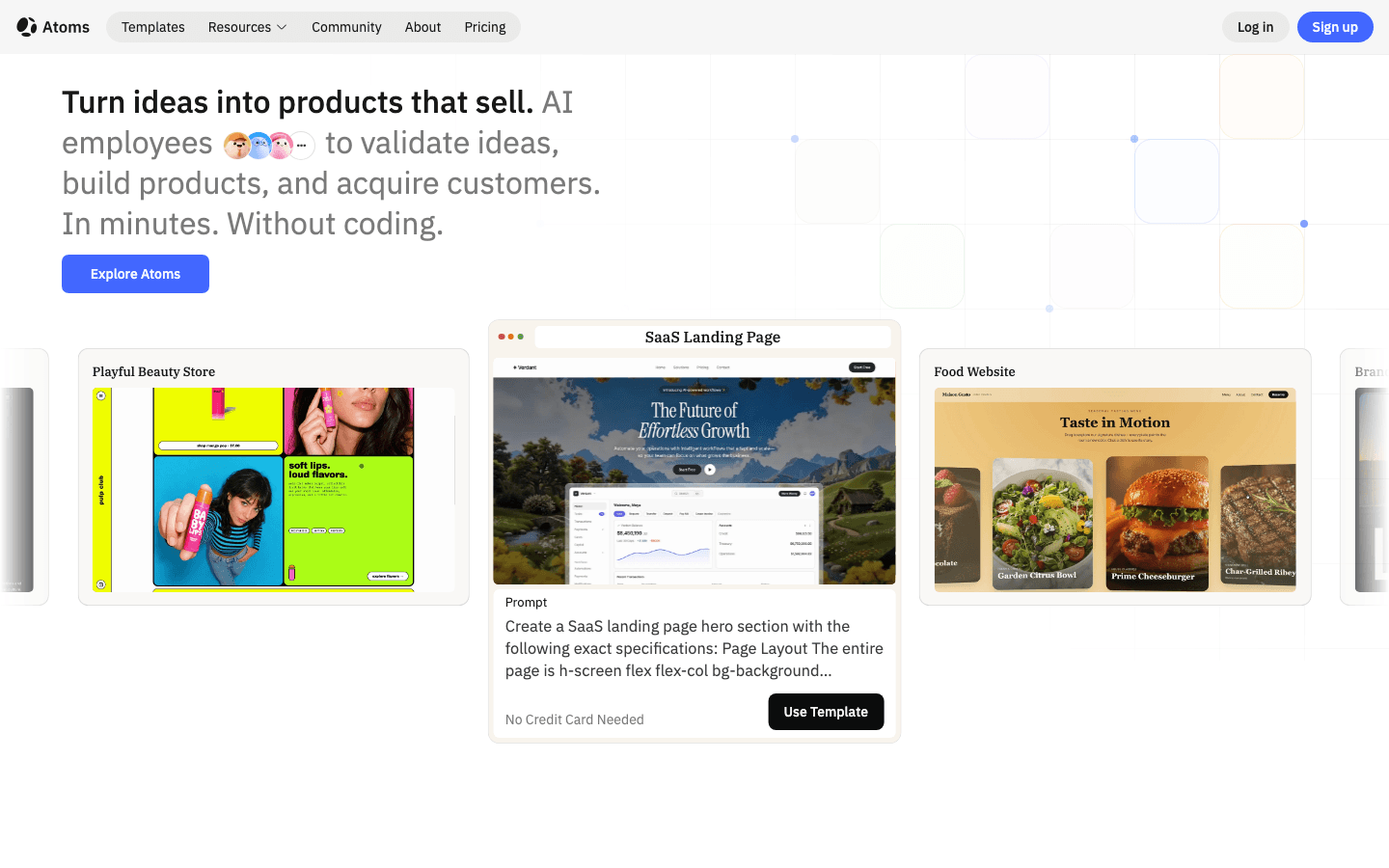
The cases below show web experiences Atoms can produce after research is complete. They demonstrate downstream information presentation, not scholarly discovery or source verification.
Case 1: Pet Wearable Camera Store
Pet Wearable Camera Store An e-commerce website that presents pet-camera products and their supporting product information.
Case 2: Digital Watches Online Store
Digital Watches Online Store A sports-watch landing page and e-commerce website for presenting a focused product category.
Case 3: Noise-cancelling Headphone Store Website
Noise-cancelling Headphone Store Website A product website for presenting a noise-cancelling headphone brand and its central value proposition.
Kimi Deep Research — best for multi-step research reports
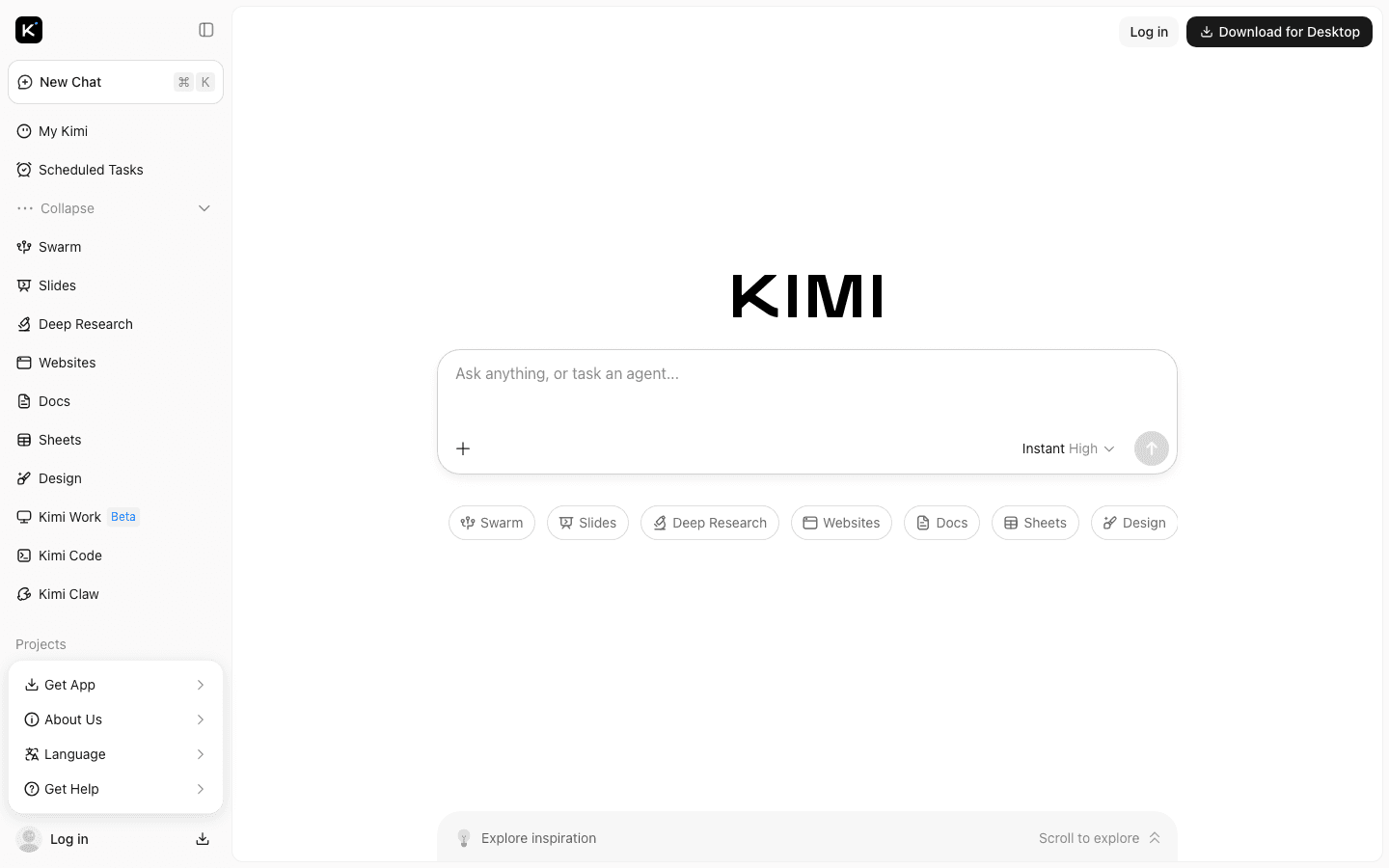
Kimi Deep Research is a fit for broad questions that require several research moves: breaking a topic into subquestions, gathering information, comparing findings, and producing a structured report. It can be useful at the orientation stage when you need a map of a complex issue before deciding which primary sources deserve close attention.
The more comprehensive the report sounds, the more important verification becomes. Check whether each material claim points to an appropriate source, whether sources are primary or secondary, and whether the report keeps facts, interpretations, and recommendations distinct. Use the output as a research brief, not as a finished literature review.
Main features
- Multi-step exploration of complex questions.
- Structured report generation for faster orientation.
- A broad starting point before specialized paper and citation tools.
Suitable for
Analysts, founders, students, and researchers who need a first-pass map of a broad or unfamiliar topic.
Consensus — best for evidence-oriented questions
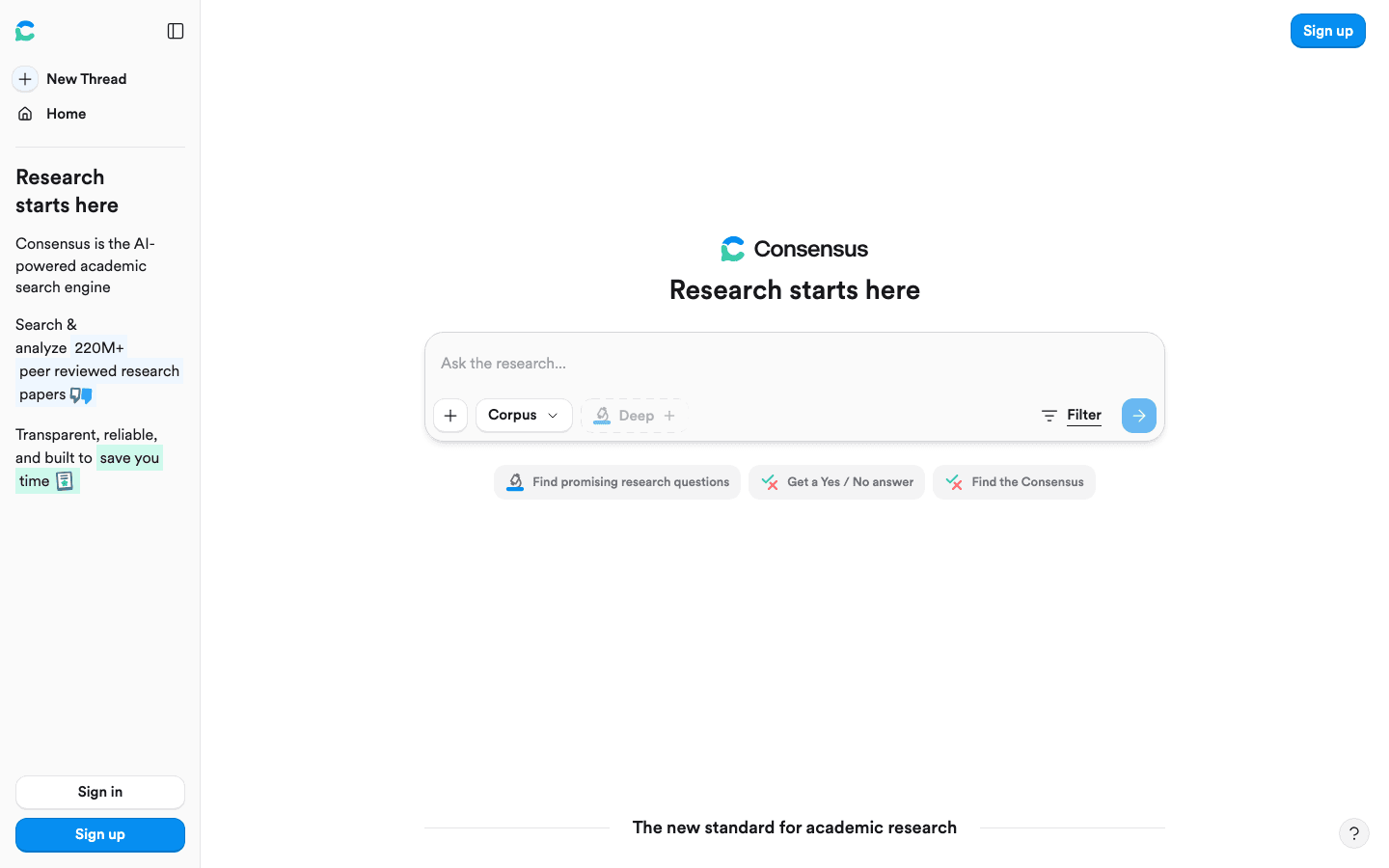
Consensus is designed for questions where the useful output is a synthesis of findings from scholarly papers. Instead of returning only a list of links, it helps connect a natural-language question with relevant research. That makes it useful for forming an initial view of whether a question has consistent, mixed, or limited evidence.
The important discipline is to inspect the studies behind the answer. “Most papers suggest” is not the same as a strong consensus if the studies use different populations, measures, or designs. Open the cited work, compare methods, and note whether the question was answered directly or only approximately.
Main features
- Natural-language questions about scholarly research.
- Evidence-oriented summaries linked to papers.
- A quick way to identify agreement and disagreement worth investigating.
Suitable for
Policy, product, health, and academic researchers who need a fast evidence scan before deeper review.
Elicit — best for structured discovery and extraction
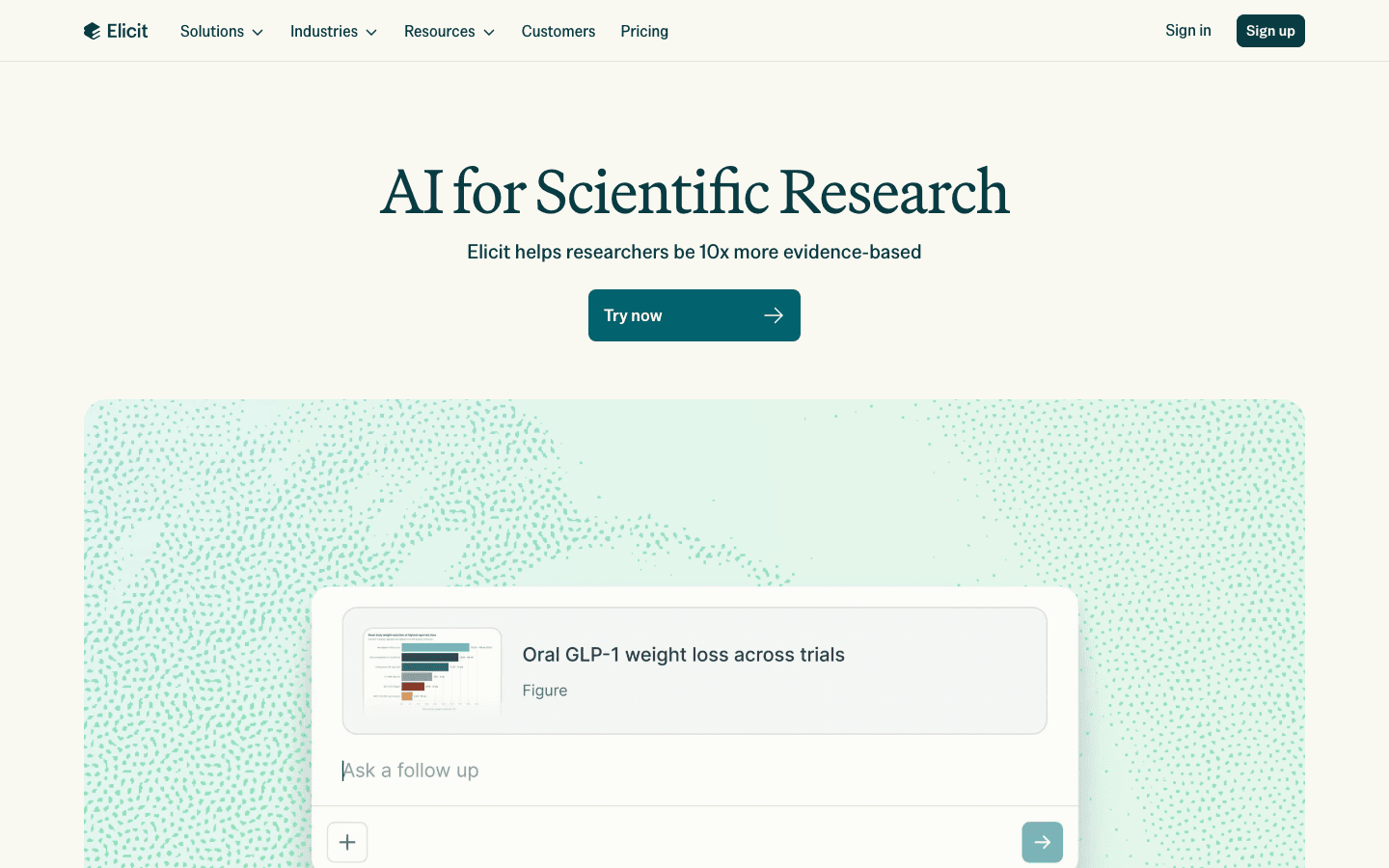
Elicit fits the point where search results need to become a comparison sheet. It can help identify relevant papers and organize details such as research questions, methods, or findings into a structured view. That is valuable when you are screening studies against the same set of criteria.
Structured extraction is not automatically correct extraction. Check the paper whenever a field affects your conclusion, especially sample size, intervention details, outcome definitions, and limitations. A good workflow uses Elicit to reduce repetitive reading and create a reviewable shortlist, then validates the important cells against the source.
Main features
- Discovery based on research questions rather than keywords alone.
- Structured extraction for comparing papers.
- A useful bridge between search and literature-review notes.
Suitable for
Researchers conducting an early systematic-style screen or comparing multiple studies on a focused question.
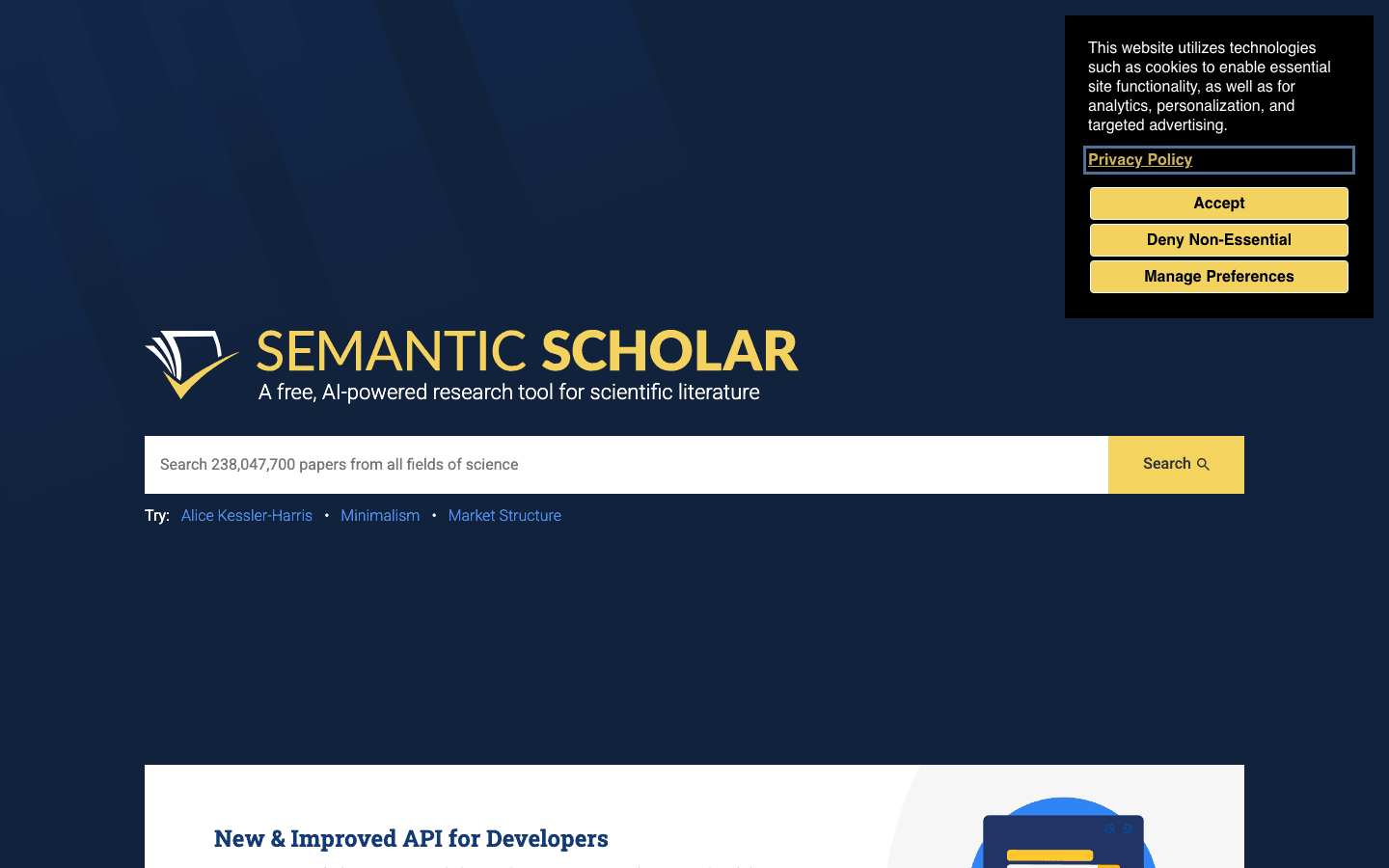
Semantic Scholar — best for paper-level discovery and triage
Semantic Scholar is a strong choice when the challenge is narrowing a large paper list. Paper-level summaries and discovery signals can help you decide which abstracts to read first, while filters and related-paper paths support an initial screening pass. It is particularly helpful when you know one relevant paper and want to expand around it.
Use its summaries as triage notes rather than final evidence. A short overview can hide a sample restriction, an unusual dataset, or a result that only applies under specific conditions. Keep the paper open while recording inclusion criteria, study type, and the exact claim you may use later.
Main features
- Scholarly search with paper-level discovery signals.
- Concise summaries for faster initial screening.
- Related-paper exploration for expanding a candidate set.
Suitable for
Researchers who need to move from a broad topic to a manageable reading queue.
Litmaps — best for visual citation mapping and monitoring
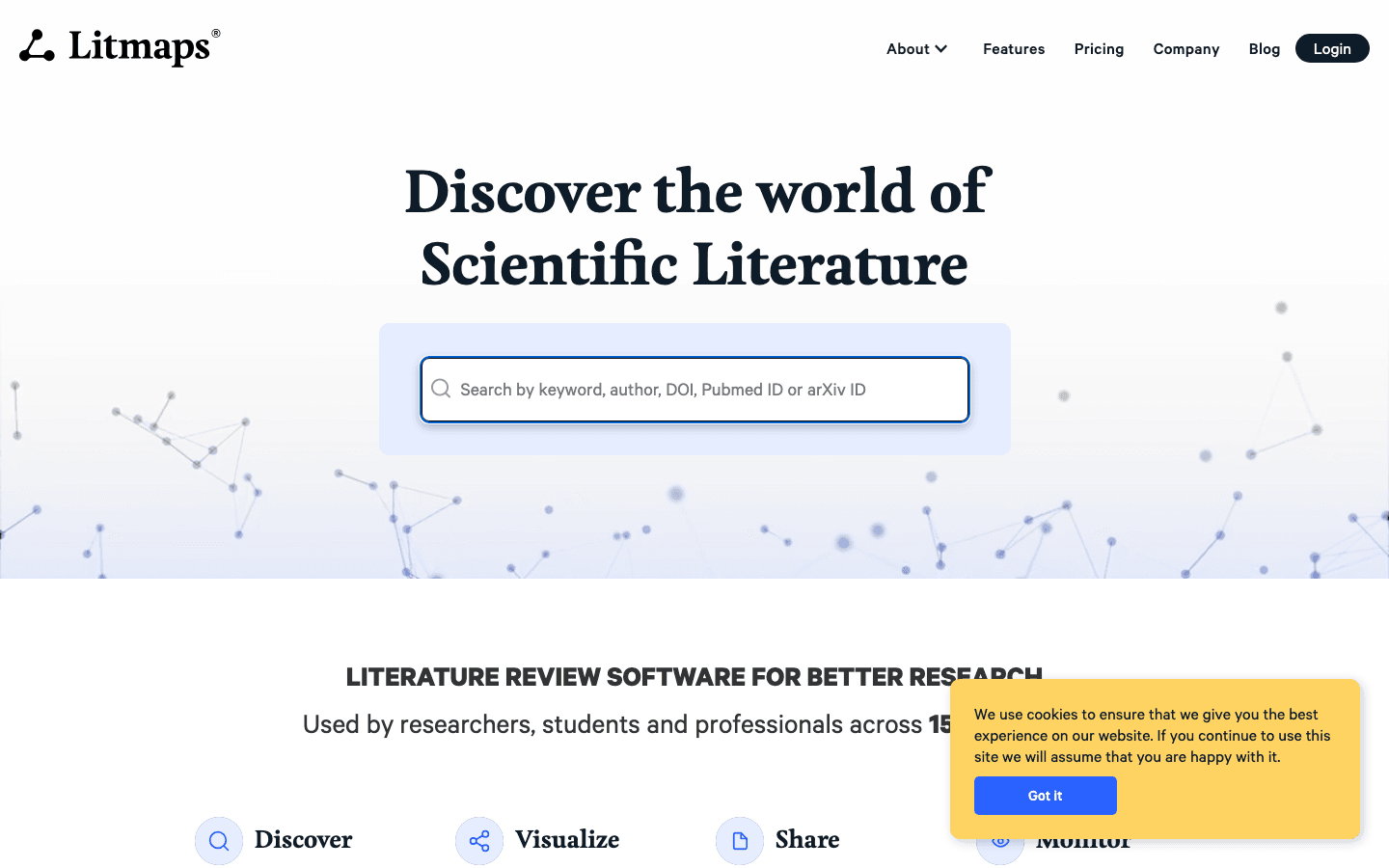
Litmaps starts with seed papers and helps you explore connected literature through citation relationships. A visual map can make clusters, influential studies, and newer additions easier to notice than a flat search-results page. Monitoring is also useful when a project lasts for weeks or months and the literature continues to change.
Maps are a discovery aid, not a guarantee that the important literature is complete. Citation patterns can favor established work, miss relevant terminology, or reflect disciplinary habits. Combine the map with keyword searches and an explicit inclusion rule, then save the reason each paper entered your review.
Main features
- Seed-paper exploration through connected citations.
- Visual clusters for spotting themes and influential work.
- Monitoring for newly appearing papers related to a research set.
Suitable for
Reviewers who need to understand how a field connects and where a literature search may have blind spots.
ResearchRabbit — best for collection-based exploration
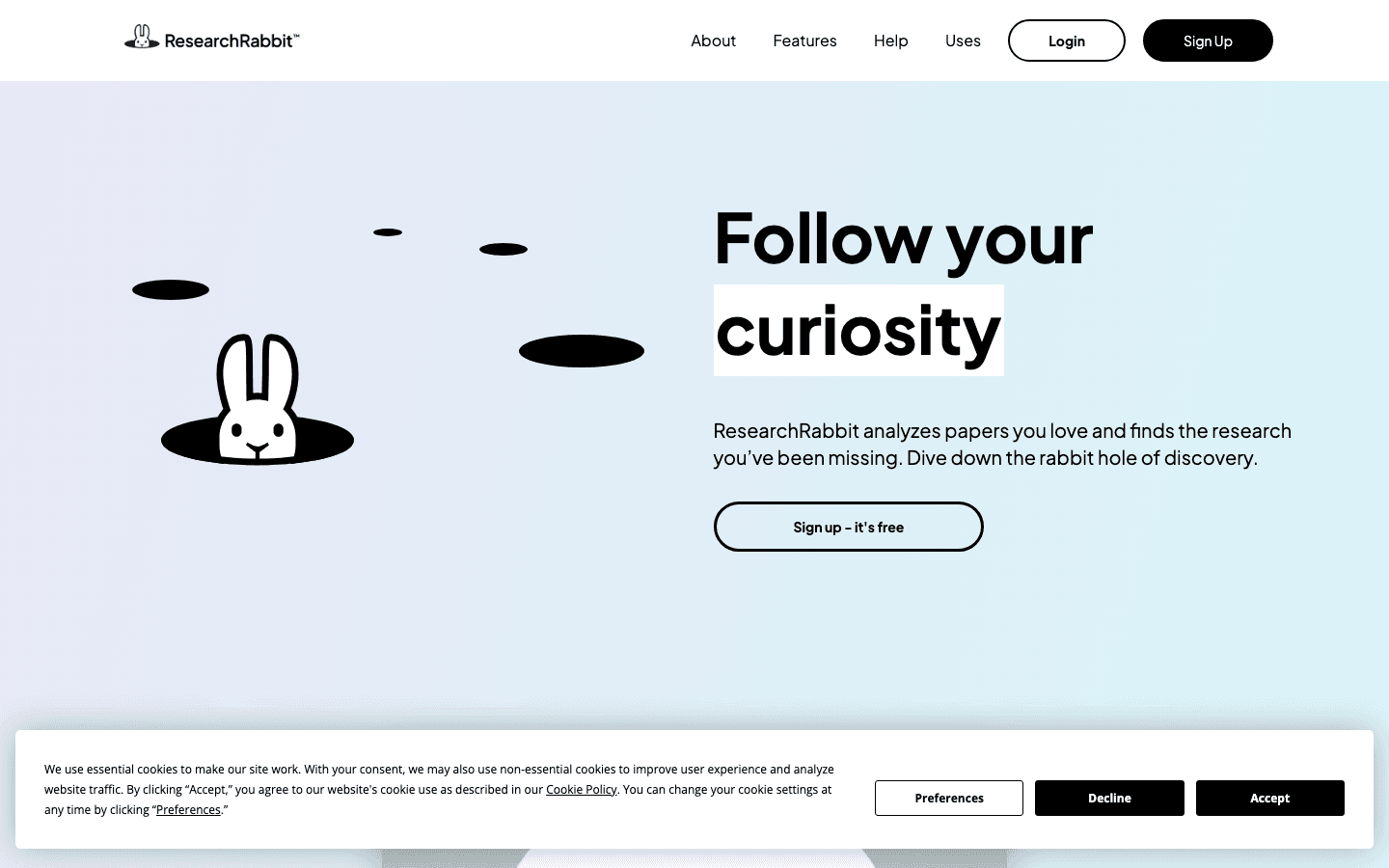
ResearchRabbit is useful when you already have a small collection and want to explore outward from it. Related papers, authors, and topics can reveal adjacent work that a single keyword query misses. As a research rabbit AI literature review tool, its most valuable role is often exploratory: helping you see the shape of a field before formal screening.
Keep exploration separate from evidence selection. Save promising papers, but apply the same criteria to every candidate regardless of how prominently it appears in a visual network. Pair the tool with a search log and a second discovery route so your review does not become dependent on one recommendation graph.
Main features
- Collection-based discovery from papers you select.
- Exploration of related authors and research themes.
- Visual browsing that supports early field orientation.
Suitable for
Students and researchers building a reading map around a few known papers or authors.
Scite — best for citation context
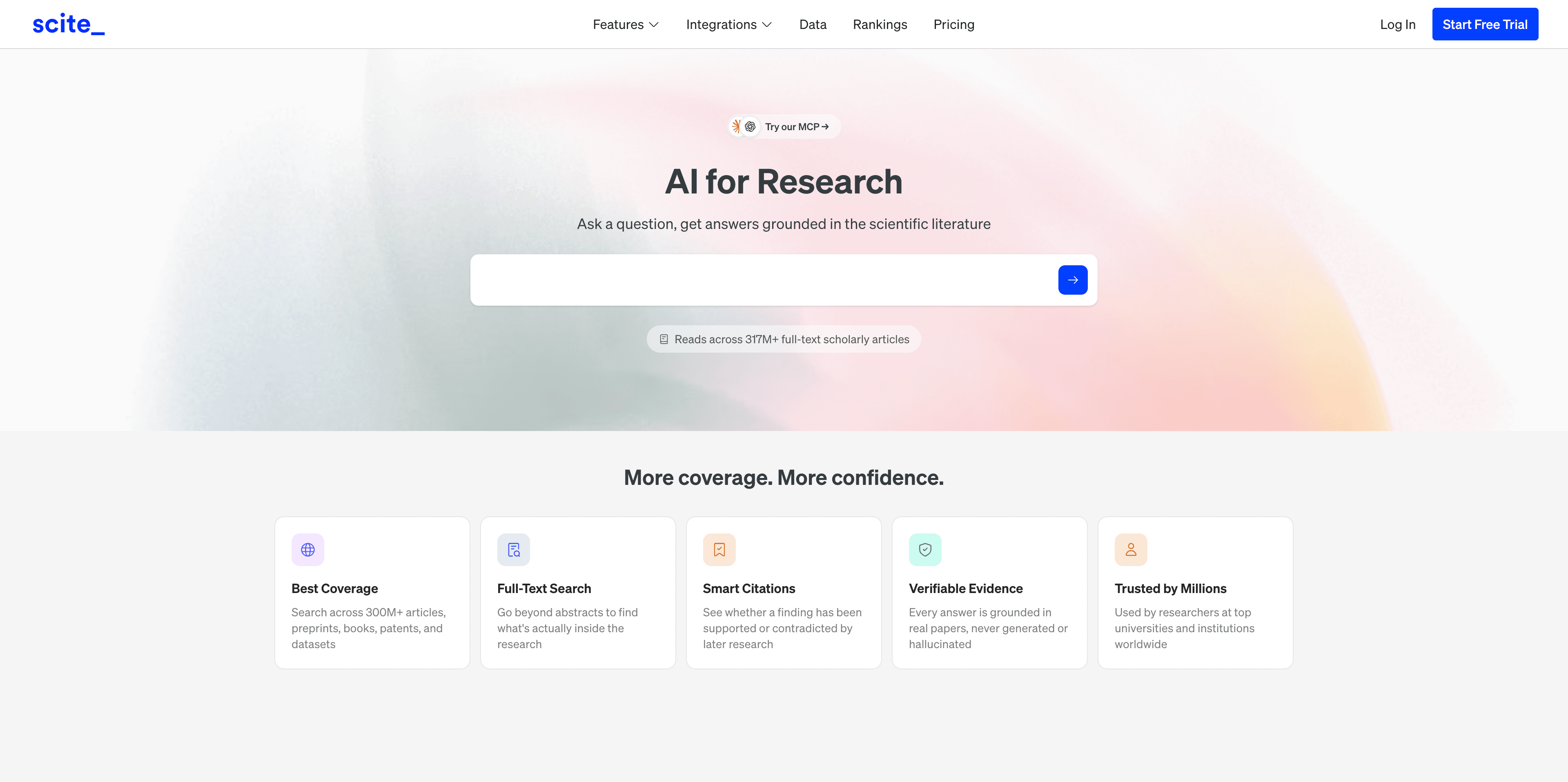
Scite helps researchers look beyond citation counts by examining how later papers cite a source. Supporting, contrasting, and mentioning contexts can provide a faster way to identify whether a result is being extended, questioned, or simply referenced in passing.
Use this as a validation aid. A citation label summarizes a context that may still require interpretation, and a paper can support one aspect of a claim while challenging another. Read the citing passage and, when the issue matters, the full citing paper and the original study.
Main features
- Citation-context signals for a selected paper or claim.
- Support, contrast, and mention categories for triage.
- A practical check against treating citation volume as agreement.
Suitable for
Researchers checking the strength and direction of a claim before citing it in a review, report, or article.
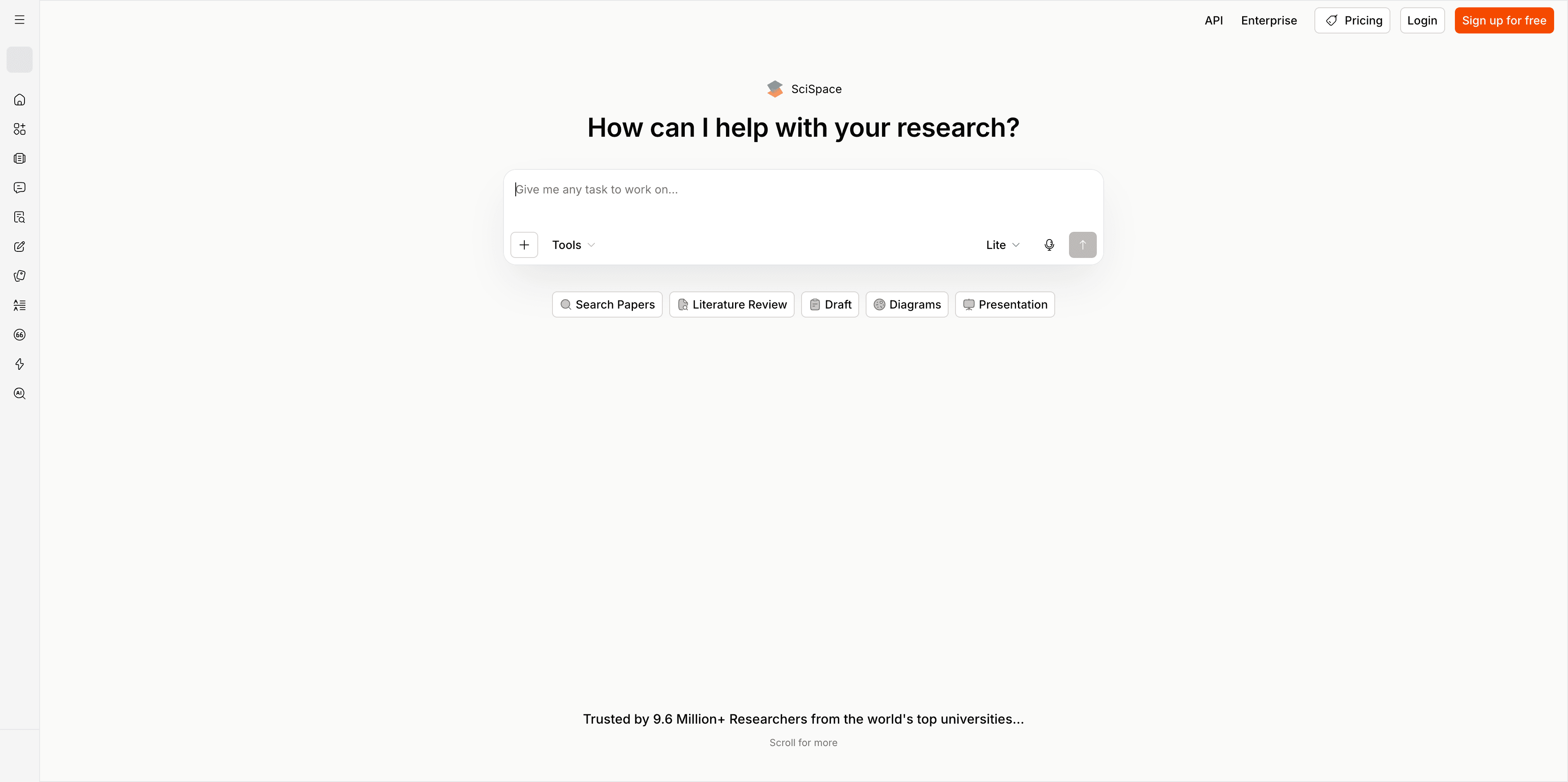
SciSpace — best for first-pass comprehension
SciSpace is designed to make difficult academic documents easier to approach. A document-grounded explanation can help you unpack terminology, summarize a section, or identify the role of a passage during a first read. That can reduce the friction of moving from “I found the paper” to “I understand what this paper is trying to show.”
First-pass comprehension is not the same as critical reading. Figures, appendices, statistical assumptions, and limitations often carry the meaning that a short summary leaves out. Use the tool to generate questions and notes, then confirm the interpretation in the paper itself.
Main features
- Questions and explanations grounded in a selected paper.
- Summaries that help orient readers to dense sections.
- Faster navigation from unfamiliar terminology to a readable explanation.
Suitable for
Students, cross-functional teams, and researchers reading outside their primary specialty.
NotebookLM — best for a source-bounded research workspace
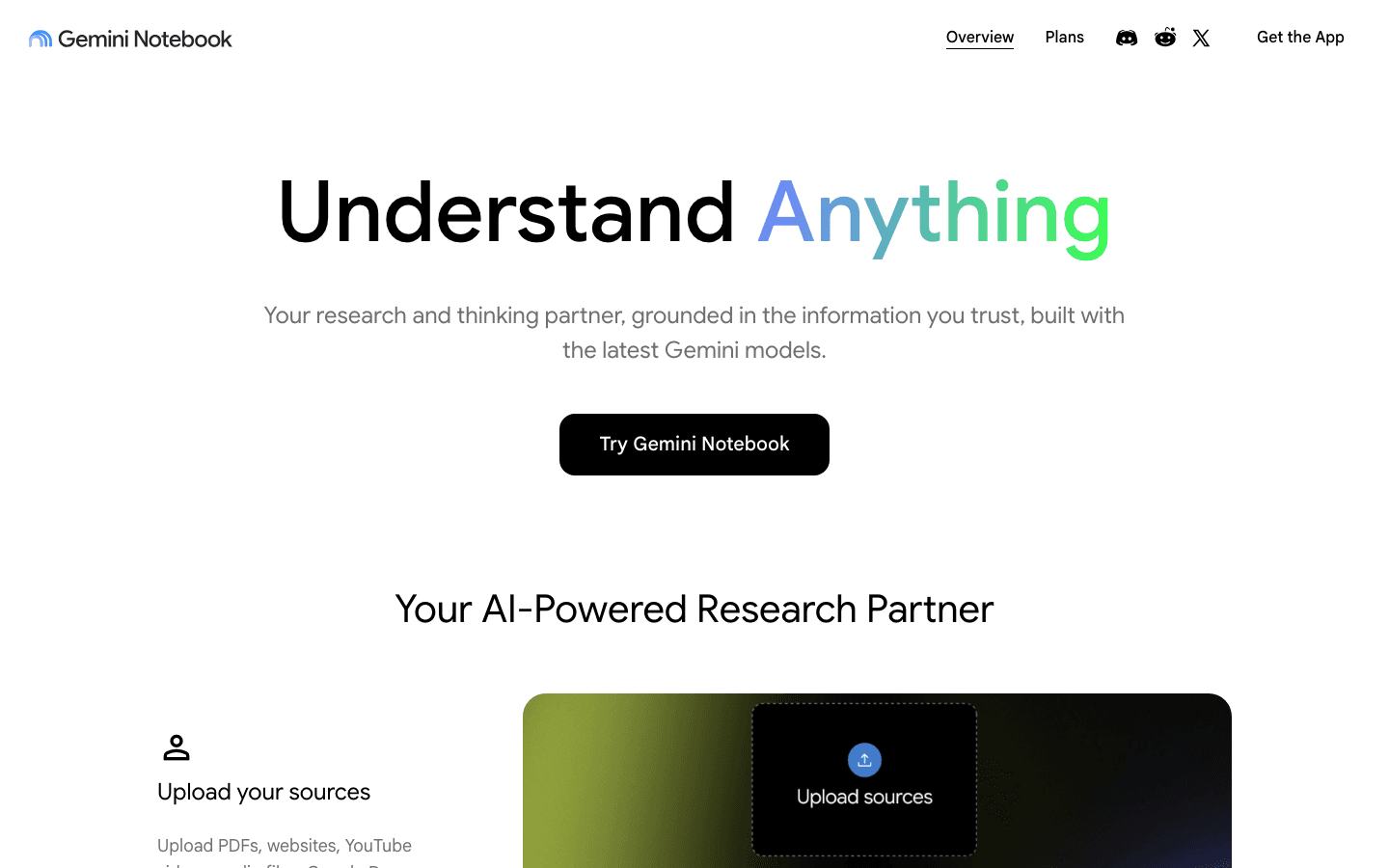
NotebookLM is useful when you want synthesis to stay within a document set that you provide. This makes it a good workspace for comparing reports, papers, notes, or other selected sources without asking a broad assistant to search the entire web for every answer.
The boundary is also the main limitation: if the notebook lacks a key source, the resulting synthesis cannot repair that gap. Curate the source set deliberately, label versions, and ask questions that expose disagreement rather than only requesting a single summary. Keep original files available for checking quotations and conclusions.
Main features
- Questions and synthesis over uploaded or selected sources.
- A bounded workspace for comparing documents.
- Notes and prompts that support iterative reading.
Suitable for
Researchers who have a defined packet of sources and want a focused reading companion.
Julius AI — best for exploratory dataset analysis
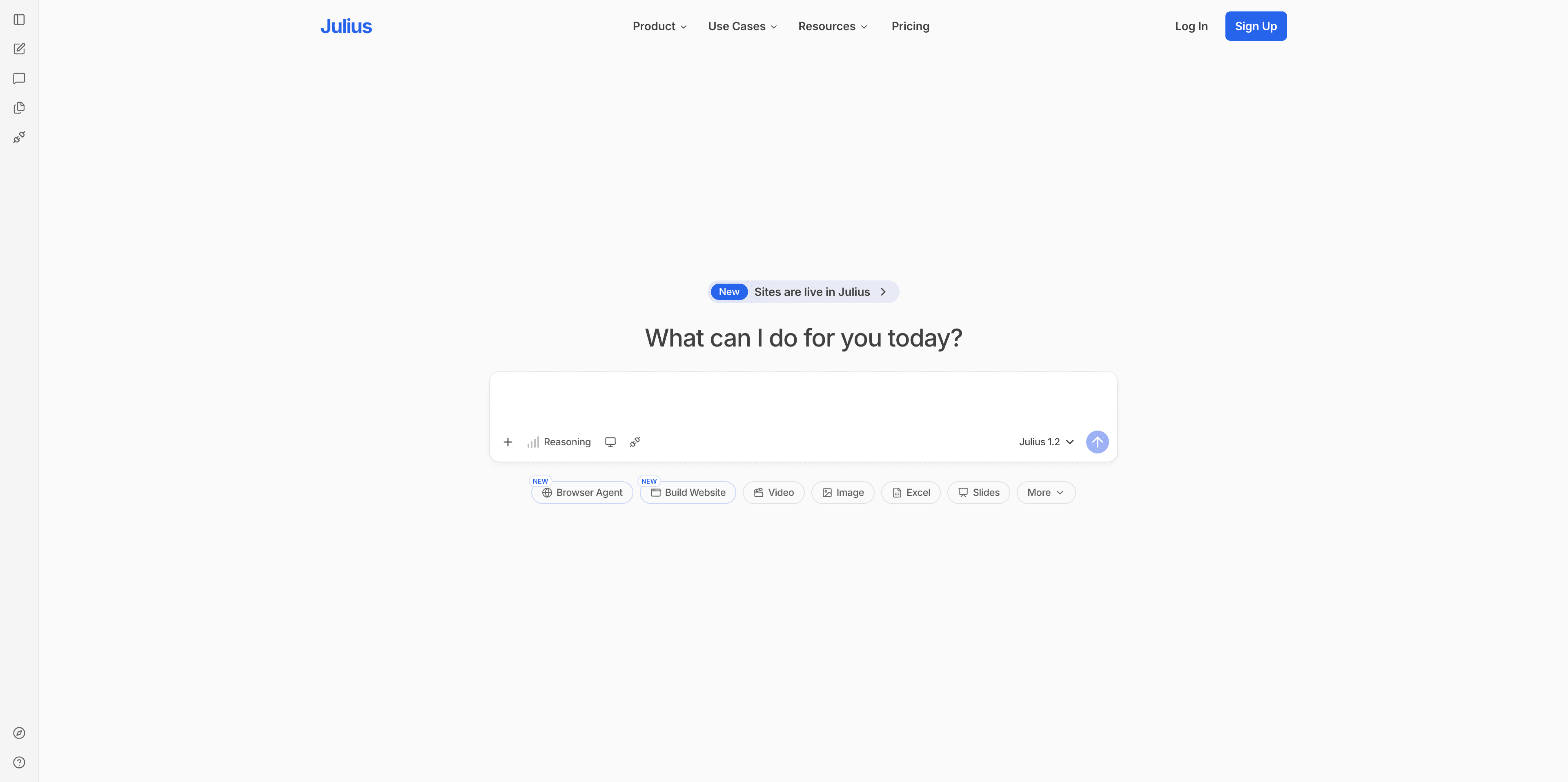
Julius AI helps users ask natural-language questions about structured data and quickly produce charts or initial observations. It is useful when you want to inspect distributions, compare groups, find missing values, or identify patterns before writing a formal analysis plan.
Exploration should not be confused with statistical proof. Check variable definitions, transformations, missing-data handling, sample selection, and the assumptions behind any test or chart. For a publishable result, reproduce important calculations in a suitable statistical environment and document the analysis choices.
Main features
- Natural-language questions about uploaded datasets.
- Quick charts and exploratory summaries.
- A lower-friction starting point for pattern finding.
Suitable for
Researchers and analysts who need to understand a dataset before committing to formal modeling or reporting.
Paperpal — best for academic-language refinement
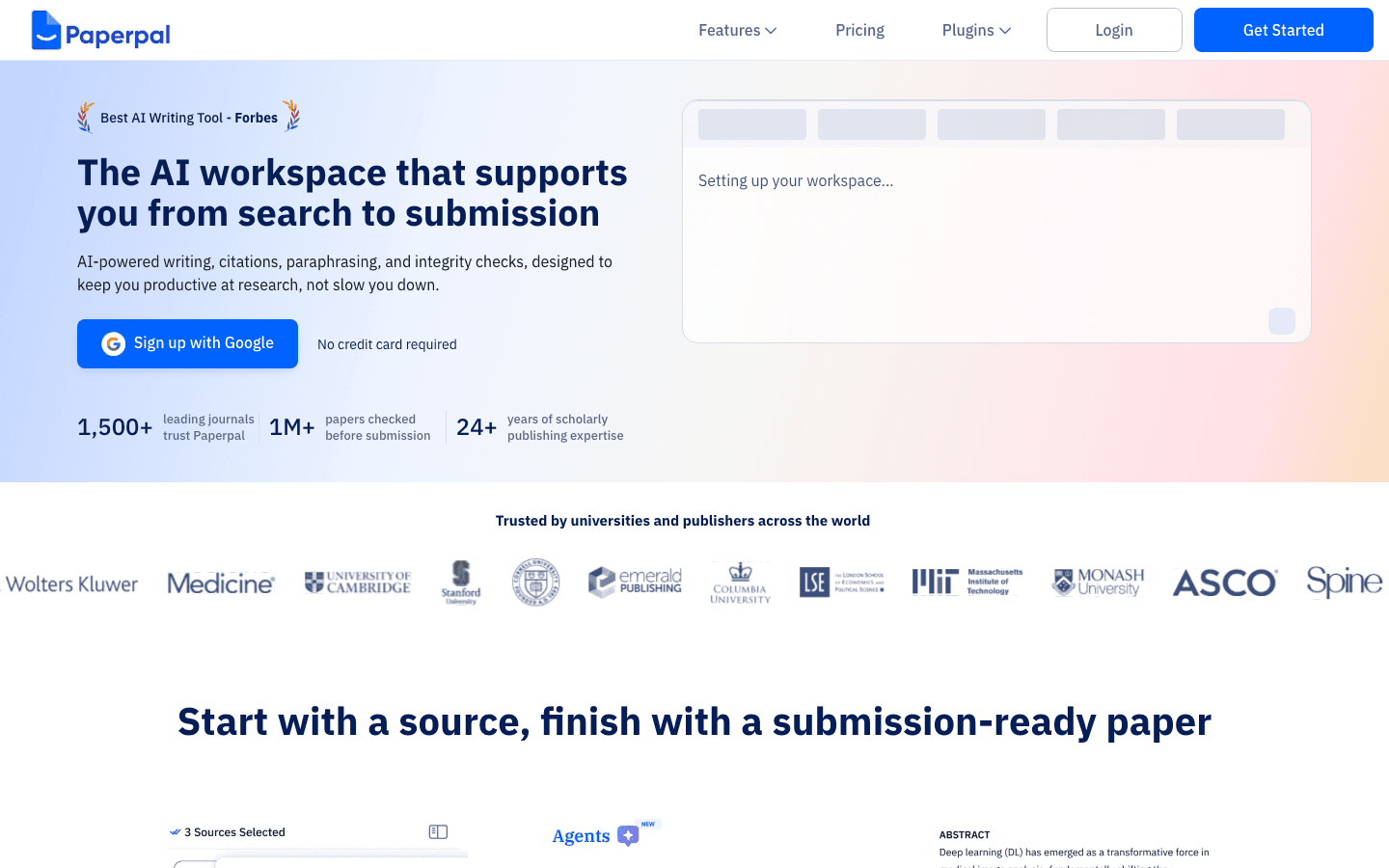
Paperpal is aimed at academic and research writing, where clarity, grammar, and formal tone matter. It can help refine sentences, reduce awkward phrasing, and make a draft easier for reviewers to follow. This is most valuable after the argument, evidence, and attribution are already in place.
Language editing cannot validate a claim or rescue a weak study design. Preserve technical meaning, check that revisions do not overstate certainty, and keep citations attached to the claims they support. If you use AI rewriting, compare the before-and-after text rather than accepting every suggestion automatically.
Main features
- Academic-focused grammar and clarity feedback.
- Refinement for formal research prose.
- A final language pass before submission or internal review.
Suitable for
Researchers preparing manuscripts, theses, conference papers, or journal submissions in English.
Conclusion
AI research tools are most useful when assigned a clear job: discover broadly, screen consistently, understand selected documents, inspect citation context, explore data, or improve language. For reliable work, combine tools instead of expecting one assistant to handle every stage, and keep the original sources at the center of the process.
If your team repeats the same research steps, start with Atoms to prototype a focused workflow that makes sources, review states, and approvals easier to manage.
A little more clarity
Frequently asked questions
01Q1: What are AI research tools used for?
They help with paper discovery, screening, document comprehension, citation analysis, dataset exploration, and academic editing. The right choice depends on the research stage and the evidence standard you need.
02Q2: What is the best AI tool for research?
There is no single best tool for every job. Kimi Deep Research fits broad orientation, Google Scholar and Semantic Scholar fit discovery, Elicit fits structured extraction, Litmaps and ResearchRabbit fit literature exploration, Scite fits citation context, and Julius AI fits exploratory data analysis.
03Q3: Can AI research tools replace a literature review?
No. They can speed up searching, extraction, and organization, but researchers still need to define the question, set inclusion criteria, inspect methods, compare conflicting findings, and verify citations.
04Q4: How can I check whether an AI-generated research answer is reliable?
Open the cited original sources and check the exact claim, population, method, result, date, and limitation. Prefer tools that show a clear evidence trail, but do not treat a citation or confidence label as proof of accuracy.
05Q5: Is Google Scholar enough for academic research?
It can be an excellent starting point, especially for broad discovery and citation chasing. A complete workflow may still require structured screening, citation mapping, full-text reading, reference management, and a method for recording decisions.
06Q6: Which tool is best for a literature review?
A small stack is usually stronger than one tool. Start with Google Scholar or Semantic Scholar, expand with Litmaps or ResearchRabbit, organize comparisons in Elicit, and use Scite to inspect citation context for important claims.
07Q7: Are AI summaries of research papers accurate?
They can be useful for orientation, but accuracy varies by document, question, and summary. Verify anything that affects your conclusion against the abstract, methods, results, figures, and limitations in the original paper.
08Q8: Can I use Atoms to build an AI research tool?
Yes. You can use Atoms to turn a natural-language idea into an editable website or web application, such as a source tracker or research-review dashboard. You remain responsible for defining the workflow, checking outputs, and deciding what is ready to share.
Share this article
 Posts
Posts 