On this page
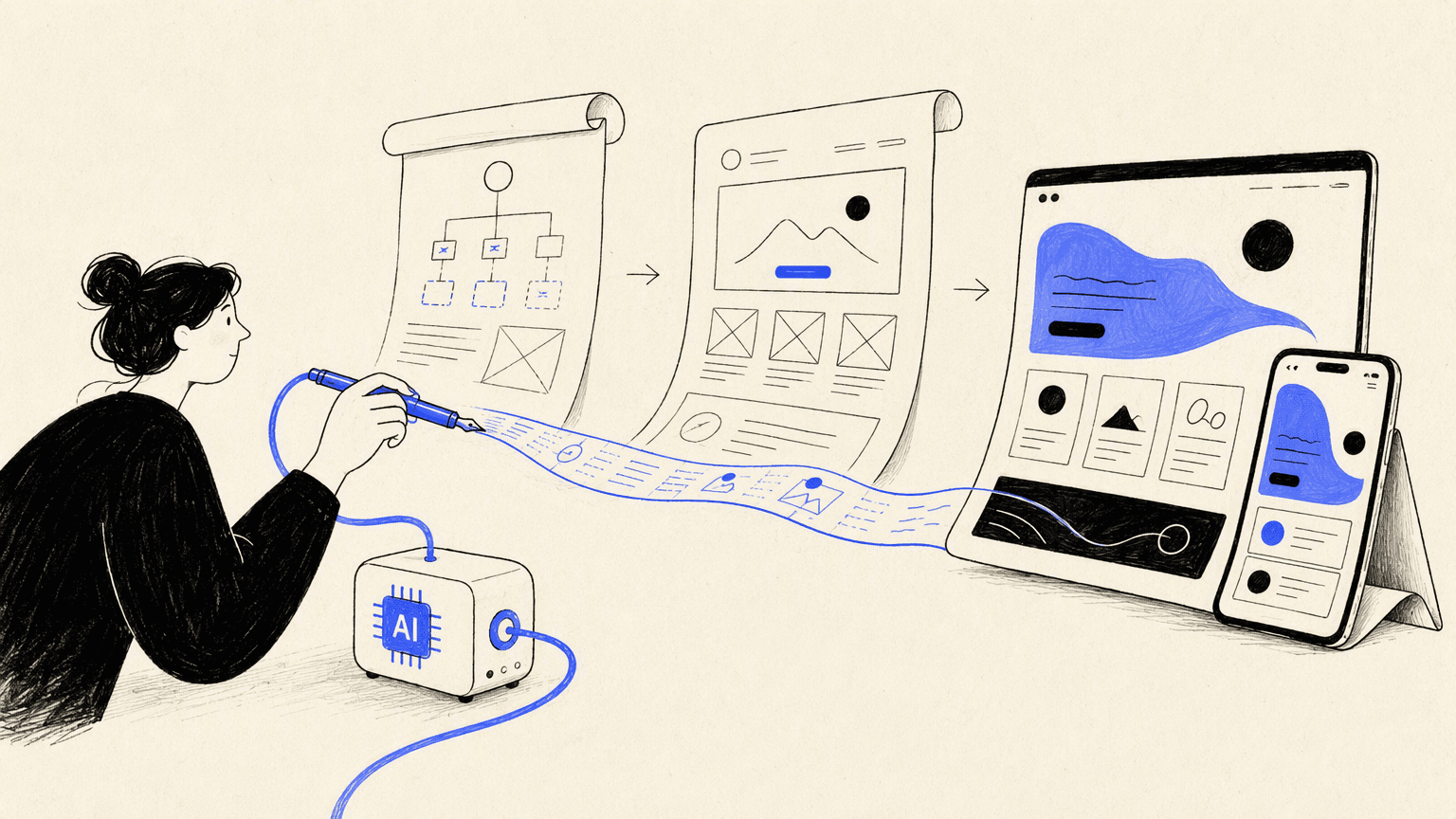
AI website design now covers several different jobs: generating a sitemap, sketching wireframes, composing a visual system, creating copy and imagery, and turning the result into a published site. A tool that excels at one stage may be frustrating at another. The useful question is not simply which product makes the prettiest first screen, but which one produces an editable result that fits your team’s real workflow.
We compared eight options by output type, control, handoff, publishing path, and fit for different users. This list favors reliable AI design tools for websites that make their role understandable. Because product features and plan limits evolve, verify critical integrations and export options before choosing a long-term workflow.
The best AI website design tools at a glance
| Tool | Best for | Primary output | Editing model | Publish path |
|---|---|---|---|---|
| Atoms | Building custom sites and web products from a brief | Working full-stack experience | Conversational iteration | Integrated |
| Framer | Visually polished marketing sites | Designed responsive pages | Visual canvas plus AI | Integrated |
| Wix | All-in-one small-business sites | Complete website | Visual editor plus AI | Integrated |
| Hostinger Website Builder | Fast simple business sites | Complete website | Guided editor | Integrated |
| 10Web | AI-assisted WordPress production | WordPress website | Visual WordPress editing | Managed workflow |
| Relume | Sitemaps and wireframes for teams | Structure and components | Collaborative planning | Handoff-oriented |
| UX Pilot | Rapid UI and UX exploration | Screens and wireframes | AI design workspace | Design handoff |
| Brizy | No-code page building with AI assistance | Website pages | Drag-and-drop editor | Integrated options |
The 8 best AI tools for website design
Atoms
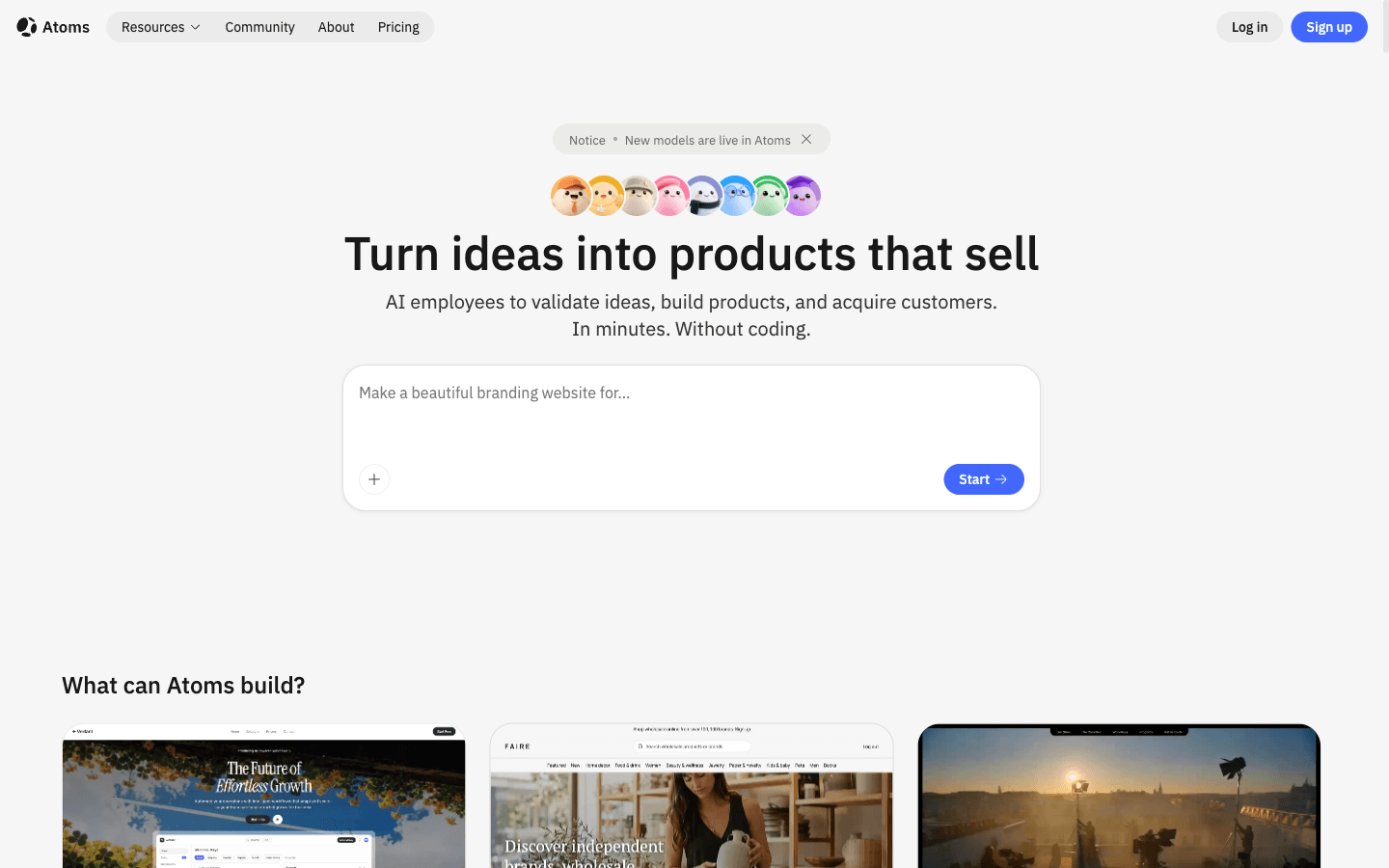
Atoms is the strongest choice here when “website design” includes the product behind the pages. You start with a natural-language brief describing the audience, business goal, content, visual direction, and required behavior. AI agents then help plan and build a working site or app, including backend capabilities when the concept needs them. That makes Atoms relevant to landing pages, stores, portals, directories, and interactive experiences—not only mockups. Iteration happens against a live result, so design feedback can stay connected to implementation.
Main features
- Prompt-to-product workflow. Turn requirements into connected pages and functional experiences rather than isolated concepts.
- Full-stack building. Add data, authentication, storage, and integrations when the website behaves like an application.
- Conversational revision. Change structure, styling, copy, or behavior by explaining what should improve.
Suitable for
- Founders who want to move from concept to working product quickly.
- Marketers building custom campaign or conversion experiences.
- Teams whose “website” needs application logic as well as visual design.
Framer
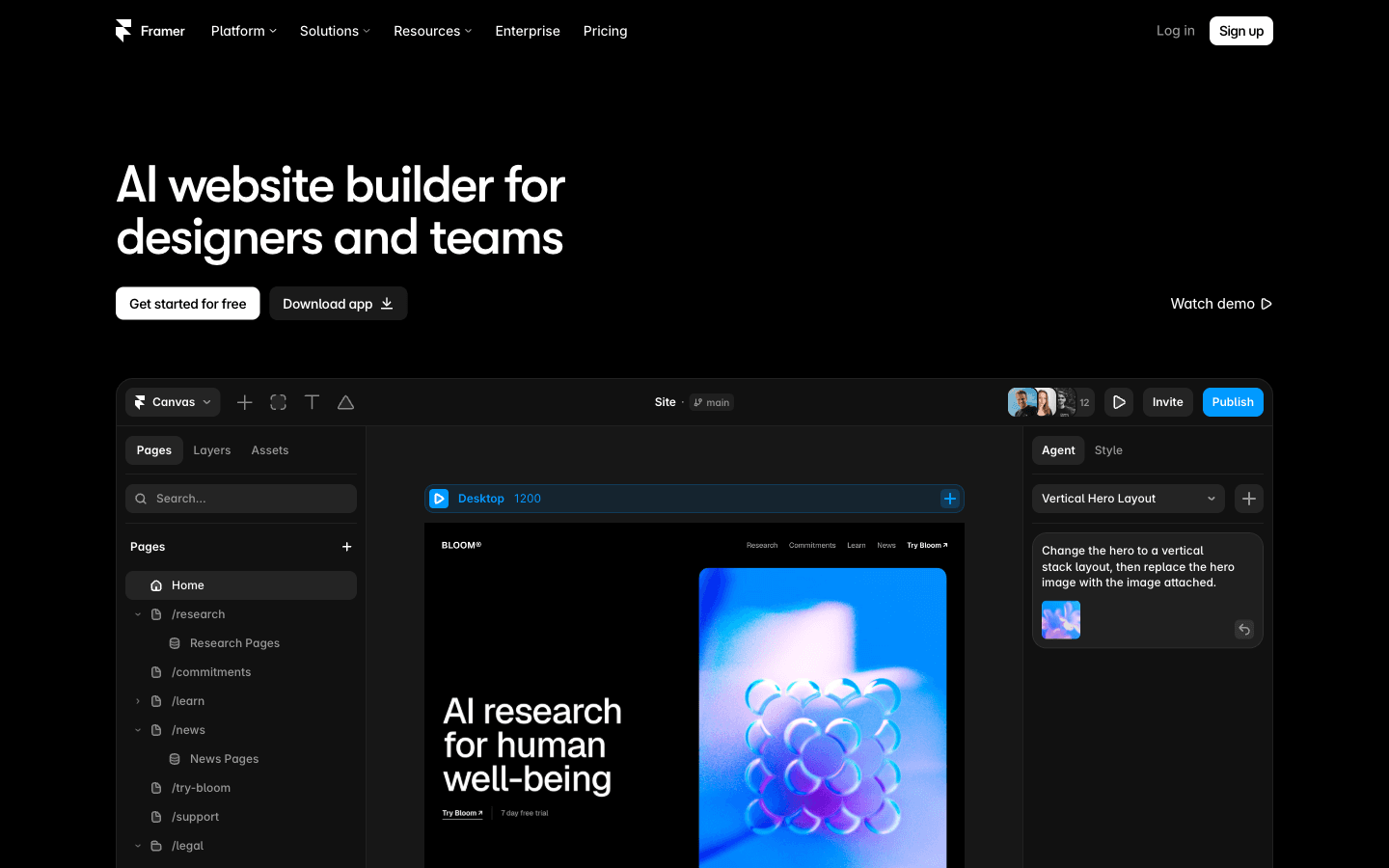
Framer combines a design canvas, responsive site building, and publishing in one environment. Its AI features are most useful when you want to move quickly toward a visually polished marketing site while retaining direct control over layout and motion. Designers can continue refining the generated direction instead of accepting a one-click result. Framer is less naturally suited to complex operational backends, but it is compelling for portfolios, product launches, and brand sites where visual craft is central.
Main features
- AI canvas assistance. Generate and explore page directions inside a visual design environment.
- Responsive site editing. Refine layout, type, components, and interactions across screen sizes.
- Integrated publishing. Move from design work to a live marketing site without a separate handoff.
Suitable for
- Designers creating high-fidelity marketing websites.
- Startups launching visually distinctive product pages.
- Teams that want design control after AI generation.
Wix
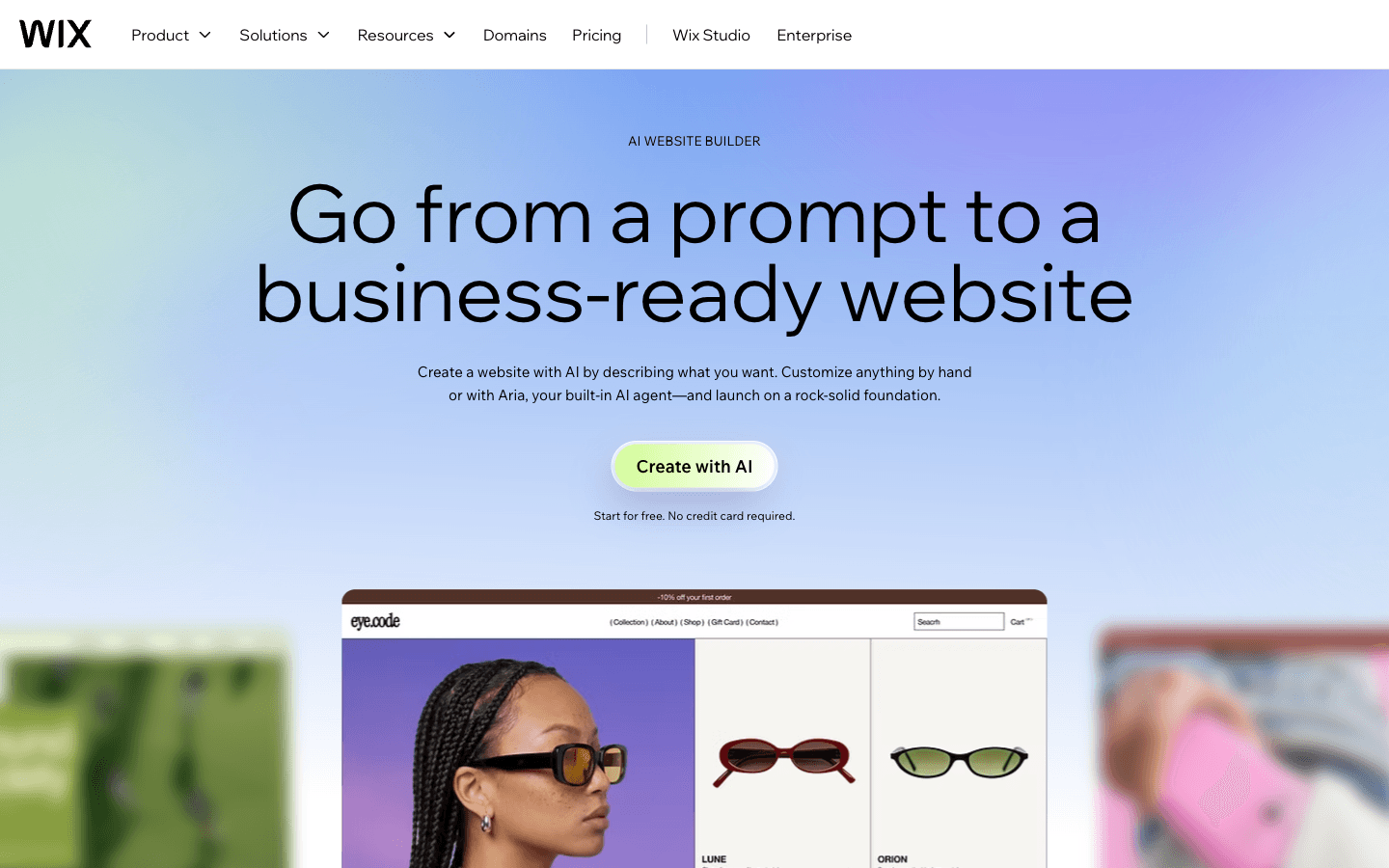
Wix pairs AI-guided site creation with a mature general-purpose website platform. It can help a small business establish structure, content, and a starting visual direction, then hand control back to a conventional visual editor. The surrounding ecosystem supports common needs such as forms, scheduling, blogging, marketing, and commerce. The breadth is useful, but it also means teams should define the conversion path before adding apps and sections that make the site heavier or harder to maintain.
Main features
- AI site generation. Use business information and goals to create an initial website direction.
- Visual customization. Continue editing layouts and content after the generated starting point.
- Business ecosystem. Connect pages with scheduling, stores, forms, and marketing functions.
Suitable for
- Small businesses that want an all-in-one platform.
- Users who prefer guided setup followed by visual editing.
- Teams combining a marketing site with standard business features.
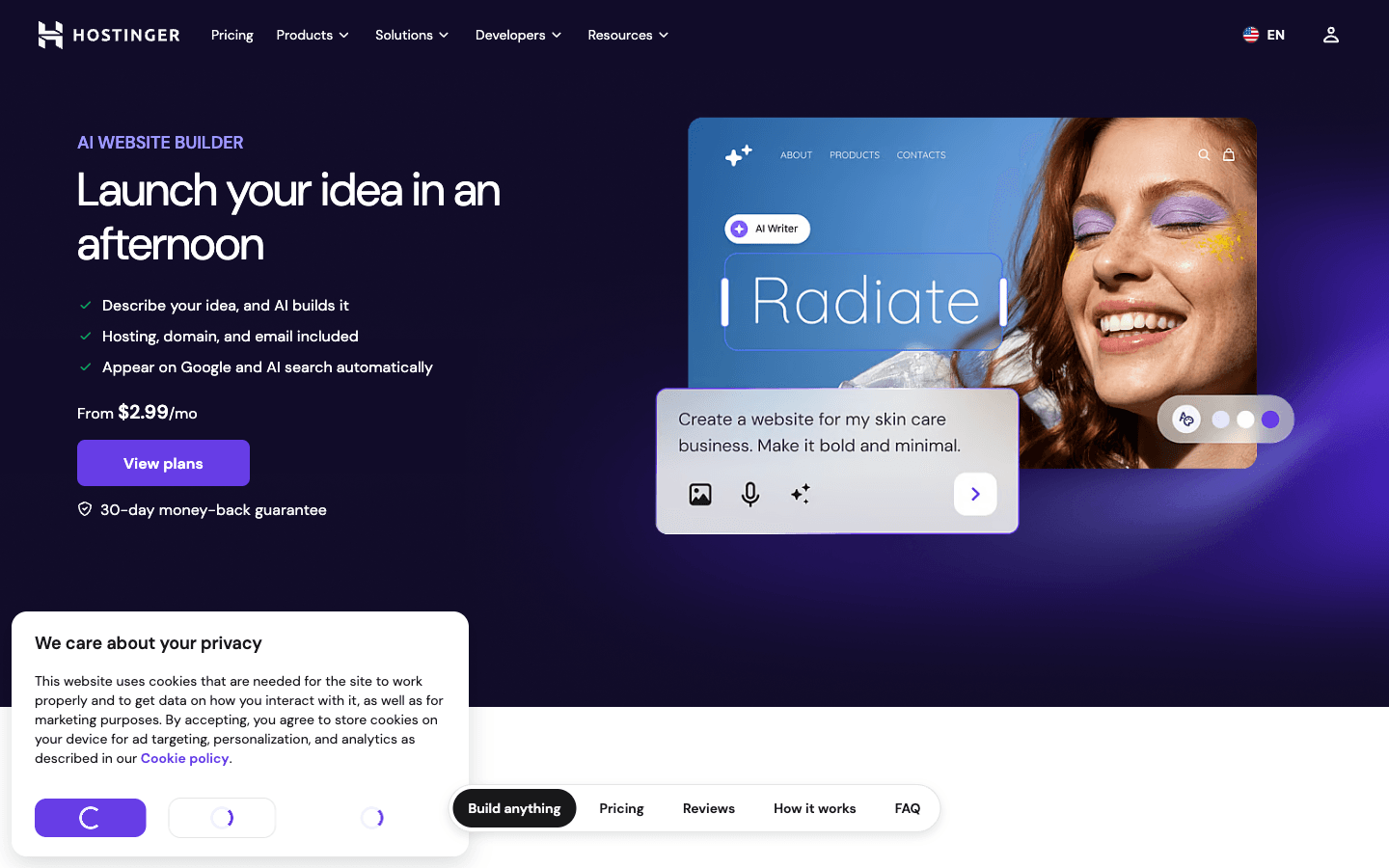
Hostinger Website Builder
Hostinger Website Builder emphasizes a fast route from a short description to a live business site. It is most attractive to users who value convenience, hosting, and a straightforward editor over an elaborate design-system workflow. AI can help establish copy and visual structure, while the builder covers common publishing needs. A simple route is not automatically a generic result, but differentiation still requires replacing broad language, selecting stronger imagery, and reviewing every mobile breakpoint.
Main features
- Guided AI setup. Produce a usable starting site from a business description.
- Integrated hosting workflow. Keep creation and publishing in one environment.
- Accessible visual editor. Adjust content and layout without a design or development toolchain.
Suitable for
- Local businesses and solo operators launching quickly.
- Beginners who want fewer technical decisions.
- Simple brochure, service, and small-commerce websites.
10Web
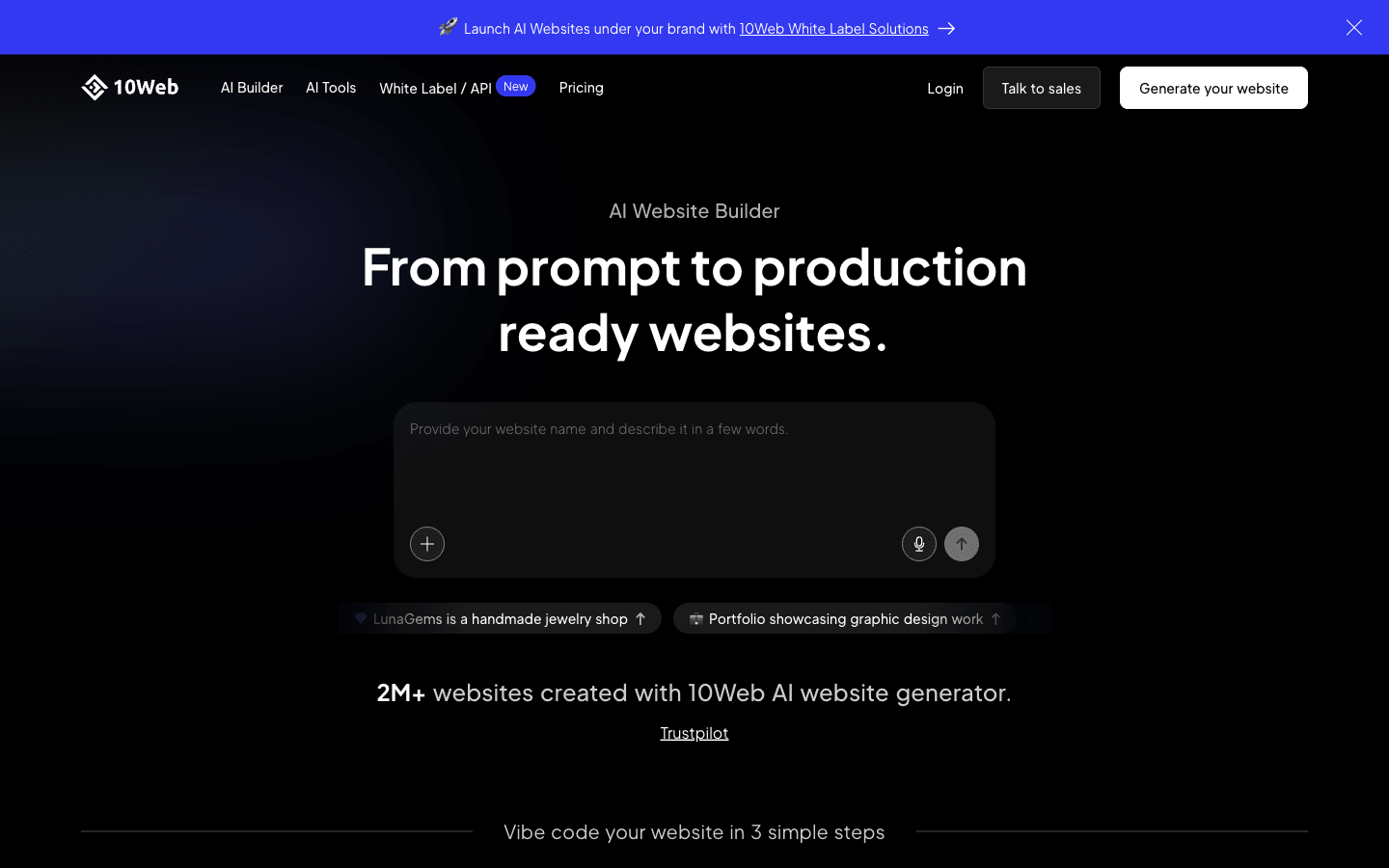
10Web is oriented toward AI-assisted WordPress website creation. That matters for organizations that want the flexibility and familiar content model of WordPress but prefer help generating or recreating page structures. The output remains part of a WordPress workflow, which can be an advantage for content-heavy sites and established teams. It also means maintenance, plugins, performance, and governance still deserve attention; AI generation does not remove the operational responsibilities of the platform beneath it.
Main features
- AI WordPress generation. Create site structures and pages within a WordPress-centered workflow.
- Visual editing. Continue refining generated sections without relying only on prompts.
- Managed production path. Combine creation with hosting and optimization-oriented services.
Suitable for
- Teams committed to WordPress as their content platform.
- Agencies producing familiar business-site structures repeatedly.
- Content sites that need editable pages after generation.
Relume
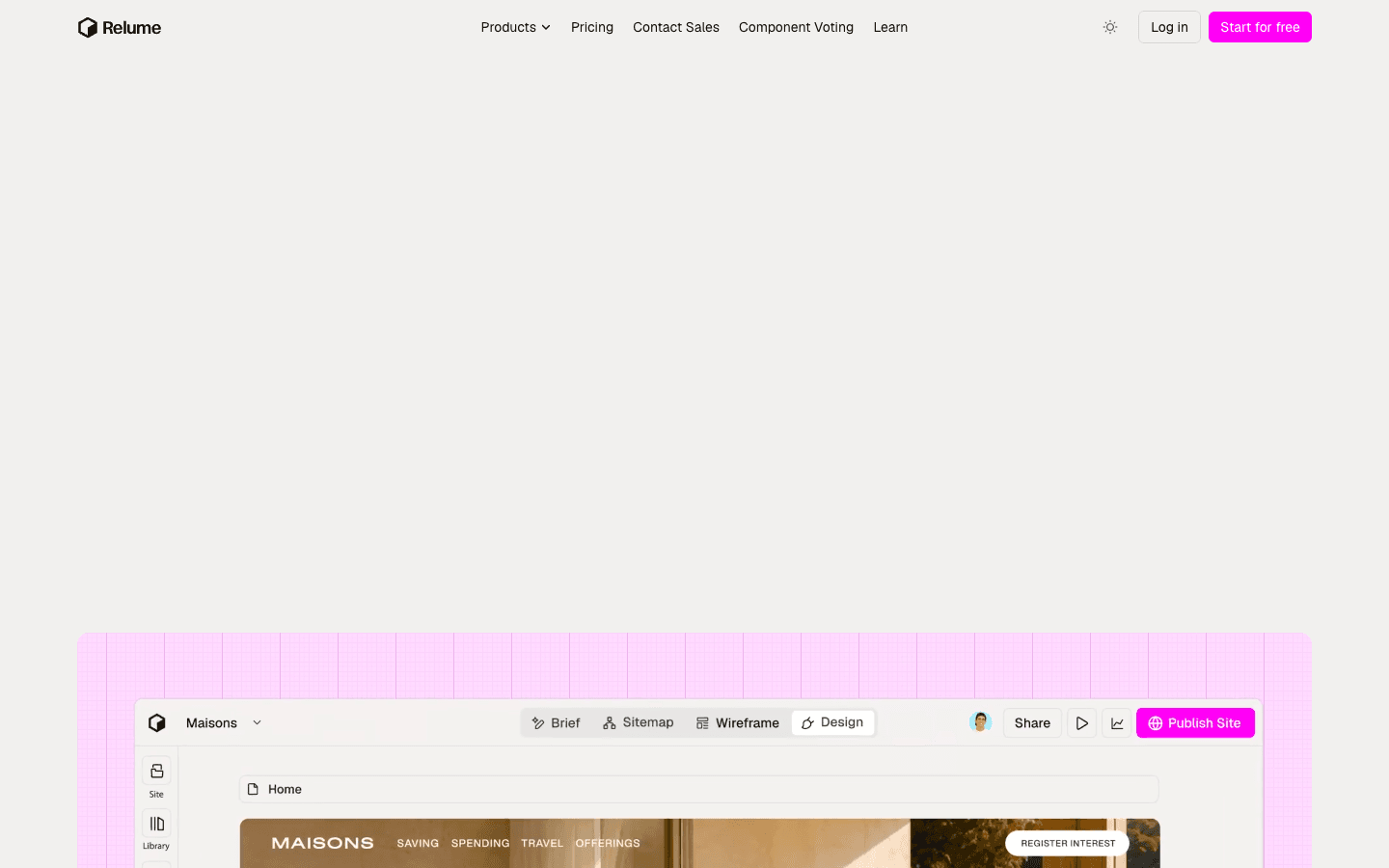
Relume is best understood as a planning and design acceleration tool rather than a universal one-click publisher. It helps teams move from a brief toward a sitemap, wireframes, and reusable website components. That makes it valuable early in a professional workflow, when information architecture and page intent need agreement before detailed styling begins. Designers and developers still own the final visual system, content decisions, validation, and production implementation, but they start with a more coherent structural draft.
Main features
- AI sitemap creation. Turn a short brief into a proposed page and section hierarchy.
- Wireframe generation. Translate structure into early layouts for review and iteration.
- Component-based handoff. Move organized concepts toward established design and development tools.
Suitable for
- Agencies aligning clients before high-fidelity design.
- UX and web teams that need faster information architecture.
- Designers who want AI assistance without surrendering the production stack.
UX Pilot
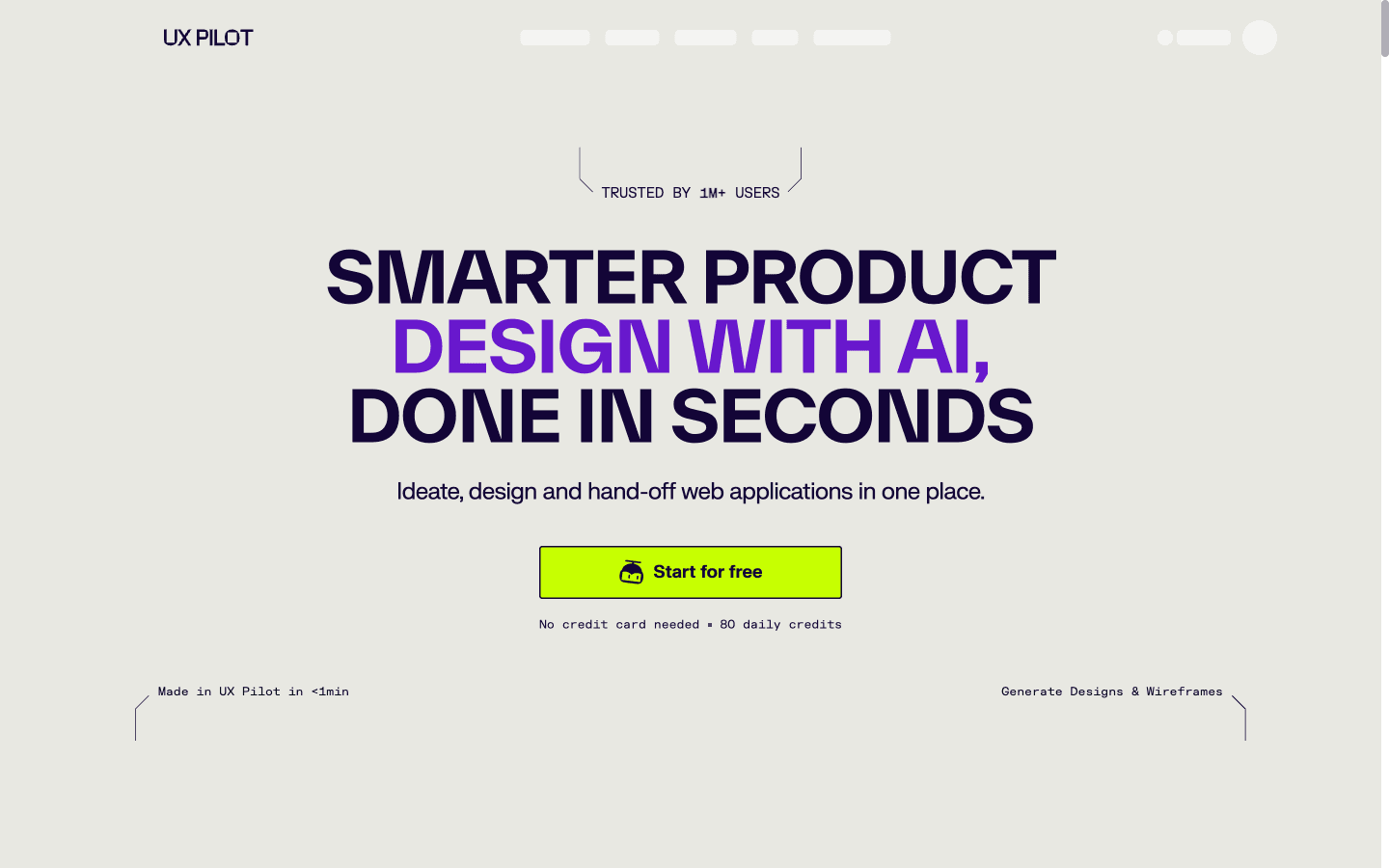
UX Pilot focuses on rapid UX and UI exploration. It can help turn product ideas into wireframes or interface directions, making it useful before a team has committed to a full visual language or implementation approach. Its value is speed across alternatives: generate, critique, and revise screens while the cost of change is still low. Since its center of gravity is design exploration, teams should plan how approved screens become a responsive, accessible, maintainable website.
Main features
- Rapid UI generation. Produce interface concepts from product or page requirements.
- Wireframing support. Explore flow and hierarchy before investing in detailed polish.
- Design iteration. Compare alternatives and refine directions inside a focused UX workspace.
Suitable for
- Product designers exploring flows and page concepts.
- Teams needing early stakeholder feedback.
- Founders testing a visual direction before implementation.
Brizy
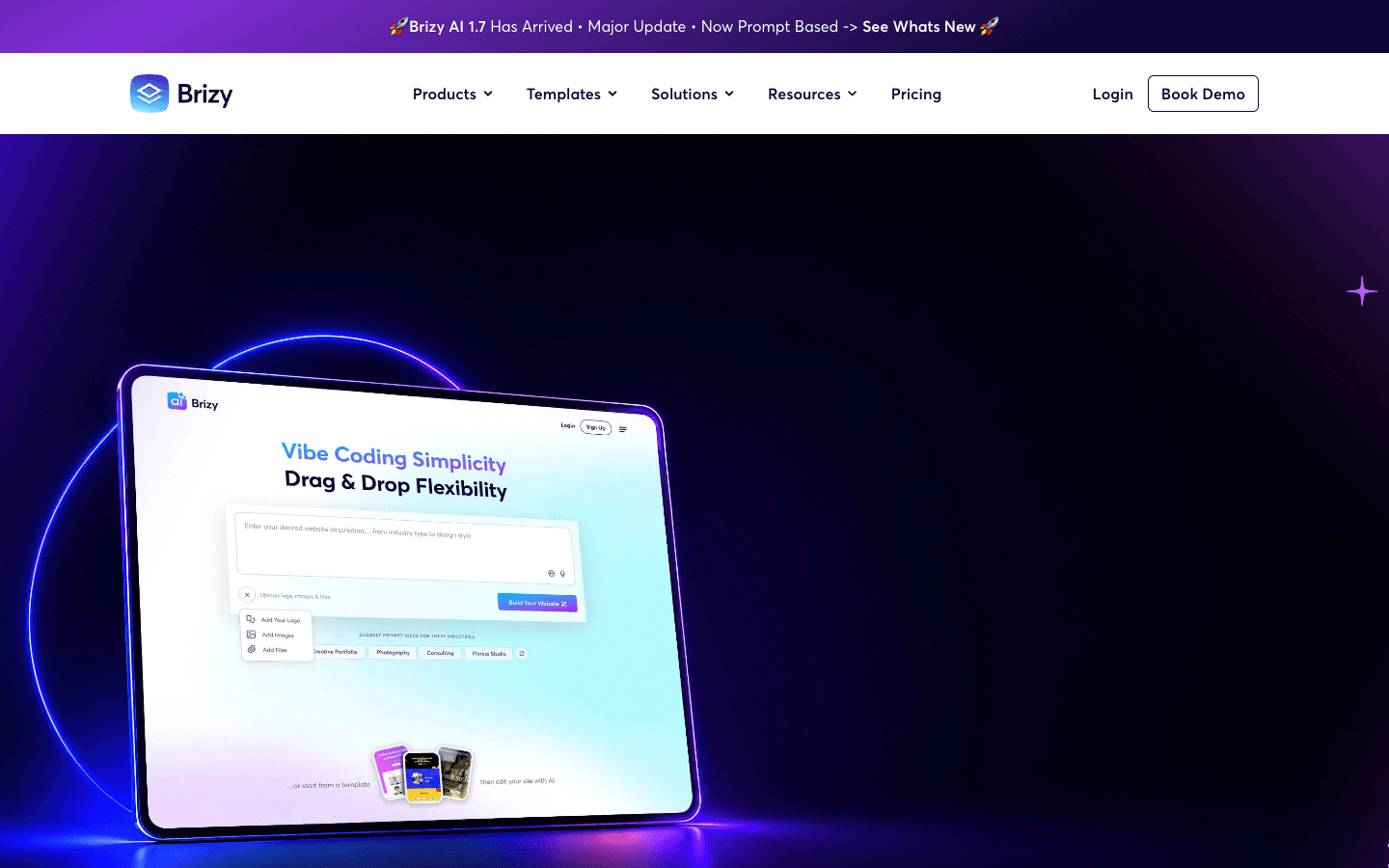
Brizy combines no-code page building with AI-assisted creation inside a drag-and-drop environment. It is approachable for marketers and service providers who want to assemble pages visually, then adjust generated content and composition without touching code. Its best use is not to accept the first output unchanged, but to use generation as a scaffold and apply a consistent type, color, spacing, and messaging system. Teams with advanced application logic should evaluate where the page builder ends.
Main features
- AI-assisted starting points. Move from a prompt toward page content and structure.
- Drag-and-drop editing. Adjust generated pages in a familiar visual builder.
- No-code publishing options. Build common marketing experiences without a development environment.
Suitable for
- Marketers creating landing pages and service sites.
- Nontechnical users who want direct visual control.
- Teams that need repeatable page production more than custom application logic.
How to choose an AI website design tool
First, decide what you need the AI to produce. If the deliverable is a sitemap, choose a planning tool. If it is an editable high-fidelity design, prioritize canvas control and handoff. If it is a live website, inspect hosting, responsiveness, accessibility, integrations, and ownership. If it is a web application, test data, authentication, and backend behavior rather than judging the homepage alone.
Then run the same small brief through your shortlist. Specify audience, one conversion goal, required sections, tone, and a constraint such as mobile-first navigation. Compare not only the first draft but the fifth revision. An AI website design tool is useful when feedback makes the output converge; repeated regeneration that loses prior decisions is not a dependable workflow.
Finally, inspect what happens after launch. Can your team edit the site? Can you export or transfer it? Are components reusable? Does generated copy make factual claims you cannot support? The benefits of using AI web design tools—speed, wider exploration, and lower initial effort—only persist when the result remains maintainable.
A practical AI web design workflow
Begin with a short creative brief, not a vague request for “a modern site.” State the target visitor, the problem, the primary action, the proof available, and the pages required. Generate structure before polish. Review the sitemap and section order, then move into wireframes, then visual design, then production.
At each stage, apply a human checkpoint. Verify information architecture with actual user questions. Check color contrast, keyboard behavior, readable type, forms, empty states, and mobile performance. Replace invented testimonials, metrics, logos, and unsupported claims. AI can compress production time, but accountability for the published experience remains with the team.
Design and build a website with Atoms
Atoms is an AI product-building platform that turns a natural-language design brief into an editable, working website or web application. Its specialized agents can carry a project from research and product planning through interface design, engineering, preview, deployment, and growth, so the visual direction stays connected to the product behind the pages.
- Research the audience and opportunity. Use Iris Deep Researcher to investigate markets, users, competitors, and search demand, then turn the findings into a structured brief.
- Generate complete websites and web apps. Create connected pages, responsive layouts, application logic, and backend services instead of stopping at isolated mockups.
- Create and integrate media. Generate images and videos for the experience and place them directly into the relevant sections of the site.
- Build interactive experiences. Add data, authentication, AI features, 3D scenes, game mechanics, and other custom interactions when the concept calls for them.
- Iterate visually and conversationally. Refine layout, style, copy, components, and behavior against a working preview, then use SEO and advertising agents to support growth.
Atoms website design case studies
These three projects show how Atoms can turn distinct creative directions into complete, customer-facing web experiences.
Case 1: Luggage Brand Store Website
Luggage Brand Store Website presents UNBREAK, a premium hard-shell luggage storefront centered on durability in transit. It demonstrates a full visual identity carried through a customer-facing commerce experience.
Case 2: Skincare Brand E-commerce Web
Skincare Brand E-commerce Web is a HALO SKIN nighttime skincare store built around products intended for overnight care. It shows visual hierarchy, atmospheric branding, and store structure working together.
Case 3: Noise-cancelling Headphone Store Website
Noise-cancelling Headphone Store Website presents Silent Press, a premium noise-cancelling headphone brand focused on one-touch quiet. It illustrates how a focused proposition can shape the entire web experience.
Conclusion
The best AI for website design depends on the output you need. Relume and UX Pilot are useful for early structure and exploration; Framer offers strong visual production; Wix, Hostinger, 10Web, and Brizy provide guided routes to familiar websites. When the brief calls for a custom experience that can extend from pages into a functioning product, build it with Atoms and refine the result through conversation.
A little more clarity
Frequently asked questions
01Q1: Can AI design an entire website?
Yes, some tools can generate and publish a complete site, while others stop at sitemaps, wireframes, or screens. Always verify the output type, editing model, responsiveness, and backend requirements before assuming “complete” means production-ready.
02Q2: Will AI website builders replace web designers?
They automate drafts and routine production, but strong work still needs research, information architecture, art direction, accessibility judgment, content strategy, and quality control. AI changes where designers spend time rather than eliminating the need for design decisions.
03Q3: What makes an AI web design tool reliable?
Reliable tools preserve decisions across revisions, produce editable output, explain or expose structure, support responsive behavior, and fit a maintainable publishing workflow. A striking one-shot image is less useful than a consistent fifth iteration.
04Q4: Should I use one AI tool for every design stage?
Not necessarily. A planning tool can create a sitemap, a design tool can refine layouts, and a production platform can publish the site. One integrated tool reduces handoffs, while a specialized stack may give professionals more control.
05Q5: How do I keep an AI-generated website from looking generic?
Provide specific positioning, real content, a deliberate type and color system, distinctive imagery, and clear examples of what to avoid. Then edit the generated hierarchy and components instead of merely changing a theme color.
Share this article
 Posts
Posts 