On this page
An AI virtual agent is software that uses conversation to understand a request, retrieve or act on information, and complete a defined service workflow. Unlike a basic scripted bot, it can interpret varied language and choose among supported actions, but it is not automatically reliable or authorized to do everything a human agent can do. The right starting point is a narrow, measurable workflow with clear escalation and review rules.
What is a virtual agent?
A virtual agent combines a conversational interface with knowledge, tools, and workflow logic. A user might ask a support question, check an order, reset access, or request an appointment. The system interprets the request, gathers missing details, performs an approved action, and either confirms the result or hands the conversation to a person.
A chatbot may only return scripted replies. A virtual agent can be more action-oriented, but the distinction is about the connected workflow, not a marketing label. Evaluate what the system can actually do, under which permissions, and with what evidence.
Where it fits best
Good first use cases have high volume, clear boundaries, structured inputs, and a safe fallback:
- answering a well-maintained set of product or policy questions
- collecting details before a human support handoff
- guiding an internal request through a defined process
- checking status through an authorized system
- triaging common issues and suggesting the next step
Avoid starting with high-impact decisions, ambiguous policy interpretation, or actions that cannot be reversed. A human review path should be visible when confidence is low or the request falls outside scope.
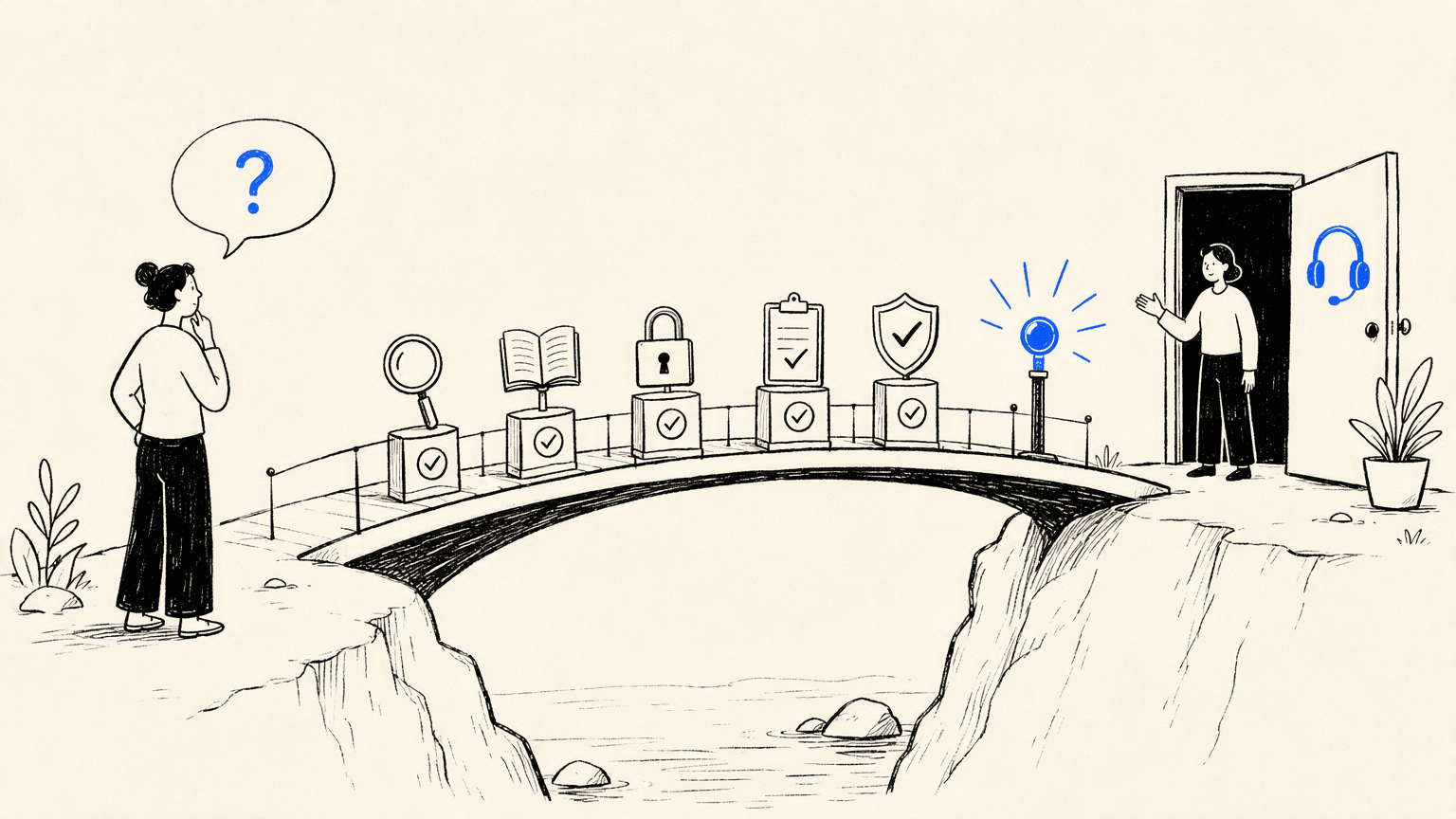
How an AI virtual agent works
- **Understand:** classify intent and extract relevant details.
- **Ground:** retrieve approved knowledge or data instead of guessing.
- **Plan:** choose an allowed response or tool action.
- **Act:** call the integration with the right permissions.
- **Verify:** check the result and explain what happened.
- **Escalate:** preserve context for a human when needed.
These stages create useful evaluation points. If the answer is wrong, was the knowledge missing, the intent misunderstood, the tool response stale, or the permission model too broad?
Evaluate before rollout
Use a test set of real, anonymized questions and score more than answer fluency:
| Dimension | What to check |
|---|---|
| Resolution | Did the user reach the intended outcome? |
| Accuracy | Is the answer supported by approved information? |
| Safety | Does it refuse or escalate risky requests? |
| Handoff | Can a person continue without repeating context? |
| Operations | Can owners inspect failures and update knowledge? |
| Privacy | Are data collection, retention, and access appropriate? |
Run adversarial tests, including ambiguous wording, prompt injection attempts, missing records, and service outages. Keep an audit trail for consequential actions.
Plan the human boundary
Tell users when they are interacting with an automated system, what it can help with, and how to reach a person. Use confidence or policy thresholds to route uncertain cases. Let the human agent see the conversation, actions attempted, and relevant source or record context.
Do not measure success only by deflection. A lower handoff rate can be harmful if users abandon the interaction or receive incorrect answers. Pair automation metrics with resolution quality, satisfaction, repeat contact, and sampled reviews.
How Atoms can help
Example cases
Atoms is an AI product-building platform that turns natural-language requirements into editable websites or web applications. You can generate a starting point, edit layout and interactions through an AI-assisted workflow, preview the result, and prepare it for publishing. It is useful for a first version or a focused experiment, but production launches still need human review of content, accessibility, security, integrations, and performance.
- **Build a working web product from a brief.** Describe the audience, page structure, interaction, and content you need. Atoms can coordinate the build across multiple specialized agents, then let you review the result instead of starting with a blank file.
- **Iterate visually and functionally.** Ask for focused changes such as a new hero section, a clearer form flow, or a responsive layout. Preview each change and keep control over what is accepted.
- **Add richer product experiences.** When the brief calls for it, Atoms can support AI-generated images or video, interactive 3D scenes, and game-like web prototypes as part of the broader product workflow.
These examples are not virtual agents and should not be treated as evidence of agent accuracy or system integration. They show the adjacent web interface layer Atoms can prototype; the agent, knowledge base, permissions, and tools still need separate validation.
Sportswear E-commerce Website PULSE Sportswear is an elegant, performance-focused storefront that demonstrates structured browsing and a clear customer path.
Terminal 3D Game Engine Terminal 3D Game Engine is an ASCII-style dungeon demo that renders a retro 3D scene in real time.
tuftcraft tuftcraft is a Minecraft-inspired browser game prototype generated as a static HTML 3D demo.
## FAQsQ1: Is an AI virtual agent the same as an AI chatbot?
Not always. A chatbot may mainly converse or return scripted information. A virtual agent usually connects conversation to defined data and actions, with permissions and escalation.
Q2: Can a virtual agent replace human support?
It can handle bounded, repetitive work and prepare context for people. Sensitive, ambiguous, or high-impact cases still need a clear human boundary.
Q3: What data does a virtual agent need?
It needs approved knowledge and, for actions, access to specific systems or tools. Minimize data access, define retention, and test authorization before rollout.
Q4: Can Atoms build a virtual agent?
Atoms is primarily an AI product-building platform for websites and web applications. It can help prototype the surrounding web experience and workflow, but you should verify any agent integration, data access, and production controls for your specific system rather than assume they are included.
Q5: How should I start?
Choose one low-risk workflow, define the success and escalation states, test it with anonymized examples, and expand only after sampled quality reviews are consistently acceptable.
Prototype a focused interface or workflow with Atoms, then validate the connected systems and controls.
Share this article
 Posts
Posts 