
On this page
Best AI chatbots at a glance
An AI chatbot is a conversational interface that turns a prompt into an answer or an action. The useful question is not which bot sounds smartest in a demo. Check whether its answer uses the context you supplied and provides evidence you can inspect. The service must also respect your data controls.
These recommendations focus on how each tool fits a particular job. A tool that suits a solo writing task may be a poor match for a team working inside a controlled business workspace.
| AI chatbot | Core strength | Useful for | What to verify |
|---|---|---|---|
| Atoms | Brief to editable web product | Product concepts and launchable experiences | Readiness for your production environment |
| Kimi | Long-context task work | Long documents and complex research | Source traceability and current plan limits |
| ChatGPT | Broad general assistance | Everyday questions or drafting work | Account features and data controls |
| Claude | Structured work and artifacts | Tasks that need an editable deliverable | Workspace access and connector permissions |
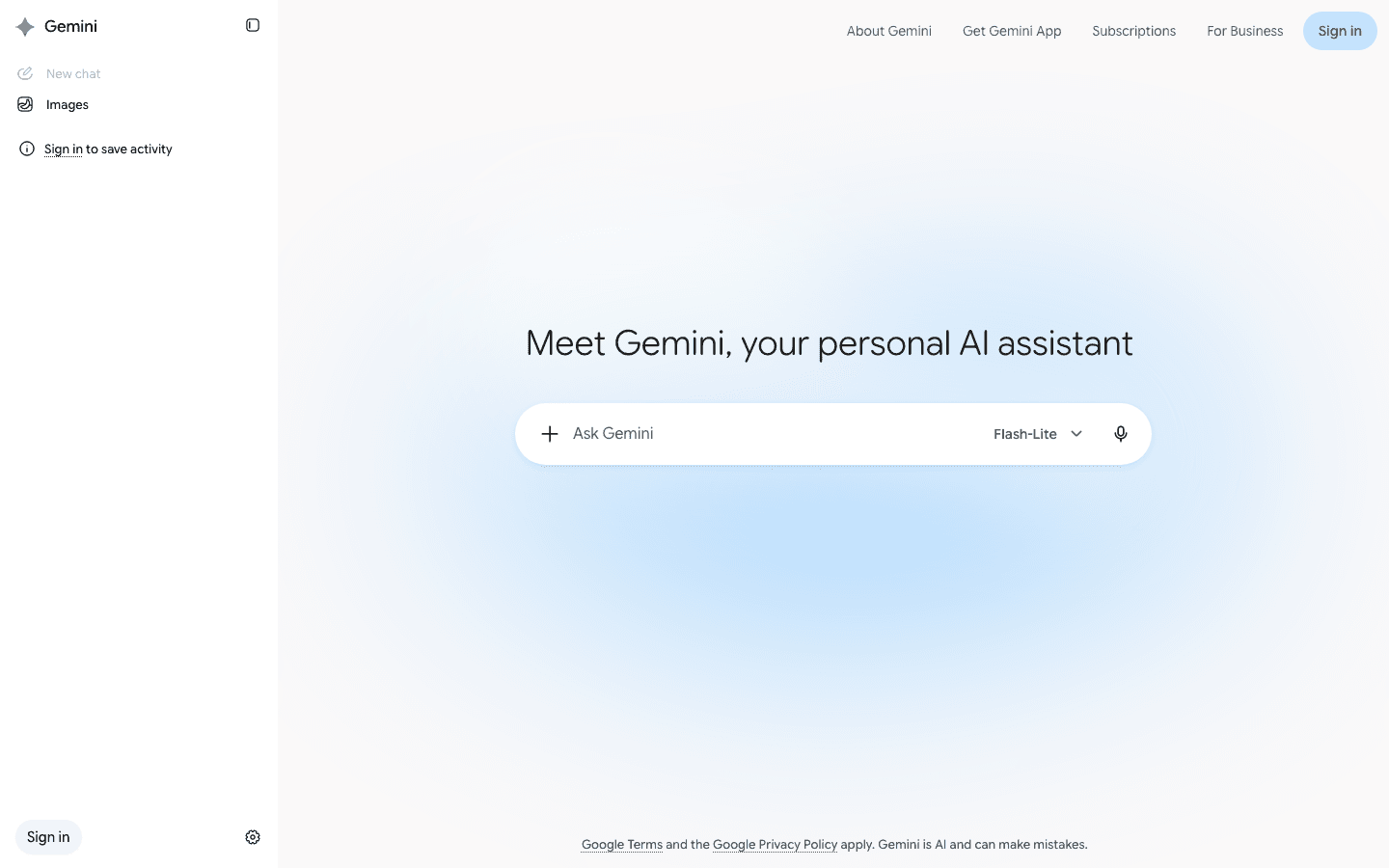
| Google Gemini | Google-workspace context | Work across Google services | Which connected apps your account permits |
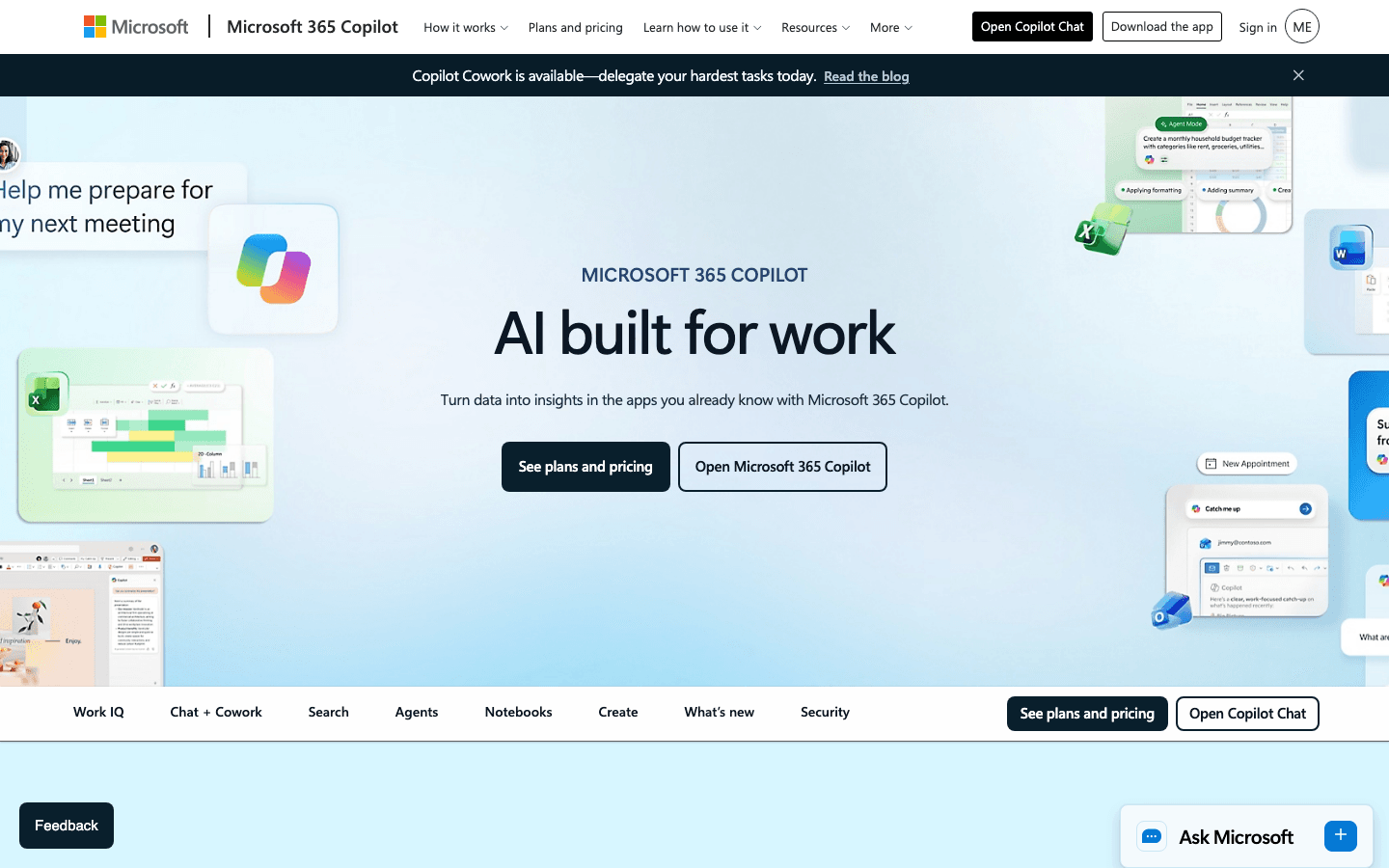
| Microsoft Copilot | Microsoft 365 context | Office documents and meetings | Tenant access and license requirements |
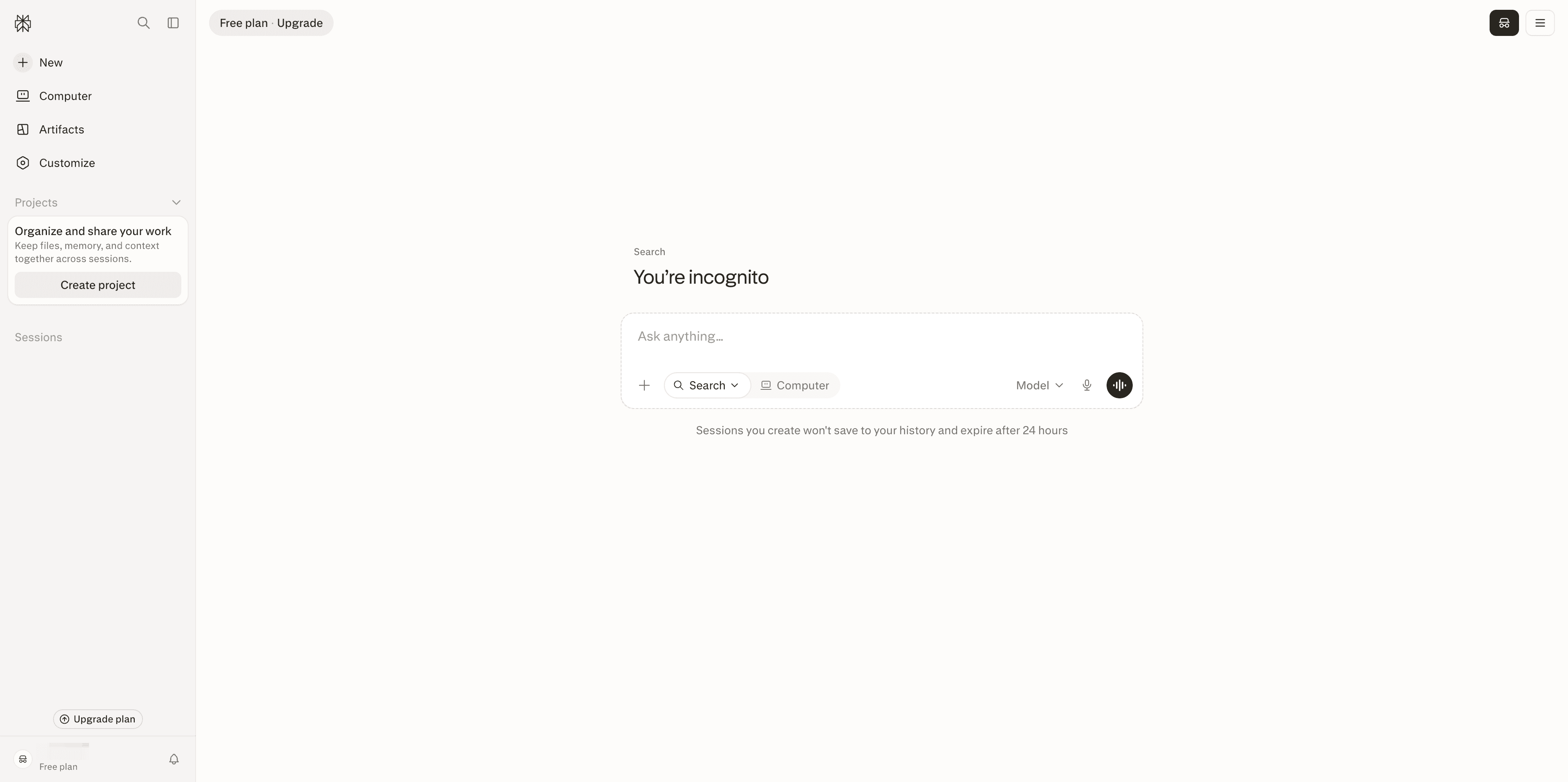
| Perplexity | Search-led answers | Research and fact-finding | Whether cited sources support the answer |
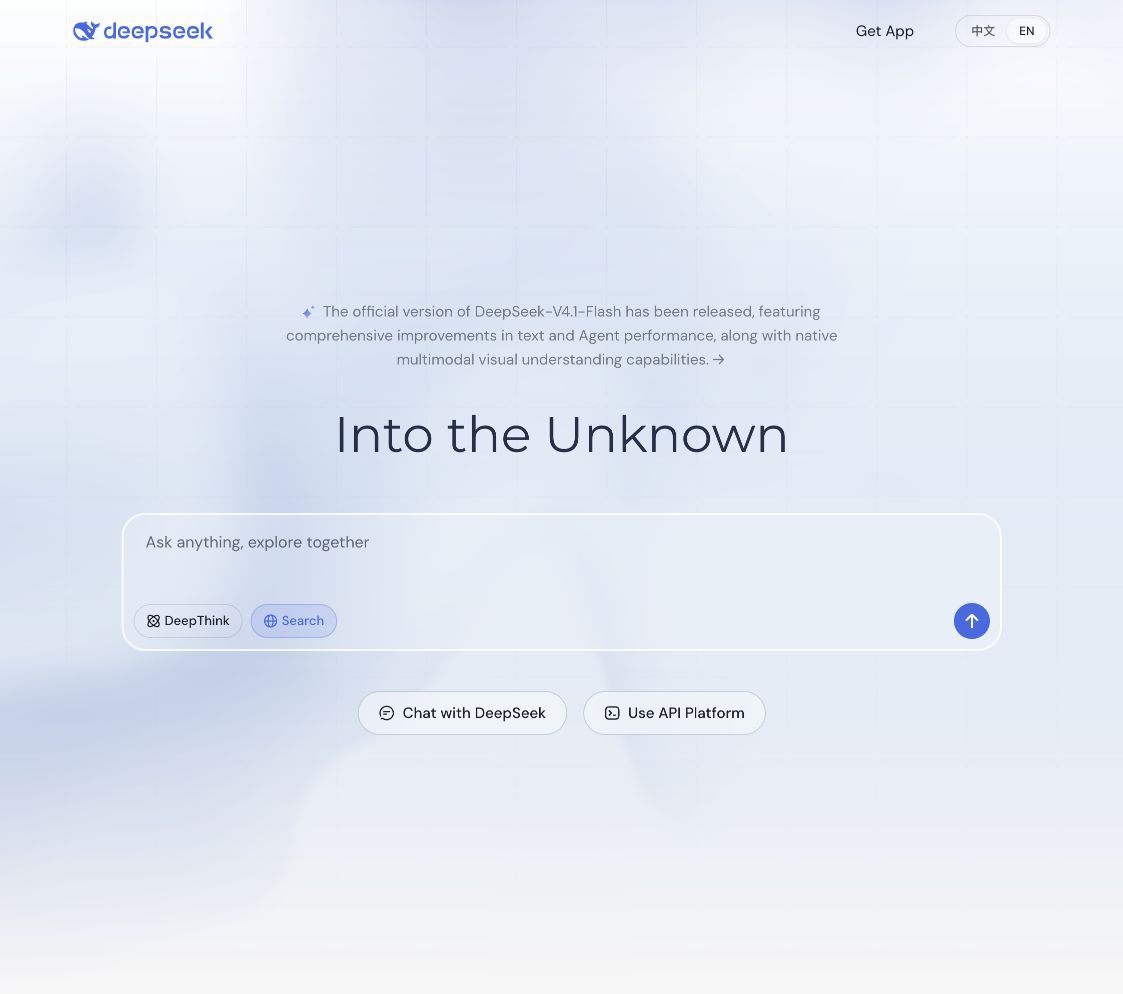
| DeepSeek | Technical reasoning | Developers and technical learners | Data handling for your chosen deployment |
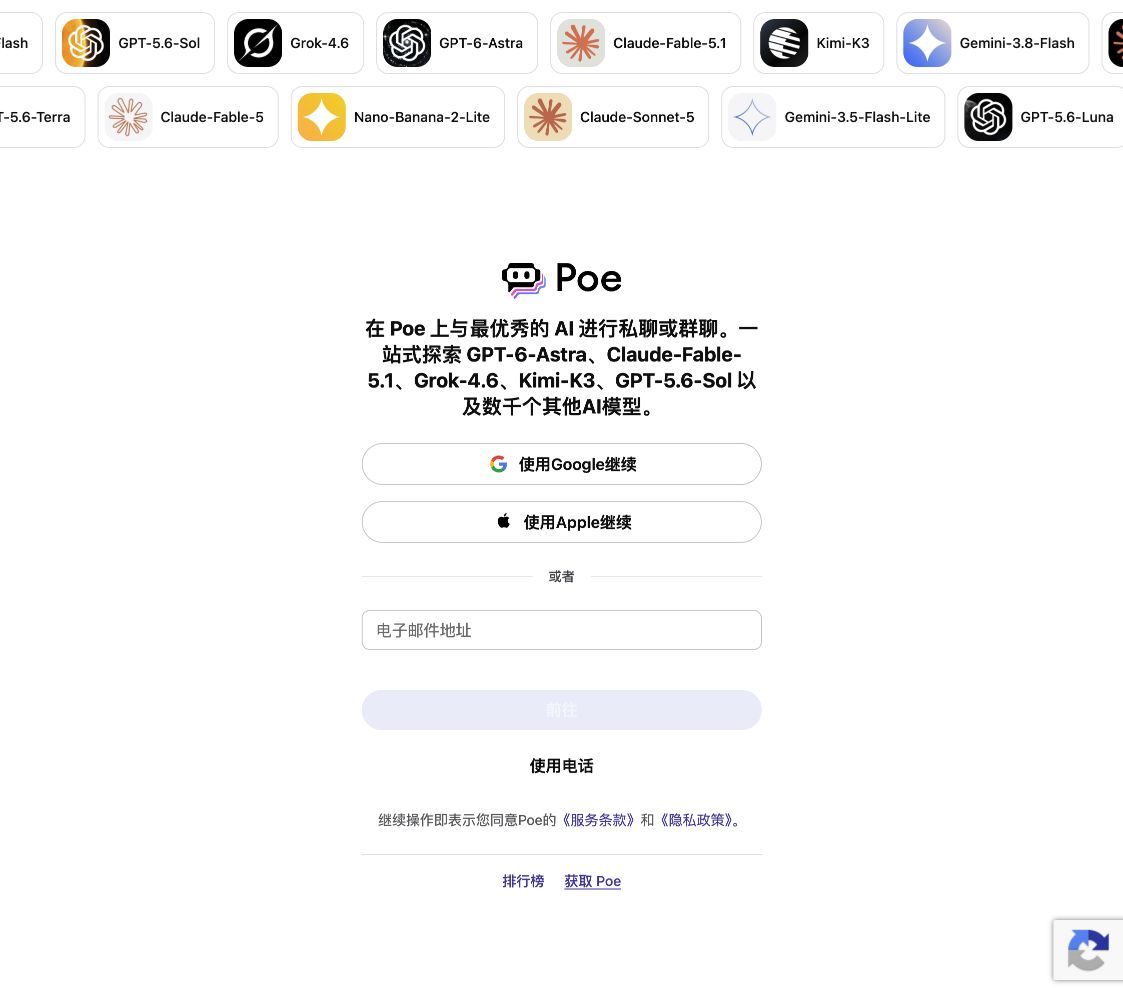
| Poe | Multi-model comparison | Model testing and custom bots | Available models and their data policies |
An artificial intelligence chat bot is conversational software. You may see “AI chat bot” written as “chat bot AI”; both refer to the same broad category of AI chatbots. An “AI chatbox” usually describes the interface where a conversation takes place. The spaced form “a i bot chat” and the punctuated “a.i chat bot” do not identify different technologies. Neither do the reversed phrases “chat AI bot” or “bot chat AI.” Whatever wording you encounter, judge an AI chat tool by the work it helps you complete. The label “AI bot” alone tells you little about its capabilities.
9 best AI chatbots for different jobs
There is no universal winner. The best ai chatbot for a source-heavy task may be a poor choice for office work. Read each entry as a conditional recommendation and confirm current access before you put confidential material into a service.
Atoms
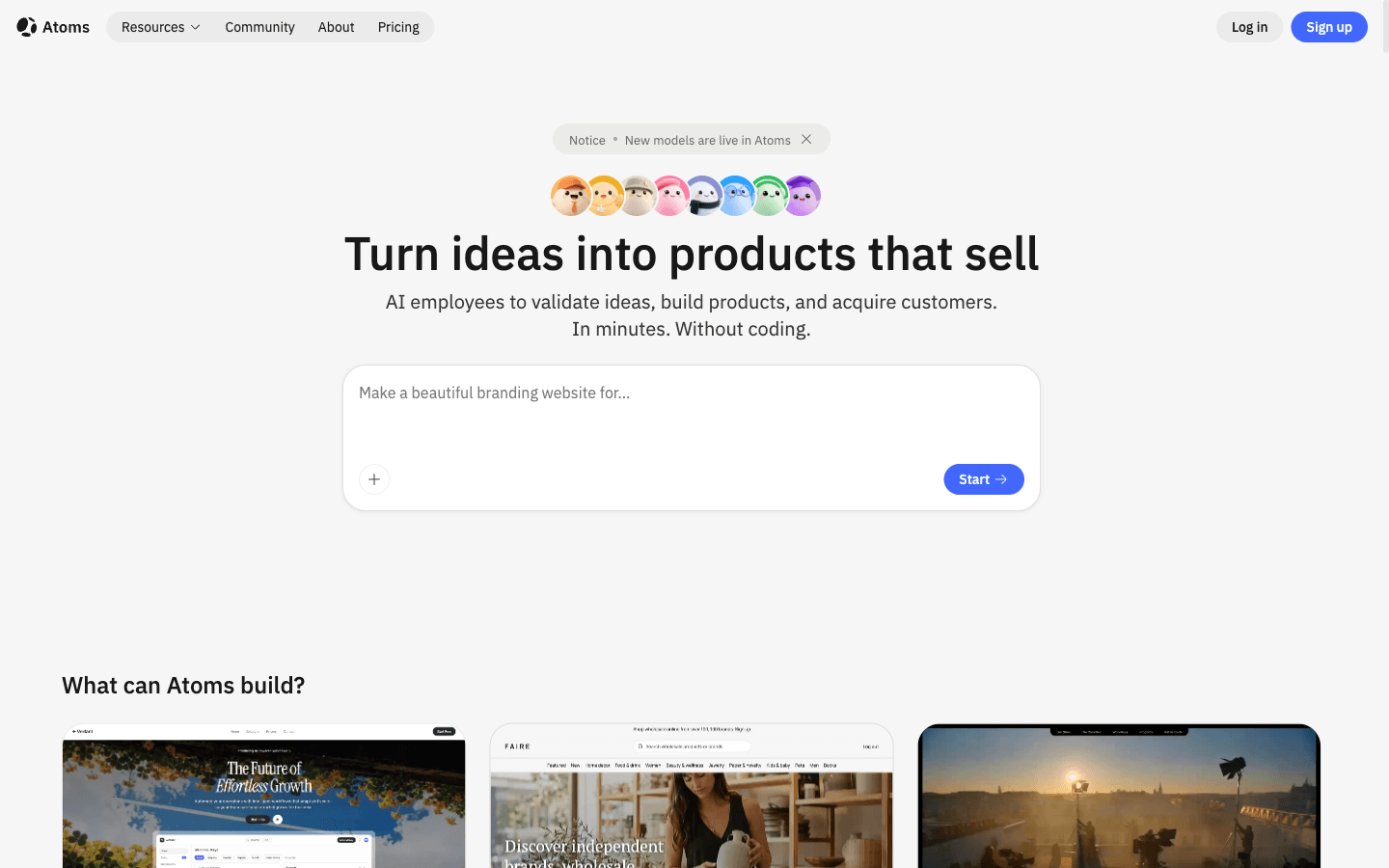
Atoms is an AI product-building platform for turning a natural-language brief into an editable website or web application. It fits a conversation whose goal is a working product. You can inspect the generated experience and request revisions before deciding whether it is ready to deploy.
Main features
- Brief to editable product: Turn a defined idea into a working web experience that can be inspected and revised.
- Conversational iteration: Ask for focused changes while keeping a live preview of the result.
- Connected media: Generate or place images and video inside the experience when visual content is part of the brief.
- Multi-agent product workflow: Coordinate agents that plan and build the product, with support for research or growth work where needed.
- Backend and deployment path: Support application infrastructure when needed, with production settings still reviewed by the team.
Suitable for
- Founders testing a product concept
- Marketers who need a working campaign experience
- Small teams moving from an AI idea to an editable web product
- Creators building interactive 3D or game-like prototypes
Test the intended customer journey before launch. Confirm that connected services handle data correctly and that the experience meets your production requirements.
Kimi
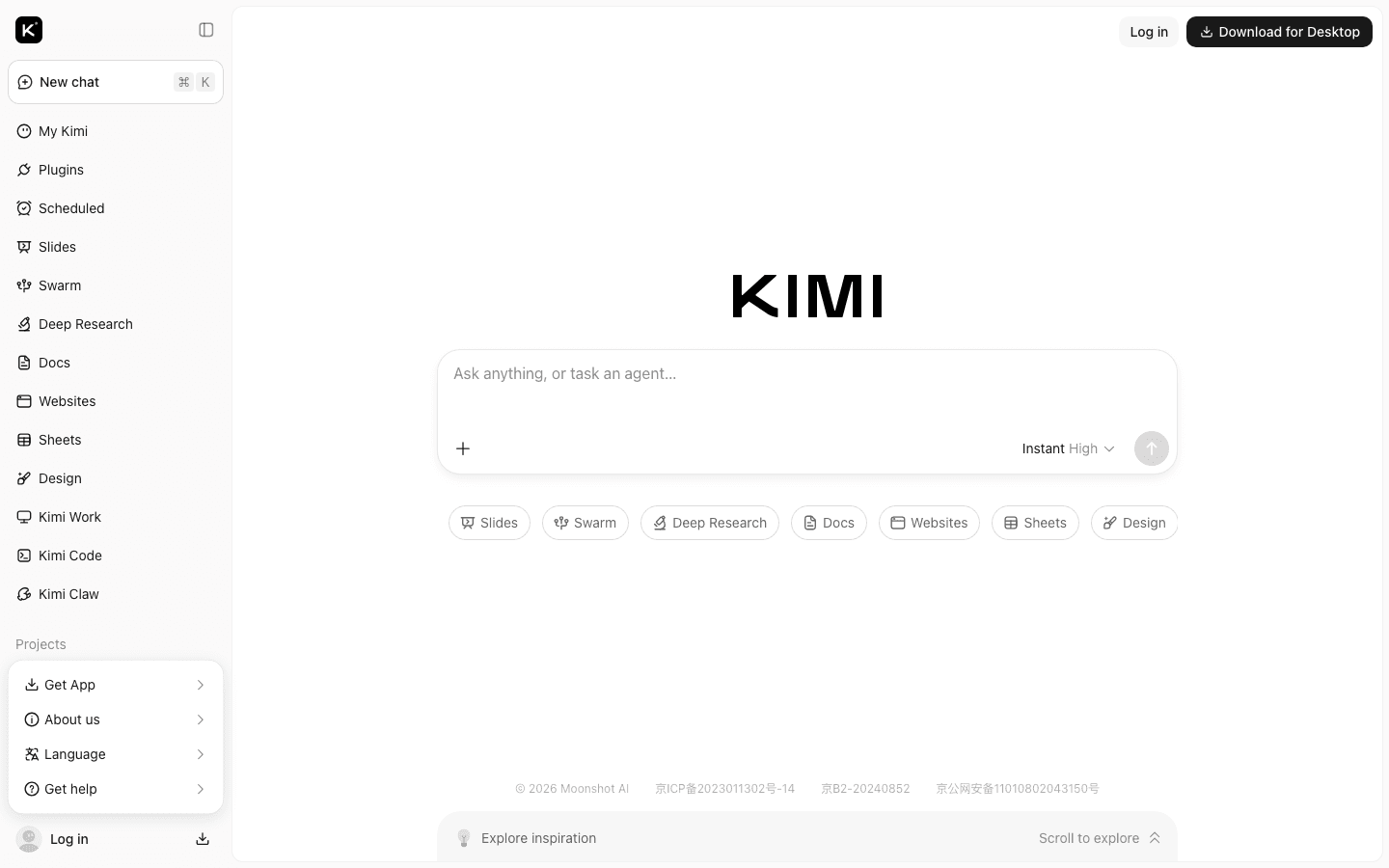
Kimi is worth testing when most of your work begins with long documents. Its document agent can create or review Word and PDF files, while its deep-research workflow produces reports with traceable references. A useful first test is to ask it to reconcile two reports that disagree. Check whether the answer preserves each source’s caveats instead of flattening them into a tidy summary.
Main features
- Long-context document work: Keep a large source set in one task when the current plan supports it.
- Document revision: Request a focused change to a Word or PDF draft, then check that the original meaning remains intact.
- Web-assisted research: Ask for current information while checking how citations are produced.
- Task decomposition: Break a complex request into smaller passes that are easier to review.
Suitable for
- Researchers handling extensive notes
- Writers drafting from reports
- Analysts comparing source material
- Teams that need a context-heavy first pass
Confirm that your plan can handle the source material. Review its data policy before sharing sensitive documents, and inspect any citations it returns.
ChatGPT
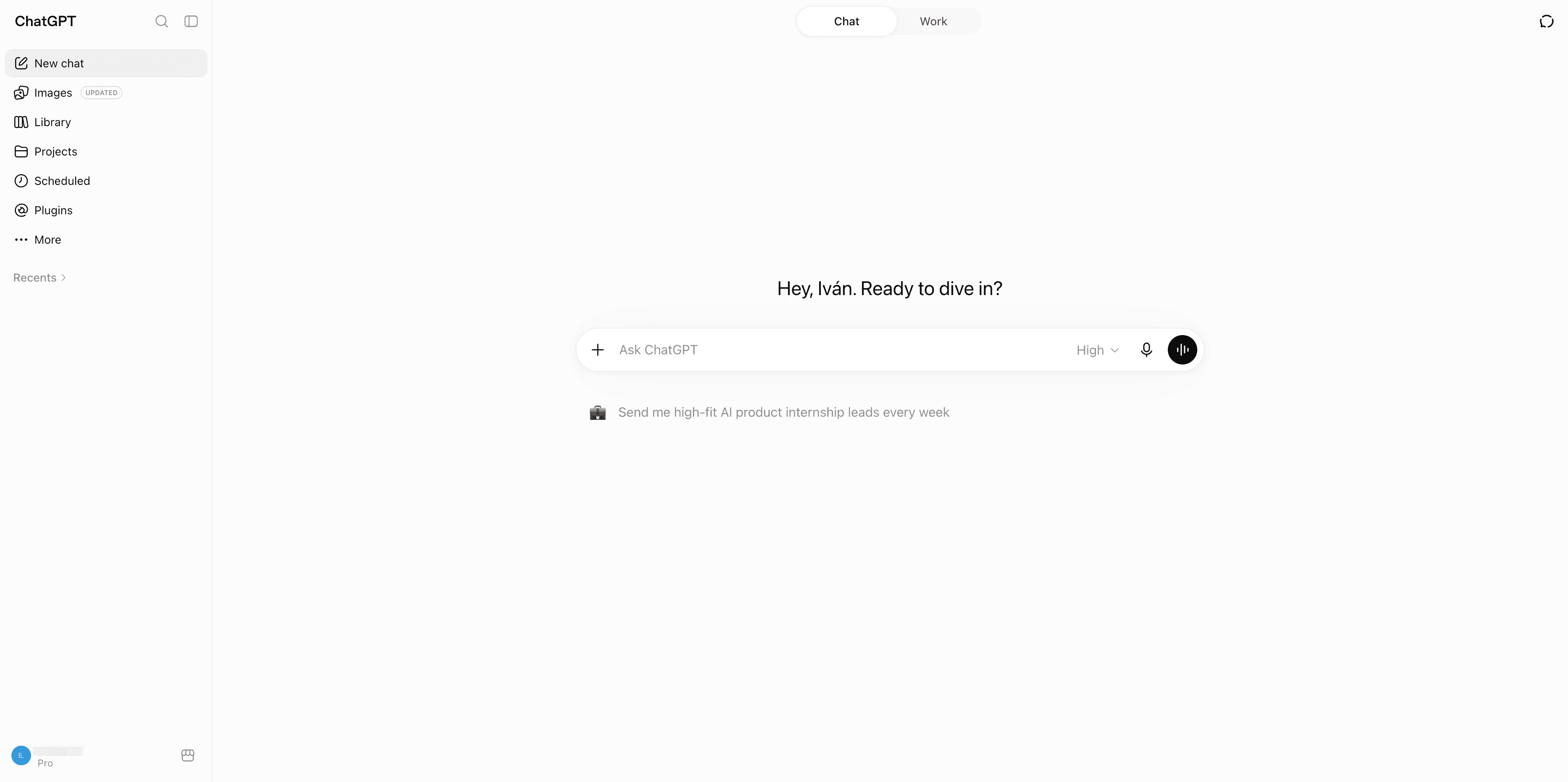
ChatGPT is a practical general-purpose starting point when your work changes from one conversation to the next. It can help explain a concept, then develop a draft through follow-up questions. Built-in tools extend that conversation to uploaded documents or web research where your account permits them. For technical work, ask for code explanations and check any proposed change in the environment where it will run.
Main features
- General conversation: Develop a draft through follow-up questions in the same thread.
- Writing support: Turn notes into a clearer draft, then revise against a brief.
- Technical help: Ask for code explanations and use a local test suite to check output.
- File or media workflows: Availability depends on the account and current product settings.
Suitable for
- Everyday users who need one flexible assistant
- Content and knowledge workers
- Students learning a new topic
- Developers who can run and review generated code
Confirm which tools your team can access and how the service retains its data before adopting it.
Claude
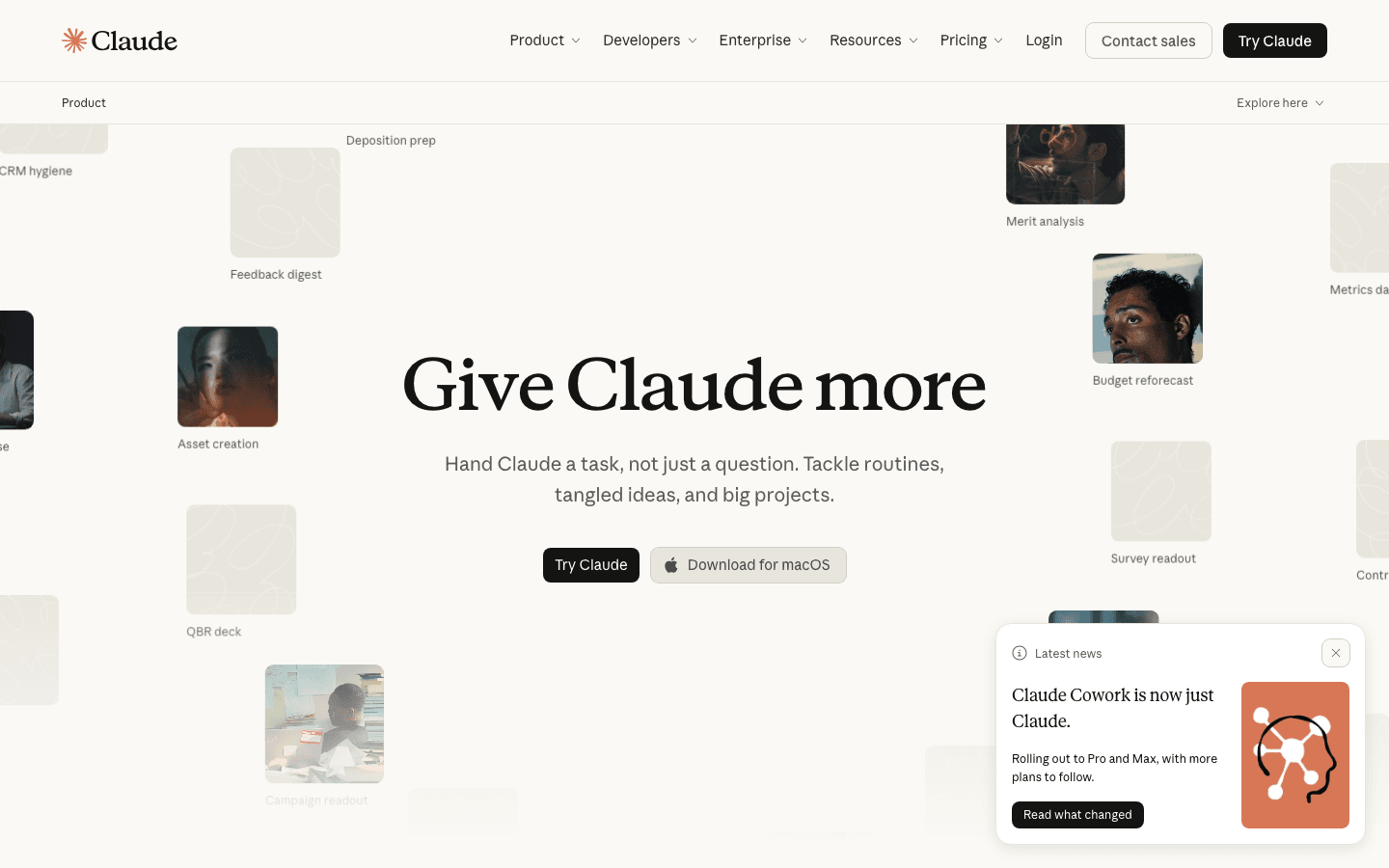
Claude supports structured work that can continue beyond a conversational answer. Its editable artifacts make it useful when you want to refine a deliverable, while supported connectors can bring workspace context into the task. Check which features your workspace enables before planning a connected workflow.
Main features
- Structured analysis: Turn a complicated request into an organised work product.
- Editable artifacts: Refine a document or prototype as a separate deliverable alongside the conversation.
- Connected work: Use supported connectors and files when the workspace allows them.
- Review controls: Keep a person in the loop before an external action or final decision.
Suitable for
- Writers and analysts
- Developers handling code or documentation
- Product teams reviewing editable deliverables
- Organisations that need clearer handoff points
Treat customer stories as testimonials. Verify what a connector can read and whether your workspace permits that access.
Google Gemini
Google Gemini is worth considering when your work already sits in Google services. It can summarize uploaded documents and help with coding questions. Connected apps can bring relevant workspace content into a conversation when enabled. That makes account configuration part of the buying decision: a personal account and a managed business account may expose different connections. Test with a document you know well before relying on a wider search.
Main features
- Workspace context: Use connected files or apps where the account enables them.
- Research assistance: Ask for a first pass, then verify the source and date.
- Prompt-based creation: Explore drafts or ideas without treating the first result as final.
- Account-aware access: Confirm feature access under your organisation’s policy and current plan.
Suitable for
- Google Workspace users
- Students working near shared files
- Office teams with administrator support
- People who want assistance beside existing documents
Check which files the assistant can reach through connected apps. Review the account’s data policy before sharing sensitive material.
Microsoft Copilot
Microsoft Copilot fits teams that want assistance near their Microsoft 365 work. Copilot Chat can summarize web information and analyze uploaded files. Access to organizational content depends on the experience and license; it should not be assumed from the Copilot name alone. Ask an administrator to confirm which applications are connected before planning a document or meeting workflow around them.
Main features
- Microsoft 365 context: Work beside documents or meetings when the tenant enables the connection.
- Document assistance: Start a summary or revision, then inspect changed content.
- Meeting support: Use the available meeting workflow while checking who can access the output.
- Tenant governance: Let administrator settings shape what the assistant can read or do.
Suitable for
- Office employees
- Microsoft 365 business teams
- Managers working across shared documents
- Organisations with established tenant controls
Confirm that the tenant configuration permits your intended workflow. Review data retention with your administrator before rollout.
Perplexity
Perplexity is a strong starting point for questions that need a visible research trail. It searches the web and returns conversational answers with citations to original sources. That makes it easier to inspect where a statement came from, although a link is not proof that the statement is correct. Open the sources and compare their dates before using the answer in work someone else will rely on.
Main features
- Search-assisted answers: Start with current public information when the service can reach it.
- Source links: Follow each citation instead of treating the list as automatic proof.
- Research workflow: Use a structured pass for a question that needs several sources.
- Freshness checks: Compare the answer with the date and authority of each source.
Suitable for
- Students and researchers
- Writers who need source trails
- Users checking public information
- Teams that can review evidence before publication
Do not paste confidential material until you understand retention and data handling. Verify source quality yourself.
DeepSeek
DeepSeek is an option for technical users who want to explore a reasoning problem or a coding approach. Its chat interface includes DeepThink and Search, while its developer API supports integration with coding assistants. Those are different ways to use the models, with different configuration needs. Choose the interface that fits your work before comparing responses; access to an API alone does not establish how a finished chatbot behaves.
Main features
- Technical reasoning: Explore an approach before testing it in a real environment.
- Coding assistance: Ask for a draft, then run tests and inspect dependencies.
- API integration: Connect a supported coding assistant when a chat window is insufficient for the task.
- Privacy review: Match data handling with the sensitivity of the material.
Suitable for
- Developers
- AI and machine-learning learners
- Technical users comparing reasoning workflows
- Teams able to review generated code
Check whether the service terms fit your intended use. An API integration also needs a clear owner for credentials and maintenance.
Poe
Poe brings multiple providers’ models into one platform, which makes it useful for trying the same prompt across different assistants. It also supports custom prompt bots for a repeatable task. The value is in comparison: you can inspect where two answers disagree and which one needs less repair. Check which provider handles each bot’s prompts before treating the platform as a single privacy boundary.
Main features
- Model switching: Compare responses under the same prompt when the models are available.
- Custom bots: Create a focused conversational setup for experiments.
- Response comparison: Record where answers diverge and which result needs repair.
- Provider awareness: Check the model owner and data settings for each workflow.
Suitable for
- AI enthusiasts
- Researchers comparing responses
- Power users testing prompt strategies
- Teams prototyping a chatbot workflow
Check the data policy for each bot before sharing sensitive prompts. Its model access may also differ from what your plan provides elsewhere in Poe.
How Atoms helps turn a chatbot idea into a web product
Atoms starts with the audience and the product job. It turns a defined brief into a working website or web application that you can inspect in preview. Focused follow-up requests let you revise the experience before deployment. This connects a product conversation to a working implementation, with human review before launch.
- Brief to editable product: Turn a defined idea into a web experience that can be inspected and changed instead of leaving it as a chat transcript.
- Media and interaction in context: Generate or place images and videos, then extend a concept into interactive 3D or game-like experiences when the brief calls for them.
- Multi-agent product workflow: Coordinate agents that plan and build the product. Research or growth agents can support the work when the brief calls for them.
- Launch checks remain human: Test the product against its intended use before release. Confirm that it meets your production requirements and protects customer data.
A chatbot can provide a useful draft without producing a working application. Atoms addresses the broader workflow of creating and iterating a web product. The examples below show the difference between a conversational output and a reviewable artifact. Neither removes the need to verify facts or production behaviour.
Atoms examples from the case gallery
Terminal 3D Game Engine An ASCII Dungeon demo uses real-time ASCII rendering to present a retro 3D dungeon exploration experience. It shows how a conversational brief can become an interactive web artifact that still needs review.
tuftcraft This static HTML Minecraft clone demonstrates a generated 3D game experience. It is a useful example of moving from chat-led ideation to a reviewable browser project.
Elvenwood - Procedural Elven Forest This procedural medieval elven forest demo uses Three.js. The example links a conversational build workflow with an interactive scene.
Turn a tested AI idea into an editable web product you can review. Build with Atoms
How to choose the right AI chatbot
Start with the job. General writing often points toward ChatGPT or Claude. Long source sets make Kimi worth testing. A citation-led question suggests Perplexity. Google or Microsoft workspaces bring Gemini or Copilot into consideration. DeepSeek belongs in a technical comparison. Poe helps when you want to compare models. Atoms fits when the desired result is a product rather than another answer. These are conditional recommendations, not benchmark results.
Use one repeatable test prompt. Give each shortlisted tool the same task and source files. Check whether the result follows your instructions and uses the supplied context. Challenge an unsupported claim, then assess whether the correction creates another problem. A coding answer needs to run in your environment. For a research task, inspect the cited pages rather than relying on the summary; a connected office workflow instead needs a careful check of what the assistant could access or change.
Privacy deserves the same attention as answer quality. Read retention and training terms before using confidential material. Check connector settings and administrator controls. Separate a free trial from a free plan. Confirm current limits from first-party terms because access changes over time.
Then measure the workflow after the answer. If the goal is a working web product, ask whether the tool returns an editable implementation. Consider how the result will be reviewed and maintained. That is the point where a product-building platform can fit better than a chat window.
Conclusion
Choose an AI chatbot for the work in front of you and the evidence you need. Run the same task through two or three candidates before committing. If the next step is an editable web product, start an Atoms build from the tested brief, then check it before launch.
Start with one audience, one job, and one clear product outcome. Create your product
A little more clarity
Frequently asked questions
01Q1: What is the best AI chatbot for most people?
“Best” is conditional. Start with the task, then compare two or three tools using the same prompt and source material. Check whether the answer follows your instructions and supports its claims. Consider the effort needed to repair it, then confirm that the data policy fits your intended use. A flexible general assistant may suit daily work, while another tool may fit research or a connected office workflow better.
02Q2: Which AI chatbot is best for research and citations?
A search-led tool such as Perplexity can be useful when you need source links beside an answer. Open the cited pages to see whether they support the claim. The source’s authority matters, as does whether it is current enough for your question. Citations reduce search friction; they do not replace human checking.
03Q3: Which chatbot is best for coding?
Compare a tool’s coding workflow against your actual project. It needs enough repository context to follow existing conventions, and you need a way to test the result. Review generated changes for security and dependency issues before using them in a product.
04Q4: Are free AI chatbots good enough for everyday work?
They can be. A free plan may cover a short question while limiting the context needed for a larger task. It may also offer different tools from a paid account. Read the current first-party terms and test a normal task. Do not use a free plan for confidential work until its data policy is clear.
05Q5: When should I use Atoms instead of a chatbot?
Use Atoms when the goal is an editable website or web application. You can refine the product through conversation and preview it before deployment. A chatbot may remain the right choice for a quick answer. Atoms does not remove production checks or replace a conversational tool for every task.
Share this article
 Posts
Posts 