On this page
Building AI agents can stall long before the first tool call, especially when the goal is broad and the permissions are wider than the task. Most teams lose time tuning prompts for an agent that was never given a measurable job. The workflow itself is not complicated once the scope is settled. This guide covers how to scope a first agent, design its loop, control its context and tools, and gate every run with evaluation and review.
Define an agent and start with a task it can actually own
An AI agent is a system that uses a model to decide what to do next and then acts on that decision through tools, working toward a goal instead of producing a single reply. A chatbot explains a refund policy; an agent checks the order, issues the refund, and updates the record. When you build an AI agent for the first time, the real design work is turning a direction into a task with a finish line.
- A direction is not a task. "Improve support" gives the agent nothing it can finish. "Resolve tier-one refund requests and return a structured decision record" gives it an input, an output, and a point where the run is done.
- Success needs a number. Define what a correct run produces and how often it must happen before you trust the agent. Without that baseline, every later change to a prompt or a tool is a guess about whether things improved.
- Escalation is part of the scope. Decide in advance which situations the agent must hand back: a denied permission, an ambiguous request, the same error repeating. An agent that stops on time is the design working, not failing.
Design the agent loop before choosing a framework
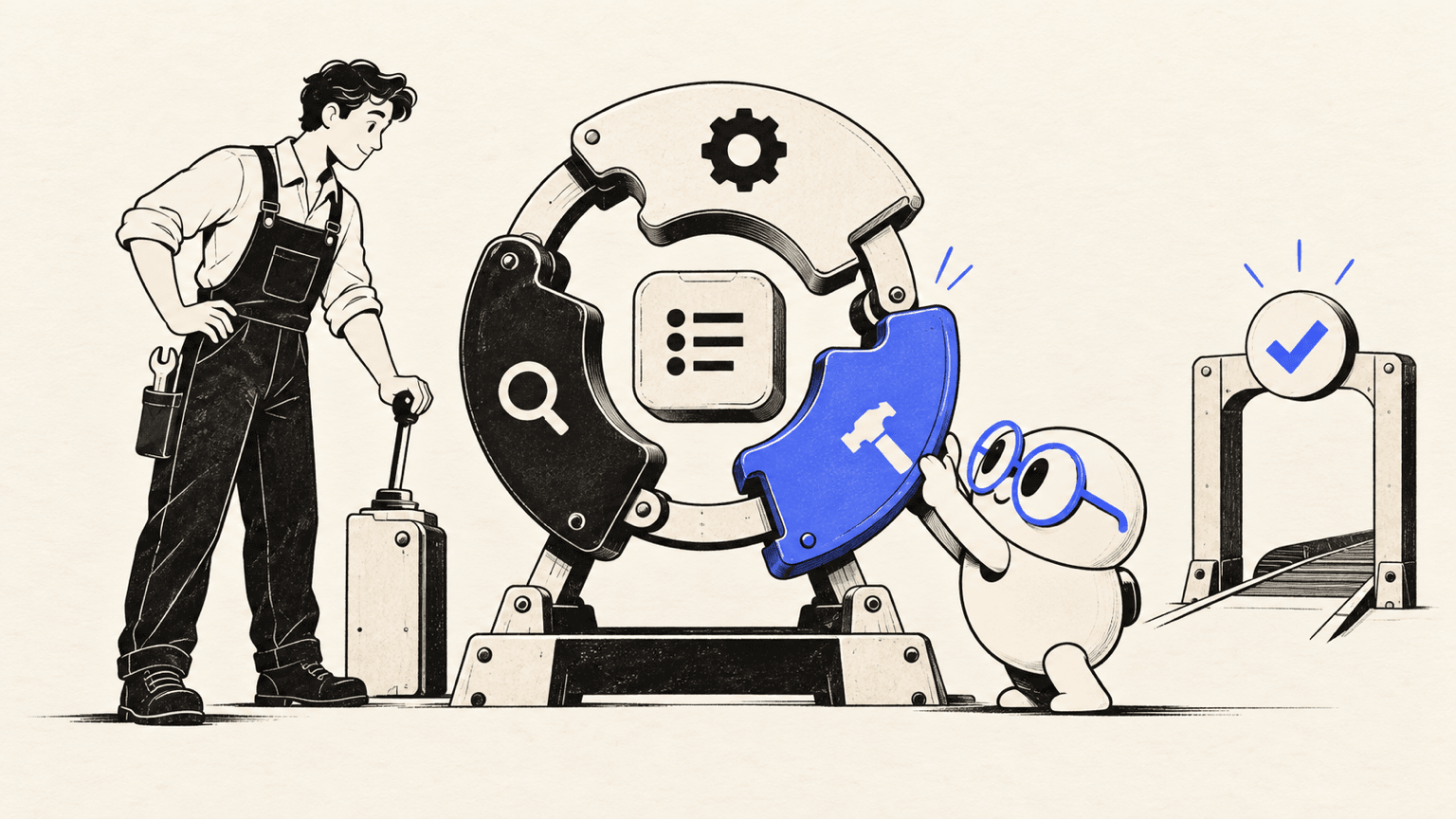
The loop has three moving parts, and each pass ends with something you can inspect. Get this sequence right on paper first; the framework you pick afterward mostly decides how conveniently you express it.
Plan the steps and decisions
The model receives the task and the current state, then chooses the next action from a set you defined. Write down which decisions belong to the model and which stay deterministic in your code. A loop where the agent invents new action types mid-run is a loop you cannot validate.
Act through tools and observe results
Every action runs through a tool with a typed contract: a name, a description the model can reason over, and a defined return format. Validate the parameters before execution and the response before handing it back. Return named errors rather than raw exceptions, so the agent can decide whether to retry, escalate, or stop.
Decide when to stop
Stop conditions are easy to defer, and deferring them is where agents go wrong. The common ones are simple: the task completed and its output validated, validation failed after a retry cap, a required permission was denied, the result is too ambiguous to act on, or the model keeps producing the same error. An agent with no retry cap will call a failing tool forever and report nothing.
Give the agent only the context and tools it needs
An agent needs enough context to finish its task, and no more. Most ai agent development time goes into this layer rather than into the model itself, because context and tool design decide what the agent can get wrong.
- Select context by task relevance. Pass the files a request touched, plus their tests, rather than the whole repository. Loading every document your team has written buries the signal in text that does not bear on the task.
- Prefer read-only access first. A read-only agent is easier to validate and debug, and it cannot write anything unintended while you are still checking its behavior. Extend it to write actions behind approval checkpoints once its outputs are consistently correct.
- Keep tool contracts tight. A tool declared as "get endpoint schema for this endpoint" gives you a contract you can test. A generic "query API with any parameters" tool gives you almost nothing to validate and a wide surface for mistakes.
- Track progress across steps. Record which steps finished and what each tool call returned. Without that record, a failure either restarts the entire task or skips the failed step silently, and debugging becomes guesswork.
Put guardrails, review, evaluation, and rollout gates in every run
Guardrails belong inside the build loop, not bolted on after the first incident. Assign permission levels by impact and reversibility: low-impact, reversible actions proceed automatically, while anything touching sensitive data, external side effects, or production systems sits behind a logged, deliberate approval.
| Control | What it checks | When a human intervenes |
|---|---|---|
| Confidence threshold | Whether the model is sure enough to act | Confidence falls below the threshold you set |
| Change size limit | How large a proposed change has grown | The change exceeds what you accept unreviewed |
| Retry cap | Whether validation keeps failing | The same error repeats across runs |
| Permission scope | What the agent is allowed to reach | An action requires a permission it does not have |
Evaluation is the other half of the gate. Build a test set from real examples and run it every time you change a prompt, a tool, or a model. Include cases built to break the agent: a record that does not exist, a malformed tool response the agent might read as valid data, a request too ambiguous to act on. These are the runs that catch what happy-path demos miss.
Roll out in stages. Start read-only, watch the success metric you defined at scoping time, and promote the agent to write actions only when that metric holds across a representative sample. This is the difference between knowing how to build an ai agent that demos well and running one that survives an ordinary Tuesday with real users.
How Atoms helps teams prototype an agent-facing product experience
Atoms is an AI product-building platform that turns natural-language requirements into editable websites or web applications. If your agent needs a reviewable interface, such as a dashboard, an approval console, or a storefront its actions surface in, you can generate that starting point, iterate on layout and interaction through an AI-assisted workflow, and preview the result before publishing. Production launches still need human review of content, accessibility, security, integrations, and performance, and validating an agent's production integrations remains your work.
- AI-built, launch-ready websites and web applications. Atoms turns a plain-language brief into a working site or web application with a coherent structure and visual experience. You iterate through conversation, preview each change, and prepare the result for deployment instead of receiving a static mockup. For an agent project, this covers the interface layer where people review what the agent actually did.
- Multi-agent coordination across the product lifecycle. Specialized AI agents collaborate across planning, building, research, and growth stages, and the workflow stays editable and reviewable at each step. That mirrors the bounded-loop discipline this guide describes: scoped tasks, observable passes, and review before anything ships.
- AI-generated media placed directly into the product. Atoms can create images and video and insert them into the pages where visual storytelling matters. When an agent-facing experience needs demos, hero assets, or campaign visuals, asset creation and web building stay connected in one workflow instead of splitting across separate tools.
Terminal 3D Game Engine A retro ASCII dungeon crawler with a real-time ray-cast 3D scene, produced end to end by Atoms agents. It shows a bounded build task carried from a short brief to a playable, inspectable demo.
Streetwear Clothing For Gen Z A bold streetwear storefront for a young audience, generated from a natural-language brief. It is a clear example of scoped agent output a team can review page by page before launch.
Beverages Online Store An online beverage shop built by Atoms agents, showing how a narrow, well-defined e-commerce task turns into a complete storefront ready for human review.
Conclusion
A first agent earns autonomy by finishing one bounded job under review, not by being granted broad permissions at design time. Keep the task measurable, the tools narrow, the stop conditions explicit, and the evaluation set close to every change you make. When the agent also needs a product experience people can inspect, start that interface in Atoms and keep every revision reviewable before you publish.
A little more clarity
Frequently asked questions
01Q1: What is the smallest useful AI agent to build first?
One that reads from a single system and returns a structured result you can check, such as triaging support tickets into categories or summarizing pull requests by severity. It needs a clear input, a defined output, and a measurable success condition.
02Q2: Do AI agents need memory?
Most first agents only need progress tracking within a run: which steps finished and what each tool returned. Persistent memory across sessions adds value later and adds failure points, so introduce it when the task genuinely demands continuity.
03Q3: When should an agent ask for human approval?
Whenever the next action is irreversible, touches sensitive data or production systems, or the result is too uncertain to act on. An agent that stops and hands those decisions back to a person is the design working, not a limitation.
04Q4: How do you test an AI agent before rollout?
Build an evaluation set from real examples, including cases designed to break it: missing records, malformed tool responses, and ambiguous requests it should escalate. Rerun it after every prompt or tool change, and stage the rollout read-only first.
Share this article
 Posts
Posts 