
 AI website builders are getting better. They are also getting easier to oversell.
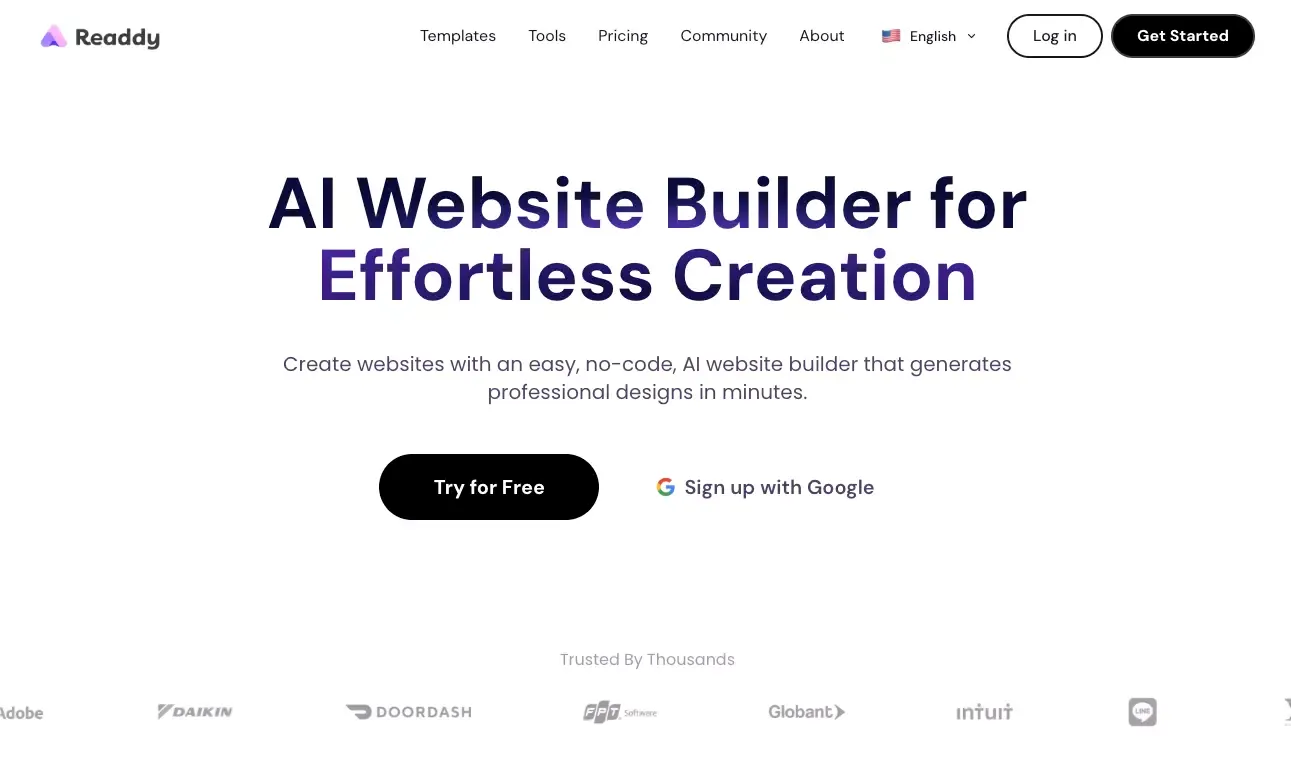
Readdy is one of those tools that makes a strong first impression. The pitch is simple: describe the site you want, generate a polished version fast, edit it visually, connect your domain, and publish without touching code.
That sounds attractive, especially for founders, freelancers, and small teams. But the real question is not whether Readdy can generate a website. It clearly can. The real question is whether it stays useful after the first “wow” moment.
This review looks at Readdy from a practical user angle: what it does well, where the tradeoffs show up, and who should choose something else.
What Is Readdy?
Readdy is an AI website builder designed for people who want to launch quickly with minimal setup.
Instead of starting from a blank canvas, you start with intent. You describe the site, choose a direction, and let the tool generate the first version for you. From there, you edit visually and move toward launch.
In simple terms, Readdy is trying to remove the hardest part of web creation for non-technical users: turning an idea into a structured first draft.
Where Readdy Falls Short
Here is the part many AI builder reviews gloss over: tools like this are strongest when the problem is narrow.
Readdy looks best when you need a website. Not when you need a product.
That distinction matters more than it sounds.
The main limitations
- Customization depth is still limited compared with more mature builders
- AI-generated output can feel generic without careful editing
- Credit-based usage can become noticeable if you iterate heavily
- More complex app-like needs push against the product’s natural ceiling
The practical issue
If your project is mostly a marketing site, Readdy makes sense.
If your project is drifting toward product logic, user workflows, custom data models, internal tools, or a real app experience, the fit becomes weaker. At that point, you may want something built for a broader app and website builder workflow rather than just fast website generation.
Readdy Pricing
Readdy’s pricing is not hard to understand, but it is easy to underestimate.
The key thing to know is that the product uses credits. That means your real cost is tied not just to access, but to how often you generate and revise.
Pricing snapshot
| Plan | Best for | What stands out |
|---|---|---|
| Free | Trying the product | Good for exploration and light usage |
| Starter | Solo builders and small teams | Better project limits, cleaner publishing workflow, more flexibility |
| Pro | Heavier usage | Higher limits for people using the tool more seriously |
How to think about the pricing
Readdy is not expensive in the usual sense. The bigger question is whether your workflow is predictable.
It tends to feel efficient when:
- you already know what you want
- you need a fast first version
- you are not endlessly revising
- your scope is relatively clear
It becomes less attractive when:
- you revise constantly
- your client changes direction every few hours
- you treat the AI as an infinite experimentation layer
- your project grows beyond simple website needs
The honest takeaway
Readdy is not “cheap.”
It is efficient when your scope is clear.
That is the better way to judge it.
Who Readdy Is Best For
Readdy is not for everyone, and that is fine. In fact, tools become easier to evaluate once you stop expecting them to solve every kind of problem.
Readdy is a strong fit for
- Founders who need a landing page quickly
- Freelancers creating quick client drafts
- Consultants building simple lead-generation sites
- Small businesses that want a credible online presence without a long setup process
- Marketers launching campaign pages fast
Readdy is a weaker fit for
- Teams building app-like products
- Projects with complex backend workflows
- Users who want deep visual control
- Teams that expect the website to evolve into a more complex platform
Readdy Use Cases
The clearest Readdy use cases are simple, business-facing websites.
Best-fit use cases
- Startup landing pages
- Personal portfolio websites
- Small business websites
- Local business websites
- Lead-generation pages
- Consultant and agency sites
- Campaign microsites
Use cases where I would be more cautious
- Complex ecommerce builds
- Membership platforms
- Dashboard-style experiences
- Products that need deeper logic or multi-step workflows
The tool can stretch a bit. But stretching too far is usually where disappointment starts.
Readdy vs Other Website Builders
Choosing Readdy makes more sense when you compare it with the alternatives honestly.
Comparison table
| Platform | Best for | Main advantage | Main tradeoff |
|---|---|---|---|
| Readdy | Fast website creation | Very quick path from idea to published site | Less depth for complex builds |
| Atoms | Websites that may grow into products | Broader website + app + full-stack workflow | More than some users need for a simple site |
| Wix | Mainstream business websites | Mature ecosystem and broad flexibility | Can feel heavier and less AI-native |
| Webflow | Professional web design workflows | Strong control and scalability | Higher learning curve |
| Framer | Polished startup-style websites | Excellent visual quality and modern feel | Better for design-led users than speed-first users |
Readdy vs Atoms
This is where the category line becomes clearer.
Readdy is a website-first tool. It is best when you want to turn an idea into a site quickly and keep the workflow simple.
Atoms is a broader build platform. It makes more sense when your website is not the final destination, but the starting point for something larger.
Readdy strengths for fast website creation
- Faster fit for marketing sites
- Simpler starting point for non-technical users
- Easier path for portfolios, landing pages, and small business sites
- Better when speed matters more than architecture
Atoms strengths for app and full-stack product building
- Better fit when the project goes beyond a website
- Stronger for teams that may need app flows, backend logic, and deployment together
- More natural option when the site is part of a larger product workflow
- Better long-term fit for users who do not want to switch tools once the project gets more complex
Which platform is the better fit?
Choose Readdy if:
- you mainly want a fast marketing site
- you care most about speed to launch
- your scope is simple and clear
- you want less builder complexity
Choose Atoms if:
- you need more than a website
- the project may become an app or product
- backend and deployment matter from the start
- you want a broader build workflow instead of a narrower website tool
Readdy vs Wix
Wix is the safer “big platform” choice.
It has a more mature ecosystem, a broader feature base, and a longer track record for mainstream business websites. If you expect to stay inside the builder for a long time and want a familiar all-purpose solution, Wix is the more established option.
Readdy feels more focused. It is better when the priority is speed and simplicity rather than platform breadth.
Readdy vs Webflow
Webflow still wins on control.
If you care about design precision, interactions, layout systems, and professional web workflows, Webflow has the stronger ceiling. It is built for people who want more say in how the site behaves and evolves.
Readdy wins on accessibility.
That makes it easier to recommend to founders and non-technical operators who want a solid first site without spending days learning a builder.
Readdy vs Framer
Framer is the more design-led option.
It tends to appeal to startups that care a lot about brand presentation, visual polish, and modern website aesthetics. Framer feels sharper when the site itself is part of the brand experience.
Readdy feels more operational.
That is not a criticism. It simply means Readdy is often the better fit when the main goal is to get a competent site live quickly.
Final Verdict
Readdy is a good product. But more importantly, it is a good product for a specific kind of job.
If you want to launch a clean, credible site quickly, Readdy is worth serious consideration. It reduces friction, shortens setup time, and makes website creation more accessible for people who are not designers or developers.
That is the good part.
The limit is just as important: Readdy works best when your project stays within website territory. Once your needs move toward product complexity, custom workflows, or deeper application behavior, the fit becomes less convincing.
My final take
Readdy is a smart choice if you want:
- a fast AI website builder
- a practical path to launch
- a simpler workflow
- a strong first version without much overhead
You should consider an alternative if you want:
- deeper customization
- stronger long-term control
- serious app-like functionality
- a platform that covers website and product building together
For simple websites, Readdy makes a lot of sense.
For broader product creation, I would look elsewhere.
FAQs
Is Readdy free to use?
Yes. There is a free plan, which makes it easy to explore the product before paying.
Is Readdy good for beginners?
Yes. That is one of its strongest selling points. It is clearly designed to reduce setup friction for non-technical users.
Is Readdy good for complex websites?
Not really. It can handle more than a basic mockup, but it still feels strongest with simpler websites rather than deeply customized builds.
Is Readdy better than Webflow or Framer?
Not across the board. It is better for speed and simplicity. Webflow is better for control. Framer is better for visually polished design-led websites.
What is the best alternative to Readdy?
That depends on what you need. Wix is stronger as a broad mainstream builder. Webflow is stronger for control. Framer is stronger for visual polish. Atoms is stronger when you need a website that may grow into a broader product or app workflow.
