
On this page
The best AI for academic research depends on where your work slows down. Elicit supports structured evidence workflows, Consensus helps with question-led scholarly discovery, scite adds citation context, and ResearchRabbit explores connected literature. Semantic Scholar supports search and brief summaries; SciSpace helps with paper reading. Choose by the task, then verify the original evidence. This list also includes a product-building option for researchers who need their own web application.
Overview of 7 AI academic research tools
Finding a paper, understanding its methods, comparing its results, and building an application around a research workflow are different jobs. Keep those jobs separate when choosing tools.
| Tool | Best-fit task | Input or working context | Useful output | What to verify |
|---|---|---|---|---|
| Atoms | Building a research workflow application | Natural-language product requirements | Editable web app or project website | Data handling, integrations, and scientific content |
| Elicit | Structured evidence workflows | Research questions and scholarly papers | Screening and extraction with supporting evidence | Search coverage and extracted values |
| Consensus | Question-led scholarly discovery | Scientific literature | Research synthesis with citations | Whether claims reflect the underlying studies |
| scite | Examining citation context | Research and citation statements | Context about supporting or contrasting discussion | The meaning of the citation in the original paper |
| ResearchRabbit | Exploring connected literature | Seed papers and a reference collection | Related-paper recommendations and maps | Relevance and gaps beyond the seed set |
| Semantic Scholar | Finding papers and deciding what to read | Scholarly search and paper records | Search results and available TLDR summaries | Original methods, results, and publication status |
| SciSpace | Reading and comparing papers | Research questions and PDFs | Paper explanations and literature assistance | Whether explanations match the text |
The selections reflect documented capabilities and task fit, not an accuracy benchmark. The first entry serves application building; the remaining entries serve literature or evidence tasks. Choose the part of your workflow that actually needs help.
7 tools to consider for academic research
Use these AI academic research tools to support a documented process. A useful output should make the next reading or analysis decision easier while preserving the evidence you need to check.
Atoms
Atoms is an AI product-building platform for turning requirements into editable websites and web applications. Its role here is research infrastructure: you might propose a literature tracker, project website, or interface for an approved workflow. These are suggested applications to build, not built-in scholarly databases or validated review methods. Select a literature tool separately when you need paper discovery or extraction.
Main features
- Requirements-based application creation: Describe the users, pages, records, and interactions your research workflow needs. A concrete brief can turn an idea for a tracker or project site into a working experience that your team can inspect.
- Application infrastructure: The product supports backend capabilities such as persistent data and authentication where required. Specify the intended data and access rules, then review the actual implementation before using an application with sensitive or important research information.
- Editable preview: Iterate on the generated experience through focused requests and inspect the result. This is useful for refining a proposed workflow with collaborators; the preview does not validate study methods, data integrity, or the accuracy of scientific content.
Suitable for
- Researchers proposing a custom interface for an established workflow.
- Teams building a public website around a research project.
- Educators exploring interactive web formats for explaining ideas.
Elicit
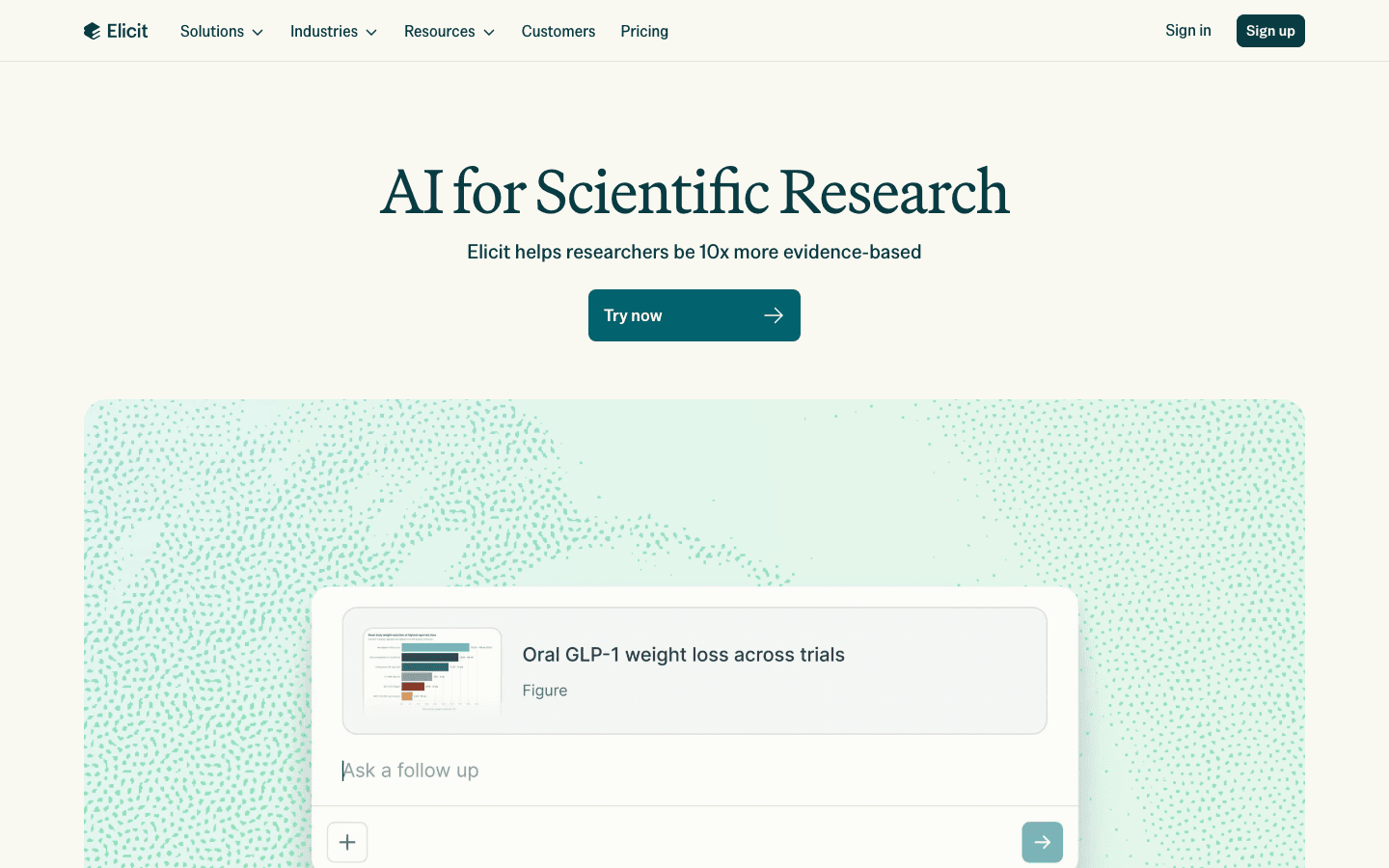
Elicit focuses on scientific research workflows, including paper discovery, screening, and evidence extraction. Consider it when you need to compare information across papers in a structured form. Start with a defined question and criteria, then review its suggestions and extracted values. Assisted screening is still a process to document and check, rather than a guarantee that your review is complete.
Main features
- Paper discovery: Search for studies relevant to a research question and use the results to develop a reading set. Record the search scope and how you arrived at the selected papers, especially when the work requires a reproducible method.
- Screening support: Apply criteria and review suggested inclusion or exclusion decisions. Check difficult cases yourself and preserve the rationale, so a colleague can understand how a paper entered or left the evidence set.
- Structured extraction: Extract information from papers with supporting source material. Verify values against the relevant passage, table, or figure before comparing them, and keep unreported details marked as missing rather than filling them with a plausible guess.
Suitable for
- Researchers comparing study details across a defined literature set.
- Teams preparing a structured evidence review with human oversight.
- Students learning to organize findings beyond a collection of summaries.
Consensus
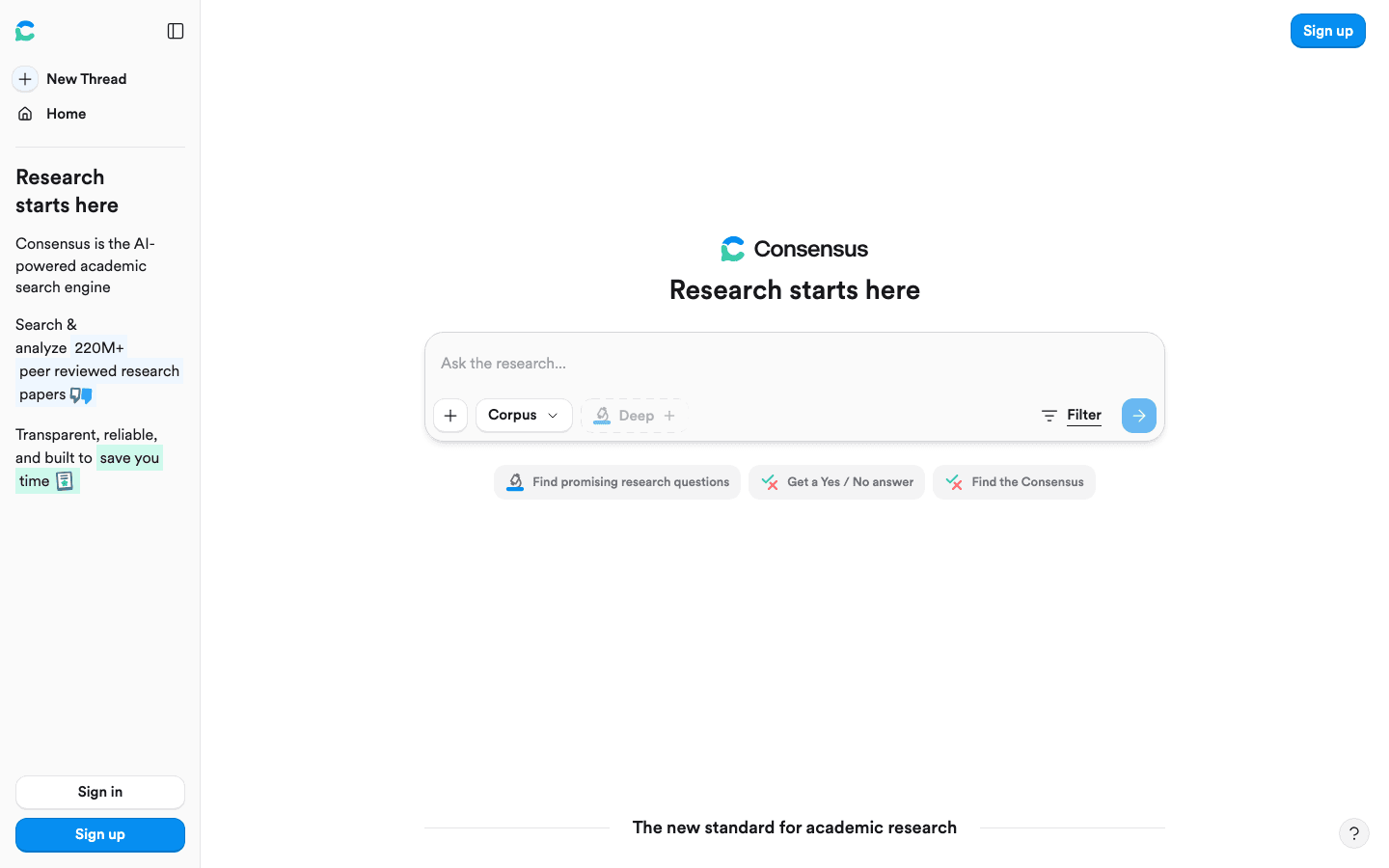
Consensus is an academic search engine that grounds research assistance in scientific literature. It is useful when you begin with a question and need relevant studies and a synthesis to investigate. Inspect the supporting papers rather than treating the summary as the answer to your research question. Available full text and the relevance of the retrieved studies matter to interpretation.
Main features
- Question-led search: Use a research question or search terms to discover relevant literature. Refine ambiguous terms and inspect the results to make sure they address the population, context, or phenomenon your project is actually investigating.
- Research synthesis: Summaries connect findings to cited studies. Follow those references and examine how the underlying papers differ, particularly when results concern different populations, interventions, methods, or outcomes that should not be treated as interchangeable.
- Evidence inspection: The product can use full-text information when available. Check the extent of the evidence behind a result; an abstract can identify a potentially relevant study while leaving important methodological details for further reading.
Suitable for
- Students exploring a question before planning a deeper literature search.
- Researchers finding studies to read and compare directly.
- Teams looking for a cited starting point for an evidence discussion.
scite
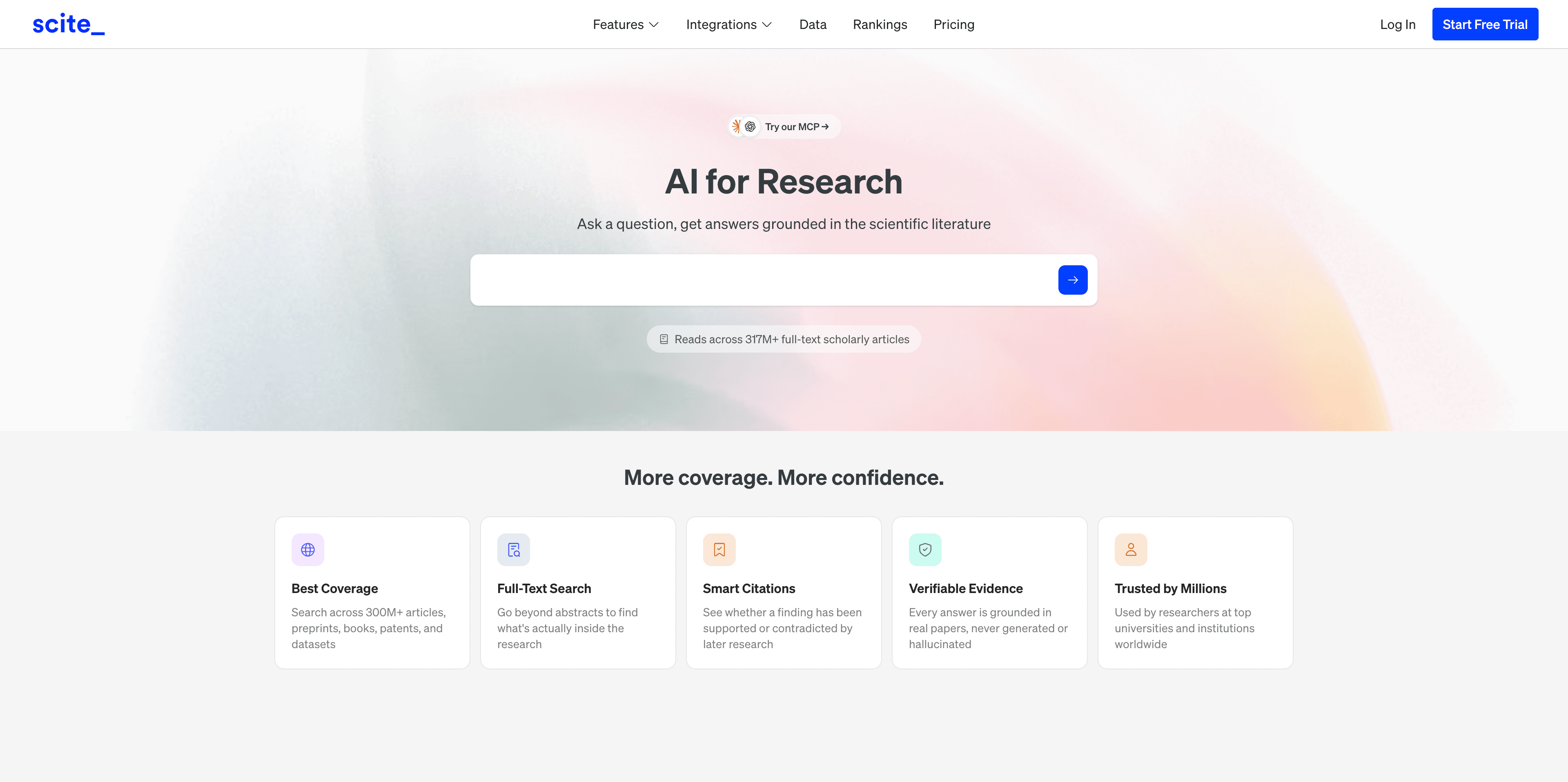
scite adds citation context to research discovery and analysis. Its Smart Citations show how later research supports, challenges, or discusses earlier work. This makes it useful when you want to understand the conversation around a finding. Treat citation context as one input to appraisal: a supporting citation alone does not establish that a study's design or conclusion is sound.
Main features
- Smart Citations: Inspect the context in which a paper is cited, including supporting and contrasting discussion. Read the relevant passage to see whether it addresses the same claim you intend to use, rather than only a related method or topic.
- Research assistance: AI assistance uses research evidence and citation signals to help answer questions. Examine the linked material behind consequential statements and preserve disagreements instead of compressing them into a stronger conclusion than the evidence warrants.
- Contextual reading: Use citation discussion to identify papers worth reading next. A later paper may qualify or challenge an earlier result, making it helpful to examine the sequence of arguments instead of relying only on citation counts.
Suitable for
- Researchers examining how a claim has been discussed in later work.
- Writers checking the context of evidence they plan to cite.
- Students learning to read disagreements within a research field.
ResearchRabbit
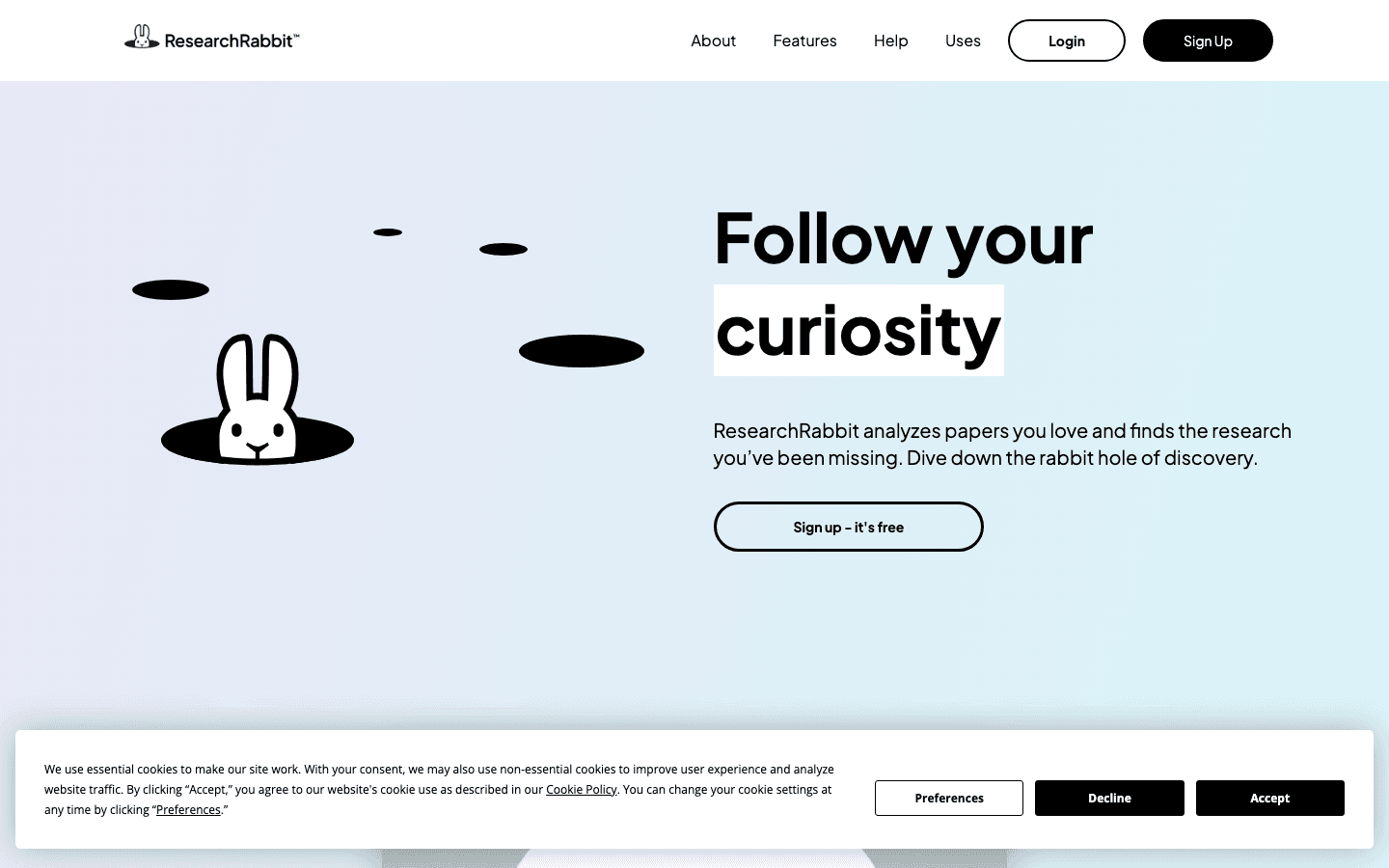
ResearchRabbit helps explore literature through related-paper recommendations and maps. A seed paper becomes a starting point for discovering connected work rather than the end of a search. Use it when you want to understand a field's relationships or expand a reading list. Treat the map as an exploration aid and check coverage separately when your project requires a systematic search.
Main features
- Seed-based exploration: Begin with a relevant paper and investigate connected research. Choose seed papers deliberately, because an exploration that starts from a narrow part of the field should prompt you to look for other perspectives as well.
- Literature maps: Visual relationships help you examine connections among papers and authors. Use the map to decide what to read, then confirm the relationship and the scientific argument in the actual publications before drawing a conclusion.
- Recommendations: Expand your reference collection through related work. Record why a recommended paper is relevant to your question instead of assuming that a connection to an existing paper is sufficient for inclusion in your evidence set.
Suitable for
- Researchers orienting themselves in an unfamiliar body of literature.
- Students expanding a reading list from a few relevant papers.
- Teams exploring connected work alongside a documented database search.
Semantic Scholar
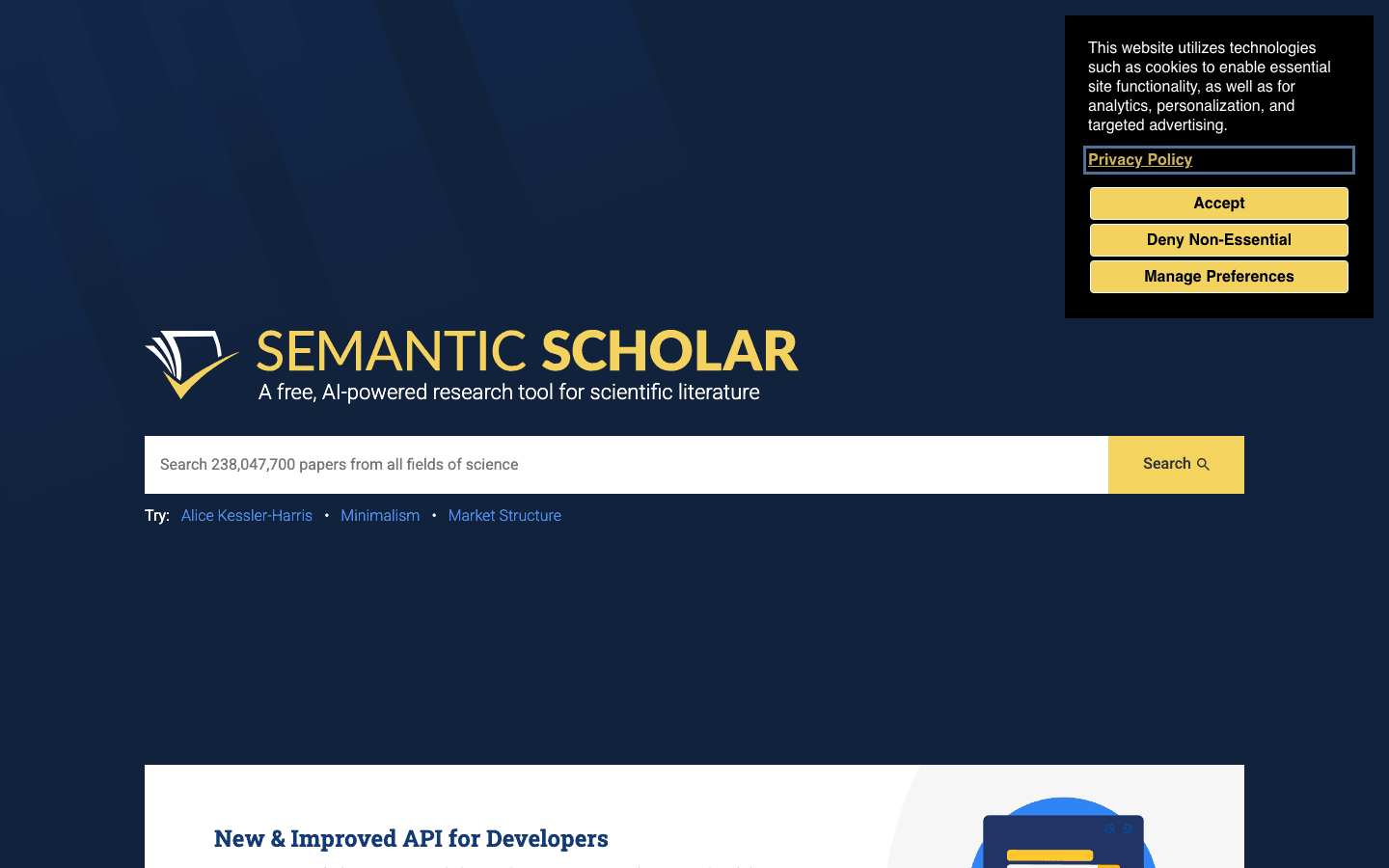
Semantic Scholar supports scholarly discovery and provides AI-generated TLDR summaries where available. It is useful for finding candidate papers and deciding which deserve closer reading. A short summary helps with triage, but it leaves much of the research behind it unexplored. Open the original paper before using its methods or findings in an argument.
Main features
- Academic discovery: Search for relevant papers and inspect their records. Refine your search as your terminology develops, keeping a record of the queries and selection decisions that matter to the reproducibility of your project.
- TLDR summaries: Available brief summaries describe a paper's main objective and results. Use them to prioritize reading rather than substitute for the abstract, methods, or discussion, especially when your question turns on a detail that a summary omits.
- Reading triage: Compare candidate papers before committing to detailed review. Check the actual publication and its current status, and make sure the version you read matches the version you eventually cite in your manuscript or evidence table.
Suitable for
- Students assembling an initial set of papers to investigate.
- Researchers sorting a large reading list into priorities.
- Teams adding scholarly discovery to a broader research workflow.
SciSpace
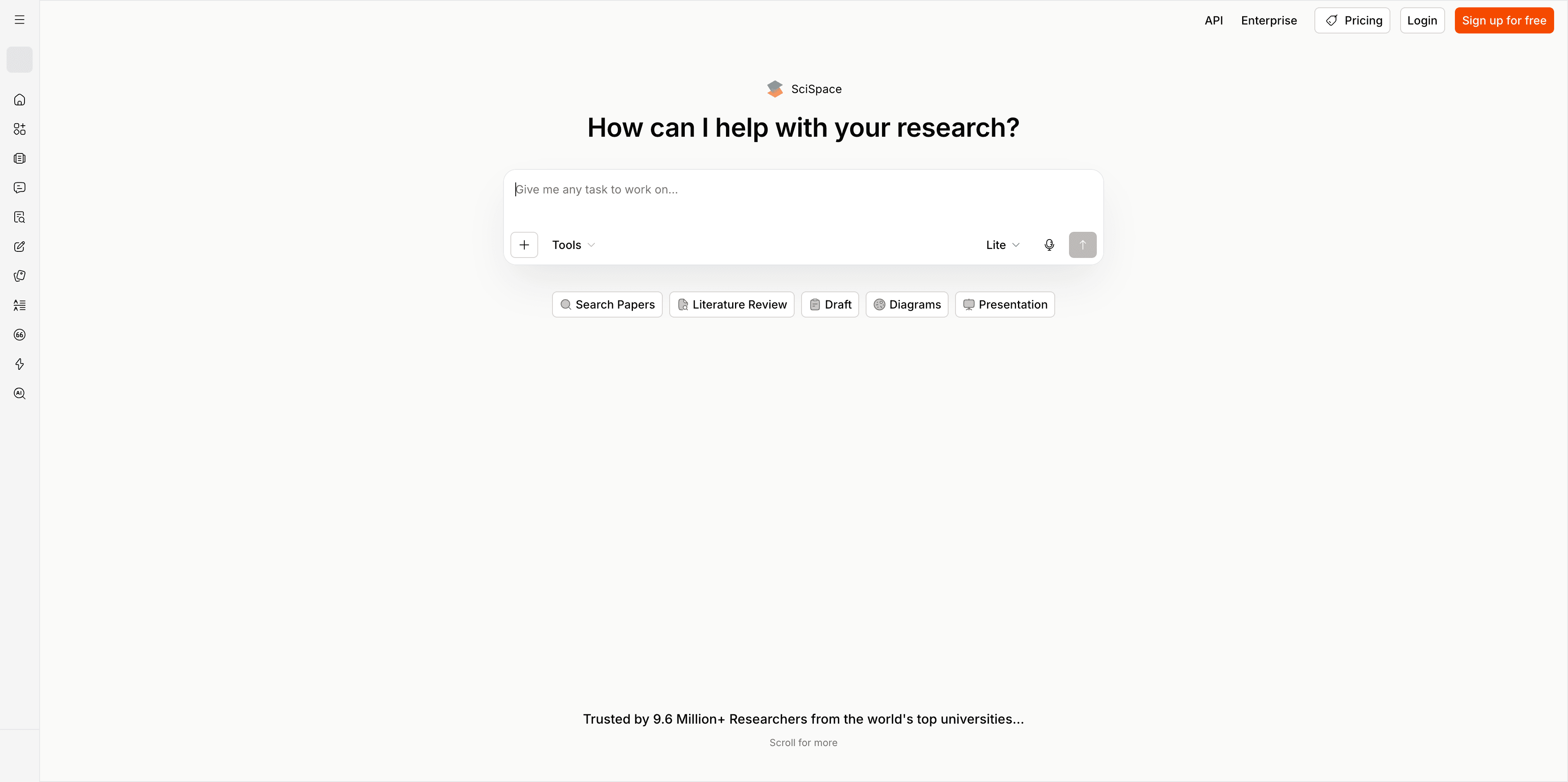
SciSpace provides tools for literature discovery and assistance with research PDFs, including Chat with PDF. Consider it when dense paper reading is your main bottleneck. Questions about a method or result can guide you back to the relevant text. Keep the original paper open and assess whether an explanation preserves the qualifications that matter to your interpretation.
Main features
- Literature assistance: Explore papers around a research question and compare candidate studies. Define what makes a study relevant before using a generated comparison to narrow your list, particularly when neighboring topics use similar vocabulary in different ways.
- PDF questions: Ask about a specific part of a paper, such as its methods or stated limitations. Compare the answer with the relevant passage so an accessible explanation does not become a misleading simplification of the author's actual claim.
- Focused paper reading: Use explanations to guide closer reading of difficult material. Identify what remains unclear and check it directly, especially when your interpretation depends on a definition, methodological choice, or result that needs disciplinary context.
Suitable for
- Students working through unfamiliar research terminology and methods.
- Researchers asking focused questions about a supplied paper.
- Writers comparing paper explanations with the underlying source text.
How to choose AI academic research tools and verify the evidence
Choose the tool that addresses a specific bottleneck while keeping your research process inspectable. Discovery, extraction, citation context, and reading can complement each other without becoming a single automatic review.
Start by defining the question and the scope. Record the search strings, databases or tools, search dates, and inclusion criteria that your work needs. Follow any applicable journal or institution requirements for AI use and disclosure.
Next, inspect the papers you intend to rely on. Confirm publication details, available full text, and the version or status of the work. When you only have an abstract, mark that limitation rather than presenting an extraction as if you examined the full study.
Build a small evidence matrix before asking for prose. The following rows are a suggested structure, not findings from a real review:
| Field | What to record | Verification step |
|---|---|---|
| Study identity | Title, authors, date, and identifier | Check the actual publication record |
| Study design | The method described by the authors | Locate the methods passage |
| Population or context | Who or what was studied | Check scope and eligibility details |
| Outcome | The reported result relevant to your question | Inspect the supporting passage, table, or figure |
| Limitations | Qualifications and missing information | Preserve what is uncertain or not reported |
Only compare results after checking that the rows describe sufficiently comparable studies. If one paper addresses a different population or outcome, explain the difference instead of letting a synthesis hide it.
A focused reading prompt can help:
Compare these supplied papers for my defined research question. Extract study design, population or context, methods, relevant outcomes, and limitations. Point to the source passage for each entry. Mark missing information as “not reported.” Separate the authors' findings from interpretation, and identify disagreements without deciding them from citation counts alone.
Verify the resulting table before drafting a literature review. Check important references for existence and relevance, inspect possible retractions or updates, and ensure each citation supports the sentence where you use it.
The potential benefit is less repetitive searching, sorting, and extraction. Evaluate that benefit by the checked evidence you can reuse, not by how quickly a tool produces polished paragraphs. Test with papers you understand, examine correction effort, and check current plans, document limits, and access before committing to a workflow.
How Atoms helps build a research workflow application
Atoms supports the application-building part of a research workflow. If you have already defined the process, you can describe a tracker, project site, or other web interface in natural language and refine the generated experience. The platform helps create the product; your team supplies the scientific content, evidence standards, and approved handling of research data.
- Describe the interface: Specify users, pages, records, and actions. For a proposed literature tracker, describe the fields and review states you need rather than asking an app to infer a research method.
- Plan infrastructure: Where required, include persistent data and authentication in the brief. Review data access and the actual implementation before adding important or sensitive information.
- Iterate through a preview: Ask for focused changes and inspect the experience with collaborators. Keep a distinction between an interface that works and a workflow whose scientific or operational assumptions have been validated.
- Prepare for deployment: Review integrations, accessibility, security, and performance. Approvals for a research project remain part of your team's process, not a consequence of generating an application.
The Atoms project gallery shows examples of websites and interactive experiences. The following projects illustrate application formats built with Atoms; they do not demonstrate literature review, evidence extraction, or academic research outcomes.
tuftcraft tuftcraft is a Minecraft-style browser game and 3D demonstration. It illustrates an interactive web experience.
Terminal 3D Game Engine ASCII Dungeon is a retro terminal-style 3D dungeon demonstration rendered with ASCII characters. It illustrates a distinctive browser-based visual format.
Cozy Island Game CozyIsle is a relaxed browser-based 3D island exploration game. It illustrates an exploratory interaction format.
Build a web app around your defined research workflow. Create a research app.
Conclusion
Use research AI to make evidence easier to find, compare, and inspect. Match the tool to the task, preserve your search and selection decisions, and verify the sources behind the claims you plan to use. Build a workflow around checked evidence rather than generated confidence. When that workflow needs its own interface or public project site, create an editable web application with Atoms.
A little more clarity
Frequently asked questions
01Q1: Can AI write a literature review I can submit unchanged?
Treat generated writing as a draft to evaluate, not a submission-ready review. Check the search scope, inclusion decisions, interpretations, and every consequential citation against the sources. Follow your journal or institution's current rules for AI use and disclosure. A coherent narrative does not establish complete coverage or accurate representation of the literature.
02Q2: How can I detect a fabricated citation?
Find the publication through its title, authors, journal, or identifier and confirm the details match. Then inspect whether it supports the specific claim. A real paper can still be an incorrect citation for a sentence. If you cannot locate or check the source, keep the claim out of the final manuscript until resolved.
03Q3: Can a literature map replace a systematic database search?
Use a literature map to explore connections and discover additional papers. For a systematic review, establish the search method required by your project and document the relevant databases, queries, dates, and criteria. A useful map does not demonstrate exhaustive retrieval or remove the need to explain how studies were identified and selected.
04Q4: Can I build a research tracker with Atoms?
You can propose a tracker as a web-application brief, including records, review states, pages, and required access controls. Atoms generates an editable experience you can preview and refine. Review the implementation before relying on it, and do not assume a generated interface automatically connects to scholarly databases or verifies study information.
05Q5: Is Atoms a scholarly search engine?
In this comparison, Atoms serves product building: websites and web applications created from requirements. Use a documented scholarly tool for literature discovery, citation context, or study extraction. If you want to integrate research services into a custom application, verify the service access and implementation rather than assuming they are built into the generated product.
Share this article
 Posts
Posts 