On this page
The best free AI website creators let you test a useful site before committing to a subscription. Wix and Framer suit conventional website design; a conversational builder is worth considering when the idea needs custom behavior. The important distinction is what stays free after the first draft. Some products offer ongoing free plans, while others provide a trial or a free starting point that still requires a paid launch.
8 AI website creators: free plans and paid alternatives
Choose by the job you need to finish. A portfolio has different requirements from a customer portal, even when both begin with an AI prompt. This comparison separates access to the builder from the conditions for running the finished website.
| Creator | Free access type | Strongest workflow | Main limitation to check | Best fit |
|---|---|---|---|---|
| Atoms | Pricing terms to verify | Turning a written brief into an editable web product | Current plan terms and production requirements | Founders testing a product concept |
| Wix | Ongoing free website plan | Building within a managed website editor | Custom domain and branding removal require an upgrade | Small business information sites |
| Framer | Free plan with limited AI credits | Visually refining a marketing website | Custom domain requires a paid plan | Portfolios and campaign pages |
| Webflow | Free Starter access | Designing structured websites | Site plan versus Workspace plan limits | Designers preparing a larger site |
| Lovable | Free plan with limited usage grants | Building websites or apps through chat | Build usage and running costs | Interactive product prototypes |
| Relume | Limited free access | Planning site structure and reusable sections | AI allowance and downstream publishing costs | Designers preparing a site build |
| Squarespace | 14-day free trial | Assembling a site within a managed platform | No ongoing free plan | Service businesses evaluating a paid site |
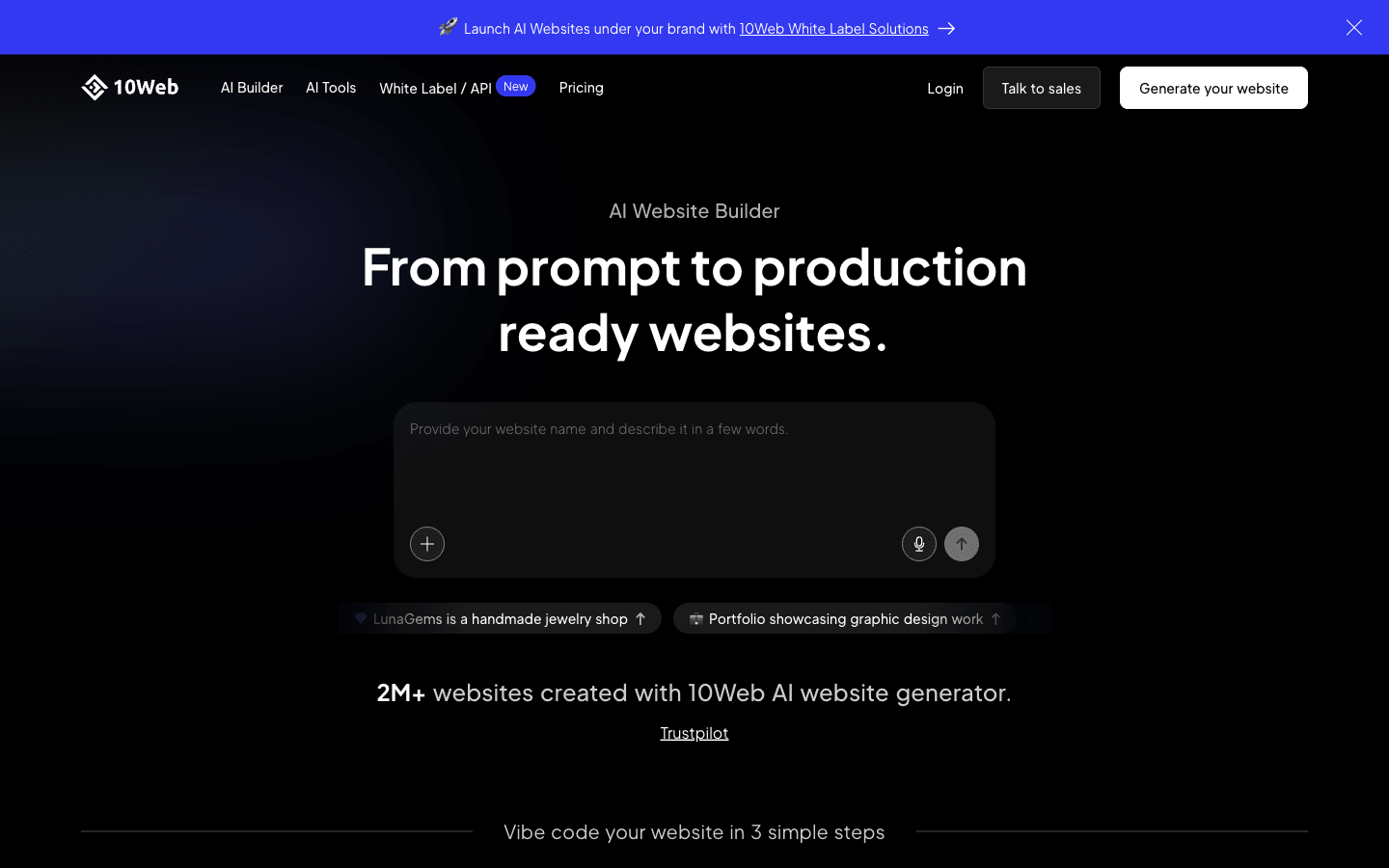
| 10Web | Free account to generate and customize | Building a WordPress website with AI | Ongoing free hosting is not established | Teams committed to WordPress |
Free-access details were checked against official pricing pages on September 20, 2026. Exact allowances can change. Treat the table as a shortlist, then check the plan attached to your account before relying on a particular publishing feature.
A search for “popular AI website creators free paid” often brings together very different products. A free design workspace is useful, but it does not necessarily cover the website your customers will visit. The entries below explain that difference for each option.
8 recommended AI website creators (free and paid)
Each creator can help with a different part of the work. The recommendations below describe workflow fit rather than a measured ranking of generation quality; a shared sample brief is still the best way to compare your finalists.
Atoms
Atoms is an AI product-building platform for turning natural-language requirements into websites or web applications. It suits a founder who wants to test a working experience and continue changing it through conversation. Check its current pricing page before budgeting an Atoms project. It remains an option for early exploration, although you should confirm the current plan terms and launch requirements before planning a public service around it.
Main features
- Brief-to-product generation: Describe the intended visitor and the action they should complete. Atoms coordinates specialized agents to build a first version you can review.
- Conversational editing: Request a focused change after inspecting the preview. This helps you evaluate whether the product matches the brief without beginning again.
- Integrated visual media: Atoms can generate images or video and place the result inside the website, connecting visual development to the page itself.
- Application infrastructure: Backend capabilities can support requirements such as persistent data. Any production configuration still needs review before real users depend on it.
Suitable for
- Founders testing whether a product idea works as an interactive website.
- Marketers developing a campaign that needs custom visual content.
- Small teams prepared to inspect the result before deploying it.
Wix
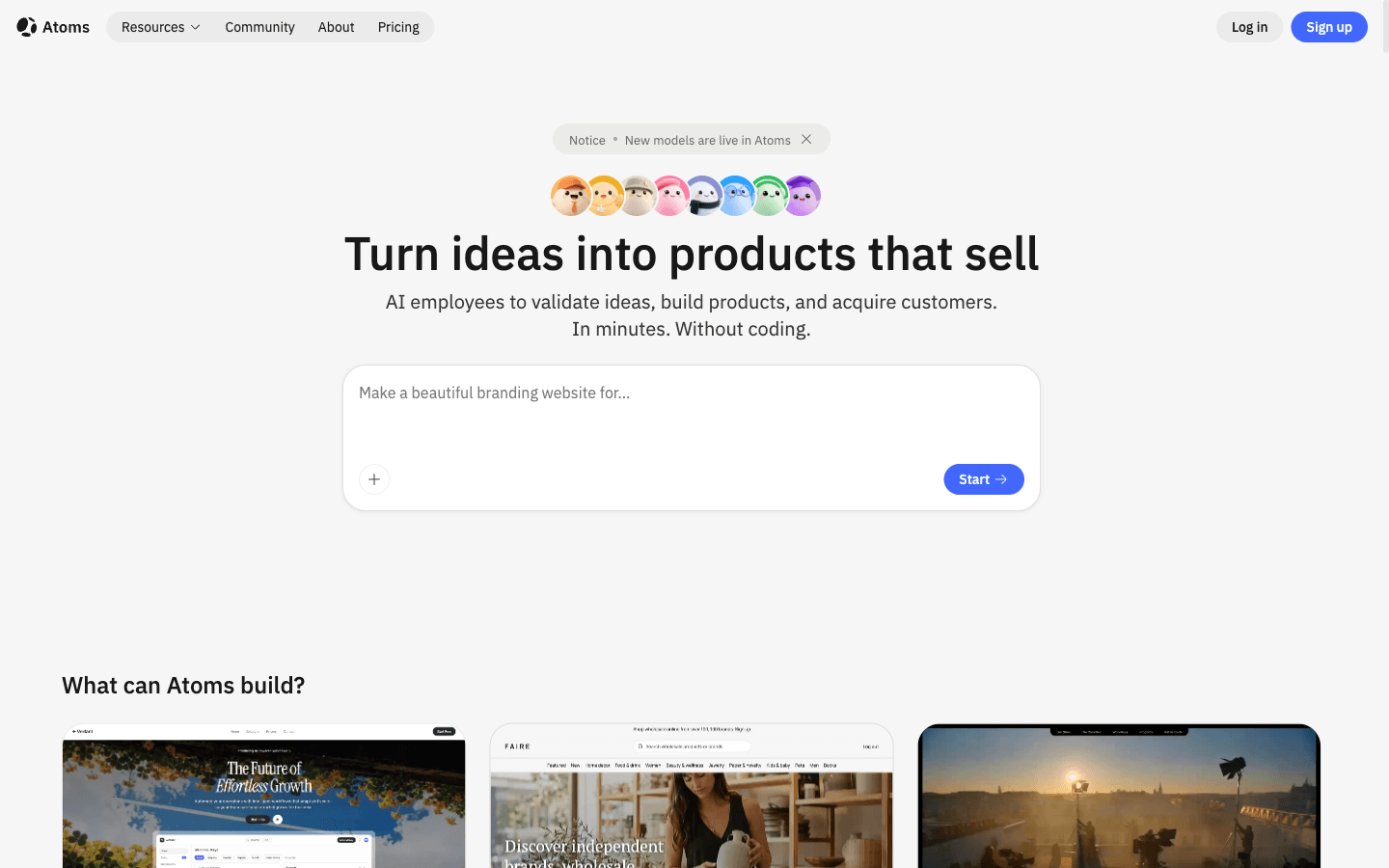
Wix is a managed website builder for users who want a familiar editing environment around the generated starting point. It is a practical shortlist option for a small business information site, particularly when the owner expects to maintain the pages personally. The free plan includes an editor and hosting. A custom domain or removal of Wix branding requires a paid upgrade, so a free draft and a branded business launch have different budgets.
Main features
- AI-assisted creation: A guided starting workflow helps turn business information into a website draft. Prepare accurate source copy so the result reflects your actual offer.
- Visual page editing: Adjust the generated site through the editor. Test a realistic revision, such as replacing a service section, before deciding whether the workflow feels comfortable.
- Managed hosting: Hosting is part of the platform, which gives a first-time owner fewer separate setup decisions. Free-site branding remains a consideration.
- Paid business features: The upgrade path supports a more complete business website. Confirm the required plan for selling online rather than assuming free editing includes commerce.
Suitable for
- Local businesses preparing a straightforward information website.
- Owners who prefer to update pages within a managed editor.
- Beginners happy to evaluate the site on a branded free address.
Framer
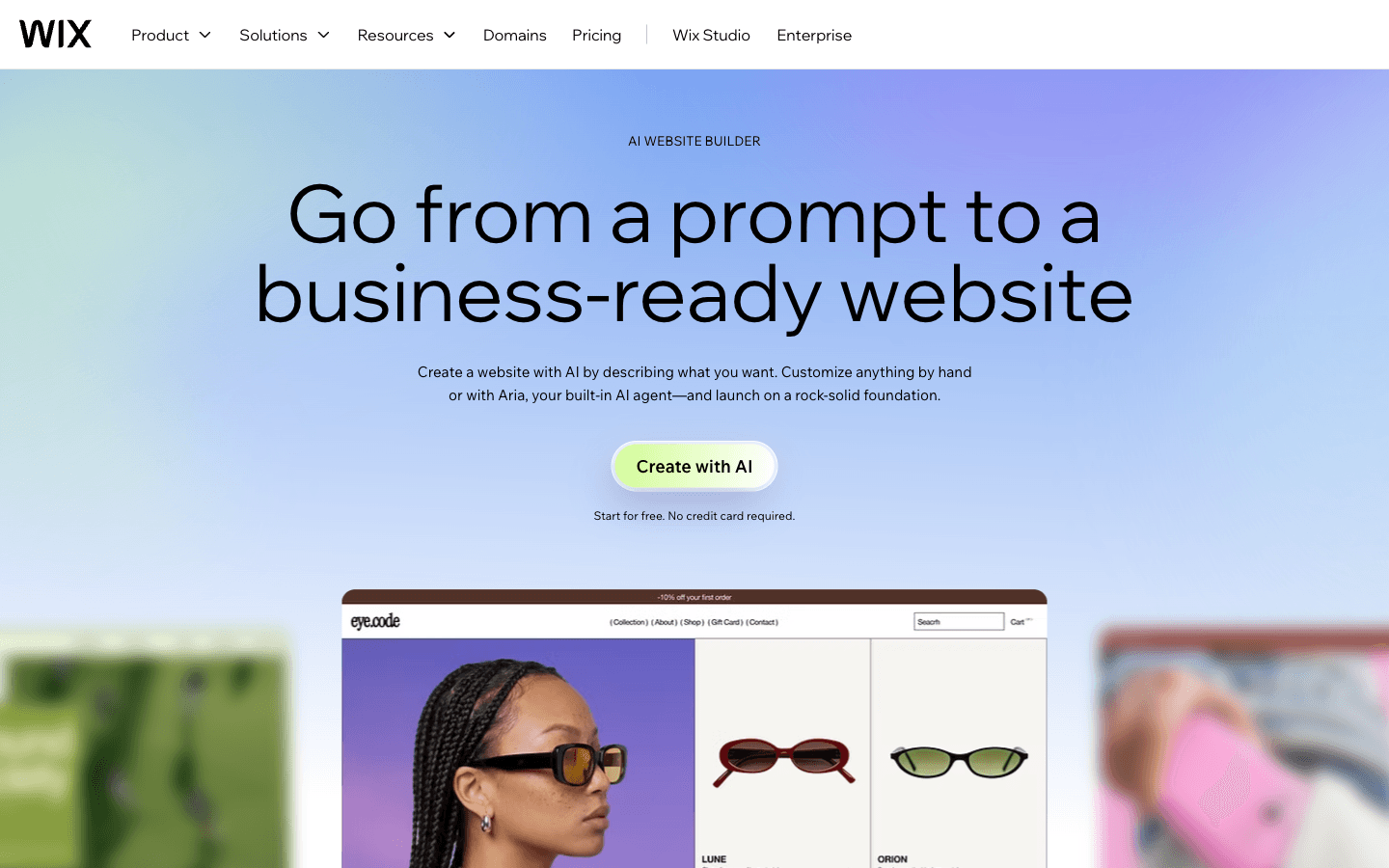
Framer suits a designer who wants to shape the appearance of a marketing site after generating an initial direction. Its free plan includes a Framer domain and limited AI credits to try the workflow. Connecting your own domain requires a paid plan. Framer describes its free plan as ideal for non-commercial use, making it especially useful for learning the editor or exploring a portfolio before choosing a launch plan.
Main features
- AI-assisted design: Use the included trial credits to explore an initial site direction. Evaluate the resulting structure before spending further credits on aesthetic variations.
- Visual refinement: Continue adjusting the website in a design-oriented environment. This is useful when the difference between two layouts matters more than adding application logic.
- Hosted free address: A Framer domain gives you a way to examine the result online. Check the paid-domain requirement before sharing a final brand address.
- Content tools: CMS features support structured content, subject to plan limits. Test a representative content item instead of judging only the homepage.
Suitable for
- Designers developing a first portfolio or personal project.
- Marketing teams evaluating the visual direction of a campaign page.
- Creators comfortable refining a generated design by hand.
Webflow
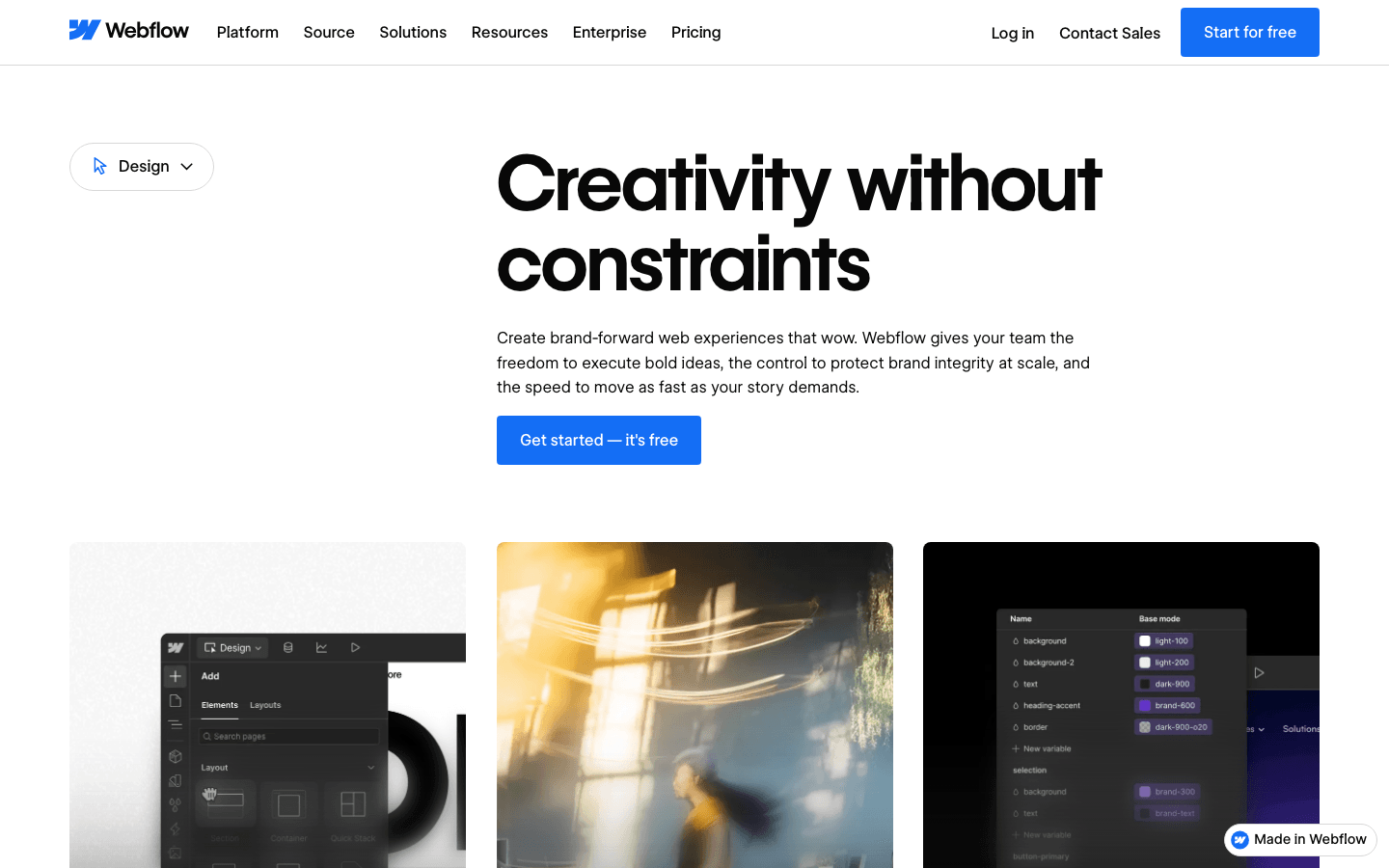
Webflow is worth considering when the site needs deliberate visual control and a structure that can grow beyond a few static pages. Its free Starter access lets you begin in the platform, while Site plans and Workspace plans govern different parts of the workflow. That distinction deserves attention before purchase: a team-editing subscription is not automatically the same thing as the plan needed to launch a particular website on its own domain.
Main features
- AI assistance: Webflow includes AI capabilities within its website-building environment. Check the current allowance separately from the features available in the visual designer.
- Detailed visual design: The editor supports deliberate control over a page. It is a useful fit for someone willing to learn the design model rather than accept the first generated layout.
- Structured content: CMS capabilities can support repeatable content types. Verify the relevant Site plan before committing to a content-heavy publication.
- Separate workspace controls: Team access and site hosting have distinct plan considerations. Map both to the people who will maintain the finished site.
Suitable for
- Designers who want ongoing control over a structured website.
- Teams preparing content that will be published repeatedly.
- Businesses willing to evaluate the editor before investing in setup.
Lovable
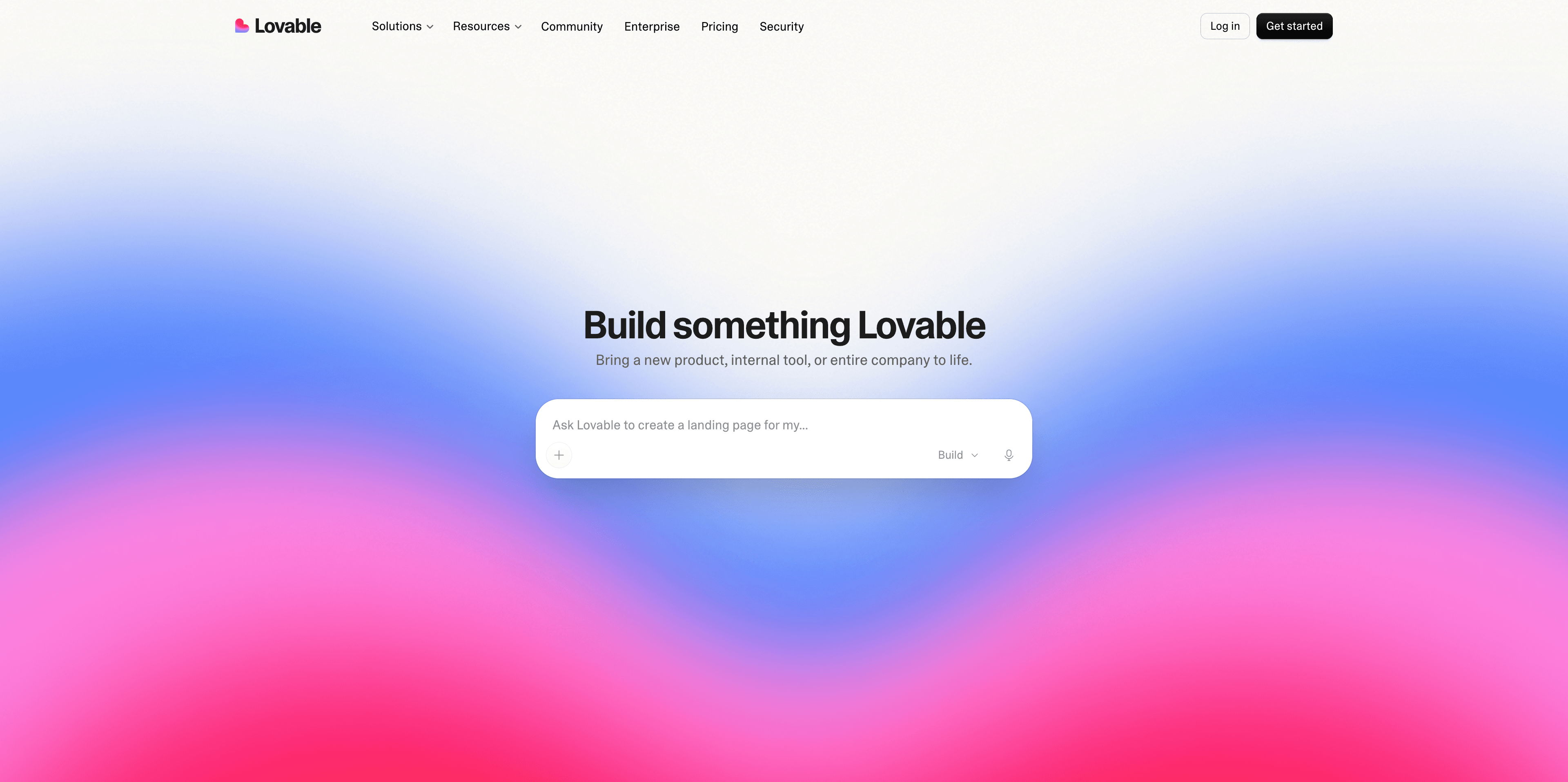
Lovable builds websites and web applications through chat. It is a useful candidate when your site idea includes behavior that deserves testing, such as a user-facing workflow. The free plan provides limited grants for building and Cloud usage. Building the app and running it are separate sources of consumption, so evaluate what a working prototype costs after people begin using it, as well as what it takes to generate it.
Main features
- Conversational generation: Describe the website or app in plain language, then revise it through follow-up requests. Use one concrete user task as your first test.
- Usage-based building: Credits cover work performed by the system. A modest edit can consume a different amount from a more complex request, making focused prompts useful for evaluation.
- Cloud support: The platform provides infrastructure for running applications. Monitor the relevant usage rather than assuming a successful free build will remain free at any traffic level.
- Code ownership: Lovable states that users own their projects and code, subject to third-party rights. Confirm the practical handoff process if another developer will maintain the result.
Suitable for
- Founders exploring an interactive product rather than only a brochure site.
- Teams that can inspect application behavior before release.
- Builders who want to understand ongoing usage while prototyping.
Relume
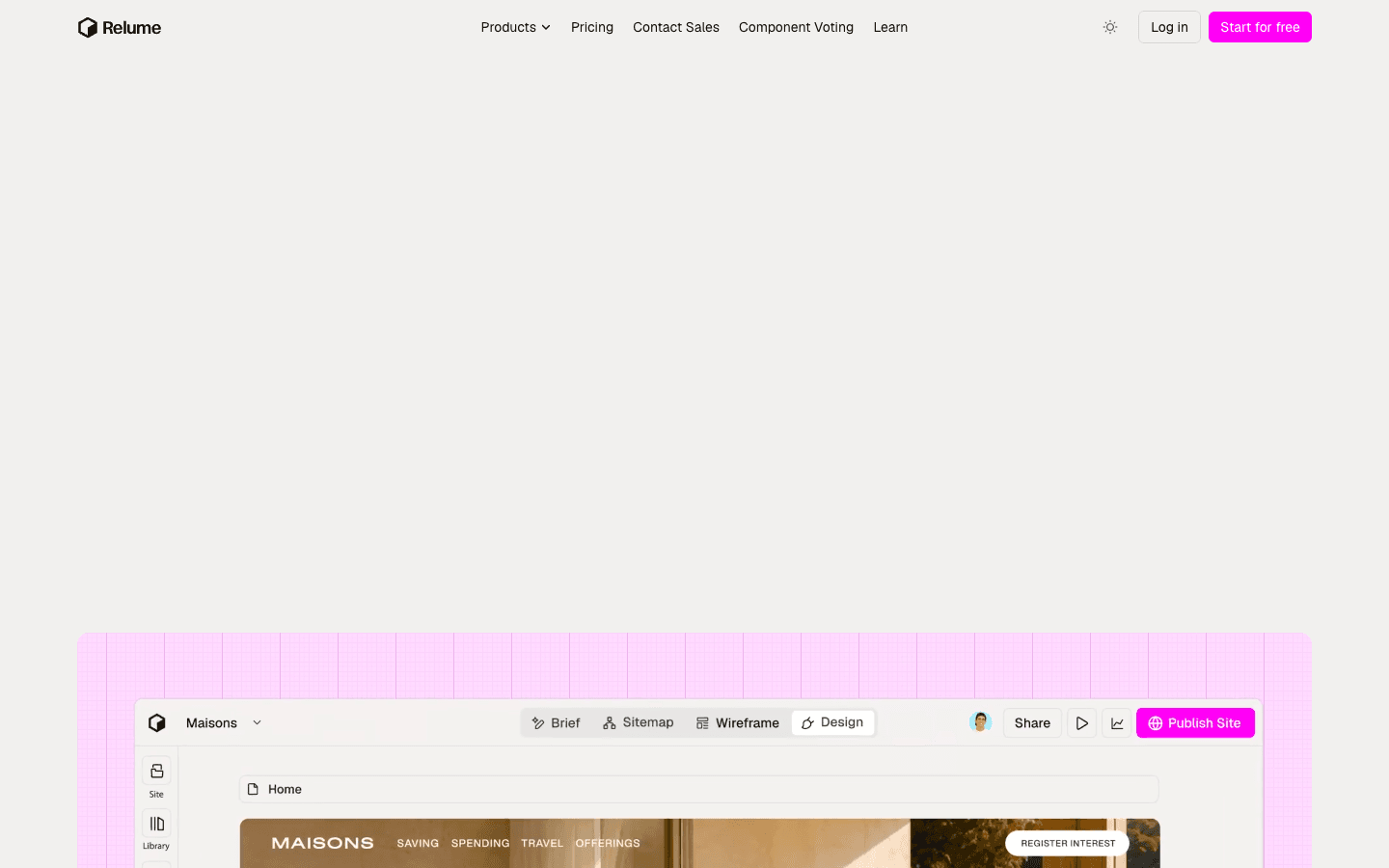
Relume belongs on the shortlist when the difficult part is deciding how the website should be organized. Its workflow centers on planning and reusable design components, which can support a later build in another tool. Limited free access is available, but the current AI generation allowance needs checking. Treat Relume as a planning option rather than assuming it supplies a complete, permanently hosted website within the free tier.
Main features
- Site planning: Use the workflow to develop a clearer page structure before refining visual details. This can make stakeholder review more productive than discussing a polished homepage too early.
- Wireframe development: Explore the purpose and arrangement of sections while changes are still relatively easy. Confirm the available AI access for the plan you intend to use.
- Reusable components: A component library gives the eventual design a more consistent foundation. Check which components are included before organizing your whole project around them.
- Design handoff: Relume can sit upstream of the final website-building environment. Include that destination tool in the budget, because planning access does not establish free publishing.
Suitable for
- Designers agreeing on site structure with a client.
- Teams that already know where the final website will be built.
- Projects needing a clearer brief before detailed visual work begins.
Squarespace
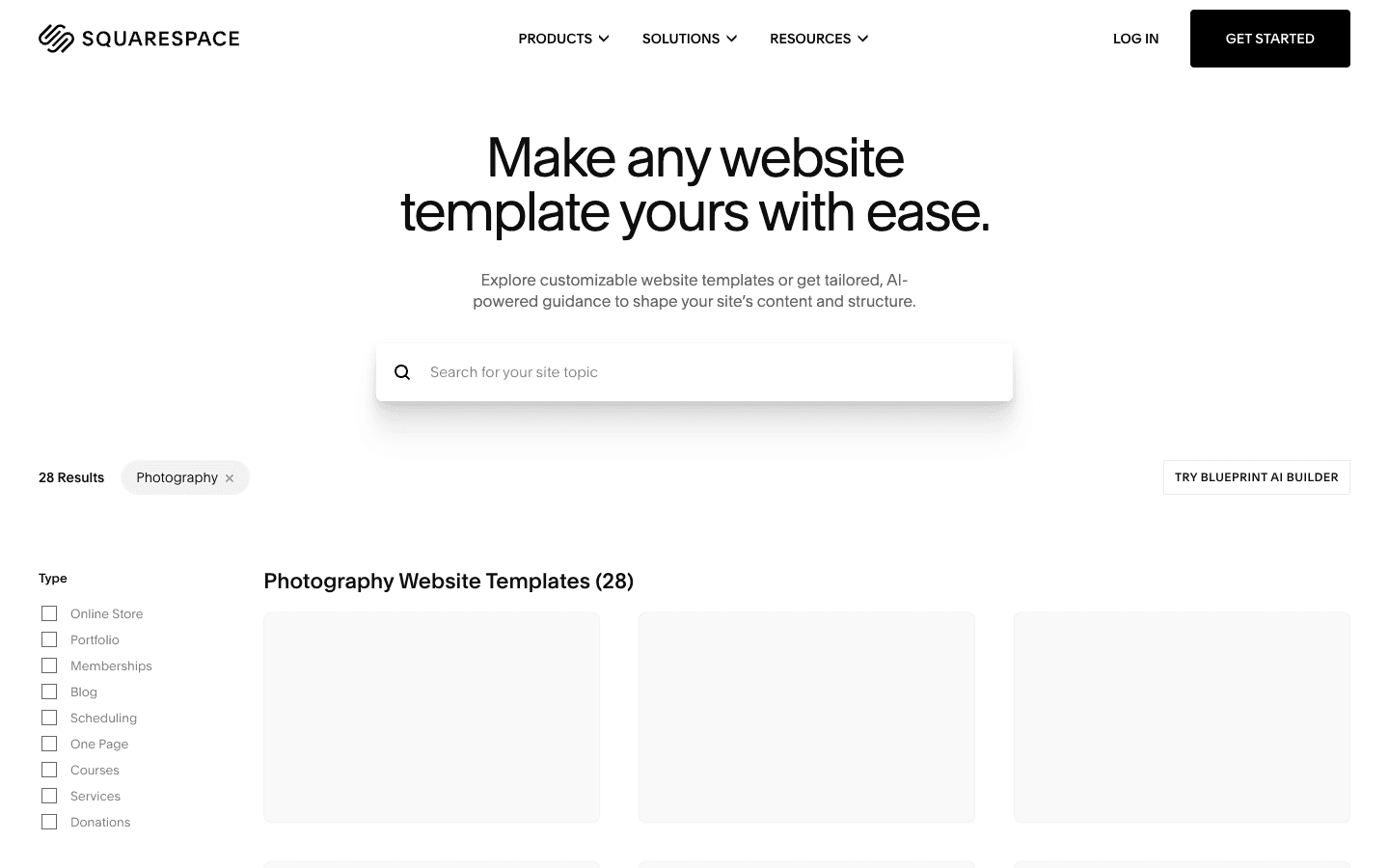
Squarespace is a paid website platform with a 14-day free trial, not an ongoing free plan. That makes it an alternative for readers willing to pay if the editing experience fits their needs. The trial requires no credit card. Use it to build a representative page with your own material, then evaluate whether the managed platform offers enough flexibility for the business you intend to run.
Main features
- Template-based design: Designer templates provide a starting framework for the site. Evaluate one using your real image proportions and copy length rather than relying on the template demo.
- Visual editing: A drag-and-drop editor supports ongoing page changes. Ask the future site owner to make a typical update during the trial.
- AI features: Plans include AI access with different allowances. Check which task the allowance covers before assuming every AI function has unlimited use.
- Managed business platform: Paid subscriptions combine hosting with website features, including commerce capabilities that vary by plan. Review the relevant transaction charges if the site will accept payments.
Suitable for
- Service businesses evaluating a managed platform before subscribing.
- Creators who prefer to begin with a designed template.
- Owners with a recurring budget for a public business website.
10Web
10Web is an AI-powered WordPress platform. Its pricing page offers a free account for generating and customizing a site, but that does not establish an ongoing free hosting plan. It is most relevant when WordPress is already part of your requirements. Evaluate the generated website alongside the editing workflow, then review the subscription needed to operate it.
Main features
- AI site generation: Answer questions about the business to create a starting website with supporting content. Check every generated business claim before showing the site publicly.
- WordPress foundation: The platform includes the WordPress CMS, making it relevant to a team that wants to maintain content in that environment.
- Editable page layouts: 10Web describes its editor as based on Elementor. Test the kinds of changes your maintainer will make after the initial generation.
- Managed infrastructure: Paid offerings include hosting-related capabilities. Confirm the appropriate site allowance and operational features without assuming every advertised benefit belongs to a free account.
Suitable for
- Businesses that specifically want a WordPress website.
- Teams already comfortable maintaining WordPress content.
- Builders evaluating an AI starting point before selecting paid hosting.
How to choose a reliable free AI website creator
Start with a launch requirement that could rule out a tool. If you need a custom domain immediately, check that condition before spending time on a free design. If the site stores customer information, investigate the backend and access controls before choosing by appearance.
For a query such as “reliable AI website creators free paid,” reliability needs a concrete definition. You should be able to make a necessary change and confirm the result. The terms for keeping the site available should also be clear. A polished generated homepage establishes very little about those tasks.
Use the same small brief in your two strongest candidates. For example, request a service-business page with a working inquiry form. Supply the real service description. After the first draft, change one important requirement and see whether the tool preserves the rest of the site. This reveals more about editing quality than repeatedly asking for new designs.
Then test the result as a visitor. Open it on a phone and submit the form with an invalid address. Check where a valid submission goes. A visible success message is insufficient if the inquiry never reaches the business. For a content site, replace the sample material with your longest likely headline and examine how the layout responds.
Finally, calculate the first useful paid configuration. Include the domain renewal as a separate cost if needed. Check whether essential integrations incur their own fees. Ask how you would move your content or code if the platform stopped fitting your project. An easy start is less valuable if a routine change later requires rebuilding the site elsewhere.
How Atoms supports an editable website workflow
For a site that may develop into a web product, Atoms connects the initial brief to a working result that remains editable. Describe what the visitor should accomplish, inspect the preview, then request a focused revision. Current plan terms do not remove the need to verify production setup or the features your project requires.
- Build around a user task. Atoms can generate a website or web application from a natural-language brief. Start with one meaningful action so you can judge whether the first version works.
- Refine the visible experience. Conversational changes can adjust the page after you inspect it. Give feedback tied to a specific screen rather than requesting an undefined improvement.
- Bring media into the page. Generated images and video can be placed within the web experience. Review the final assets for accuracy and appropriate usage rights.
- Prepare the underlying product. Backend capabilities support more involved applications. Verify integrations and production settings before collecting real customer data or taking payments.
These four storefront demonstrations show different visual directions for a product website. They are references for the kind of experience to evaluate, not evidence that a free plan includes a configured checkout or that the projects have generated sales.
Case: Sportswear E-commerce Website
Sportswear E-commerce Website presents PULSE Sportswear, a clothing storefront focused on performance apparel. The project provides a reference for presenting a sportswear collection.
Case: Luggage Brand Store Website
Luggage Brand Store Website presents UNBREAK, a brand storefront for premium hard-shell luggage. Its product positioning emphasizes durability during travel.
Case: Noise-cancelling Headphone Store Website
Noise-cancelling Headphone Store Website presents Silent Press, a premium headphone storefront. Its product positioning centers on noise cancellation.
Case: Swim Lifestyle E-commerce Website
Swim Lifestyle E-commerce Website presents SOLEIL, a swimwear and beachwear storefront with a luxury coastal aesthetic.
Turn your next site idea into an editable product
Conclusion
The useful answer to “recommended AI website creators free paid” is a choice tied to your launch requirement. Test a conventional builder for a straightforward site. Consider a conversational product builder when behavior matters. Confirm what the free plan includes before investing in the design. To explore an editable website from your own brief, try Atoms and review the first version against one clear visitor task.
A little more clarity
Frequently asked questions
01Q1: What does “free” mean for an AI website creator?
An ongoing free plan lets you continue using the product within stated limits. A free trial expires, while a free start may only cover creating the initial draft. Always ask whether the free offer includes a public website and how it handles future edits. These distinctions matter more than the presence of a “start free” button.
02Q2: Can I publish on a custom domain for free?
Do not assume so. Wix and Framer place custom-domain connection behind a paid upgrade. Other products have their own rules, and registering the domain can be a separate expense. A domain included with an annual subscription is also different from an entirely free website; renewal terms still matter.
03Q3: Which creator is best for a first portfolio or campaign?
Framer is a reasonable option for exploring a portfolio with close attention to visual design. Wix suits someone who prefers a managed website editor. For a campaign with custom interaction, include a product builder in the comparison. Choose after making one meaningful revision with your own content, rather than judging the template alone.
04Q4: Is Atoms free?
Check the current Atoms pricing page for the terms attached to your account. Treat any free access as subject to its stated limits, and verify production features before starting a larger project.
05Q5: What should I check before paying?
Verify the plan required for your actual launch. Test the primary visitor action and make sure the future owner can update the site. Review the renewal terms, then check how you would retrieve your content if you changed platforms. Pay when the remaining limitation is clear and the upgrade directly removes it.
Share this article
 Posts
Posts 