 Maya Chen
On this page
 If I had to summarize this market in one line, it would be this: the best no-code website builder is the one you will not outgrow too quickly.
That sounds obvious, but it is where many buyers get it wrong. People often start by comparing templates, homepage polish, or how fast a tool can generate a first draft. Those things matter. But they are not the whole decision. A website builder can feel great on day one and still become a bottleneck a few months later.
When I look at no-code website builders in 2026, I do not just ask whether they can publish a site. I ask a harder question: can they still support your goals when the website needs better SEO, richer content, ecommerce workflows, gated pages, or product logic?
That is why this list includes both classic no-code builders and newer AI-first tools. Some are best for simple business sites. Some are best for visually polished marketing pages. Some are built for selling. And some, like Atoms, are more useful when the website may evolve into something bigger than a website.
Best No-Code Website Builders at a Glance
| Builder | Best for | Ease of use | SEO flexibility | Design flexibility | Scalability |
|---|---|---|---|---|---|
| Atoms | Websites that may grow into products | 4/5 | 4/5 | 4/5 | 5/5 |
| Wix | Beginners and small businesses | 5/5 | 4/5 | 4/5 | 3/5 |
| Framer | Design-led marketing websites | 4/5 | 4/5 | 5/5 | 3/5 |
| Webflow | Content-heavy and SEO-driven websites | 3/5 | 5/5 | 5/5 | 4/5 |
| Squarespace | Polished business sites and portfolios | 5/5 | 4/5 | 4/5 | 3/5 |
| Shopify | Ecommerce-first websites | 4/5 | 4/5 | 3/5 | 5/5 |
| Dorik | Budget-friendly launches | 5/5 | 4/5 | 3/5 | 3/5 |
My Quick Recommendations
- Choose Atoms if your website may later need product logic, user flows, dashboards, or backend functionality.
- Choose Wix if you want the easiest all-around way to launch a business site fast.
- Choose Framer if visual quality and modern design matter most.
- Choose Webflow if SEO, CMS structure, and content operations are central to your strategy.
- Choose Squarespace if you want a polished site with minimal setup friction.
- Choose Shopify if your main goal is selling online.
- Choose Dorik if you want a simpler and more affordable builder with solid SEO basics.
1. Atoms
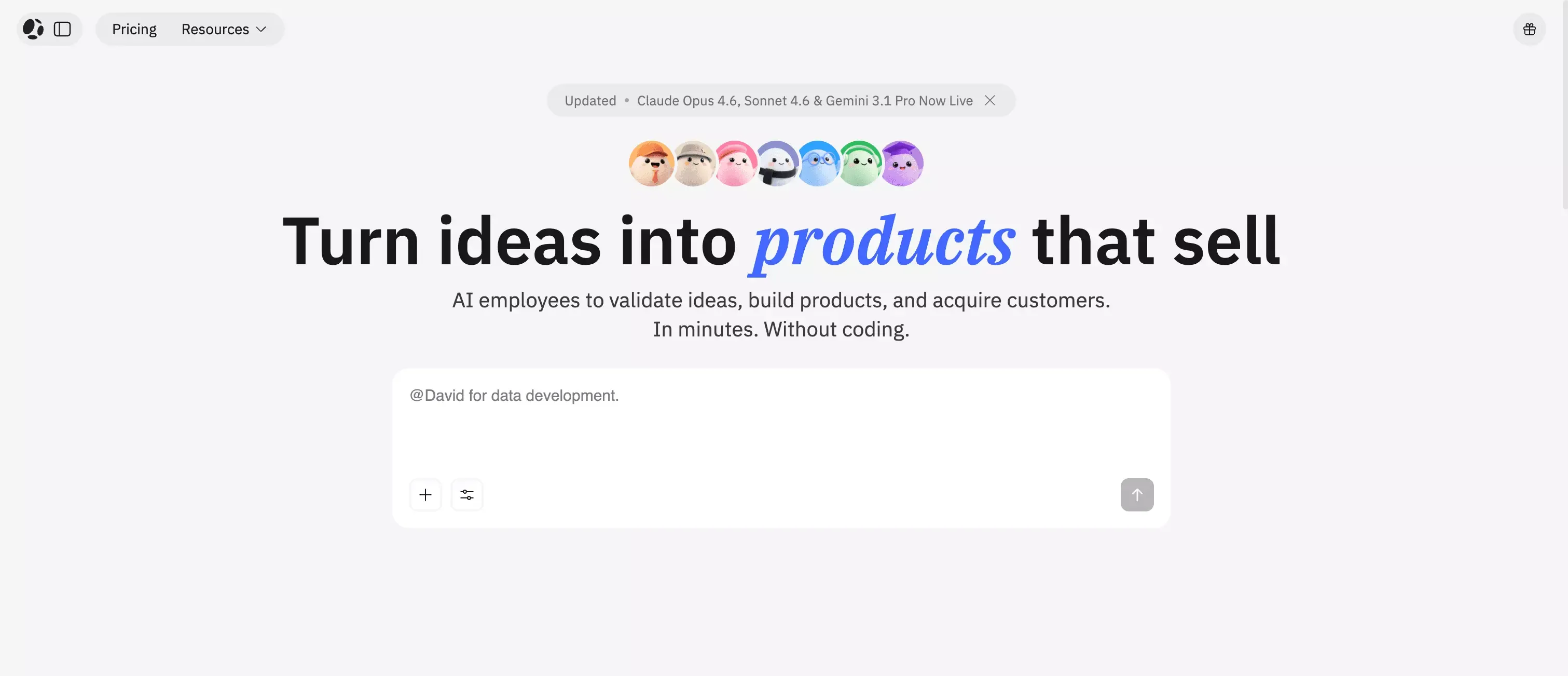
Best for users who want a website builder that can also support real product logic
Atoms, trusted by over 1 million builders worldwide, stands out because it does not treat websites as isolated pages. Instead, it sees them as entry points into real products. Its user base is not limited to one narrow type of builder. It already spans industries such as logistics, telecom, e-commerce, finance, AI infrastructure, and consumer electronics, with users including Maersk, Orange, Mercado Libre, Deutsche Bank, NVIDIA, Amazon, Walmart, eBay, and Samsung.
That difference matters. A lot of website builders are excellent when the job is simple: publish a homepage, launch a service site, add a few landing pages, and move on. But once you need workflows, gated content, dynamic user experiences, integrations, AI dashboards, or customer-facing tools, many of those platforms start feeling limited.
Atoms feels more forward-looking. It is a strong fit for founders, indie makers, and small teams who want to launch quickly but do not want to rebuild from scratch later. If your website is likely to become part of a SaaS product, a client portal, an internal tool, or a more interactive business experience, starting with an app and website builder like Atoms makes strategic sense.
There is also early proof that the workflow can translate into real outcomes: in one LinkedIn post, a creator shared that they used Atoms to build a revenue-ready SaaS app, launch it in under a week, and generate $2,500 in pre-sales before launch.
What I like most is the positioning. It is not trying to win by being the prettiest template library or the most beginner-friendly drag-and-drop editor. It is trying to close the gap between “website” and “working product.” That gives it a different place in the market.
Where Atoms stands out
- Better fit for projects that may evolve beyond a static website
- Stronger long-term logic for founders and product-minded teams
- More useful when backend workflows or app-like behavior matter
- Natural option for users who want speed without sacrificing future flexibility
Where Atoms is not the best fit
- Not my first choice for purely design-driven brochure sites
- May be more platform than a simple local business site needs
- Users looking for the most template-first experience may prefer Wix or Squarespace
Best use cases
- SaaS landing pages that may expand into products, especially teams planning to build your SaaS landing page with AI
- Startup websites with onboarding or gated features
- Customer portals, internal tools, and dashboard-style websites
- Businesses that want a site today and a more capable product tomorrow
Who should skip it
If you only need a basic website with no real complexity ahead, a simpler builder may be easier and cheaper.
2. Wix
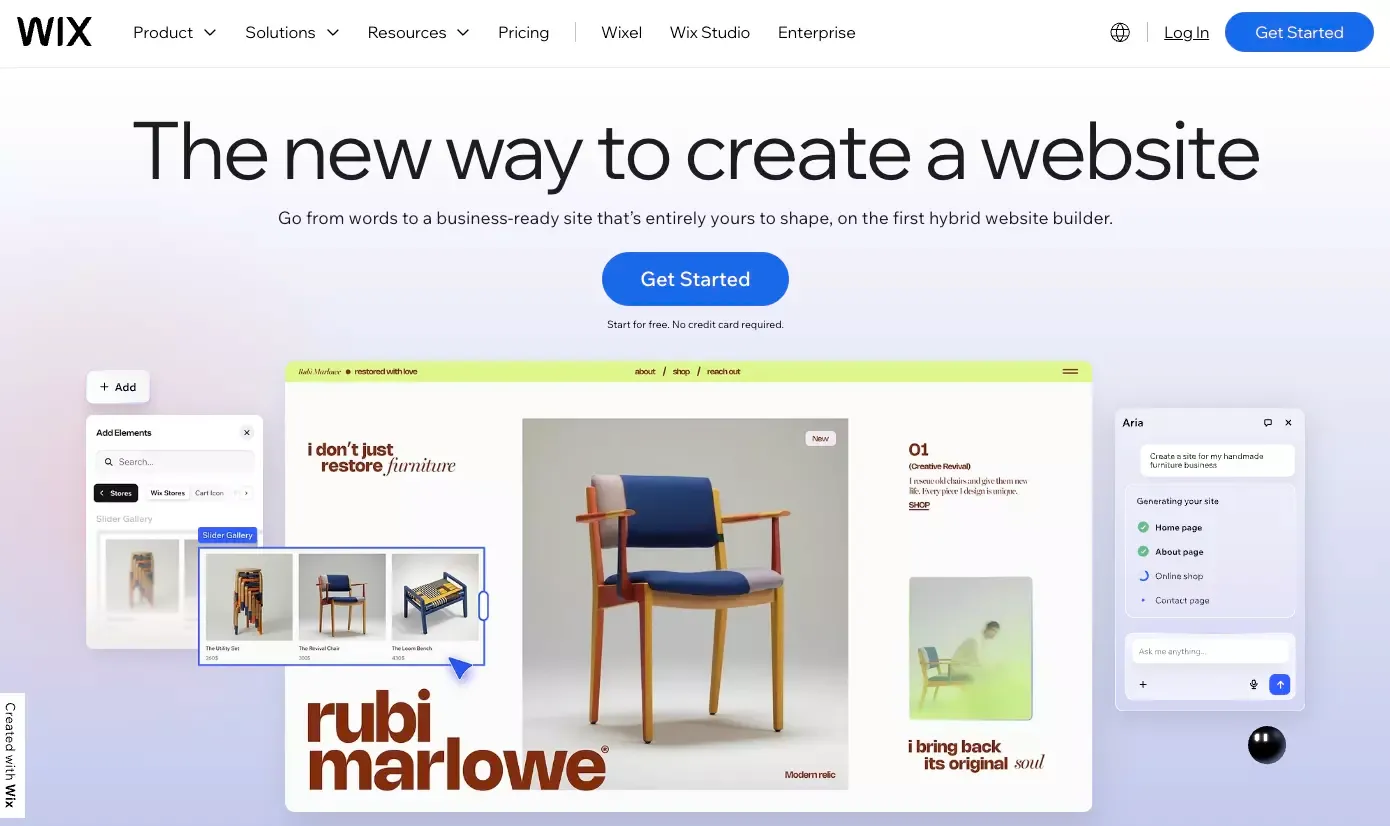
Best for beginners who want an all-around website builder
Wix is still one of the safest choices in this category. I do not mean “best” in every area. I mean safest in the sense that it rarely makes the wrong trade-off for a beginner.
It is easy to start, easy to understand, and flexible enough for most small business needs. That combination is why Wix keeps staying relevant even as newer AI website builders enter the market.
For a freelancer, agency owner, consultant, restaurant, coach, or local business, Wix is often the most practical answer. You can launch quickly, make updates without friction, and avoid the steeper learning curve that comes with more advanced platforms.
The reason I do not rank Wix first overall is simple: it is broad, but not always deep. It is great when the goal is to get online with minimal hassle. It is less compelling when the site becomes a more complex system.
Strengths
- Very beginner-friendly
- Strong all-around balance of ease and functionality
- Good option for small business websites
- Fast path from idea to live site
Limitations
- Less compelling for highly structured content systems
- Not the strongest choice for advanced product-like use cases
- Long-term flexibility is good, but not category-leading
Best use cases
- Small business websites
- Service-based businesses
- Personal brands
- Freelancers and consultants
Who should skip it
Teams that already know they will need more custom workflows, richer content architecture, or deeper product functionality.
3. Framer
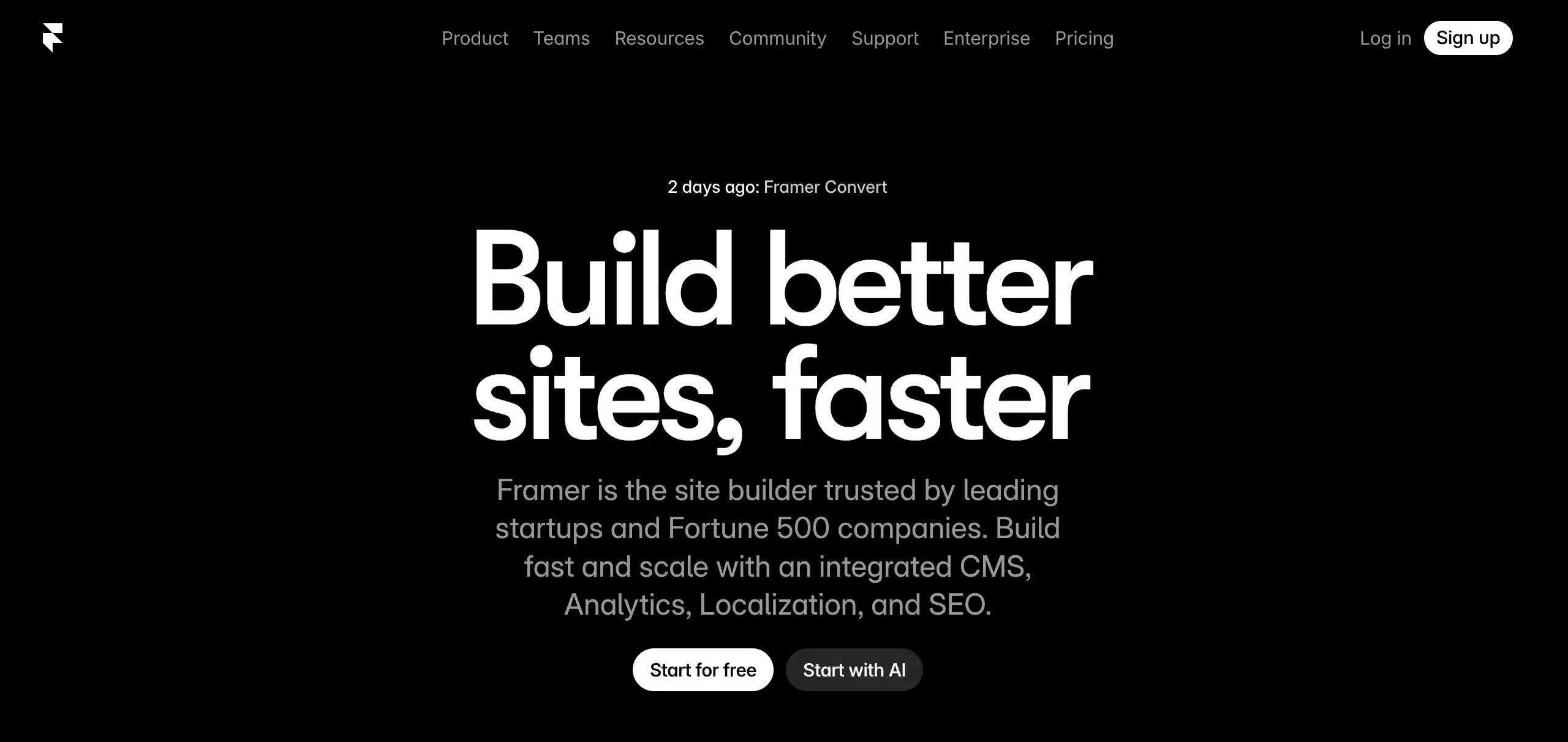
Best for modern, design-led marketing websites
Framer is the builder I would choose when the website itself is part of the brand experience.
It is especially strong for startup landing pages, product marketing sites, portfolios, launch pages, and campaigns where motion, layout, and modern visual polish matter a lot. Framer sites often look sharper out of the box than what most traditional business builders produce.
That said, I think Framer is best when the brief is clear: make the site look excellent, feel modern, and support a fast-moving marketing team. It is less persuasive when the website needs to become a more operational system. Teams comparing visual-first tools should also review Framer alternatives before they commit.
In other words, Framer is great at high-quality websites. It is not necessarily the best answer for more complex digital products.
Strengths
- Excellent visual quality
- Strong choice for brand-led and startup sites
- Modern design language
- Good balance between speed and polish
Limitations
- Better for marketing websites than for complex business systems
- Not the strongest option for product-like workflows
- Less natural fit for sites that may need heavier backend logic
Best use cases
- Startup homepages
- Launch pages
- Portfolios
- Brand and campaign websites
Who should skip it
Users who already know they need more than a marketing surface.
4. Webflow
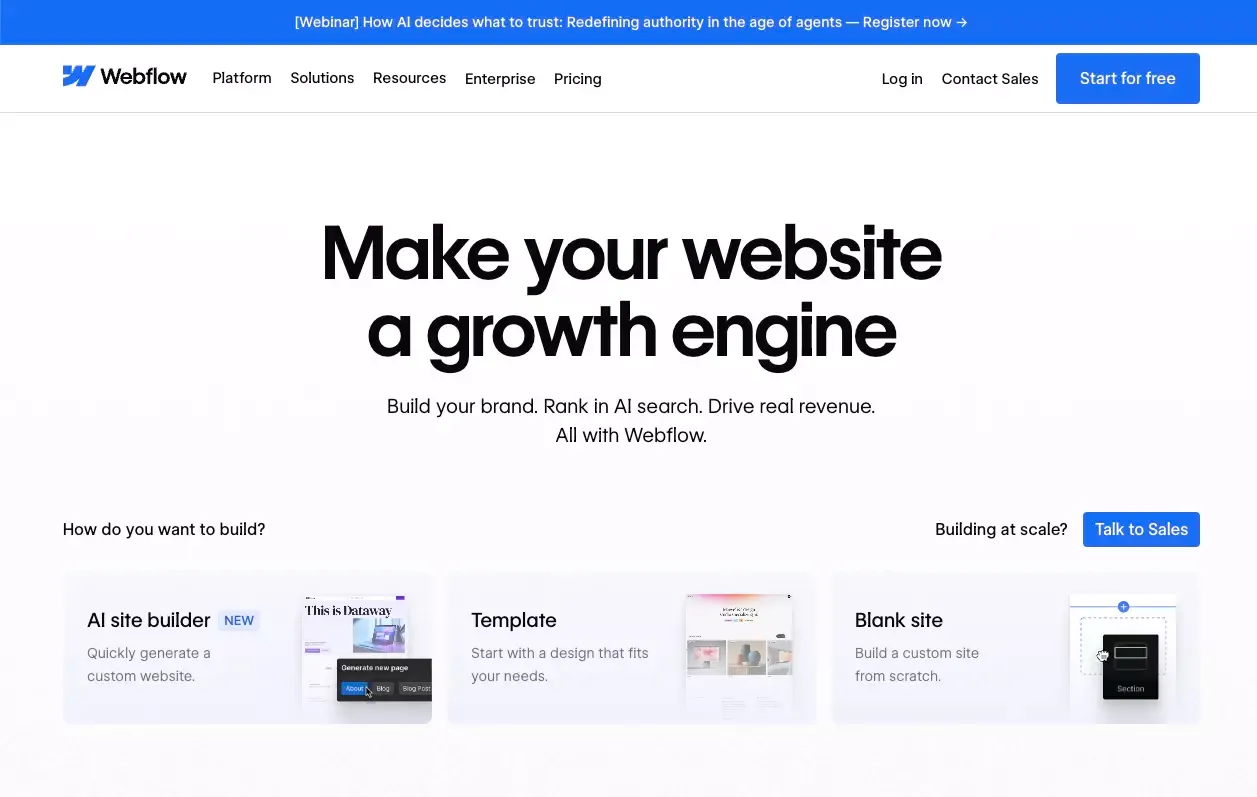
Best for teams that care about SEO, CMS structure, and publishing control
Webflow remains one of the strongest choices for content-heavy websites and serious marketing teams.
It is not the easiest tool here. In fact, that is part of the point. Webflow gives you more control because it asks more from you. If you want structured content, scalable landing page systems, strong SEO flexibility, and tighter publishing workflows, that trade-off can be worth it.
This is the platform I would look at for content programs, use-case hubs, programmatic SEO surfaces, resource centers, and websites where marketing needs real operational control. Webflow is not just about building pages. It is about building systems marketers can run. If you are weighing trade-offs, Webflow alternatives are worth comparing as well.
I would not hand it to a total beginner and say “you will love this in an hour.” But for teams that want control over templates, content models, redirects, page settings, and growth workflows, Webflow still has a very strong case.
Strengths
- Excellent SEO control
- Strong CMS capabilities
- Better fit for structured content operations
- Good long-term option for marketing-led teams
Limitations
- Steeper learning curve
- More setup effort than beginner-first builders
- Can feel heavier for simple sites
Best use cases
- SEO-driven content sites
- B2B marketing websites
- Resource centers and landing page systems
- Teams that need structured content workflows
Who should skip it
Beginners who mainly want a fast, simple site with minimal learning.
5. Squarespace
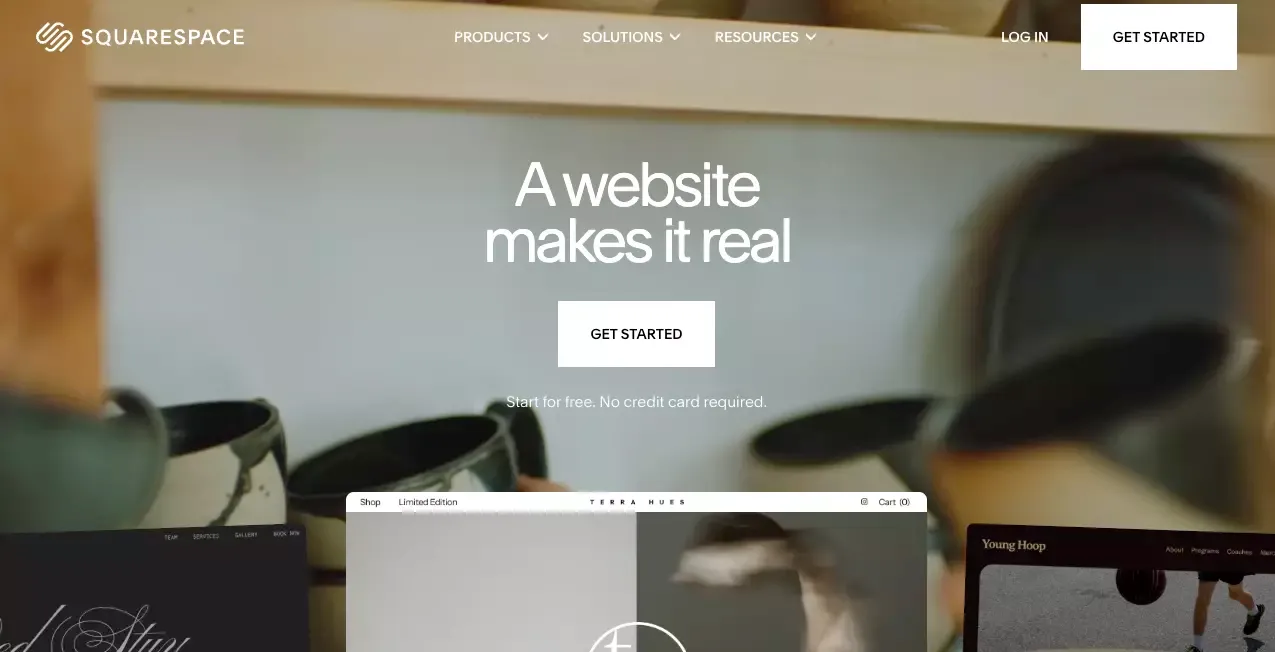
Best for polished business sites and portfolios
Squarespace is still one of the cleanest choices for people who want a site that looks professional without much effort.
That is its core strength. It reduces noise. It is not trying to be the most customizable tool or the most product-oriented one. It is trying to help people launch good-looking websites with less friction, and it does that well.
I like Squarespace most for small businesses, creators, studios, consultants, photographers, and portfolio-style websites. It is strong when presentation matters and complexity does not. For these buyers, it helps to benchmark it against other website builders for small business.
Its biggest weakness is the same thing that makes it appealing: it keeps things tidy. That works beautifully for simpler sites, but it can become limiting when your content model or business logic becomes more ambitious.
Strengths
- Polished templates
- Easy to manage
- Good fit for visual businesses and portfolios
- Strong default experience for simple business websites
Limitations
- Less flexible than more advanced builders
- Not ideal for more complex content operations
- Limited upside for product-oriented websites
Best use cases
- Portfolio websites
- Small business websites
- Creator sites
- Brand-led service businesses
Who should skip it
Teams planning to scale SEO, content architecture, or product functionality aggressively.
6. Shopify
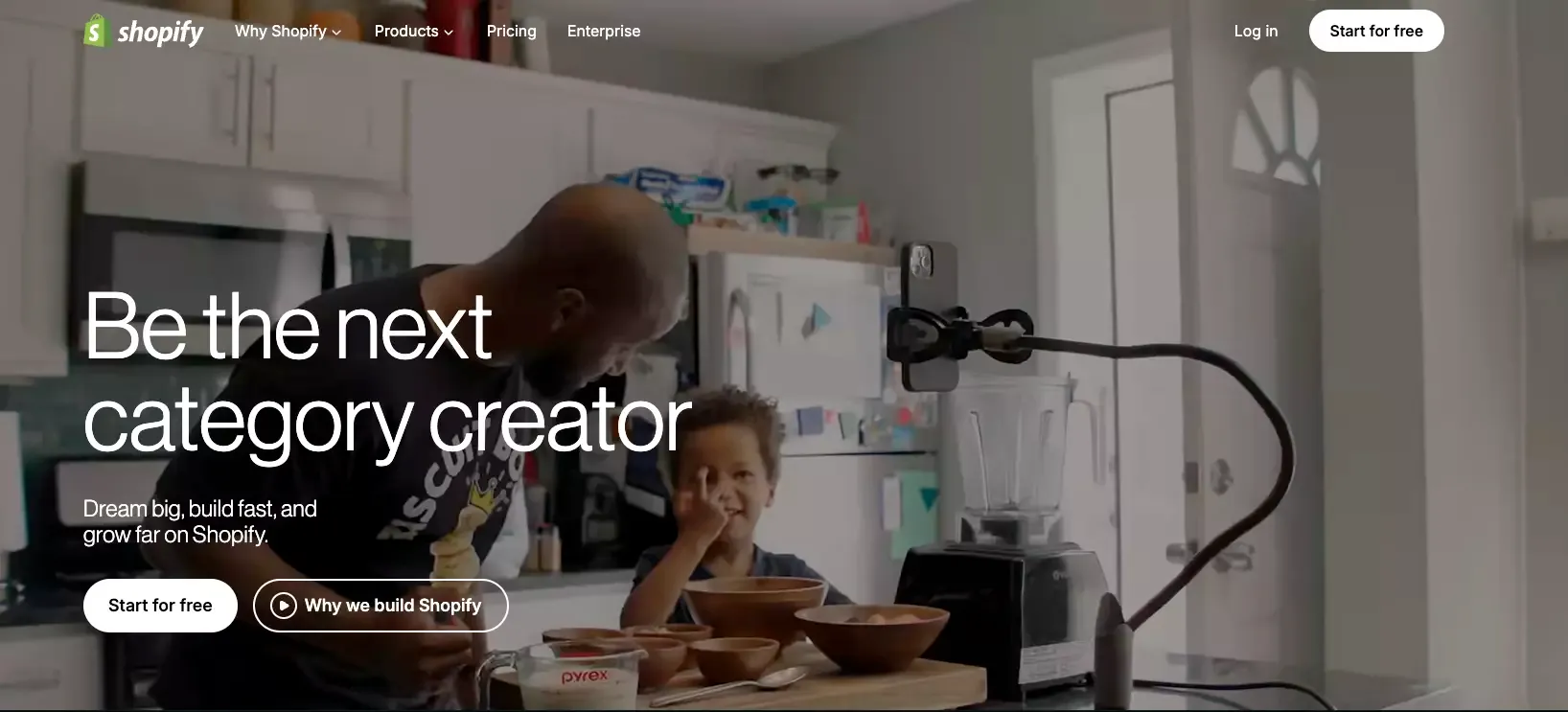
Best for ecommerce-first websites
If the website exists to sell, Shopify is usually the right answer.
This is where I think buyers overcomplicate things. They compare Shopify to general website builders as if they are competing for the same job. They are not. Shopify is built around commerce. That means products, checkouts, inventory, variants, payments, and the operational side of selling online.
So yes, there are builders with more visual freedom. There are builders with prettier page editors. That is fine. If ecommerce is the business model, the smarter move is usually to choose the platform built for ecommerce instead of forcing a general builder to act like one. If you want an AI-assisted path in this category, an AI ecommerce website builder is a closer comparison than a general brochure-site tool.
That is why Shopify makes this list so easily. It is not the best no-code website builder for every project. It is the best one for a very important category of projects.
Strengths
- Built for selling online
- Strong ecommerce infrastructure
- Better long-term fit for stores
- More practical than general website builders for commerce
Limitations
- Less ideal for purely content-led or brochure-style sites
- Design flexibility is not its main advantage
- Overkill if ecommerce is not central to the business
Best use cases
- Online stores
- Product brands
- Ecommerce startups
- Businesses where checkout and catalog matter most
Who should skip it
Users building portfolios, local business sites, or pure content websites.
7. Dorik
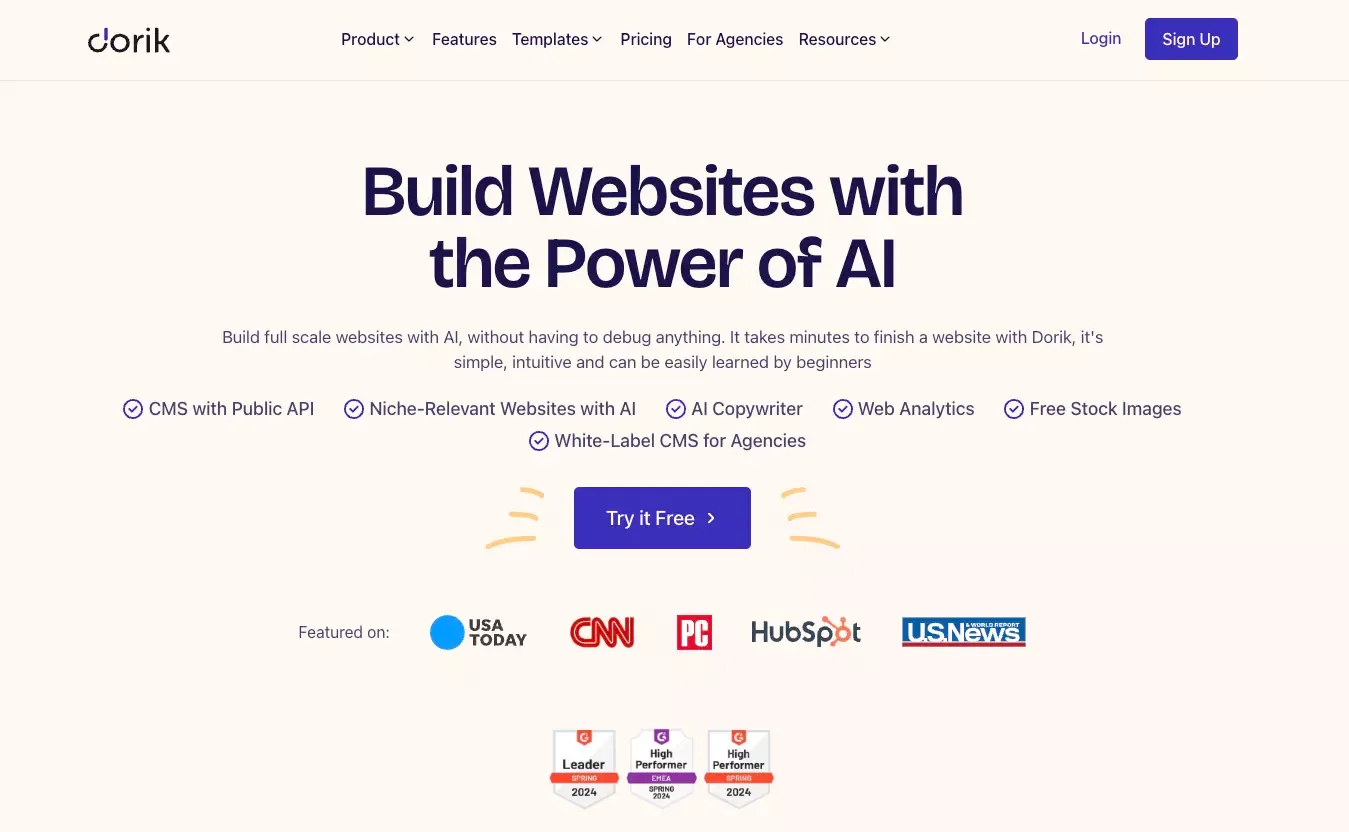
Best for budget-conscious users who still care about SEO basics
Dorik is one of those builders that deserves more attention than it usually gets.
It is a good fit for smaller launches, lean teams, niche websites, and users who want a more affordable option without dropping basic SEO control. That last part matters. Many low-cost builders make websites easy to launch but frustrating to optimize. Dorik feels more thoughtful than that.
I would not put it above the bigger names for every use case. But I would absolutely keep it on the shortlist for solo builders, early-stage projects, and anyone who wants a lighter setup with decent control.
It is not trying to be everything. In this category, that can be a strength.
Strengths
- Affordable and simple
- Faster to get started than more advanced platforms
- Good option for lean launches
- Solid balance between simplicity and SEO basics
Limitations
- Smaller ecosystem than bigger builders
- Less suitable for more complex business systems
- Not the strongest choice for high-scale content operations
Best use cases
- Indie projects
- Niche websites
- Simple business sites
- Budget-conscious launches
Who should skip it
Teams that need heavyweight CMS workflows or more advanced scaling options.
How to Choose the Right No-Code Website Builder
I think the easiest way to choose is to start with your real goal, not the feature list.
If you want to publish a business site quickly
Start with one of these:
- Wix if you want the easiest all-around path
- Squarespace if visual polish matters more
- Dorik if budget matters and the site is relatively simple
If you want a modern startup website
Start with one of these:
- Framer if design is the priority
- Webflow if content, SEO, and system-level control matter more
If you want a faster launch path, tools built to build your startup's first landing page with AI can also be relevant here.
If you want to sell online
Start with Shopify.
This is the clearest call on the list. If ecommerce is central, do not force a general-purpose builder into a job it was not really built for.
If your website may become part of a product
Start with Atoms.
This is the platform I would consider when the website is likely to become more than a website. If there is even a decent chance you will need user flows, dashboards, integrations, or app-like behavior later, choosing a more future-ready platform now can save you a rebuild. That is exactly where an AI app builder starts to matter more than a basic site editor.
What a No-Code Website Builder Means in 2026
The category has changed.
A few years ago, “no-code website builder” mostly meant drag-and-drop editors, templates, and all-in-one publishing. That still exists. But now the market includes AI-assisted setup, automated content generation, app-like workflows, and platforms that blur the line between website builder and product builder.
That is why old comparison logic is less useful now. It is no longer enough to ask which builder has the nicest editor. You also need to ask what kind of digital experience you are building.
Here is how I think about the category today:
| Type | What it does best | Best examples |
|---|---|---|
| Classic website builder | Simple business websites and fast launches | Wix, Squarespace |
| Design-led builder | High-quality marketing and brand sites | Framer |
| CMS and SEO-focused builder | Structured content and publishing systems | Webflow |
| Commerce-first builder | Selling products online | Shopify |
| Website-plus-product builder | Sites that may evolve into apps or workflows | Atoms |
That framing makes the decision much easier.
Common Mistakes People Make When Choosing a Builder
1. Choosing based on templates alone
A good-looking template can make the wrong tool feel right. That is a trap.
Templates help you start fast, but they do not tell you whether the platform will still work when your needs grow.
2. Ignoring SEO controls
Many buyers say SEO matters, but then choose a platform based on visual polish alone.
If organic traffic matters, look at things like:
- metadata control
- redirects
- sitemap handling
- structured content
- page speed
- indexing flexibility
A builder that looks beautiful but limits SEO operations can become expensive later.
3. Underestimating platform lock-in
This is one of the least discussed problems in beginner-facing reviews.
The easier a platform is, the more likely it is making important decisions for you behind the scenes. That convenience is useful, but it can also create dependency. Think about what happens if your site becomes more complex.
4. Buying for today, not for six months from now
This is probably the biggest one.
A local service site, an ecommerce brand, a SaaS startup, and a content-driven B2B company do not need the same kind of builder. Choosing the simplest tool today can create more migration pain later, especially when a project would be better served by an AI local business website builder, an AI store builder, or an AI portfolio builder from the start.
Final Verdict
If I were choosing today, here is how I would think about it.
Best for long-term flexibility beyond a website
Atoms
Atoms is my top pick for builders who think their website may soon need more than pages. If your project is heading toward workflows, product logic, customer experiences, or app-like functionality, it is one of the most interesting options in the category.
Best overall for beginners
Wix
It is still the safest broad recommendation for users who want to launch fast without a steep learning curve.
Best for design-led websites
Framer
If the site needs to feel modern, premium, and visually sharp, Framer is hard to beat.
Best for SEO and CMS-heavy websites
Webflow
For content systems, publishing control, and SEO flexibility, Webflow remains one of the strongest options.
Best for polished small business sites
Squarespace
If you want a professional-looking site with less friction, Squarespace is still a very solid pick.
Best for ecommerce
Shopify
If selling online is the core job, Shopify is the obvious answer.
Best budget option
Dorik
A smart choice for lean launches that still need decent control.
FAQ
What is the best no-code website builder for beginners?
For most beginners, I would start with Wix. It is easy to learn, flexible enough for common business needs, and usually the fastest route to a respectable result.
Which no-code website builder is best for SEO?
Webflow is the strongest choice if SEO control is a top priority. It is especially useful for teams managing structured content, landing pages, and larger content systems.
Can a no-code website builder scale with a growing business?
Yes, but the type of scaling matters. Shopify scales for commerce. Webflow scales for content and SEO. Atoms is more compelling when the website may grow into a product or a more interactive business system.
What is the difference between a no-code website builder and an AI website builder?
A traditional no-code builder focuses on visual editing and publishing without code. An AI website builder helps generate layouts, copy, or structure automatically, often from prompts or guided input. In practice, many modern tools now combine both.
Is Atoms a website builder or an app builder?
It is better understood as both. That is part of what makes it different from more traditional website builders.
Which no-code website builder is best for startups?
It depends on the startup. Framer is strong for design-led landing pages. Webflow is better for content and SEO-heavy sites. Atoms is especially interesting for startups that want to move from website to product without switching tools too early.
Share this article
 Posts
Posts 