 I did not want to write another lazy “top 10 alternatives” list.
So I took a more practical route. I looked at how Anima and the main alternatives are positioned today, then compared them based on real workflow fit. That matters, because this category is moving fast. A tool that looked like a simple design-to-code plugin not long ago may now be trying to become a full AI app builder.
My main takeaway is simple: there is no single best Anima replacement.
The right choice depends on where your workflow starts and what you need at the end.
If your team starts in Figma and wants cleaner frontend output, one set of tools makes sense. If you want to go from idea to a working product with auth, data, and deployment, a different set wins. And if you are trying to rebuild an existing UI instead of inventing a new one, the answer changes again.
Who This Guide Is For
Teams Starting From Figma
Some teams already have screens, components, and design systems. They do not need AI to invent the product. They need AI to reduce handoff pain.
Teams Starting From Prompts
Other teams are earlier. They want to begin with an idea, not a polished design file. In practice, that pushes them closer to text-to-website workflows than classic design handoff.
Teams That Need More Than UI Export
This is the part many comparison posts miss. A nice UI export is not the same thing as a real product. Once auth, database, payments, routing, and deployment enter the picture, the shortlist changes fast.
Why People Look for Anima Design Agent Alternatives
Where Anima Is Strong
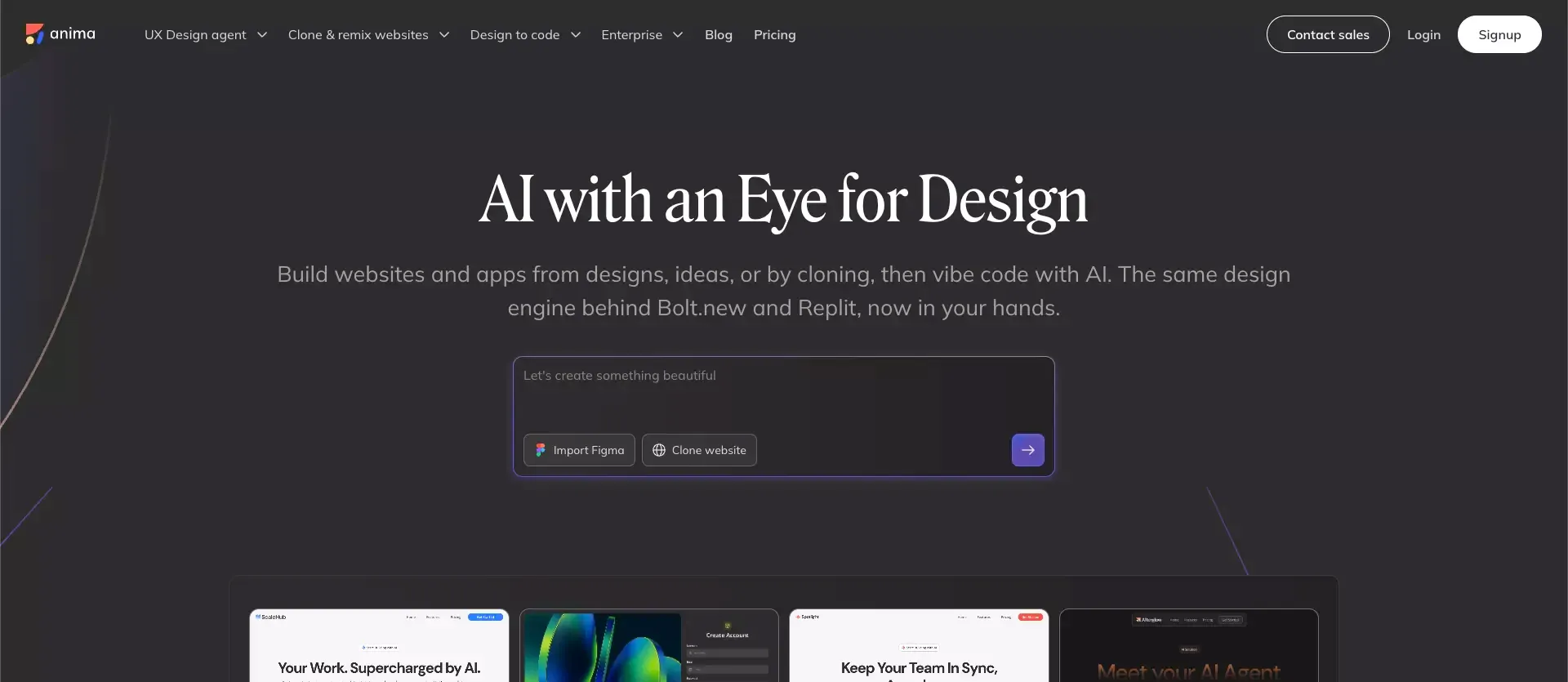
Anima is stronger than many people assume. It can start from a Figma design, text prompt, or image, then let users iterate by chat, connect backend services, and publish live apps.
That is a compelling mix if your world is still heavily design-led. I can see why design teams like it. It tries to bring design awareness into an AI workflow instead of forcing everything through a generic AI coding assistant.
Where Anima Starts to Feel Limiting
The friction starts when the job is no longer “make this design real enough to test.”
That is where many teams begin asking harder questions:
- Can this tool build the product logic too?
- Can it handle auth, database, or payments without sending me into three other tools?
- Can non-designers work in it comfortably?
- Will engineers want the output later?
Those are not small questions. They decide whether a tool stays in your workflow or becomes a nice demo.
The Difference Between a Design Agent and a Design-to-Code Tool
This distinction matters a lot.
A design-to-code tool is usually best when you already have the interface and want faster frontend output.
A design agent usually tries to keep visual quality, design systems, and brand consistency in the loop while AI helps generate and refine the experience.
An app and website builder goes further and tries to own more of the product stack.
Many tools in this space overlap, but they are not solving the exact same problem. That is why a shallow “best alternatives” list usually feels useless.
The Best Anima Design Agent Alternatives at a Glance
Atoms
The option I would look at first if the goal is a real shipped product, not just a cleaner design handoff. Atoms starts from natural language, creates a product plan and data models, then generates UI, frontend, backend, auth, database, payments, and deployment in one workflow.
Locofy
Still one of the clearest choices for teams that live in Figma and want developer-friendly code output.
v0
A strong fit for fast prompt-led web app generation, especially for teams already in a modern web workflow.
TeleportHQ
Useful if you want a visual builder with code export and more classic website-building control.
Builder.io
Best thought of as a serious visual editing layer for teams that already have code components and want marketers or product teams to move faster without breaking the stack.
Figma Make
Now a real contender for prompt-to-prototype and lightweight prompt-to-app work.
Replay
An interesting option for teams reconstructing an existing UI or turning interaction flows into usable frontend output.
Why Atoms Is Worth Considering Early
Better Fit for Teams That Want to Go From Idea to Working Product
This is the biggest reason I put Atoms near the top.
A lot of Anima alternatives are still strongest when the design already exists. Atoms is more interesting when the design is only one part of the job. Its flow is closer to this: describe the product, generate a plan, define the data structure, build the UI, wire the backend, add auth and payments, and deploy.
That is a different category of value.
If I were a founder, PM, or small product team trying to ship something real fast, that would matter more to me than whether the tool produces the prettiest first-pass screen from a Figma frame.
Stronger When Backend, Auth, Database, and Launch Matter
This is where many design-agent tools start to thin out. They can make things look plausible, but the jump from “looks real” to “works in production” is still on you.
Atoms is explicitly trying to cover that jump. That makes it a better fit for SaaS MVPs, internal tools, dashboards, and products that need real logic behind the UI.
A Better Choice When You Want Fewer Tool Handoffs
A lot of AI builder value disappears in handoffs.
You save time in step one, then lose it all in step three.
That is why I would take a slightly less polished first draft from a tool with a fuller workflow over a prettier first draft from a tool that stops at the frontend edge.
Detailed Review of the Best Alternatives
Atoms
Best For
Teams that want to go from idea to launch with less tool-switching.
What Stood Out to Me
Atoms feels less like a Figma-adjacent utility and more like an end-to-end app and website builder. You explain what you want in plain language, get a product plan and screen list, then let the system generate the UI, backend, auth, database, payments, and deployment.
That makes it attractive for:
- SaaS MVPs
- Internal tools
- Dashboards
- Websites that need actual product logic behind them
Trade-Offs
If your team already has a mature design system and mostly needs precise Figma-to-code handoff, Atoms may be broader than necessary. In that case, a narrower specialist can still be a better fit.
Locofy
Best For
Design-led teams that want better code output from Figma.
What Stood Out to Me
Locofy still has one of the clearest positions in the category. It is very directly about converting design into developer-friendly code. That clarity is a strength. It knows what problem it is solving.
Trade-Offs
If I needed product logic, backend workflows, or a more complete prompt-to-app motion, I would not expect Locofy to carry the whole load on its own. It is strongest when the design already exists.
Lovable
Best For
Prompt-first builders who want quick iteration and do not need the workflow to start in Figma.
What Stood Out to Me
Lovable belongs in this conversation because it represents the prompt-first app builder direction that many teams now compare against design-led tools.
Trade-Offs
I would compare Lovable more against v0 and Figma Make than against pure design-to-code tools. The overlap with Anima is real, but not perfect.
TeleportHQ
Best For
Teams that want a visual website builder with code export and more traditional control.
What Stood Out to Me
TeleportHQ sits in a useful middle ground. It is less hyped than some newer AI tools, but the workflow is practical. I would take it seriously for marketing sites, lightweight web projects, and teams that still care about owning the output.
Trade-Offs
I would not put it first for deep product logic or full-stack app generation.
v0
Best For
Fast prompt-to-app or prompt-to-website generation, especially in a modern web stack.
What Stood Out to Me
v0 has become much broader than the early “generate a UI block” perception. It is one of the most direct alternatives if your team is moving from a design-first workflow to a code-first AI workflow.
Trade-Offs
If brand fidelity and design-system alignment are the core problem, Anima, Figma Make, or a Figma-native route may still feel more natural.
Builder
Best For
Teams that already have an engineering stack and want visual editing on top of it.
What Stood Out to Me
Builder’s value is not really “generate me an app from nothing.” Its strength is letting marketers and product teams work visually with engineer-defined components. That is a very different promise from Anima, but for the right team, it is the more durable one.
Trade-Offs
If you are an early-stage builder with no component system and no structured frontend already in place, Builder can be more infrastructure than you need.
Figma Make
Best For
Designers and PMs who want to move from idea or design to interactive prototype fast.
What Stood Out to Me
Figma Make has gotten much more serious. It is a strong option if your team already lives in Figma and wants less context switching.
Trade-Offs
I still see it as more compelling for exploration and prototyping than for teams that want a broader all-in-one product build workflow.
Replay
Best For
Teams reconstructing existing interfaces or modernizing frontend behavior.
What Stood Out to Me
Replay is not trying to be a general design agent in the same way as Anima. Its angle is more useful when static screens are not enough and you care about existing flows, interactions, and live product behavior.
Trade-Offs
If I were starting from a blank page, Replay would not be my first stop.
Side-by-Side Comparison
Best for Figma-Heavy Teams
My shortlist would be:
- Anima
- Locofy
- Figma Make
These are the tools that most directly respect the idea that the design file is still the center of gravity.
Best for Prompt-to-App Workflows
My shortlist would be:
- Atoms
- v0
- Figma Make
These are better when you want AI to do more of the product formation work.
Best for Frontend Teams
My shortlist would be:
- Locofy
- Builder
- Replay
These are strongest when the real question is not “can AI invent a product?” but “can AI reduce frontend effort without wrecking the stack?”
Best for Full Product Builds
My shortlist would be:
- Atoms
- v0
This is where I think the market is heading. Teams do not just want prettier prototypes. They want fewer handoffs and more working software.
How to Choose the Right Alternative for Your Workflow
Choose Based on Your Starting Point
Starting From a Figma File
Look first at Anima, Locofy, and Figma Make.
Starting From a Text Prompt
Look first at Atoms, v0, and Figma Make.
Starting From an Existing Live Product or Recorded Workflow
Look first at Replay.
Choose Based on Your Output Needs
Landing Page or Prototype
Figma Make, TeleportHQ, and Builder are all sensible, especially if the goal is closer to an AI prototype generator workflow than a full app build.
Frontend Code Export
Locofy and TeleportHQ make more sense.
Full-Stack App With Real Data
Atoms and v0 become much more interesting if you need an AI code generator to plug into a broader product workflow.
Choose Based on Who Will Use the Tool
Designers
Anima and Figma Make feel more natural.
PMs and Founders
Atoms and v0 are easier to justify.
Developers
Locofy, Builder, and Replay are easier to map to engineering workflows.
Common Mistakes When Switching Away From Anima
Comparing Tools Only on Visual Fidelity
This is the most common mistake.
A beautiful first screen does not tell you how the workflow holds up after the fifth iteration.
Ignoring Iteration Speed After Export
A lot of teams evaluate the “wow” moment and ignore the maintenance reality. That is backwards.
Forgetting Database and Deployment Needs
This is where many shortlist decisions break down. The tool looked great until it had to support real users.
Assuming AI-Generated UI Is Production-Ready by Default
It usually is not. Better tools reduce work. They do not eliminate judgment.
Frequently Asked Questions
What Is the Best Anima Design Agent Alternative for Figma-Heavy Teams?
For teams that already live in Figma, I would start with Locofy if code export is the priority, and Figma Make if rapid exploration and interactive prototyping matter more.
Which Anima Alternative Is Best for Non-Designers?
For non-designers, I would look first at Atoms or v0. They make more sense when the workflow starts from a product idea instead of a polished design asset.
Which Tool Is Best If I Need a Real App Instead of Just Generated UI?
My answer is Atoms first, then v0. That is because both are clearly trying to cover more of the app-building stack than a classic design-to-code tool.
Is There a Better Option Than Anima for Full-Stack Product Work?
Yes. If your main need is full-stack product work rather than design-aware UI generation, tools like Atoms and v0 are better aligned.
Which Alternative Gives the Cleanest Handoff to Developers?
For pure handoff, Locofy is still one of the strongest names to evaluate. Builder also deserves attention when your team already has a component-driven frontend.
If you want a more direct breakdown of Anima itself before switching, the Anima Design Agent review is the most relevant companion read.
Final Verdict
Best Overall Alternative
Atoms
Not because it is perfect, but because it lines up with where many teams actually want to go: fewer handoffs, more working product, less fragmentation between idea, UI, backend, and launch.
Best for Figma Workflows
Locofy
It stays focused on the design-to-code problem and does not overcomplicate the pitch.
Best for Fast Prototyping
Figma Make
It is one of the most natural ways for design and product teams to move from prompt or file to interactive prototype without leaving the Figma ecosystem.
Best for Shipping a Real Product
Atoms, with v0 close behind.
If I were choosing today, that is the core split I would use:
- Choose Anima if design awareness is the center of the workflow.
- Choose Locofy if the job is cleaner design-to-code output.
- Choose Figma Make if you want fast exploration inside Figma.
- Choose Atoms if you want to move from idea to real product with less glue work.
- Choose v0 if you want fast prompt-led app building in a modern web workflow.
That is the honest version.
Most teams do not need “the best AI design tool.” They need the tool that breaks the fewest things in their actual workflow.
