
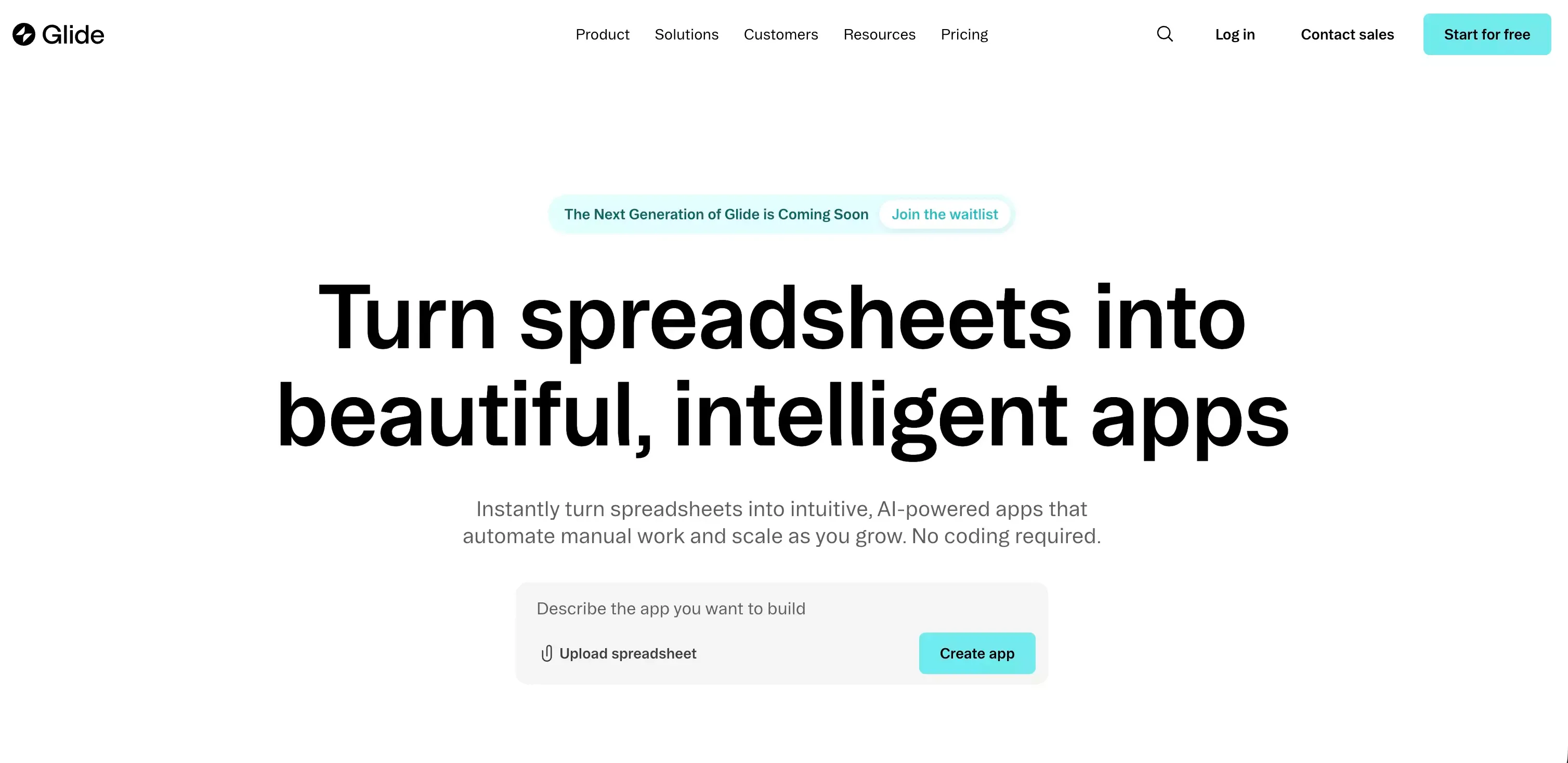
 If you are looking for a Glide alternative, the issue usually is not that Glide is bad. In my view, the real problem is fit.
If you want the broader context first, it is also worth reading a full Glide review before switching.
Glide is still a strong option for turning structured data into usable apps quickly. But once a team wants more design freedom, deeper backend control, native app publishing, or a clearer path from idea to product, the tradeoffs become obvious.
After reviewing the category, I think the market splits into four practical groups:
- AI-first product builders
- Internal tool and portal platforms
- Full web app builders
- Mobile-first app builders
That matters more than a generic “top 10” list. The best Glide alternative depends on what you are trying to build next.
I would also move one point to the front. If your frustration with Glide is not just UI flexibility, but the gap between an idea and a real product, I would evaluate Atoms early. That is where it feels most relevant.
Why People Start Looking for a Glide Alternative
Where Glide Still Works Well
Fast internal tools for small teams
Glide still works well when the goal is operational software rather than a fully differentiated product.
Typical good-fit cases include:
- Internal dashboards
- Team workflows
- Approval tools
- Lightweight CRMs
- Simple portals on top of business data
In these scenarios, speed matters more than total flexibility, and Glide benefits from that tradeoff.
Spreadsheet-based MVPs with simple workflows
This is still one of Glide’s strongest use cases.
Glide makes sense when your first version looks like:
- Structured records
- Forms and input flows
- Role-based views
- Basic automations
- A polished interface without much setup
For spreadsheet-led MVPs, that is still a very efficient path.
Where Glide Starts to Feel Limiting
Scaling users, data, and permissions
This is where many teams hit the wall.
At the beginning, the question is:
- Can we launch?
Later, the questions become:
- Can we scale this cleanly?
- Can we model permissions the way we actually need?
- Can we keep this maintainable as complexity grows?
That is where specialized alternatives usually start to make more sense.
Limited design flexibility for branded products
Glide looks clean, but it is still an opinionated system.
That is fine for internal apps. It becomes more limiting when the product needs:
- Stronger brand expression
- More custom onboarding
- More differentiated UX
- A less template-driven interface
If the interface is part of the product value, Glide can start to feel narrow.
PWA-only delivery vs. native app distribution
This is not a small detail. It is a platform boundary.
If your product roadmap includes app-store distribution, native device behavior, or a true mobile-first experience, you should treat this as an early filter rather than a late consideration.
Backend logic and integration constraints
Glide can do more than many people assume. But there is still a difference between:
- Connecting to data
- Controlling the full application stack
Once your roadmap includes richer workflows, more complex backend logic, stronger API behavior, or more ownership over system architecture, alternatives become more attractive.
Quick Comparison of the Best Glide Alternatives
How to Evaluate Glide Alternatives
Ease of setup
This matters, but only up to a point.
A lot of tools feel easy in the first hour. The better question is whether they still feel manageable after:
- Week one
- The first real customer request
- The first messy workflow
- The first round of product changes
Customization depth
Some tools help you move faster.
Others help you shape more.
Those are different strengths, and many teams confuse them.
Data and backend flexibility
Be honest about what you need.
Some teams only need a smart layer on top of records. Others need:
- More control over data models
- Stronger workflows
- Better integration logic
- A clearer backend story
That difference changes the entire shortlist.
Native app publishing
If native distribution matters, it should be one of the first filters you apply.
If it does not matter, do not overpay in complexity for a feature you may never need.
Pricing model at scale
Do not judge these tools only by entry pricing.
What matters more is what happens when you add:
- Users
- Editors
- Data
- Workflows
- Environments
- Security requirements
That is where the real cost profile shows up.
Categories Covered in This Guide
Tools for AI-first product building
This is the category I would watch most closely right now.
These tools are not just trying to help you assemble screens faster. They are trying to compress the path from:
- idea
- to scope
- to working product
That is a different promise from classic no-code builders.
If that is your priority, an AI app builder is a more relevant benchmark than a generic spreadsheet app tool.
Tools for internal tools and client portals
This category works best when the job is practical, operational, and permission-heavy.
Good fits include:
- Team software
- Client dashboards
- Portals
- Ops systems
- Workflow apps
Tools for complex web apps
These are better when you need a stronger product surface and more room to grow.
The tradeoff is simple:
- More flexibility
- More complexity
Tools for mobile-first products
If app-store distribution is part of the plan, this category matters a lot.
There is a big difference between:
- an app that works on a phone
- and an app built for native mobile distribution
Best Glide Alternatives by Use Case
Best for AI-First Product Building
Atoms
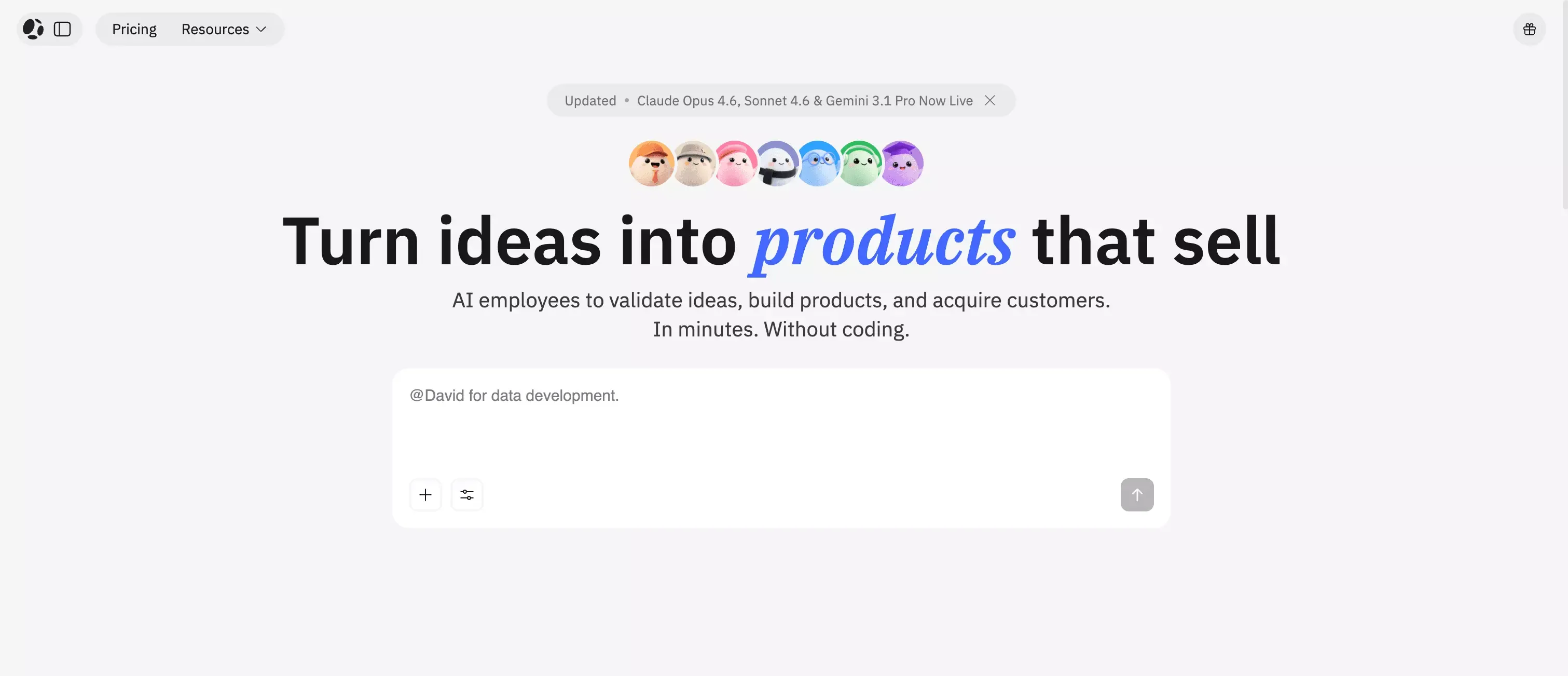 If I were evaluating Glide alternatives today from a product-builder angle, I would move Atoms near the front.
The reason is straightforward. Many teams are not really looking for another visual builder. What they actually want is:
- a faster path from idea to product direction
- less time translating between tools and roles
- more momentum from concept to execution
That is where Atoms feels different.
I would look at Atoms when the problem is not:
- “I need another spreadsheet-style app builder”
but rather:
- “I need help turning rough requirements into something closer to a real product”
That matters because many projects do not fail on tooling alone. They fail because the process between idea, positioning, structure, and execution is too fragmented.
From a practical buyer’s perspective, Atoms makes more sense when your bottleneck looks like this:
| Situation | Why Atoms becomes relevant |
|---|---|
| The product idea is still fuzzy | It helps shorten the path from concept to structure |
| The team moves slowly across roles | It reduces handoff friction |
| You want more than a UI mockup | It is better aligned with an app and website builder workflow |
| Glide feels too operational | It pushes earlier into product-building territory |
My view is simple: if Glide feels fast but narrow, Atoms is one of the first places I would look.
It is also more relevant if your team increasingly thinks in terms of coding agents and AI-assisted execution rather than only drag-and-drop assembly.
Lovable or Emergent
Lovable and Emergent sit in the same broader shift: AI-first app creation.
They make the most sense when you want:
- natural-language workflows
- faster full-stack output
- less manual assembly than traditional builders
I would not treat them as identical, but I would group them together for evaluation because they are solving a similar problem.
They are especially relevant when Glide feels too constrained and traditional no-code tools start to feel too manual.
Best for Internal Tools and Client Portals
Softr
Softr is one of the cleaner choices for portals and internal apps.
I would pay attention to it when the priority is:
- role-based access
- client-specific views
- member portals
- dashboards
- sharing data safely with different user groups
It is a strong fit when the workflow itself is not deeply technical, but the user structure matters a lot.
Retool
Retool is a more serious internal software platform.
I would choose it when the internal tool is no longer just a quick workaround and is becoming core operational software.
Retool is especially strong when you care about:
- databases and APIs
- admin workflows
- engineering-grade control
- environments and governance
- long-term internal tooling maturity
It is not the lightest option, but that is also why it wins in more complex use cases.
AppSheet
AppSheet still deserves consideration, especially for teams already living in the Google ecosystem.
It makes sense when your company runs on:
- Google Sheets
- Google Drive
- Gmail
- Workspace-style workflows
I would not choose it for a highly differentiated software product. I would choose it for a practical business app that needs to work reliably inside an existing stack.
Best for Complex Web Apps
Bubble
Bubble is still one of the most important Glide alternatives because it aims at a much broader application surface.
Compared with Glide, Bubble usually becomes relevant when you need:
- more product depth
- more logic control
- more room for custom workflows
- a stronger path for customer-facing software
The tradeoff is obvious:
| Bubble advantage | Bubble cost |
|---|---|
| More flexibility | More complexity |
| More control | More setup decisions |
| Better for richer products | Steeper learning curve |
In my opinion, Bubble is often the next serious stop for teams that have clearly outgrown Glide.
WeWeb
WeWeb makes sense when frontend control matters more.
I would look at it when the team wants:
- more design freedom
- more control over the frontend experience
- backend flexibility
- a web product that feels less template-bound
It is a better fit for teams that already think in terms of product architecture, not just drag-and-drop setup.
Best for Mobile-First App Building
FlutterFlow
FlutterFlow is one of the clearest Glide alternatives when native mobile is non-negotiable.
I would shortlist it first when the requirement is:
- native mobile apps
- app-store deployment
- a stronger long-term path
- more flexibility than lighter mobile builders
One reason it stands out is that it feels closer to a serious product path, not just an MVP shortcut.
Adalo
Adalo remains attractive for a different reason: simplicity.
It works best when the team wants:
- a mobile-first MVP
- a more approachable builder
- native distribution without too much technical overhead
- faster validation in app stores
If the goal is a quick mobile product rather than a highly complex platform, Adalo can be a sensible choice.
Glide vs. These Alternatives: What Actually Changes
Product and UX Flexibility
Template-driven building vs. deeper customization
This is the first real fork in the road.
Glide gives you speed through constraint.
Other tools give you more freedom, but they also ask more from you.
That is why the better question is not:
- Which platform is more powerful?
It is:
- Do I need that extra power badly enough to accept the complexity that comes with it?
A lot of weak platform decisions come from skipping that question.
Better fit for customer-facing products
Once customers are paying to use the product, the interface stops being a cosmetic layer.
At that point, teams usually care more about:
- onboarding flow
- product feel
- interaction design
- differentiation
- growth experience
That is where Glide often starts to fall behind more product-oriented builders.
Technical Flexibility
Spreadsheet-first setup vs. more flexible data models
Glide’s spreadsheet-friendly approach is part of its appeal.
It is also one reason some teams outgrow it.
Once the app behaves more like software than a data view, the need for stronger control becomes clearer.
That usually includes:
- richer logic
- more explicit data structures
- better integrations
- more maintainable architecture
Workflow automation, APIs, and backend control
Different tools win for different reasons here:
| Tool type | Stronger for |
|---|---|
| Retool | Internal systems and operational tooling |
| Bubble | Full-stack web apps |
| WeWeb | Frontend freedom plus backend choice |
| AI-first builders | Speeding up the end-to-end product creation loop |
| Glide | Faster apps on top of structured business data |
This is why “best Glide alternative” is the wrong question in isolation. The better question is what layer of control you now need.
Launch and Growth
Browser apps vs. native app store distribution
This is one of the clearest dividing lines in the entire category.
If you need:
- App Store presence
- Google Play distribution
- native mobile expectations
then mobile-first platforms deserve priority.
If you only need:
- a strong browser experience
- internal access on mobile devices
- a web-first product
then native may be unnecessary.
Pricing tradeoffs as usage grows
I would not over-focus on starter pricing.
The more important question is how pricing changes when the app becomes meaningful.
That usually means growth in:
- active users
- builders or editors
- automation volume
- infrastructure needs
- security requirements
- team coordination
Cheap MVP tooling can become expensive operationally if the platform no longer matches the product.
How to Choose the Right Glide Alternative
Choose Based on What You Are Building
Internal operations app
Pick the most reliable tool that solves the workflow cleanly.
This is one category where “boring” is often a compliment.
Client portal or partner workspace
Prioritize:
- permissions
- access control
- role-based views
- safe data sharing
before polishing visual details.
SaaS or customer-facing web app
Do not underestimate frontend control.
If the product is the experience, interface flexibility is not optional.
Mobile product for app stores
Filter by native distribution first.
Everything else comes after that.
Choose Based on Team Constraints
Technical skill level
A platform is only easy if your team can build with it and maintain what it creates.
That is the real test.
Need for speed vs. need for control
Most teams say they want both.
Usually, one matters more.
Be honest about which one is actually driving the decision.
Collaboration, governance, and permissions
This starts to matter earlier than many teams expect, especially when more stakeholders enter the process.
Budget predictability over time
Model the likely six-month version of the app, not just the first week.
That gives you a much better platform decision.
Why AI-first teams filter differently
If the team is already building in a vibe coding workflow, Glide alternatives should be filtered less by templates and more by how fast they move from prompt to product.
When Glide Is Still the Better Choice
Cases Where Switching Is Unnecessary
Your app is spreadsheet-centric by design
If the product is mainly a better interface for structured business data, Glide may still be the right choice.
Your user base is small and controlled
In that case, the extra complexity of a more advanced platform may be wasted.
You need something live quickly, not deeply customized
This is still Glide’s strongest territory.
If speed to usefulness matters more than long-term extensibility, staying with Glide can be the smarter move.
Signs You Have Outgrown Glide
You keep adding workarounds
This is usually the first honest signal.
If the app works only because you keep bending the platform around edge cases, future maintenance is already becoming more expensive.
Your app needs stronger branding or UX control
Once interface quality becomes part of the product value, Glide’s constraints become more visible.
Your product roadmap now includes scale, automation, or native mobile
This is the strongest signal.
If the roadmap now includes deeper workflows, stronger system logic, or native distribution, you are probably past Glide’s best-fit zone.
Frequently Asked Questions About Glide Alternatives
What is the best Glide alternative for beginners?
For beginners, I would start with:
- Softr for portals and lightweight internal apps
- AppSheet for teams already working inside Google tools
Both are easier to reason about than jumping directly into a more complex platform.
What is the best Glide alternative for internal tools?
That depends on the complexity of the job:
- Retool for serious internal software
- Softr for cleaner, lighter portals and internal workflows
Which Glide alternative is best for native mobile apps?
The clearest answers are:
- FlutterFlow
- Adalo
These are better fits when native distribution is part of the brief from the start.
Which Glide alternative is best for AI-assisted product building?
For AI-first building, I would look at:
- Atoms
- Lovable
- Emergent
My own evaluation order would start with Atoms when the bottleneck is product execution rather than simple interface assembly.
Which Glide alternative is best for long-term scalability?
Here is how I would think about it:
| Goal | Stronger long-term direction |
|---|---|
| Internal systems | Retool |
| Web products | Bubble or WeWeb |
| Native mobile | FlutterFlow |
| AI-first product building | Atoms, Lovable, or Emergent |
Final Thoughts
I do not think the best Glide alternative is one specific tool. I think it depends on what kind of complexity you are moving into.
If you still need a fast internal app, Glide may remain the right answer.
If you need more product flexibility, Bubble or WeWeb are stronger.
If you need native mobile, FlutterFlow or Adalo make more sense.
If you are trying to compress the distance from idea to real product, I would put Atoms near the front of the evaluation list.
That is the real decision in 2026.
Not whether Glide is good or bad.
But whether it still matches the next version of what you are building.
 Posts
Posts 