
Replit is still one of the easiest ways to go from idea to working software in a browser. That is why so many people start there. But that is also why many people eventually look elsewhere.
Once a project gets more serious, the evaluation criteria change. You stop caring only about convenience. You start caring about pricing clarity, Git workflows, deployment control, code ownership, and whether the tool still fits once a second or third person joins the project.
After reviewing the current landscape, I do not think the best Replit alternative is always another browser IDE. In practice, most options fall into three different buckets:
- Cloud IDEs for people who want coding in the browser
- AI code editors for developers who already work in repos
- Prompt-to-app builders for users who care more about shipping than IDE setup
That distinction matters. A founder validating an idea, a designer prototyping a product, and an engineer shipping through pull requests should not all use the same tool.
Why People Are Looking for Replit Alternatives
There are a few common reasons people start searching for alternatives.
Pricing can become harder to predict as usage grows
A tool can feel cheap at the beginning and expensive later. That usually happens when billing is tied to credits, agent usage, deployment, or traffic. For hobby projects, that may be fine. For growing products, it becomes something people want to control more tightly.
Browser IDE convenience is not always enough for production work
Replit is great when you want to start fast. But once a project becomes more complex, teams often want:
- stronger Git workflows
- cleaner pull request review
- better environment control
- more flexibility around deployment
Some teams need stronger Git, PR, and collaboration workflows
If a team already works inside GitHub and has an established review process, a repo-first tool often fits better than an all-in-one browser workspace.
Different users need different tools
This is the most important point.
Some people searching for a Replit alternative really want:
- a similar cloud coding environment
Others actually want:
- an AI-first coding editor
- a faster way to prototype
- a prompt-to-app workflow
- a tool that turns a plain-language brief into a usable product
Those are different jobs. Choosing the wrong category is where most people waste time.
Quick Comparison of the Best Replit Alternatives
| Tool | Best for | Type | Full-stack support | Git / PR workflow | Deployment | Free plan | Starting price |
|---|---|---|---|---|---|---|---|
| Atoms | Turning a brief into an app and website fast | Prompt-to-app builder | Yes | Varies by workflow | Yes | Yes | Free |
| Cursor | Repo-first AI coding | AI code editor | Yes | Strong | External | Yes | From $20/month |
| GitHub Codespaces | Cloud development in real repositories | Cloud IDE | Yes | Strong | External | Yes | Usage-based after free allowance |
| Bolt | Fast prototypes and web apps | Prompt-to-app builder | Yes | Limited to moderate | Yes | Yes | Usage-based |
| Lovable | Non-technical users validating ideas | Prompt-to-app builder | Yes | Limited to moderate | Yes | Yes | Plan-based |
| CodeSandbox | Frontend projects and shareable environments | Cloud development platform | Yes | Strong | External or platform-based | Yes | Usage-based |
| Gitpod | Standardized team workspaces | Cloud development environment | Yes | Strong | External | Yes | From $20/month |
| v0 | UI-first and fast web app generation | AI builder | Yes | Moderate to strong | Yes | Yes | Usage-based |
| Windsurf | AI-assisted developer workflows | AI-native IDE | Yes | Strong | External | Yes | Free for individuals |
| Base44 | Simple app creation with minimal setup | Prompt-to-app builder | Yes | Limited | Yes | Yes | From $20/month |
This table is meant to help you filter options quickly, not make the final decision for you.
My simple rule is:
- pick a cloud IDE if you want a Replit-like coding experience
- pick an AI code editor if you already live in repos
- pick a prompt-to-app builder if speed matters more than environment setup
The Best Replit Alternatives by Use Case
Atoms — Best for turning a plain-language brief into an app and website
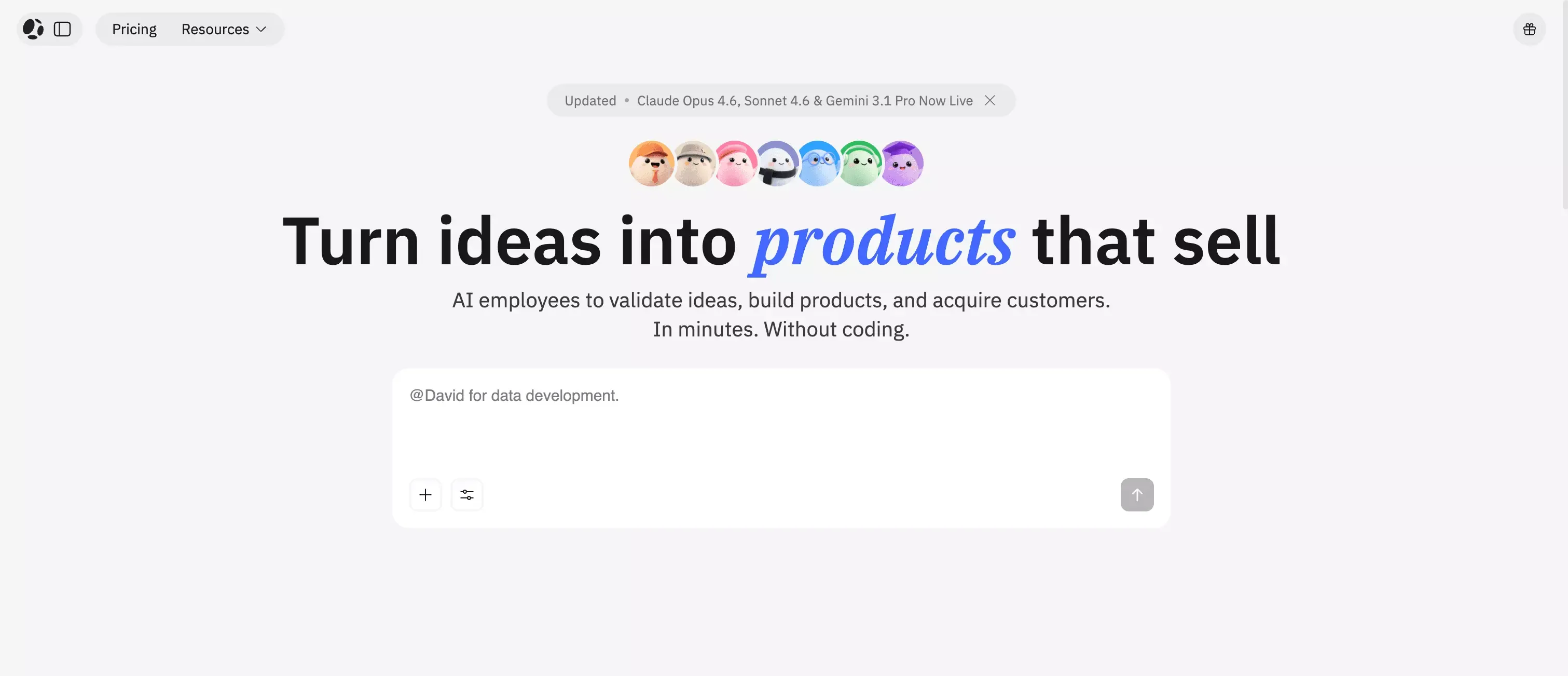 Atoms stands out when the real goal is not "give me another IDE" but "help me ship a product faster."
What makes it interesting is the scope. It is designed around going from idea to product, not just from prompt to snippet. That means it is a better fit for people who want to generate:
- an app
- a website
- frontend and backend flows
- something usable enough to test quickly
I would especially look at Atoms if you are:
- a founder validating an idea
- a small team trying to move from concept to MVP
- someone who wants product momentum without heavy setup
I would not treat it as the closest one-to-one replacement for Replit in the traditional IDE sense. It is better understood as a faster brief-to-product workflow.
Cursor — Best for repo-first AI coding
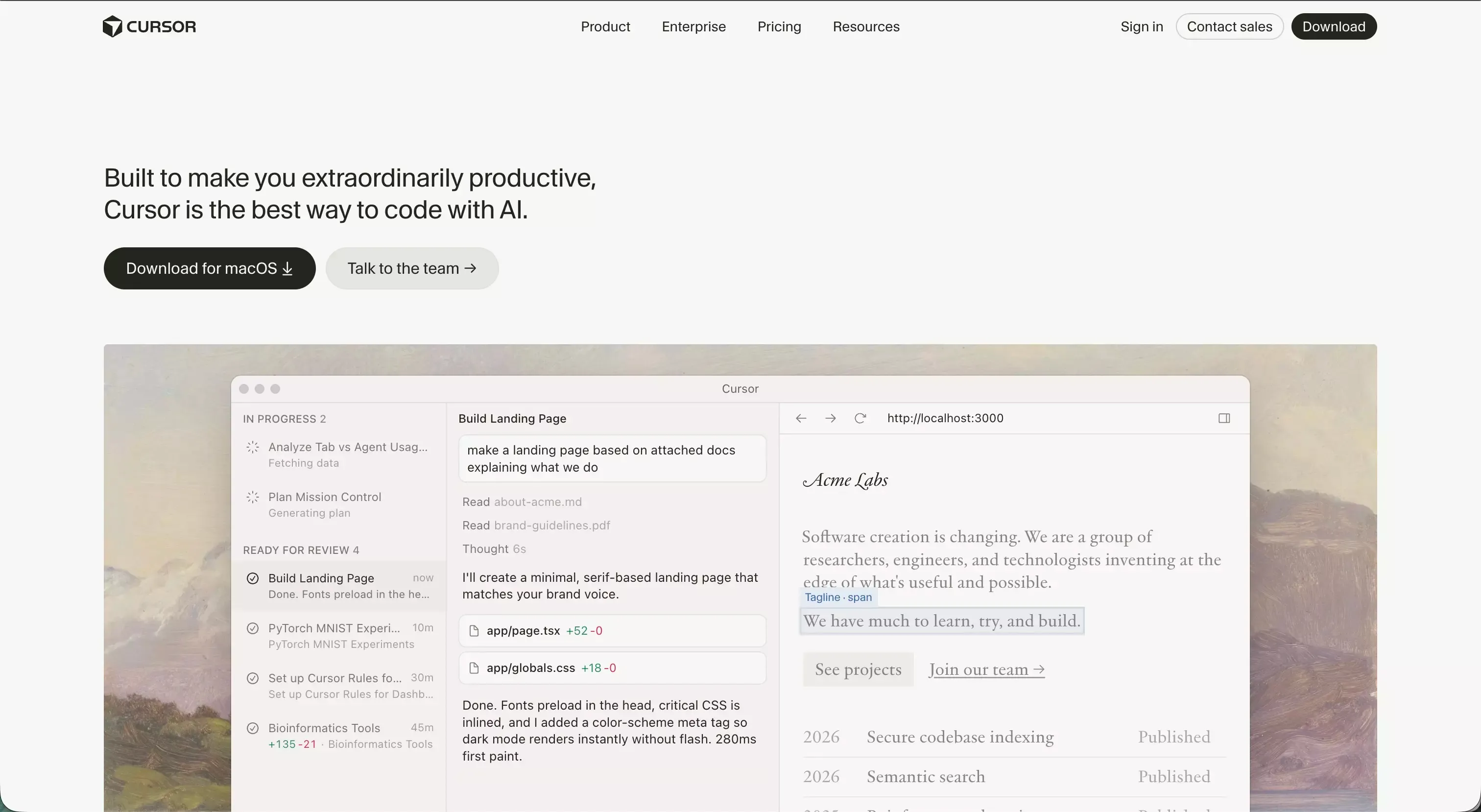 Cursor is the clearest choice on this list for developers who already think in files, diffs, repos, and code review.
That is why I see Cursor less as a beginner tool and more as a workflow upgrade for serious builders. If you already have a codebase and want AI help without giving up control, it is one of the strongest options available.
Cursor makes the most sense when you want:
- AI help inside a familiar coding workflow
- better codebase awareness
- faster feature work and debugging
- strong alignment with existing repositories
Compared with Replit, Cursor feels less beginner-friendly but more natural once a project becomes real.
GitHub Codespaces — Best for cloud development in real repositories
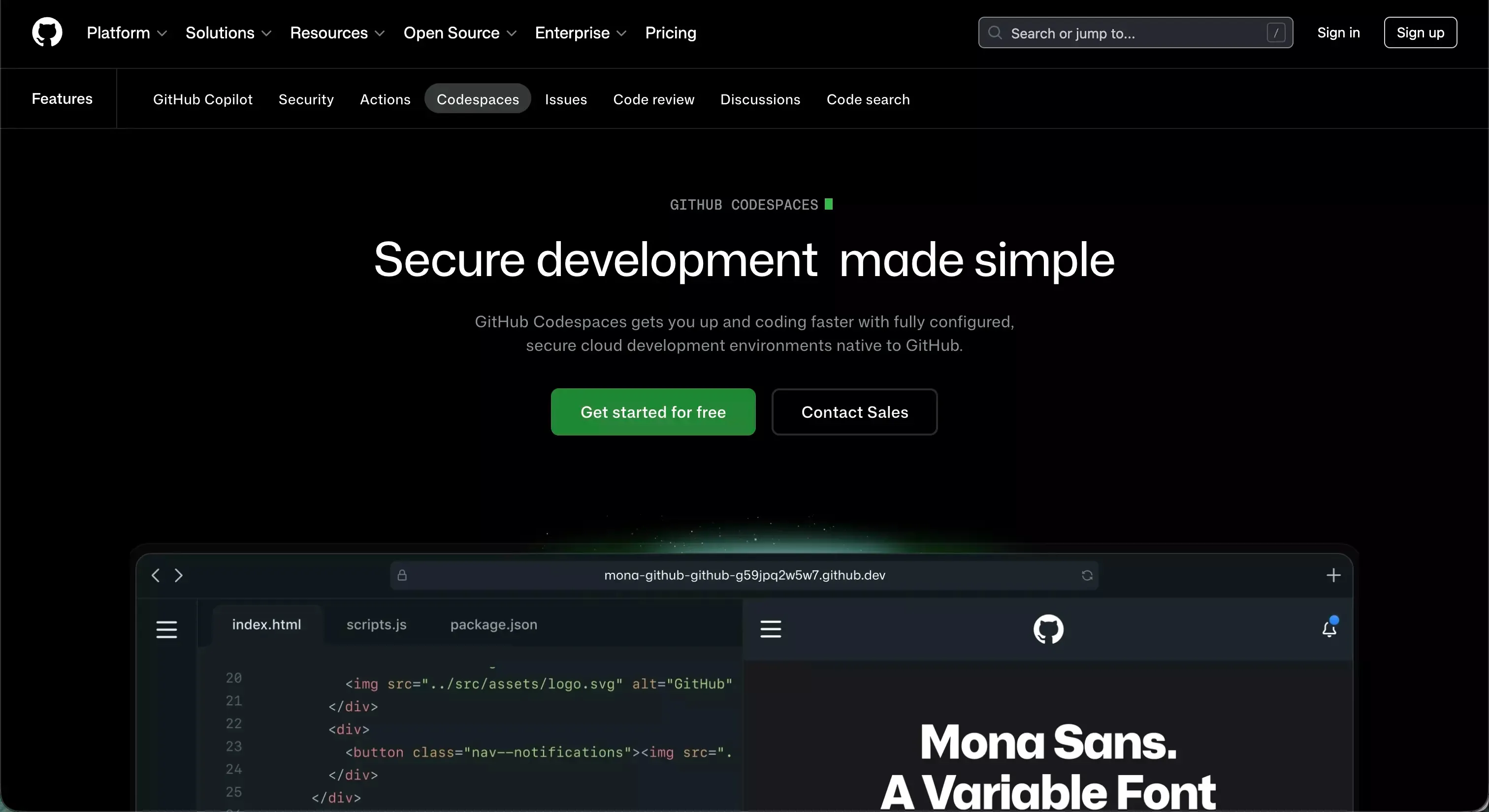 If what you like about Replit is coding in the cloud, but your real home is GitHub, Codespaces is one of the most practical alternatives.
Its biggest strength is not novelty. It is fit.
This is a good option if your team wants:
- browser-based development
- real repo integration
- strong pull request workflows
- consistency across environments
I would not choose Codespaces if I wanted a prompt-first product builder. I would choose it if I wanted a serious cloud development setup that fits directly into an existing engineering workflow.
Bolt.new — Best for fast prototype generation
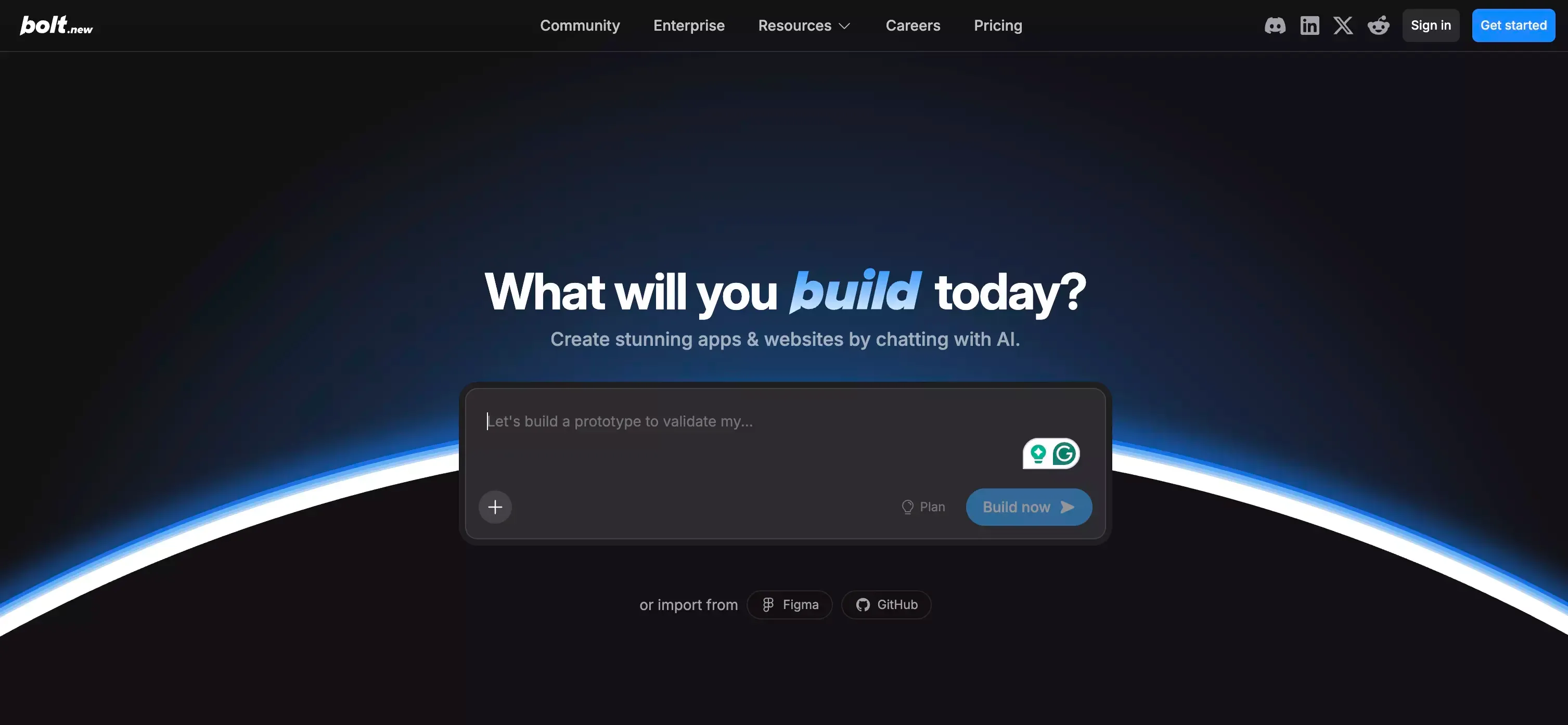 Bolt is one of the better options for people who want fast motion.
You describe an idea, push it forward quickly, and get to a working prototype faster than you usually would with a traditional setup. That makes it attractive for:
- early product concepts
- landing-page-plus-app experiments
- founders who want to test ideas fast
- lightweight web products
The tradeoff is that fast prototype workflows do not always become the cleanest long-term development workflows. Bolt is strong at creating momentum. Whether it remains the best long-term home depends on how your product evolves.
Lovable — Best for non-technical users validating ideas
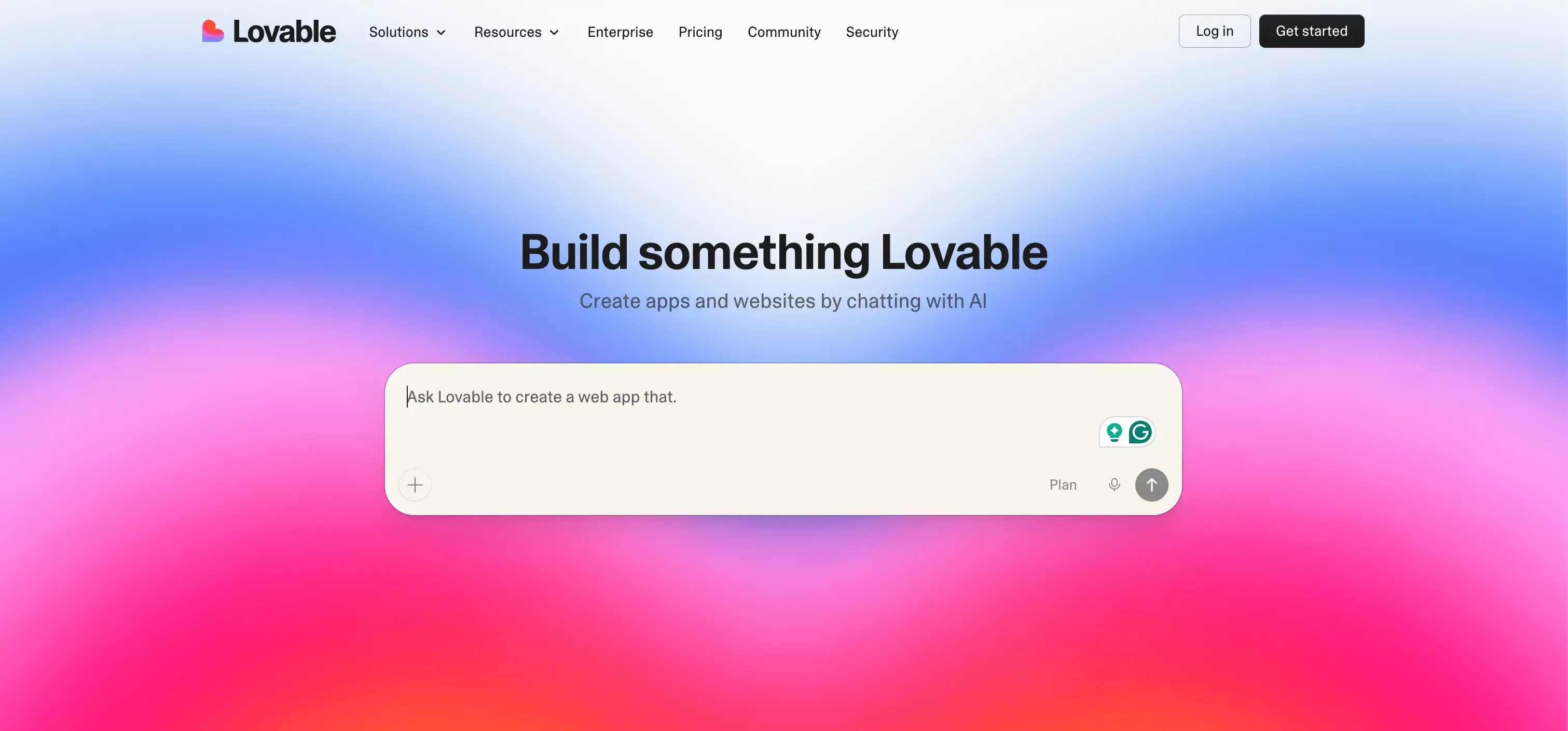 Lovable is one of the easiest tools on this list to recommend to non-technical users.
Its appeal is straightforward:
- low friction
- clear entry point
- fast output
- less intimidating than developer-shaped tools
If you are a founder, marketer, or product person with an idea but limited coding experience, Lovable review can be easier to commit to than a more engineering-heavy option.
I would put it in the category of tools that are great for getting something real into the world quickly. For mature software teams, it may feel limiting earlier than repo-first tools do.
CodeSandbox — Best for frontend projects and shareable environments
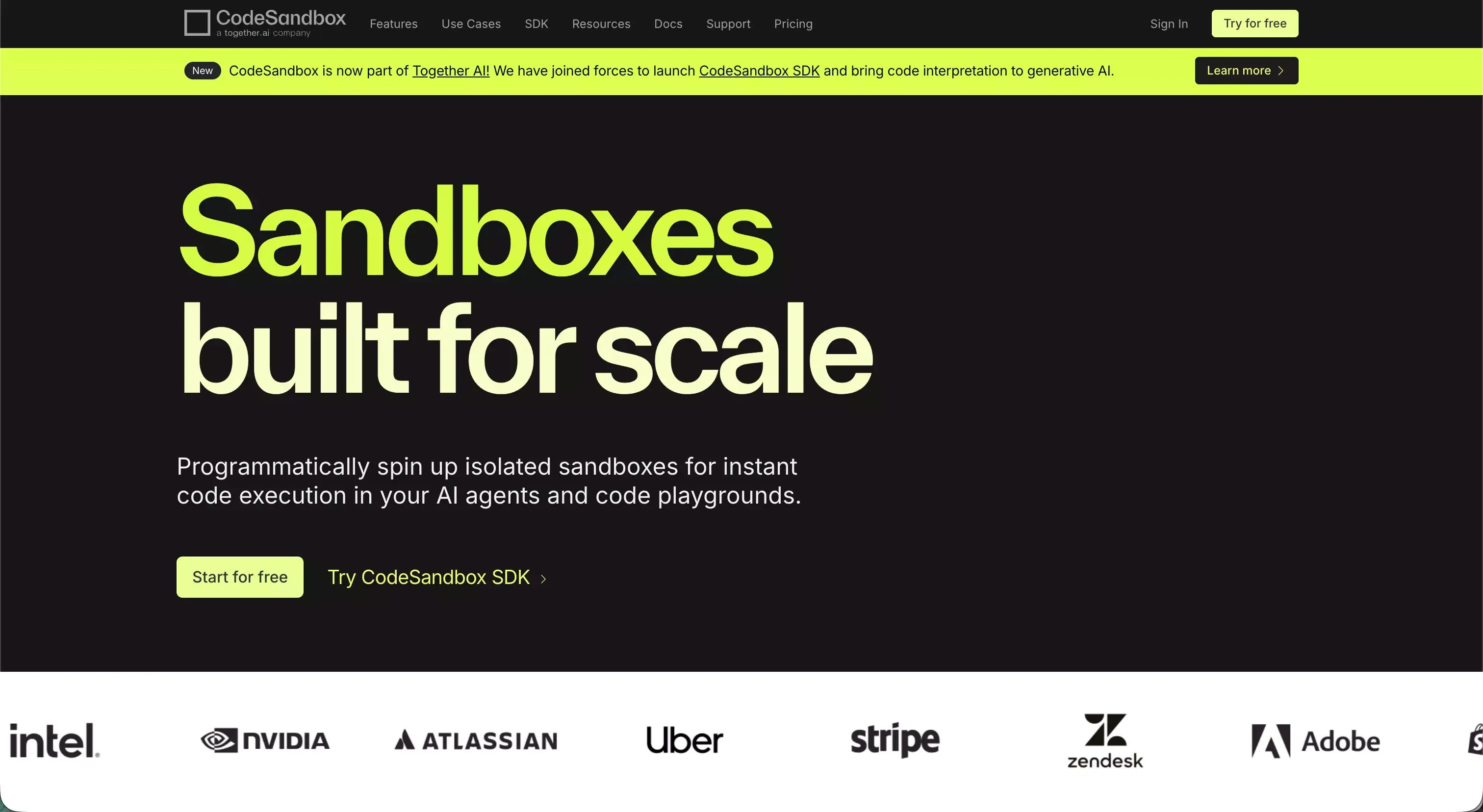 CodeSandbox still has a clear place in this conversation. It solves a practical problem well: fast environments, quick collaboration, and easy sharing.
I like it most for:
- frontend work
- demos
- shared environments
- projects where setup speed matters
It is not trying to be a full prompt-to-product platform in the same way some newer tools are. That is part of its appeal. Sometimes you do not want magic. You just want a fast environment that gets out of the way.
Gitpod — Best for standardized team workspaces
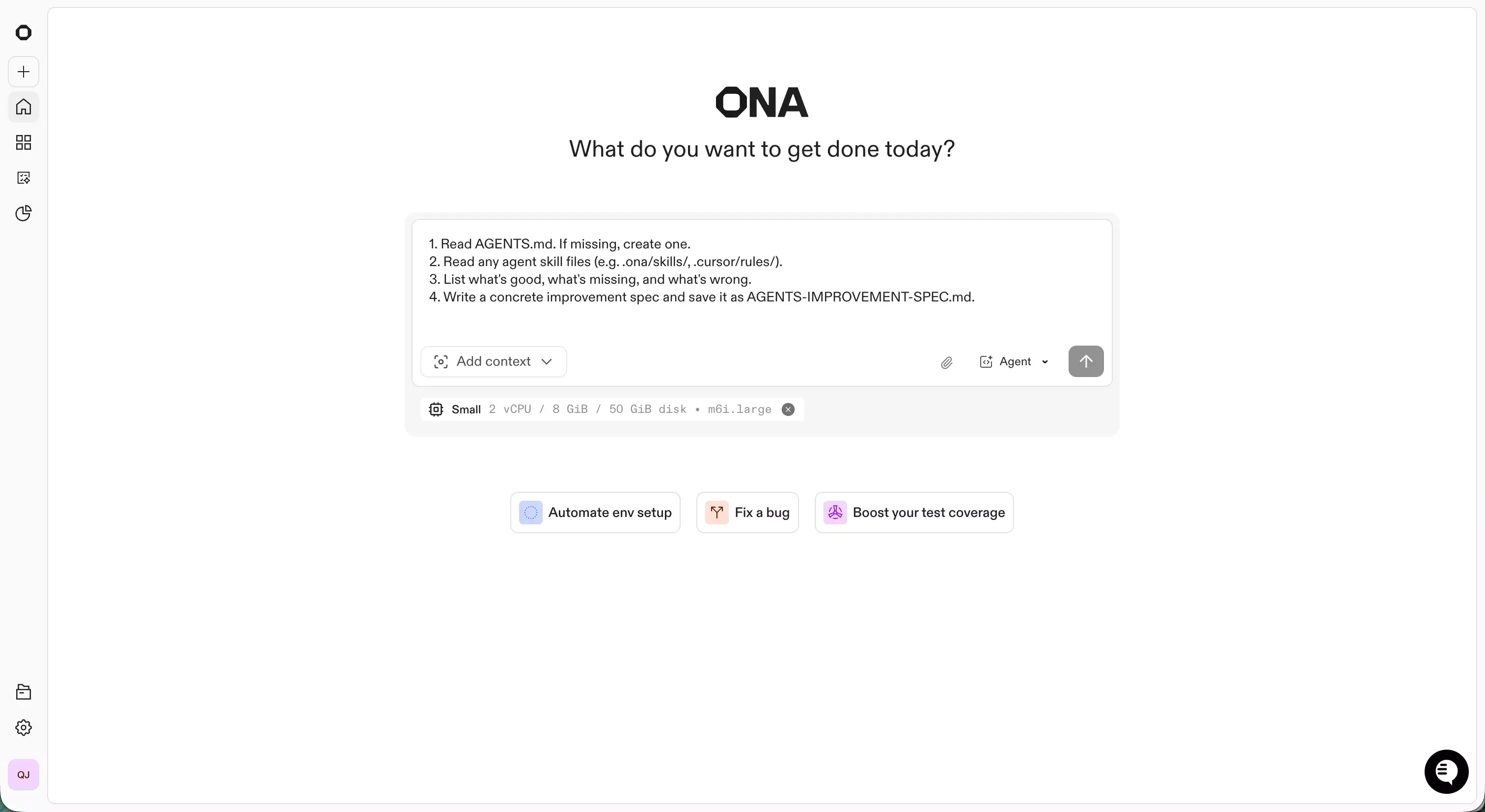 Gitpod is a strong option when the problem is not "how do I generate faster?" but "how do we make development more consistent across the team?"
That is a different buying decision.
Gitpod is strongest when you care about:
- standardized environments
- onboarding speed
- team consistency
- fewer local setup issues
- better environment governance
For solo builders, this can feel heavier than necessary. For teams, especially growing ones, it can solve very real operational pain.
v0 — Best for UI-first generation
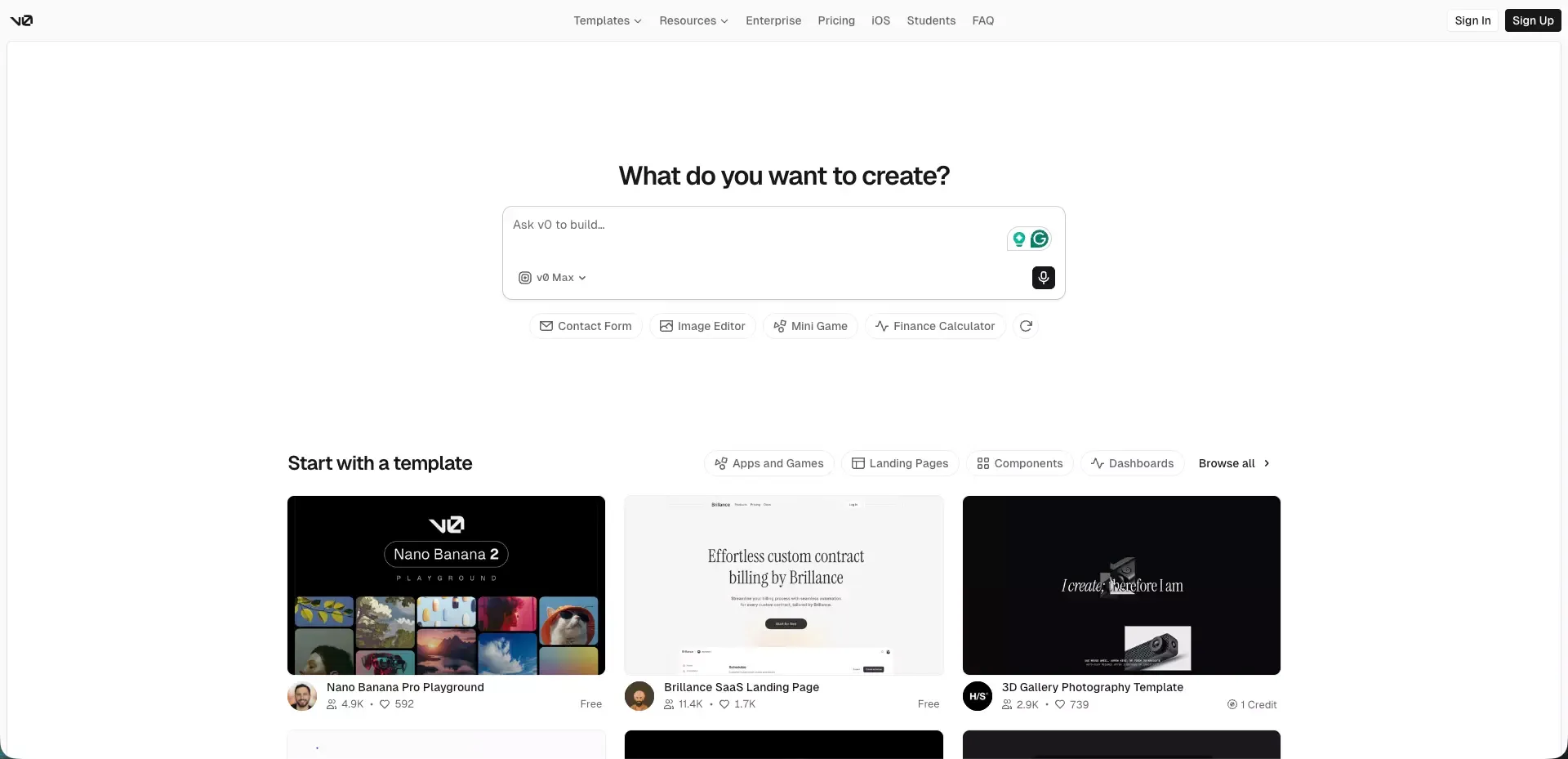 v0 is at its best when the first thing you need is interface speed.
If the product conversation starts with what the app should look like, how the screens should flow, or how quickly you can move from idea to visible UI, v0 review is compelling.
I would consider it first for:
- UI-first product work
- fast frontend generation
- web app concepts where the interface matters early
- teams that want design-to-code acceleration
Compared with Replit, v0 is not really competing on browser IDE convenience. It is competing on how quickly you can make the product feel real.
Windsurf — Best for AI-assisted developer workflows
 Windsurf belongs in the same broader category as Cursor: tools for developers who want an AI-native coding workflow rather than a prompt-only experience.
That makes it a good fit for people who want:
- an AI-heavy editor experience
- strong developer context
- real code control
- a workflow that feels closer to modern software development than to no-code building
I would recommend Windsurf to engineers. I would not make it the first recommendation for non-technical founders.
Base44 — Best for simple app creation with minimal setup
 Base44 is a solid choice for people who want to build usable apps quickly without carrying the weight of a traditional development setup.
It is especially relevant for:
- internal tools
- lightweight portals
- business apps
- quick operational workflows
What I like about Base44 is that it keeps the barrier low while still aiming at practical output. What I would not do is treat it as a direct replacement for a full engineering workflow. It is better understood as a fast app creation tool, and Base44 review is a useful benchmark if you are comparing similar products.
How to Choose the Right Replit Alternative
The easiest way to choose is to ask what is actually slowing you down right now.
Choose a cloud IDE if you want a Replit-like coding experience
Pick this route if your main need is:
- coding in the browser
- fewer local setup issues
- real repositories
- cleaner collaboration
Best fits:
- GitHub Codespaces
- CodeSandbox
- Gitpod
Choose an AI code editor if you already work in repositories and pull requests
Pick this route if you want:
- stronger code control
- AI help inside real projects
- support for developer workflows that already exist
Best fits:
- Cursor
- Windsurf
Choose a prompt-to-app builder if speed matters more than IDE setup
Pick this route if your biggest bottleneck is not writing code line by line, but getting from concept to working product quickly.
Best fits:
- Atoms
- Bolt.new
- Lovable
- Base44
- v0
Choose a team-focused platform if governance and workflow consistency matter
Pick this route if your pain points are:
- onboarding
- environment standardization
- team consistency
- scaling collaboration
Best fits:
- GitHub Codespaces
- Gitpod
Best Replit Alternatives by Project Type
For MVPs and idea validation
My shortlist would be:
- Atoms for MVP showcase pages and product speed
- Lovable for non-technical idea testing
- Bolt.new for rapid prototyping
- Base44 for simple business app creation
These tools are strong when the goal is to answer one question quickly:
Should this exist?
For internal tools and dashboards
The best fits here are usually:
- Atoms
- Base44
- GitHub Codespaces
- Gitpod
The right choice depends on who is building the tool. Prompt-first options are better for speed. Environment-first options are better for engineering consistency.
For full-stack SaaS products
This is where I get more selective.
For technical teams, I would lean toward:
- Cursor
- Windsurf
- GitHub Codespaces
- Gitpod
For very early product teams that want fast shipping before heavy engineering structure, Atoms is the most interesting prompt-first option in this list, especially if your goal is to build your SaaS landing page with AI alongside the product itself.
For frontend-heavy projects
The strongest options are usually:
- v0
- CodeSandbox
- Bolt.new
These tools make the most sense when interface speed is central to the workflow.
For collaborative team development
I would look first at:
- GitHub Codespaces
- Gitpod
- Cursor
- CodeSandbox
These align better with how teams actually work over time: shared repos, reviews, stable workflows, and handoffs.
FAQs About Replit Alternatives
What is the best Replit alternative for beginners?
If you are non-technical, I would start with:
- Lovable
- Atoms
- Base44
If you are technical but want AI help, I would start with:
- Cursor
Which Replit alternative is best for full-stack apps?
For technical teams:
- Cursor
- Windsurf
- GitHub Codespaces
- Gitpod
For prompt-to-product speed:
- Atoms
Which tool feels most similar to Replit?
If you want something closest to Replit's cloud coding experience, the best matches are:
- GitHub Codespaces
- CodeSandbox
If you really want an AI-assisted developer workflow instead, then:
- Cursor
- Windsurf
If your goal is faster product building rather than a similar IDE, then:
- Atoms
- Bolt.new
- Lovable
- Base44
- v0
What is the best Replit alternative for teams?
For engineering teams:
- GitHub Codespaces
- Gitpod
For smaller product teams trying to ship faster:
- Atoms
Can I export and fully own my code?
This varies by platform, and it is one of the first things I would verify before committing.
In general, you should check:
- export options
- hosting flexibility
- deployment lock-in
- how easily the project fits into your long-term workflow
Final Verdict
If I had to reduce the whole market to one sentence, it would be this:
The best Replit alternative depends on whether you want a better coding environment, a better AI coding workflow, or a faster path from idea to product.
My practical breakdown is simple:
- Choose Atoms if you want to move from plain-language brief to app and website fast
- Choose Cursor if you want AI power inside a repo-first workflow
- Choose GitHub Codespaces if you want cloud development built around real repositories
- Choose Bolt.new or Lovable if your goal is fast idea validation
- Choose v0 if UI speed is your top priority
- Choose Gitpod if standardized team environments matter most
- Choose Windsurf if you want an AI-native developer workflow
- Choose Base44 if you want simple app creation with minimal setup
The biggest mistake I would avoid is choosing based on the most exciting demo.
Early speed matters. But the best tool is the one that still feels right after the prototype, when real users, real bugs, and real team workflows start to show up.
 Posts
Posts 